

Circular Gallery Marquee
What You'll Create
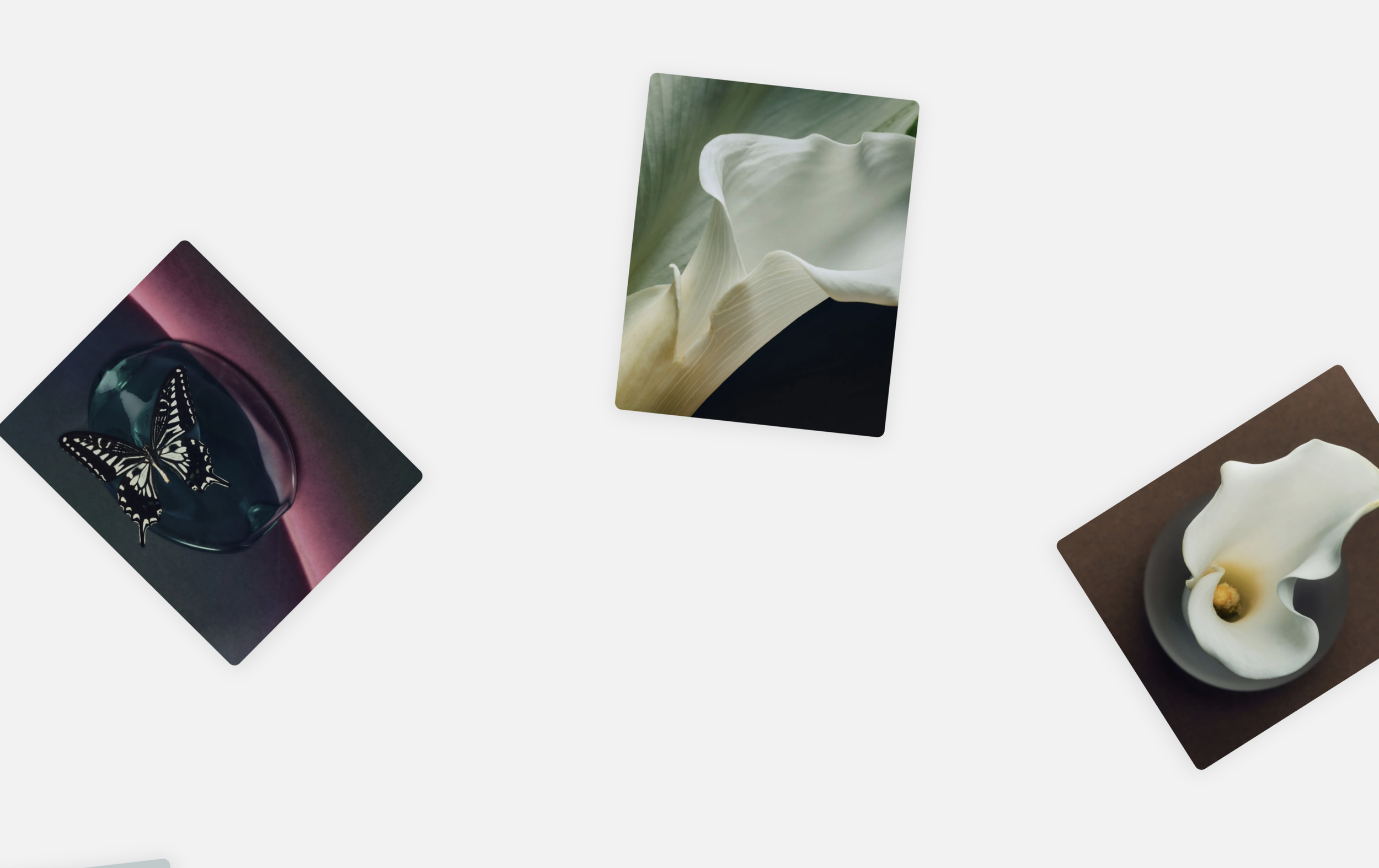
Create a Squarespace gallery where images rotate in a continuous circle around the viewport—like a slow ferris wheel of your portfolio pieces. Items are arranged in an orbital pattern and spin smoothly over 50 seconds, creating mesmerizing movement that draws visitors in. Each image card has rounded corners, subtle shadows, and optional captions.
The Problem It Solves
Standard Squarespace galleries are static grids or basic carousels that scroll left-to-right. You want something dramatically different—a 3D orbital effect that makes your gallery feel like an immersive experience rather than a simple image list. Building circular animations from scratch requires complex trigonometry and careful positioning. This technique handles all the math automatically.
Perfect For
Creative agency hero sections, Photography showcase carousels, Art portfolio displays, Interactive brand experiences, Eye-catching landing pages
What Makes This Different
The technique dynamically calculates position for each gallery item based on item count, distributing them evenly around a 360° circle. The container extends 120% beyond viewport bounds for a full orbital path, centered perfectly in view. The 50-second animation creates smooth continuous rotation. On mobile, it scales to 150% for proper proportions. Items are grouped randomly into 3 rotation groups for visual variety.
Details
Section Type: Fluid Engine
Code Type: CSS + JavaScript
Prerequisites: Gallery Section with Grid layout. Section ID must contain 'circular' keyword.
Toolkit Title: Circular Gallery Marquee
Learn This Technique
This is one of 150+ code techniques taught inside Standout Squarespace, where you get:
The complete, copy-paste code
Video walkthrough explaining how it works
The principles behind the technique so you can customize it
Access to our private community for support