

Discover What You Can Build
500+ workshops, Techniques, and Resources Inside Standout Squarespace
Explore the library of techniques, templates, and resources available for you inside Squarestylist’s Standout Squarespace program. Standout students also get the commercial license to use these techniques in building Squarespace templates for sale.
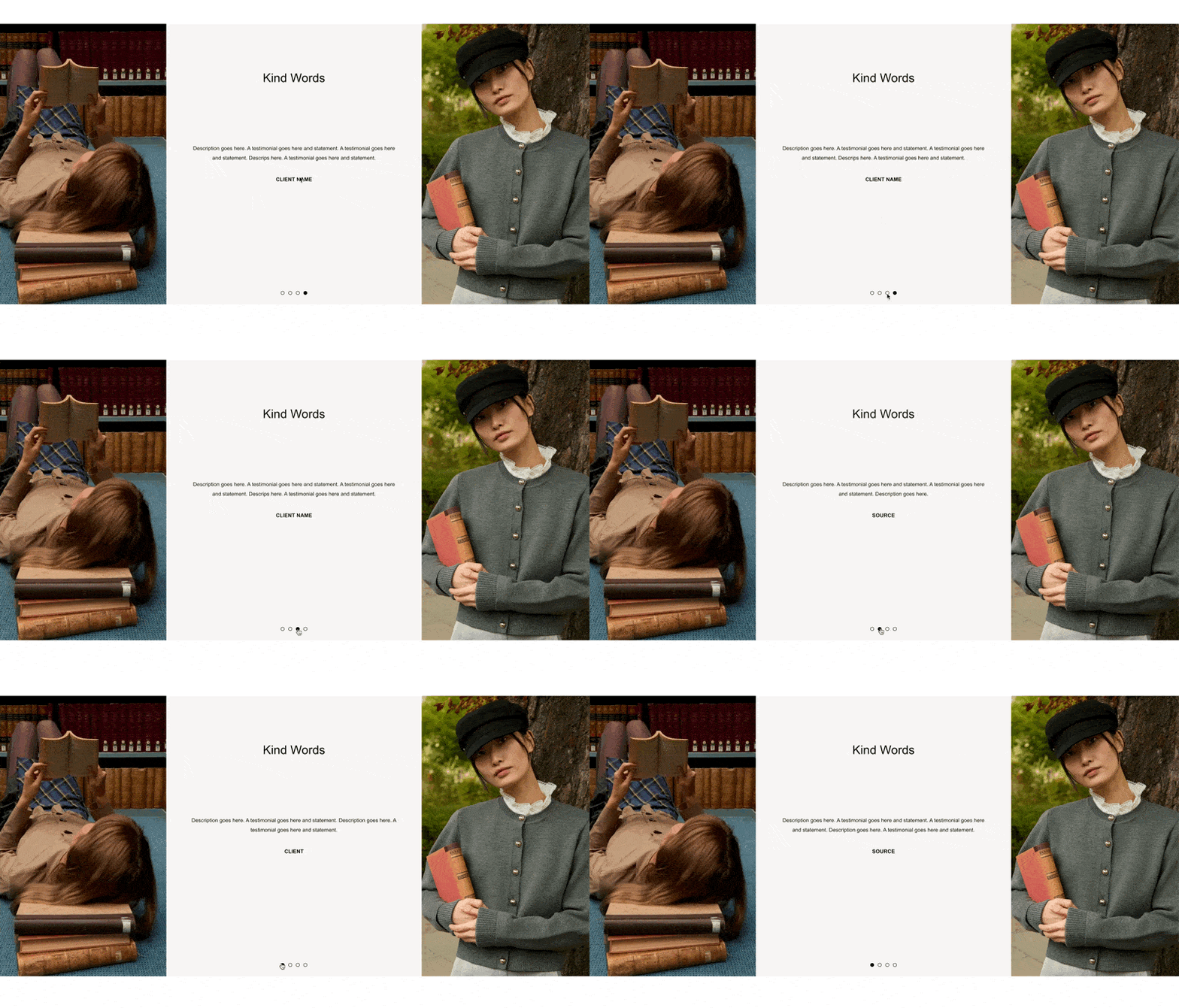
Gallery Testimonial Slideshow
Turn a gallery slideshow into a polished testimonial display with centered captions, a custom title overlay, and flanking decorative images — all without plugins.

Timed Transitions
Cycle through visual states on a timer — swap background colors, reveal different images, and animate text changes at custom intervals using a single section anchor.
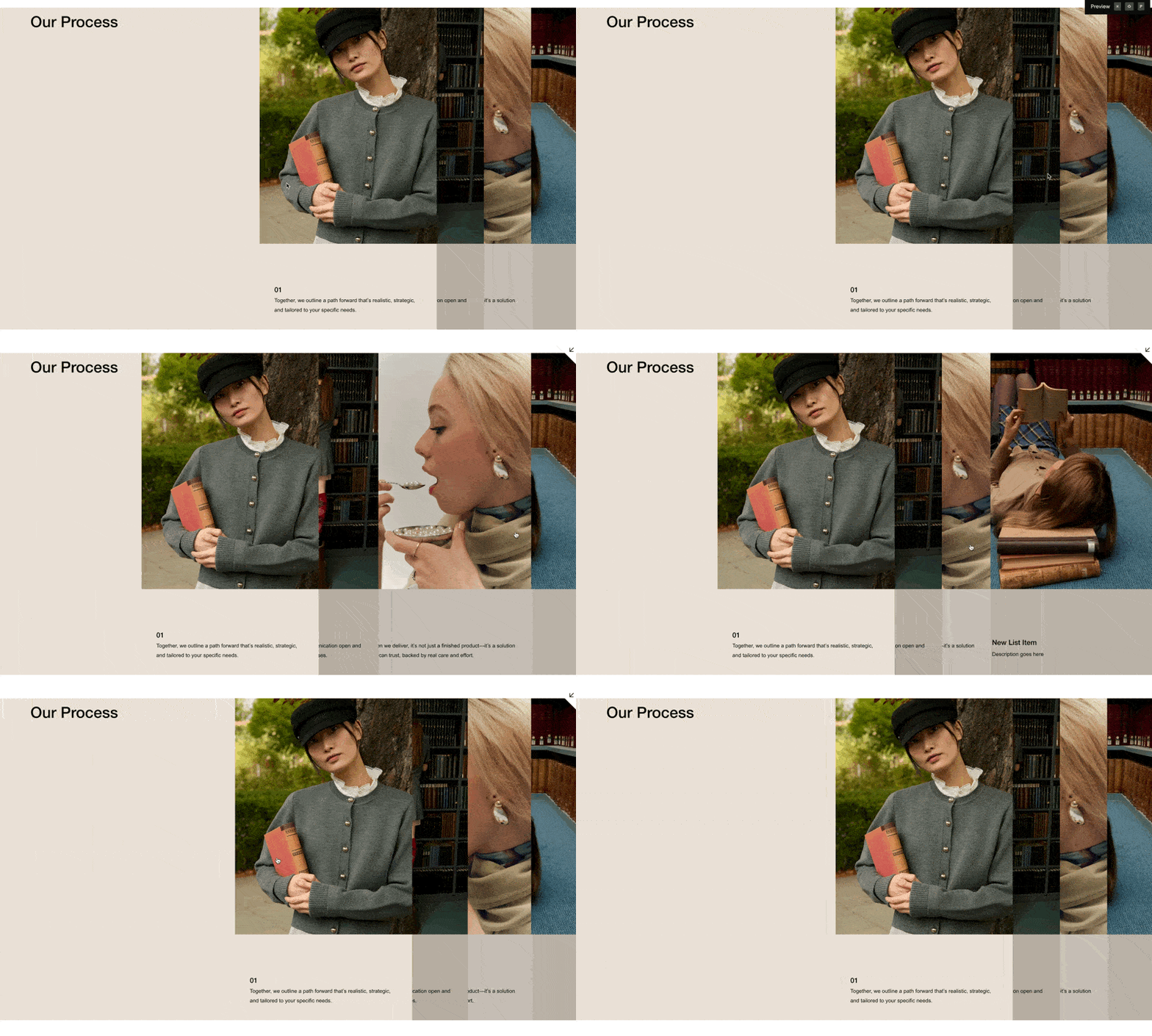
Layered Vertical Tabs
Stack list items as layered cards that slide apart on hover, revealing content beneath — a dramatic tabbed interface built entirely from a Squarespace List Section.
Product Details Page: Mobile Layout on Tablet
Force your Squarespace product detail page to use the stacked mobile layout on tablets — so the gallery and details flow vertically instead of awkwardly cramming side by side.
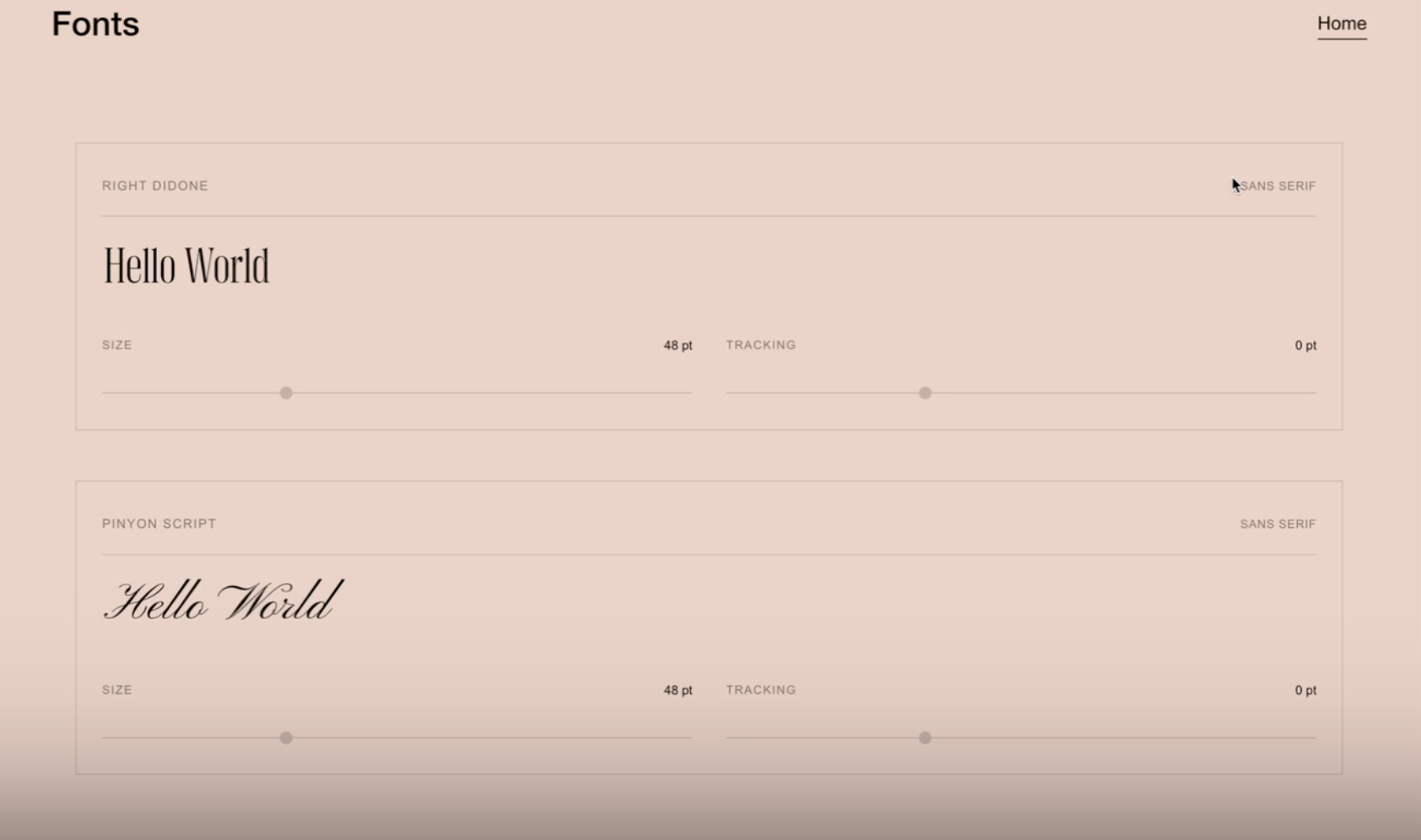
Font Sampler
Give visitors an interactive font preview right on your Squarespace site — with live typing, adjustable size and tracking sliders, and support for custom font files.
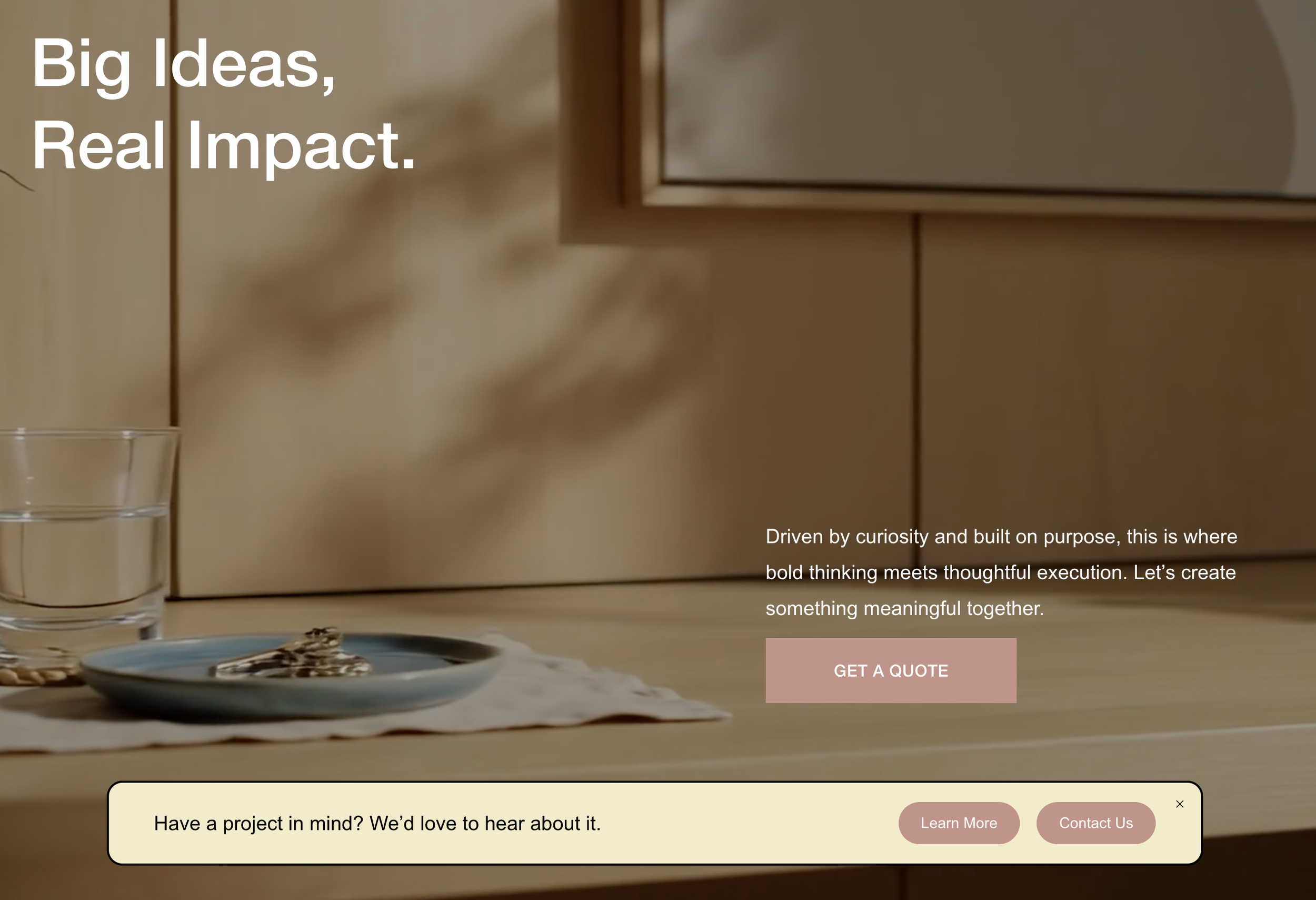
Floating Banner
Transform Squarespace's announcement bar into a floating, rounded banner pinned to the bottom of the screen — with inline text and pill-shaped CTA buttons.
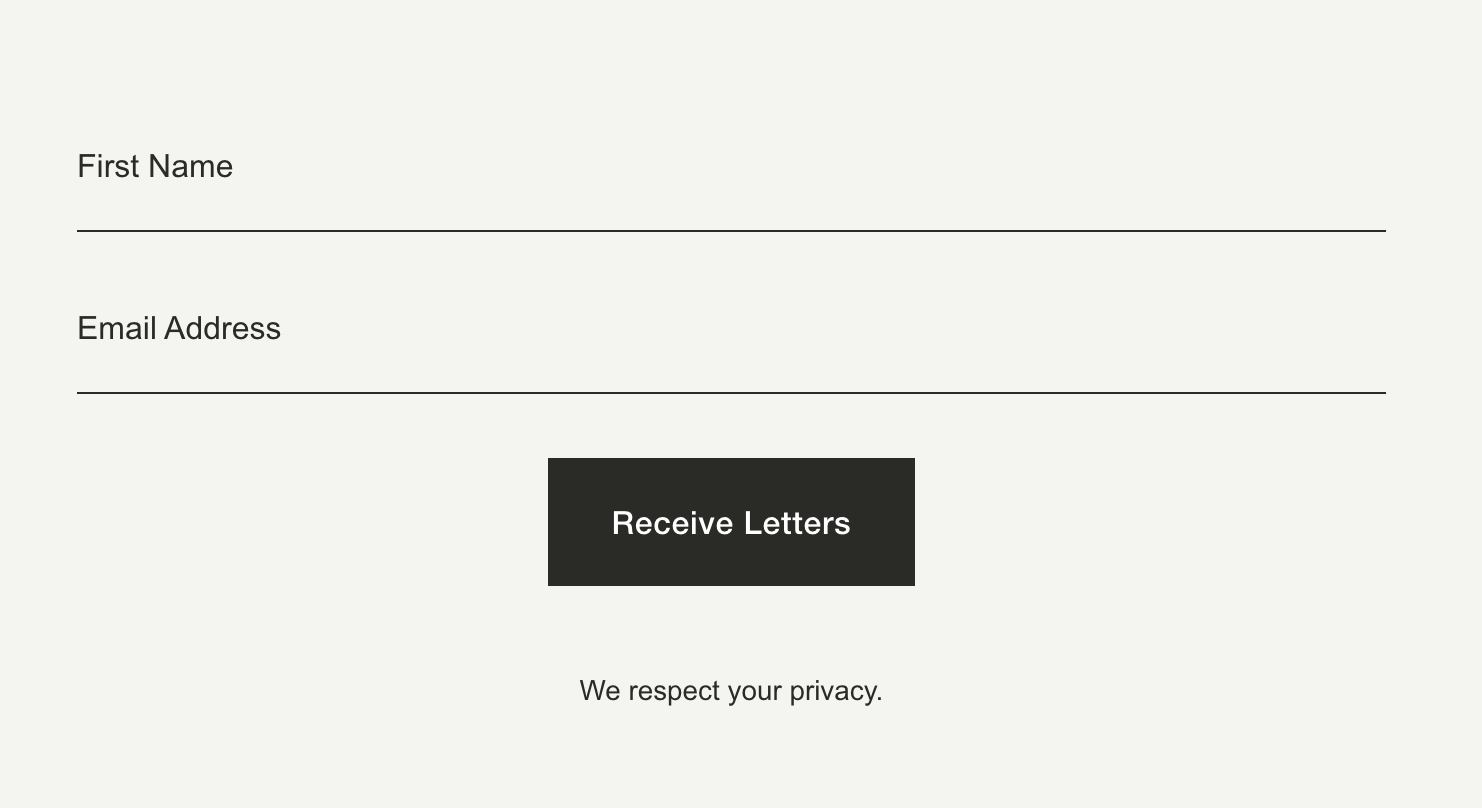
Lined Newsletter Block
Restyle the Squarespace newsletter block with clean bottom-line inputs, transparent backgrounds, and a stacked vertical layout — for a minimal, editorial look.
Section Modal
Display any section or block from the same Squarespace page — like a video or gallery — in a lightbox or slide-out overlay, triggered by a simple link.
Page Modal / Lightbox
Pull content from any Squarespace page — or a specific section within it — and display it in a lightbox or slide-out overlay, triggered by a simple link.
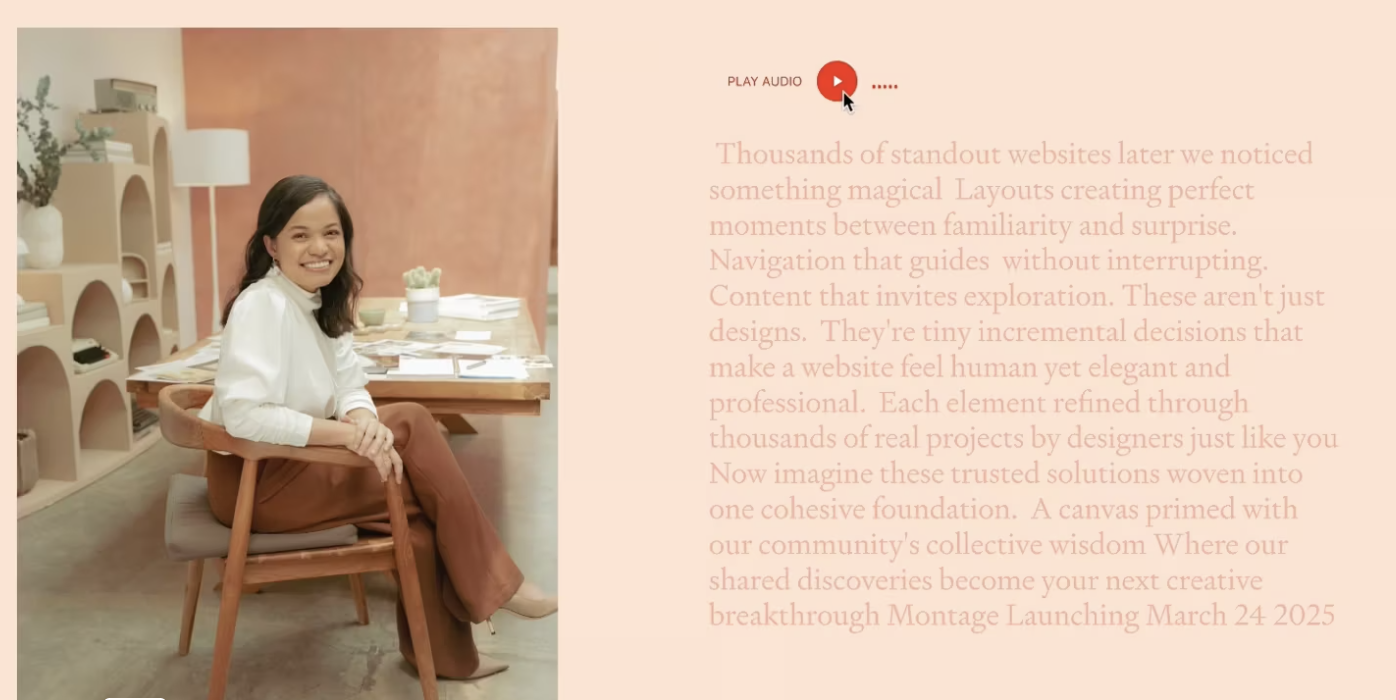
Transcript Audio Sync
Pair Squarespace's built-in audio block with a live-synced transcript that highlights text in real time as the audio plays — making testimonials and key messages more accessible and engaging.
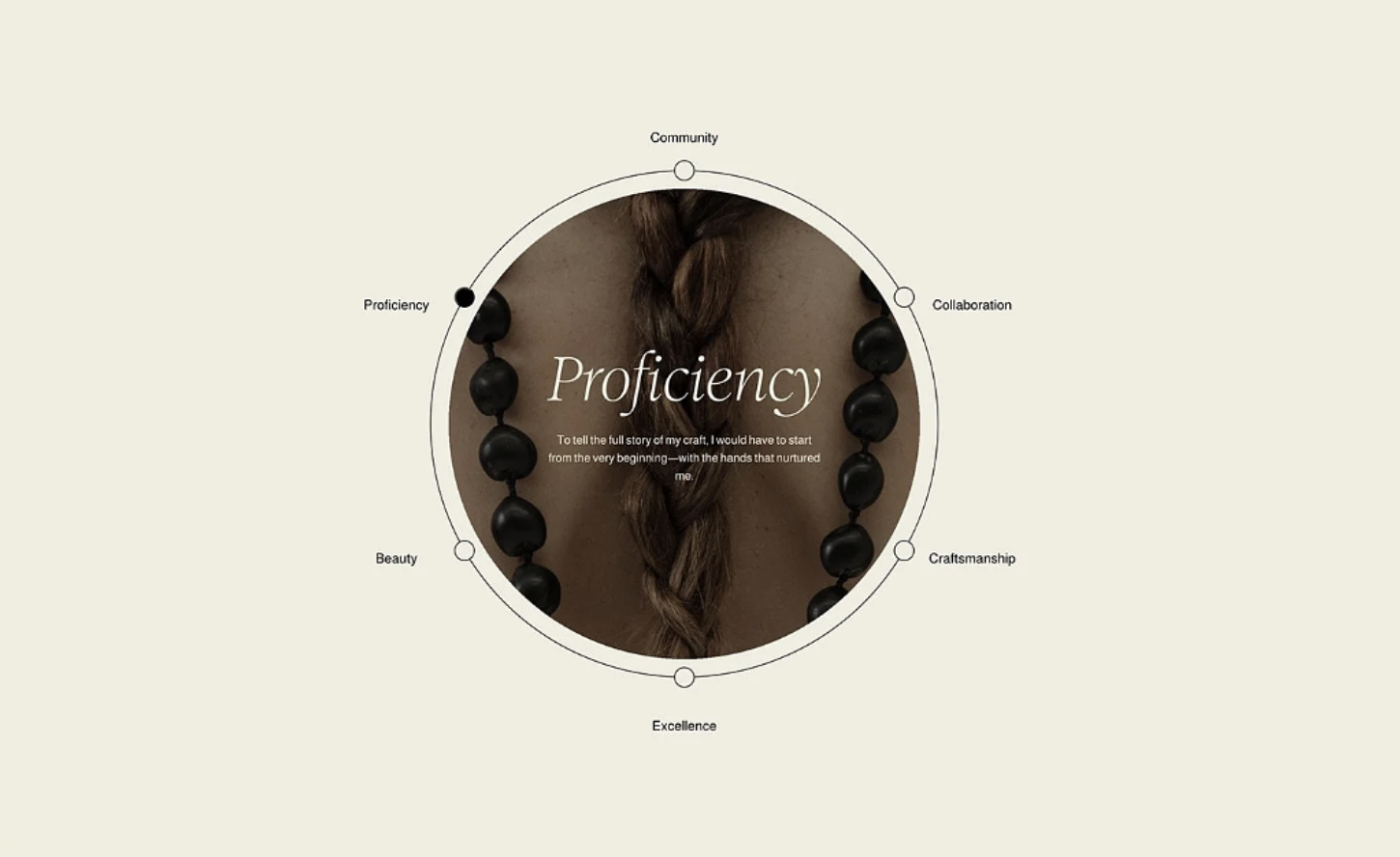
Circular Orbit Layout for List Sections
Arrange your Squarespace list items in a circular orbit around a central image — with clickable labels, an active dot indicator, and a content reveal at the center.
Sweep Page Loading Transition
Add a cinematic wipe animation between page navigations — the screen sweeps across to cover the old page, then reveals the new one.
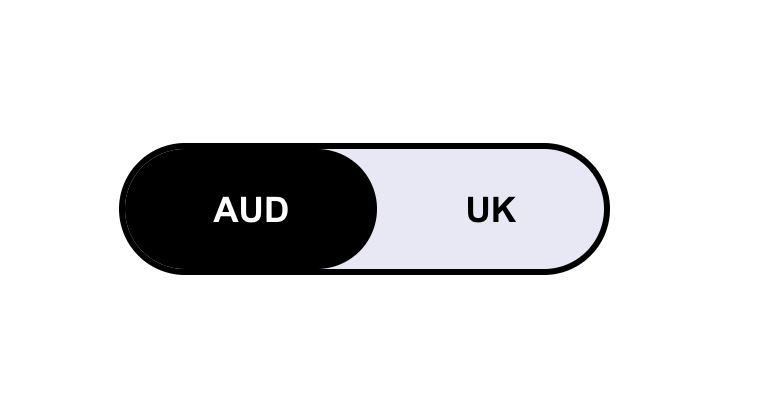
Geographical Layout Toggle
Automatically show different content based on your visitor's location — with a manual toggle so they can switch between regions themselves.
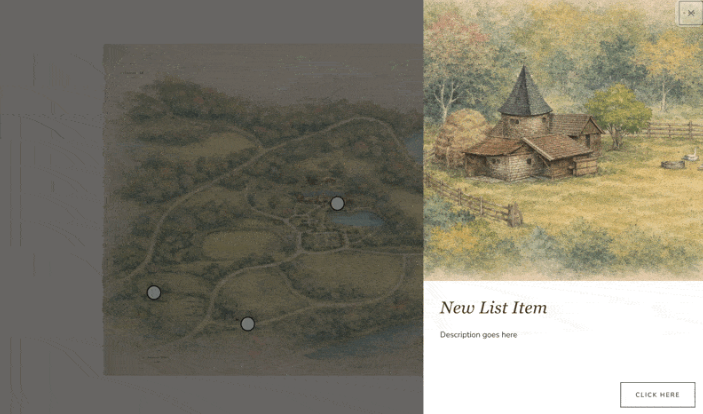
Image Map Builder
Add clickable hotspots to any image that reveal slide-out info panels — perfect for property maps, product diagrams, or interactive portfolios.
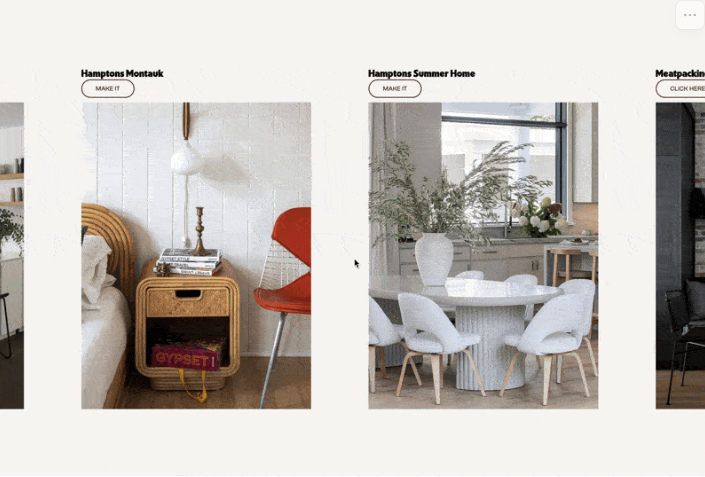
Horizontal Scrolling List Section
Transform your List Section into a horizontal scrolling showcase — scroll down normally and watch items slide sideways through a sticky viewport.
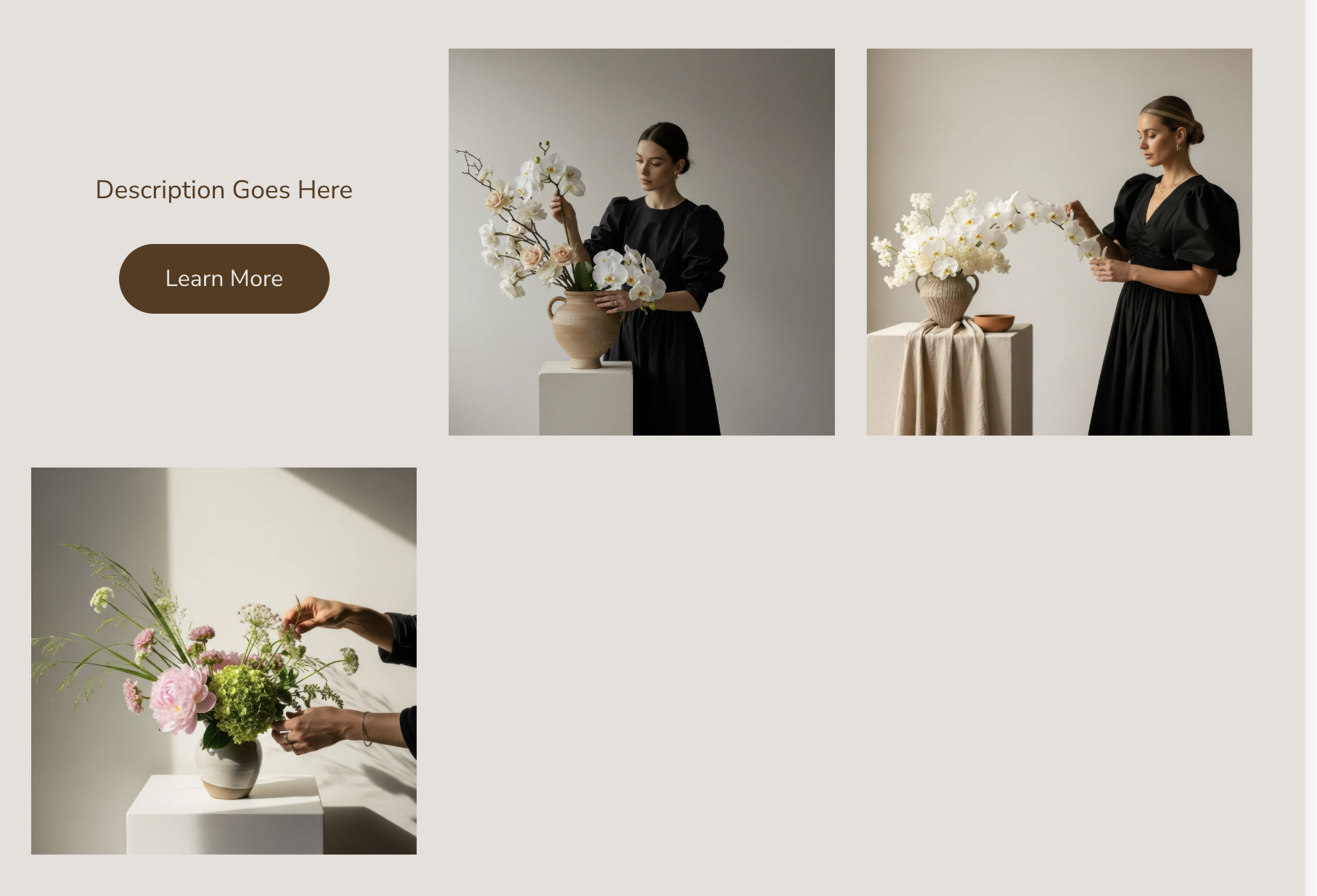
Flip Card Gallery Section
Turn your gallery grid into interactive flip cards — click an image and it rotates to reveal caption content and a call-to-action button.
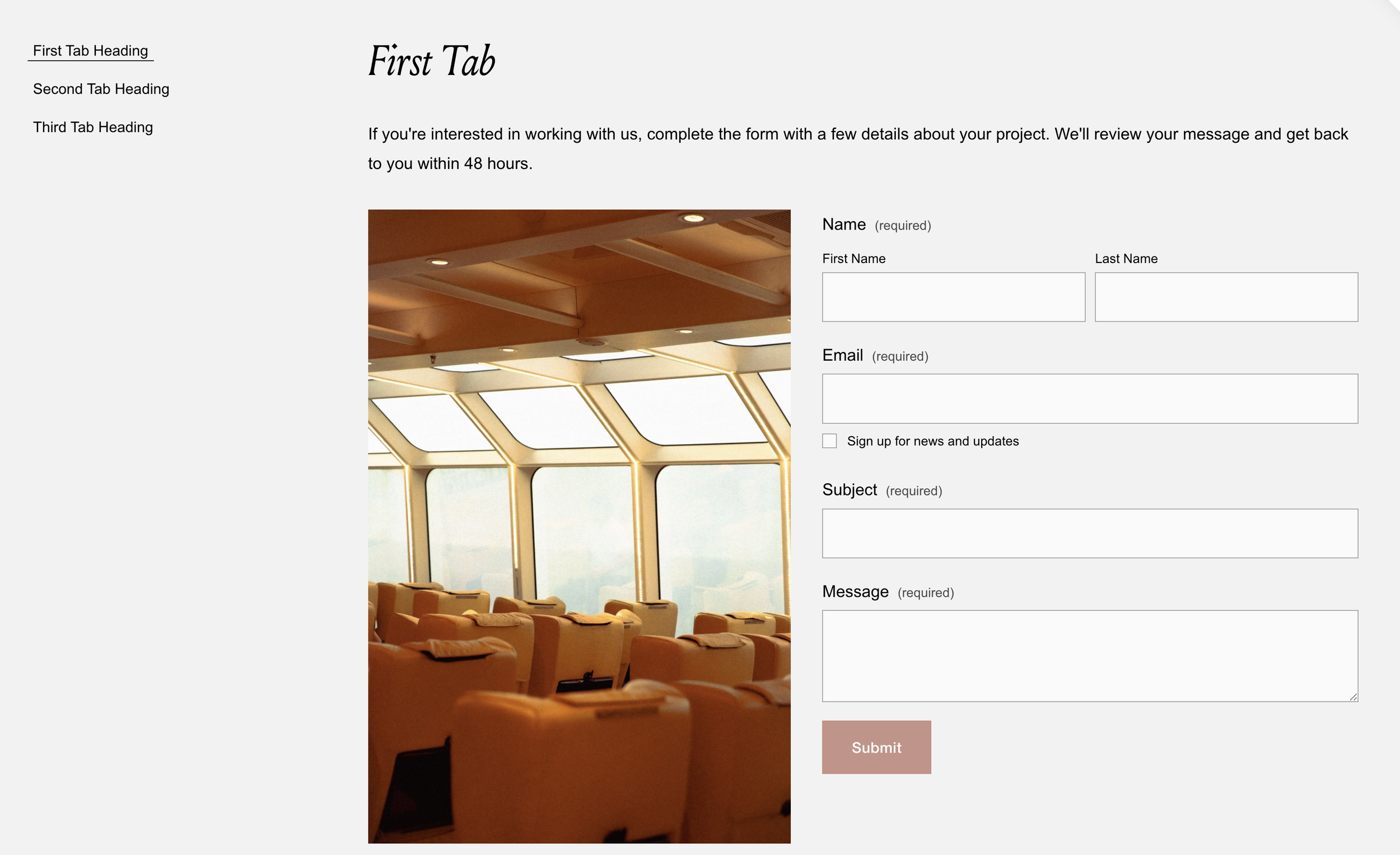
Accessible Tabbed Content Section
Build a fully accessible tabbed interface with keyboard navigation and screen reader support. Tab titles from text blocks, content auto-wired. No accordion limitations.
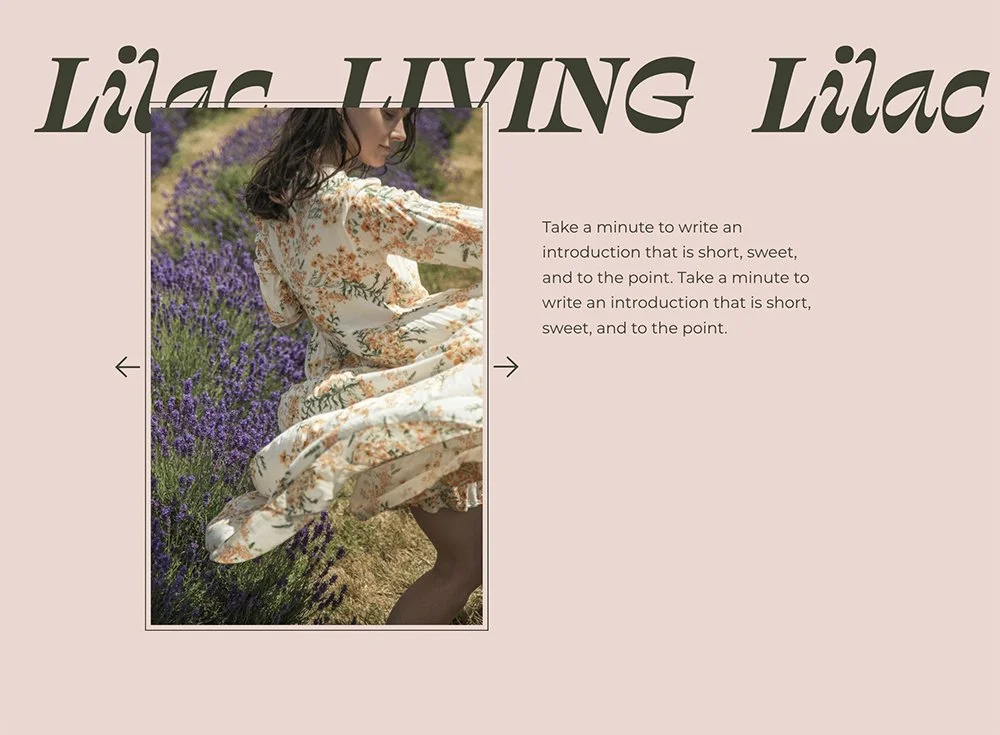
Fluid Slideshows
Make gallery slideshows fill their Fluid Engine container perfectly. Custom arrow icons, flexible caption layouts, and proper image scaling. Pure CSS solution.
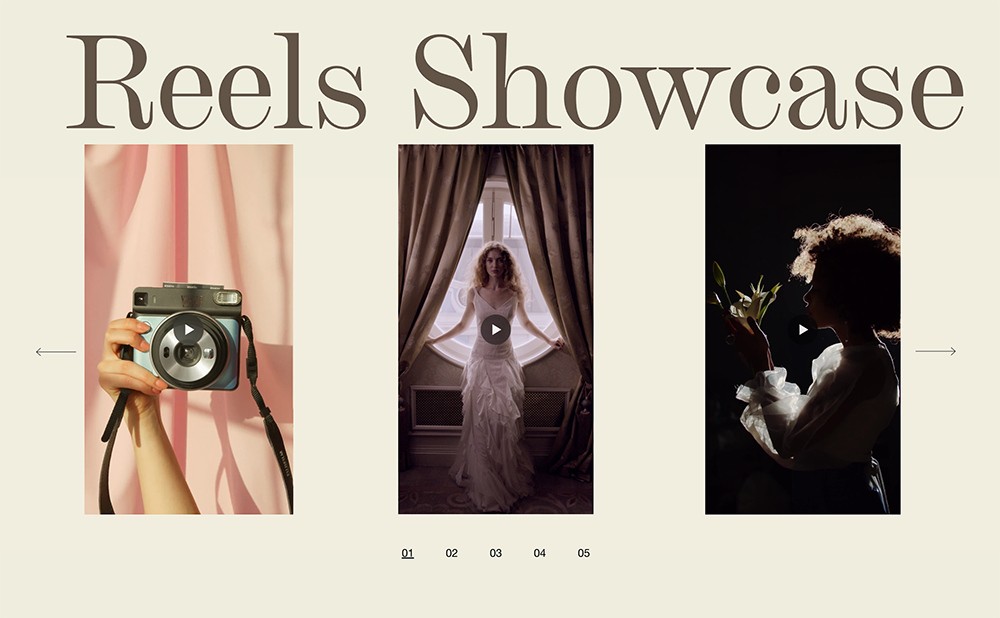
Video Carousel with Numbered Pagination
Create a swipeable video carousel with elegant numbered pagination. Touch-friendly navigation, auto-numbered slides, smooth transitions for video portfolios and showreels.
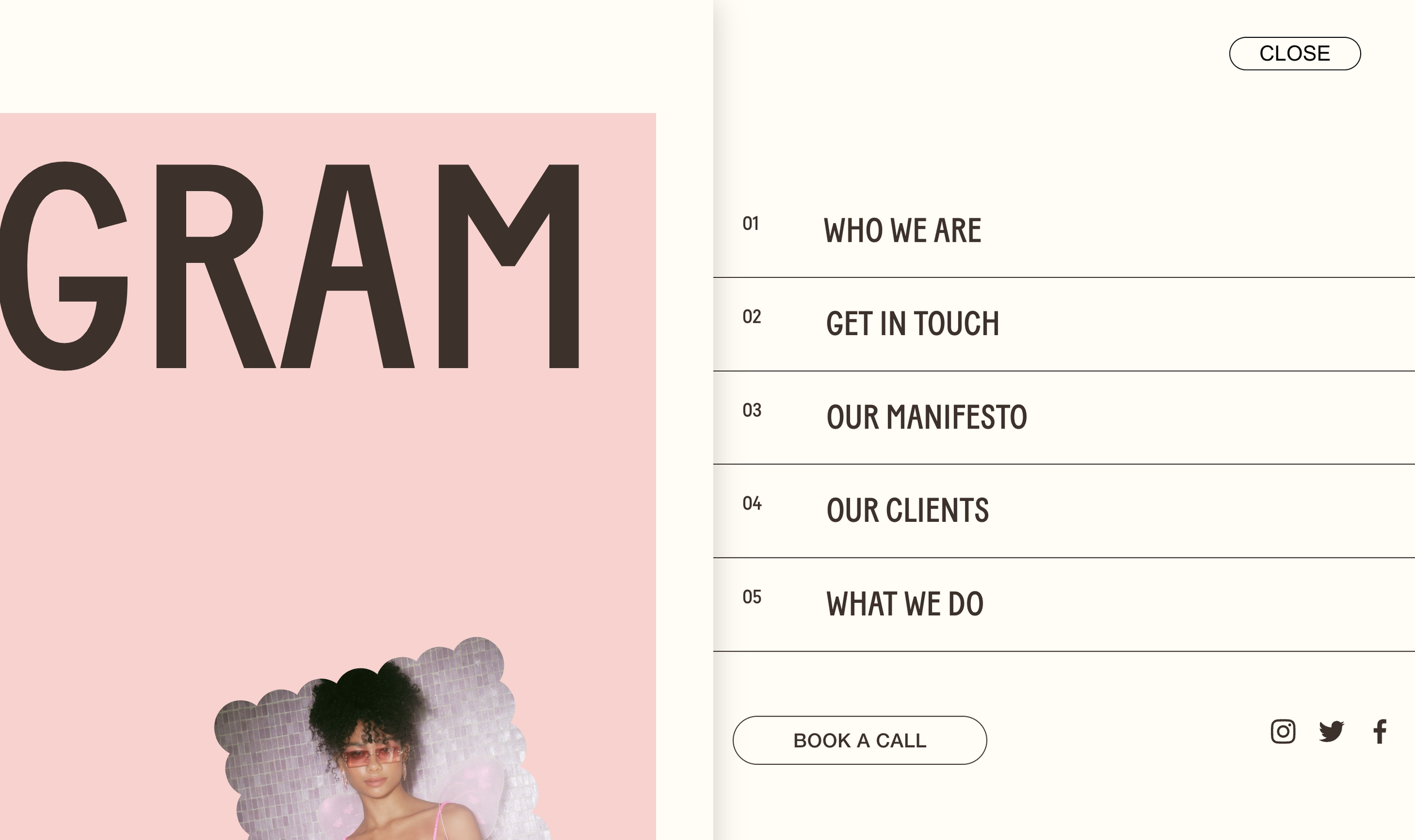
Push Slide-Out Menu
Menu that slides in while page content pushes aside with shadow depth. Numbered menu items, MENU/CLOSE pill button, smooth half-second transitions. Premium navigation feel.