

Decorative Section Border Lines
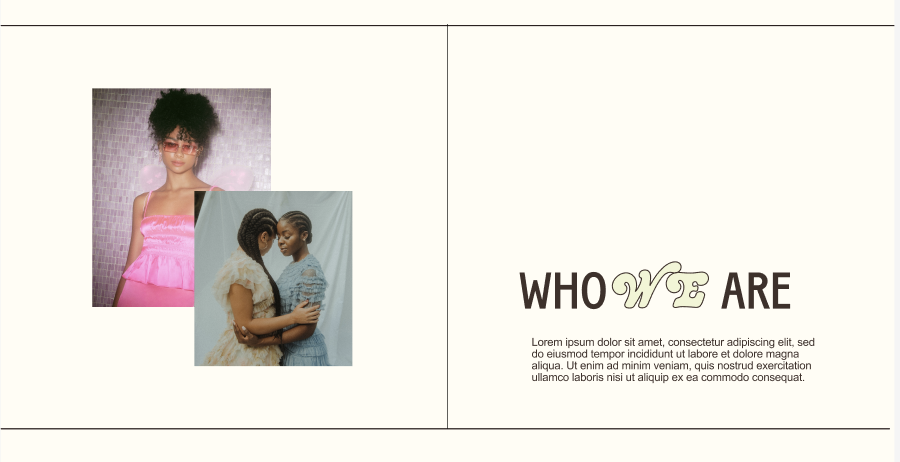
What You'll Create
Elegant decorative lines in Squarespace that frame sections with top/bottom borders and a centered vertical divider. The vertical line automatically adjusts to section height changes.
The Problem It Solves
Adding vertical divider lines in Squarespace typically requires shape blocks or image elements that don't resize automatically. This CSS-only solution creates responsive decorative lines that scale with your content.
Perfect For
About page layouts, service presentations, split content sections, editorial designs, magazine-style pages.
What Makes This Different
Creates 1px horizontal borders at the top and bottom of sections. Vertical divider appears perfectly centered and stretches to match section height automatically. Line color uses your site's medium paragraph color for theme consistency. Desktop-only design—appears on screens 768px and wider.
Details
Section Type: Fluid Engine
Code Type: CSS
Prerequisites: Section with a section ID. CSS in Custom CSS panel.
Toolkit Title: Decorative Lines (Simple Split Section)
Learn This Technique
This is one of 150+ code techniques taught inside Standout Squarespace, where you get:
The complete, copy-paste code
Video walkthrough explaining how it works
The principles behind the technique so you can customize it
Access to our private community for support