

Fullscreen Slideshow with Text Overlay
What You'll Create
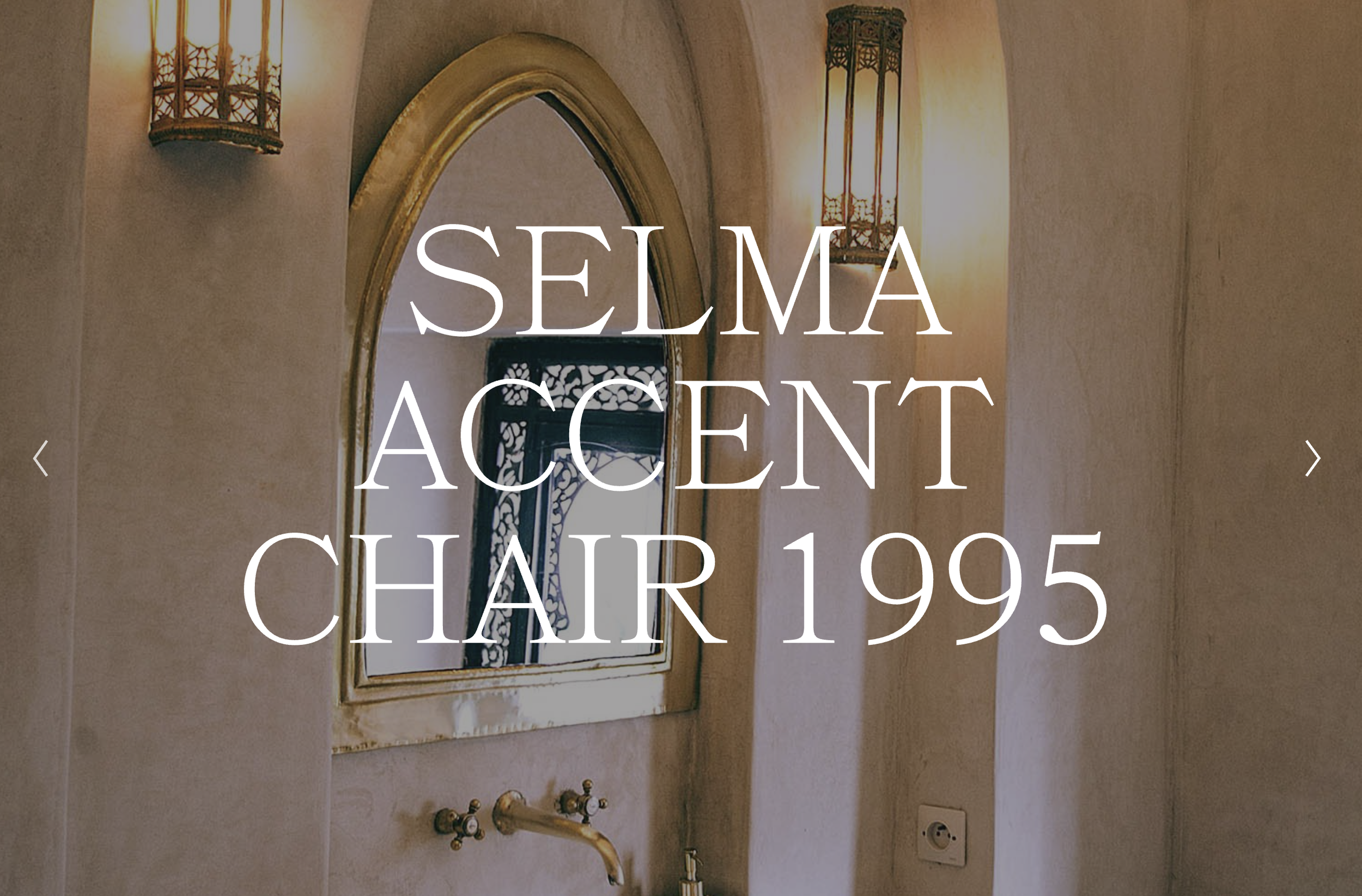
A dramatic fullscreen slideshow in Squarespace where captions appear as large, centered text overlay on each slide. The typography scales responsively between 4rem and 12rem, creating impactful hero sections.
The Problem It Solves
Squarespace's default caption positioning places text below or beside images. This technique transforms captions into dramatic overlay elements that sit directly on the slideshow images with a semi-transparent background overlay.
Perfect For
Hero sections, portfolio showcases, brand statements, product launches, event announcements.
What Makes This Different
Targets fullscreen slideshows specifically set to 98vh height. Caption text scales fluidly between 4rem and 12rem based on screen size. Positioned and centered vertically over the image. Semi-transparent overlay appears behind captions at 40% transparency using your site's background color. Caption container set to 70% maximum width. Arrow navigation icons sized at 40×40px with clean, transparent backgrounds.
Details
Section Type: Fluid & Classic
Code Type: CSS
Prerequisites: Gallery Section with Fullscreen Slideshow type, Caption toggled on, Gallery Height set to 98vh. CSS in Custom CSS panel.
Toolkit Title: Fullscreen Slideshow with Text Overlay
Learn This Technique
This is one of 150+ code techniques taught inside Standout Squarespace, where you get:
The complete, copy-paste code
Video walkthrough explaining how it works
The principles behind the technique so you can customize it
Access to our private community for support