

Desktop Navigation on Mobile Devices
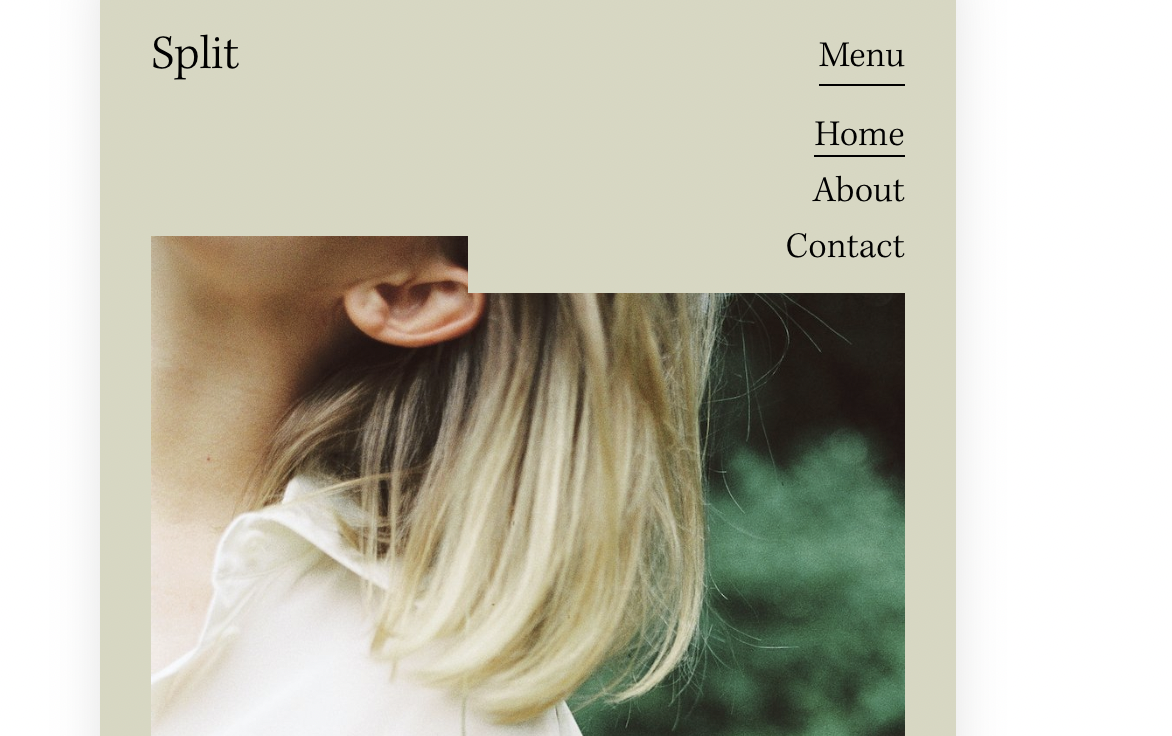
What You'll Create
A mobile browsing experience that shows your full desktop navigation instead of the default hamburger menu. Navigation items display horizontally with folder dropdowns working exactly as they do on desktop—no menu toggle required.
The Problem It Solves
Squarespace automatically switches to a hamburger menu on mobile, which adds extra taps for visitors and hides your navigation structure. For sites with simple menus, this adds unnecessary friction to the browsing experience.
Perfect For
Simple navigation menus, Sites with few menu items, Tablet-optimized designs, Desktop-like mobile experiences, Clean header layouts.
What Makes This Different
Targets both touch devices and specific screen widths up to 1024px. Hides the mobile hamburger menu and forces the desktop navigation to appear instead. Navigation aligns to the right side while preventing the site title from stretching across the header.
Details
Section Type: Fluid & Classic
Code Type: CSS
Prerequisites: None—pure CSS solution
Toolkit Title: Show Desktop Folder on Mobile
Learn This Technique
This is one of 150+ code techniques taught inside Standout Squarespace, where you get:
The complete, copy-paste code
Video walkthrough explaining how it works
The principles behind the technique so you can customize it
Access to our private community for support