

Markdown Block Accordion System
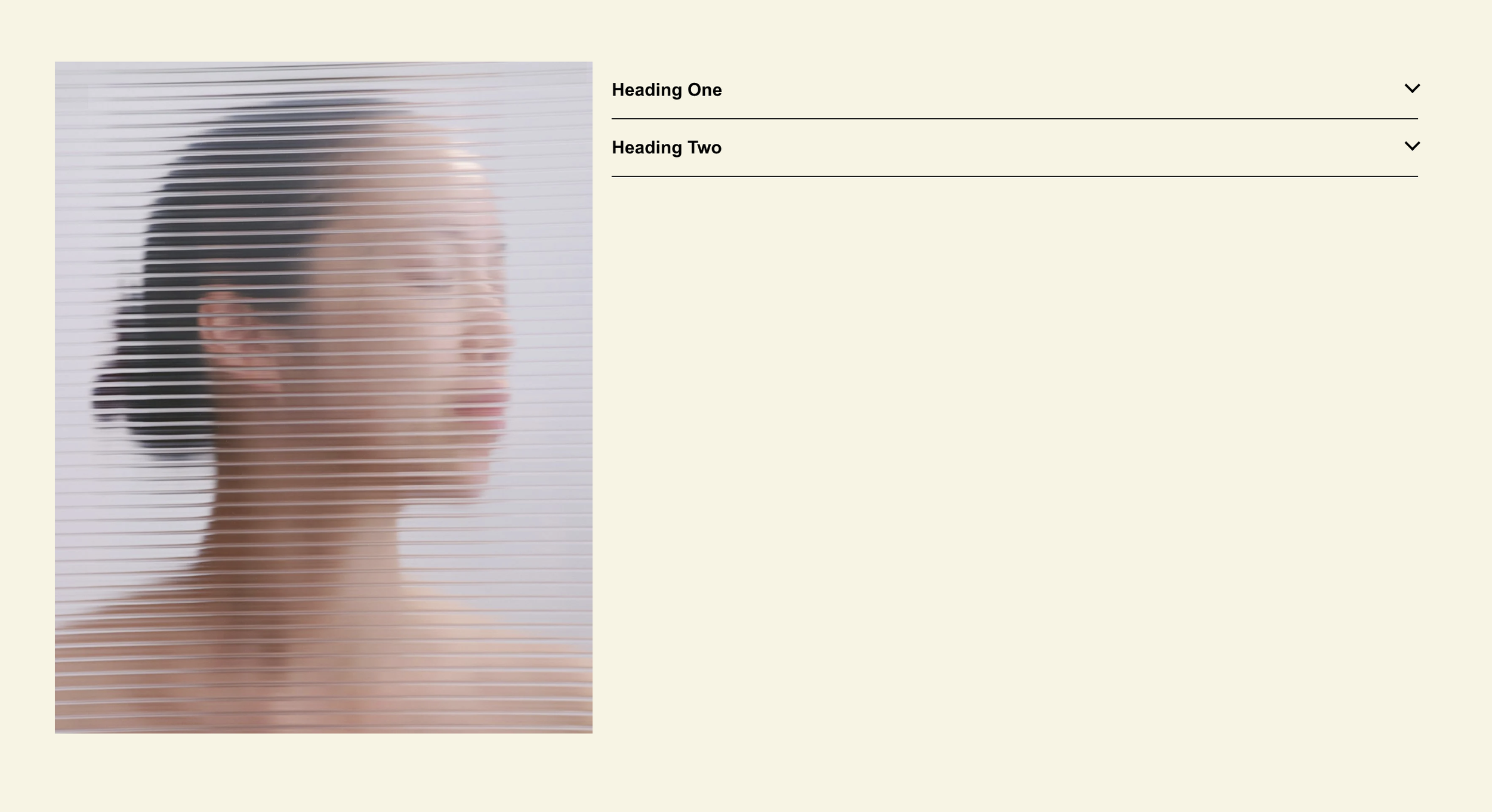
What You'll Create
A fully accessible accordion system built from markdown blocks. Each markdown block becomes a clickable header, and all following blocks (images, videos, text—anything) become the expandable content. The system auto-groups items and supports multiple accordion sets per page.
The Problem It Solves
Squarespace's native accordion block only supports text content. If you need images, videos, or other block types in your expandable sections, you're stuck. Third-party solutions often lack accessibility features or require plugins.
Perfect For
FAQ sections with images, Service detail expanders, Course curriculum displays, Product specification lists, Team member bio reveals
What Makes This Different
Transforms markdown blocks into clickable accordion headers with proper accessibility features for screen readers. Automatically groups all content blocks between headers into expandable sections. Includes animated chevron icons that rotate 45 degrees to -135 degrees when sections expand. Content hides and shows seamlessly using native browser functionality.
Details
Section Type: Classic
Code Type: CSS + JavaScript
Prerequisites: Classic Section with 'acc' in section ID, markdown blocks for headers
Toolkit Title: Accordions using Markdown Blocks
Learn This Technique
This is one of 150+ code techniques taught inside Standout Squarespace, where you get:
The complete, copy-paste code
Video walkthrough explaining how it works
The principles behind the technique so you can customize it
Access to our private community for support