

Flip Card Gallery Section
What You'll Create
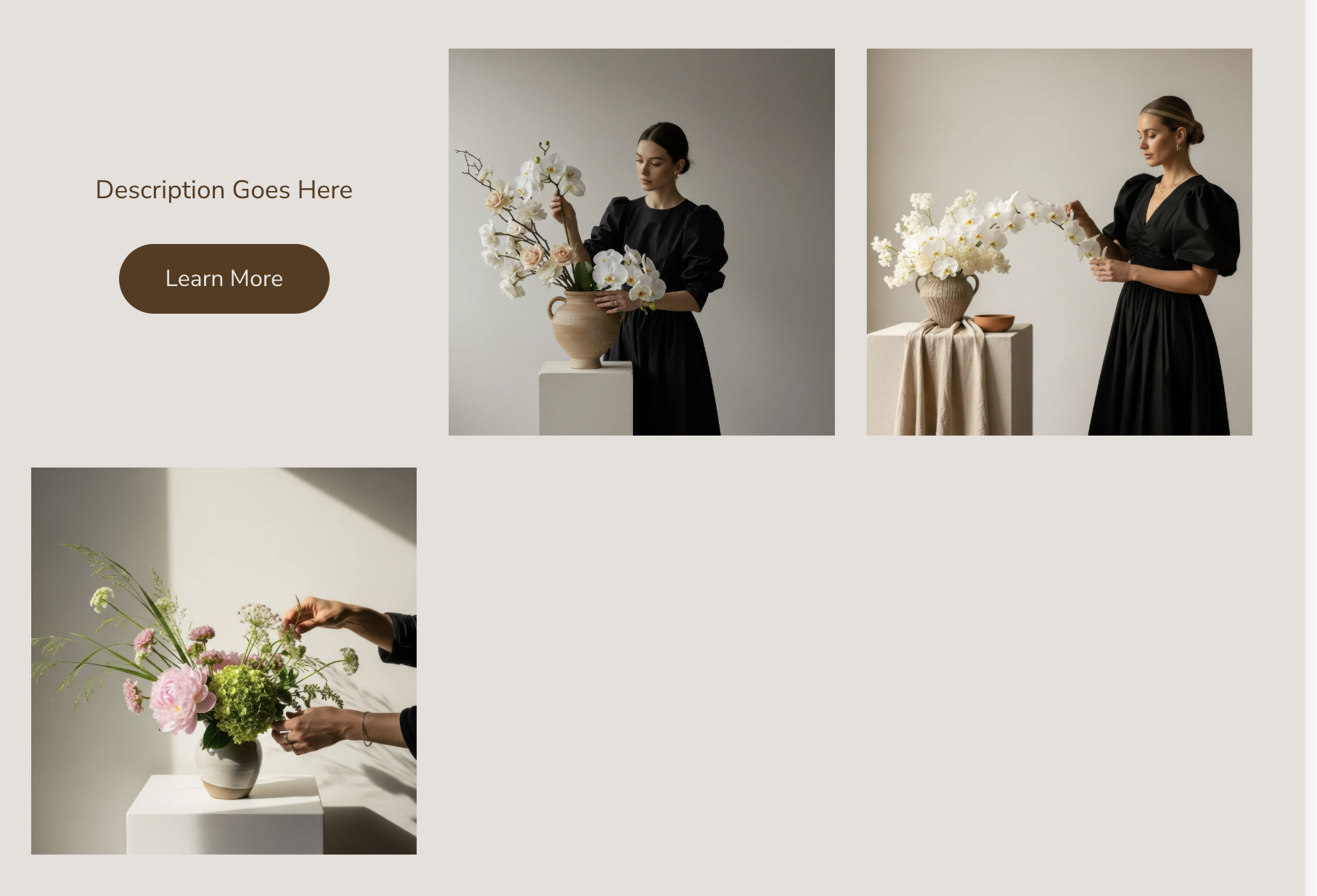
A gallery grid where each image is a 3D flip card. When visitors click a gallery item, it rotates 180 degrees to reveal the caption content on the back, along with a "Learn More" button that links to the image's destination. Clicking another card flips the previous one back automatically, keeping the interface clean. The flip animation has that satisfying 3D rotation effect you see on premium interactive sites.
The Problem It Solves
Gallery Sections show captions, but they're either always visible (cluttering the layout) or only appear on hover (missing on mobile). If you want to reveal detailed information on demand while keeping the initial view clean, you need a custom solution. This flip card approach gives visitors control — they click to learn more, and the 3D animation makes the interaction feel rewarding.
Perfect For
Service showcases with detail reveals, portfolio pieces with project descriptions, team member introductions, product features with explanations, before and after comparisons
What Makes This Different
The technique uses true 3D CSS transforms with perspective and backface-visibility for a realistic card-flip effect. Only one card can be flipped at a time — clicking a new card automatically closes any open one, preventing visual chaos. The back of each card includes a customizable CTA button that inherits your site's button styling. Clicking the back navigates to the image's link, turning each card into a mini landing page for that item.
Details
Section Type: Fluid Engine
Code Type: CSS + JavaScript
Prerequisites: Gallery Section with Grid Simple layout. Anchor link set to 'flipcardgallery'. Captions enabled in Section settings.
Toolkit Title: Flip Card for Gallery Sections
Learn This Technique
This is one of 150+ code techniques taught inside Standout Squarespace, where you get:
The complete, copy-paste code
Video walkthrough explaining how it works
The principles behind the technique so you can customize it
Access to our private community for support