

Scrolling Marquee with Linked Image and Text
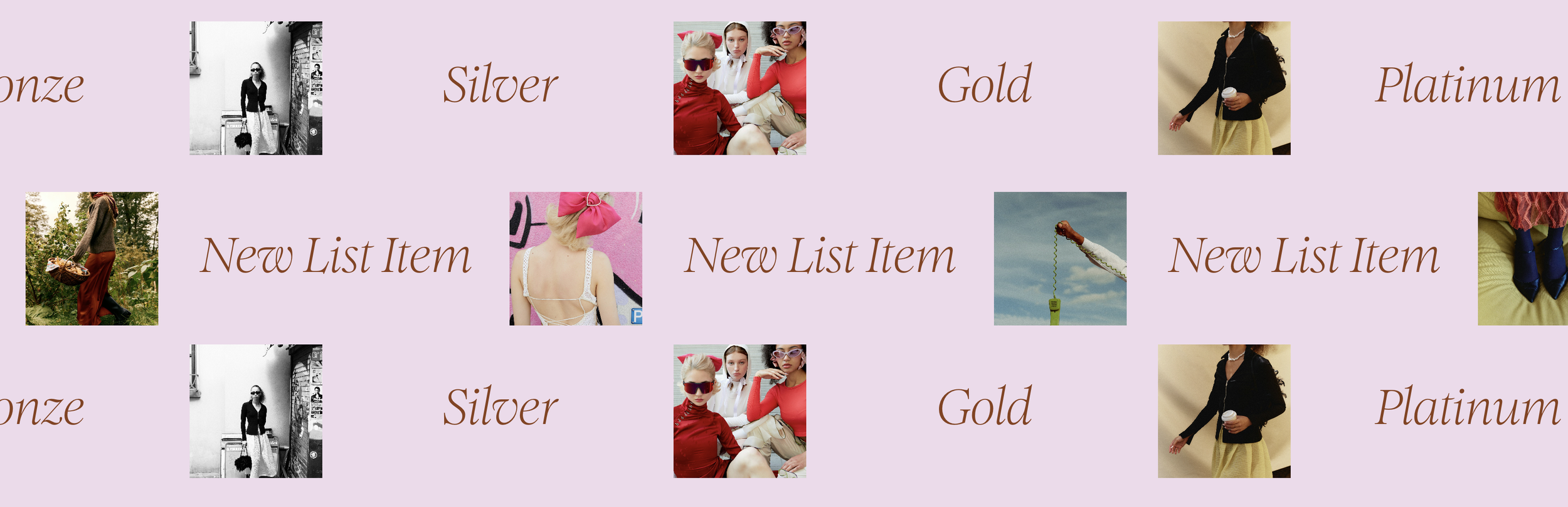
What You'll Create
A scrolling marquee that combines images and text side-by-side, where each item displays a linked thumbnail alongside its title. Building on the List Section Autoscroll technique, this creates a continuous horizontal scroll of image-text pairs—perfect for client logos, testimonials, or portfolio previews.
The Problem It Solves
Standard marquees typically show either images OR text. When you want both together—like a logo paired with a company name, or a thumbnail with a title—this technique styles the List Section autoscroll to display items with images and text inline, scrolling continuously.
Perfect For
Client logo bars with company names
Testimonial scrollers with author photos
Portfolio preview marquees
Feature highlights with icons
Partner or sponsor displays
Any scrolling content needing paired image and text
What Makes This Different
The CSS transforms autoscroll list items into horizontal flex containers, positioning the image and text side-by-side within each scrolling unit. The technique builds on the List Section Autoscroll script, adding layout styling to create that paired image-text format while maintaining smooth infinite scroll.
Details
Section Type: Fluid Engine
Code Type: CSS + JavaScript
Prerequisites: List Section Autoscroll script installed. List section with items containing both images and titles.
Toolkit Title: Scrolling Marquee with Linked Image & Text
Learn This Technique
This is one of 150+ code techniques taught inside Standout Squarespace, where you get:
The complete, copy-paste code
Video walkthrough explaining how it works
The principles behind the technique so you can customize it
Access to our private community for support