

Accessible Text Size Switcher
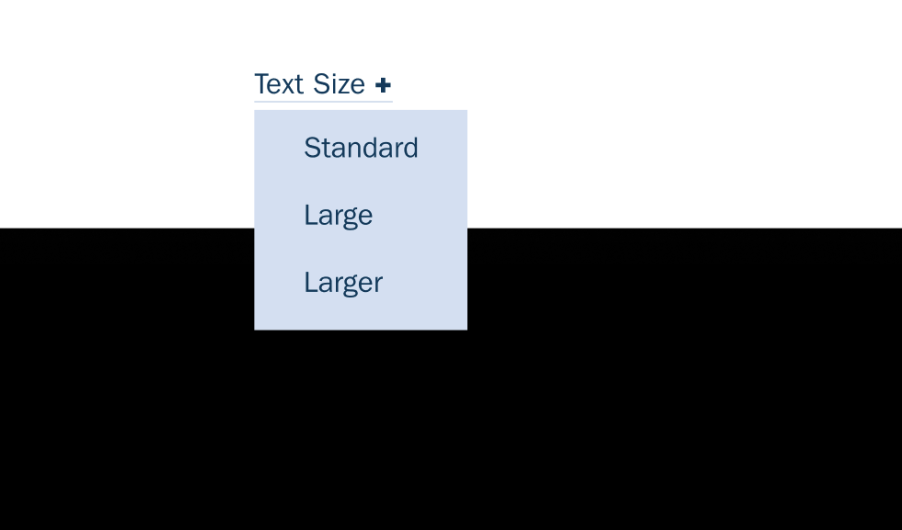
What You'll Create
An accessibility-focused font size switcher in the navigation that lets visitors choose between Standard, Large, and Larger text sizes. Saves preference to localStorage for return visits.
The Problem It Solves
Some visitors need larger text for readability but Squarespace doesn't include a native text size control. This technique adds an accessible dropdown that adjusts the base font size across the entire site.
Perfect For
Accessibility compliance, Senior-focused sites, Educational platforms, Government websites, Content-heavy blogs
What Makes This Different
This technique uses a dropdown folder in the navigation with JavaScript that sets a data attribute on the body element. CSS custom properties then scale all text accordingly. Includes ARIA announcements for screen readers and localStorage persistence.
Details
Section Type: Fluid & Classic
Code Type: JavaScript + CSS
Prerequisites: Dropdown folder in navigation with specific URL slugs
Toolkit Title: Text Size Switcher
Learn This Technique
This is one of 150+ code techniques taught inside Standout Squarespace, where you get:
The complete, copy-paste code
Video walkthrough explaining how it works
The principles behind the technique so you can customize it
Access to our private community for support