

Accordion Columns Layout
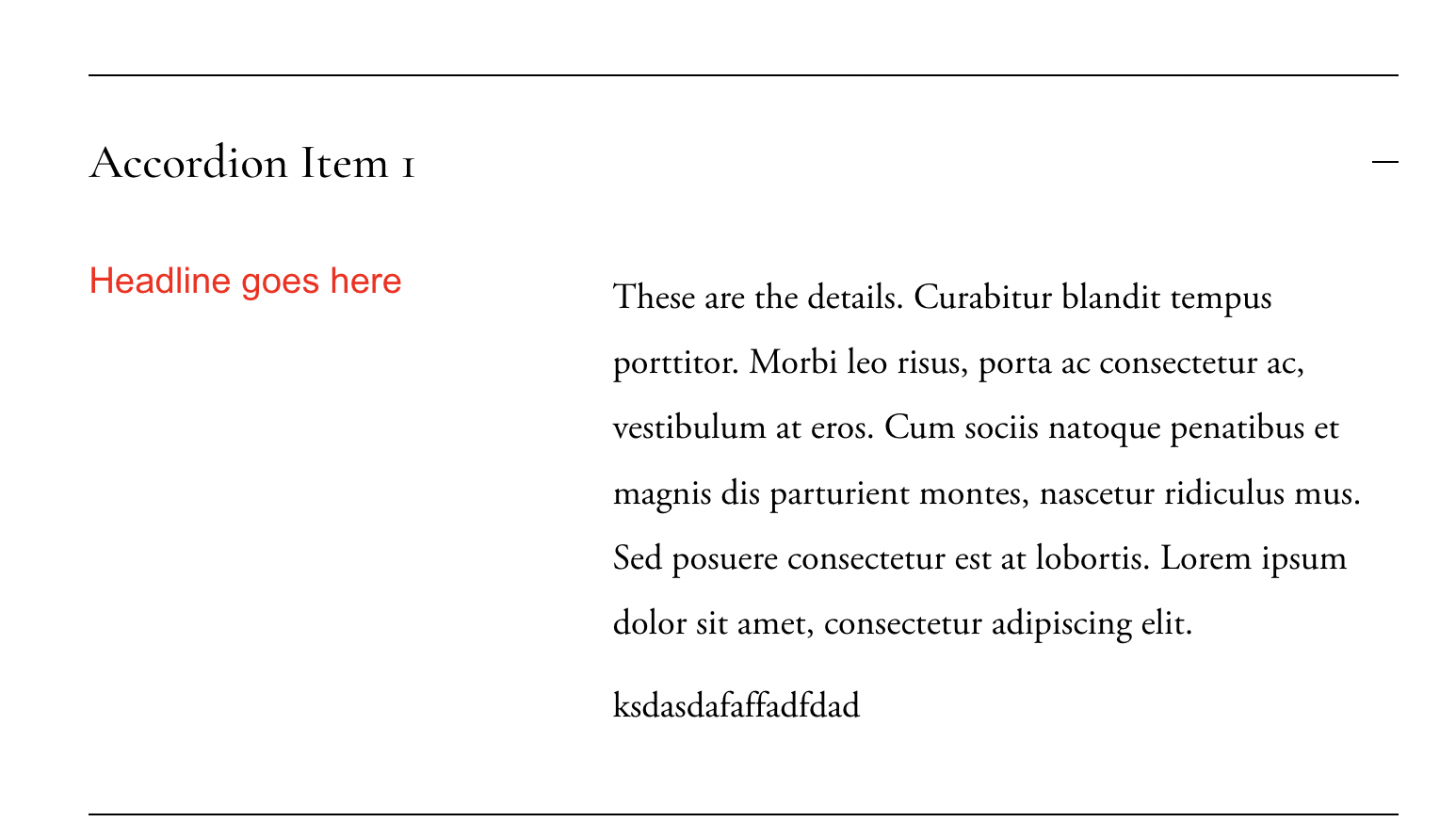
What You'll Create
A two-column layout within accordion dropdowns where the first element appears on the left and remaining content on the right. Creates a structured, magazine-style FAQ or content layout.
The Problem It Solves
Squarespace accordion dropdowns display content in a single column by default. When you want to show category labels, icons, or key info on one side with detailed content on the other, you need CSS flexbox to create columns.
Perfect For
FAQ sections, Feature breakdowns, Category-organized content, Detailed service descriptions, Comparison layouts
What Makes This Different
This technique uses display:flex on the accordion description, allowing the first child element to become a sidebar column while remaining content flows on the right. Includes list styling adjustments for clean alignment.
Details
Section Type: Fluid & Classic
Code Type: CSS
Prerequisites: Accordion block with structured content
Toolkit Title: Accordion Block Columns
Learn This Technique
This is one of 150+ code techniques taught inside Standout Squarespace, where you get:
The complete, copy-paste code
Video walkthrough explaining how it works
The principles behind the technique so you can customize it
Access to our private community for support