

Perfectly Circular Button
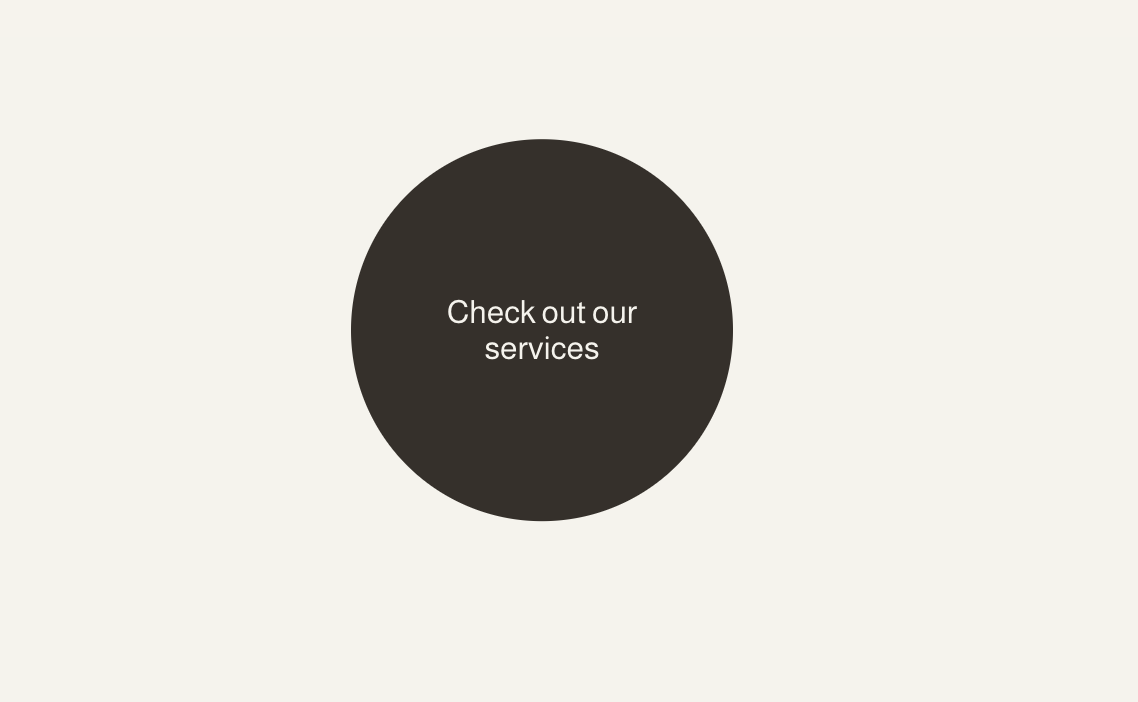
What You'll Create
Perfectly circular buttons that maintain their shape regardless of text length. Uses CSS pseudo-elements to create a circle that's always proportional.
The Problem It Solves
Squarespace's default border-radius creates rounded corners but not true circles. When button text is short, the button looks elongated. This technique creates a perfectly circular button that expands equally in all directions.
Perfect For
Icon buttons, Single-character buttons, Round CTAs, Decorative elements, Social icons
What Makes This Different
This technique uses a ::before pseudo-element with padding-bottom:100% to create a true circle, then positions the text centered within it. Works with Squarespace's primary button styles and Site Styles settings.
Details
Section Type: Fluid & Classic
Code Type: CSS
Prerequisites: Button block set to Fit design with Primary style
Toolkit Title: Perfectly Circular Button
Learn This Technique
This is one of 150+ code techniques taught inside Standout Squarespace, where you get:
The complete, copy-paste code
Video walkthrough explaining how it works
The principles behind the technique so you can customize it
Access to our private community for support