

Minimal Newsletter Block Styling
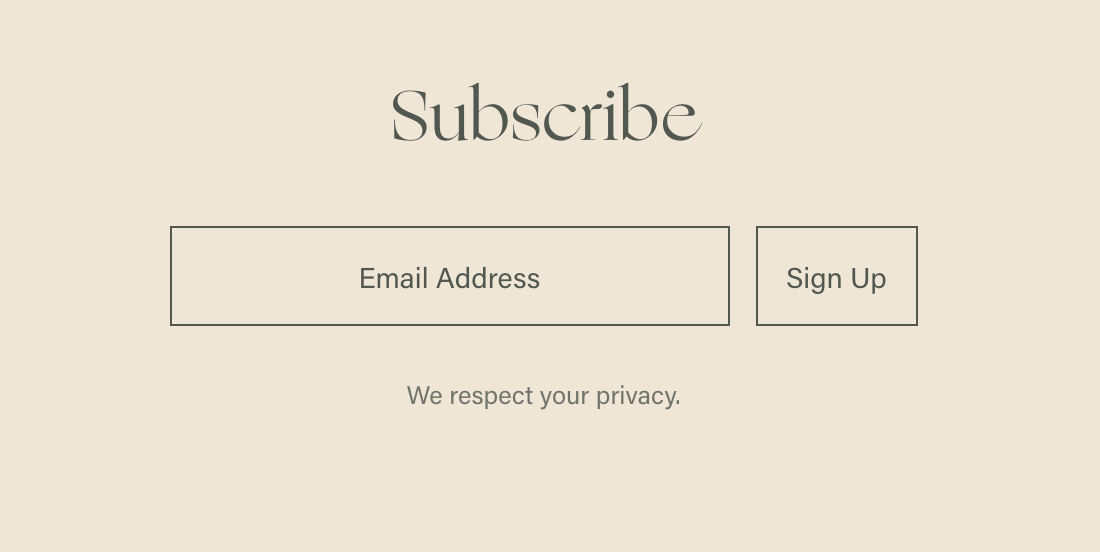
What You'll Create
A minimal, clean newsletter signup form with customized placeholder text, transparent backgrounds, and refined button styling.
The Problem It Solves
Default newsletter blocks have heavy styling. This technique strips away visual clutter for a modern, minimalist aesthetic that integrates seamlessly with sophisticated designs.
Perfect For
Minimalist websites, Footer signups, Popup forms, Clean brand aesthetics, Modern portfolios.
What Makes This Different
CSS targets specific newsletter elements to remove padding, style placeholders across browsers, create transparent backgrounds, and customize button appearance with hover states.
Details
Section Type: Fluid & Classic
Code Type: CSS
Prerequisites: Newsletter Block added to page
Toolkit Title: Newsletter Block Minimal
Learn This Technique
This is one of 150+ code techniques taught inside Standout Squarespace, where you get:
The complete, copy-paste code
Video walkthrough explaining how it works
The principles behind the technique so you can customize it
Access to our private community for support