

Centered Video Section Frame
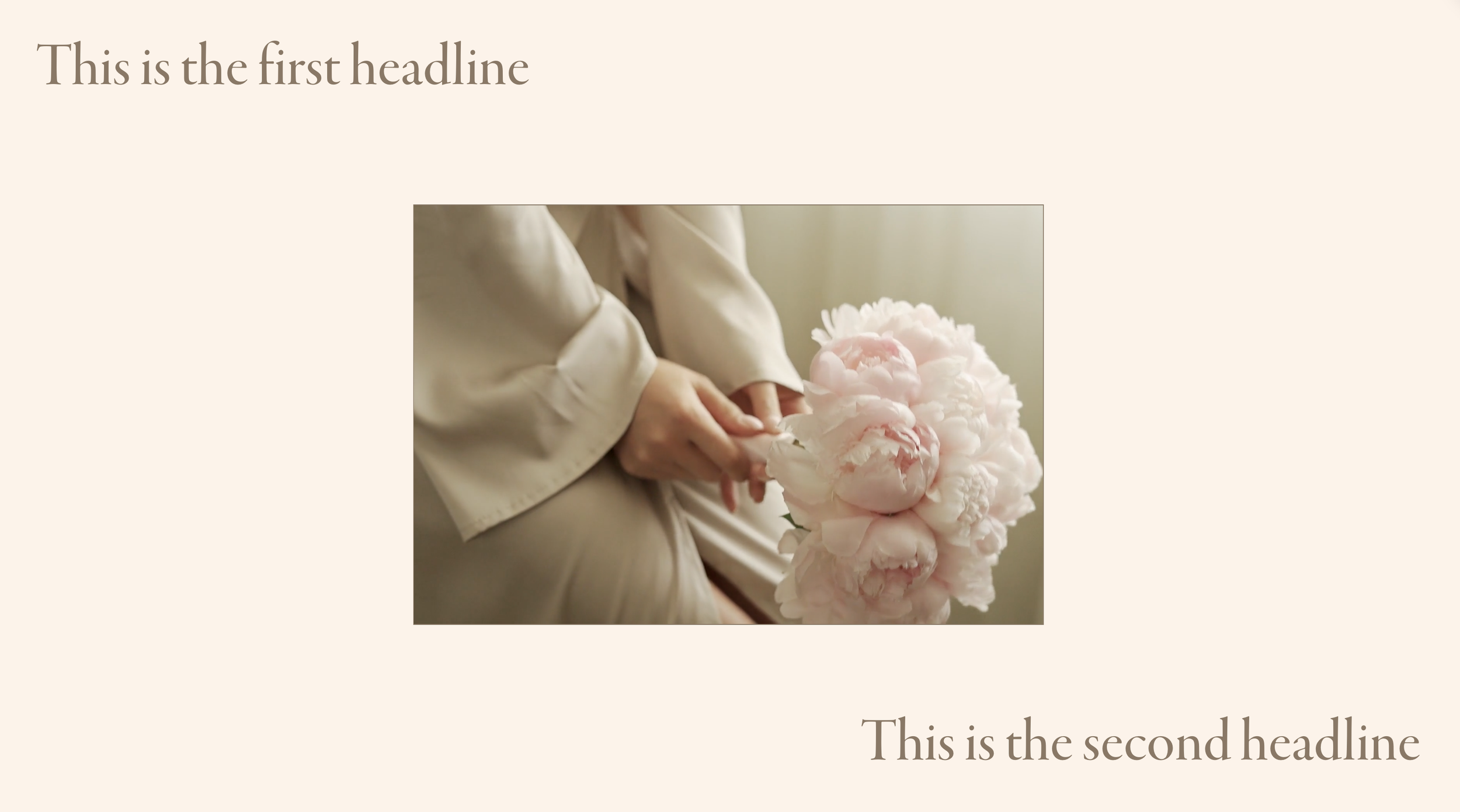
What You'll Create
A sophisticated section layout where your background video appears as a centered, rounded rectangle with text elements positioned around it—creating a framed, cinematic presentation rather than a full-bleed video background.
The Problem It Solves
Squarespace background videos always stretch full-width. When you want a more contained, designed look—video as a visual element within a composition rather than dominating everything—you need custom styling.
Perfect For
Hero sections with artistic flair, Product showcase pages, Event and launch announcements, Creative portfolio homepages, High-impact landing pages
What Makes This Different
Instead of video filling the entire section background, this constrains it to a centered frame with rounded corners. Text blocks can be positioned in the corners around the video, creating a magazine-style layout where video is one element of a larger composition—not the entire canvas.
Details
Section Type: Fluid Engine
Code Type: CSS
Prerequisites: Section with background video, HTML blocks for text overlays
Toolkit Title: Video Frame
Learn This Technique
This is one of 150+ code techniques taught inside Standout Squarespace, where you get:
The complete, copy-paste code
Video walkthrough explaining how it works
The principles behind the technique so you can customize it
Access to our private community for support