

Fluid Video Block with Custom Masks
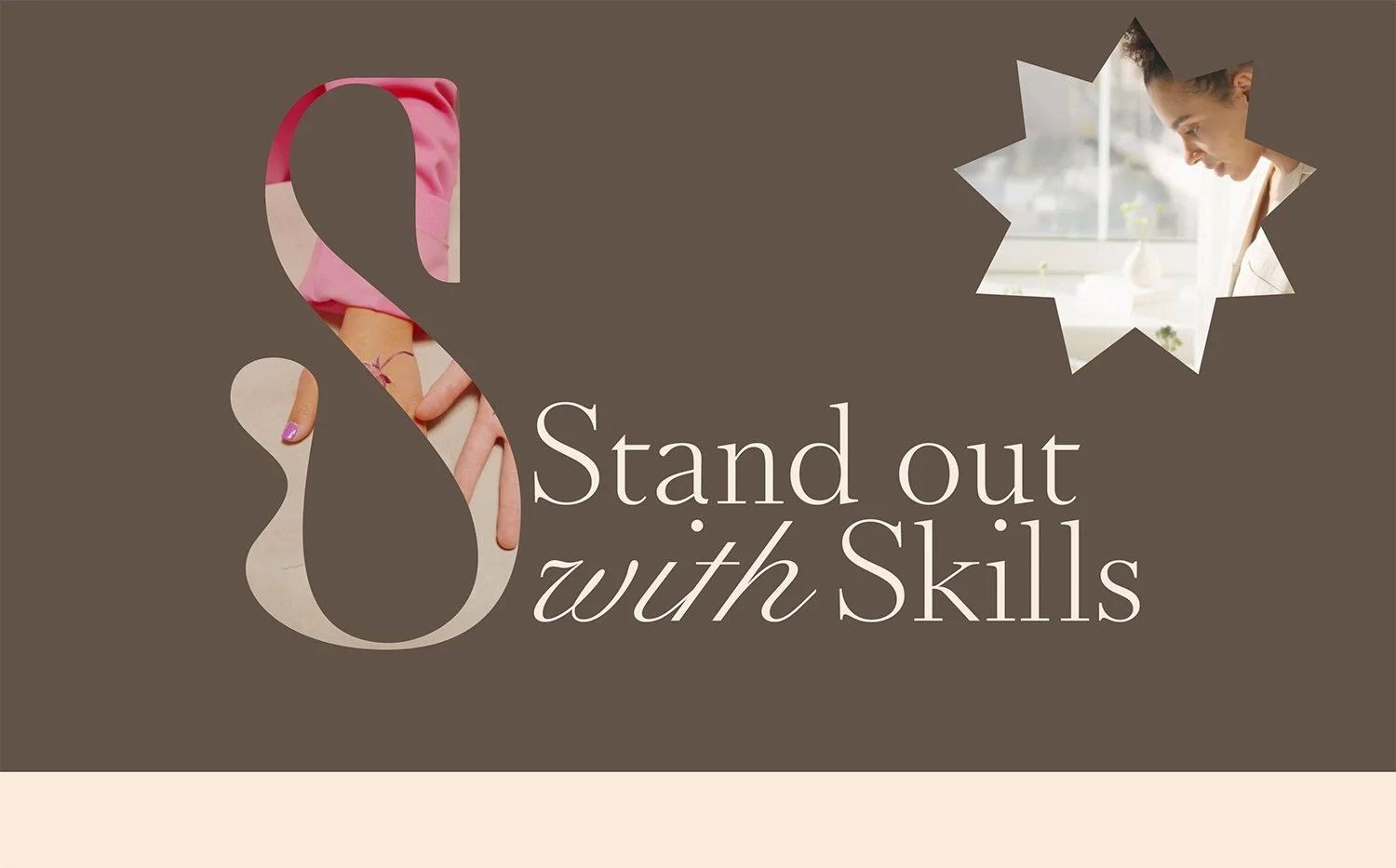
What You'll Create
Video blocks that fill their entire container without awkward black bars or cropping issues. Plus, the ability to apply creative shape masks—circles, blobs, custom SVGs—to create video presentations that break out of the standard rectangle.
The Problem It Solves
Squarespace video blocks maintain aspect ratios that often don't match your layout needs. You end up with letterboxing, pillarboxing, or videos that don't quite fit. And if you want non-rectangular video shapes? That's simply not possible natively.
Perfect For
Hero video backgrounds, Portfolio video showcases, Product demonstration reels, About page team videos, Creative showreels and highlights
What Makes This Different
This technique forces videos to completely fill their container regardless of aspect ratio, then lets you apply any shape you want as a mask. Your videos can be circles, organic blobs, or any custom shape—the video plays inside the boundary you define.
Details
Section Type: Fluid Engine
Code Type: CSS
Prerequisites: Video Block set to desired size in Fluid Engine
Toolkit Title: Video Block Fill and Masks
Learn This Technique
This is one of 150+ code techniques taught inside Standout Squarespace, where you get:
The complete, copy-paste code
Video walkthrough explaining how it works
The principles behind the technique so you can customize it
Access to our private community for support