

Curved Section Dividers
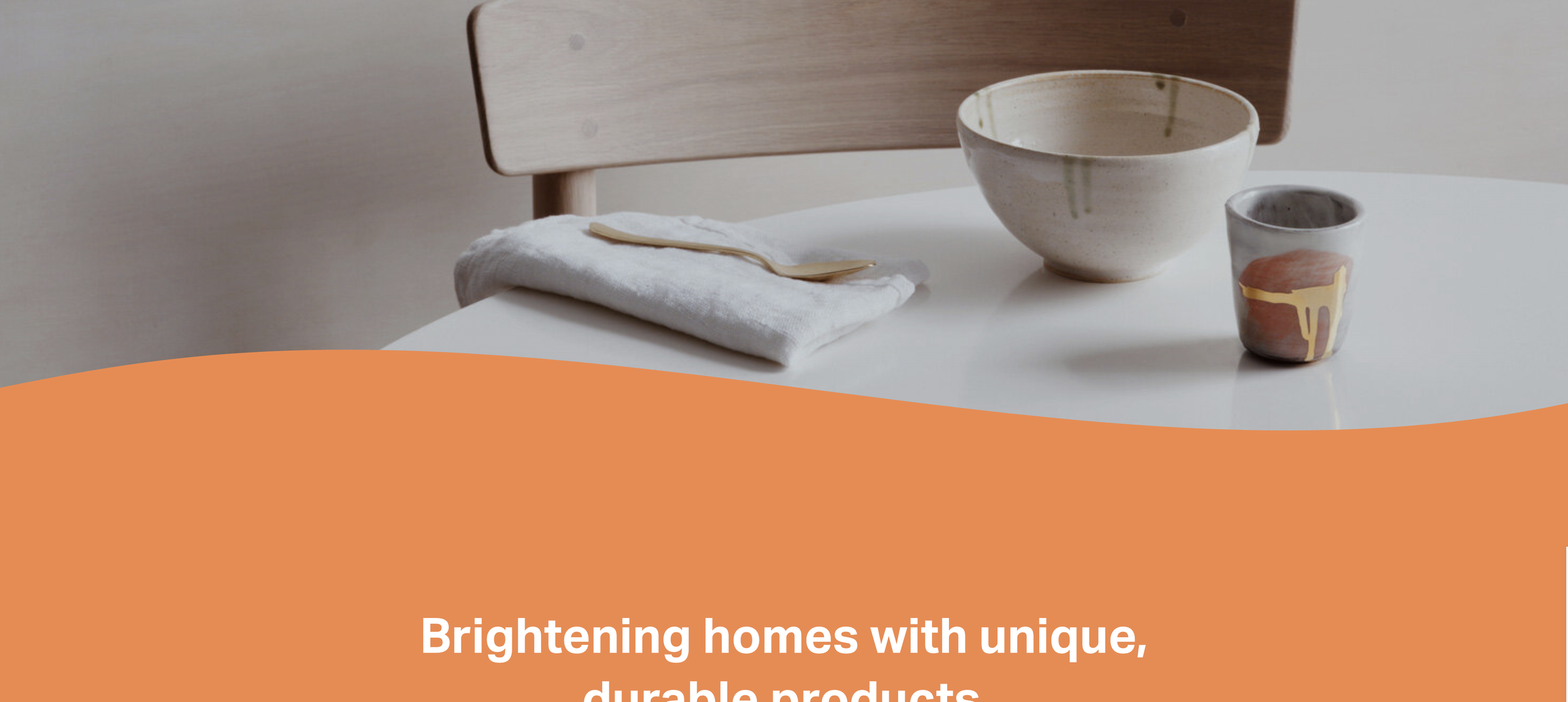
What You'll Create
Create Squarespace sections with curved, wave-like edges that flow into each other instead of hard horizontal lines. SVG masks create organic transitions between sections for a softer, more artistic page flow.
The Problem It Solves
Squarespace sections have straight, rigid edges. Creating smooth curved transitions between sections - like waves or arcs - requires either image overlays (hard to color-match) or CSS masks with SVG shapes that automatically inherit background colors.
Perfect For
Creative agencies, Wellness brands, Children's sites, Organic/natural brands, Any site wanting softer aesthetics.
What Makes This Different
Hidden elements with SVG masks create curved shapes that inherit the section's background color automatically. The visible overflow allows the curve to extend beyond section boundaries. The technique is easily duplicated across sections and colors stay seamless because they inherit from the parent.
Details
Section Type: Fluid & Classic
Code Type: CSS
Prerequisites: Section with background color set
Toolkit Title: Curved Sections
Learn This Technique
This is one of 150+ code techniques taught inside Standout Squarespace, where you get:
The complete, copy-paste code
Video walkthrough explaining how it works
The principles behind the technique so you can customize it
Access to our private community for support