

Flexible Tabbed Section
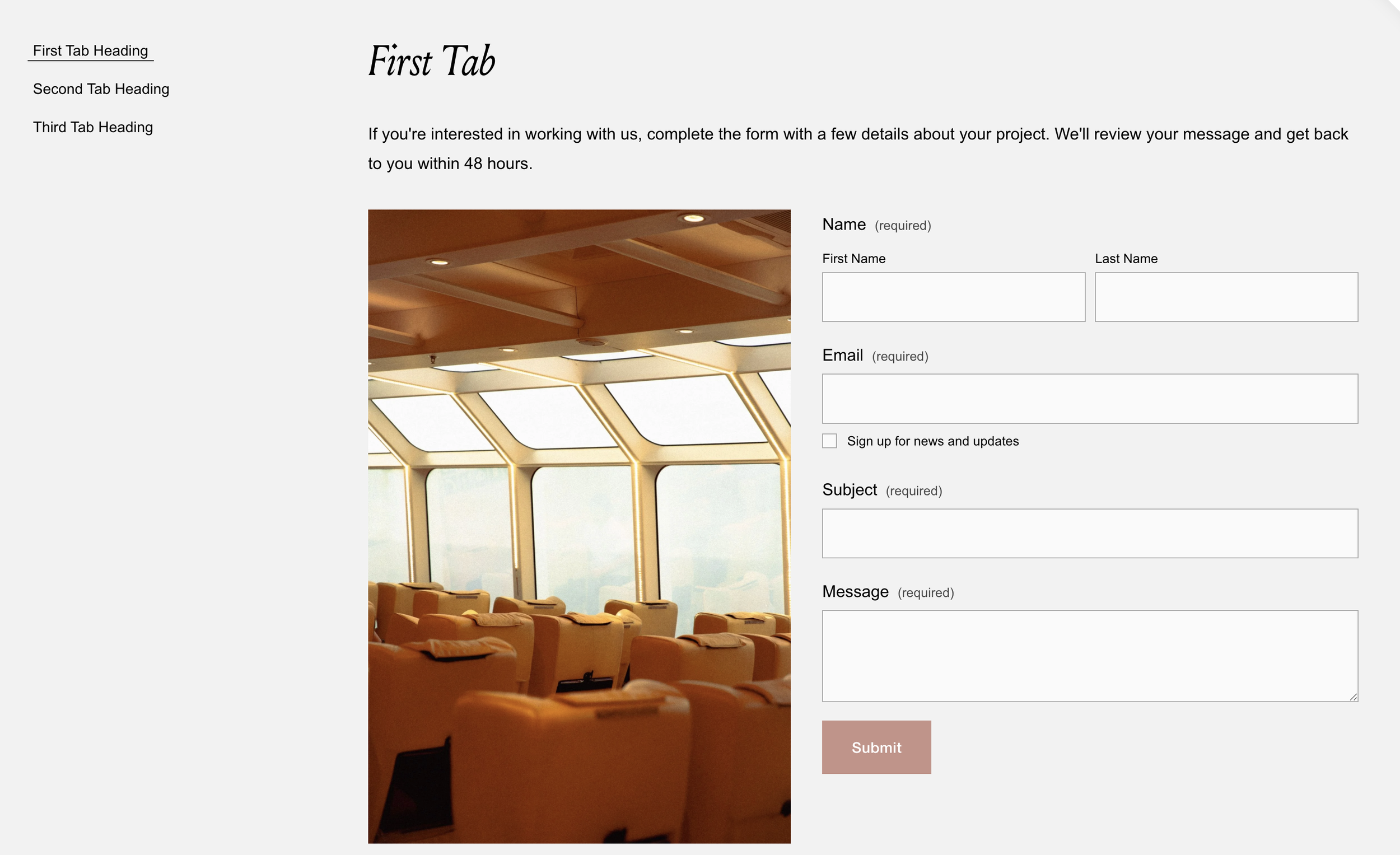
What You'll Create
A fully accessible tabbed interface where markdown blocks become tab labels, and all content between them becomes the corresponding tab panels. Clicking tabs reveals their content with smooth opacity transitions, and full keyboard navigation (arrow keys, Home, End) is built in.
The Problem It Solves
Squarespace's accordion block limits design flexibility and doesn't offer horizontal tab layouts. Creating proper tabbed interfaces typically requires extensive custom development. This technique dynamically converts a simple content structure into accessible tabs without modifying your content editing workflow.
Perfect For
Service comparison displays, FAQ sections with categorized questions, product feature breakdowns, pricing tier explanations, course curriculum outlines.
What Makes This Different
This technique is built with accessibility in mind - screen readers can navigate it properly, and keyboard users can move between tabs using arrow keys, Home, and End. The tabs are created automatically from your content structure, so you just add markdown blocks as labels and the code does the rest. You can have multiple tab sets on the same page without conflicts, and each set works independently. The smooth fade transitions between panels make switching feel polished and professional.
Details
Section Type: Fluid Engine
Code Type: CSS + JavaScript
Prerequisites: Section with
#flexibletabsin anchor link, unordered list for tab navigation, markdown blocks as tab labels with content blocks between themToolkit Title: Flexible Tabbed Section
Learn This Technique
This is one of 150+ code techniques taught inside Standout Squarespace, where you get:
The complete, copy-paste code
Video walkthrough explaining how it works
The principles behind the technique so you can customize it
Access to our private community for support