

Discover What You Can Build
500+ workshops, Techniques, and Resources Inside Standout Squarespace
Explore the library of techniques, templates, and resources available for you inside Squarestylist’s Standout Squarespace program. Standout students also get the commercial license to use these techniques in building Squarespace templates for sale.
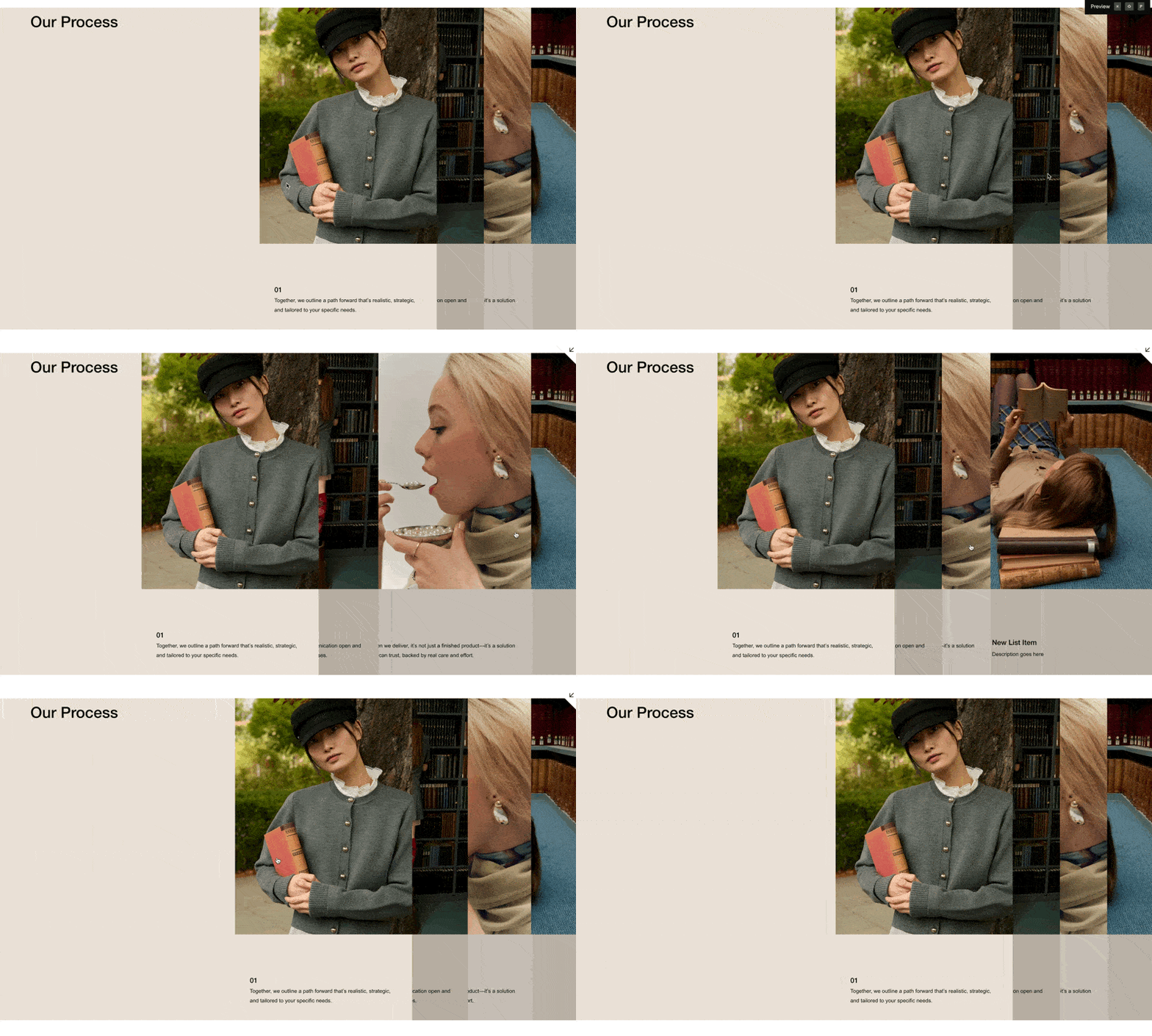
Layered Vertical Tabs
Stack list items as layered cards that slide apart on hover, revealing content beneath — a dramatic tabbed interface built entirely from a Squarespace List Section.
Section Modal
Display any section or block from the same Squarespace page — like a video or gallery — in a lightbox or slide-out overlay, triggered by a simple link.
Page Modal / Lightbox
Pull content from any Squarespace page — or a specific section within it — and display it in a lightbox or slide-out overlay, triggered by a simple link.
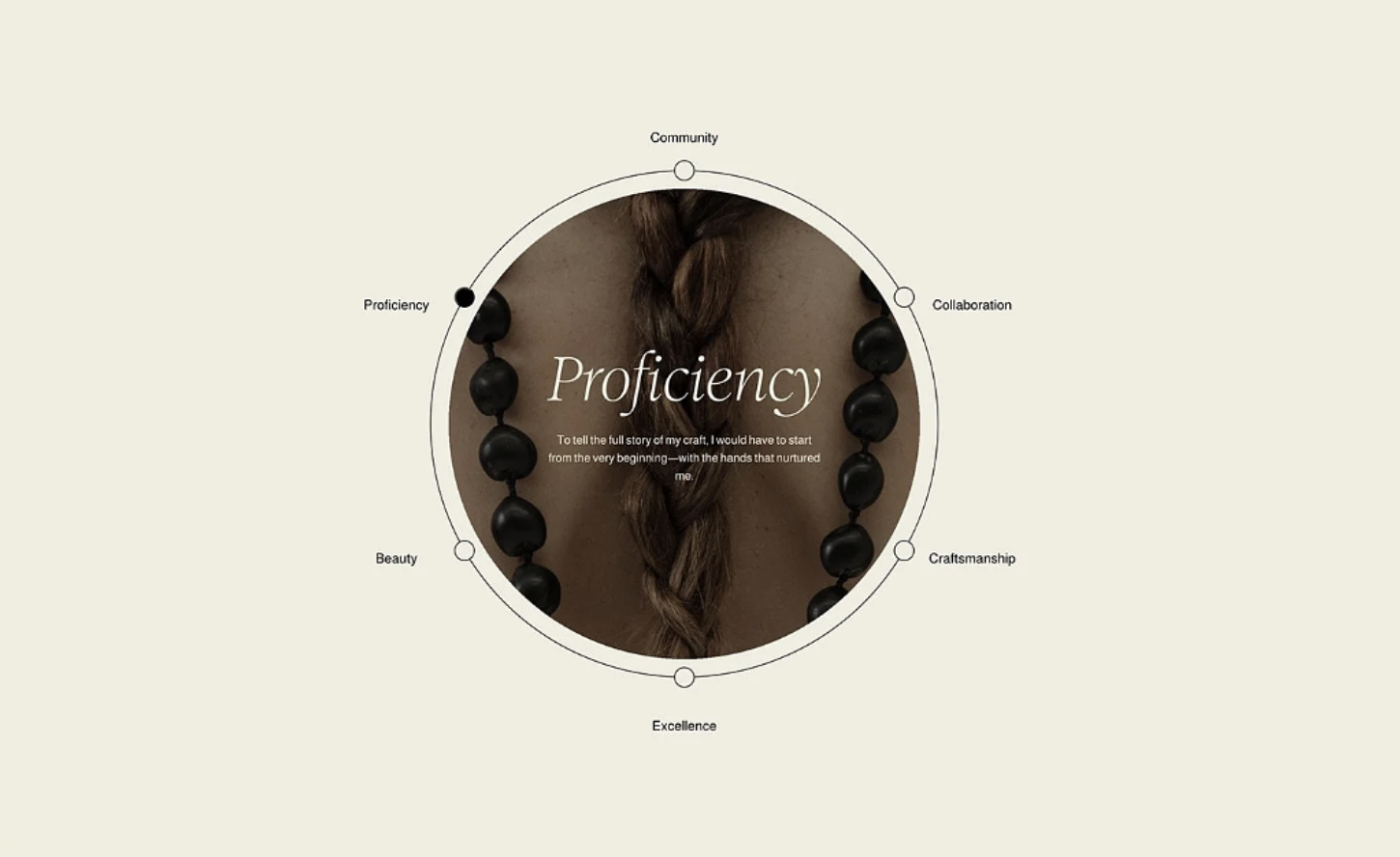
Circular Orbit Layout for List Sections
Arrange your Squarespace list items in a circular orbit around a central image — with clickable labels, an active dot indicator, and a content reveal at the center.
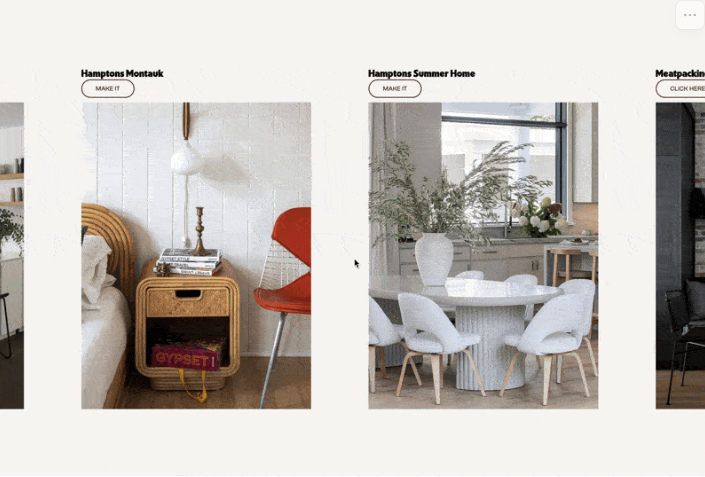
Horizontal Scrolling List Section
Transform your List Section into a horizontal scrolling showcase — scroll down normally and watch items slide sideways through a sticky viewport.
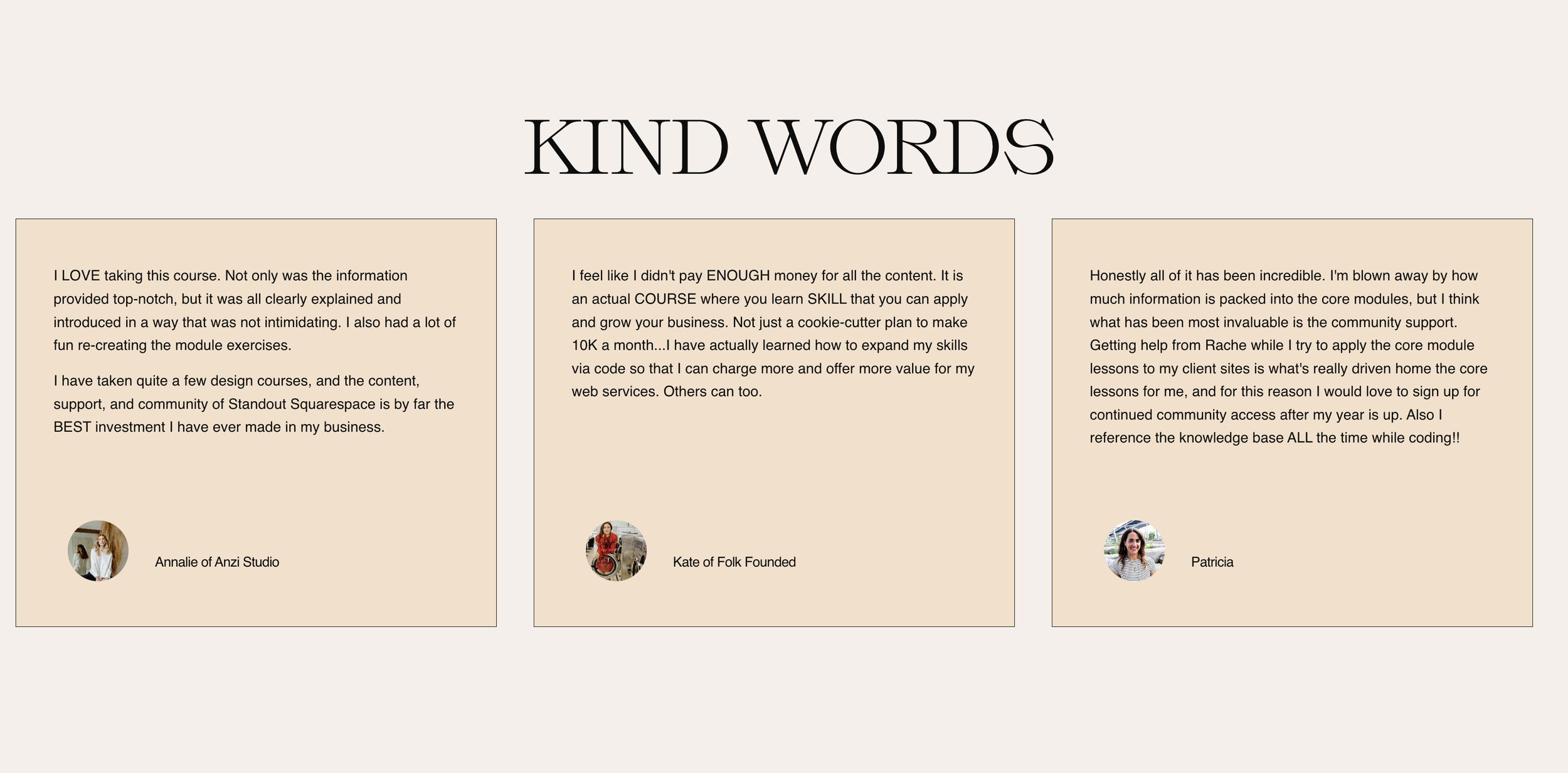
Stylish Testimonial Slider
Transform your list section carousel into an elegant testimonial slider with circular avatars, reordered content layout, and bordered cards.
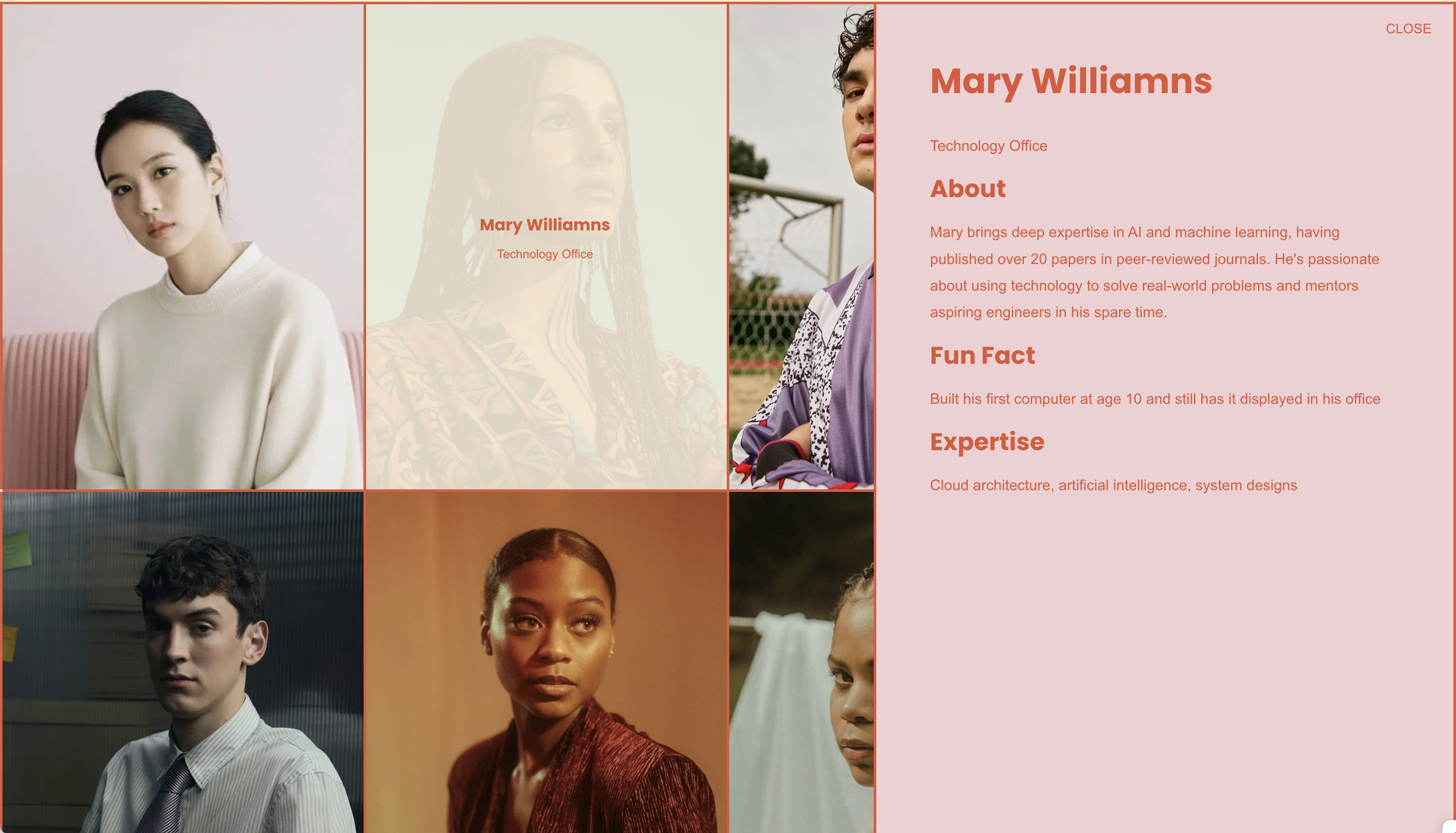
List Grid Pop-up
Transform list sections into an interactive grid where clicking items reveals detailed content in a sleek side panel overlay.
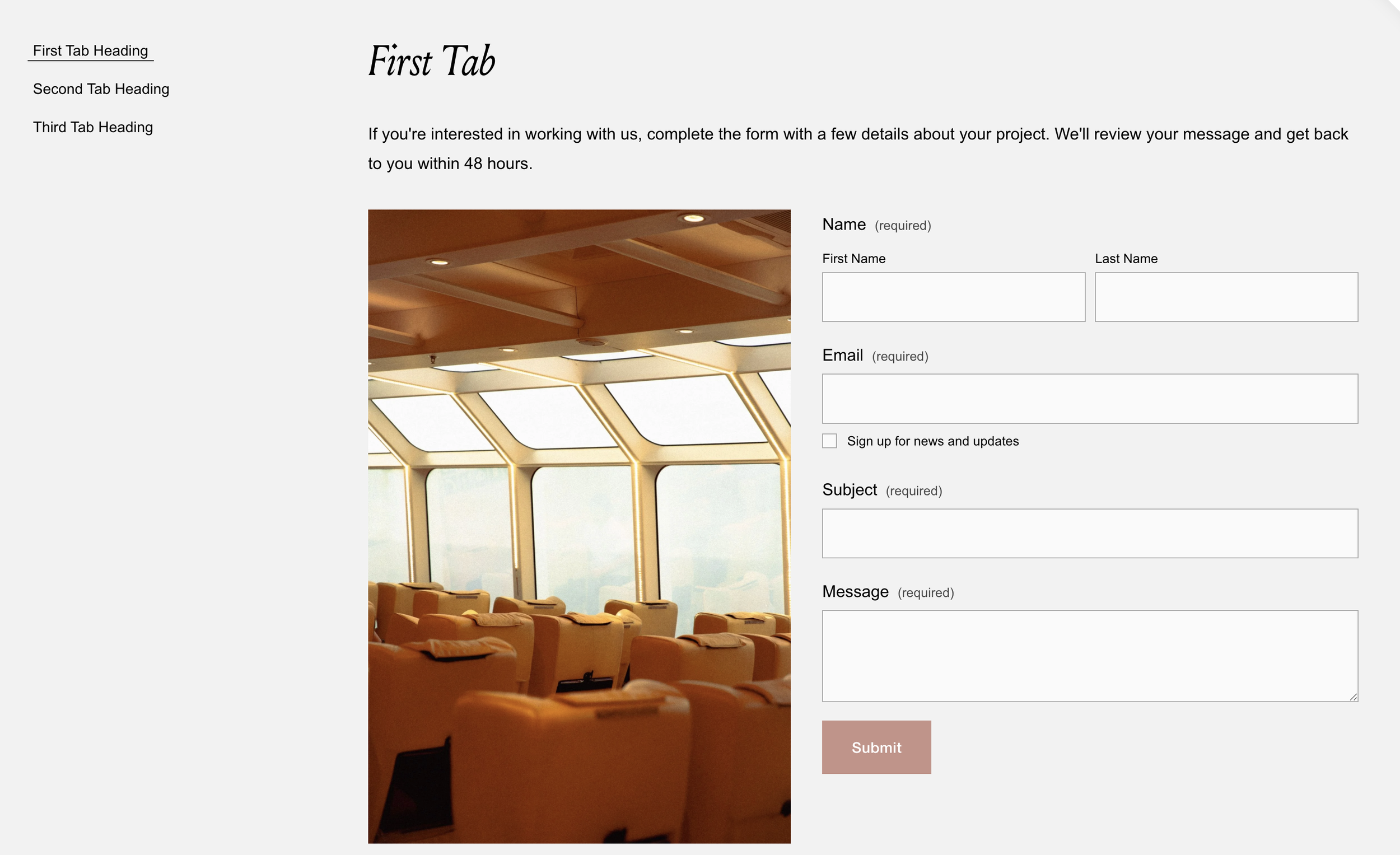
Flexible Tabbed Section
Transform markdown blocks into accessible tabbed interfaces with keyboard navigation, smooth transitions, and ARIA attributes for screen readers.
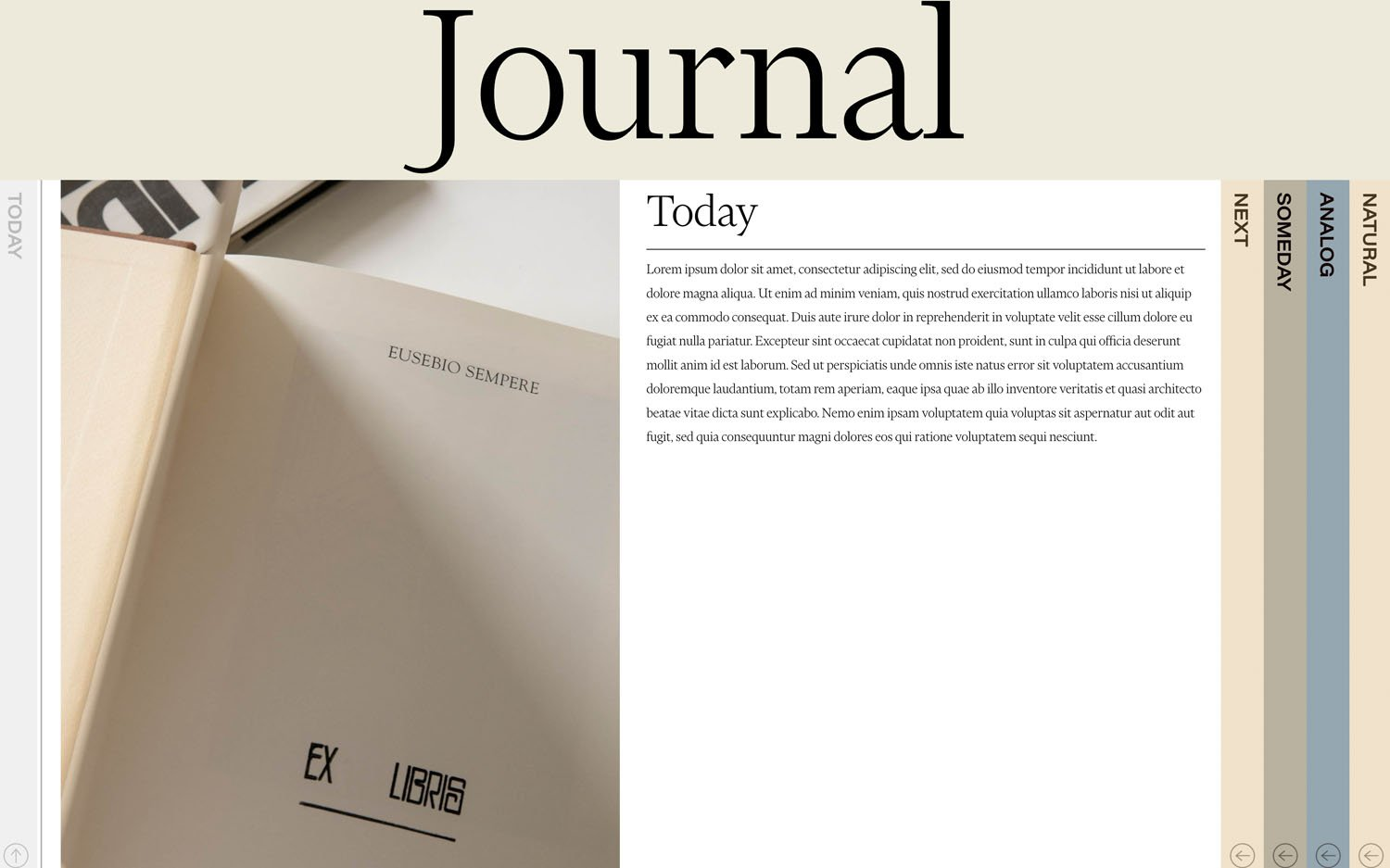
Stylish Vertical Tabs
Elegant vertical tabs that pull content from your blog collection - with rotated labels, smooth transitions, and automatic mobile-friendly accordion behavior.

Expand List Items on Hover
List items that expand dramatically on hover while others compress - create full-height interactive panels that reveal content.
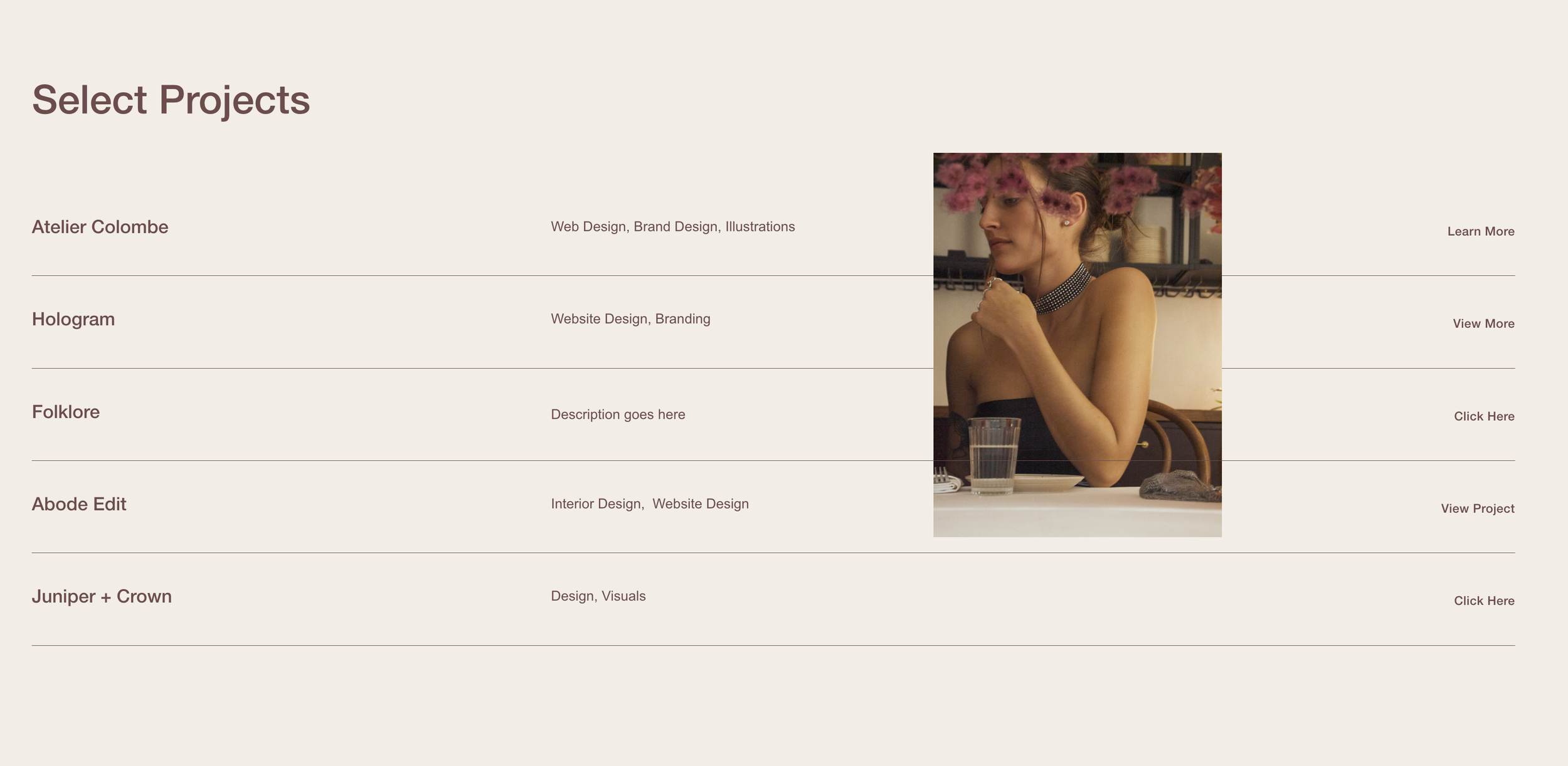
Follow Cursor List Section
Images follow your cursor as you hover over list items - create that trendy agency-style interactive portfolio effect.
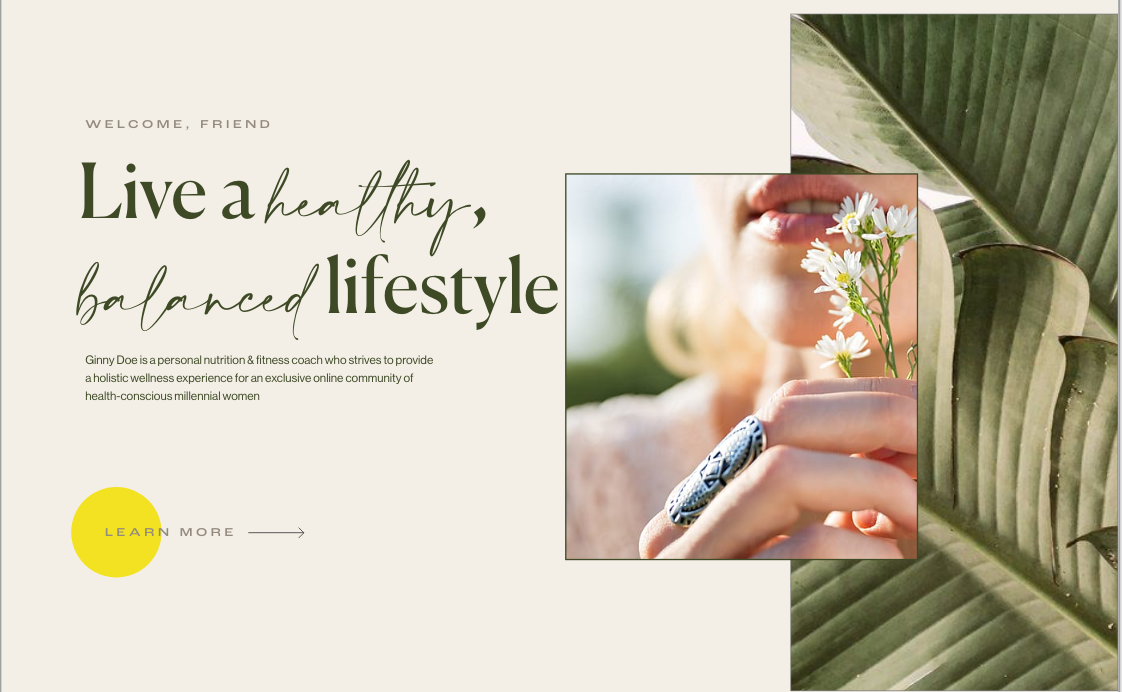
Custom Background Image Width
Control section background image sizing and position - create partial-width backgrounds for sophisticated split layouts.

Curved Section Dividers
Wave-like curved edges between sections using SVG masks - organic, flowing page transitions.

Horizontal Scroll Page
Sections scroll sideways instead of vertically using mouse/trackpad - immersive portfolio experiences.
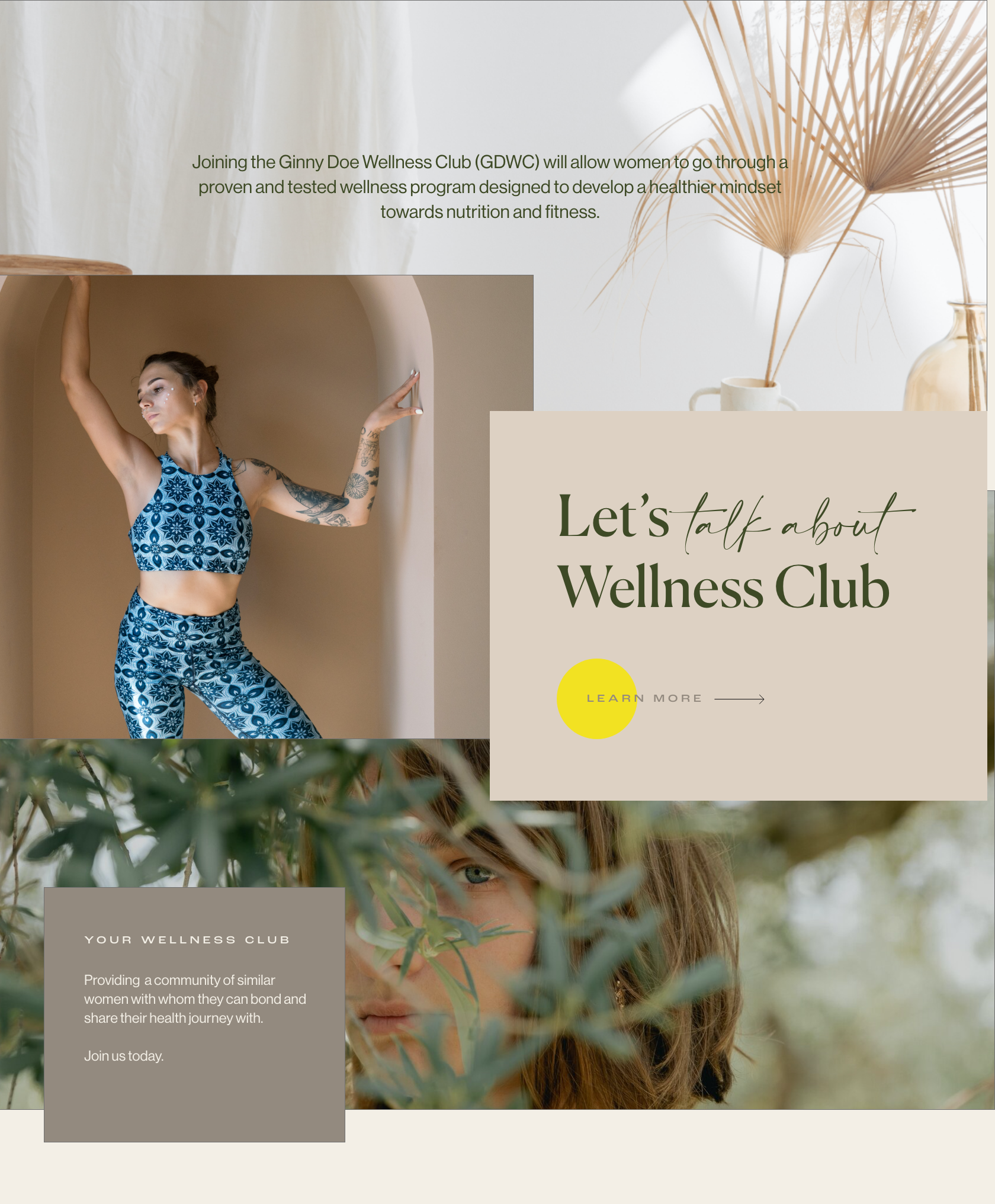
Overlapping Sections Layout
Images and colored blocks overlap between sections - editorial-style layouts with visual depth.
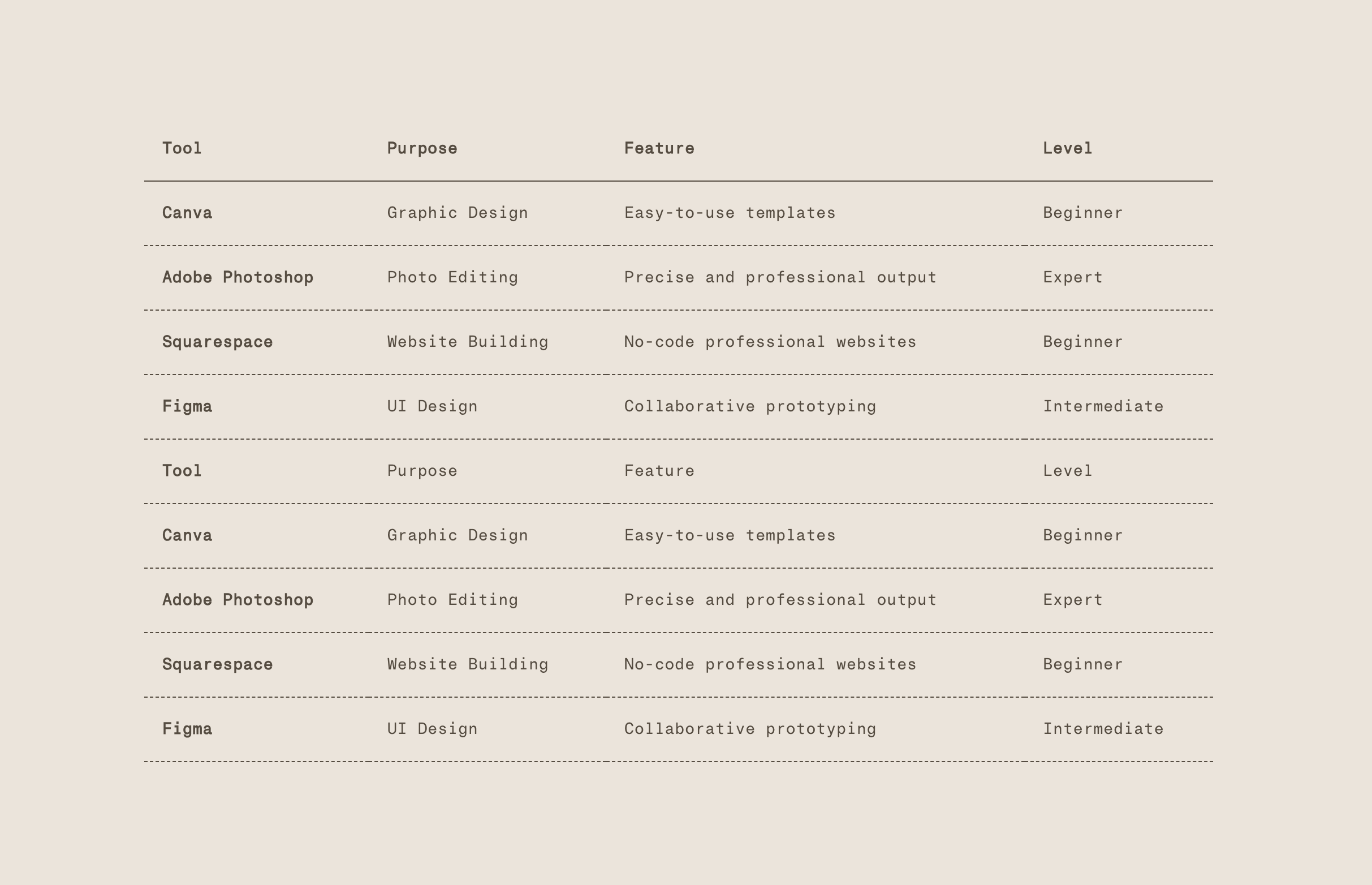
Index Table from Lists
Convert unordered lists into clean, styled tables using JavaScript. Create minimal index-style tables with dotted borders and transparent backgrounds - no HTML table knowledge required.
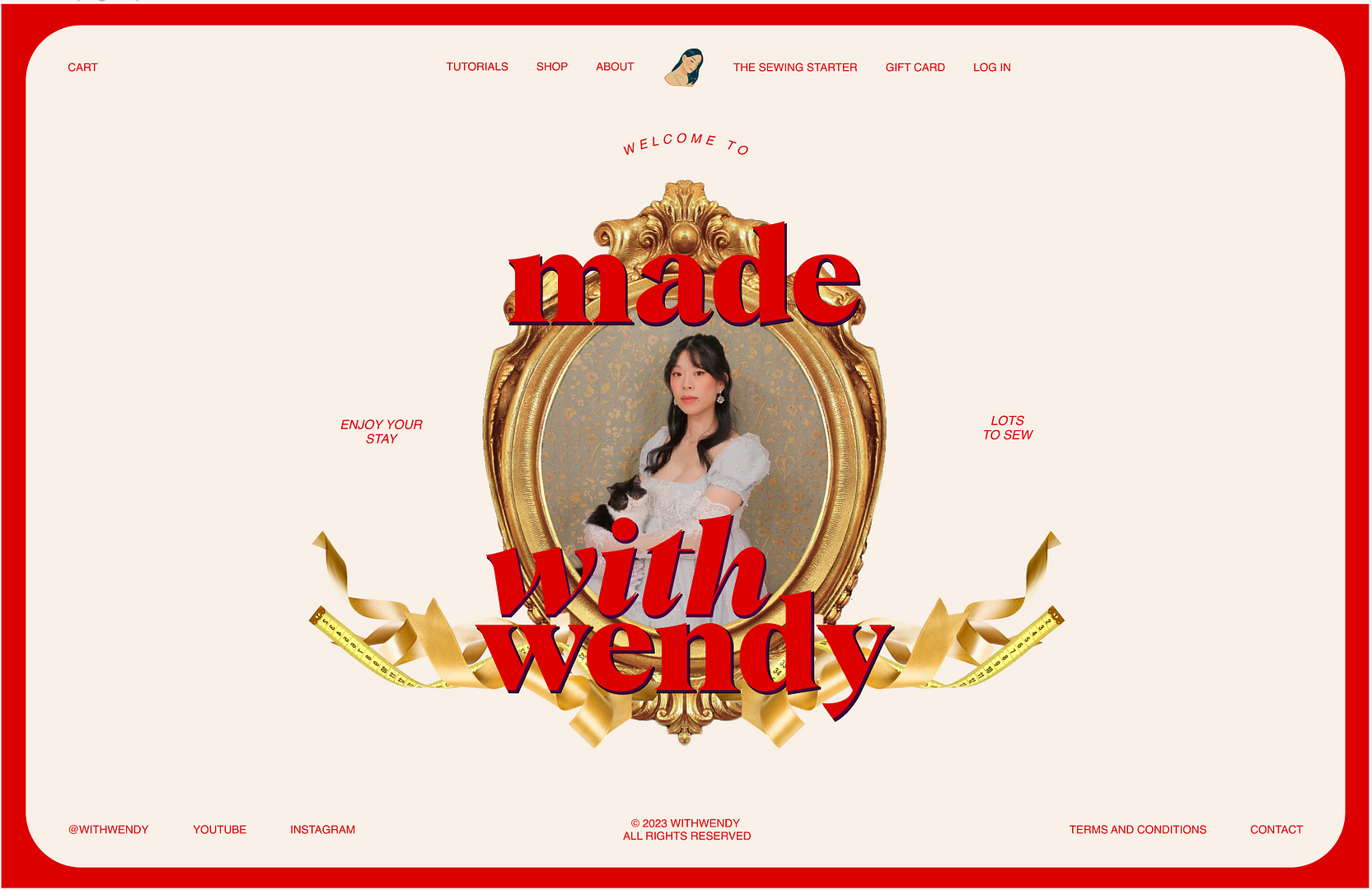
Decorative Site Frame Border
Fixed decorative border framing the entire website - elegant luxury design effect.

Auto Layout Split Carousel
Transform Auto Layout carousels into split layouts with gradients and responsive positioning.
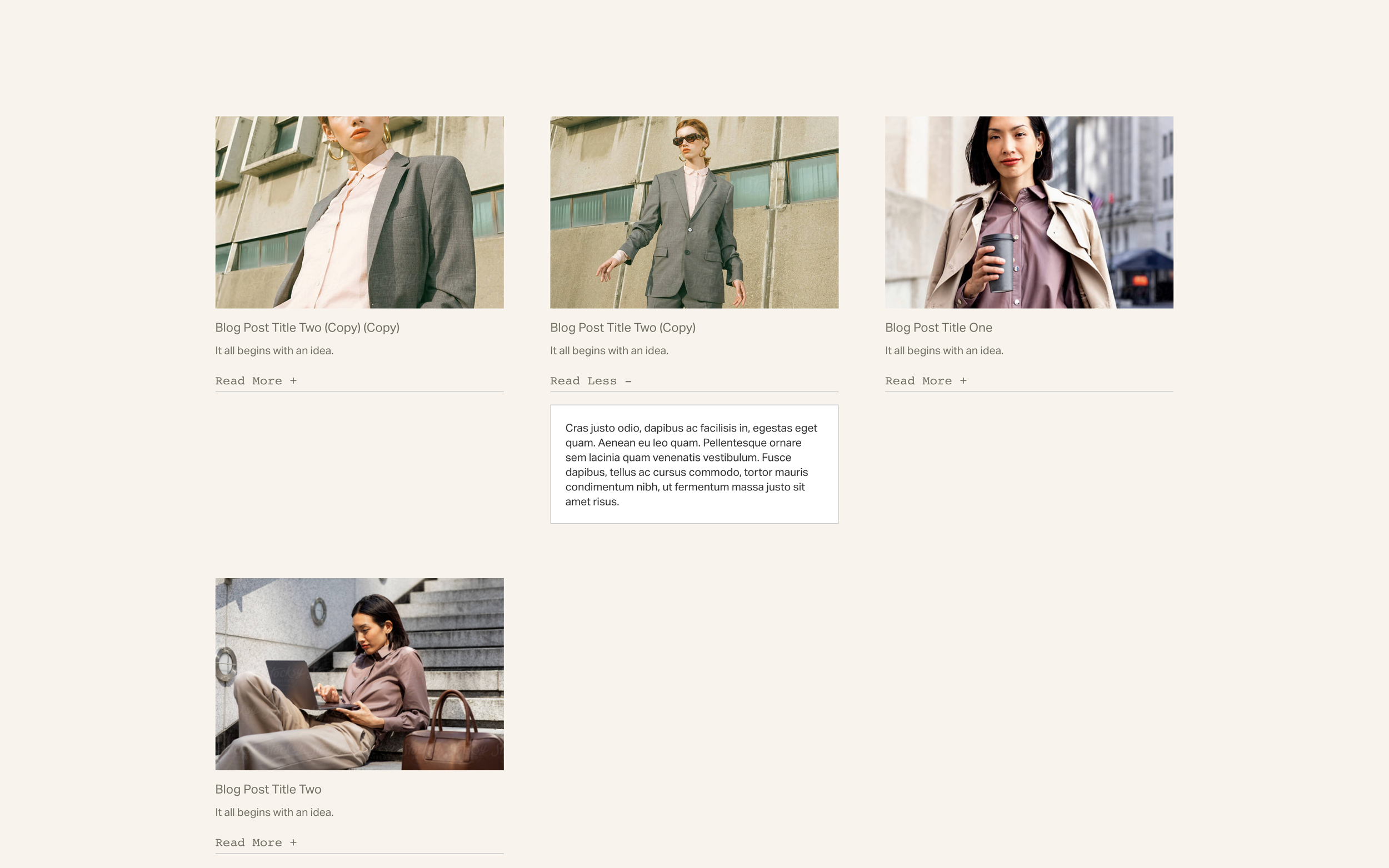
Text Toggles in List Sections
Expandable text toggles in Auto Layout Lists - click to reveal italic content.
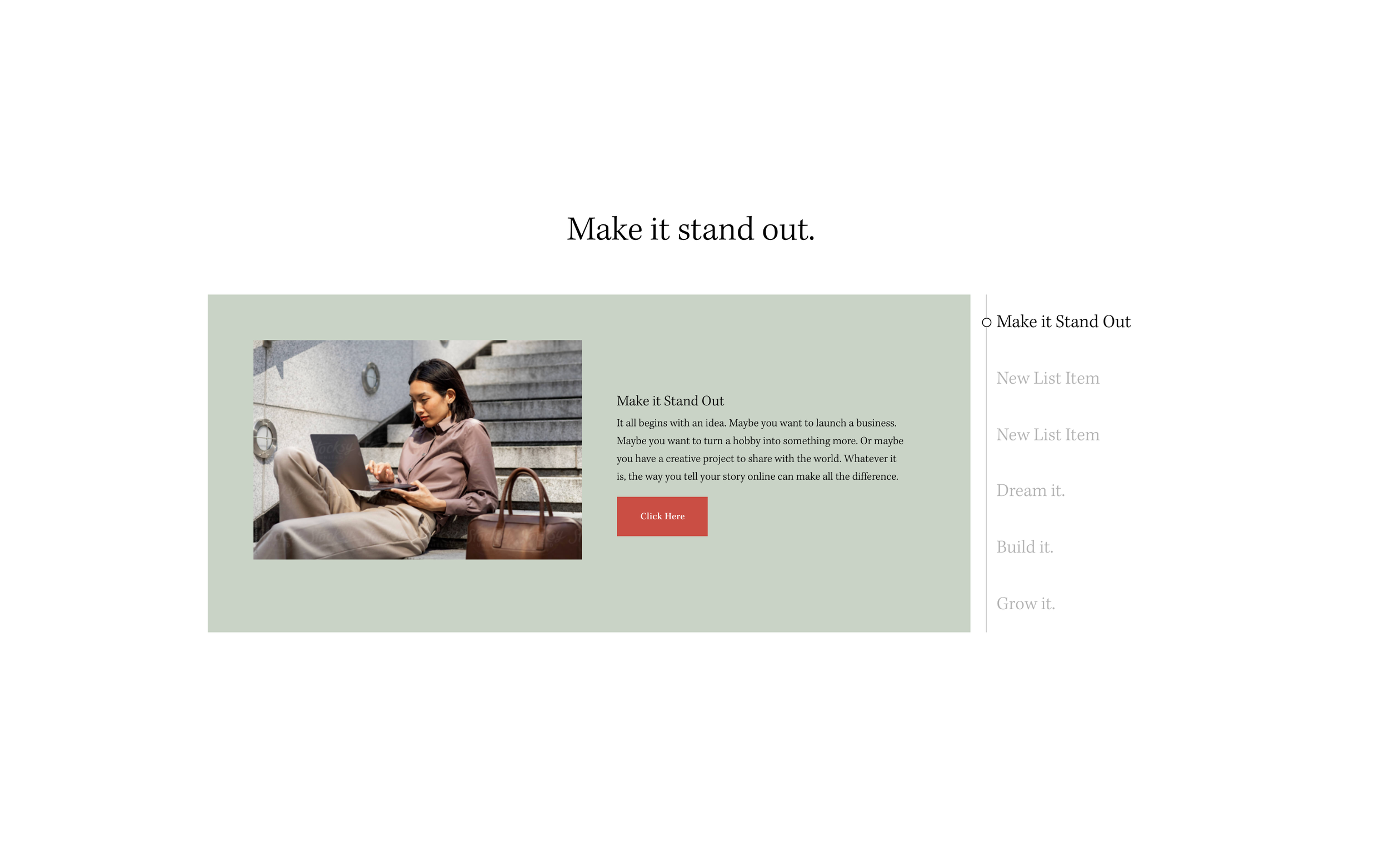
Stacked Side Tabs from List Sections
Vertical tabbed interface from List Sections - clickable side navigation reveals content panels.