

Multiple Fonts in One Heading Line
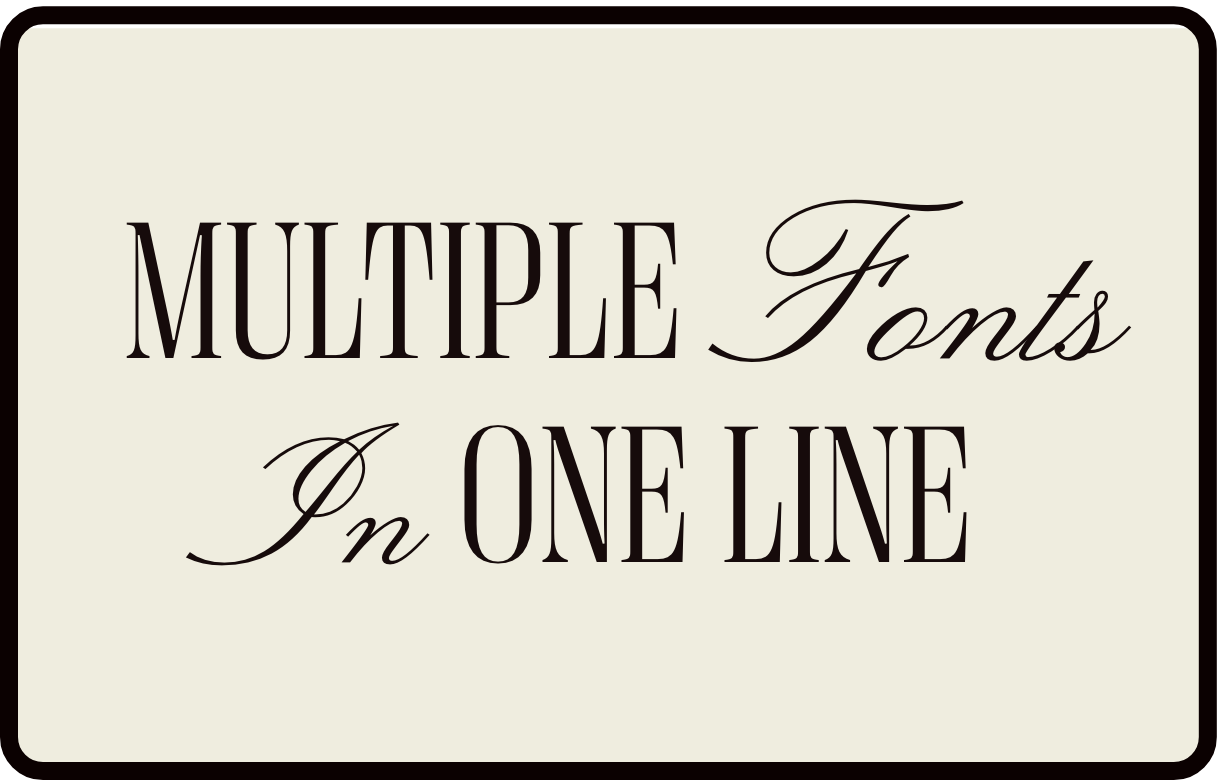
What You'll Create
Mixed-font headlines where part of your heading uses a decorative accent font while the rest stays in your primary heading font. Simply italicize the words you want styled differently, and they automatically switch to your site's meta/accent font.
The Problem It Solves
Squarespace headings use a single font throughout. If you want that editorial look where certain words appear in a script or accent font (like "Create beautiful websites"), you'd normally need to break up the heading into multiple text blocks or use complex workarounds.
Perfect For
Editorial headlines with script accents, Brand taglines with mixed typography, Decorative section titles, About page name treatments, Service page headers
What Makes This Different
This technique uses your existing Squarespace fonts—no new fonts to load. It targets italicized text within headings and swaps the font to your site's meta/miscellaneous font. Just italicize the words you want accented in any H1, H2, or H3, and they automatically display in your accent font. The styling is instant and works anywhere you use headings.
Details
Section Type: Fluid & Classic
Code Type: CSS
Prerequisites: Two different fonts configured in Site Styles (heading font + meta/miscellaneous font)
Toolkit Title: Multiple fonts one line (accent font)
Learn This Technique
This is one of 150+ code techniques taught inside Standout Squarespace, where you get:
The complete, copy-paste code
Video walkthrough explaining how it works
The principles behind the technique so you can customize it
Access to our private community for support