

Discover What You Can Build
500+ workshops, Techniques, and Resources Inside Standout Squarespace
Explore the library of techniques, templates, and resources available for you inside Squarestylist’s Standout Squarespace program. Standout students also get the commercial license to use these techniques in building Squarespace templates for sale.
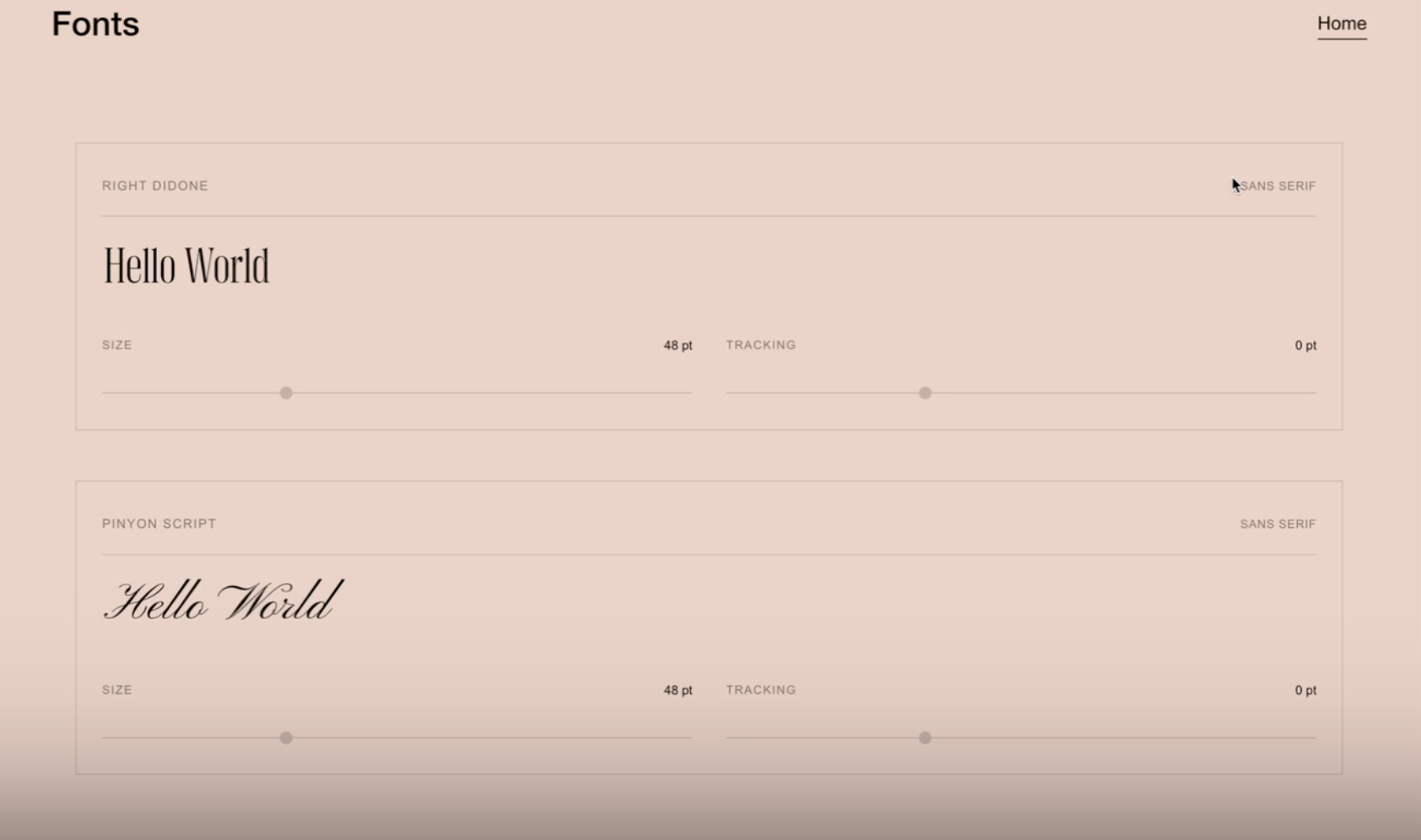
Font Sampler
Give visitors an interactive font preview right on your Squarespace site — with live typing, adjustable size and tracking sliders, and support for custom font files.

See-Through Sticky Text
Layered text effect with stroked outline text over solid text. Content scrolls through transparent letterforms. Editorial knockout typography effect.
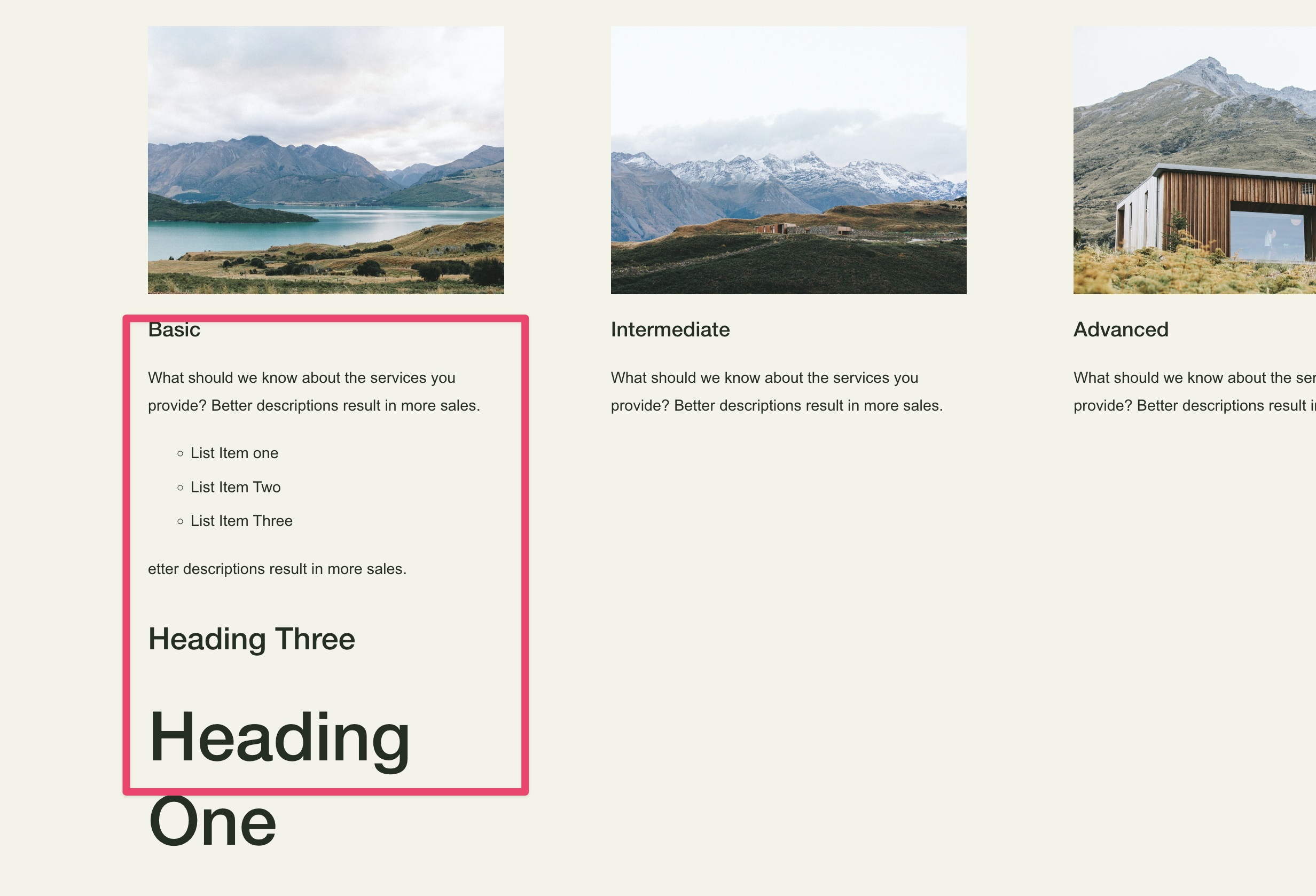
List Item Description Text Formats
Enable markdown-style formatting within Squarespace list item descriptions - transform plain text into structured headings and bullet lists using simple syntax.
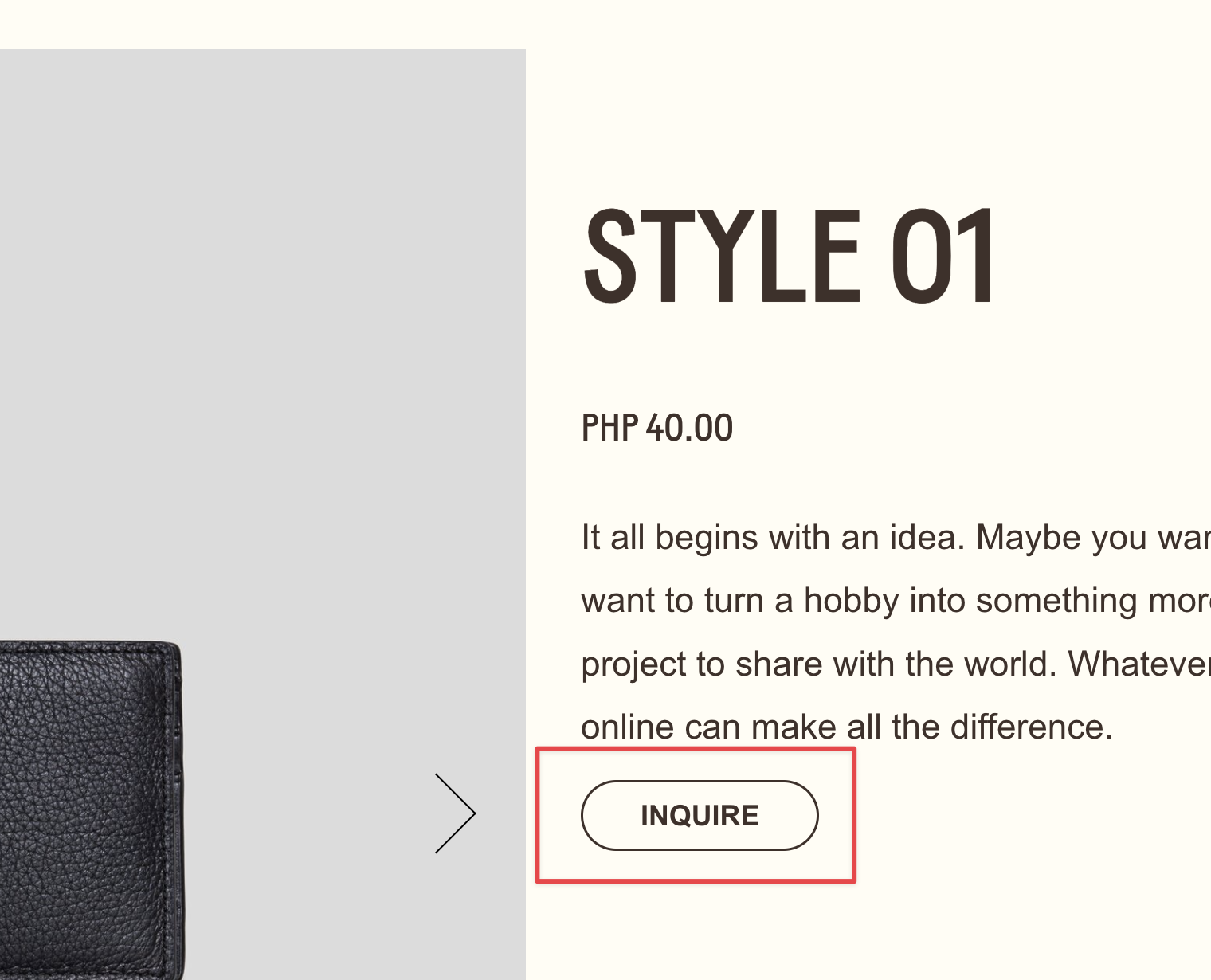
Pseudo Buttons from Text Links
Style text links to look exactly like native buttons - matching fonts, colors, padding and hover effects from your design system.
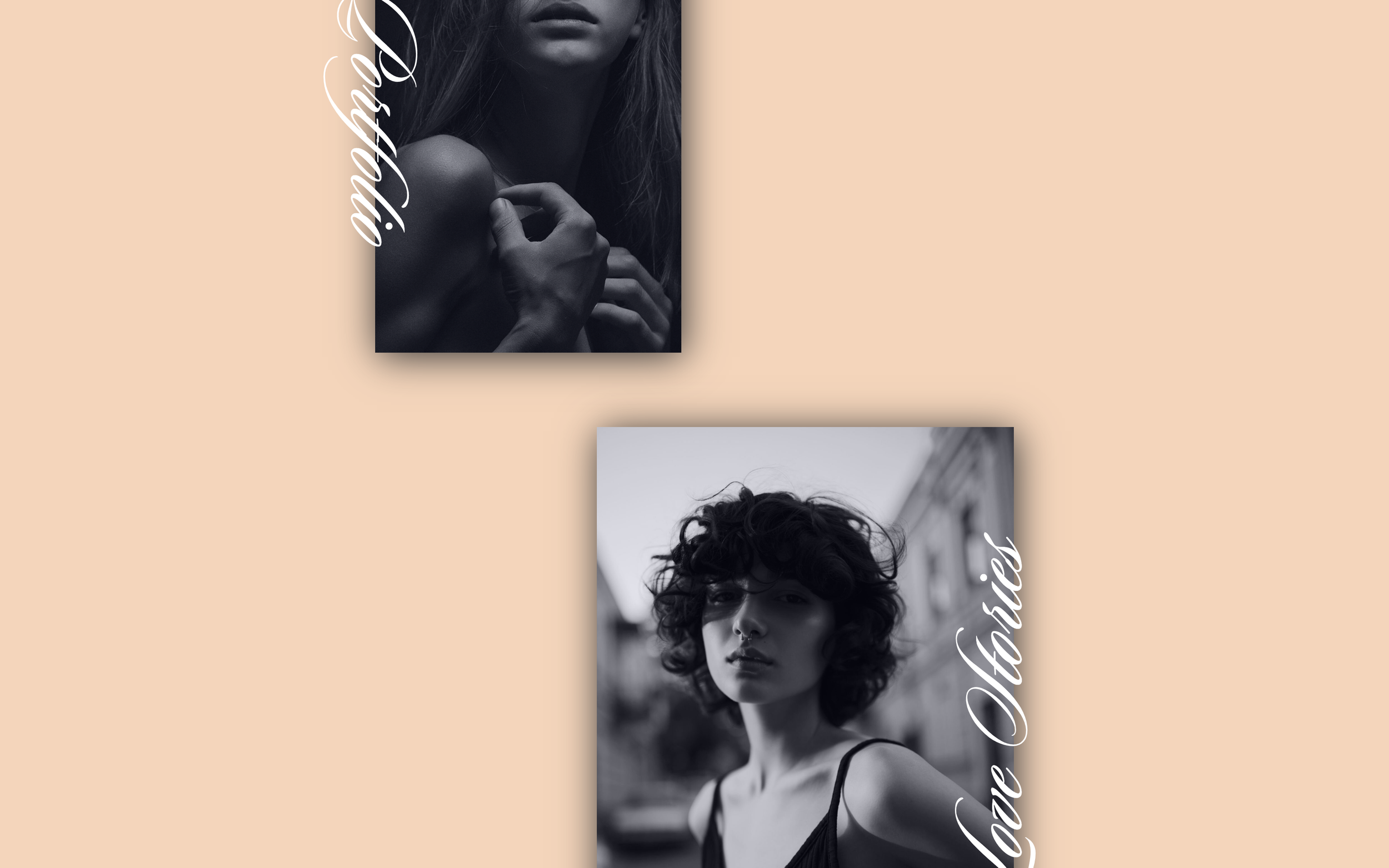
Rotated Vertical Text Title
Image titles rotated 90 degrees running vertically alongside photos - editorial magazine-style layouts.
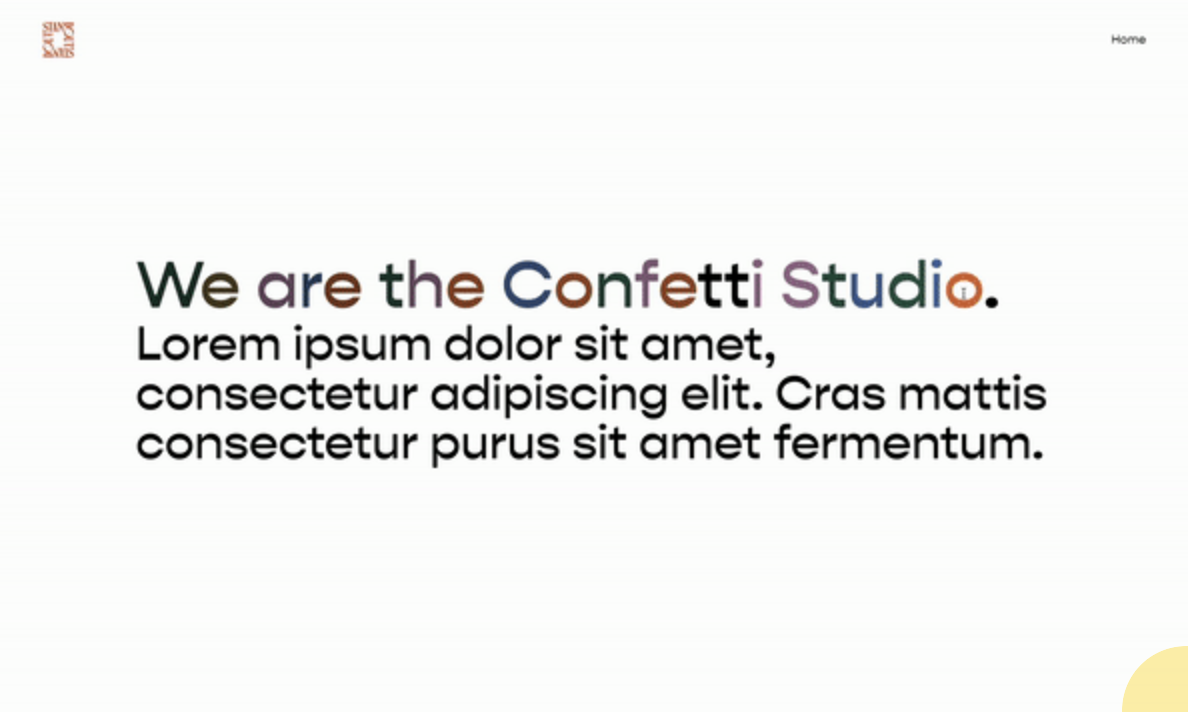
Interactive Colorful Text
Letters reveal their custom colors on hover with smooth transitions - playful interactive typography.
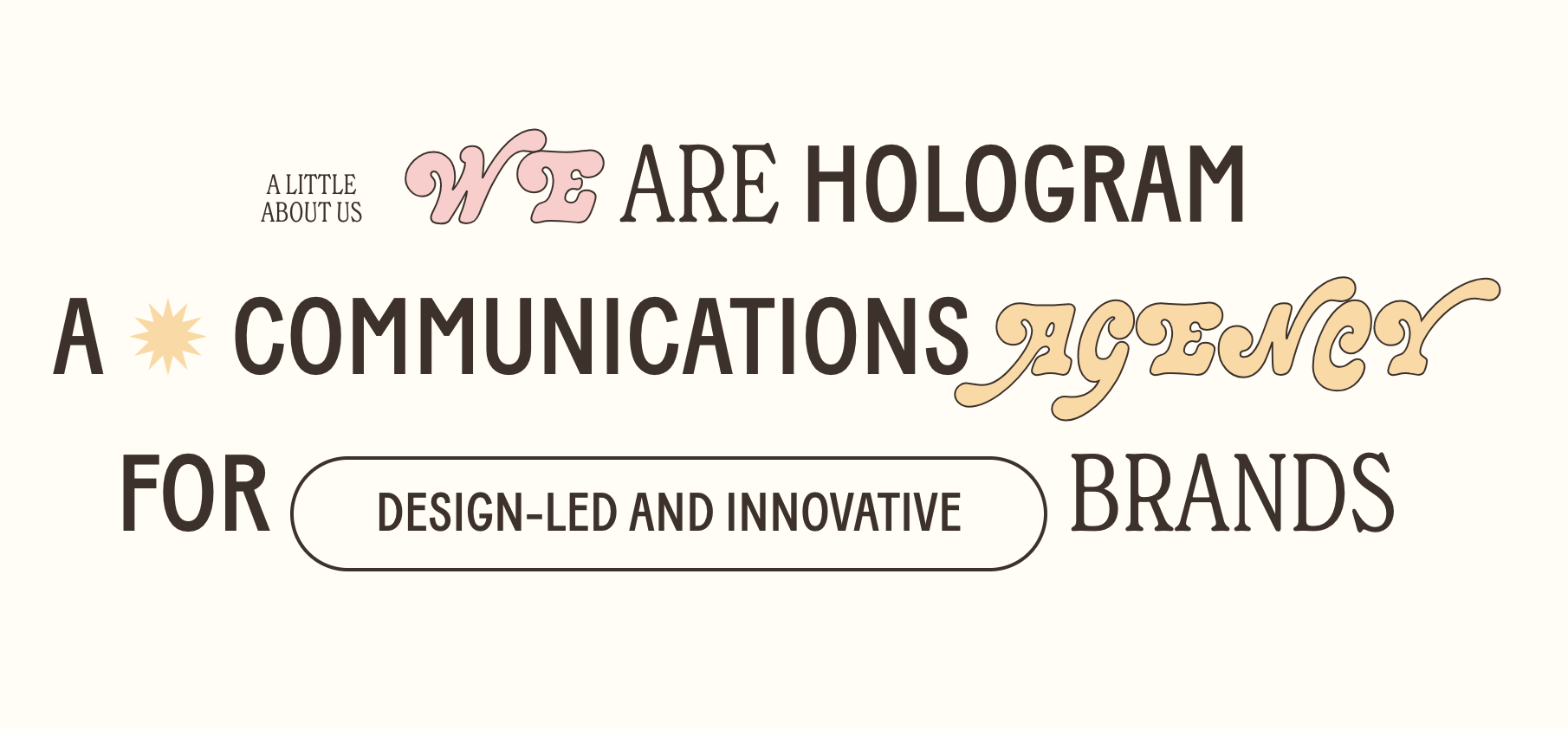
Typography Accent Elements
Decorative kicker labels and inline buttons using URL-based targeting - custom text styling without classes.
Google Material Icons
Google Material Design icons as text links - thousands of scalable icons via Google Fonts.
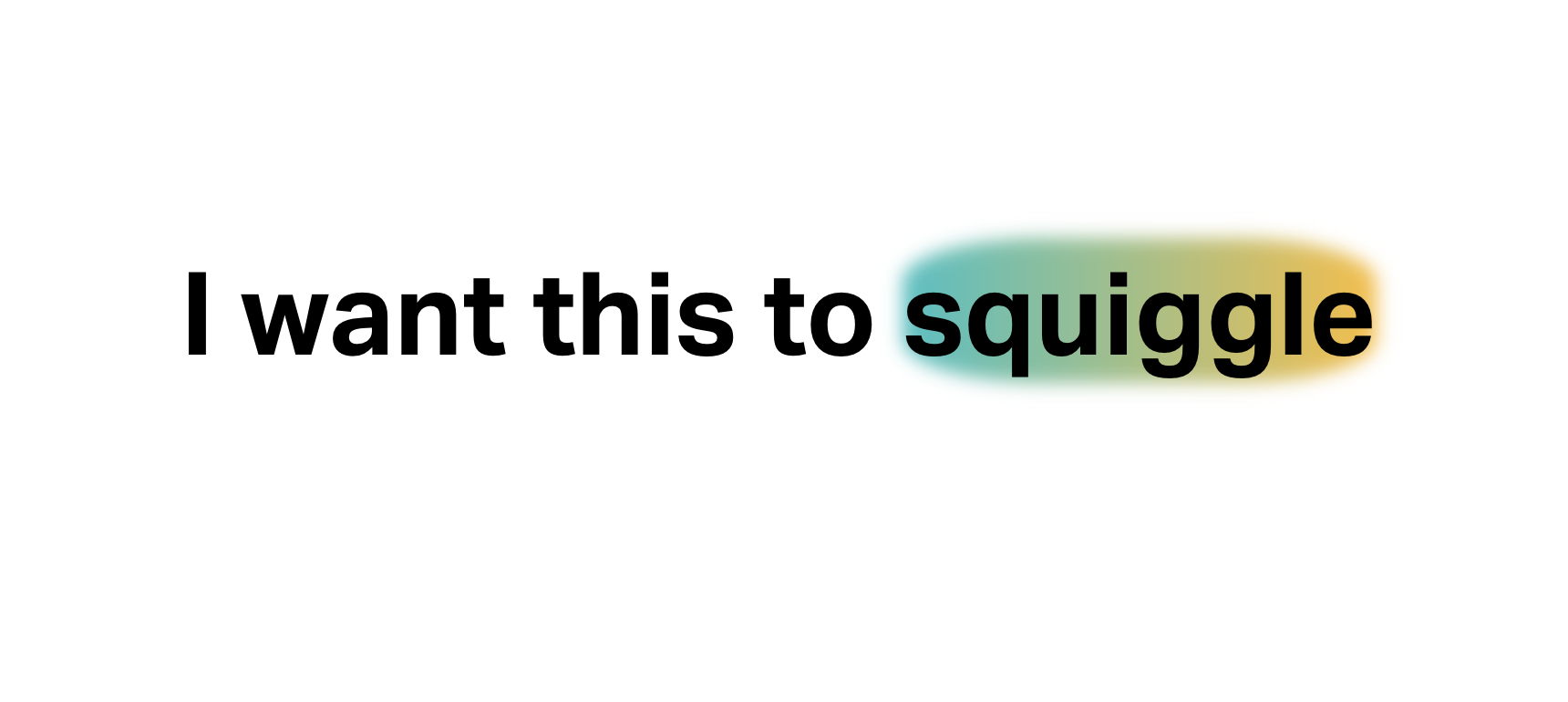
Gradient Glow Effect Behind Text
Add vibrant gradient backgrounds behind specific words for eye-catching headings.

Staggered Text Alignment with Flexbox
Create dynamic headlines with each line aligned differently using Flexbox.

See-Through Sticky Text Overlay
Create a transparent text stroke effect that reveals content behind it as users scroll. Text stays fixed while images flow underneath.
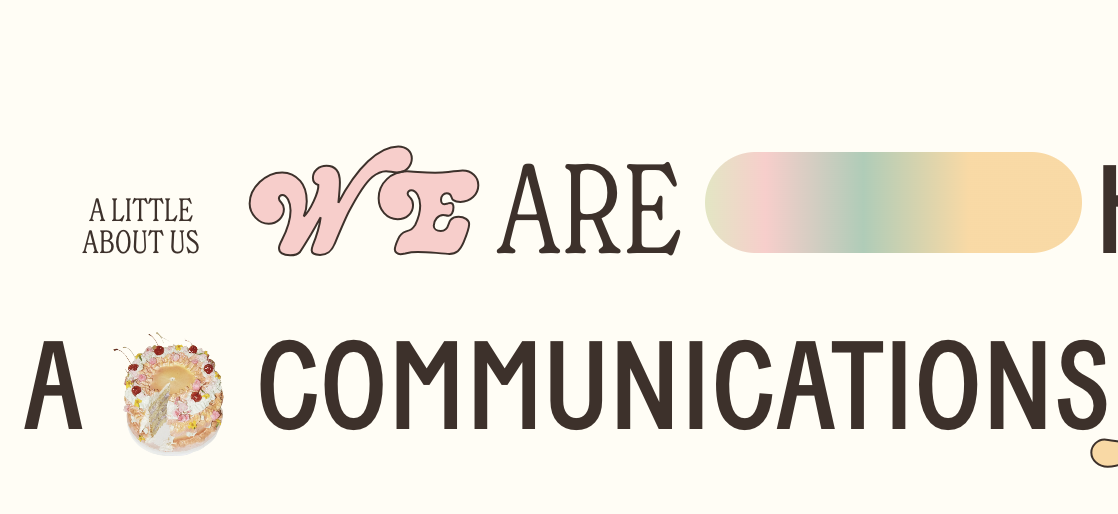
Typography Decorations with Pseudo-elements
Add decorative elements like gradient ovals or icons before and after text using CSS pseudo-elements.
Inline Images Within Text Using Keywords
Insert decorative images or icons that flow naturally within text using CSS pseudo-elements. Trigger via URL keywords or custom colors—no code editing needed to add new inline graphics.
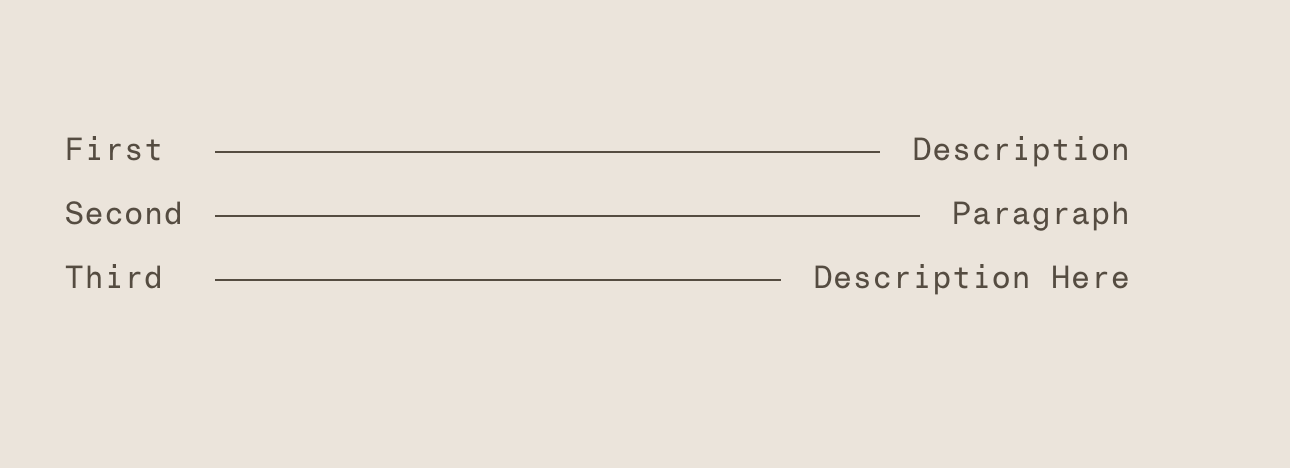
Lined List with Connecting Horizontal Rules
Create menu-style lists with horizontal lines connecting titles to descriptions. CSS Grid automatically sizes the connecting line between paired text elements.
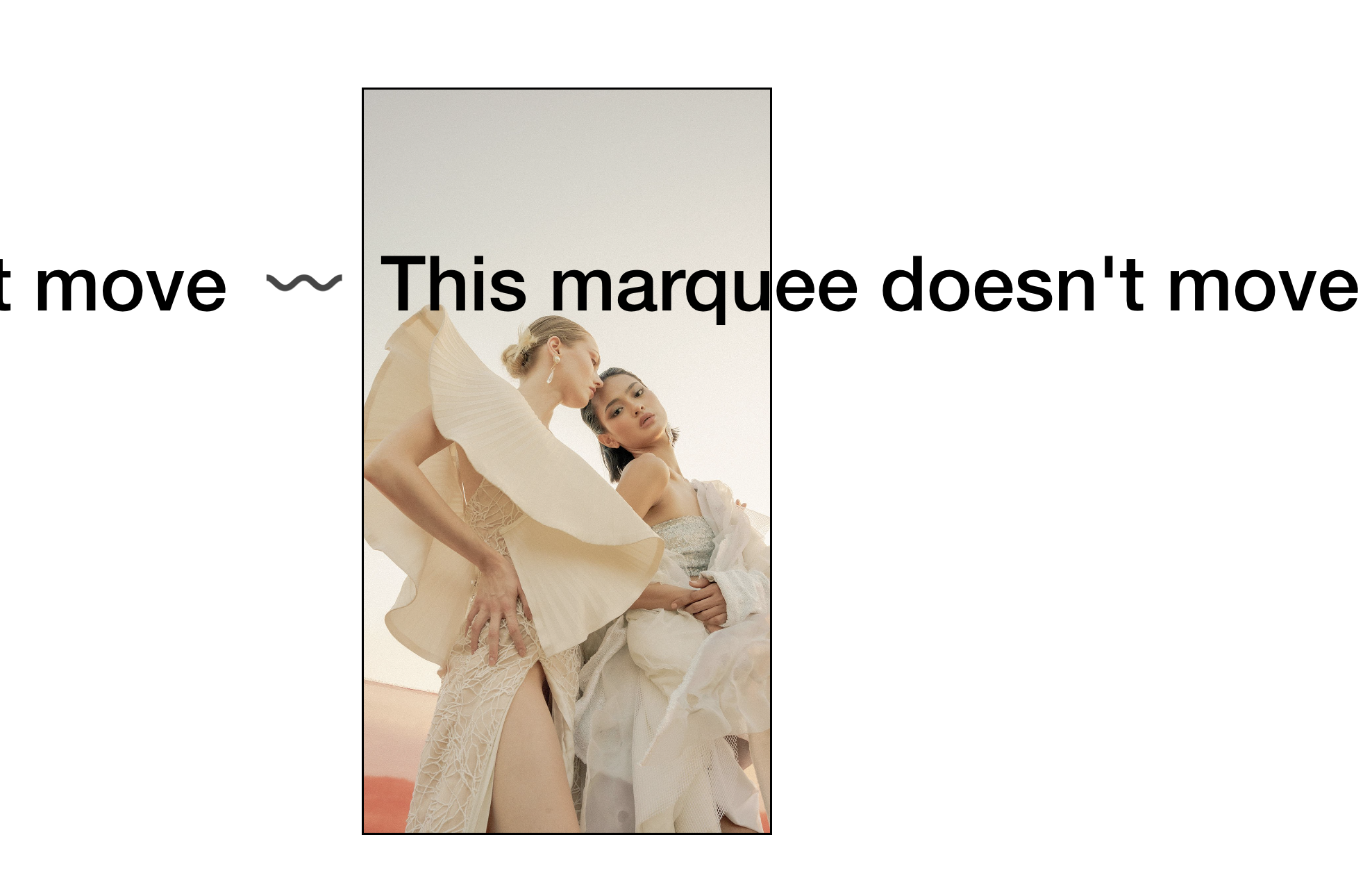
Static Scrolling Text Block (Stop Marquee Animation)
Stop the Scrolling Text Block animation and display curved SVG text without movement. Keep the marquee styling while removing the continuous scroll effect.
Image-Filled Text with CSS Clip Mask
Fill text with an image using CSS clip masks — create stunning typography where photos or textures show through your headings.

Centered Text Over Image Caption
Position image captions as centered overlays on top of images. Transform default bottom captions into eye-catching text overlays using absolute positioning.
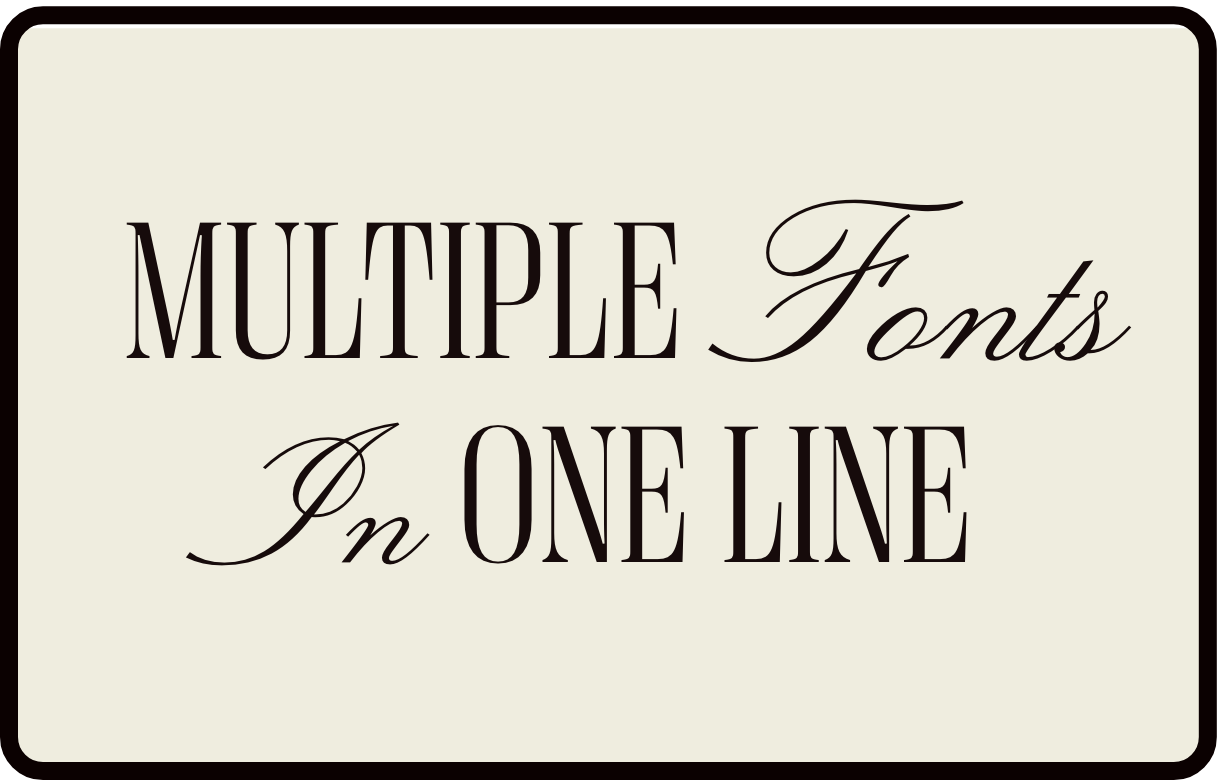
Multiple Fonts in One Heading Line
Mix font families within a single heading by targeting italicized text with an accent font, creating elegant mixed-typography headlines.
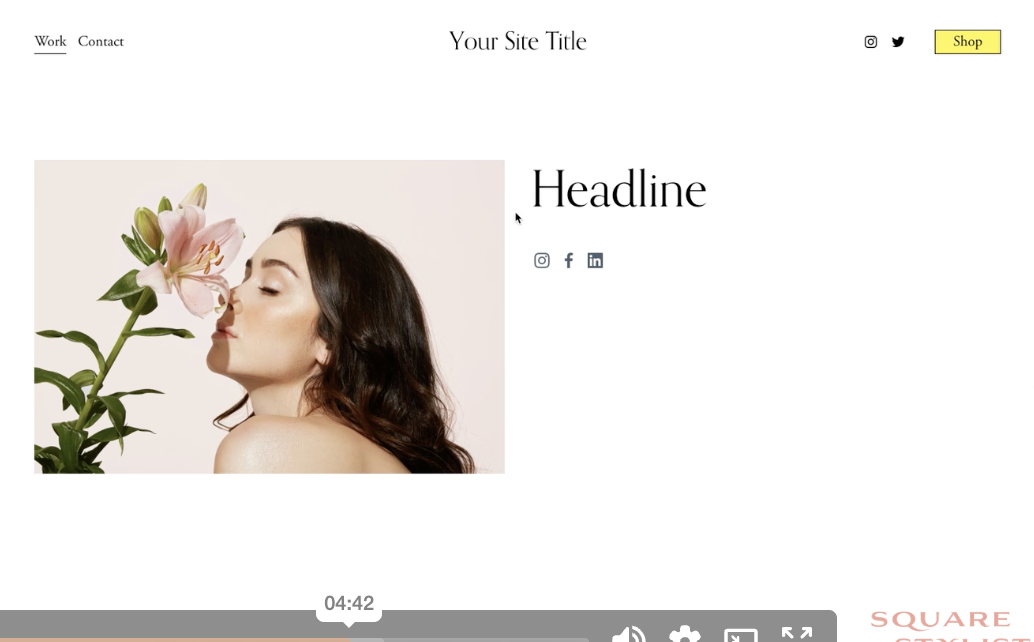
Custom Social Icons with Pseudo-Elements
Replace default social link text with custom icon images using CSS pseudo-elements—add any icon for any platform without touching the HTML.