

Lined Newsletter Block
What You'll Create
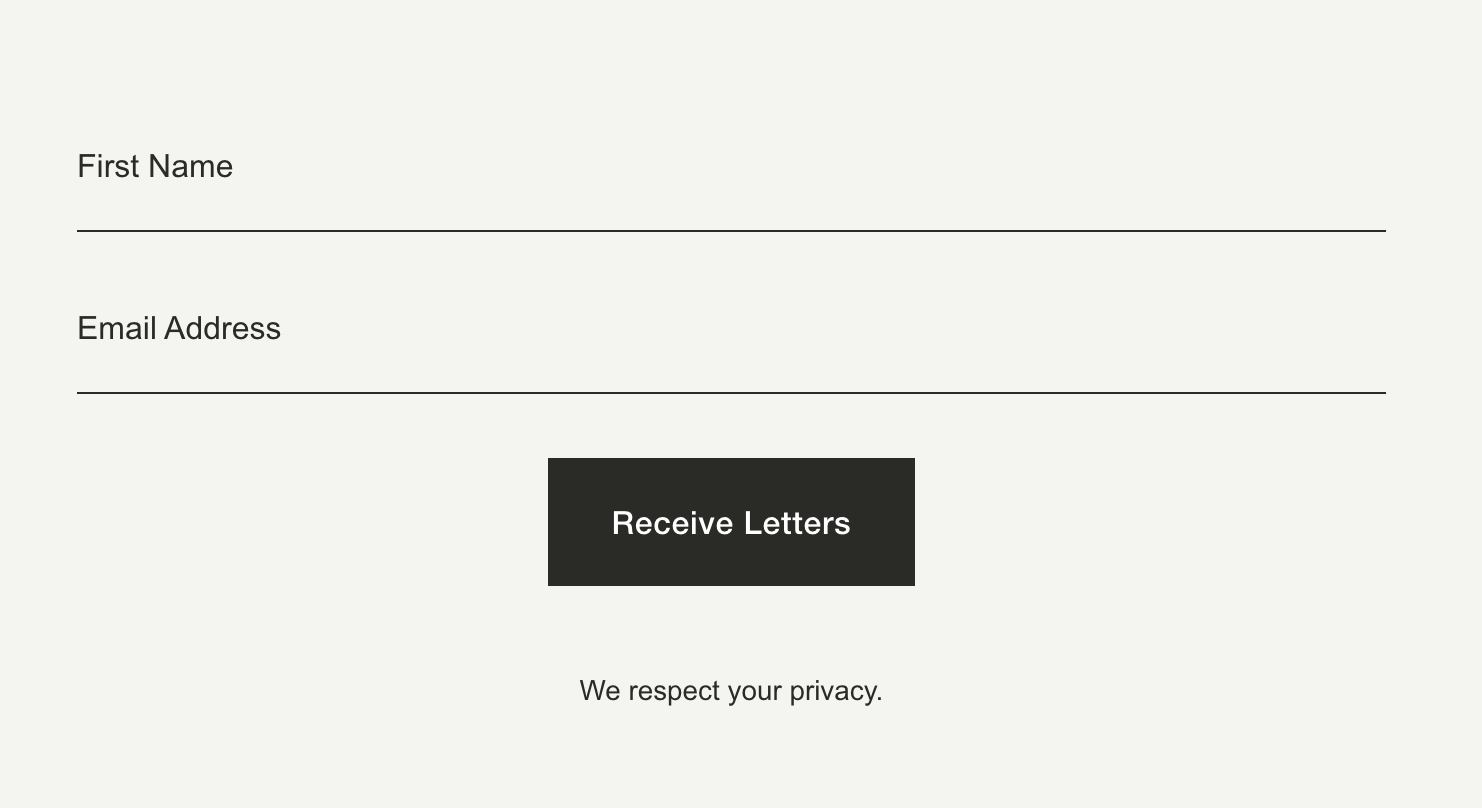
A clean, minimal newsletter sign-up form for your Squarespace site where each input field sits on a single bottom line with no background or box borders — just the field label as a placeholder and a thin underline in your site's paragraph color. Fields stack vertically at full width with the submit button below, giving the whole block an editorial, understated feel.
The Problem It Solves
Squarespace's default newsletter block uses boxed inputs with visible borders on all four sides and horizontal layouts that don't always match minimal or editorial design styles. There's no native option to switch to a bottom-line-only input style or force the fields to stack vertically at full width. This CSS-only technique strips away the box styling and replaces it with a single underline per field.
Perfect For
Editorial blog subscription forms, Minimal contact sections, Portfolio site email opt-ins, Brand landing page sign-ups, About page newsletter embeds
What Makes This Different
Each input field is set to full width with transparent backgrounds and only a 1px bottom border using your site's paragraph color. The top, left, and right borders are removed entirely. The form body is set to stack vertically so fields always appear one on top of the other — no side-by-side cramming. Input padding is zeroed out on the sides for a flush, clean alignment. Placeholder text inherits your site's paragraph color for a cohesive look. The name fieldset is also forced to full width so it matches the email field exactly. Pure CSS, no JavaScript, and applies to all newsletter blocks on the page.
Details
Section Type: Fluid & Classic
Code Type: CSS
Prerequisites: Newsletter Block added to any section. Add CSS to Design > Custom CSS.
Toolkit Title: Lined newsletter block
Learn This Technique
This is one of 150+ code techniques taught inside Standout Squarespace, where you get:
The complete, copy-paste code
Video walkthrough explaining how it works
The principles behind the technique so you can customize it
Access to our private community for support