

Floating Banner
What You'll Create
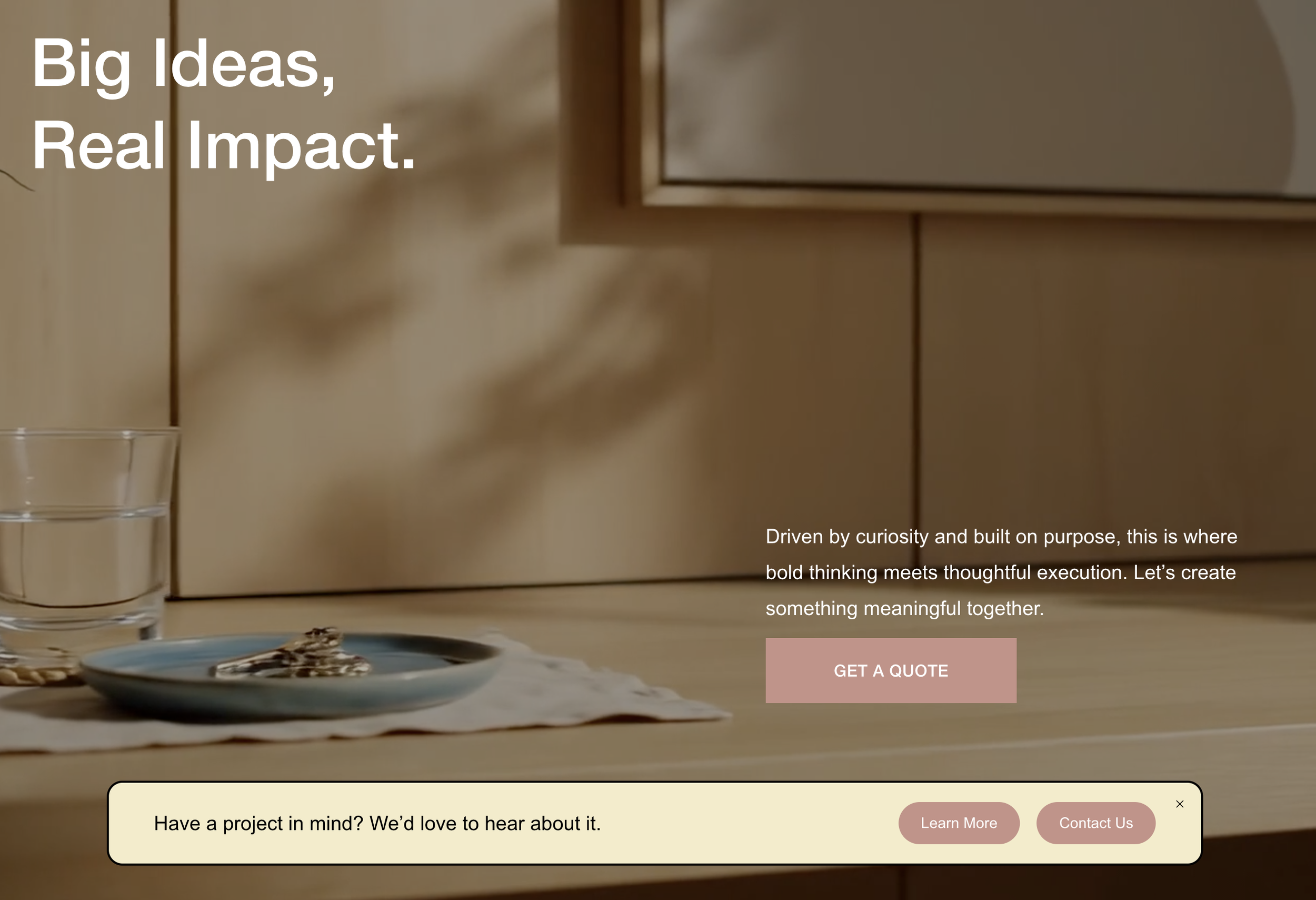
Restyle your Squarespace announcement bar into a floating banner that sits fixed at the bottom of the screen. The banner has rounded corners, a warm background (#F4EBC8), and arranges its content in a single row — a text message on the left with two pill-shaped call-to-action buttons on the right. The whole bar floats centered at 80% width, positioned just above the bottom edge of the screen.
The Problem It Solves
Squarespace's announcement bar is locked to the top of the page and only supports basic text with a single link. There's no built-in option to float it, reposition it, or turn it into a multi-button call-to-action bar. This technique unlocks the announcement bar as a fully styled floating banner with support for multiple links styled as buttons — all using the native announcement bar feature, so the built-in dismiss functionality still works perfectly.
Perfect For
Promotional sale banners, Lead generation CTAs, Event announcement bars, Product launch highlights, Contact or consultation prompts
What Makes This Different
The announcement bar is repositioned to the bottom of the screen, centered horizontally, and constrained to 80% of the screen width. Rounded corners at 15px and a 2px solid border give it a card-like feel. Inside, the content is structured using a bulleted list in the Squarespace editor — the first list item becomes the message text and sits to the left automatically, while the second and third items become pill-shaped buttons with fully rounded edges, your site's primary button colors, comfortable padding, and a smooth 0.3-second hover fade. List bullets are hidden and everything arranges into a single row. It's CSS-only and fully respects the native close behavior of the announcement bar.
Details
Section Type: Fluid & Classic
Code Type: CSS
Prerequisites: Announcement Bar enabled. Content uses a bulleted list: first item is message text, second and third items are links (styled as buttons). Add CSS to Design > Custom CSS.
Toolkit Title: Floating Banner
Learn This Technique
This is one of 150+ code techniques taught inside Standout Squarespace, where you get:
The complete, copy-paste code
Video walkthrough explaining how it works
The principles behind the technique so you can customize it
Access to our private community for support