

Newsletter Block Custom Styling
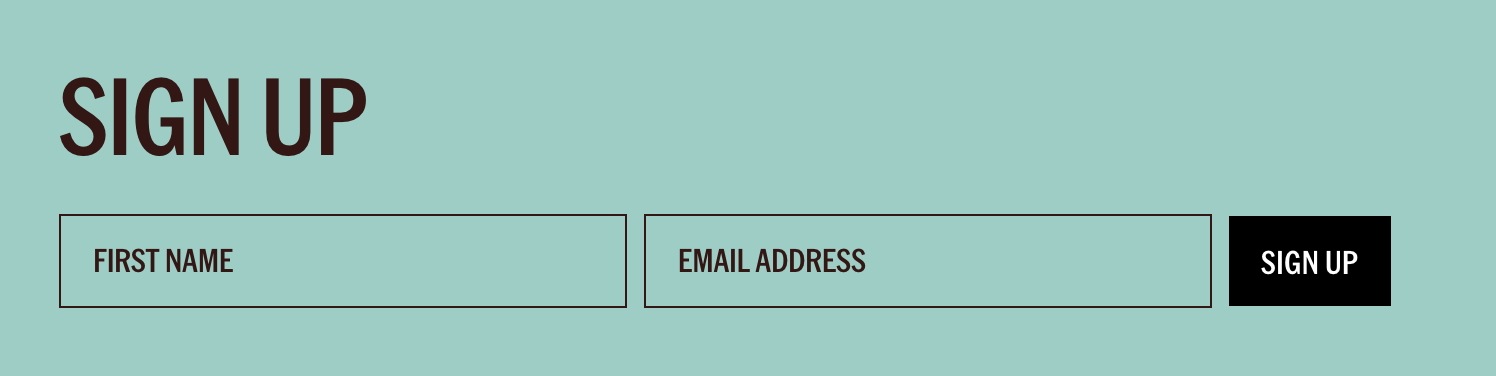
What You'll Create
A polished newsletter signup form in Squarespace with transparent input backgrounds, consistent padding, and typography that matches your site's heading fonts. The styling includes hidden description text for cleaner presentation, full-width buttons on mobile, and centered content on smaller screens—all the refinements that turn a default form into a brand-aligned component.
The Problem It Solves
Squarespace's default newsletter block styling is functional but generic. The inputs have visible borders, the placeholder text uses body fonts, and the overall appearance rarely matches carefully designed sites. This technique transforms the block into something that looks custom-built while keeping all the native functionality (Mailchimp integration, subscriber management, etc.).
Perfect For
Brand-aligned email signup sections, minimalist newsletter forms in footers, landing page opt-in areas, popup newsletter captures, any site where form aesthetics matter.
What Makes This Different
Automatically pulls your site's heading font into placeholder text—a detail that makes forms feel integrated rather than dropped in. The transparent backgrounds let your section colors show through, and the responsive adjustments ensure the form looks intentional on every device size.
Details
Section Type: Fluid & Classic
Code Type: CSS
Prerequisites: Newsletter Block added to page. Basic understanding of CSS custom properties.
Toolkit Title: Newsletter Block
Learn This Technique
This is one of 150+ code techniques taught inside Standout Squarespace, where you get:
The complete, copy-paste code
Video walkthrough explaining how it works
The principles behind the technique so you can customize it
Access to our private community for support