

Inside Standout Squarespace: Become a Web Designer in the AI era
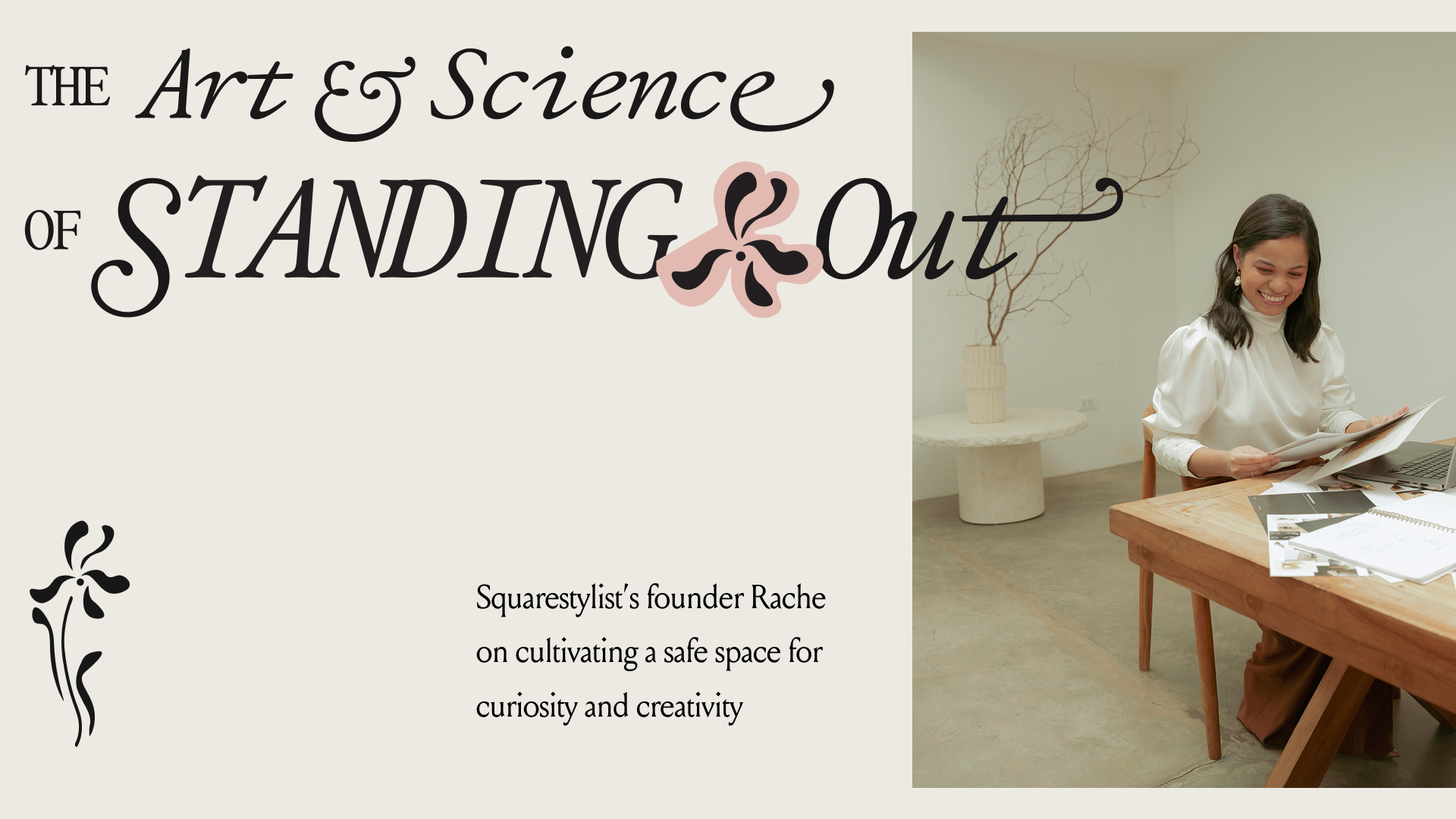
A guided tour of my flagship program, following the same journey I take my students on—from strategy and first lines of CSS to a thriving web design business
Inside Standout Squarespace: Become a Web Designer in 2026
a.
Squarespace
b.
Video
Some might see Squarespace as limiting. But because I took the time to understand how to work with code and push its boundaries, I learned to make magic from this simple tool, and I believe that has become my edge as a web designer.
At first, I only wanted to learn code because I had a vision in mind and needed code to implement it. What I discovered along the way is that learning code sparked my creativity, too. That made me wonder: what if I could teach other designers to code, so they could develop the same deep understanding of how to use it to their advantage? That question inspired me to create Standout Squarespace.
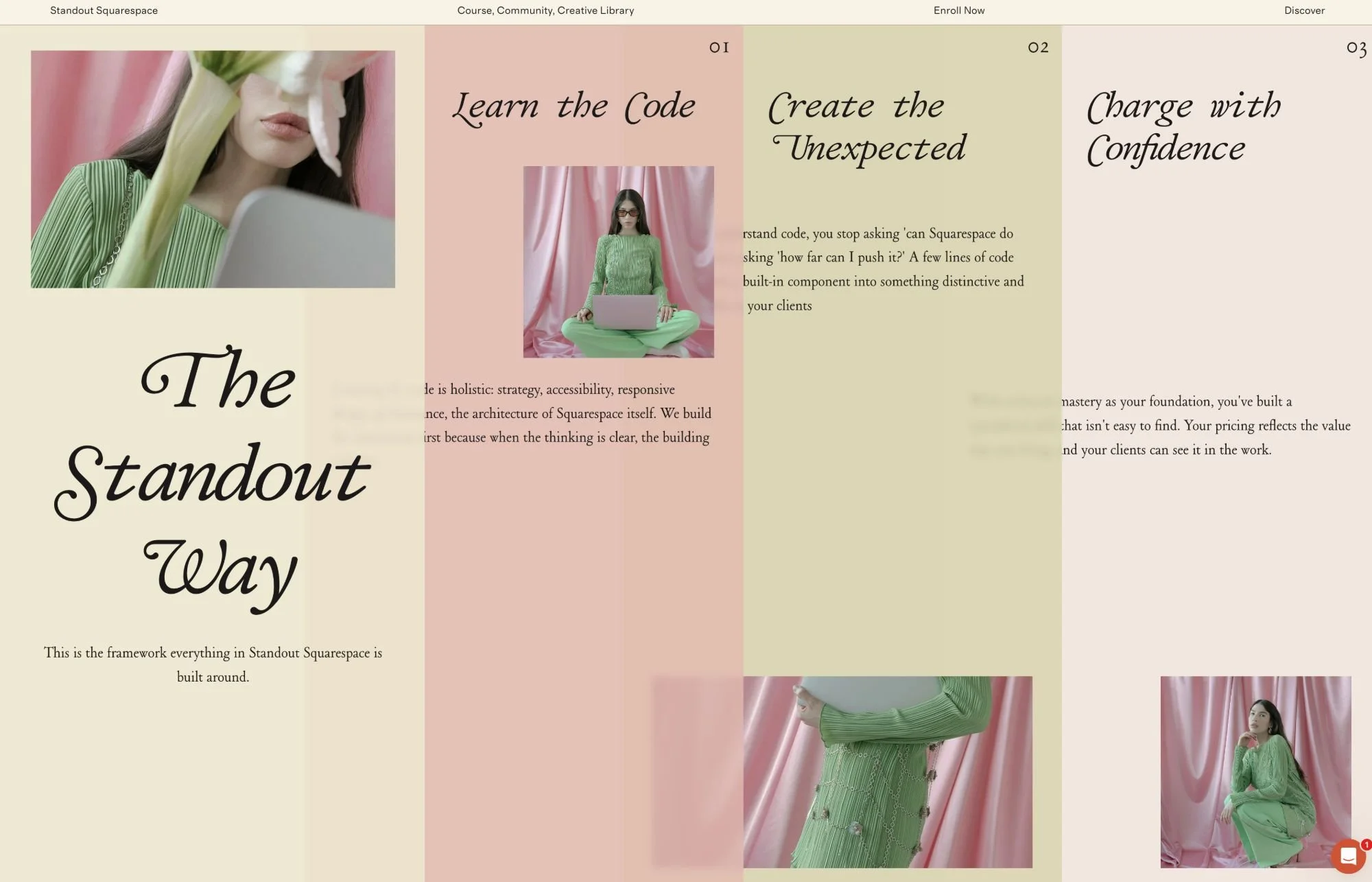
In this post, I'll take you inside the program through the pillars behind my method, the projects you'll build, the tools you'll take with you, and the kind of designer you become on the other side.
Who Standout Squarespace is for
Standout Squarespace is a program for aspiring and established website designers who believe that continuously honing their craft and innovating is the key to setting their work apart.
It might be hard to believe that a single program could cater to such a wide range of designers, from beginners to advanced. But the main driving force behind our community is a shared love for learning. So while the curriculum walks you through the very basics, right from starting a Squarespace account, it also grows alongside the ever-evolving needs of working web designers.
For me, the most fulfilling part is witnessing students go from intimidated or overwhelmed by code to confident and genuinely excited by it. I love watching that confidence ripple into how they price their work, how they lead sales calls, and how they realize what they're truly capable of.
The method behind the program
Learning code goes far beyond writing code; my approach is much more holistic. Everything inside Standout Squarespace is organized around the pillars of my method, so instead of a scattered collection of lessons, you follow a progression: design with intention, master Squarespace and its code, then use that mastery to create the unexpected. Here's what each pillar looks like in practice.
Pillar 1: Design with intention
A standout website starts long before you open the Squarespace editor. It begins with intention and strategy, not tinkering.
Inside the program, that means gathering client insights through our discovery workshop and discovery questionnaire, alongside website content prompts and guides. We discuss responsive design in Squarespace, accessibility, and designing for discovery and performance. You'll work from an entire Squarespace-specific SEO checklist, as well as guidelines on how to design for AI visibility, because that's where search is heading in 2026.
Equipped with those design principles, you'll build your homepage layout in Figma or Adobe XD using our wireframe kit. It comes stocked with the icons, shapes, and dividers that are built into Squarespace, so what you design translates seamlessly into the platform.
Pillar 2: Master Squarespace and its code
The second pillar is mastering our tool—Squarespace itself—and its underlying code.
We start by making the most of Squarespace's built-in features. You'll build a complete project that demonstrates how to use native elements and components in an aesthetic and functional way, learning to create every page type along the way: portfolio, blog, shop, even courses. Just as valuable, you'll learn when not to use code, so your sites stay easy for clients to edit on their own.
From there, you'll learn the very basics of how to write CSS in Squarespace. No coding experience is required. You're guided step by step to understand how to scope code so you never break parts of a website unintentionally, and to write code that's scalable and easy to maintain from day one.
Pillar 3: Create the unexpected
The third pillar is where the fun begins: using your mastery of Squarespace and its code to innovate.
You'll learn the smart way to add code to Squarespace, making the most of existing components so that sections and blocks remain easily editable by clients. You'll also discover the value of code beyond aesthetics. We use it to present content that's aligned to the brand style yet still accessible to screen readers and search engines, or to add a background gradient instead of a heavy image, which keeps pages fast.
You'll build a second complete project as you learn the essential coding techniques, and you'll be surprised at how combining just a handful of them opens up dream layouts in Squarespace. We then build a full Squarespace template together, so you learn how to properly incorporate coded features into templates you can sell at a premium price.
The tools that put the pillars to work
Our smart coding method is the key to a faster creative workflow, so we've built the pillars directly into tools you can use right away.
The first is the Montage master template. Every time you start a new Squarespace project, you can duplicate Montage and instantly have a site packed with sought-after features you can activate without slowing anything down. It also works as an upgrade suite, so if you're redesigning an existing Squarespace site, you can still apply its components.
The second is our Adagio Animations library. If you'd like to introduce movement, interaction, and what we call scrollytelling into your Squarespace websites, you'll adore this one. You can install the entire catalog in seconds and activate one or many animations in any project using simple keywords, then customize them further with your code fundamentals.
Systems to run your business with ease
Sought-after skills need systems behind them, so the program guides you through facilitating Squarespace projects from inquiry all the way through launch.
You'll become more confident in sales calls and in scoping projects: knowing when Squarespace is the best platform, when to recommend something else, and when to integrate third-party software. You'll also find ready-to-duplicate client hubs, communication frameworks, and a project management system, along with guidance on managing client expectations by communicating the value of accessibility, responsiveness, and performance.
Many students arrive winging it through endless email threads. They leave with a process that clarifies each client's vision, filters for good-fit projects, and makes every engagement feel professional from the first inquiry.
Where the pillars take you
The best part is that these skills have many applications, whether you choose to run your own studio, work in an agency, sell digital products, or expand to other platforms. That's why the program includes supplementary resources to support wherever you're headed.
The Selling Squarespace Templates Masterclass walks you through running a template business, and we've had many success stories of students who now focus on selling templates. I love this model myself: I remix my own templates so I don't have to design from scratch every time, and clients get a polished, high-end website experience without the full custom price. There's also our Figma Design Essentials training, which helps you explore ideas for your Squarespace designs and equips you to offer design as a standalone service. And students have carried these foundations into Shopify, Kajabi, and fully custom builds.
With so many resources, you don't need to go through all of them to make the most of the program. It's a library where you pick what you need at the moment. We even launched an AI-powered Course Discovery tool: describe the feature you have in mind, or upload a client's inspiration image, and it points you to the exact workshop or lesson to revisit.
A program that grows with you
Squarespace is always evolving, so the program is continuously updated with new techniques, workshops, and code snippets. And you're never learning alone: our community brings together hundreds of like-minded designers who support each other with feedback, troubleshooting, and even project referrals.
With technical mastery as your foundation, you become more confident in running your design business and pricing your services. You know the features you develop are directly achieving business goals for your clients, and you've built a specialized skill that clients can't easily find elsewhere—all while giving them the delightful Squarespace interface that makes managing their own website a breeze.
Is Standout Squarespace right for you?
If you're on the fence, it's good that you're thinking it through. You might be wondering about the time commitment, or whether the program is too basic or too advanced for where you are. You're always welcome to reach-out, and I'm happy to help you assess whether it fits your goals.
What I can assure you is this: you'll have a deep library of resources, my guidance and mentorship pointing you to the right one at the right time, and a community cheering you on. If you love continuously learning and innovating, and you're excited to discover what you're capable of, Standout Squarespace is here waiting for you→