SQUARESPACE
COURSE
OVERVIEW
Standout squarespace is the leading web design course
behind today’s most awe-inspiring squarespace websites
Course Modules here
-
Module 1 / Intentional Design
Master the essential elements that elevate websites from ordinary to extraordinary, including strategic planning, user experience, and accessibility. Learn to craft intentional designs using our Standout®️ checklist, wireframing techniques, and best practices for responsiveness, accessibility, and performance.
Intentional Design
-
Module 2 / Squarespace Core
Learn to push the boundaries of Squarespace design by mastering the Fluid Editor, custom typography, and advanced block usage. Discover efficient techniques for translating your designs from XD/Figma to Squarespace, ensuring responsiveness and cross-browser compatibility while creating standout websites.
Squarespace Core
-
Module 3 / Build-out & Launch
Master the art of creating captivating Squarespace websites from header to footer, focusing on conversion-oriented design for key pages and collections. Learn to leverage saved sections, optimize for performance, set up e-commerce functionality, and seamlessly hand off your projects, preparing you to launch professional, results-driven sites.
Build-out & Launch
-
Module 4 / CSS Essentials
Perfect your skills in precise CSS customization for Squarespace, learning to identify and style specific elements efficiently using our Smart Selector Index. Dive deep into responsive design, accessibility best practices, and SEO optimization techniques to create highly customized, high-performing Squarespace websites.
CSS Essentials
-
Module 5 / CSS Techniques
Elevate your Squarespace designs with essential CSS techniques that enhance both aesthetics and functionality, including typography, background styling, and custom animations. Learn to implement these advanced methods within Squarespace's latest interface, creating stunning, easy-to-edit, and high-performing websites.
CSS Techniques
-
Module 6 / Creating Coded Templates
Synthesize all previously learned techniques to build professional, client-ready Squarespace templates using our signature Standout method. Apply smart automation strategies to streamline template delivery, ensuring a seamless experience for clients while showcasing your advanced skills in a capstone project.
Applications
-
Business Unit
Transform your design skills into a thriving business with strategies for client acquisition, premium pricing, and streamlined operations. Equip yourself with essential tools including customizable contracts, efficient project management systems, and comprehensive client guides to establish a professional and profitable Squarespace design practice.
Business Unit
REsource library

Cycle through visual states on a timer — swap background colors, reveal different images, and animate text changes at custom intervals using a single section anchor.
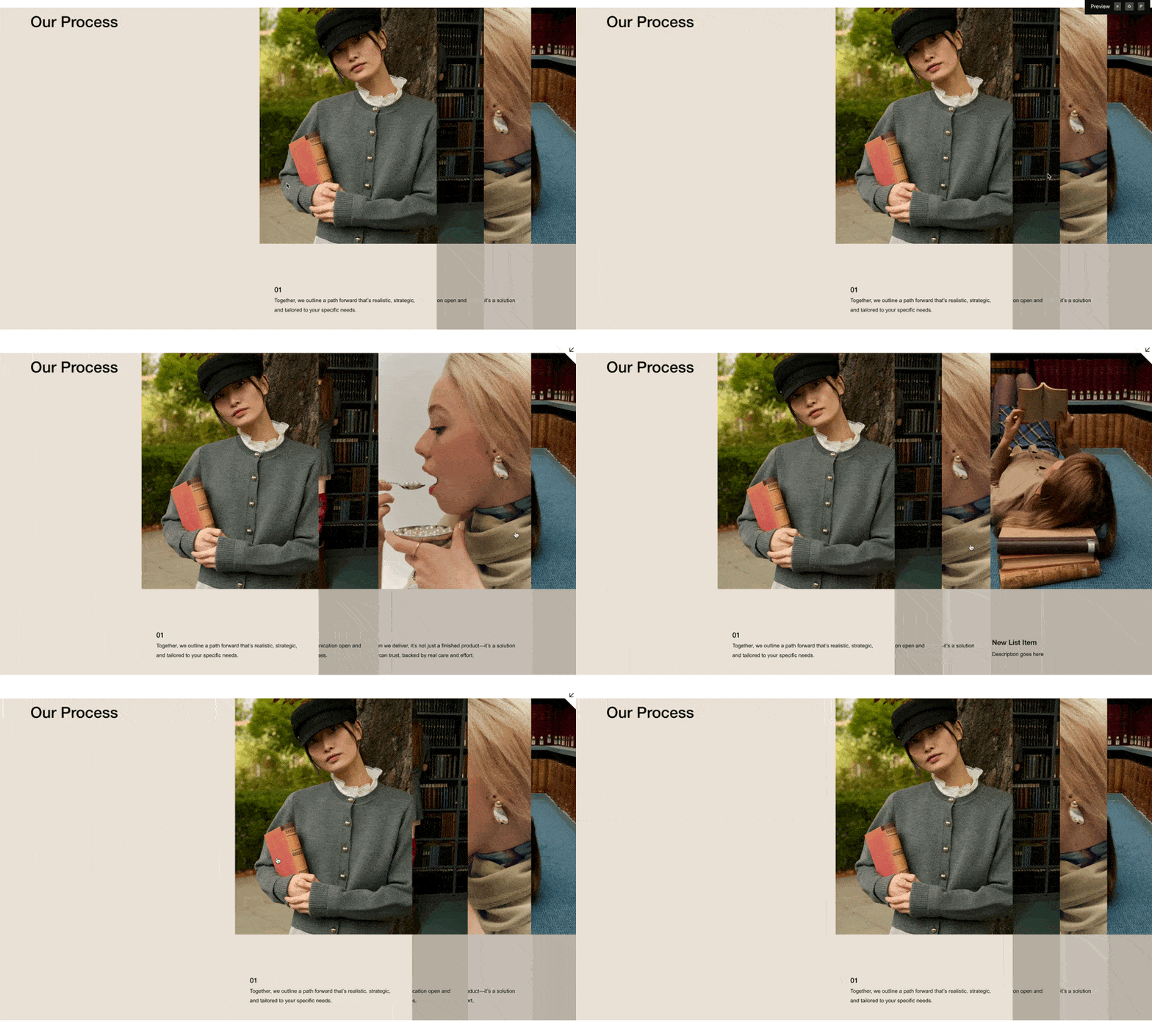
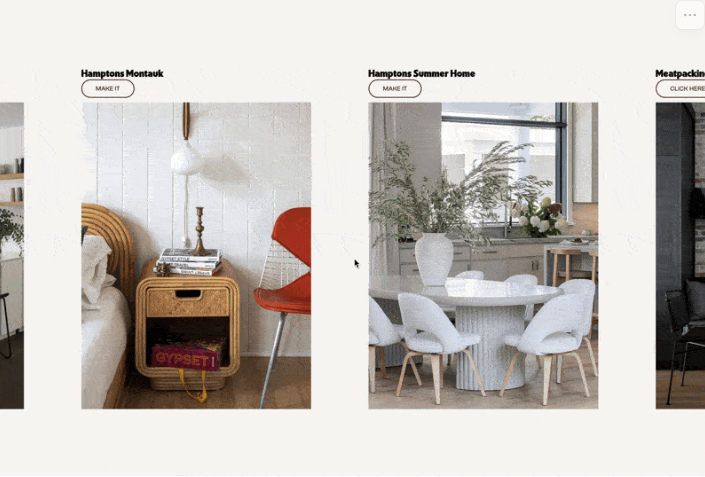
Stack list items as layered cards that slide apart on hover, revealing content beneath — a dramatic tabbed interface built entirely from a Squarespace List Section.
Force your Squarespace product detail page to use the stacked mobile layout on tablets — so the gallery and details flow vertically instead of awkwardly cramming side by side.
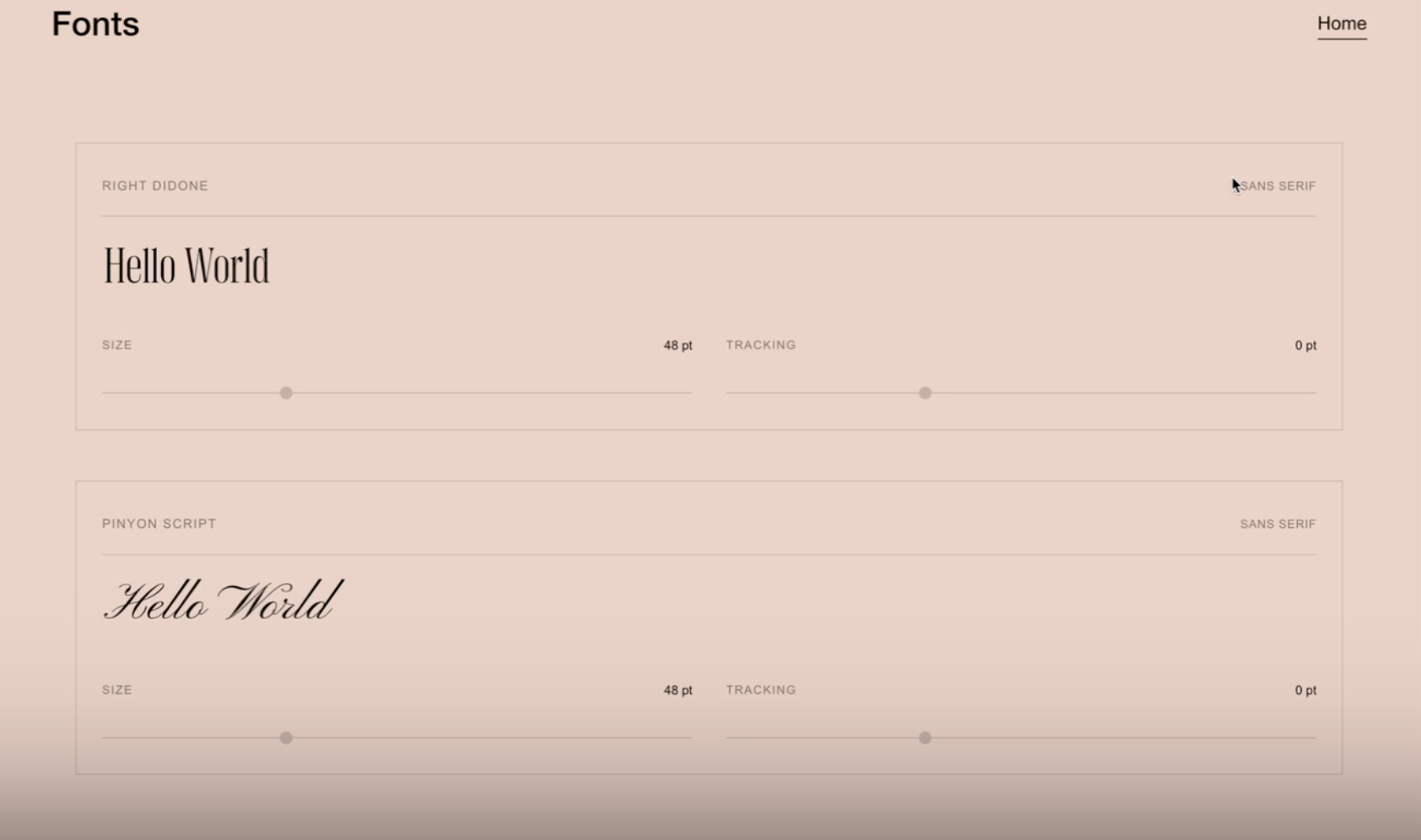
Give visitors an interactive font preview right on your Squarespace site — with live typing, adjustable size and tracking sliders, and support for custom font files.
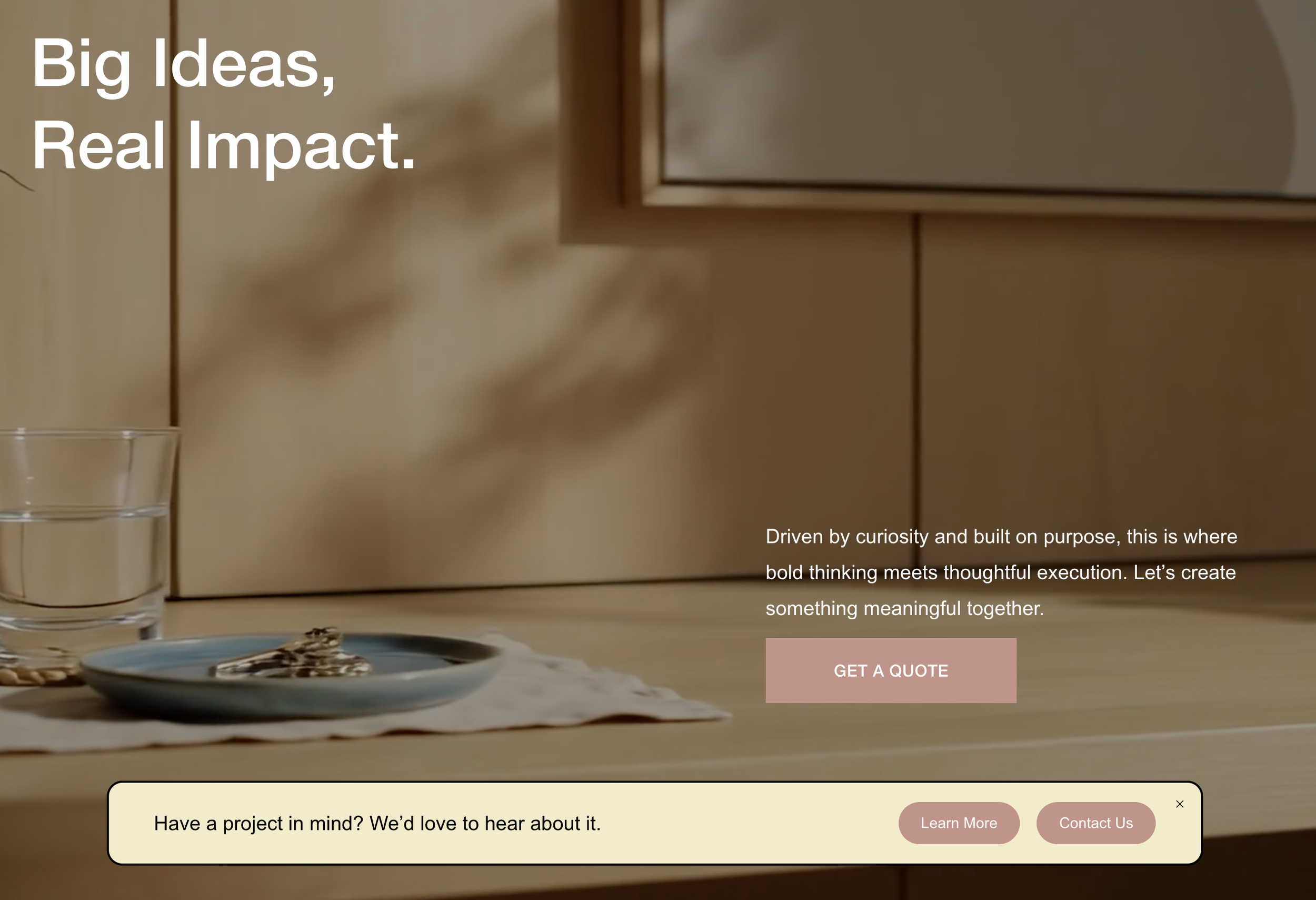
Transform Squarespace's announcement bar into a floating, rounded banner pinned to the bottom of the screen — with inline text and pill-shaped CTA buttons.
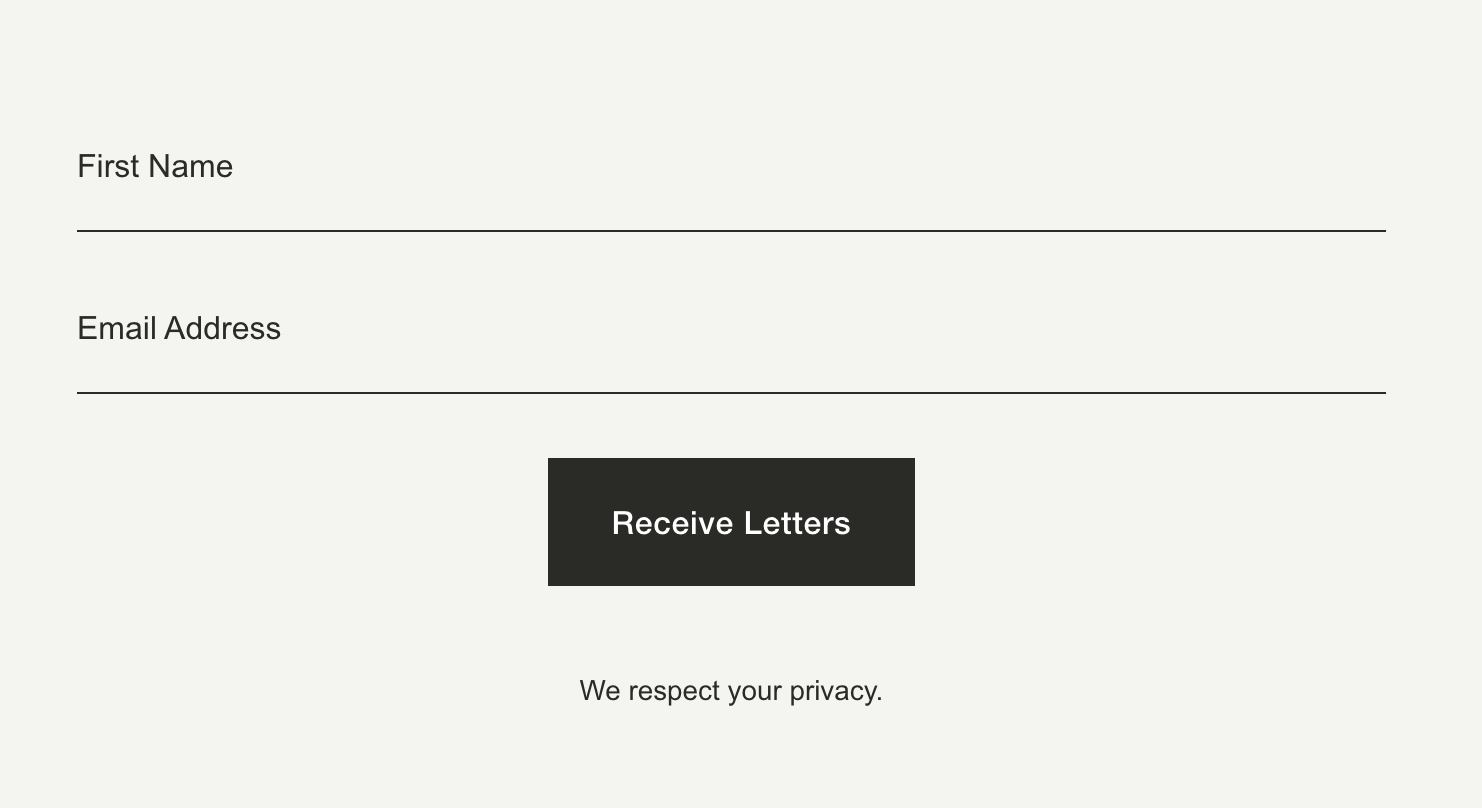
Restyle the Squarespace newsletter block with clean bottom-line inputs, transparent backgrounds, and a stacked vertical layout — for a minimal, editorial look.
Display any section or block from the same Squarespace page — like a video or gallery — in a lightbox or slide-out overlay, triggered by a simple link.
Pull content from any Squarespace page — or a specific section within it — and display it in a lightbox or slide-out overlay, triggered by a simple link.
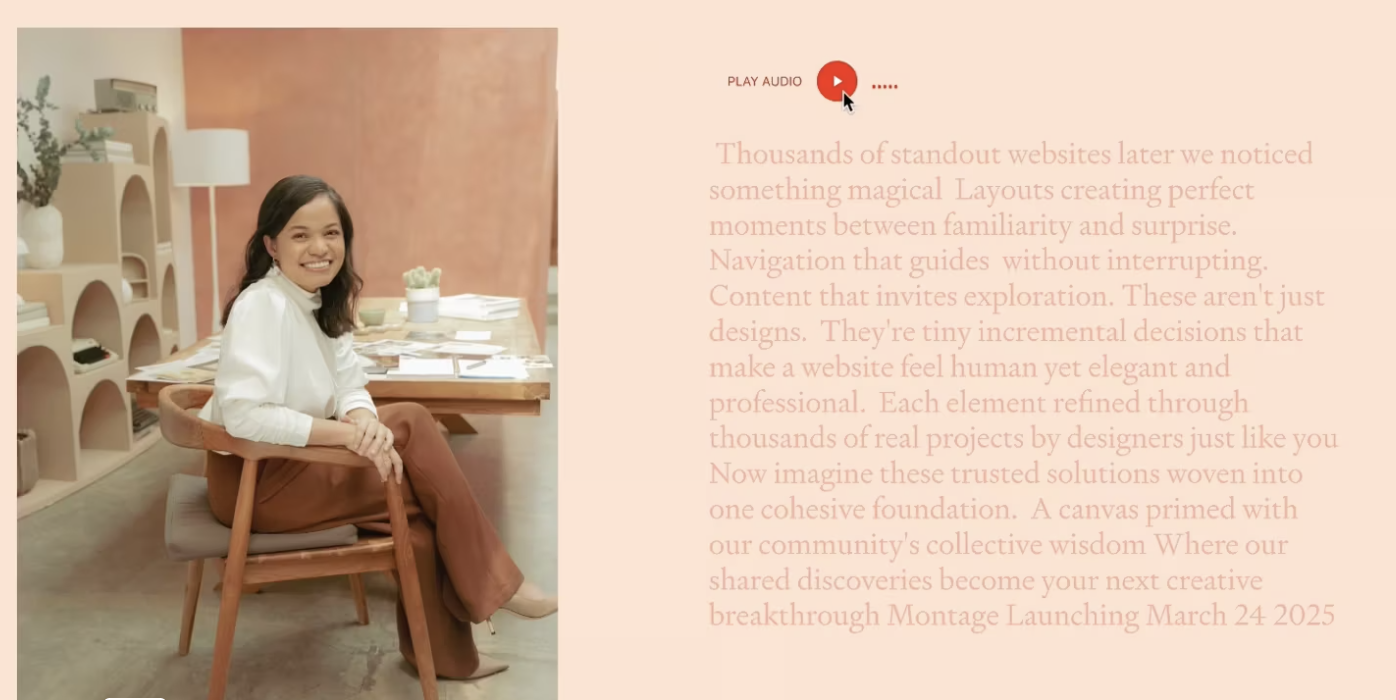
Pair Squarespace's built-in audio block with a live-synced transcript that highlights text in real time as the audio plays — making testimonials and key messages more accessible and engaging.
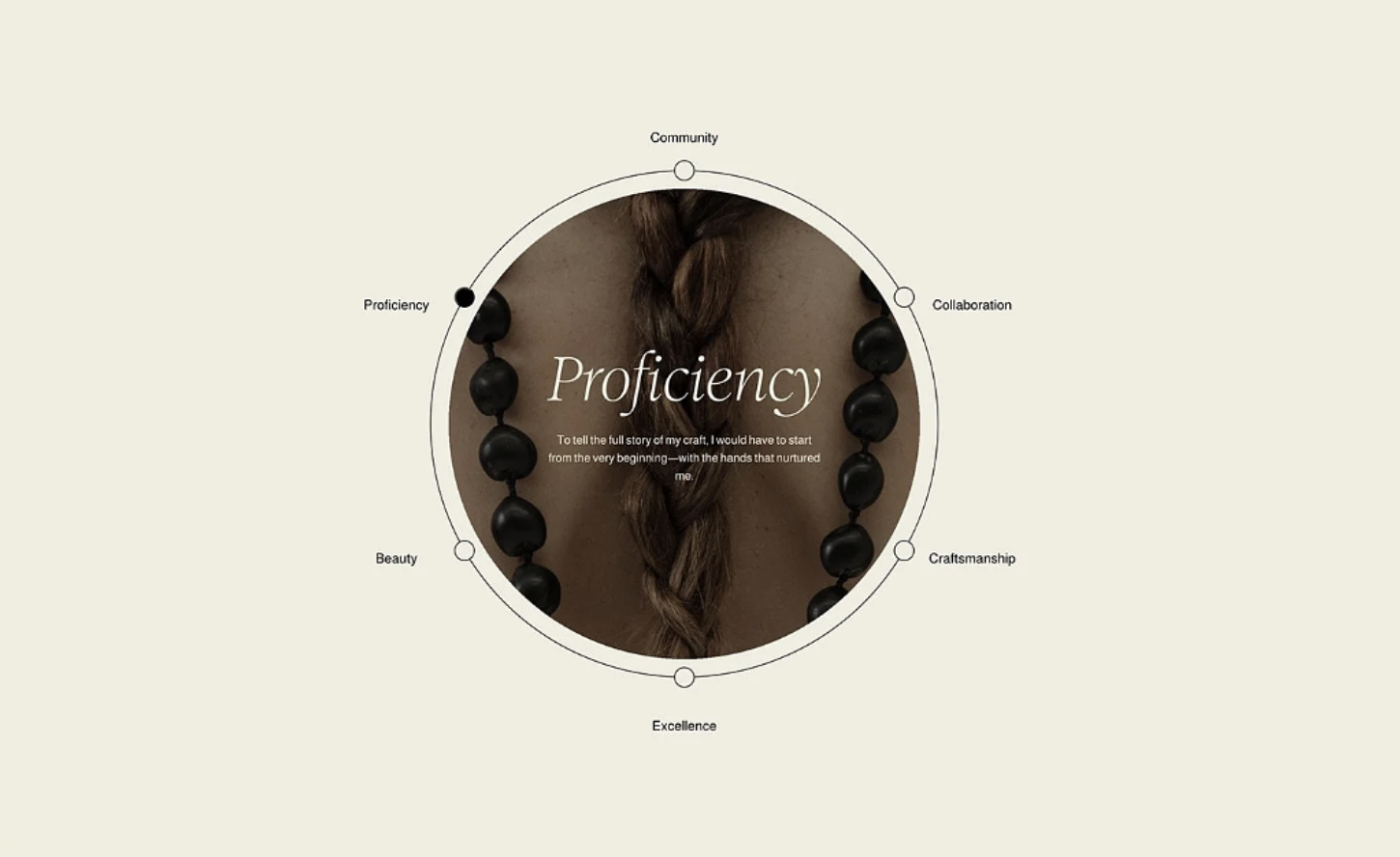
Arrange your Squarespace list items in a circular orbit around a central image — with clickable labels, an active dot indicator, and a content reveal at the center.
Add a cinematic wipe animation between page navigations — the screen sweeps across to cover the old page, then reveals the new one.
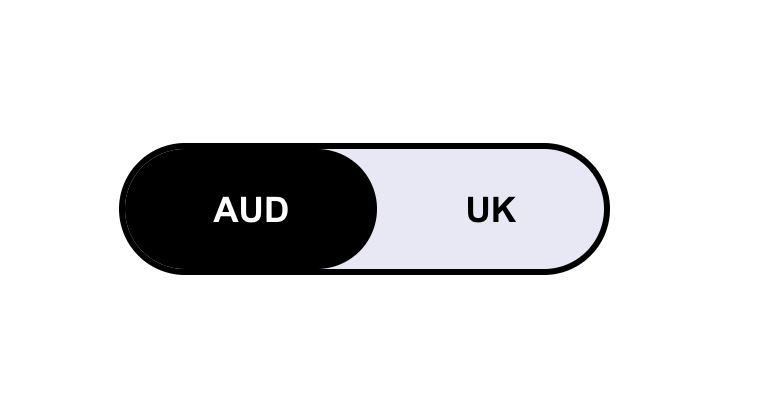
Automatically show different content based on your visitor's location — with a manual toggle so they can switch between regions themselves.
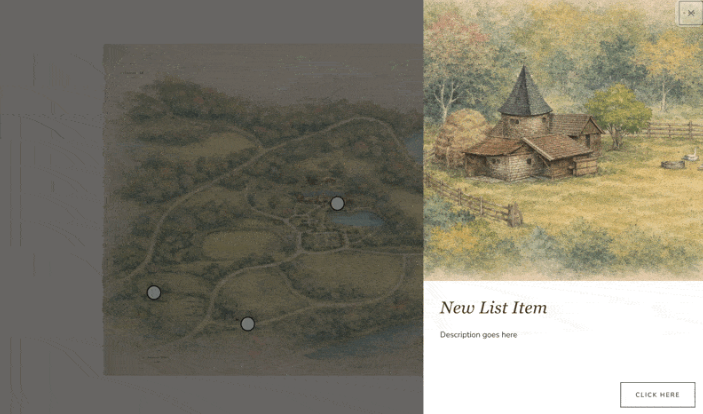
Add clickable hotspots to any image that reveal slide-out info panels — perfect for property maps, product diagrams, or interactive portfolios.
Transform your List Section into a horizontal scrolling showcase — scroll down normally and watch items slide sideways through a sticky viewport.
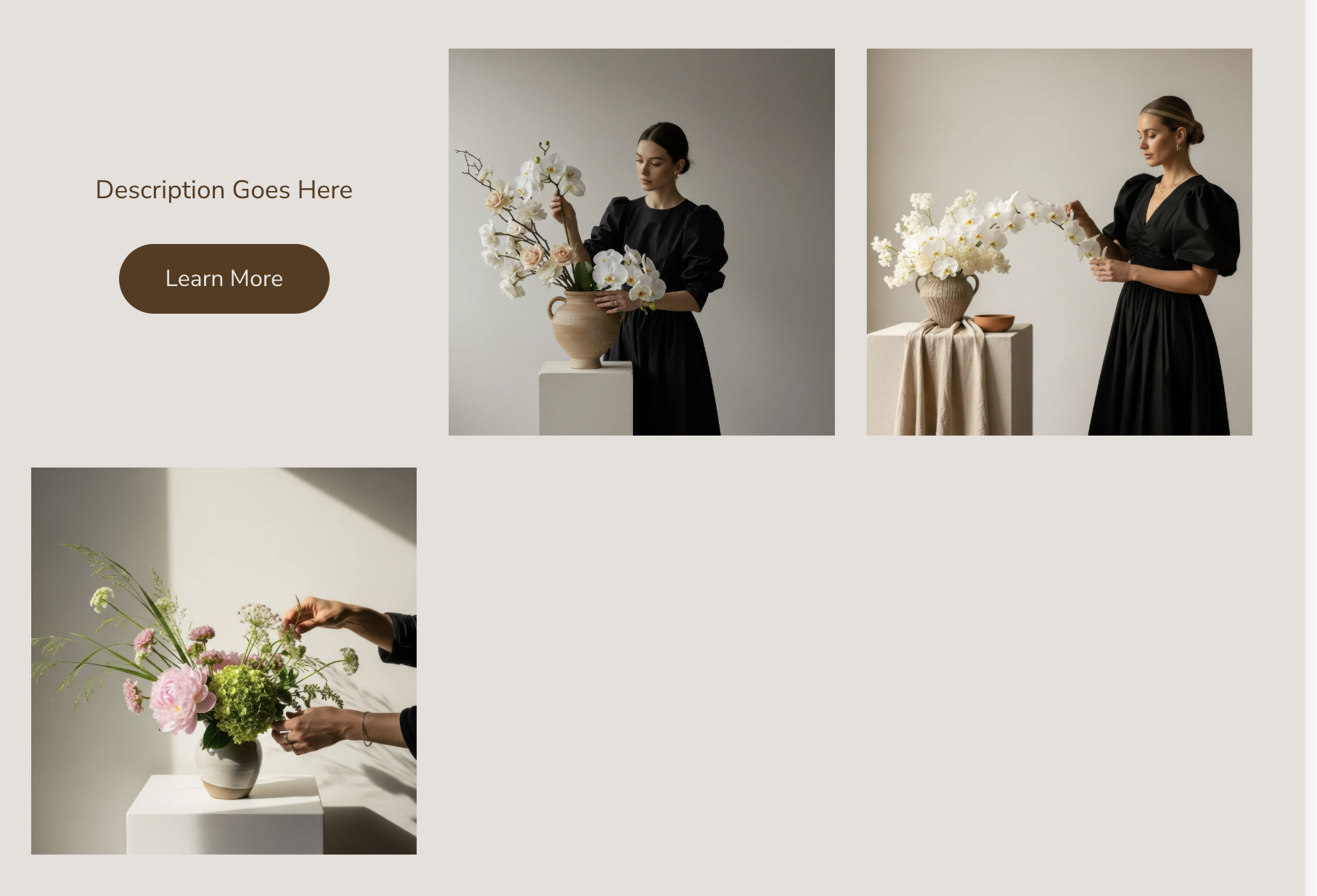
Turn your gallery grid into interactive flip cards — click an image and it rotates to reveal caption content and a call-to-action button.
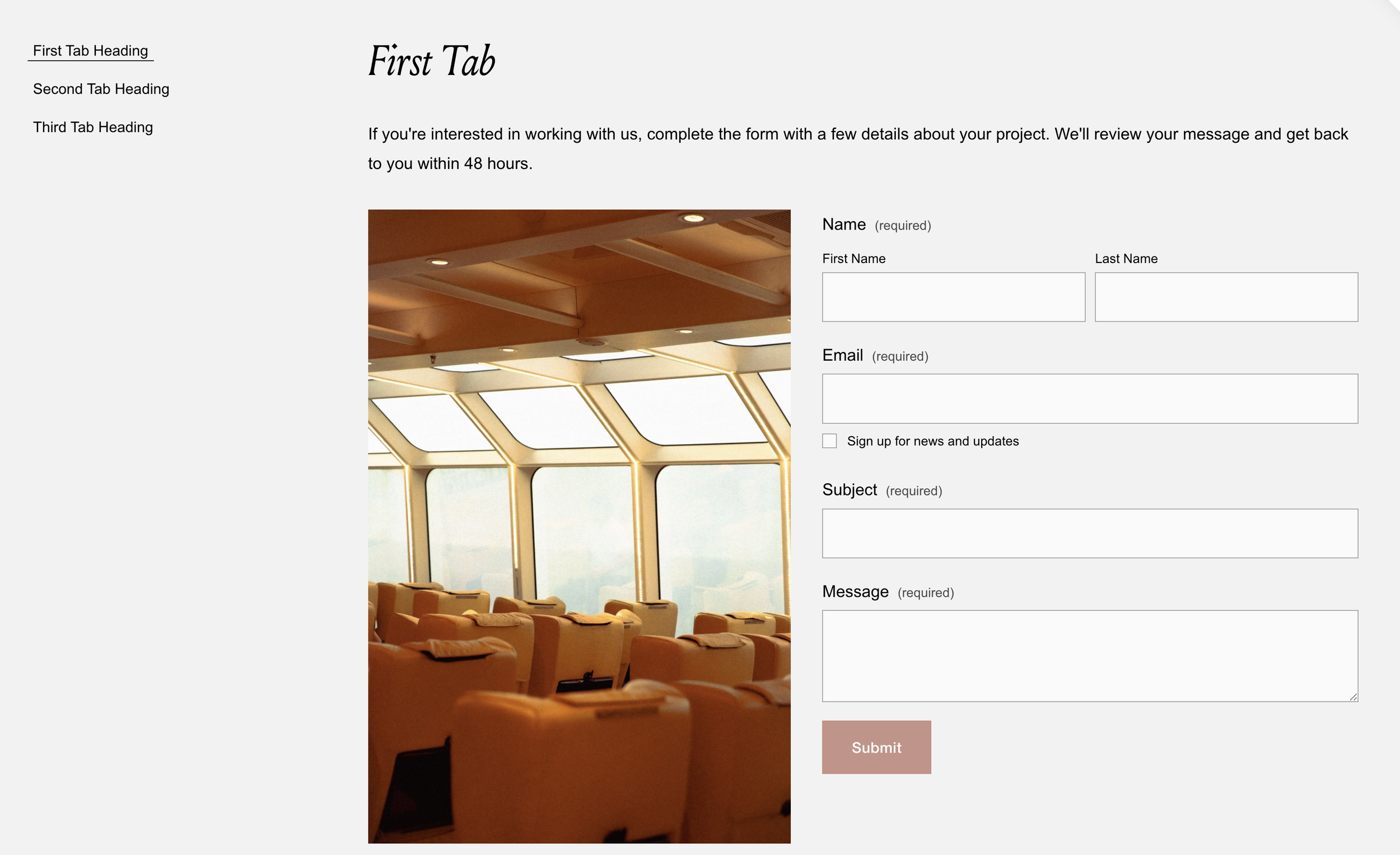
Build a fully accessible tabbed interface with keyboard navigation and screen reader support. Tab titles from text blocks, content auto-wired. No accordion limitations.
Make gallery slideshows fill their Fluid Engine container perfectly. Custom arrow icons, flexible caption layouts, and proper image scaling. Pure CSS solution.
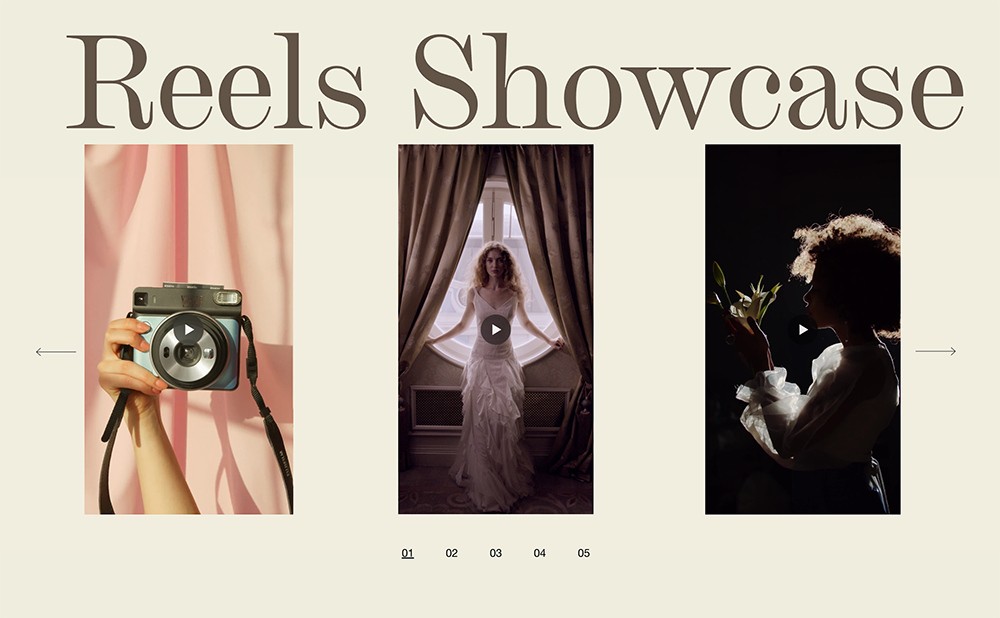
Create a swipeable video carousel with elegant numbered pagination. Touch-friendly navigation, auto-numbered slides, smooth transitions for video portfolios and showreels.
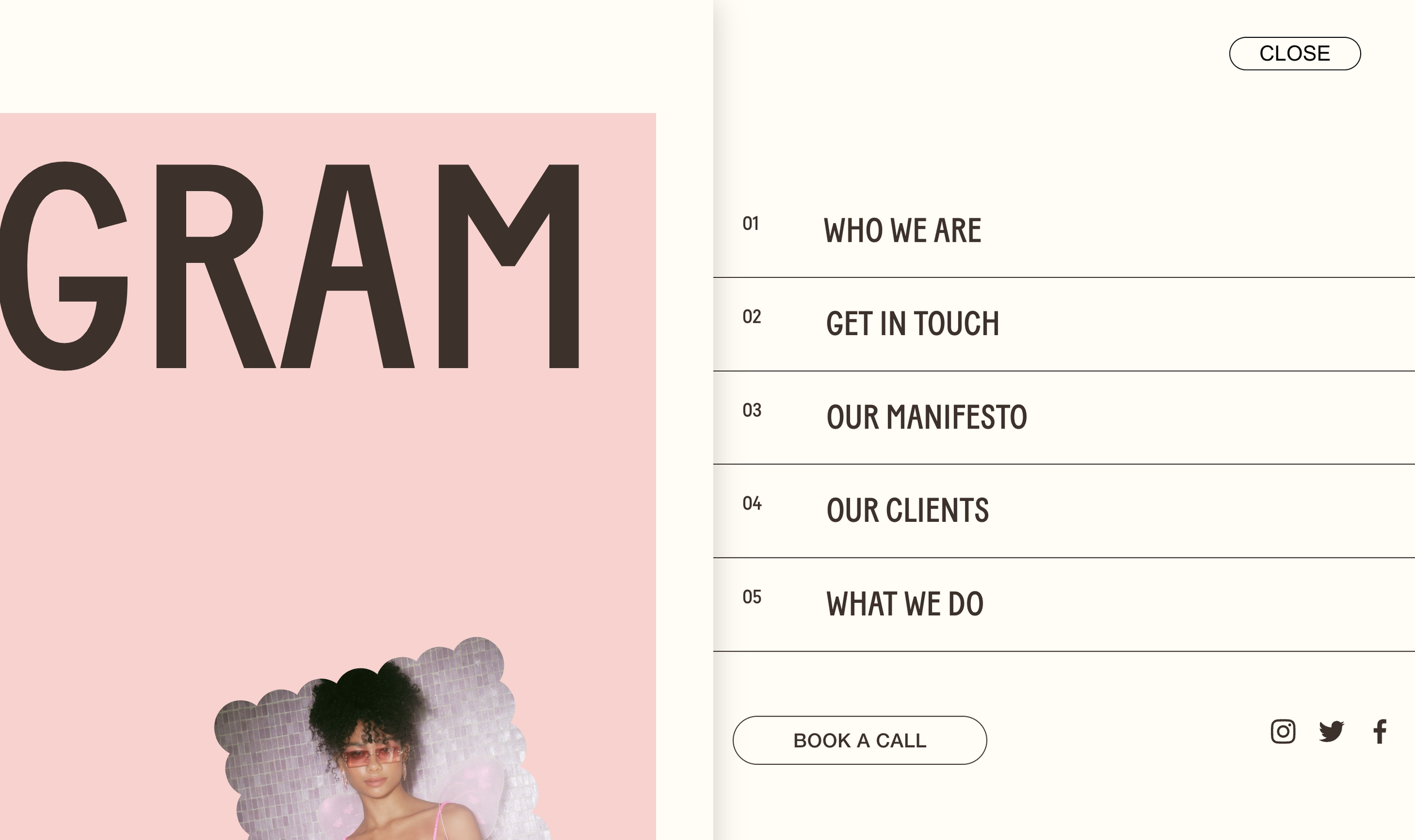
Menu that slides in while page content pushes aside with shadow depth. Numbered menu items, MENU/CLOSE pill button, smooth half-second transitions. Premium navigation feel.
Layered text effect with stroked outline text over solid text. Content scrolls through transparent letterforms. Editorial knockout typography effect.
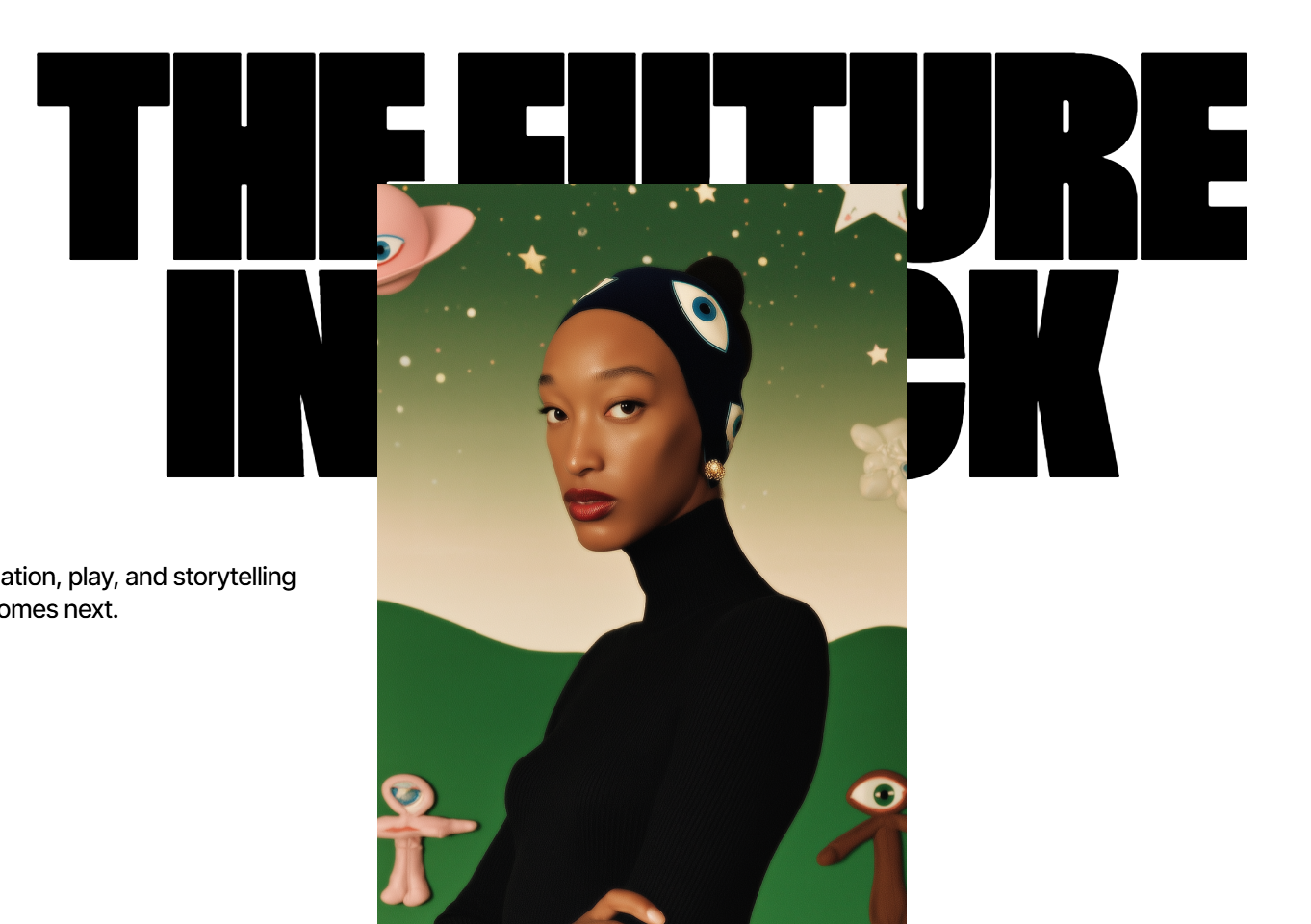
Oversized sticky headline with floating rounded video frame scrolling over it. Layered editorial composition with device-like media framing.
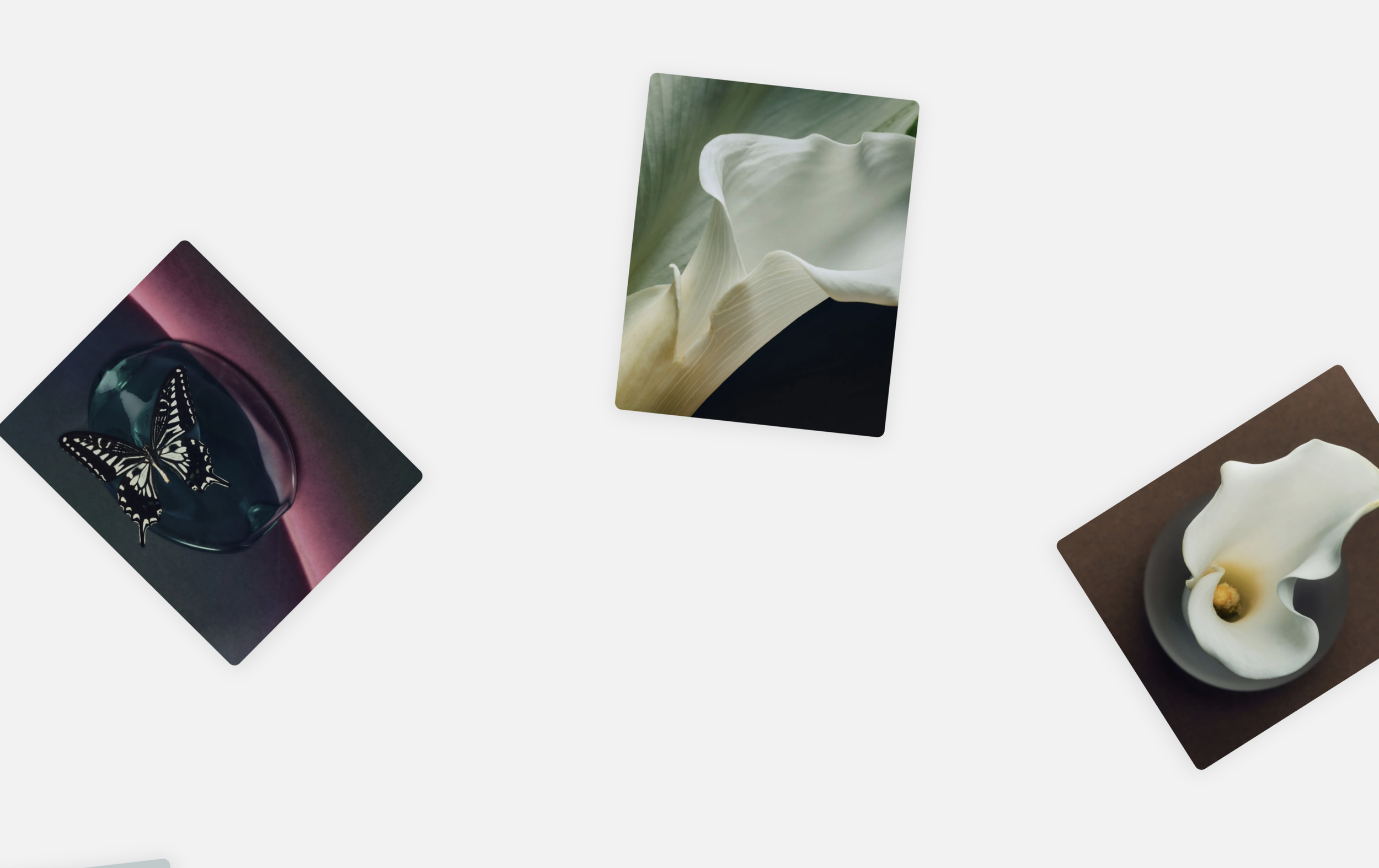
Gallery images rotate in a continuous circle around the viewport. 50-second orbital animation, configurable item sizes, responsive scaling. Unique ferris-wheel gallery effect.
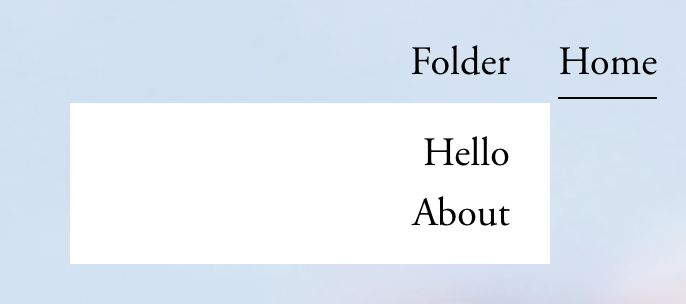
Make folder navigation titles function as clickable links to landing pages while still revealing dropdown menus on hover.
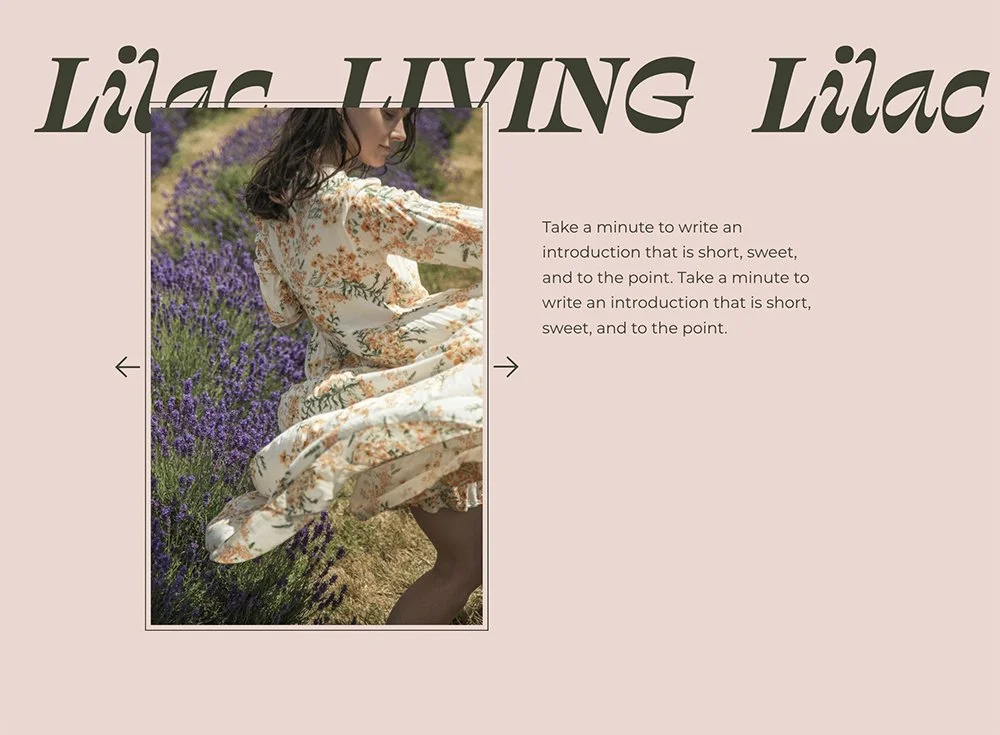
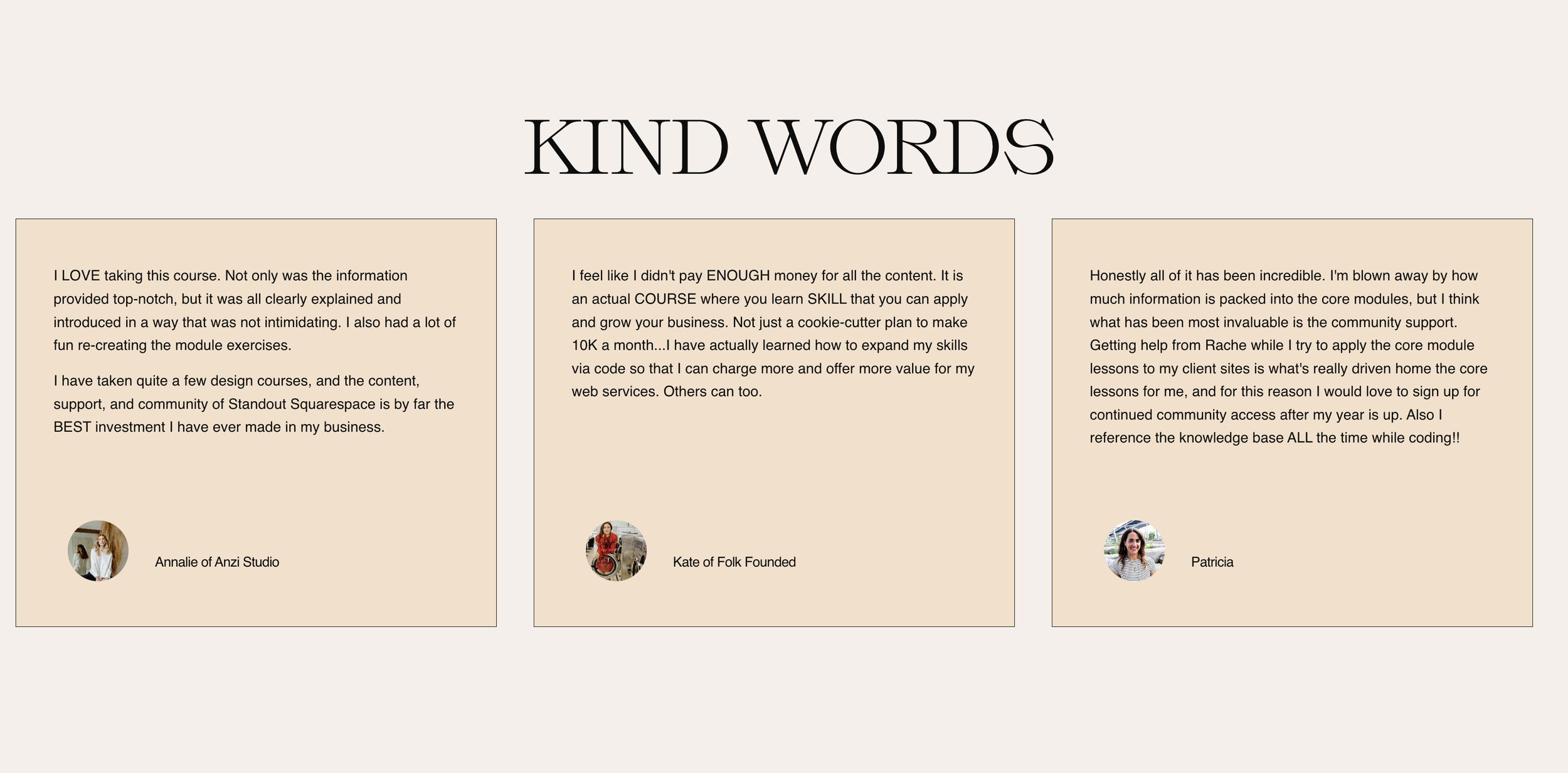
Transform your list section carousel into an elegant testimonial slider with circular avatars, reordered content layout, and bordered cards.
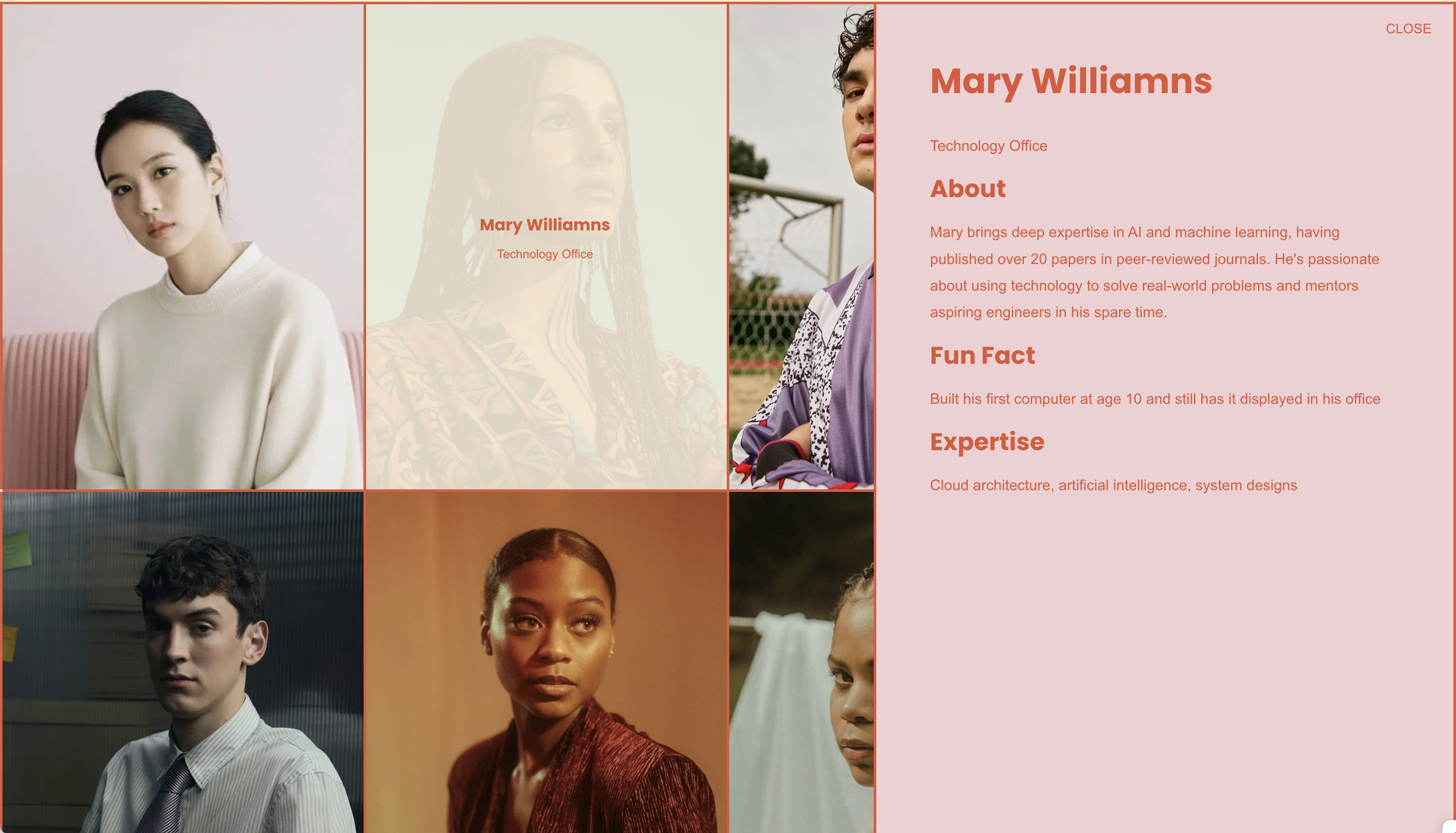
Transform list sections into an interactive grid where clicking items reveals detailed content in a sleek side panel overlay.
Replace standard navigation with an elegant slide-out menu system featuring dual content panels, custom hamburger icons, and smooth transitions.
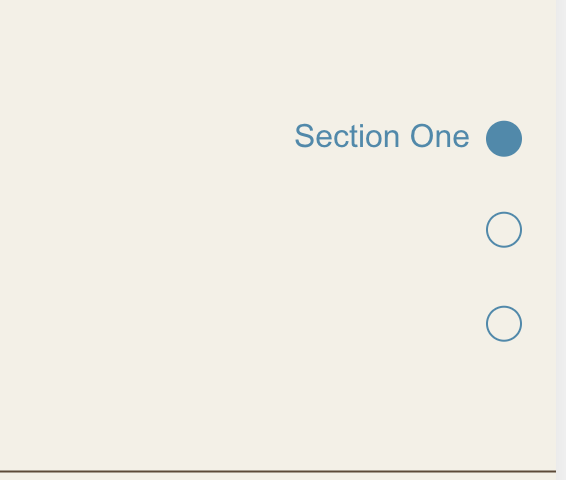
Create a fixed sidebar dot navigation that tracks scroll position and highlights the currently visible section, with smooth scroll-to-section functionality.
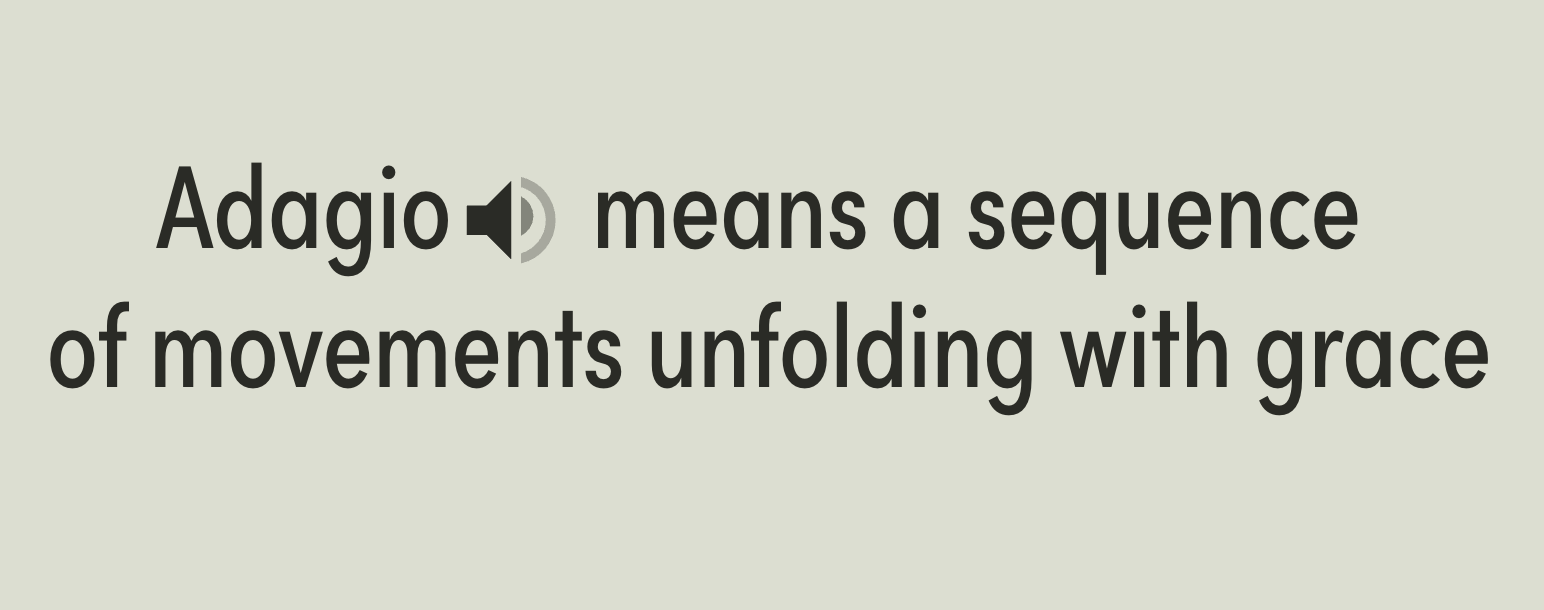
Transform Squarespace's native audio block into an elegant inline pronunciation player with animated speaker icons and click-to-play functionality.
Enable markdown-style formatting within Squarespace list item descriptions - transform plain text into structured headings and bullet lists using simple syntax.


Turn a gallery slideshow into a polished testimonial display with centered captions, a custom title overlay, and flanking decorative images — all without plugins.