

Sideway Text
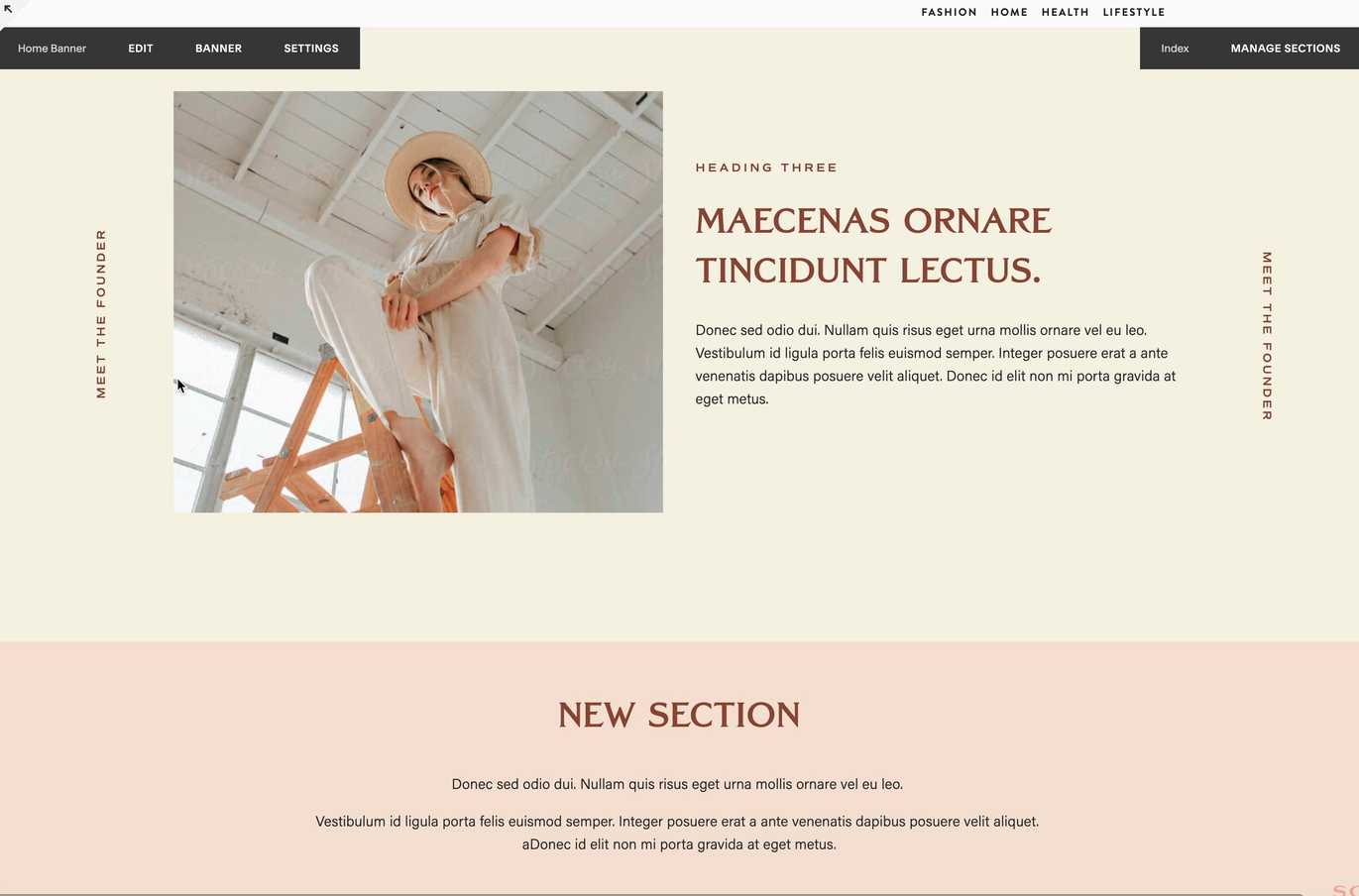
What You'll Create
Vertically rotated text that reads sideways, positioned along the left or right edge of a section. Perfect for creating unique typographic layouts and visual interest.
The Problem It Solves
Standard Squarespace text blocks only display horizontally. When you want text to flow vertically along the side of a section for creative layouts, you need CSS writing-mode and positioning.
Perfect For
Creative portfolios, Section labels, Side navigation, Decorative typography, Editorial layouts
What Makes This Different
This technique offers two methods: a basic approach using writing-mode on code blocks or paragraphs, and an advanced method using decor links for more flexible positioning. Includes options for both left and right sideway text with proper rotation.
Details
Section Type: Fluid & Classic
Code Type: CSS
Prerequisites: None for basic method; block ID for advanced method
Toolkit Title: Sideway Text
Learn This Technique
This is one of 150+ code techniques taught inside Standout Squarespace, where you get:
The complete, copy-paste code
Video walkthrough explaining how it works
The principles behind the technique so you can customize it
Access to our private community for support