

Discover What You Can Build
500+ workshops, Techniques, and Resources Inside Standout Squarespace
Explore the library of techniques, templates, and resources available for you inside Squarestylist’s Standout Squarespace program. Standout students also get the commercial license to use these techniques in building Squarespace templates for sale.

Gallery Image Overlay with Caption on Hover
Add colored overlays and centered captions that fade in when hovering over stacked gallery images in Fluid Engine sections.
Custom Read More Link Text
Replace the default 'Read More →' text in summary blocks with custom wording like 'View Project' or 'Learn More' using CSS.
Accessibility Alt Text for Background Images
Automatically add descriptive alt text to section background images for improved accessibility and screen reader support.

Split and Sticky Section Layout
Create side-by-side sections where one stays pinned in view while the other scrolls — perfect for immersive storytelling and product showcases.
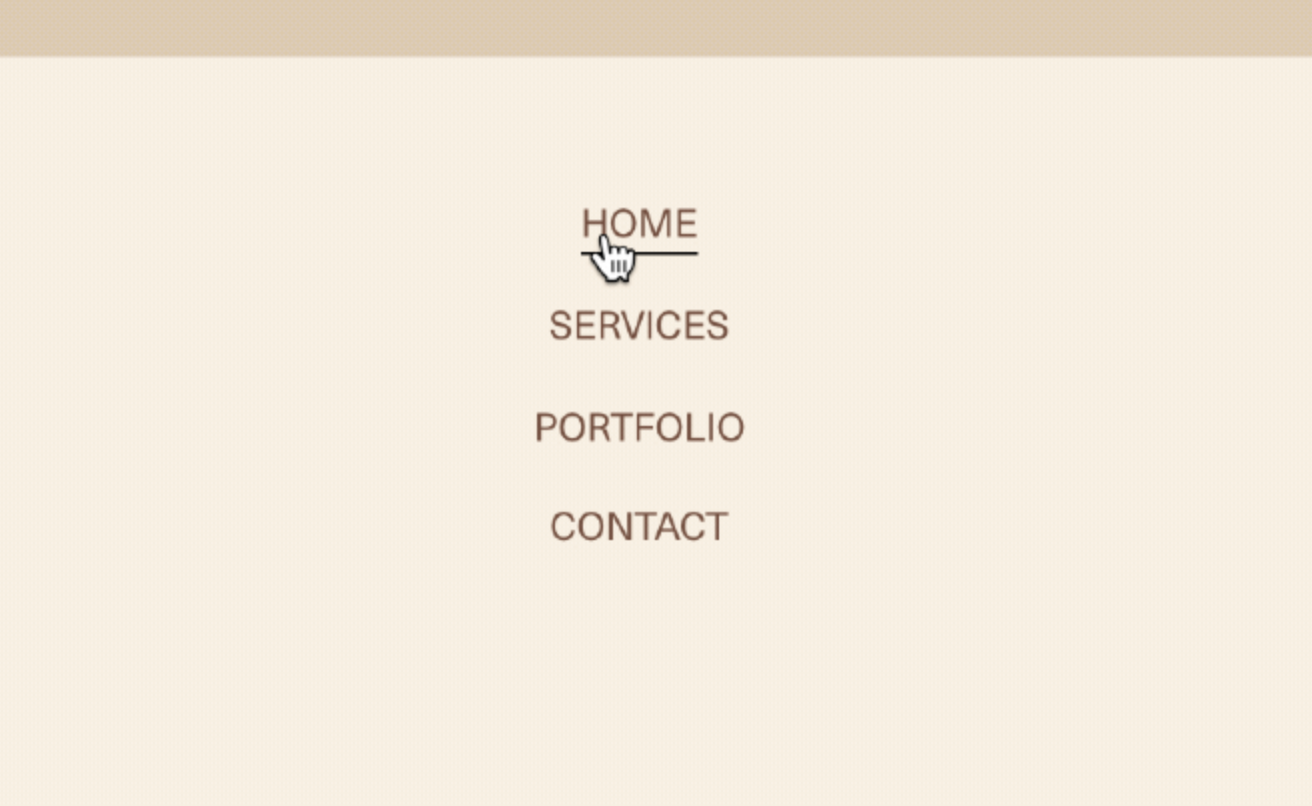
Link Underline Grow Animation
Add an animated underline that grows from center to full width on link hover.
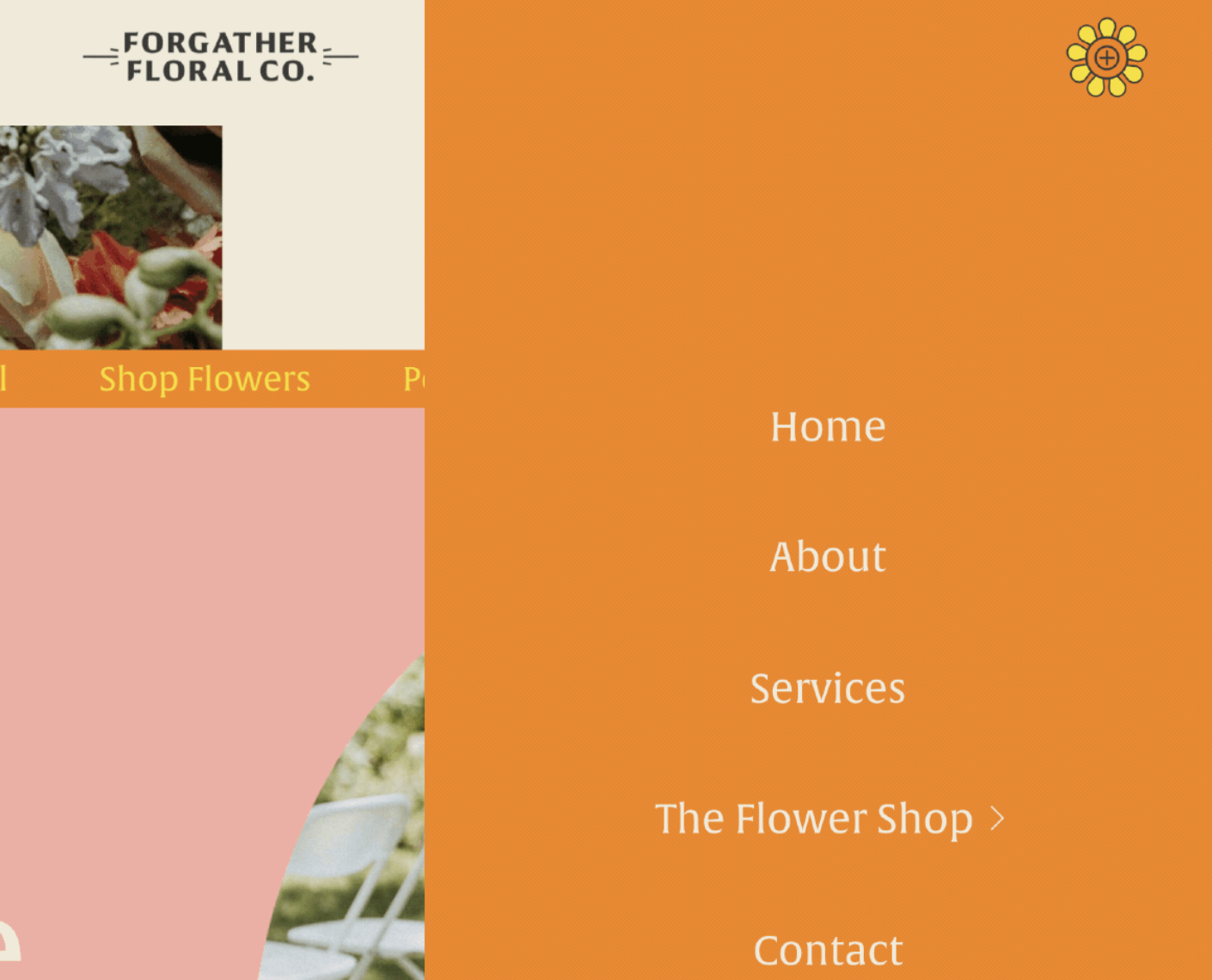
Custom Hamburger Menu Icon
Replace default burger icon with custom images for open and closed states.

Film Grain Texture Overlay
Add authentic film grain animation to any image or section using CSS keyframes and a base64-encoded noise texture—no external files needed.
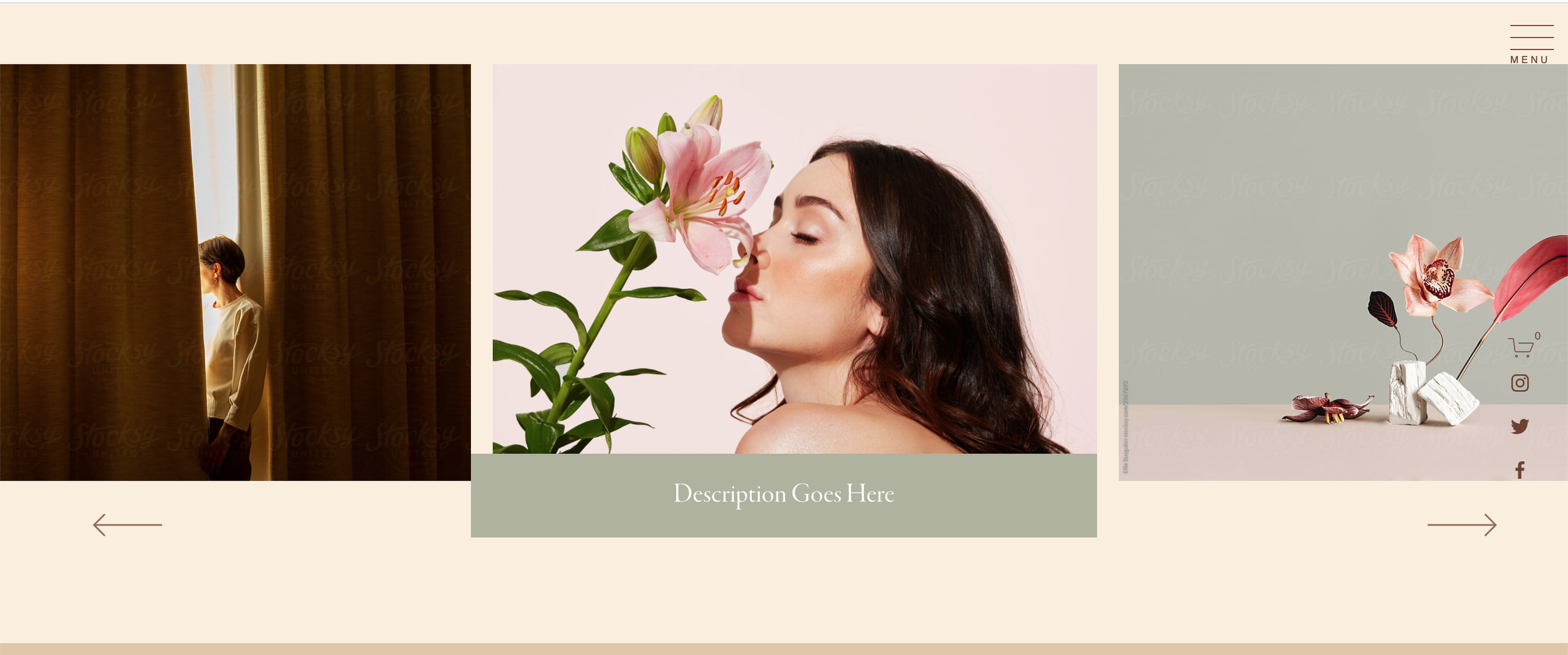
Stylized Reel Gallery Captions
Create custom-styled captions and navigation for Reel Gallery sections.
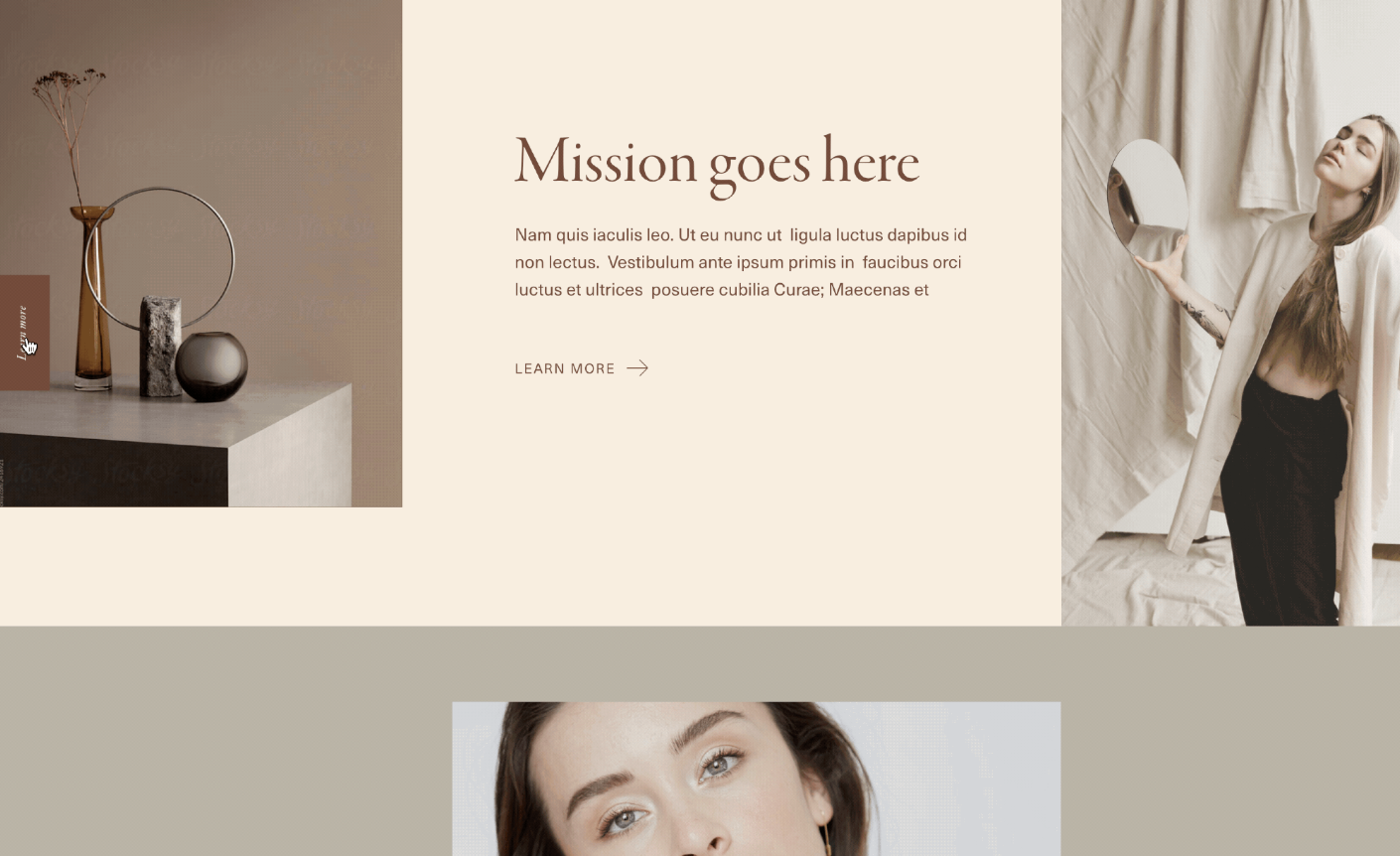
Fixed Sticky Sidebar Button
Keep a call-to-action button visible on the side of the screen as users scroll.
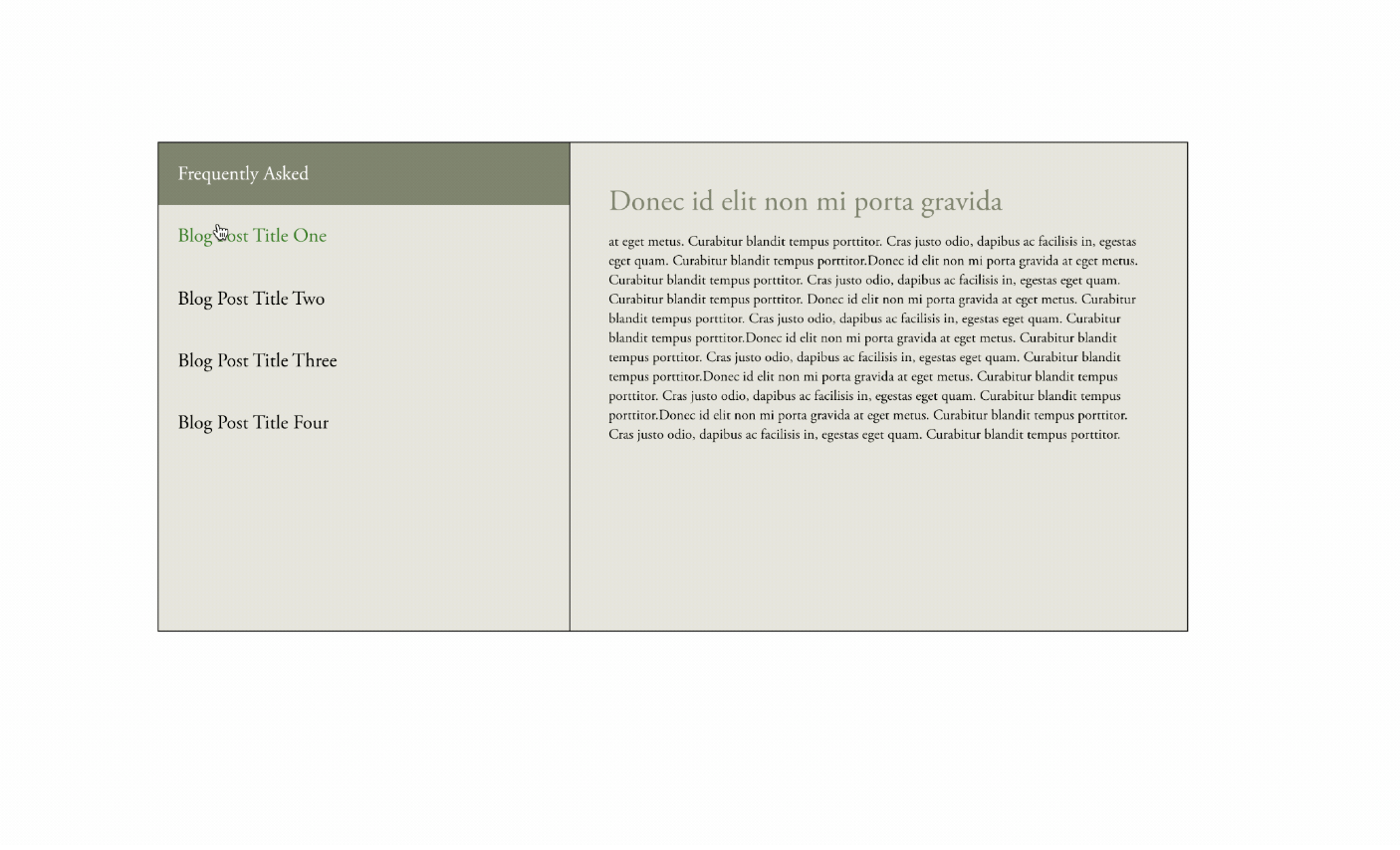
FAQ Reveal Side-by-Side
Questions on the left, answers on the right - create an interactive two-column FAQ layout that's easier to scan and more engaging to use.
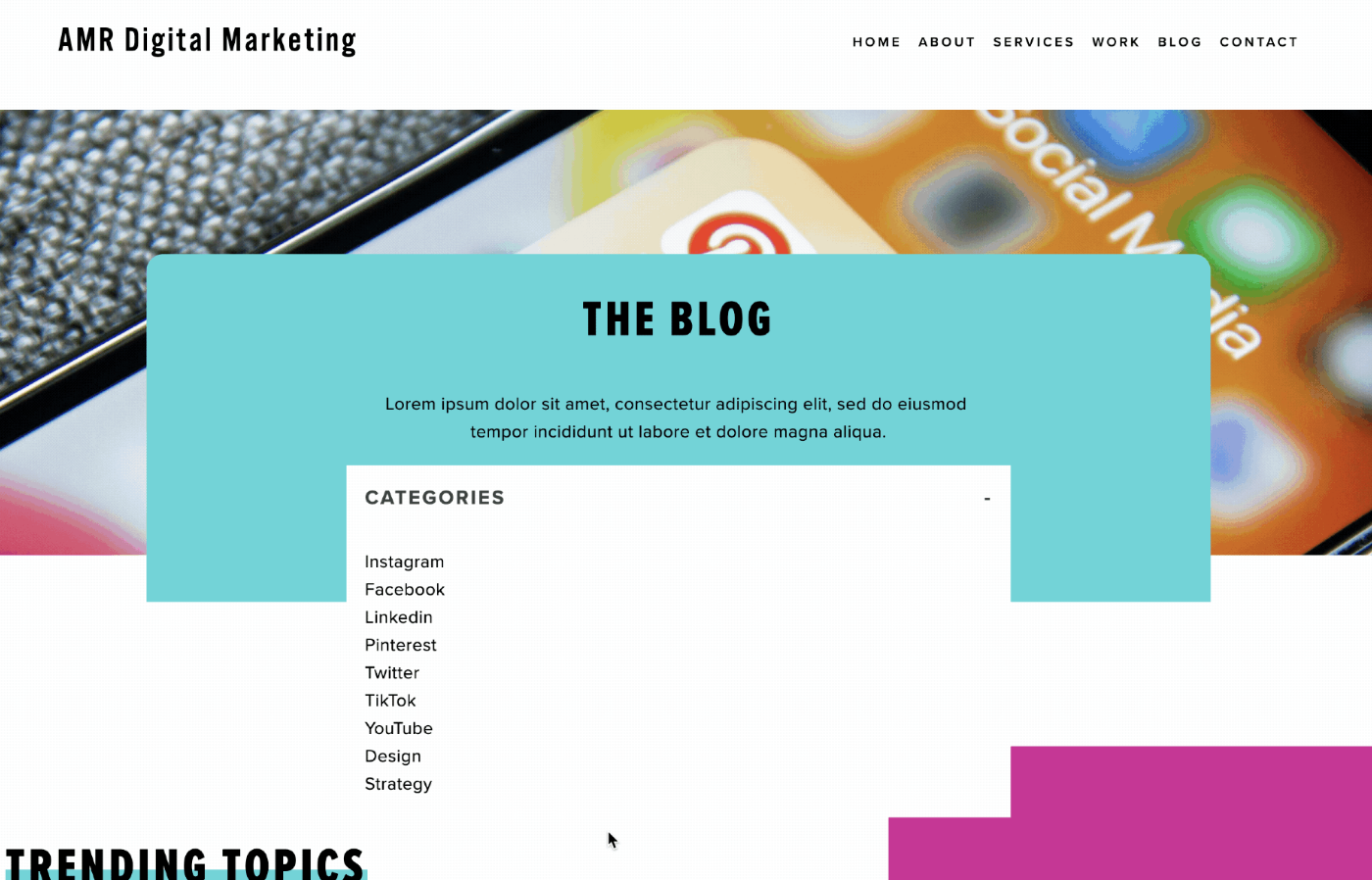
Category Dropdown from Markdown
Create a collapsible dropdown menu from markdown headings with click-to-expand functionality.

Infinite Scrolling Gallery Marquee
Transform any Squarespace gallery into a smooth 90-second infinite loop. Solves lazy-loading issues so all images appear instantly. No plugins required.
Mobile Swipe for Carousel Summary Blocks
Add touch swipe gestures to carousel summary blocks for better mobile navigation.
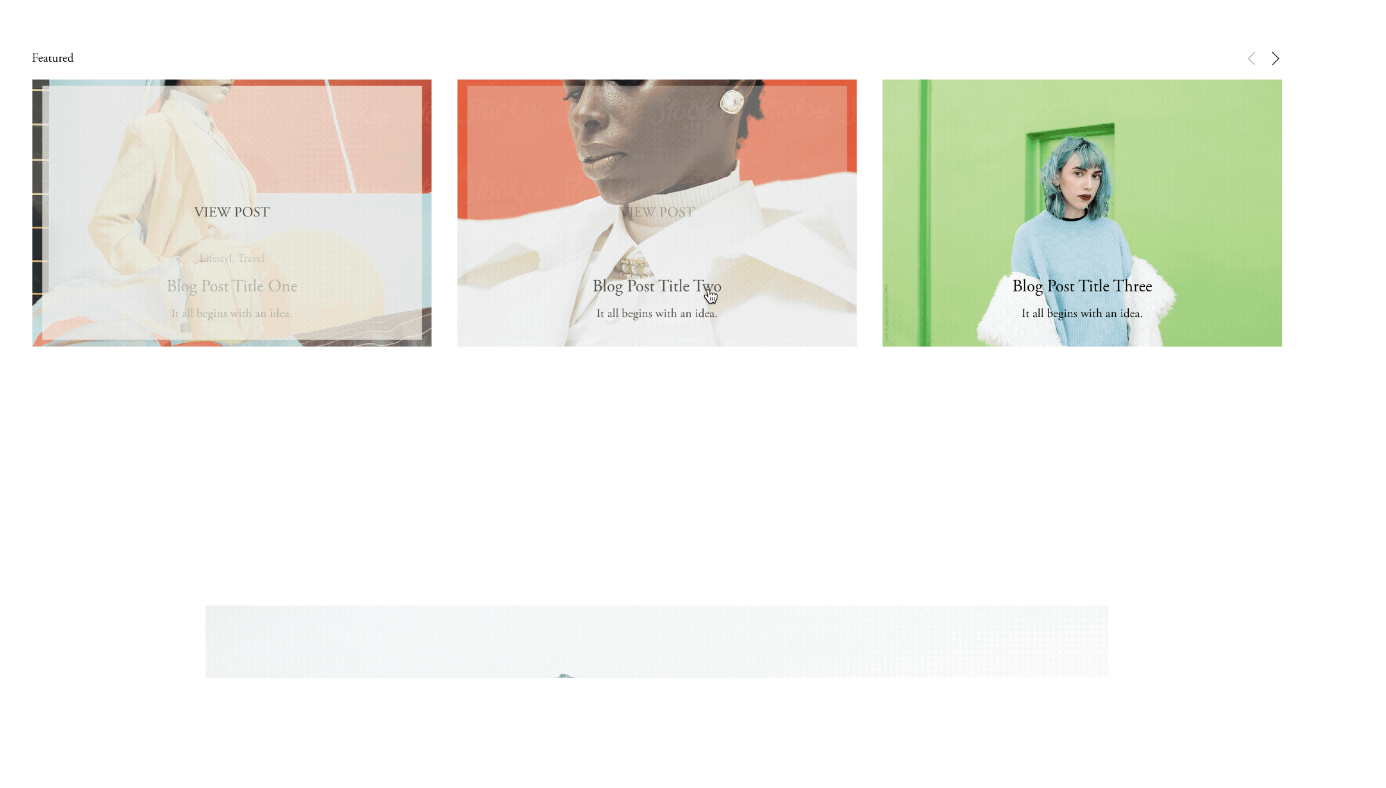
Grid Summary Block Hover Overlay
Add overlay backgrounds and custom hover text to Summary Block grids.
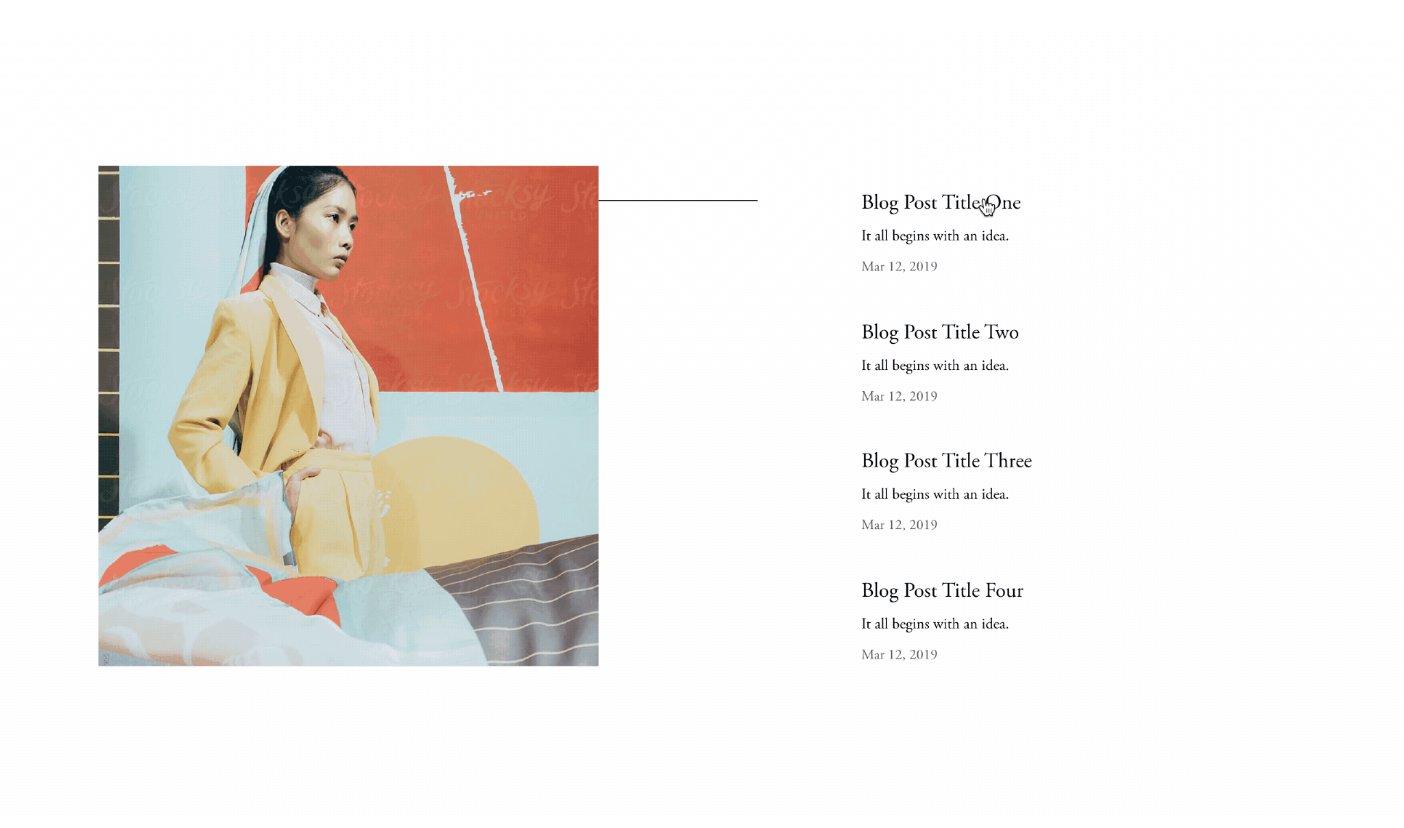
Image Reveal on Text Hover
Show images that appear when hovering over text items—a clean, modern way to preview content without cluttering your layout.
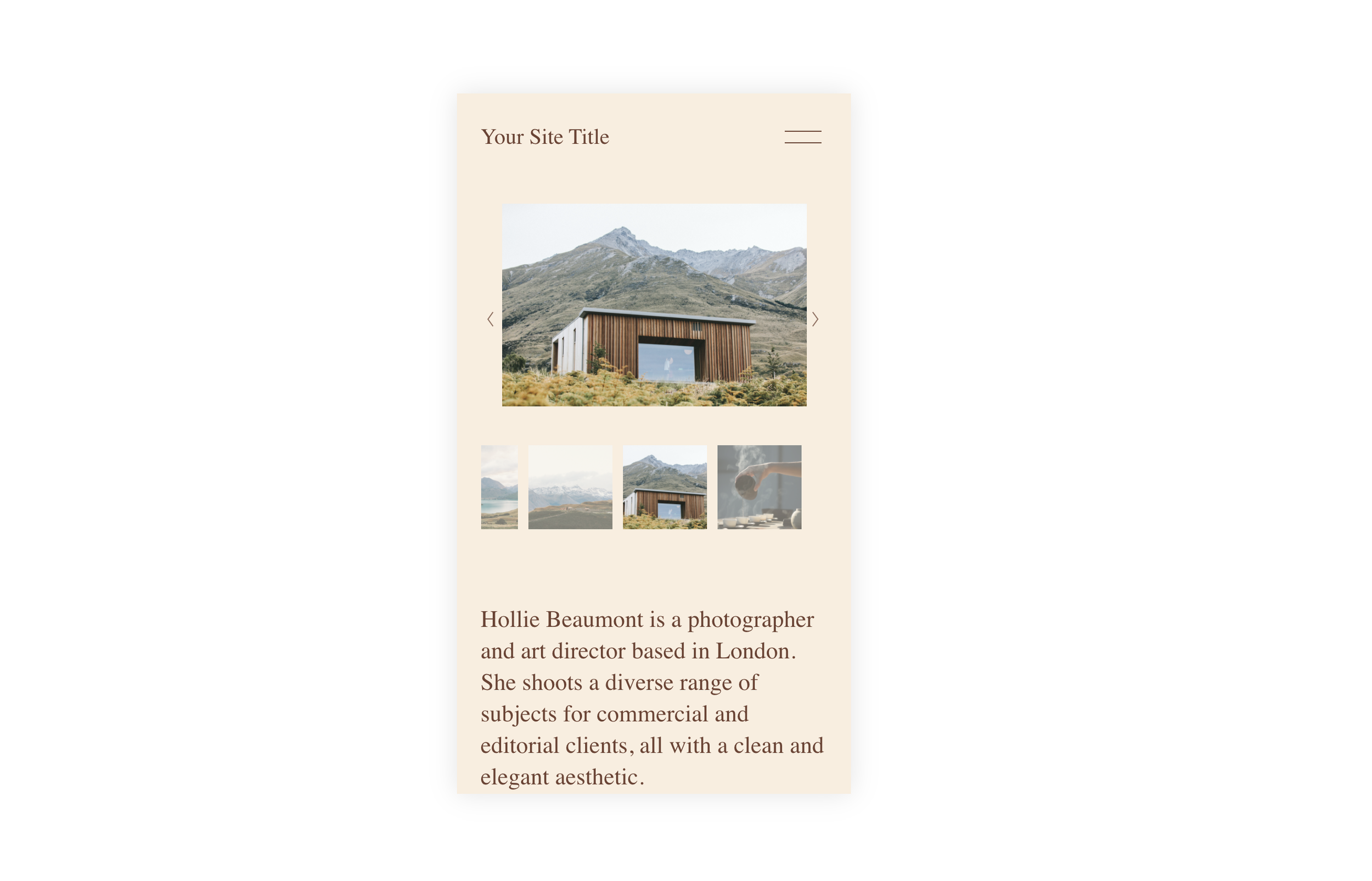
Simple Gallery Thumbnails for Mobile
Display gallery slideshow thumbnails on mobile devices when they're normally hidden. A quick CSS fix to restore thumbnail navigation on smaller screens.
Summary Carousel Slide Counter
Add automatic slide numbering to your Summary Block carousel using CSS counters—display '01', '02', '03' without any JavaScript.
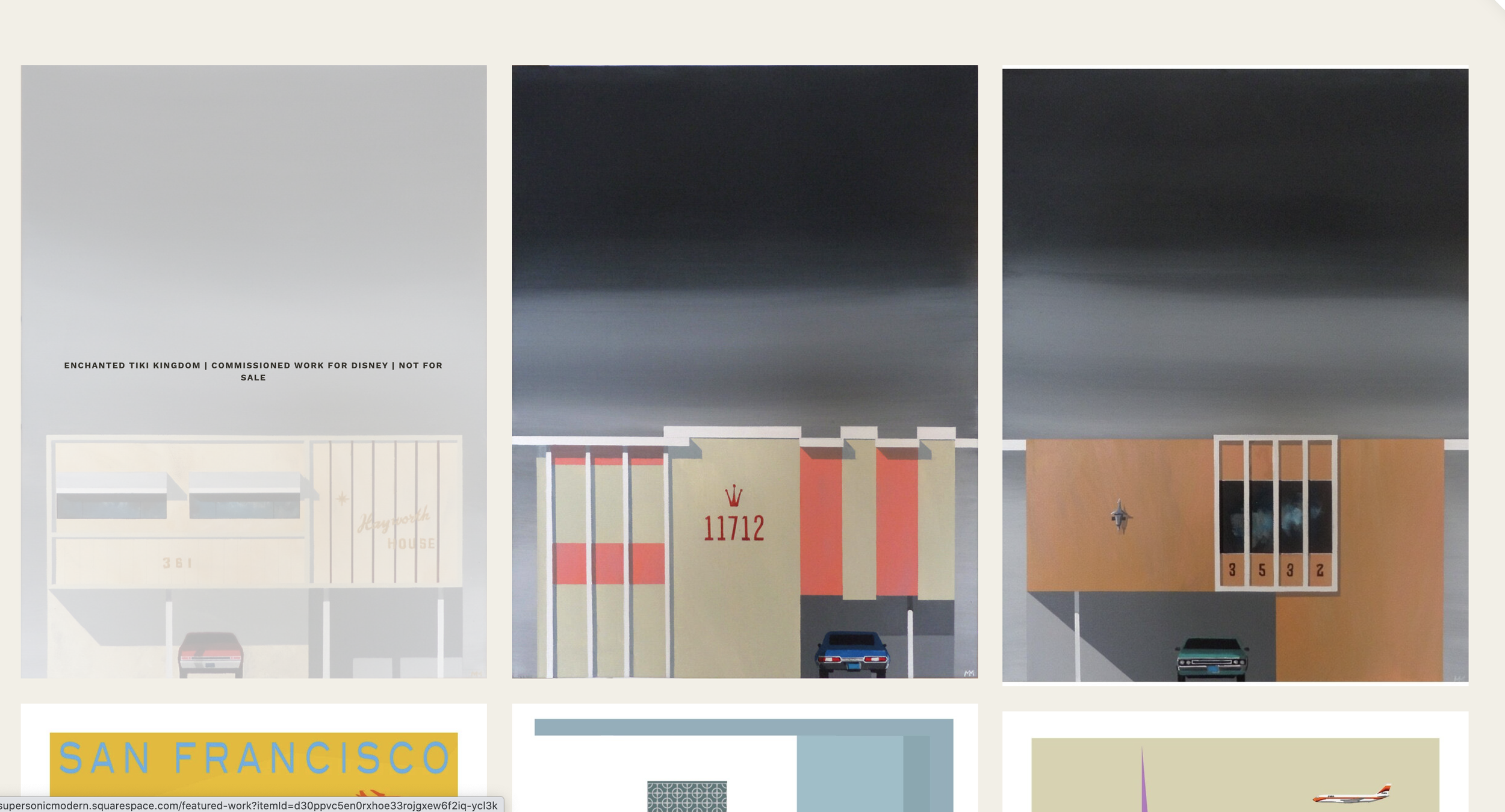
Caption Overlay for Gallery Masonry
Display image captions as elegant hover overlays on masonry galleries.
Rollover Image using Stacked Gallery Block
Swap between two images on hover using stacked gallery blocks.
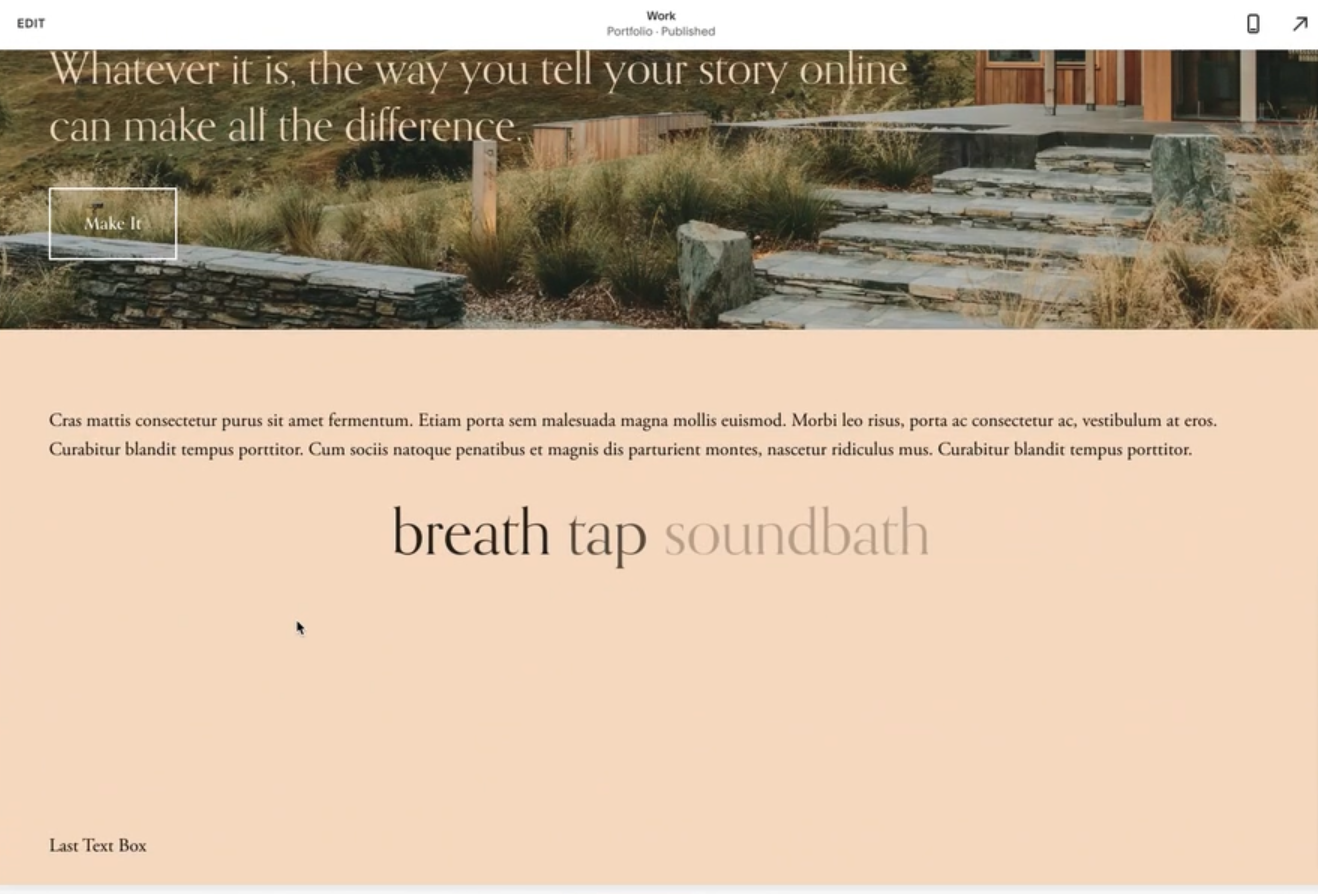
Sequential Word Fade-In Animation
Words appear one after another with timed fade-in effects for dramatic reveals.