

Discover What You Can Build
500+ workshops, Techniques, and Resources Inside Standout Squarespace
Explore the library of techniques, templates, and resources available for you inside Squarestylist’s Standout Squarespace program. Standout students also get the commercial license to use these techniques in building Squarespace templates for sale.
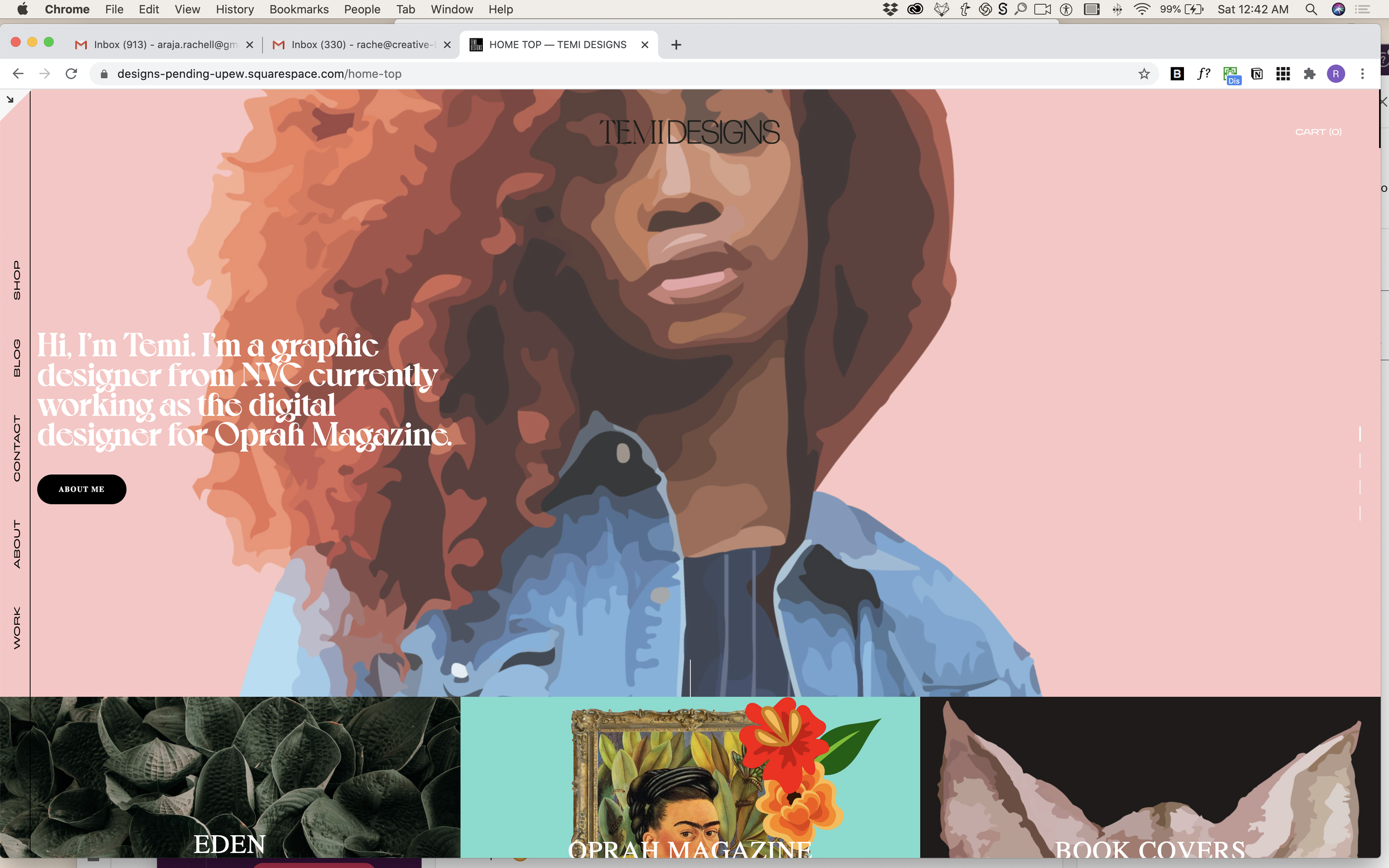
Vertical Rotated Header Navigation
Create sidebar-style navigation with rotated vertical text.
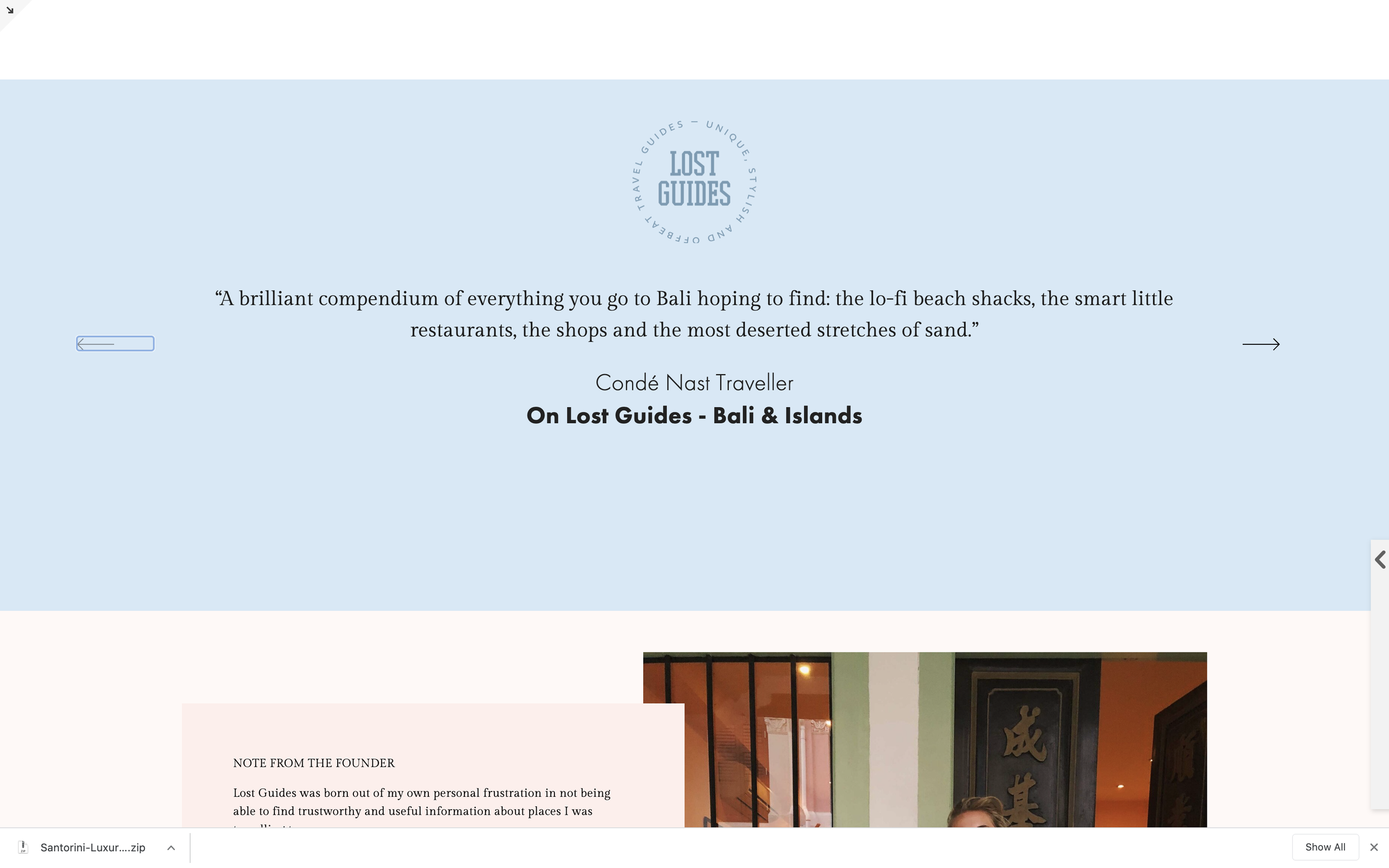
Custom Carousel Testimonial Arrows
Replace default carousel arrows with custom SVG icons and precise positioning.
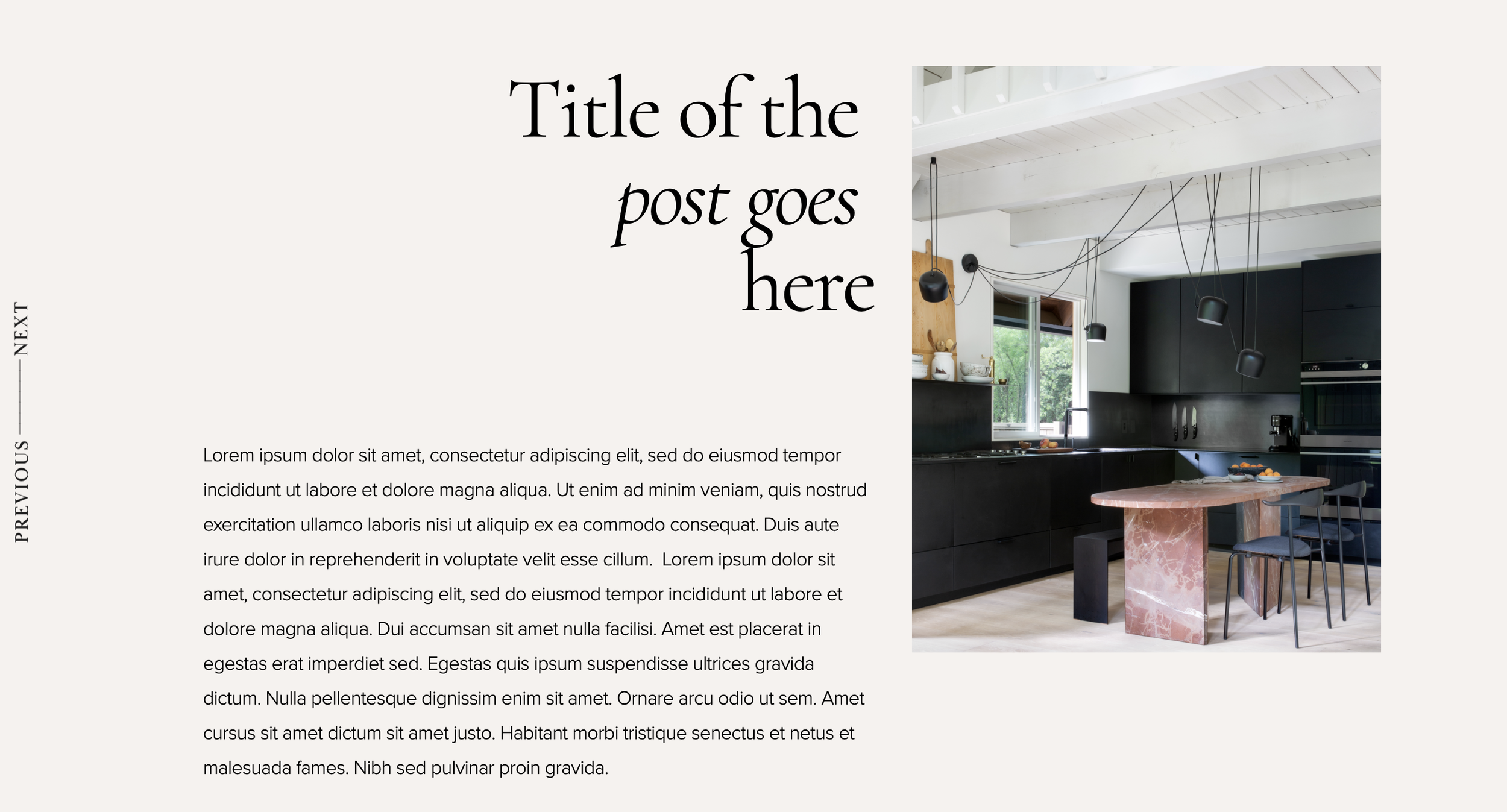
Fixed Side Navigation for Blog Posts
Keep previous/next navigation visible on screen edges while reading blog posts.
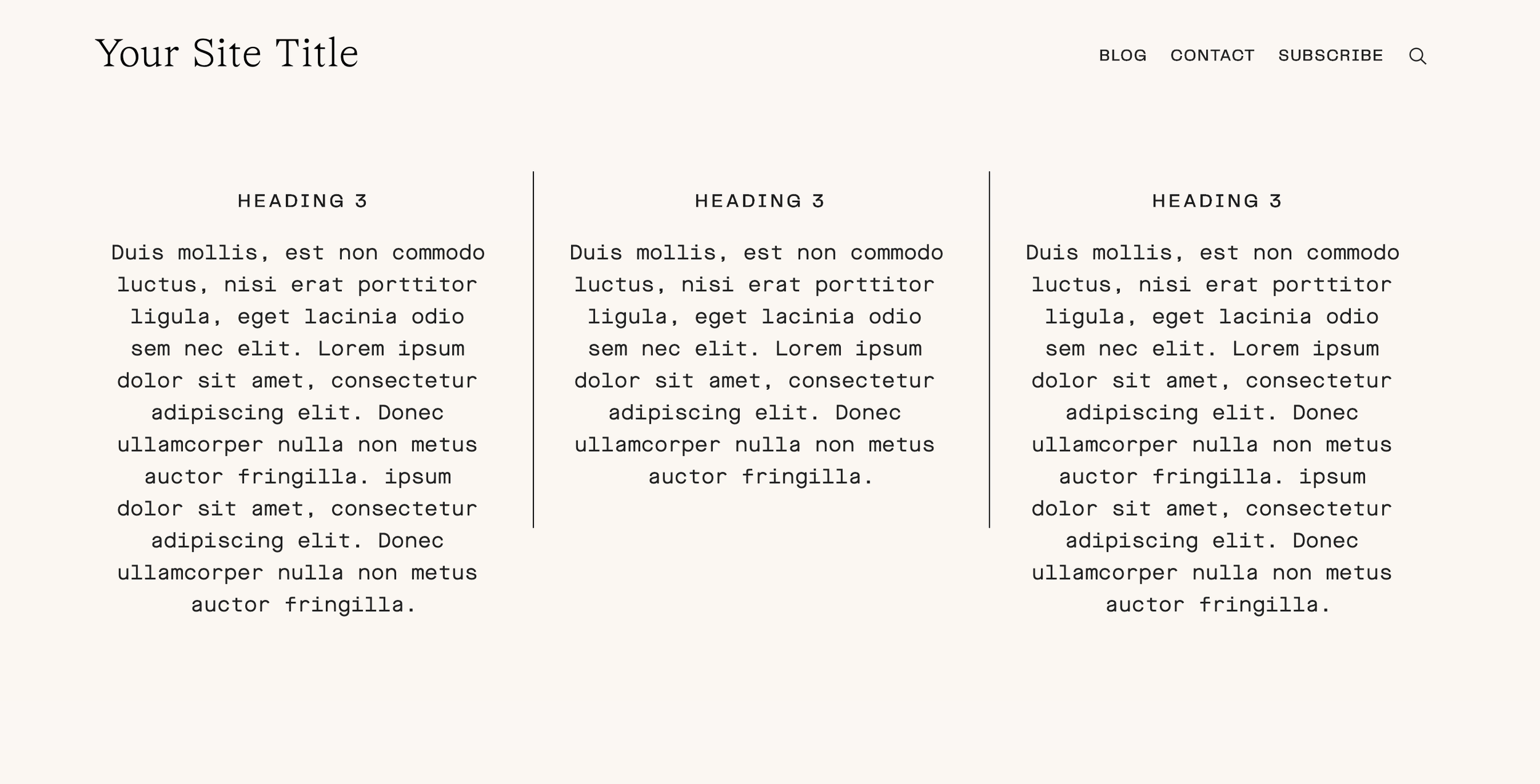
Grid Columns with Line Dividers
Add clean vertical line separators between grid columns for an editorial, newspaper-style layout.
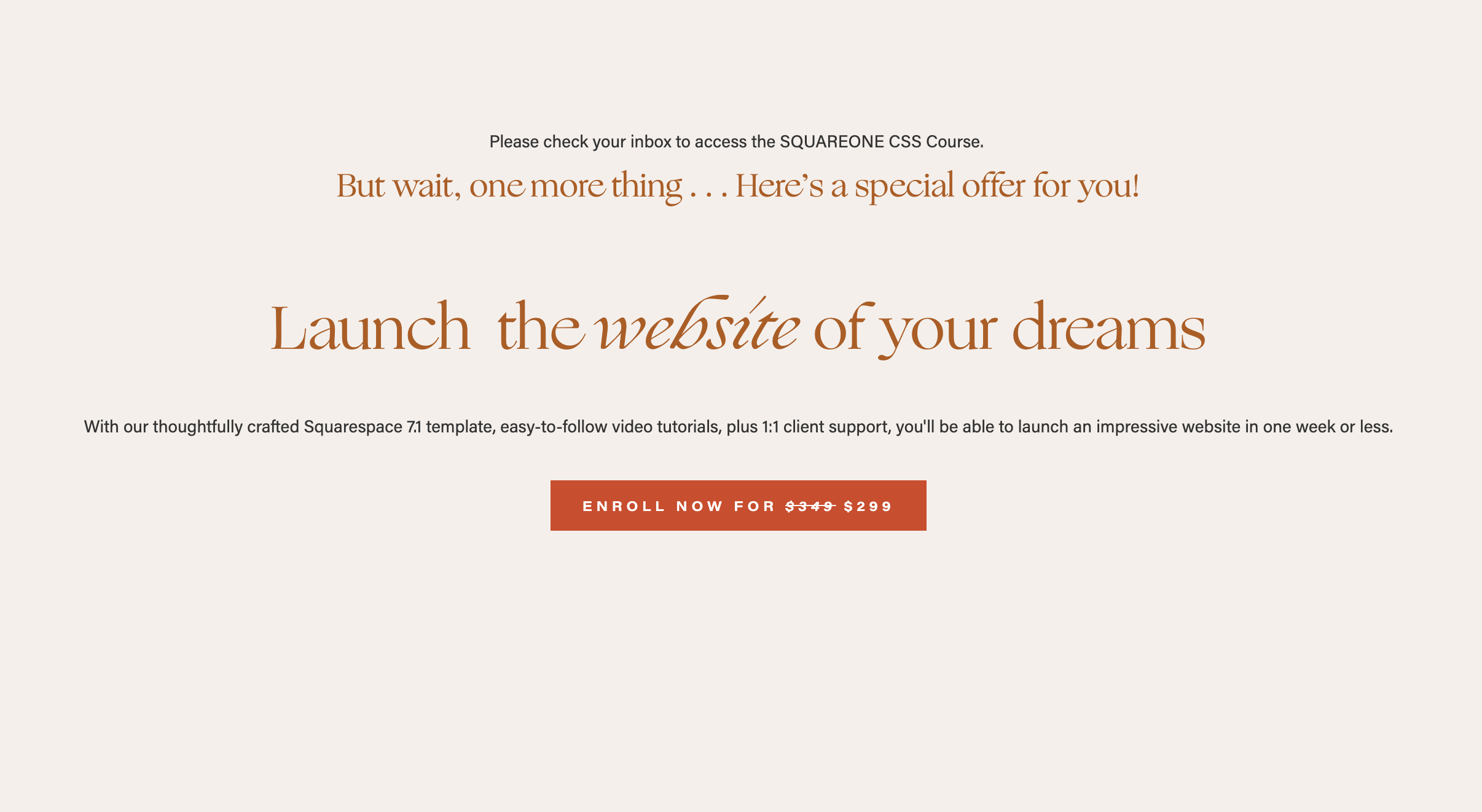
Strikethrough Price in Buttons
Display crossed-out original prices in buttons for sales and promotions.

Custom Social Icon Colors and Hover Effects
Take full control of your social icon colors — set custom default colors and create engaging hover effects that match your brand.
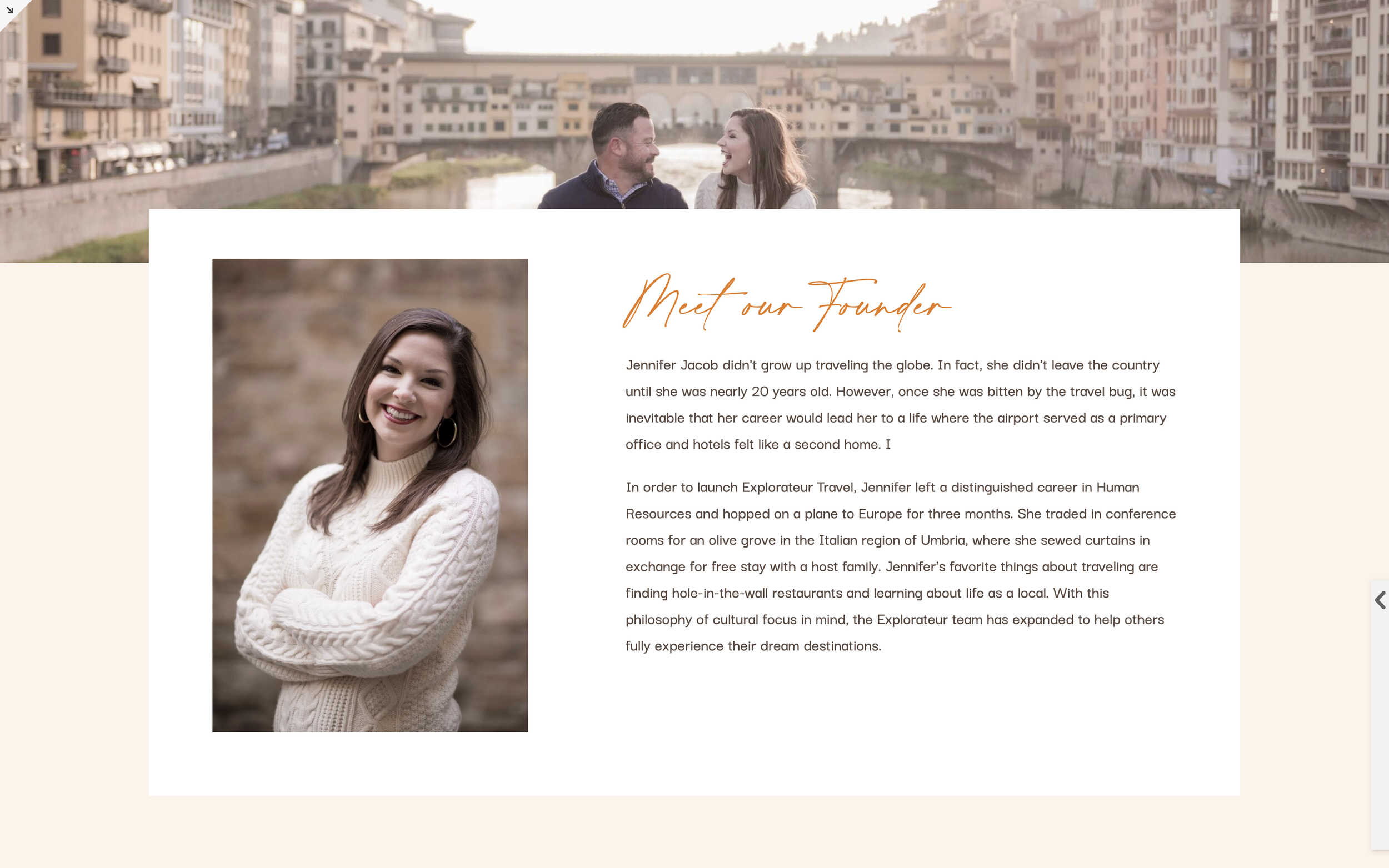
Floating Overlapping Section Banner
Create a section that floats above adjacent content with a dramatic overlapping effect — perfect for callouts and featured content.
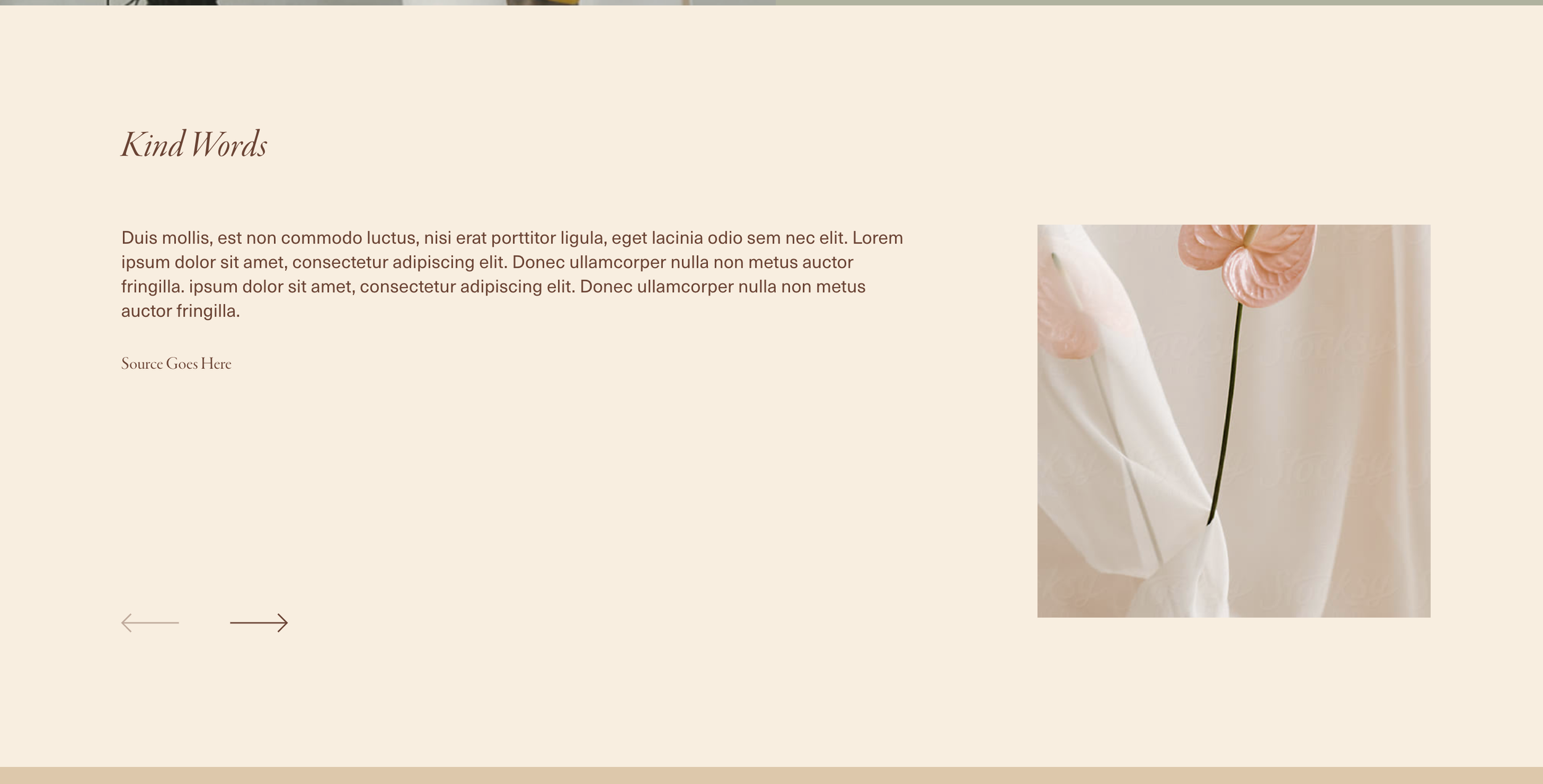
Carousel Arrows Bottom with Side-by-Side Layout
Reposition carousel arrows to the bottom and transform your summary block into a side-by-side layout with thumbnail and content columns.
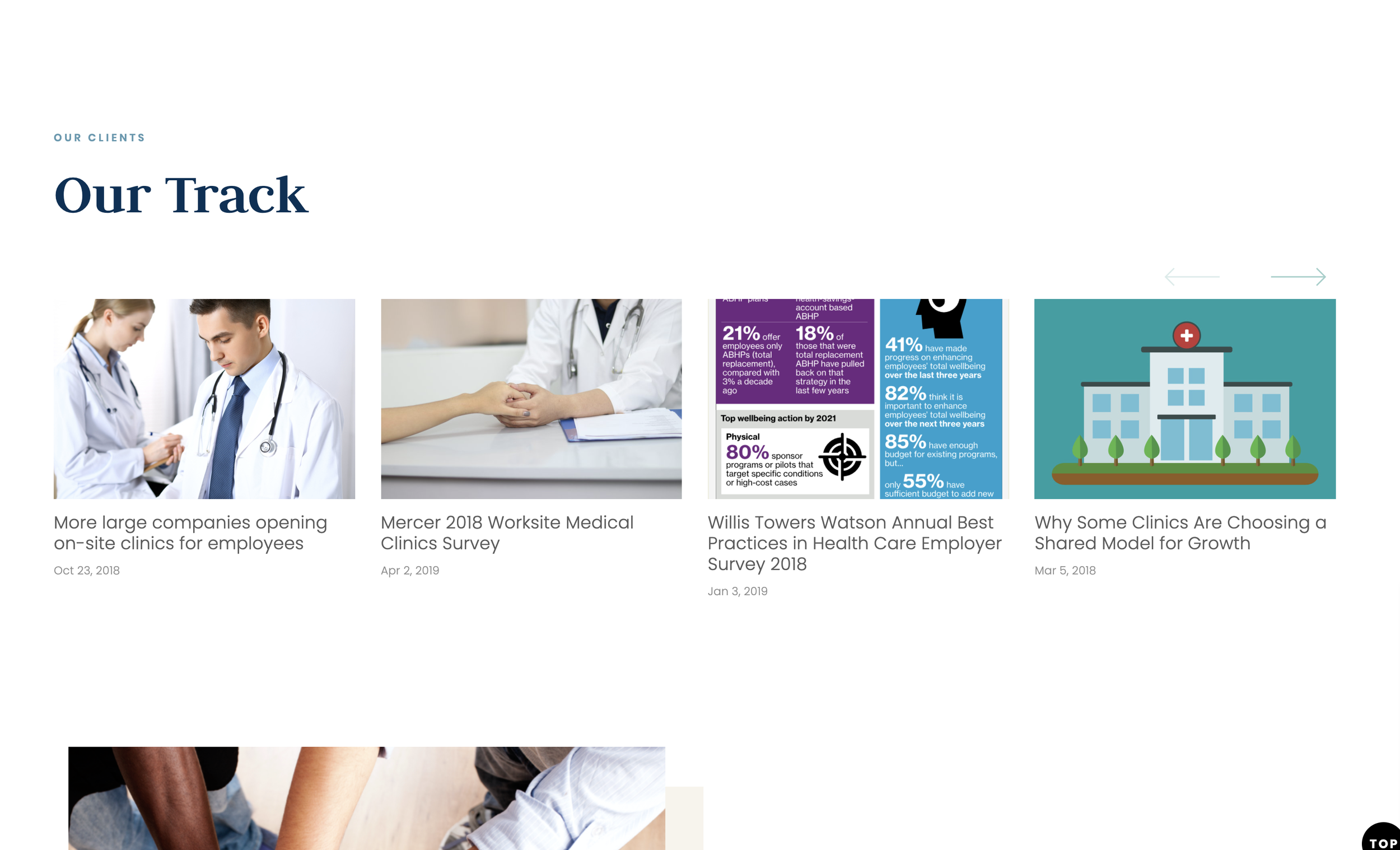
Customize Carousel Arrows
Replace default carousel arrows with custom SVG icons using CSS pseudo-elements and inline data URIs for branded navigation controls.
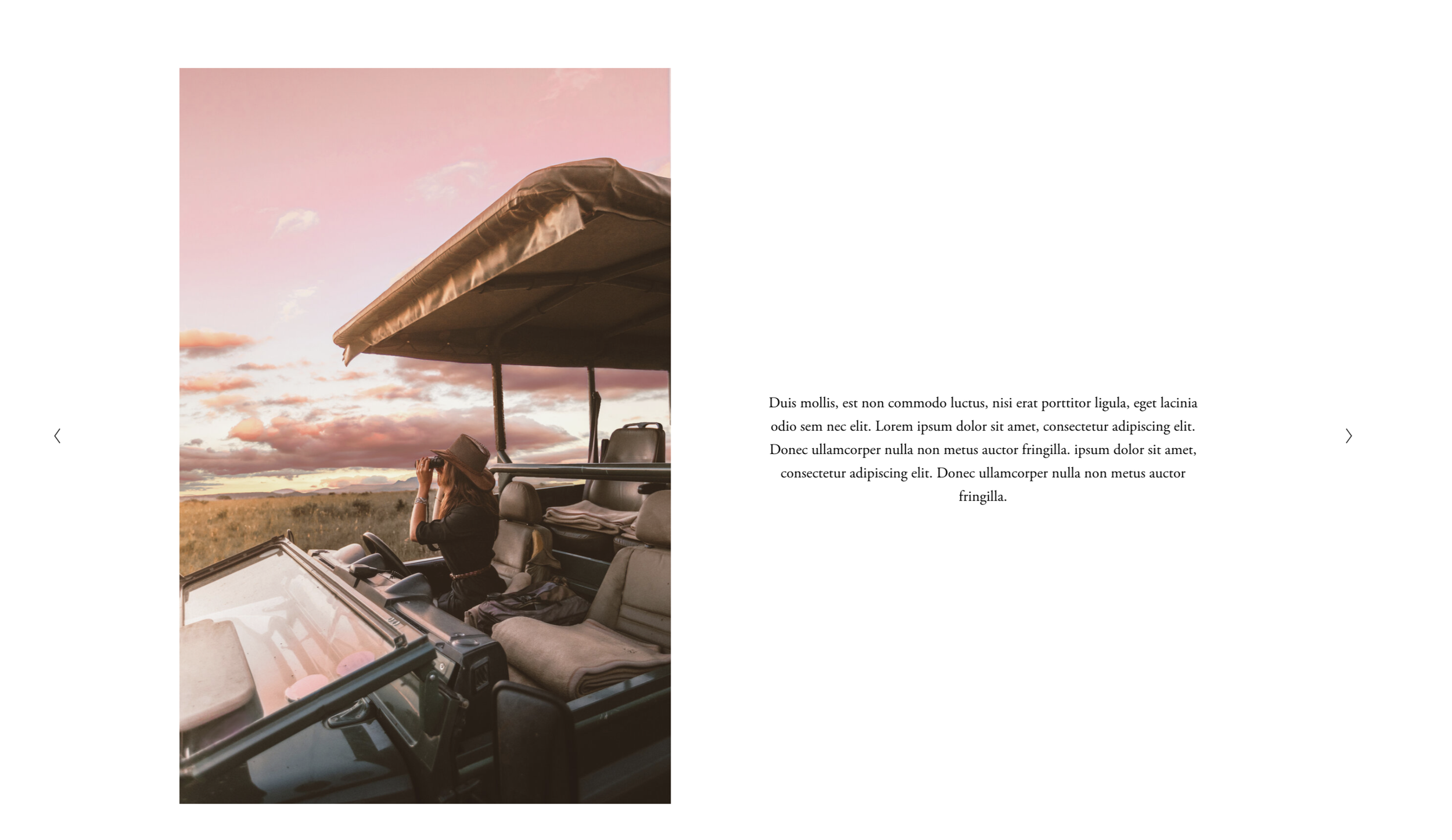
Gallery Slideshow Side-by-Side Text
Transform your gallery slideshow into a split layout with images on one side and text content on the other for an editorial presentation.
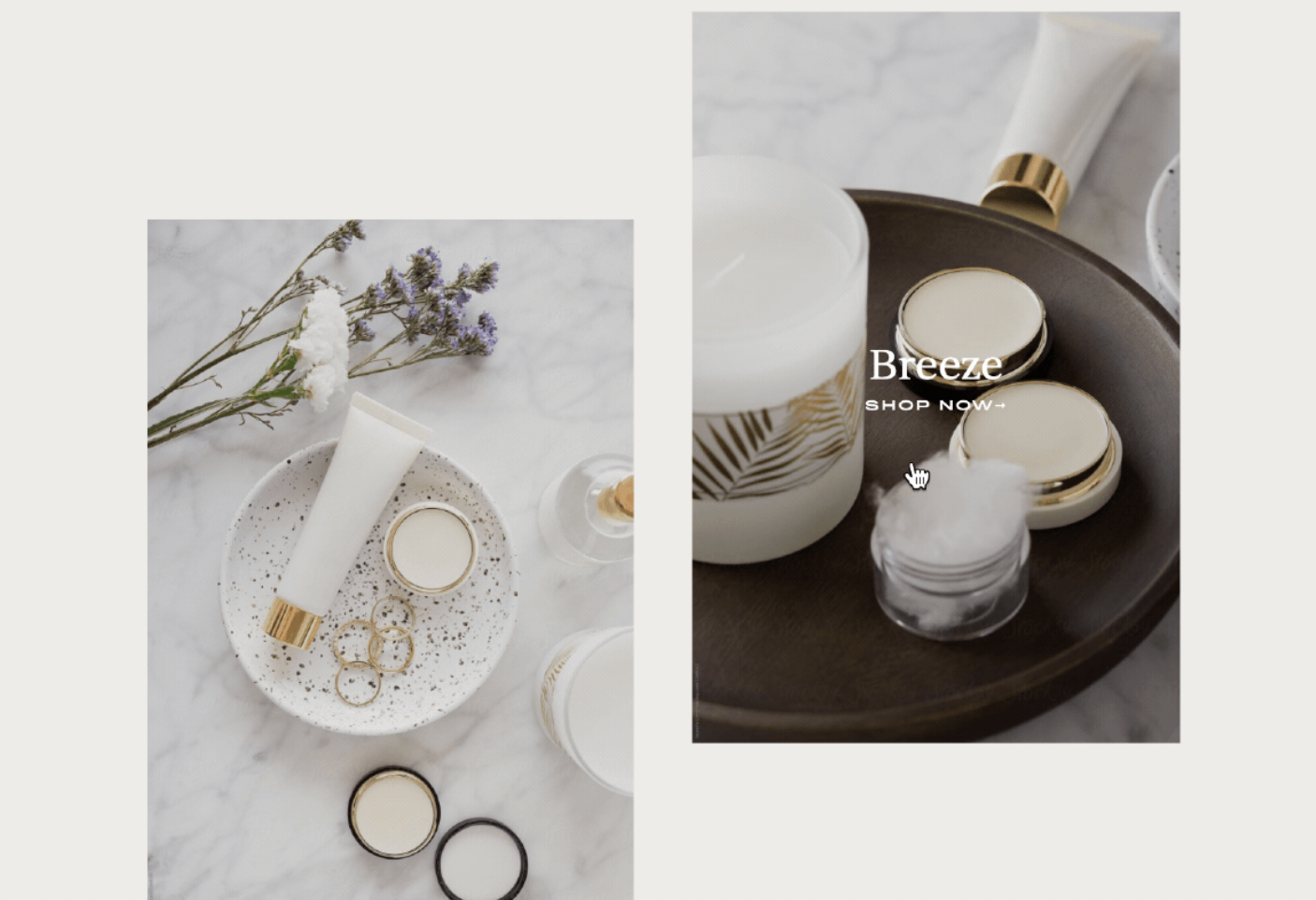
How to Display Poster Image Titles on Hover in Squarespace
Reveal image titles only when visitors hover over your poster-style images, keeping your layout clean until interaction happens.
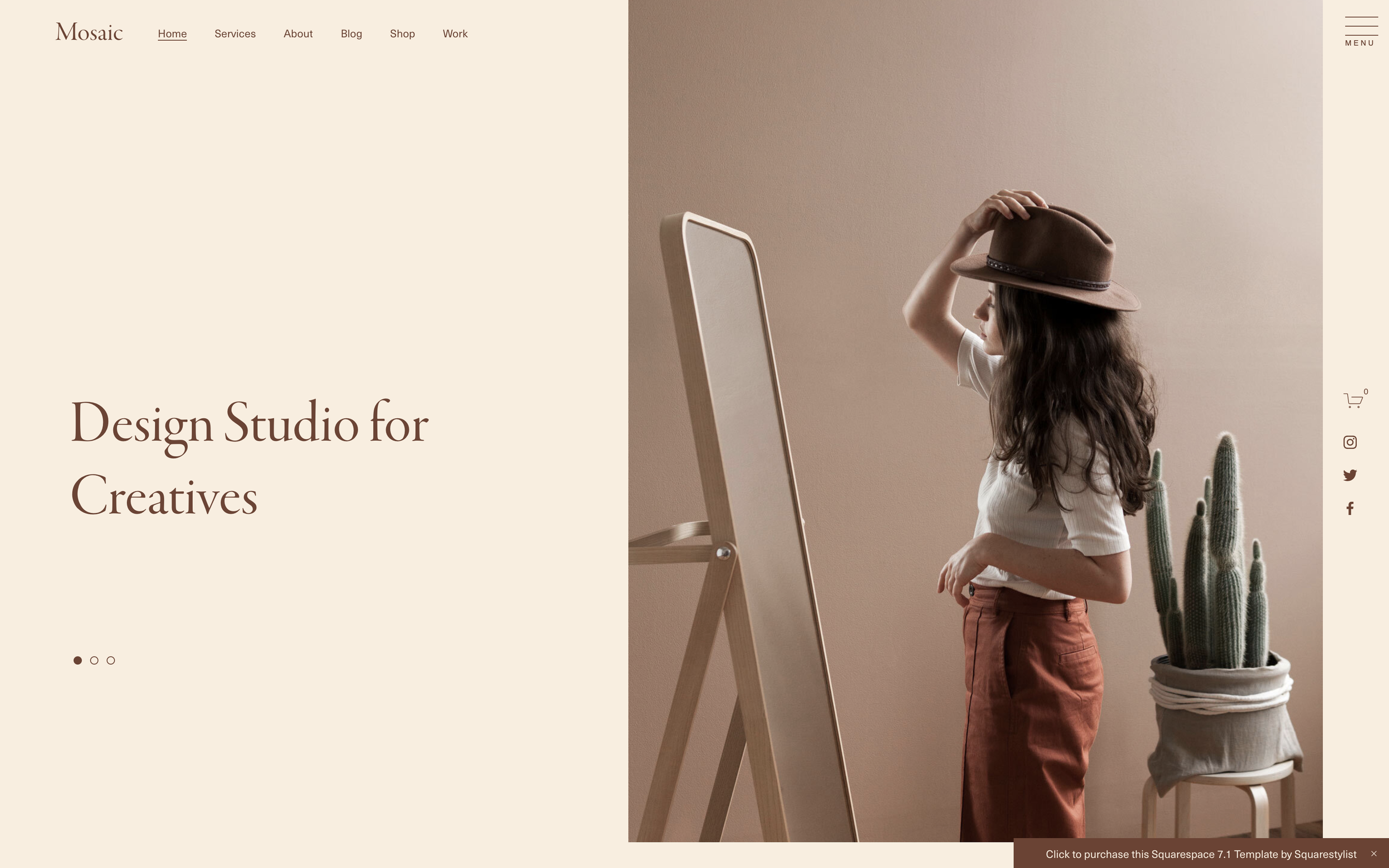
How to Move the Announcement Bar to the Bottom in Squarespace
Reposition Squarespace's announcement bar from the top to the bottom of the screen for a fixed footer-style notification that stays visible as visitors scroll.
Smooth Scroll Anchor Links for Squarespace
Create smooth-scrolling anchor links that glide visitors to page sections instead of jumping abruptly.

Side-by-Side List Section Layout
Transform your List Section into a horizontal side-by-side layout using flexbox—perfect for testimonial pairs or feature comparisons.