

Discover What You Can Build
500+ workshops, Techniques, and Resources Inside Standout Squarespace
Explore the library of techniques, templates, and resources available for you inside Squarestylist’s Standout Squarespace program.

Disable Portfolio Links
Remove clickable functionality from portfolio section items using JavaScript, perfect for decorative displays or visual-only showcases where project pages aren't needed.
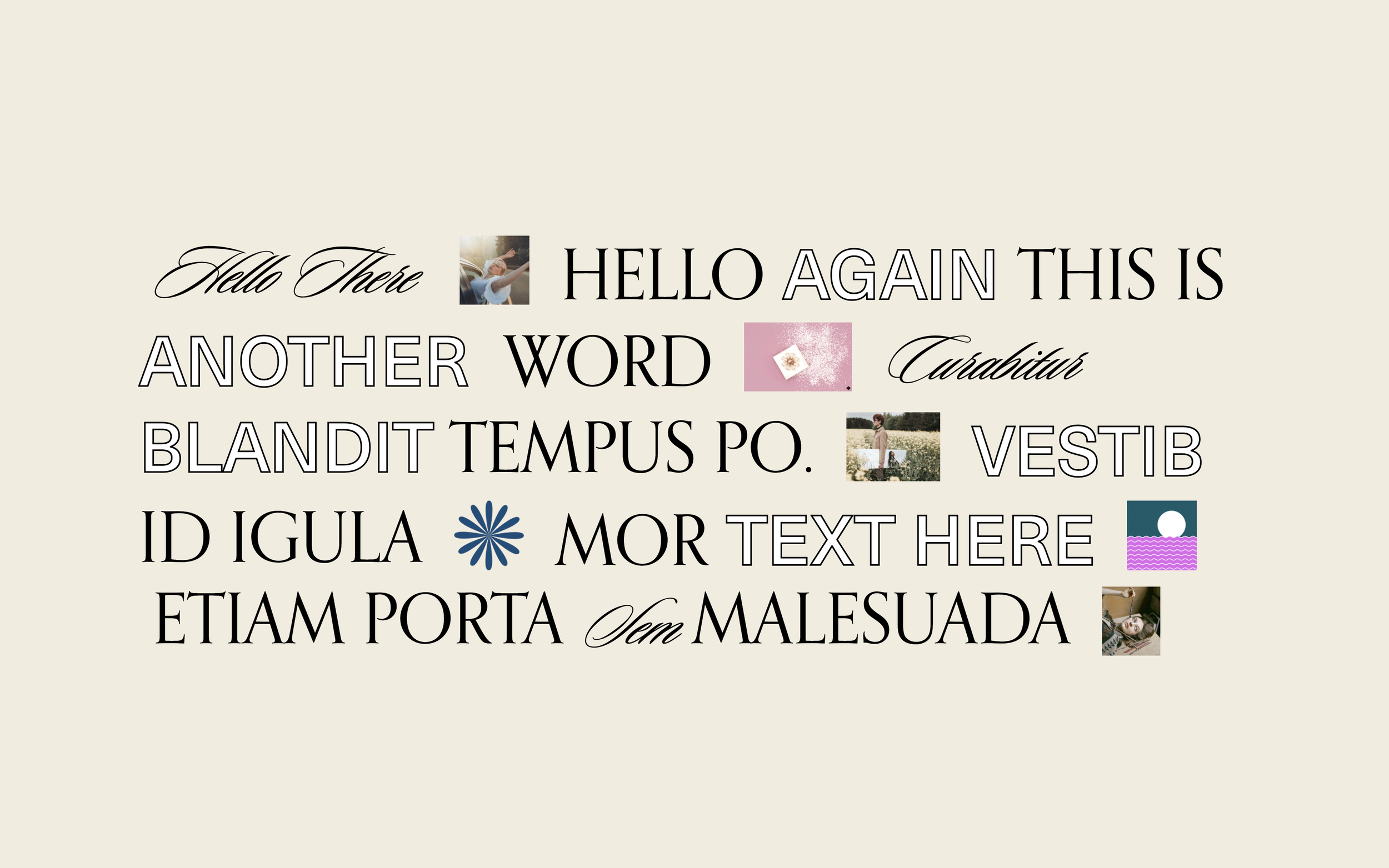
Inline Text and Images Layout
Break free from block-based layouts by flowing text and images together inline — create expressive, editorial headlines where words and images interweave naturally.

Gallery Slideshow with Counter
Gallery slideshow with slide counter and repositioned arrows - shows current slide out of total.
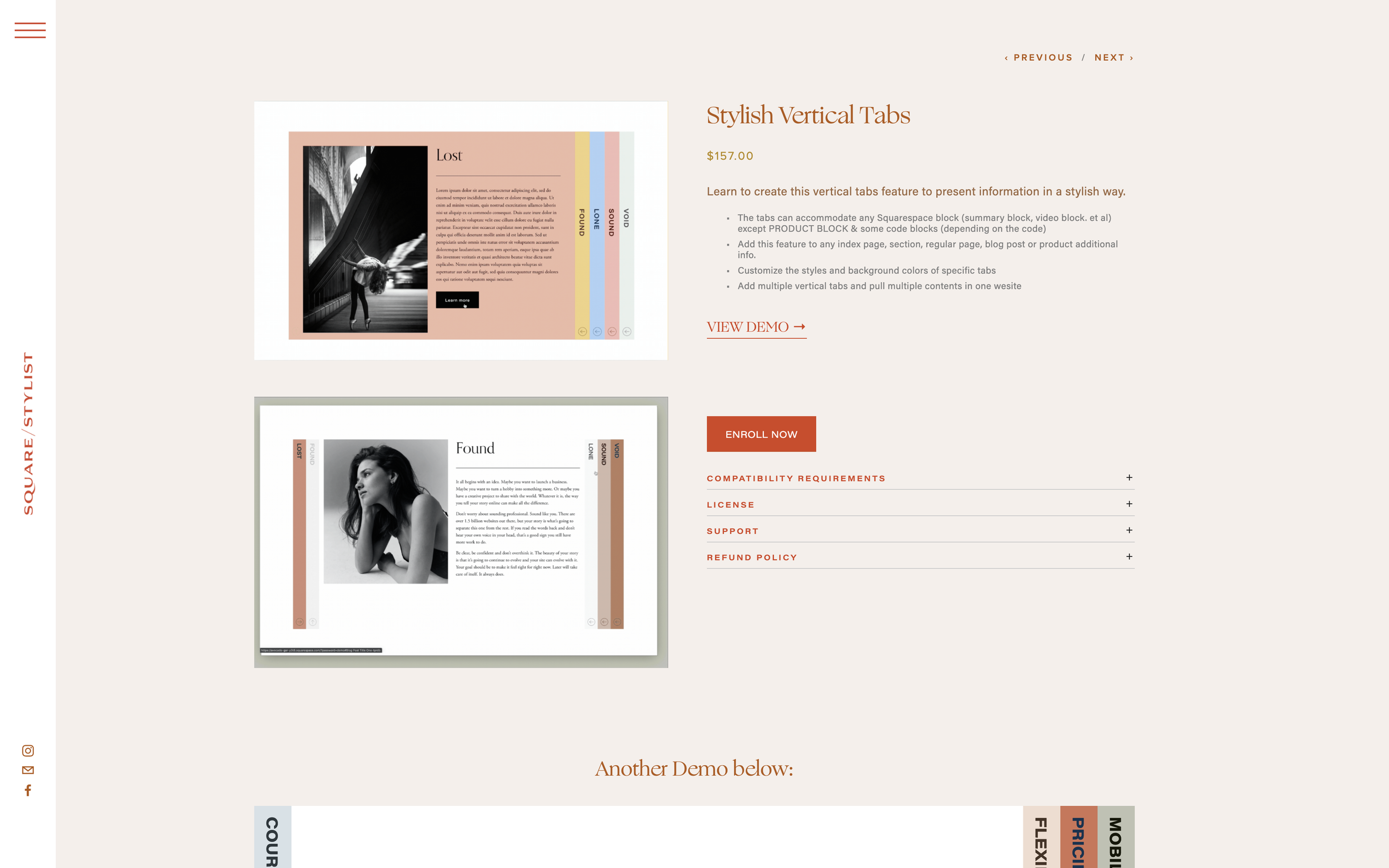
External Platform Button on Product Page
Add a styled button linking to Teachable, Thinkific, or other external platforms directly on your Squarespace product page.
Summary Block Mobile View Customization
Create a clean, stacked mobile layout for list Summary Blocks with centered text alignment.
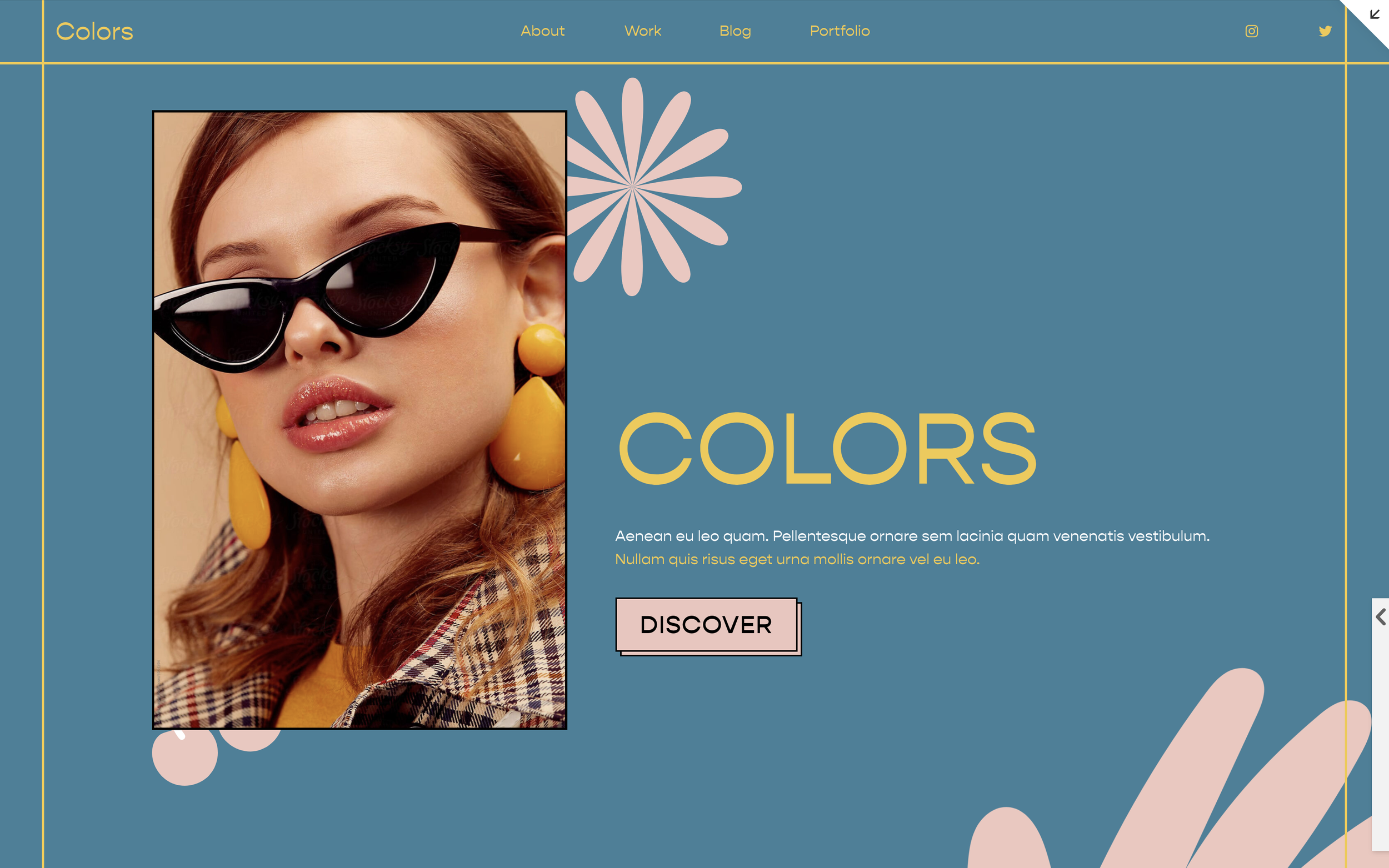
Image Decorative Overlay
Add decorative graphic elements that overlay images using CSS pseudo-elements. Position stickers, badges, or accent graphics on top of any image without editing the original.
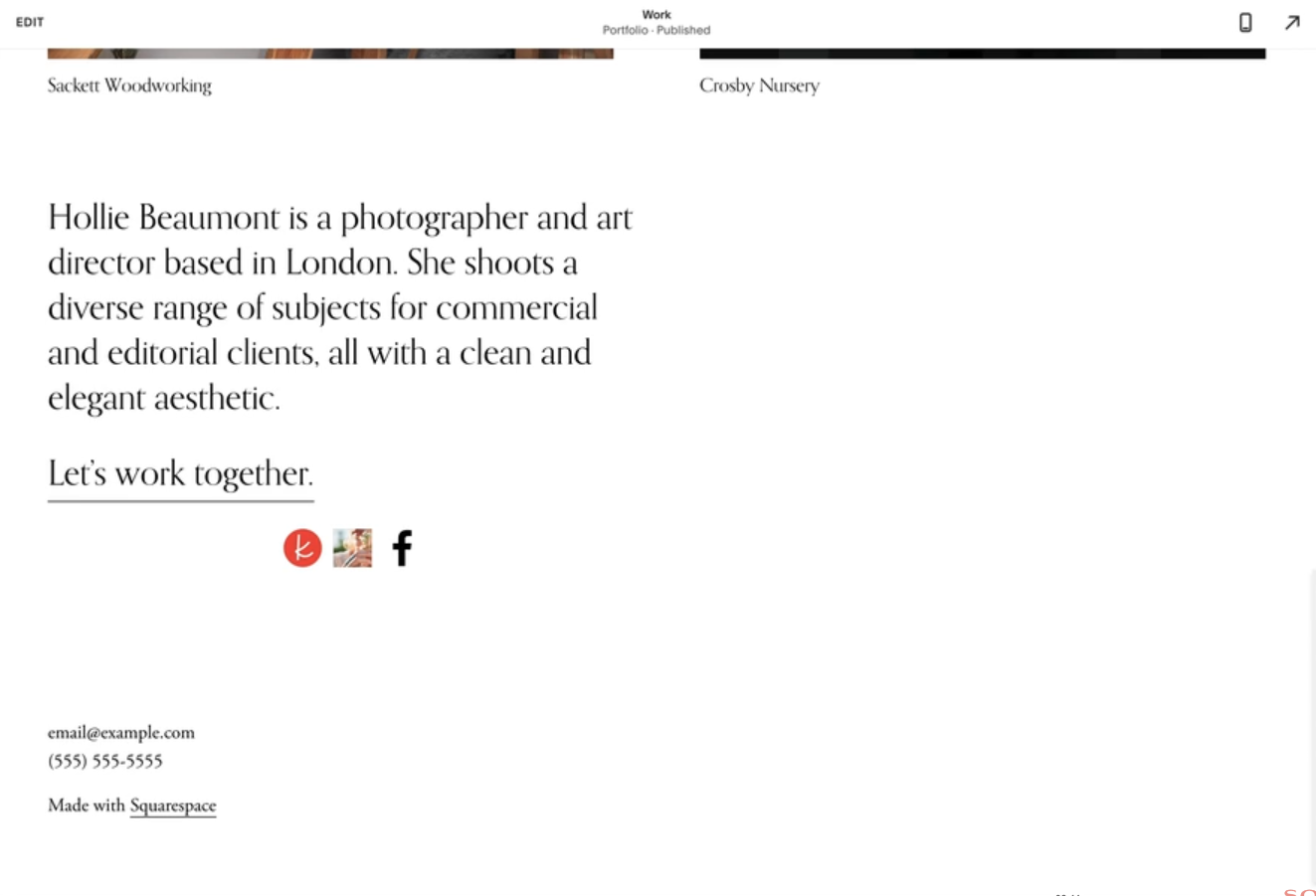
Custom Social Link Icons
Replace Squarespace's default social icons with your own custom images — perfect for branded social buttons or platforms not included in the default set.

CSS Text Marquee Animation
Continuously scrolling text that loops horizontally - CSS-only marquee effect.
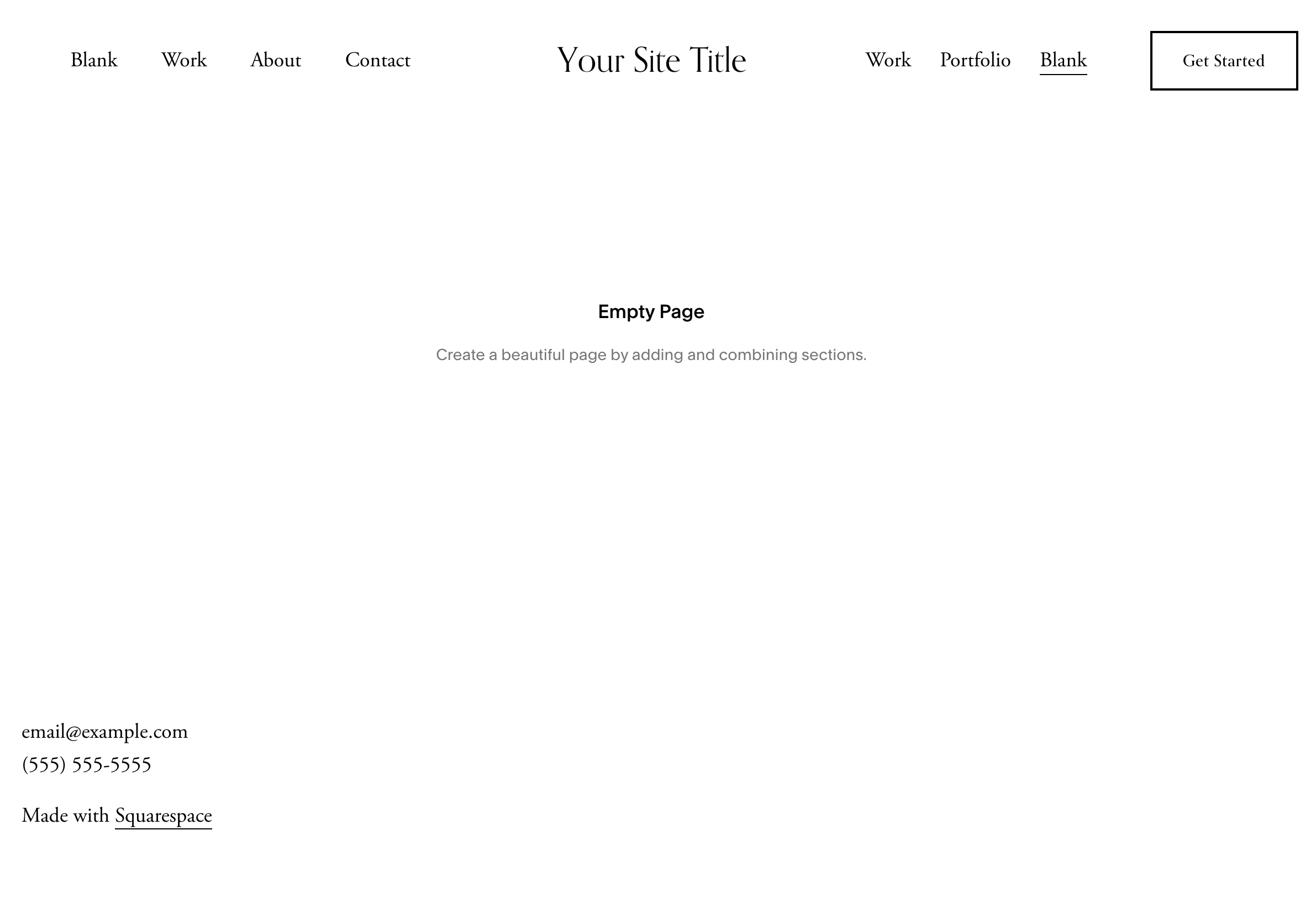
Centered Logo with Split Navigation
Split navigation items left and right with logo centered in the header.
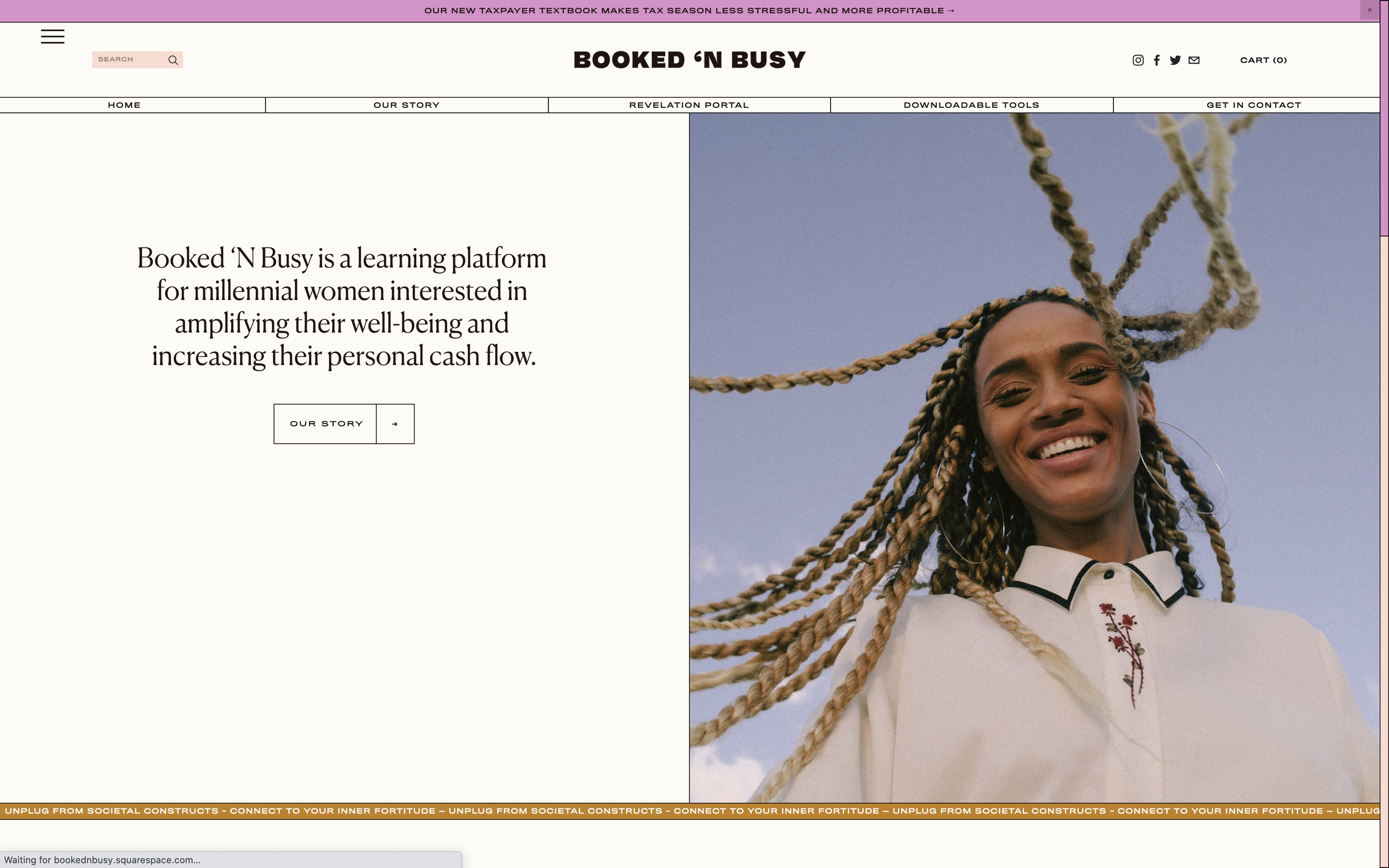
Lined Header with Full-Width Navigation
Create a header with navigation items separated by lines and spread full width.
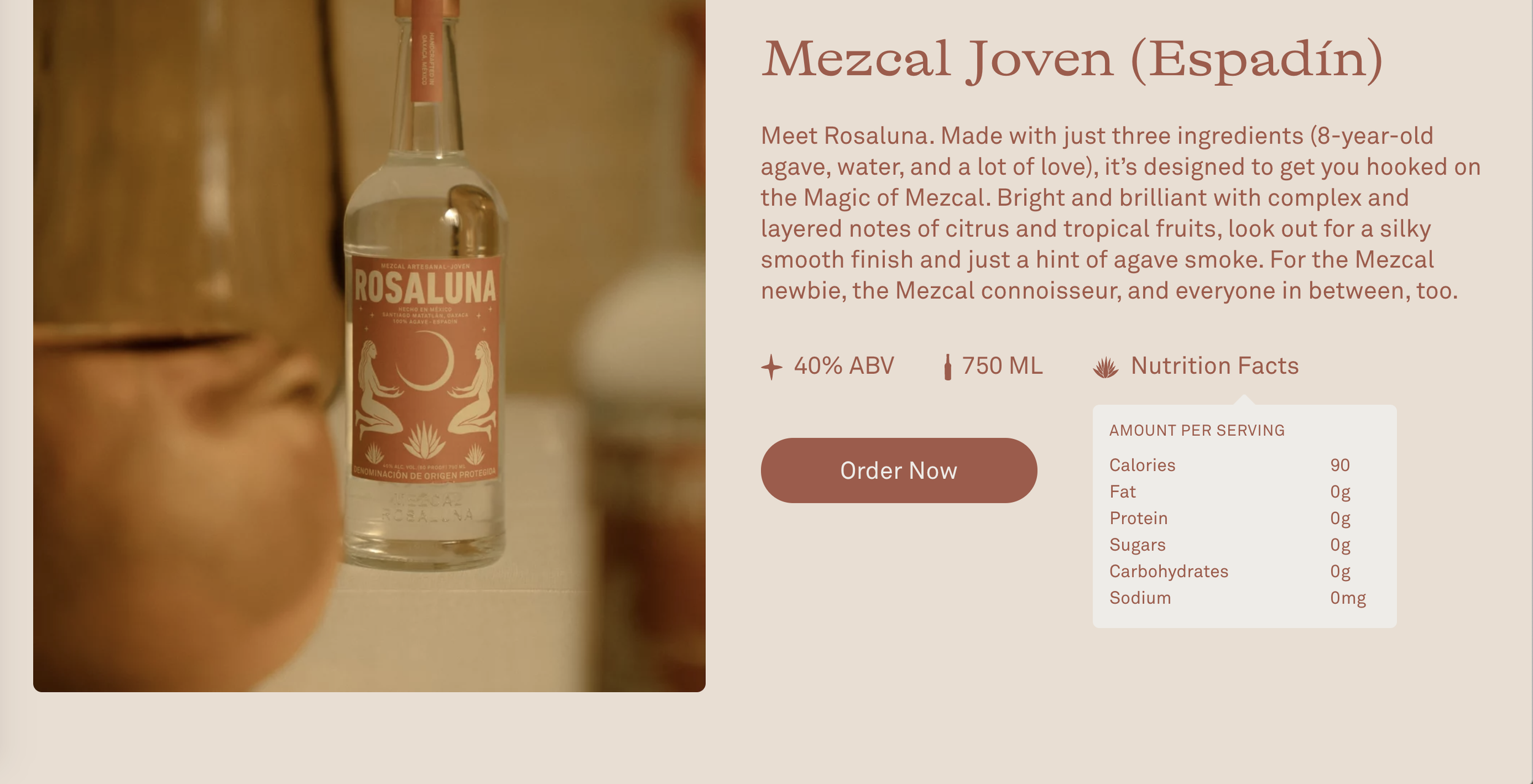
Product Info Reveal on Hover
Display additional product details in a popup that appears when visitors hover over product listings.
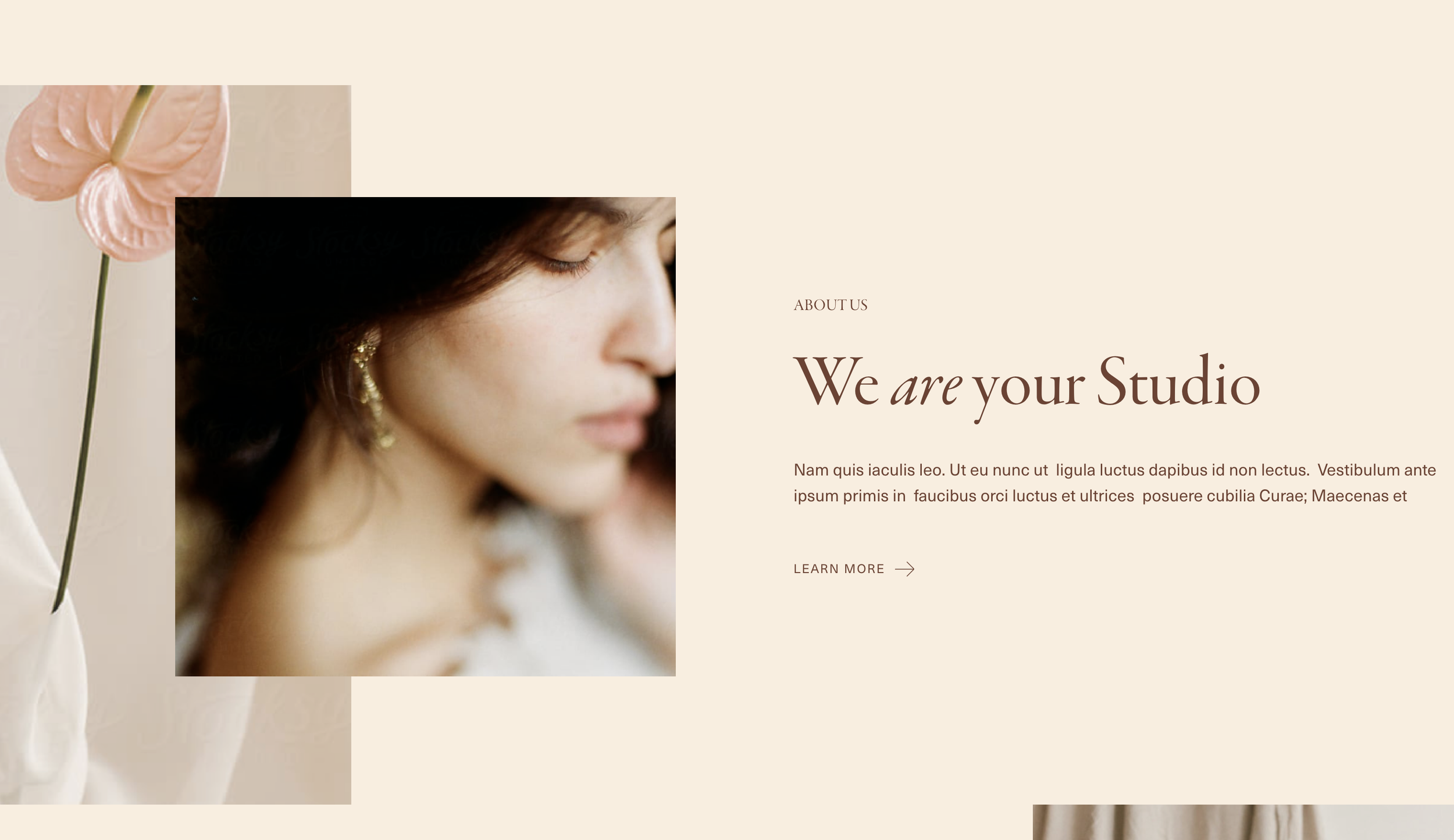
Animated Link Underline Effect
Text links with animated underlines that expand on hover - includes optional arrow icons.
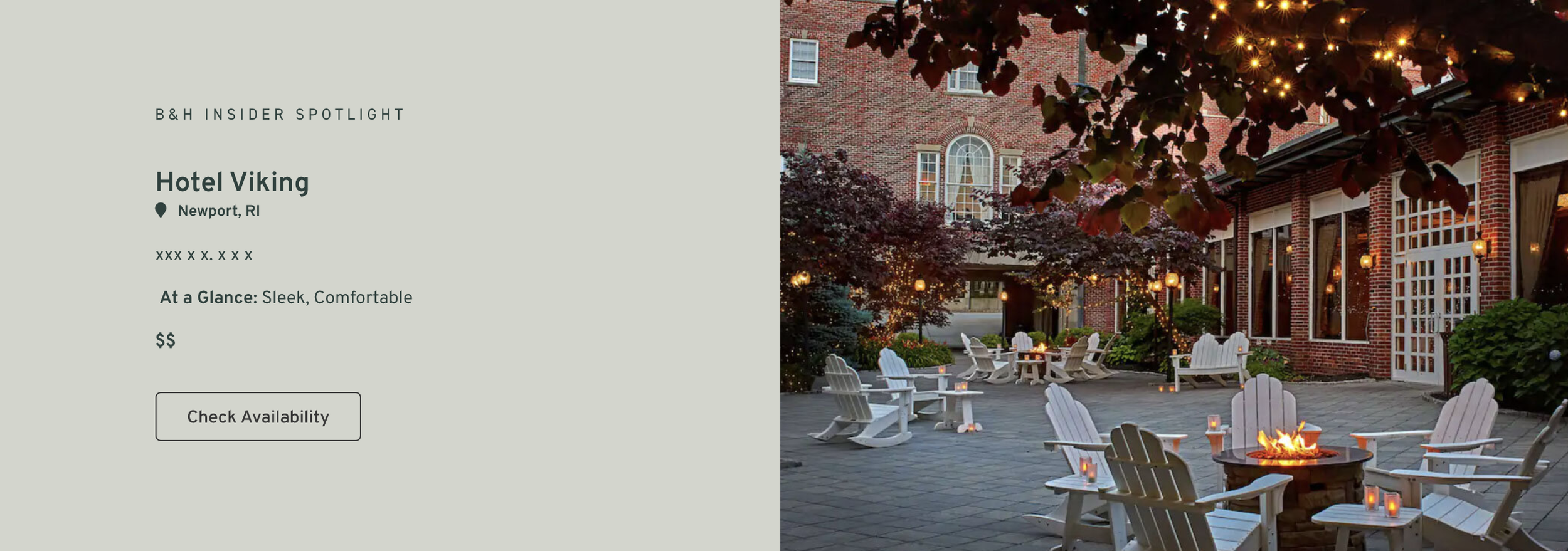
Clickable Section Background Images
Add clickable links to section background images, turning full-bleed backgrounds into navigation elements or call-to-action areas.

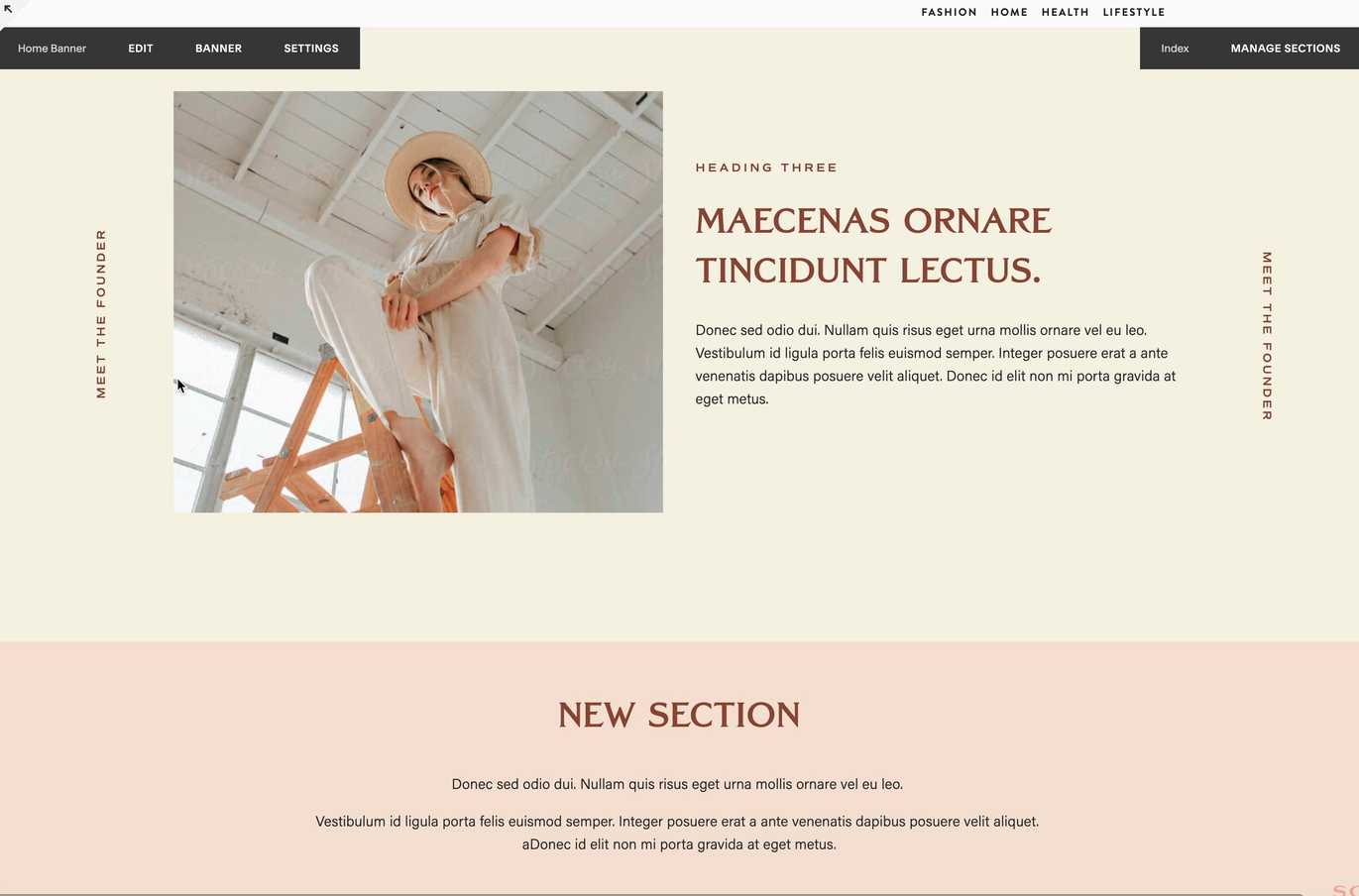
How to Add Rotated Text Labels to Gallery Slideshows in Squarespace
Add vertically rotated text labels alongside your gallery slideshow images, creating an elegant editorial-style design accent.
ScrollReveal Animations
Customizable scroll-triggered reveal animations using ScrollReveal.js.
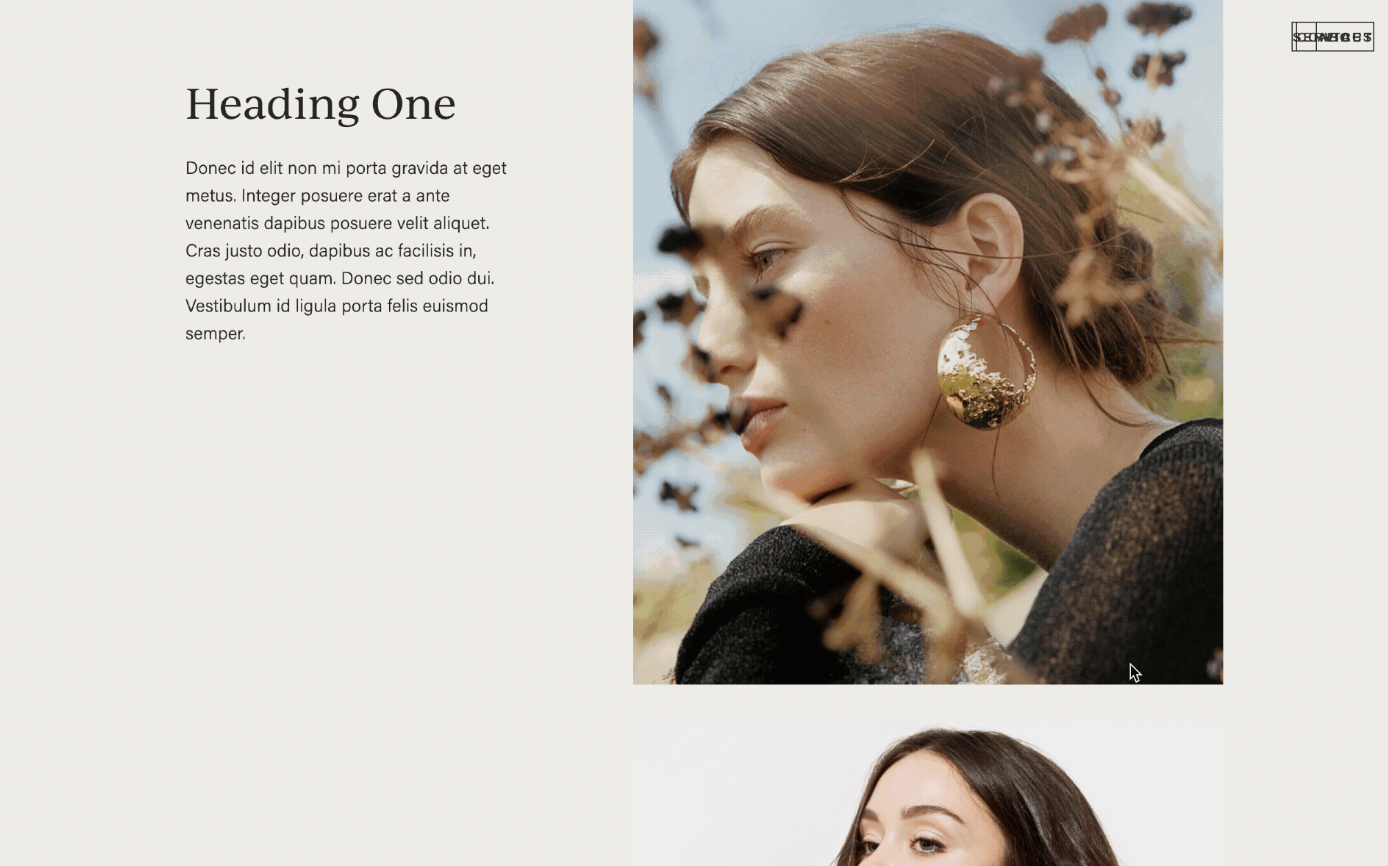
Sticky Scrolling Columns
Pin one column in place while the other scrolls — perfect for keeping key visuals or headlines visible during long-form content.
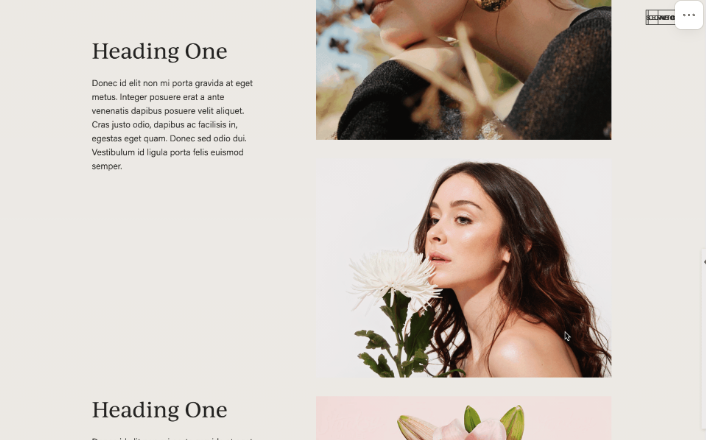
Sticky Scrolling Columns for Squarespace 7.0
Keep one column fixed in place while visitors scroll through content in the adjacent column.
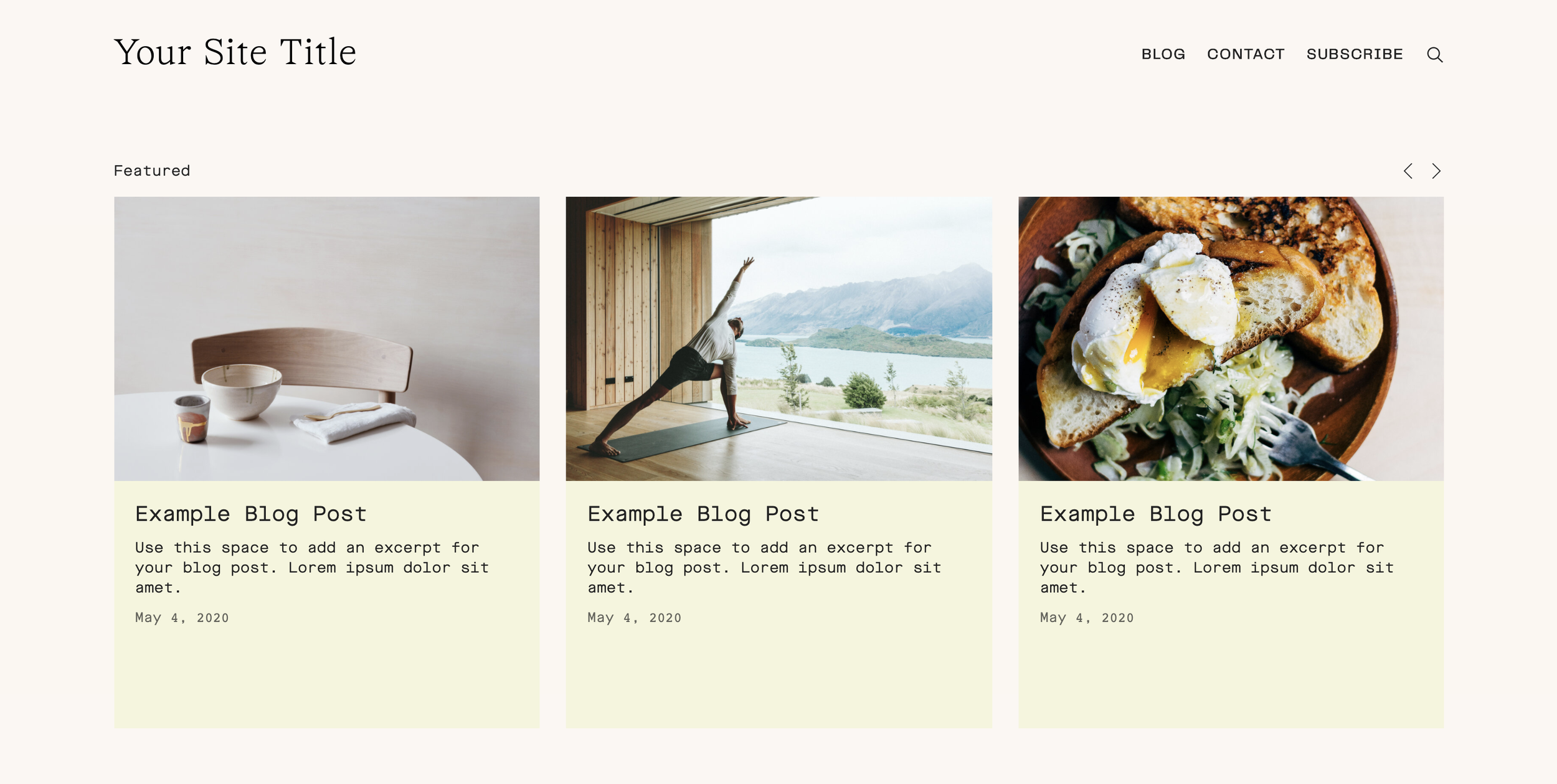
Summary Carousel Card Backgrounds
Add colored background panels to carousel summary blocks - creates polished card layouts.
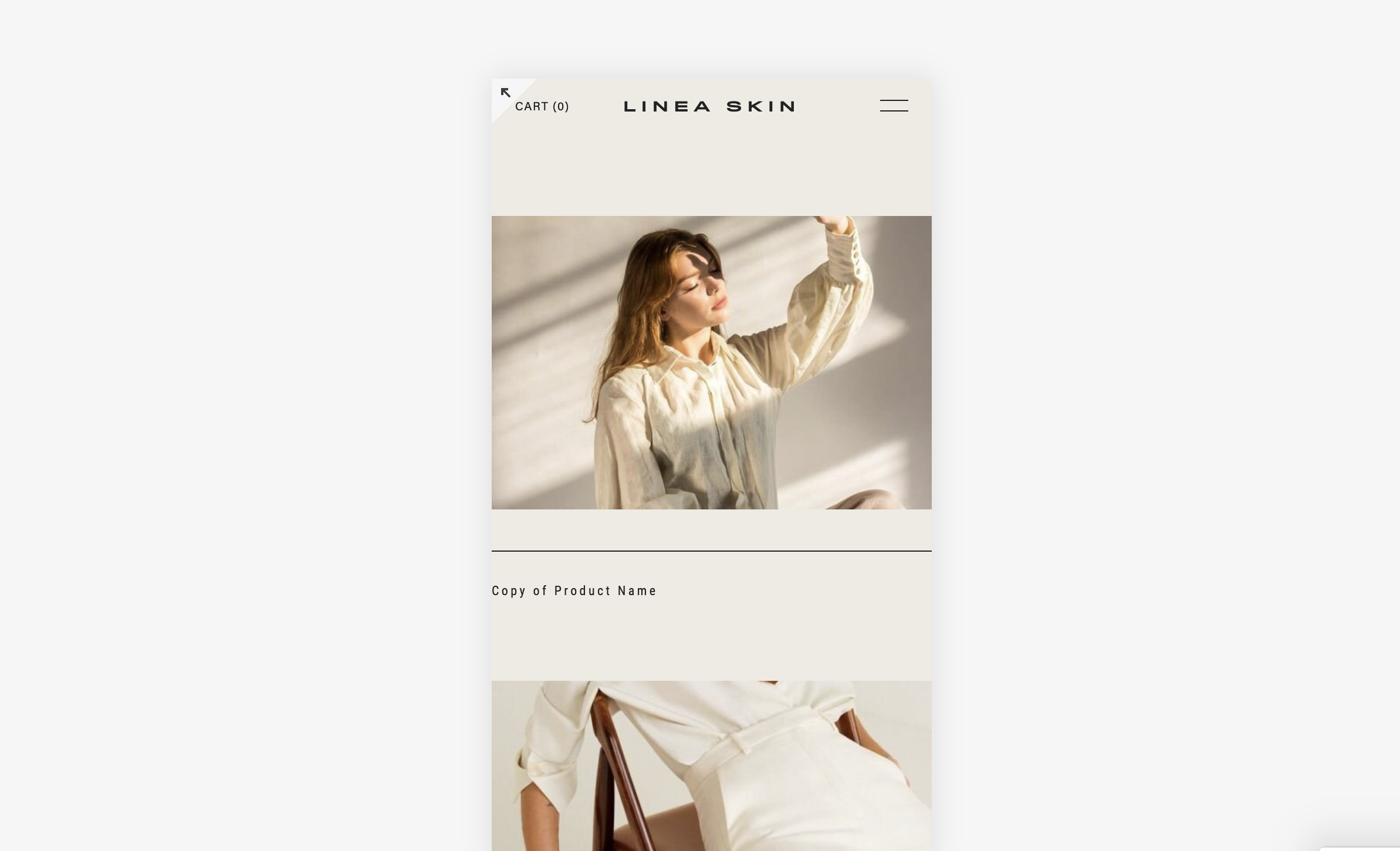
Disable Parallax on Mobile
Automatically turn off section background parallax effects on mobile devices to improve performance and prevent janky scrolling.