

Discover What You Can Build
500+ workshops, Techniques, and Resources Inside Standout Squarespace
Explore the library of techniques, templates, and resources available for you inside Squarestylist’s Standout Squarespace program. Standout students also get the commercial license to use these techniques in building Squarespace templates for sale.
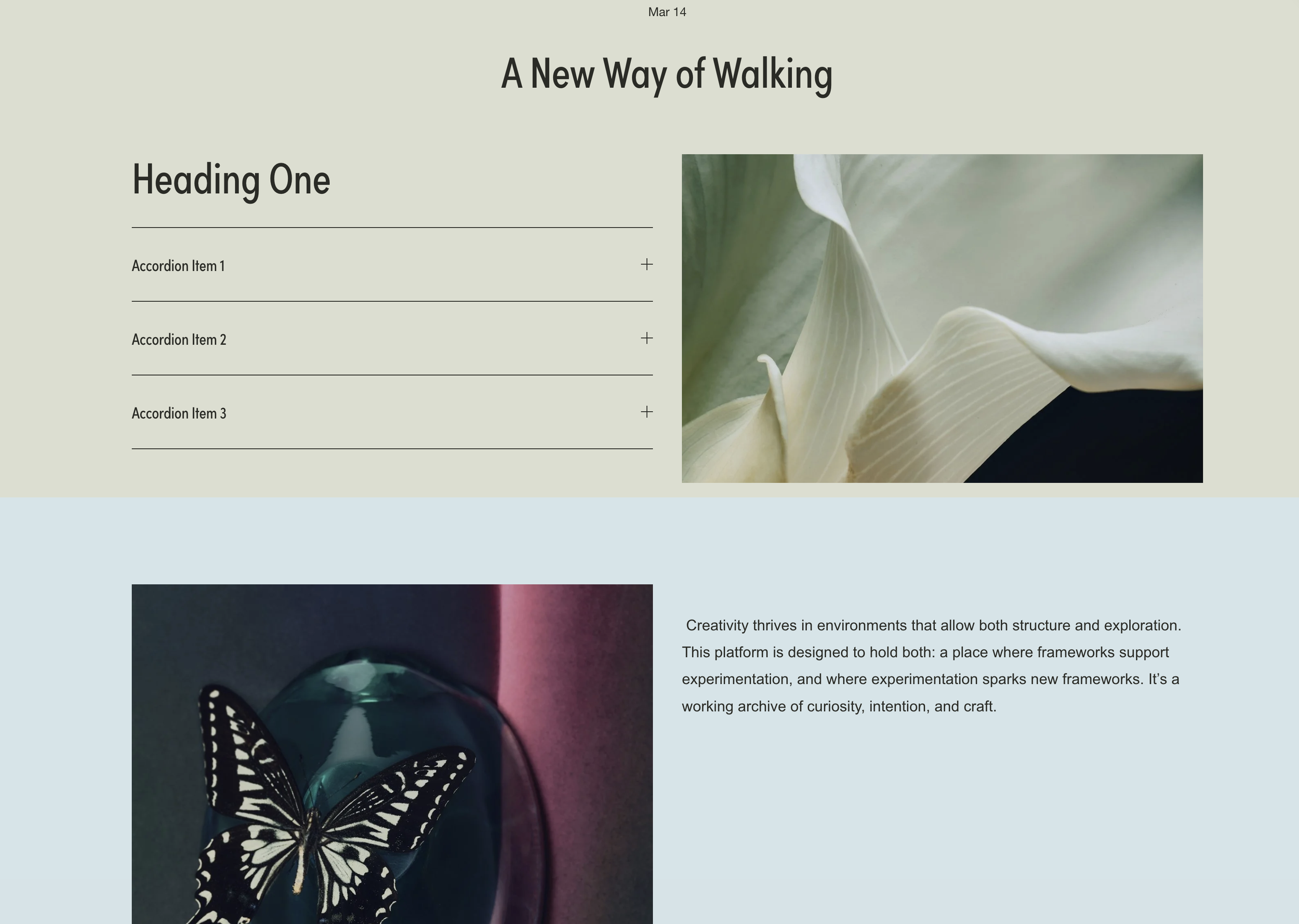
Blog Post Full-Width Sections
Create dramatic full-bleed colored sections within blog posts using code blocks as dividers, breaking free from the default narrow content width.
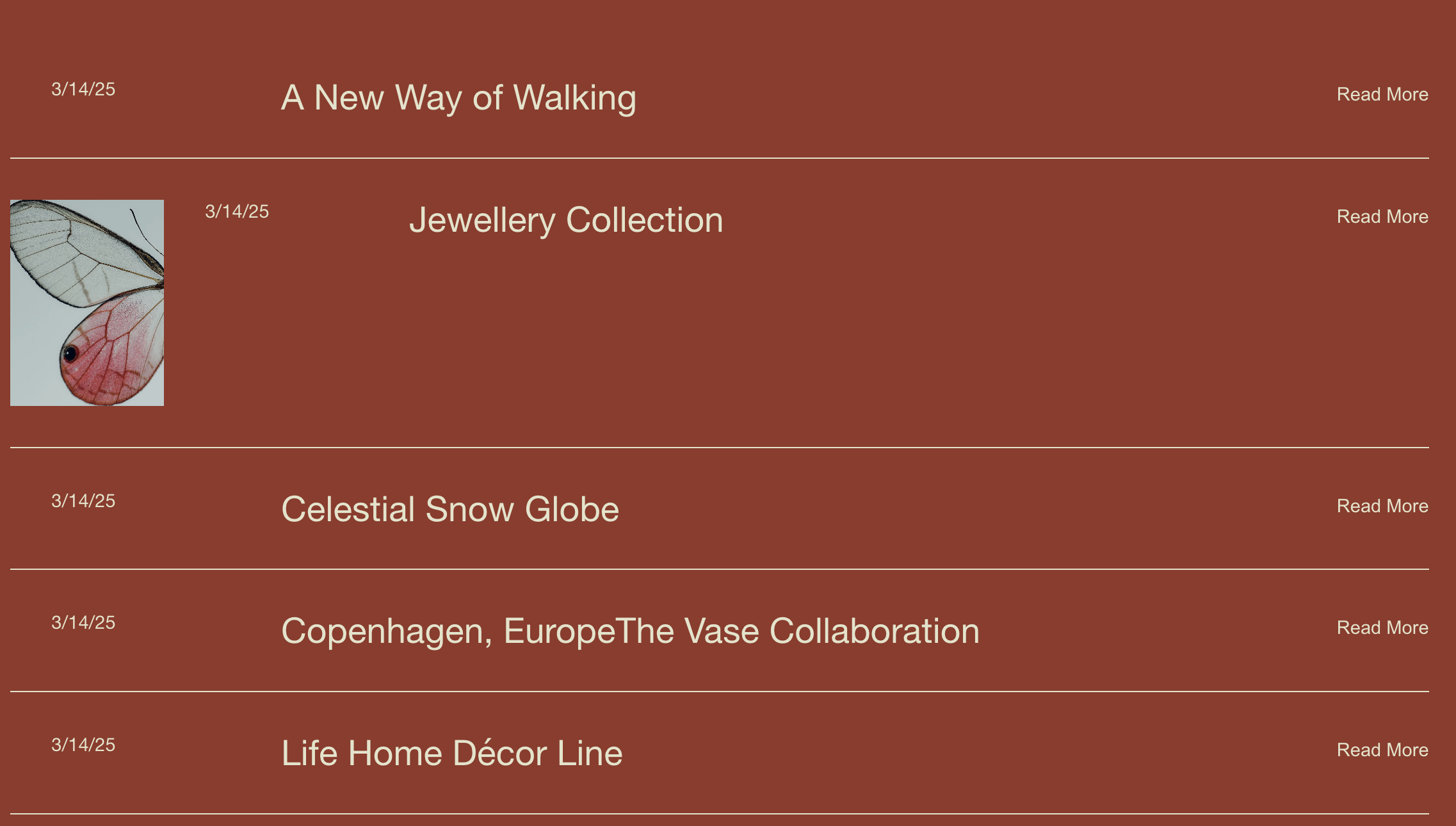
Blog Image Expand on Hover
Blog list items expand to reveal featured images on hover - space-efficient interactive layouts.
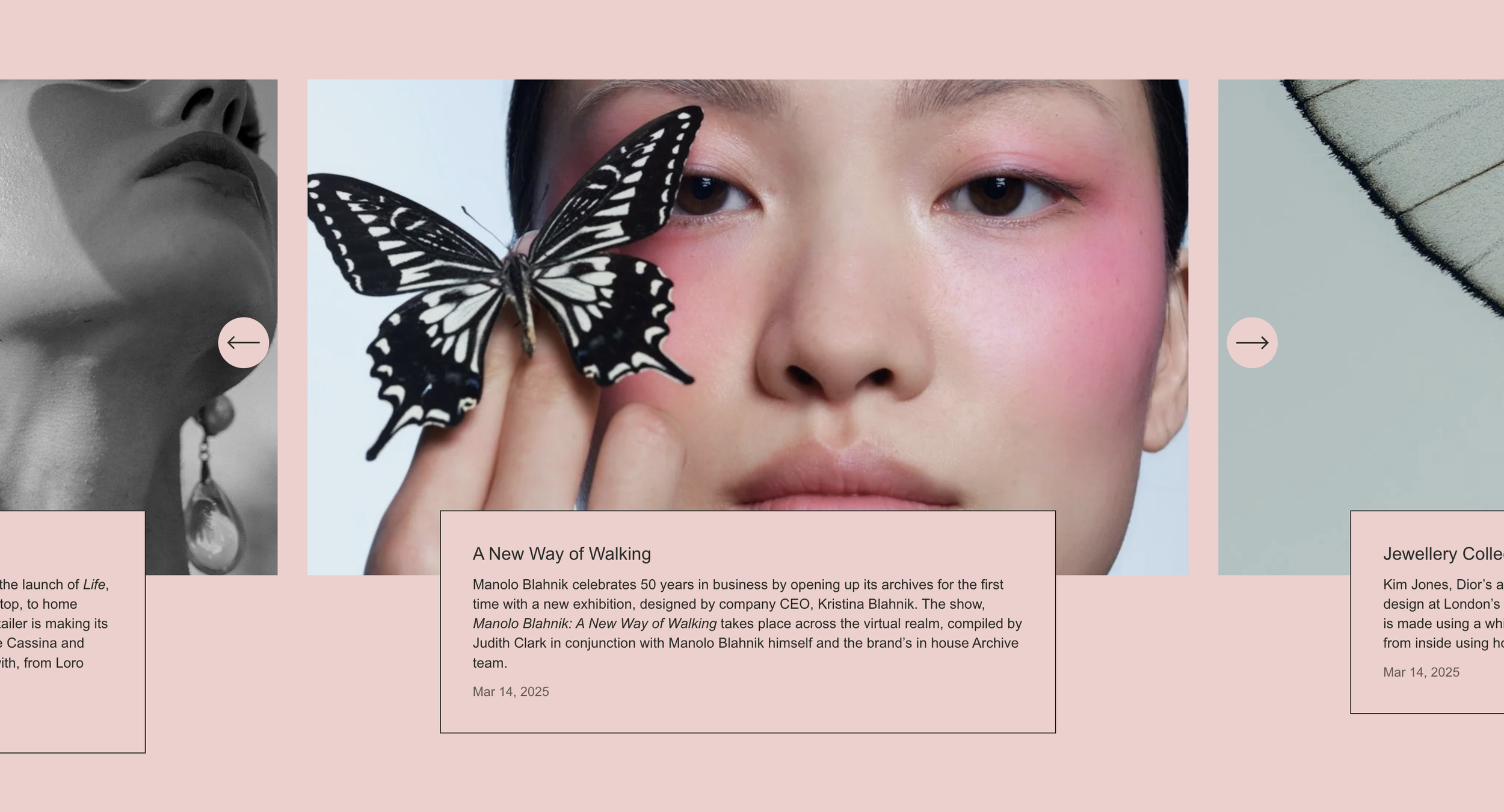
Focus Carousel Summary Block
Centered carousel with larger active item and peeking neighbors - spotlight-style content browsing.

Summary Block Category Filter
Clickable filter buttons that show/hide summary block items by blog category - smooth content filtering.
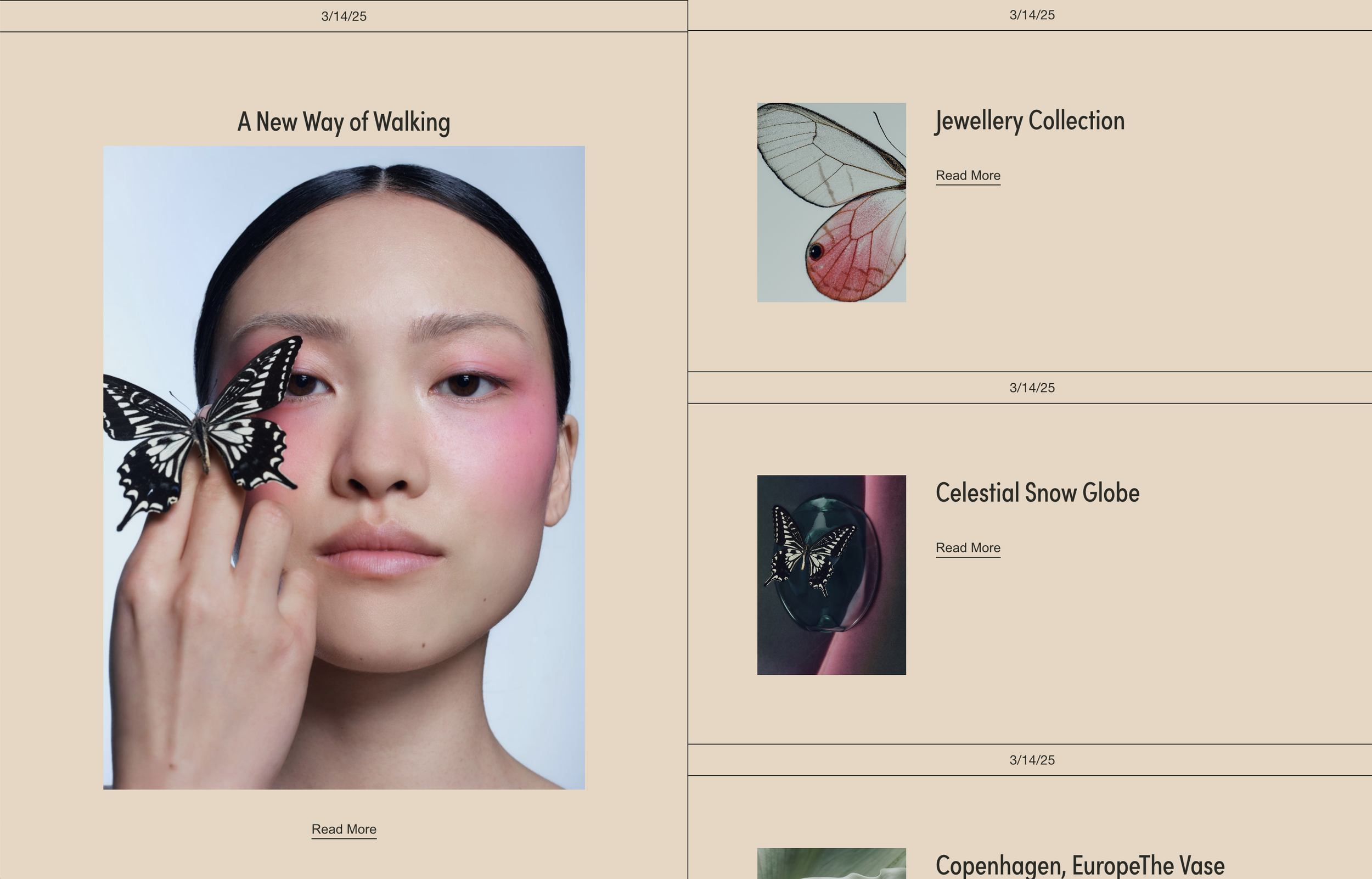
Blog Grid with Sticky Featured Post
Two-column blog layout with sticky featured post - magazine-style grid with borders.
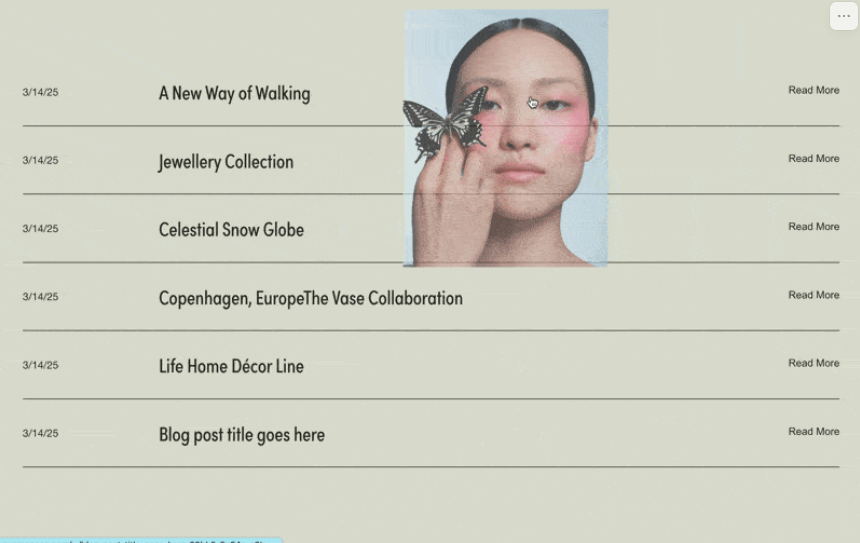
Blog List with Cursor-Following Images
Blog list where featured images follow the cursor on hover - dynamic interactive browsing.
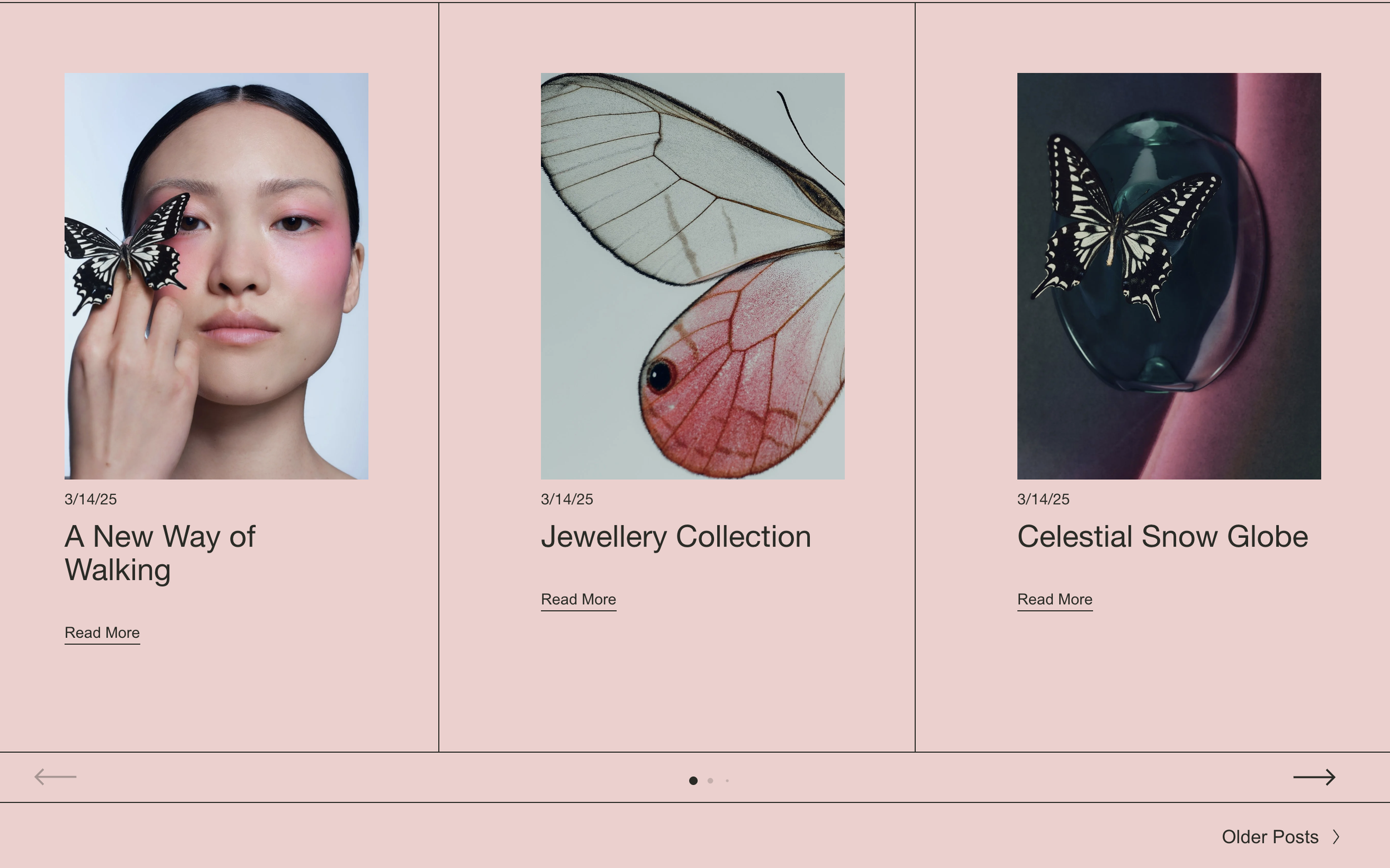
Blog List Carousel with Swiper.js
Transform your blog list into a horizontal swipeable carousel with navigation.
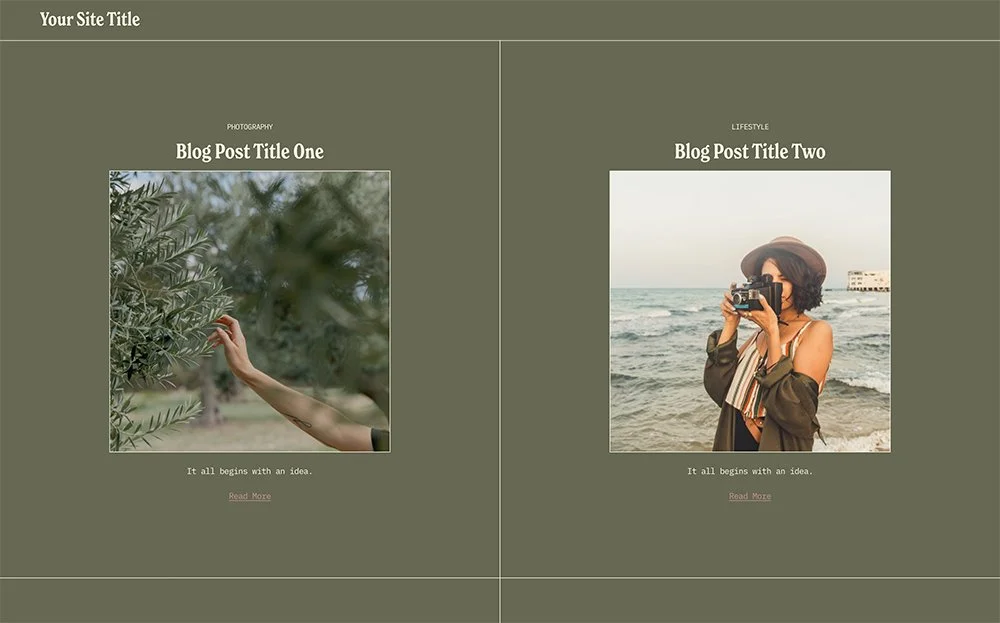
Blog Grid with Borders and Custom Backgrounds
Create a bordered blog grid with custom background colors and pagination styling.
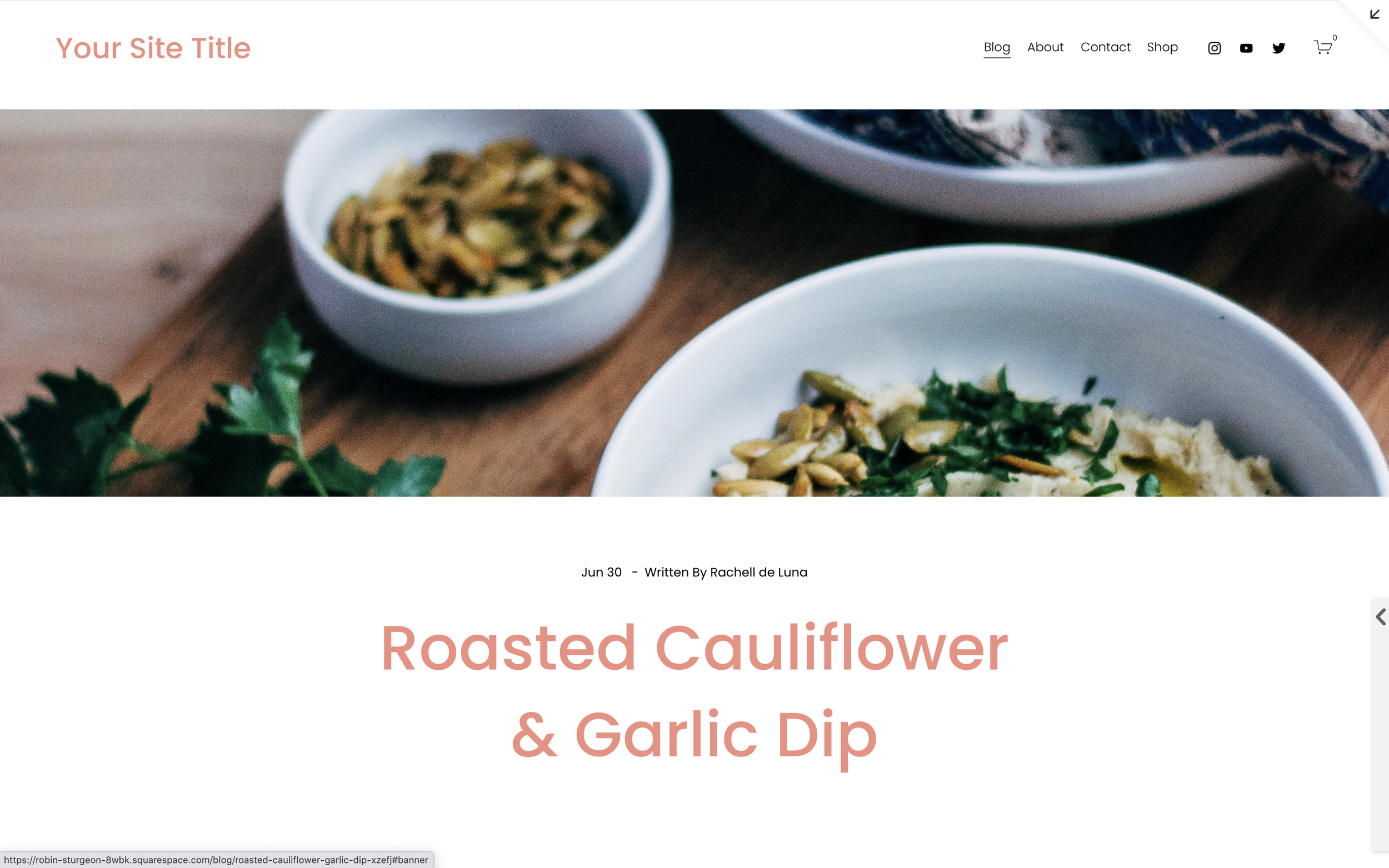
Blog Post Full-Width Banner
Create a magazine-style full-width banner image at the top of your blog posts using a keyword trigger.
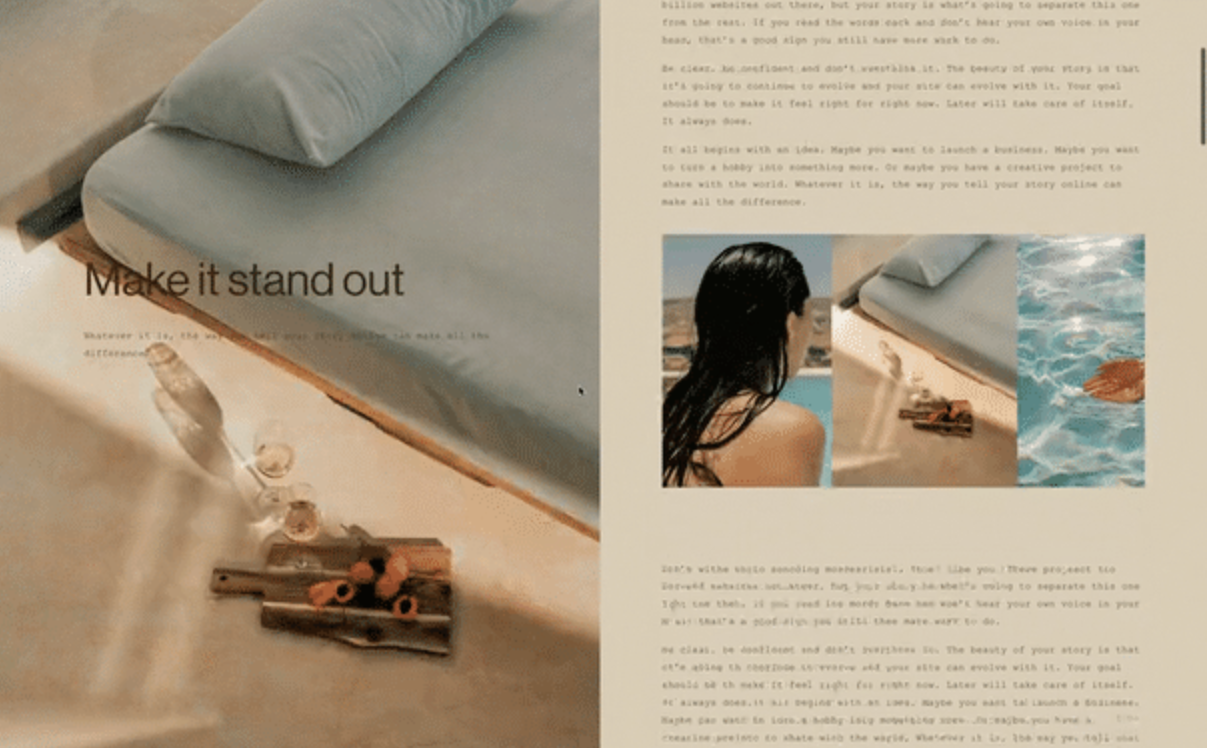
Sticky Scrolling Blog Layout
Create a split-screen blog layout with sticky images that stay fixed while content scrolls alongside.
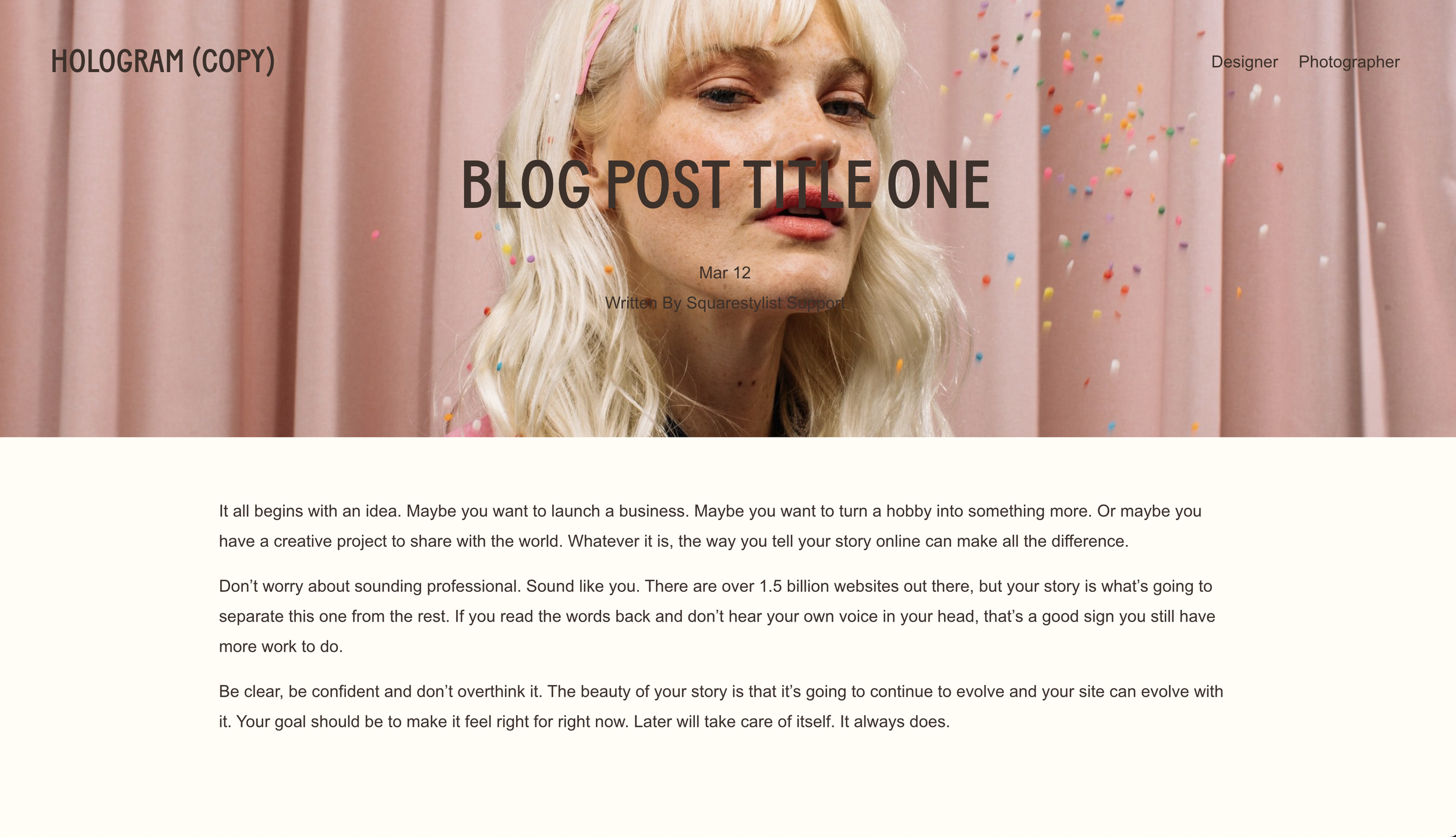
Blog Post Cover Image Hero
Create a hero-style cover image behind your blog post title for dramatic visual impact.
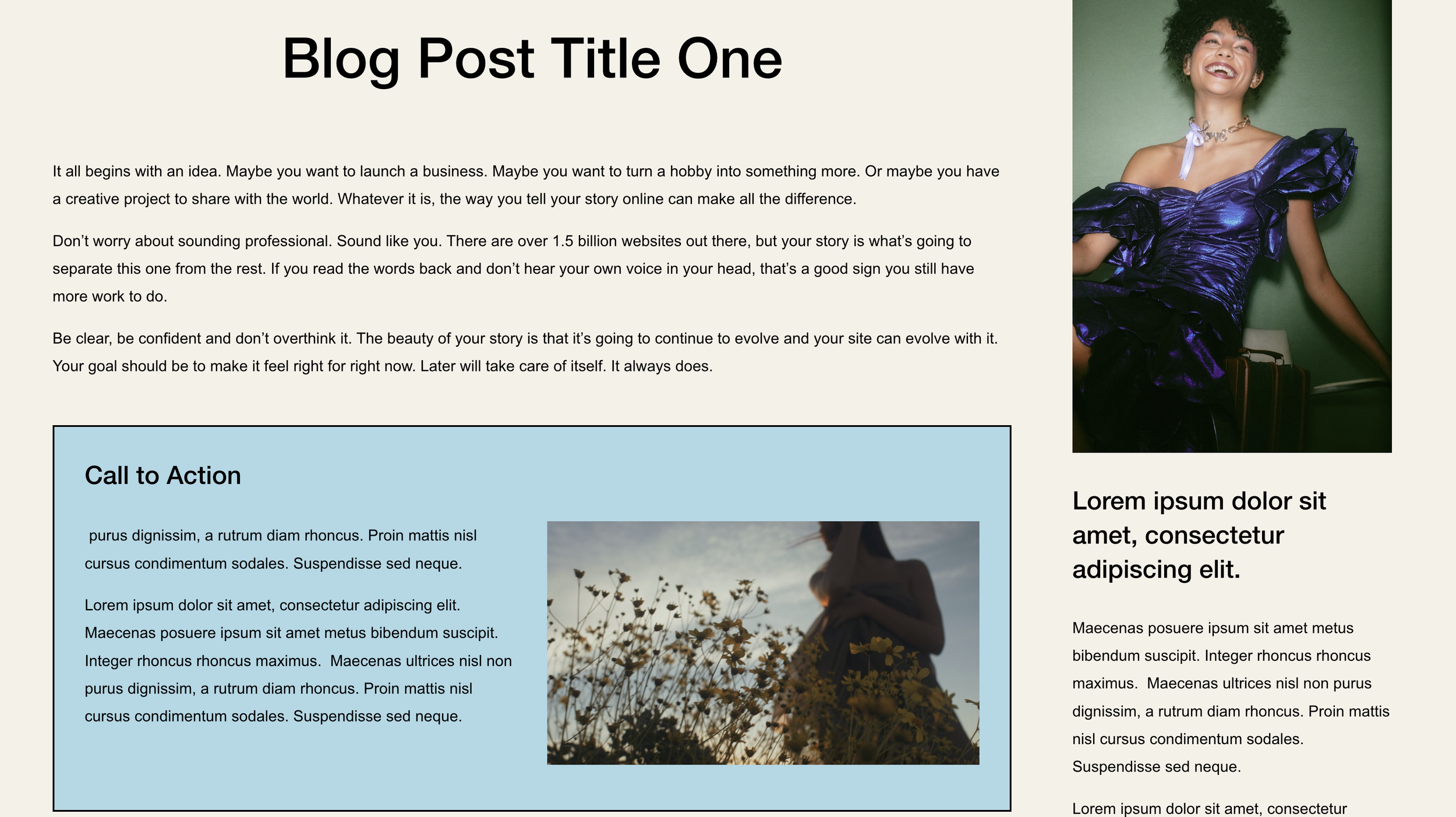
Blog Post Synced CTA Block
Add a synced CTA block to all blog posts that you edit once in your footer and updates everywhere.
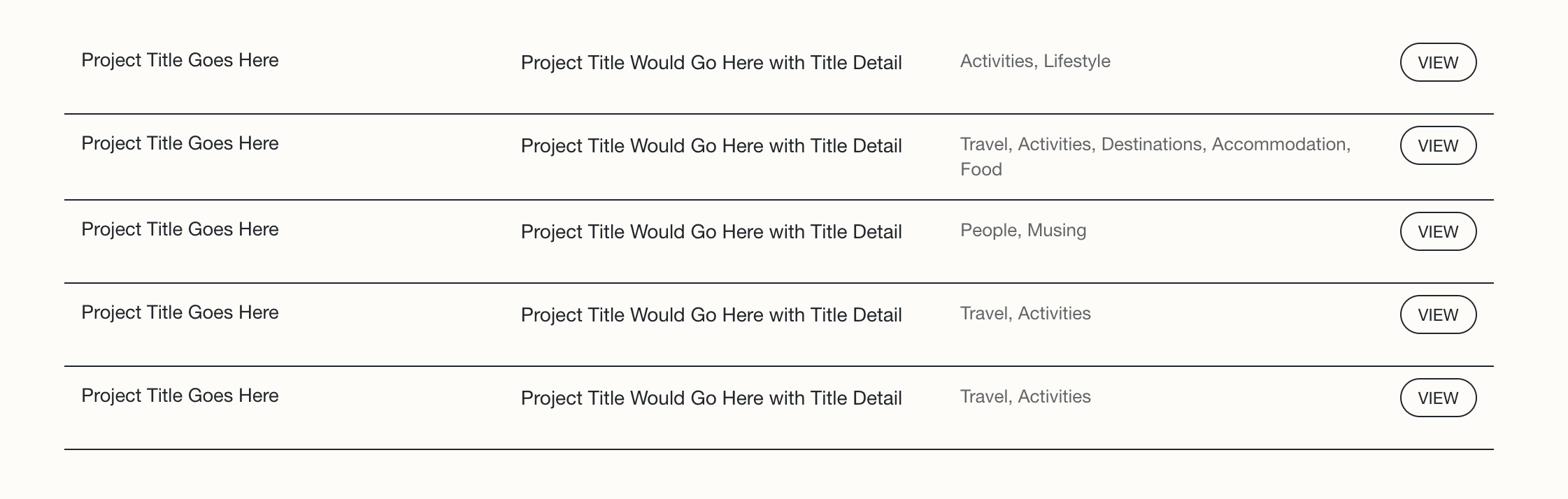
Summary Block Multi-Column Text Layout
Arrange Summary Block content into organized columns with flexbox. Display title, excerpt, and categories side-by-side with styled read more buttons and responsive mobile collapse.
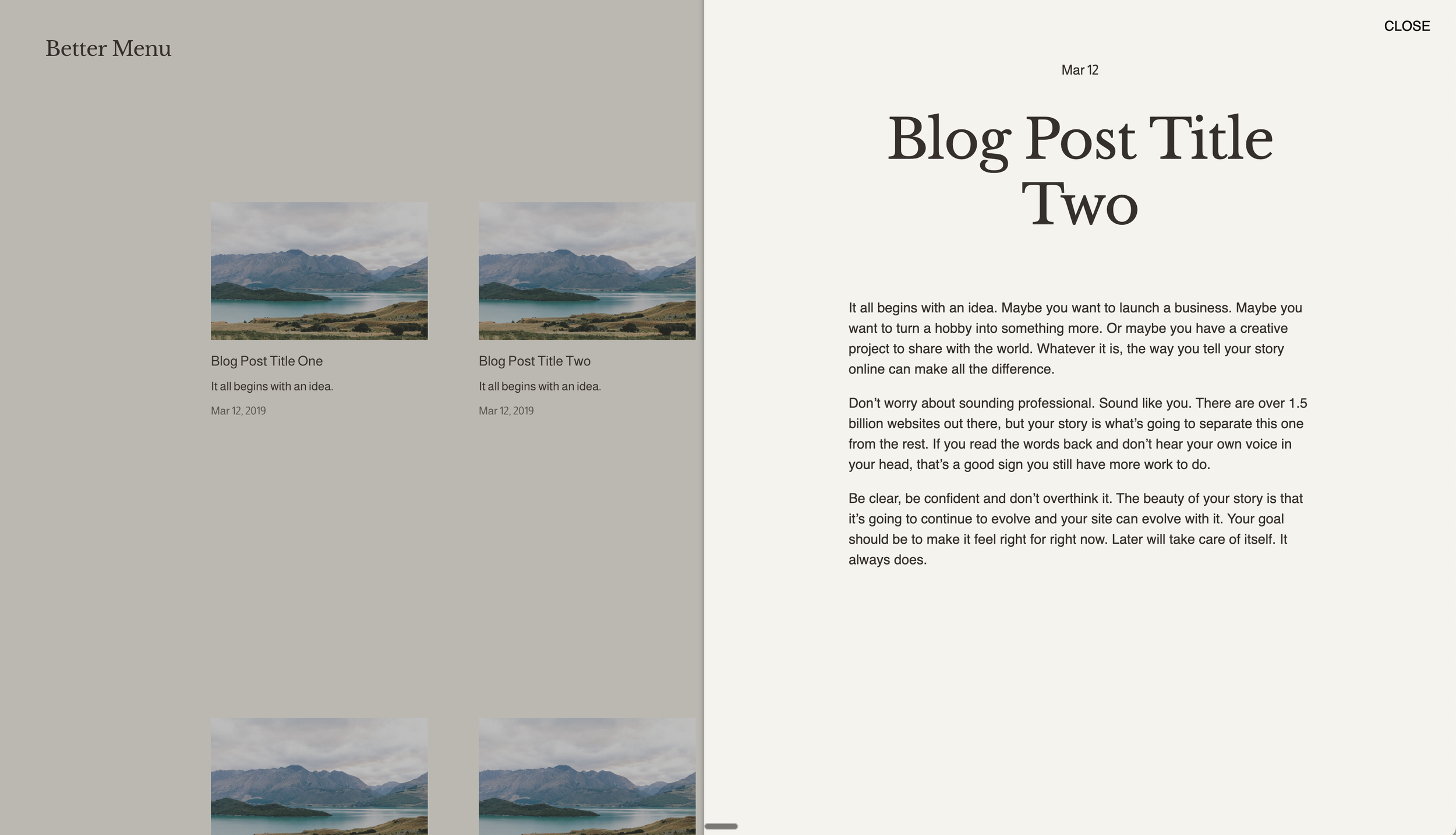
Slide-Out Panel for Summary Block Items
Open blog posts in a sliding side panel instead of navigating to new pages. Create app-like reading experiences where content slides in from the right as an overlay.
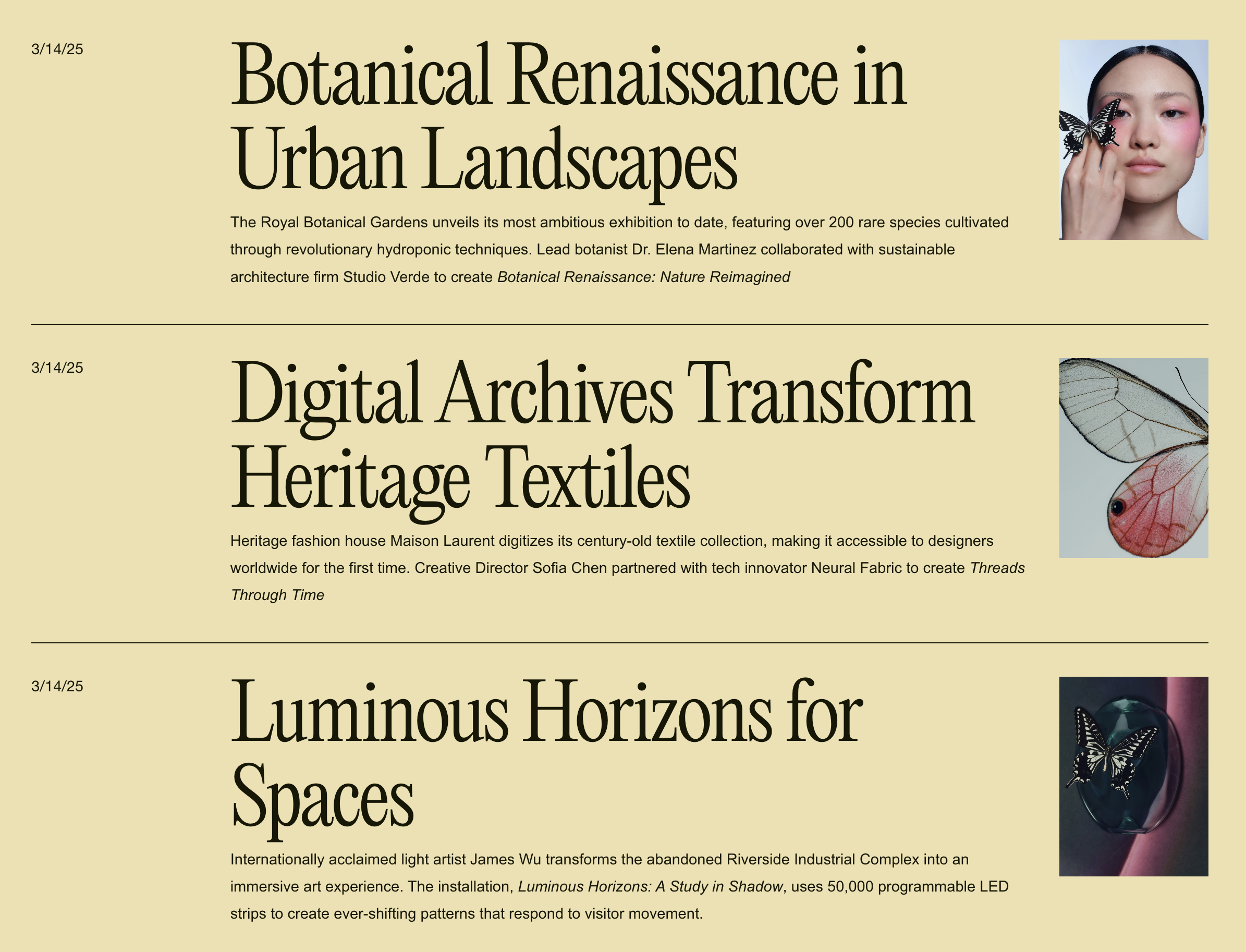
Editorial Blog Stacked List Layout
Transform blog grids into an editorial-style stacked list with large headlines, small thumbnails, and clean horizontal dividers. Perfect for magazine and news-style presentations.
Looping Summary Block Carousel
Transform your summary block into a smooth, infinitely looping carousel with swipe gestures, navigation arrows, and pagination dots.
Dynamic Archive Dropdown Display
Automatically display the active blog category name in your archive dropdown—no manual updates needed as visitors navigate your filtered blog pages.
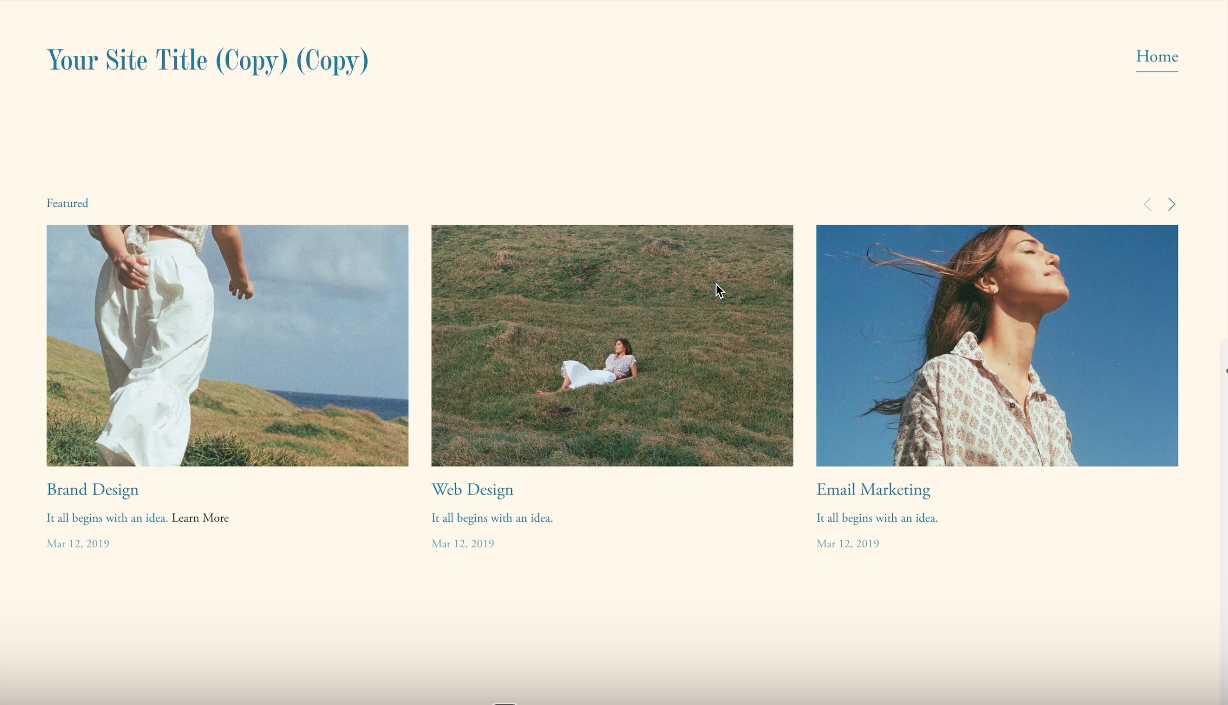
Control Summary Block Items on Mobile
Manage how many Summary Block items display on mobile devices with a simple CSS technique—reduce clutter without affecting desktop.
Disable Summary Block Item Links
Remove clickability from summary block items using CSS pointer-events, turning your summary blocks into display-only content showcases.
Highlight Active Blog Category
Automatically style the currently active category in your blog archive block with custom colors and backgrounds using JavaScript class detection.