

Discover What You Can Build
500+ workshops, Techniques, and Resources Inside Standout Squarespace
Explore the library of techniques, templates, and resources available for you inside Squarestylist’s Standout Squarespace program.
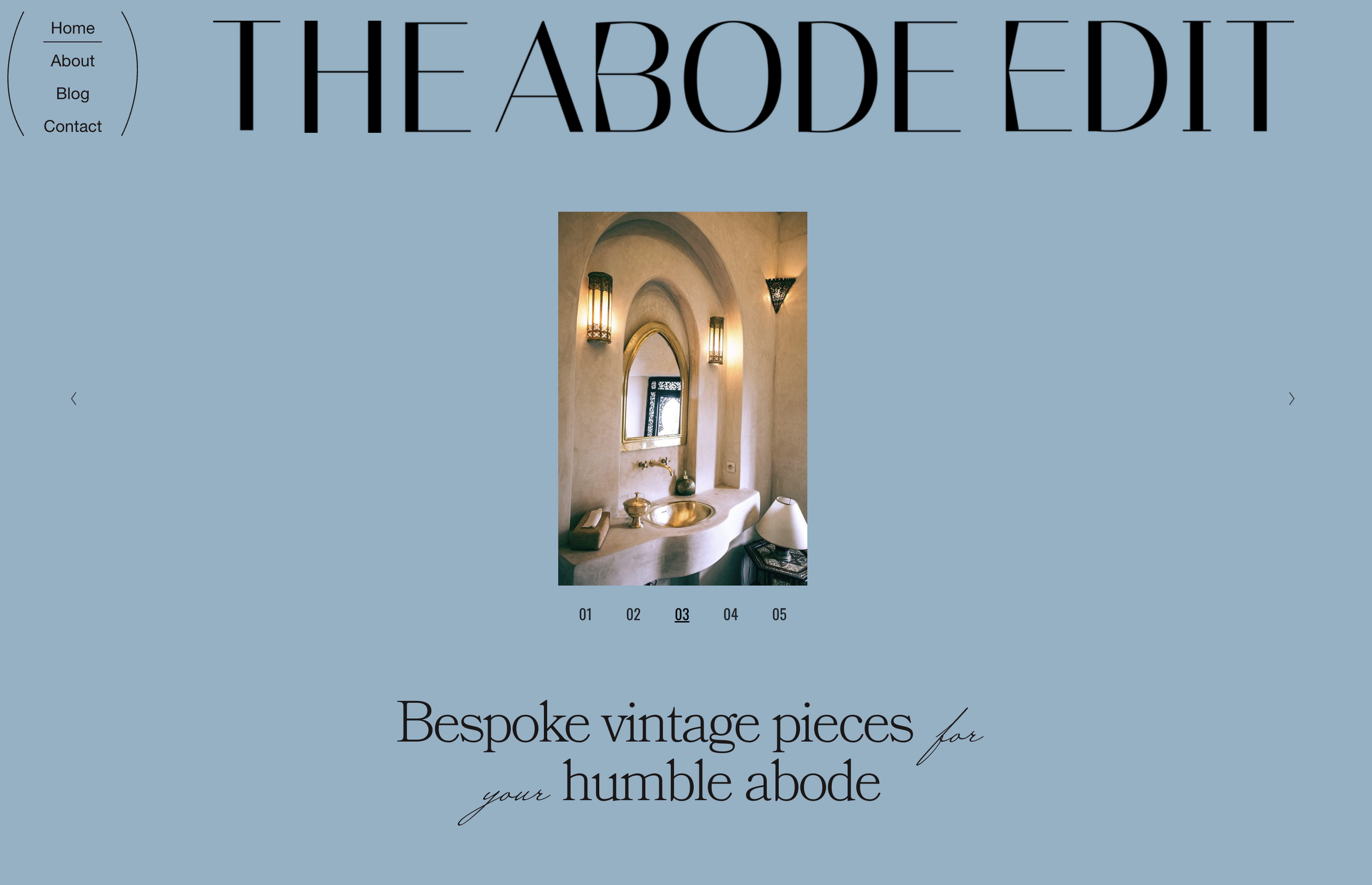
Simple Slideshow with Numbered Navigation
Replace default slideshow thumbnails with elegant numbered pagination that counts up automatically — a cleaner, more editorial approach to gallery navigation.
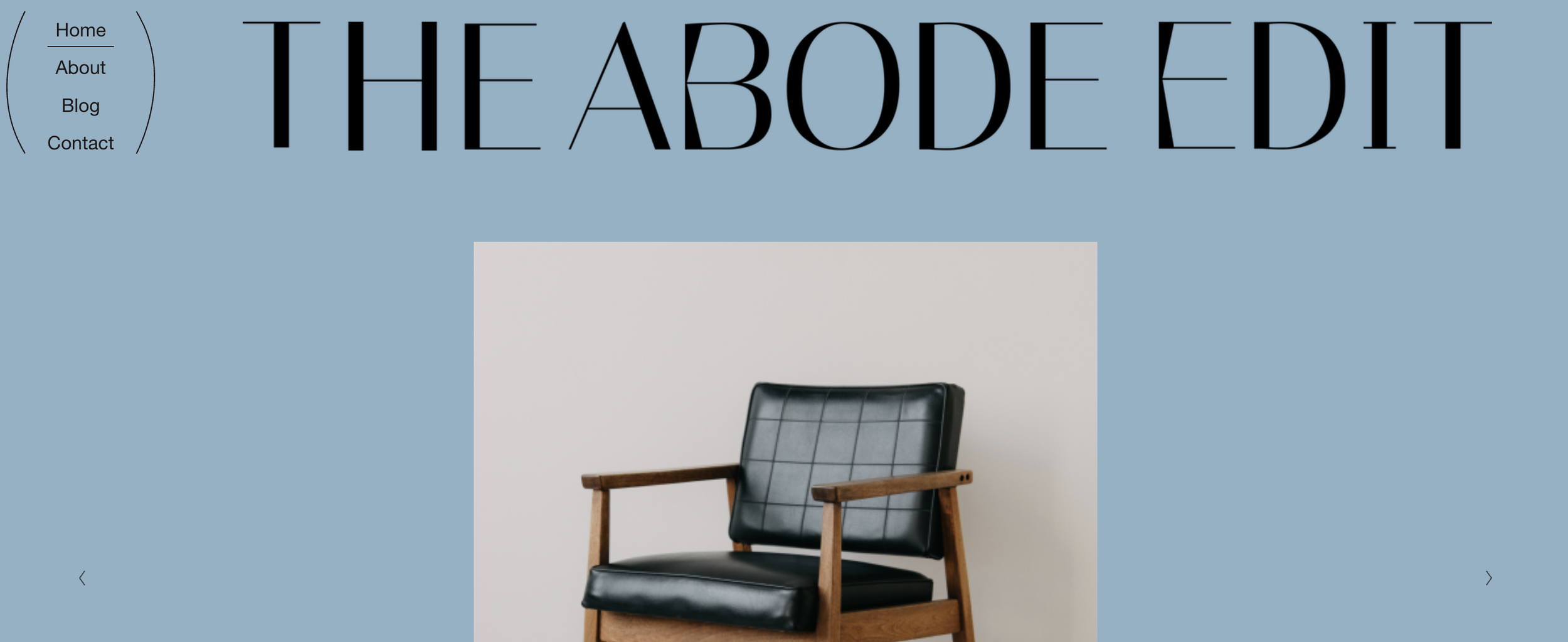
Editorial Header with Stacked Navigation
Transform your header into a magazine-style layout with stacked navigation, full-width logo, and decorative accent elements — perfect for editorial and lifestyle brands.

Scrolling Background Image Marquee
Transform a gallery into an animated background where images scroll continuously across the screen — a modern, eye-catching effect for hero sections.
Looping Summary Block Carousel
Transform your summary block into a smooth, infinitely looping carousel with swipe gestures, navigation arrows, and pagination dots.
Image-Filled Text with CSS Clip Mask
Fill text with an image using CSS clip masks — create stunning typography where photos or textures show through your headings.
Split Screen Gallery with Opposite Animations
Create a dramatic split-screen effect with two gallery slideshows side-by-side, each sliding in opposite directions with overlay text.
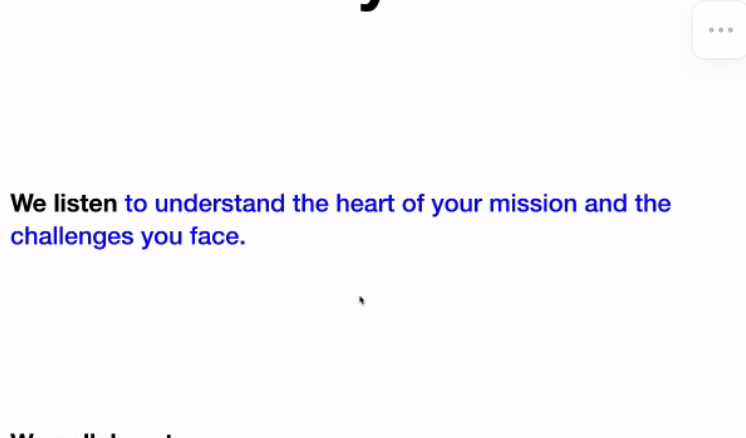
Scroll-Triggered Text Reveal Animation
Reveal text word-by-word as visitors scroll — create cinematic storytelling effects that draw attention to your key messages.
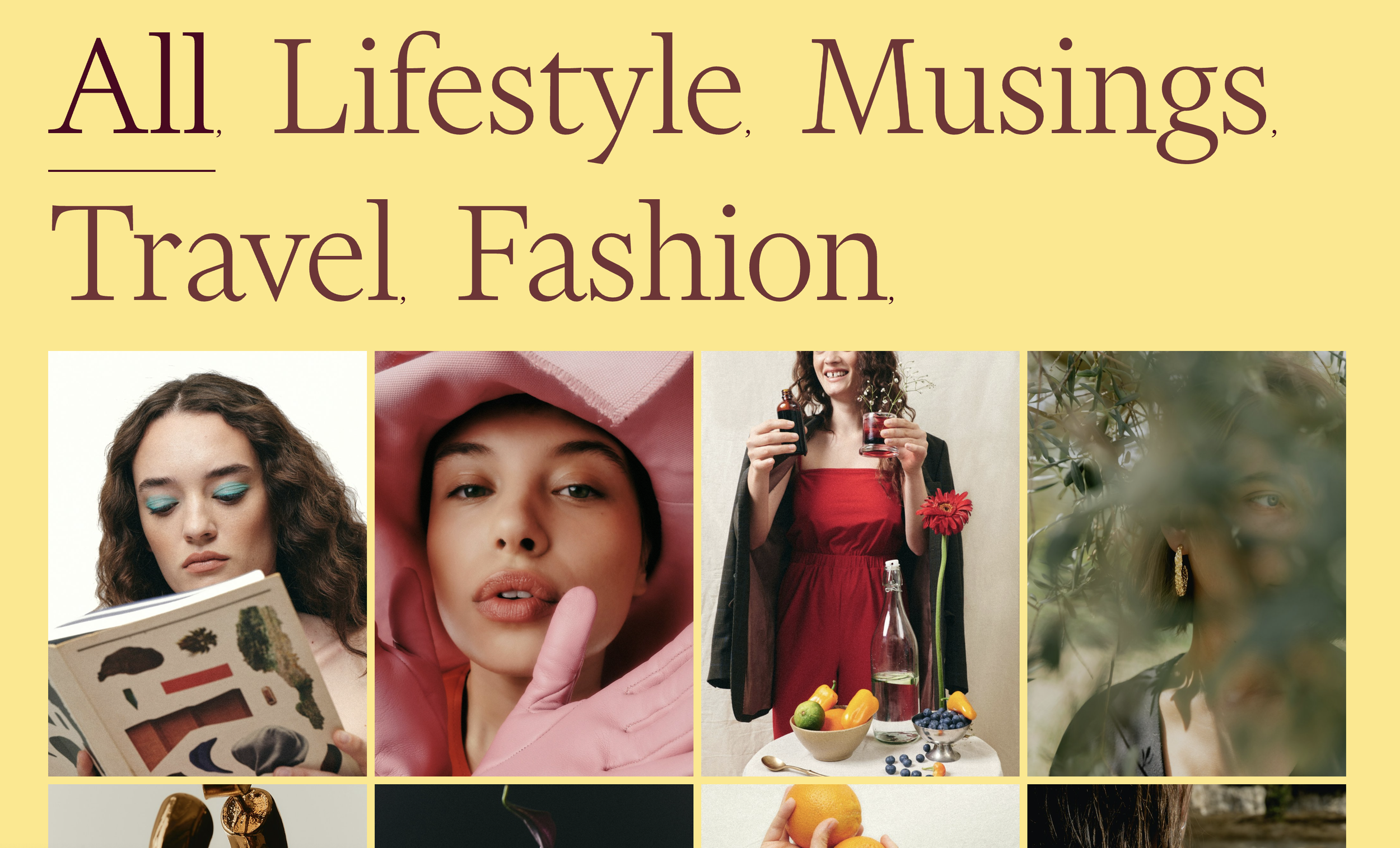
Grid Gallery Section Filter
Add clickable category filtering to Gallery Grid sections. Click filter buttons to show/hide gallery items by keyword tags - perfect for portfolio filtering without page reloads.
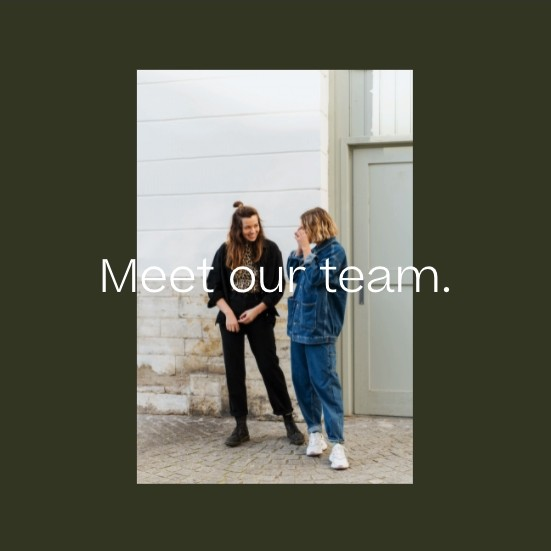
Centered Text Over Image Caption
Position image captions as centered overlays on top of images. Transform default bottom captions into eye-catching text overlays using absolute positioning.
Auto-Scroll to Shop Products on Category Click
Automatically scroll visitors past intro content to the product list when they click shop category or tag links, improving navigation on shops with header sections.
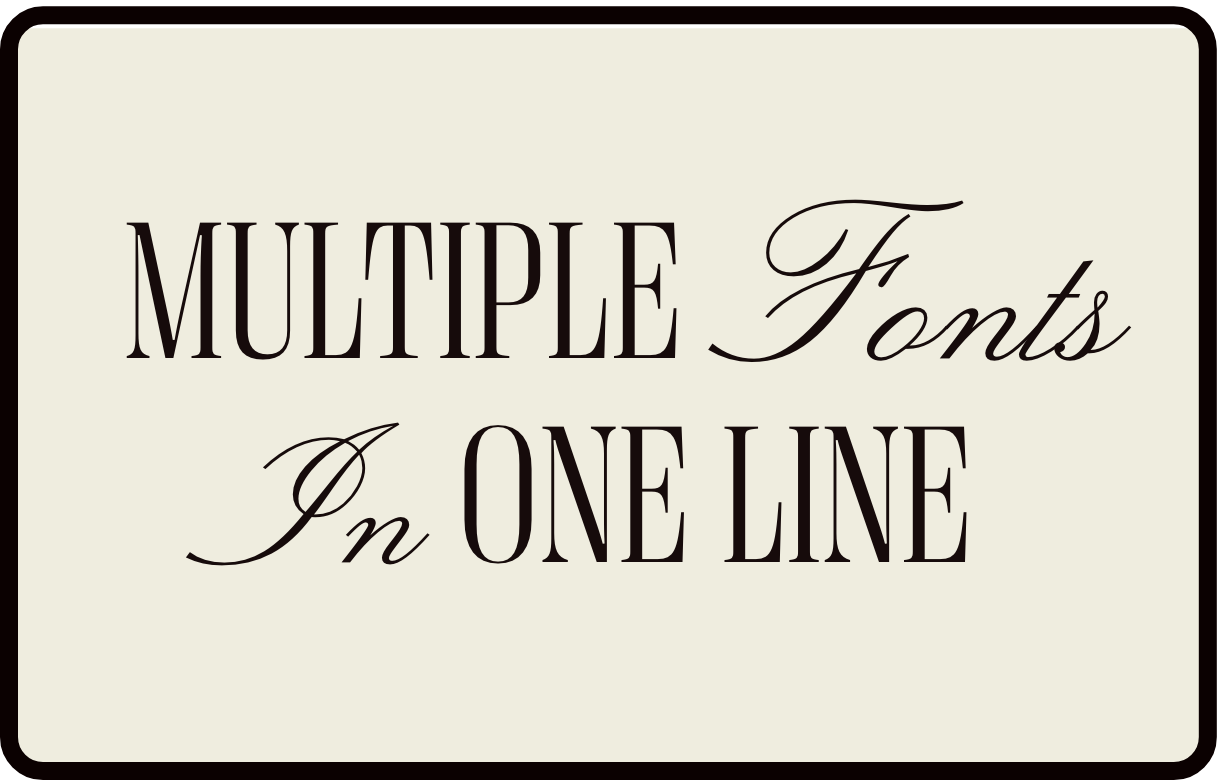
Multiple Fonts in One Heading Line
Mix font families within a single heading by targeting italicized text with an accent font, creating elegant mixed-typography headlines.
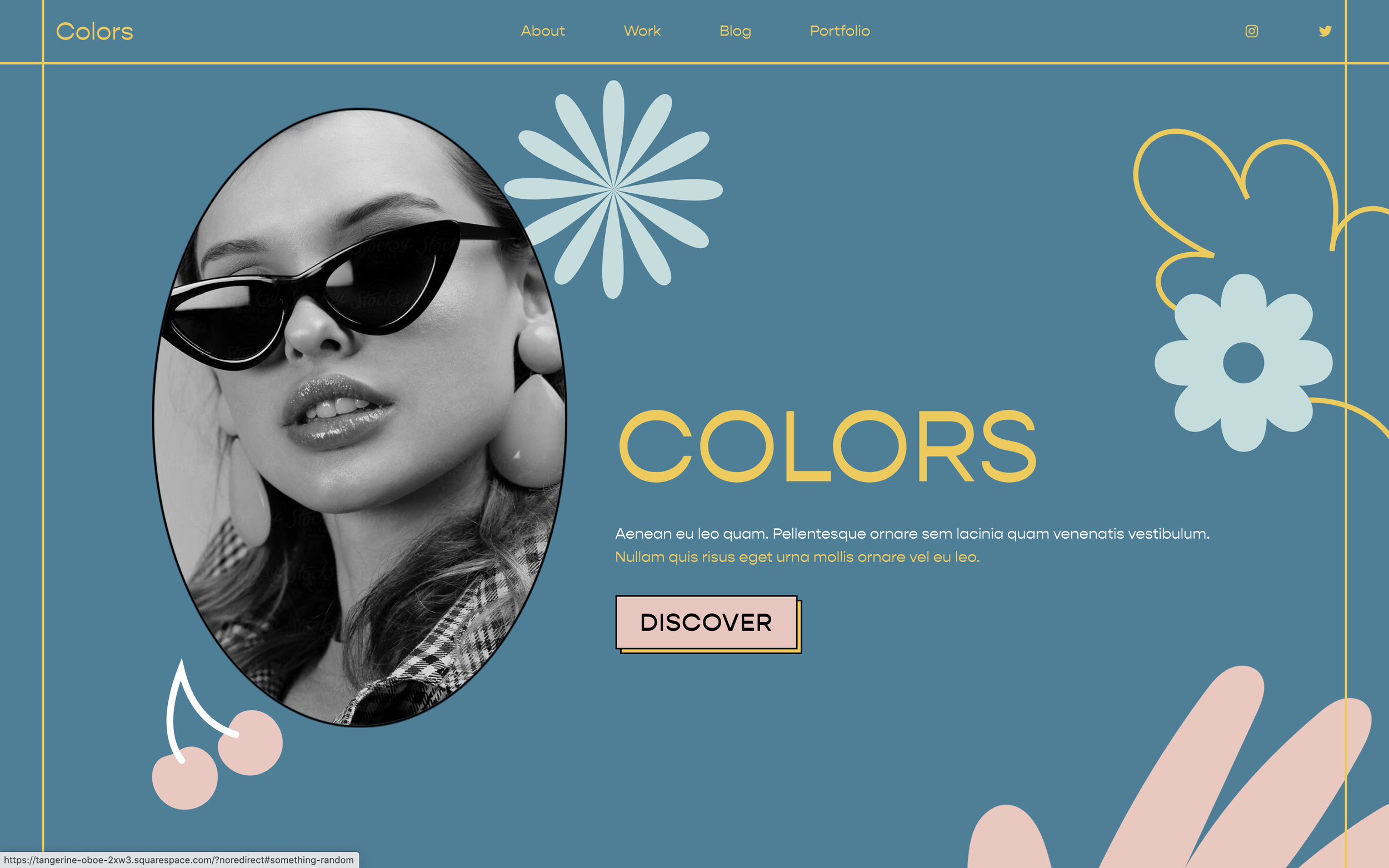
Add Decorative Graphics to Sections
Position decorative images and graphics on sections using CSS pseudo-elements, placing them above or behind content without extra blocks.
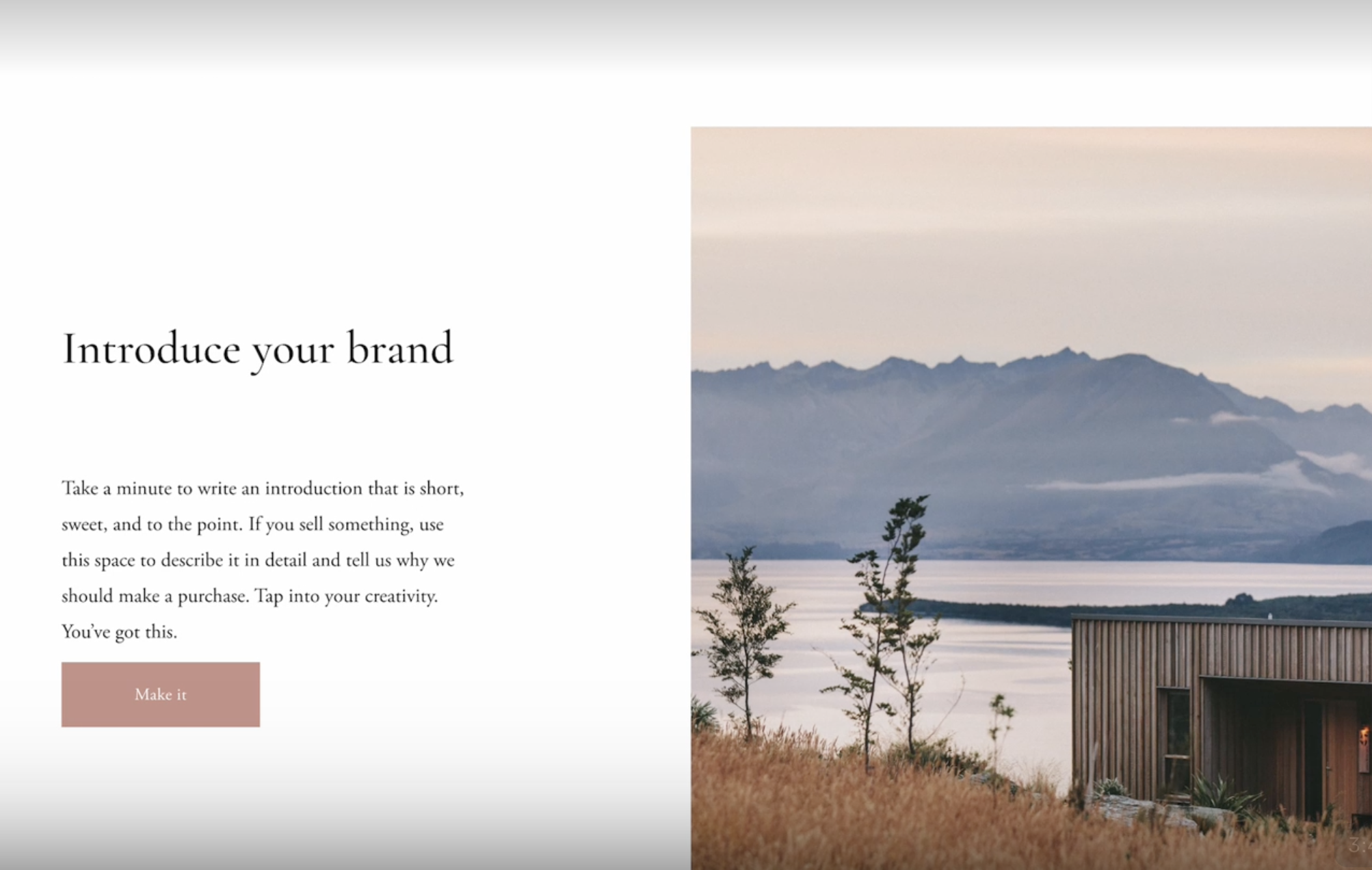
Style Pages Dynamically Based on URL Keywords
Add custom body classes based on URL patterns using JavaScript for page-specific styling.
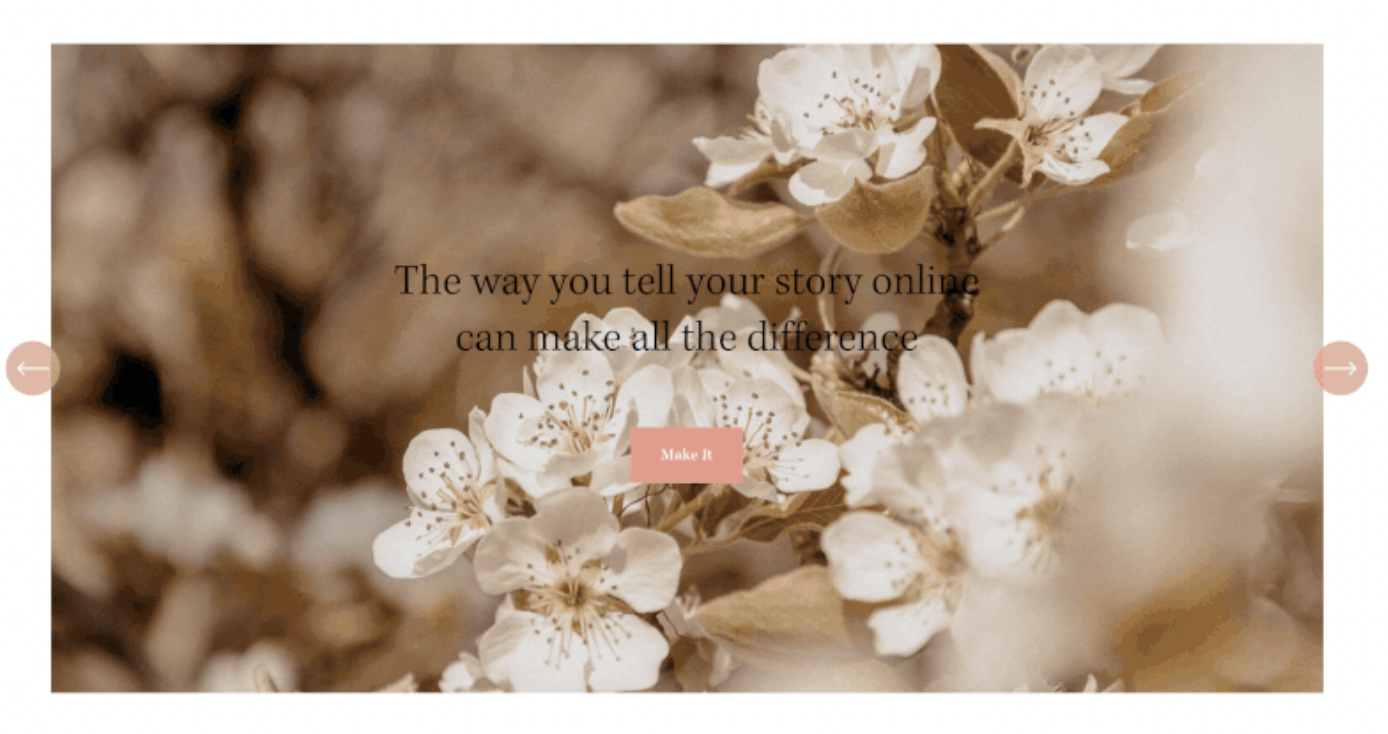
Add Autoplay to Auto Layout Sections
Enable automatic slideshow functionality for Auto Layout sections using a custom JavaScript plugin with configurable speed.
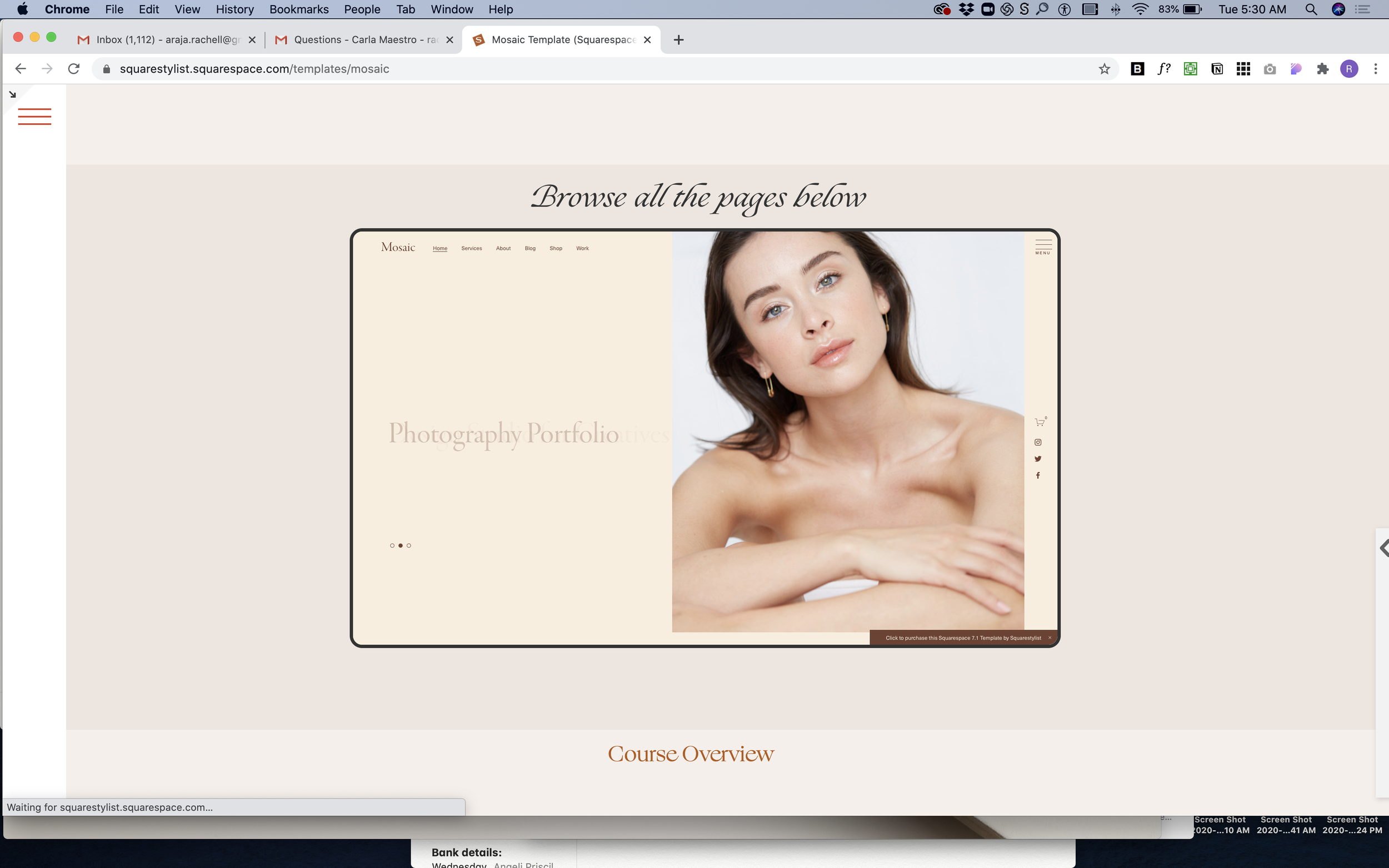
Embed Website in Device Mockup Frame
Display live website previews inside a scaled iframe with device-style borders for portfolio showcases and demos.

Page Loading Animation with Custom GIF
Display a custom loading animation while the page loads using a fullscreen overlay with animated GIF and fade-out effect.
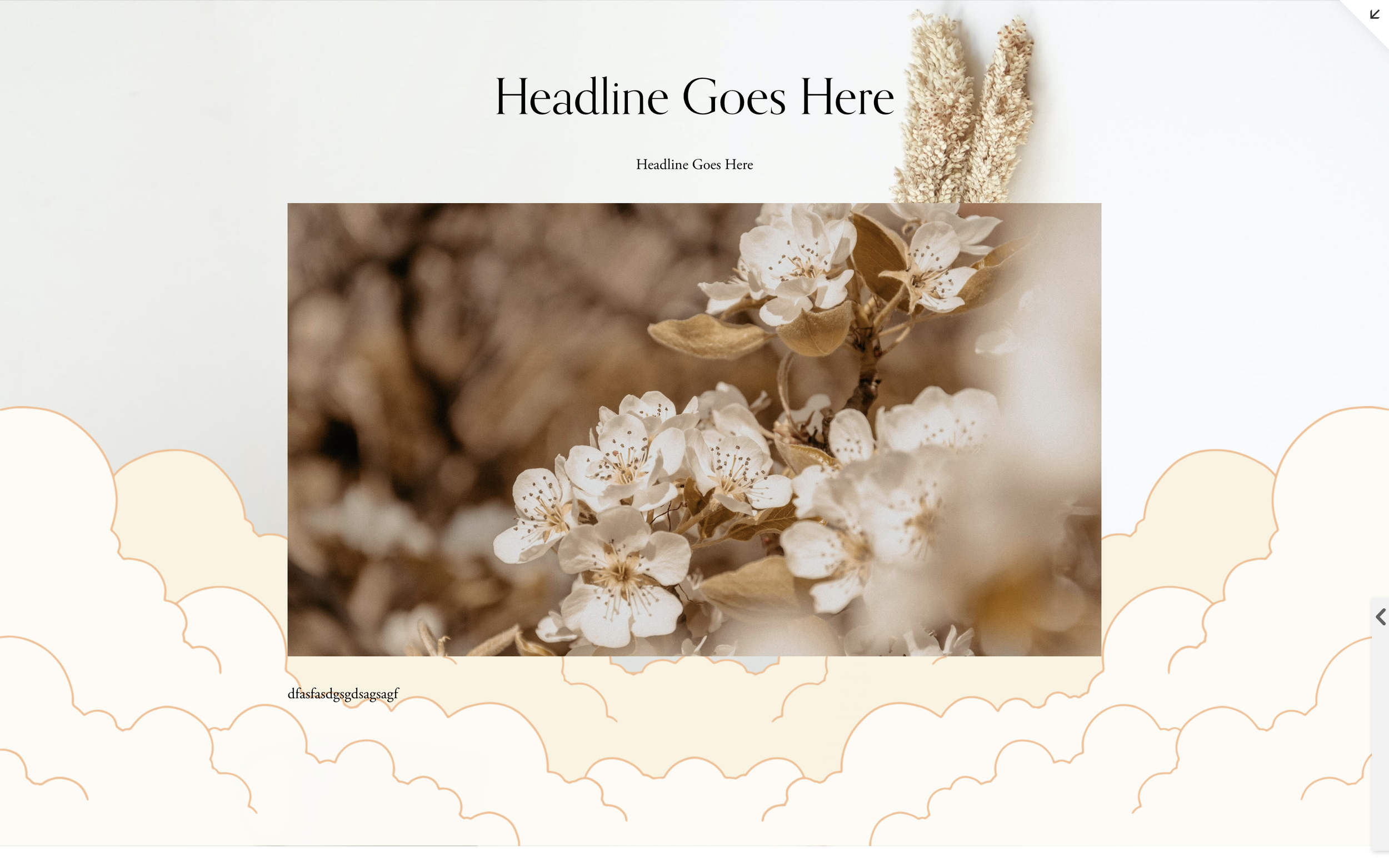
Decorative Section Background Images
Add decorative images to section backgrounds using CSS background properties for visual accents and patterns.
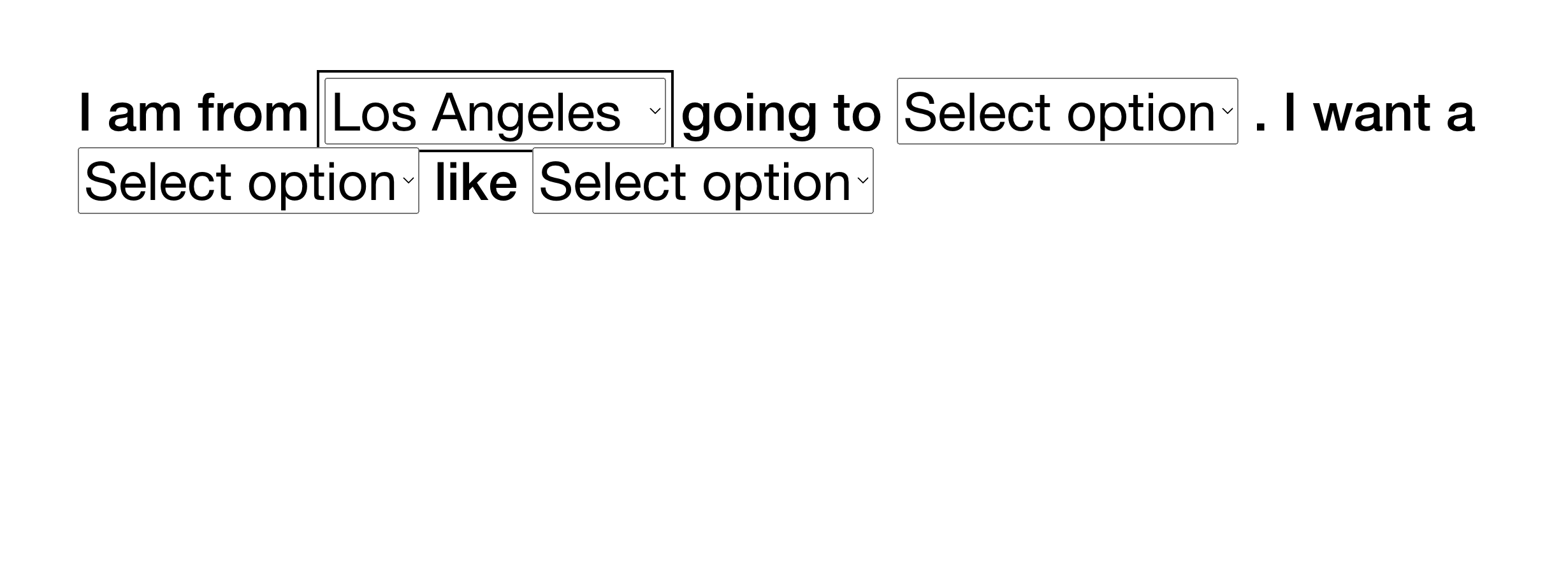
Show/Hide Sections Based on Dropdown Selection
Dynamically show or hide page sections based on user selections from multiple dropdown menus for personalized experiences.
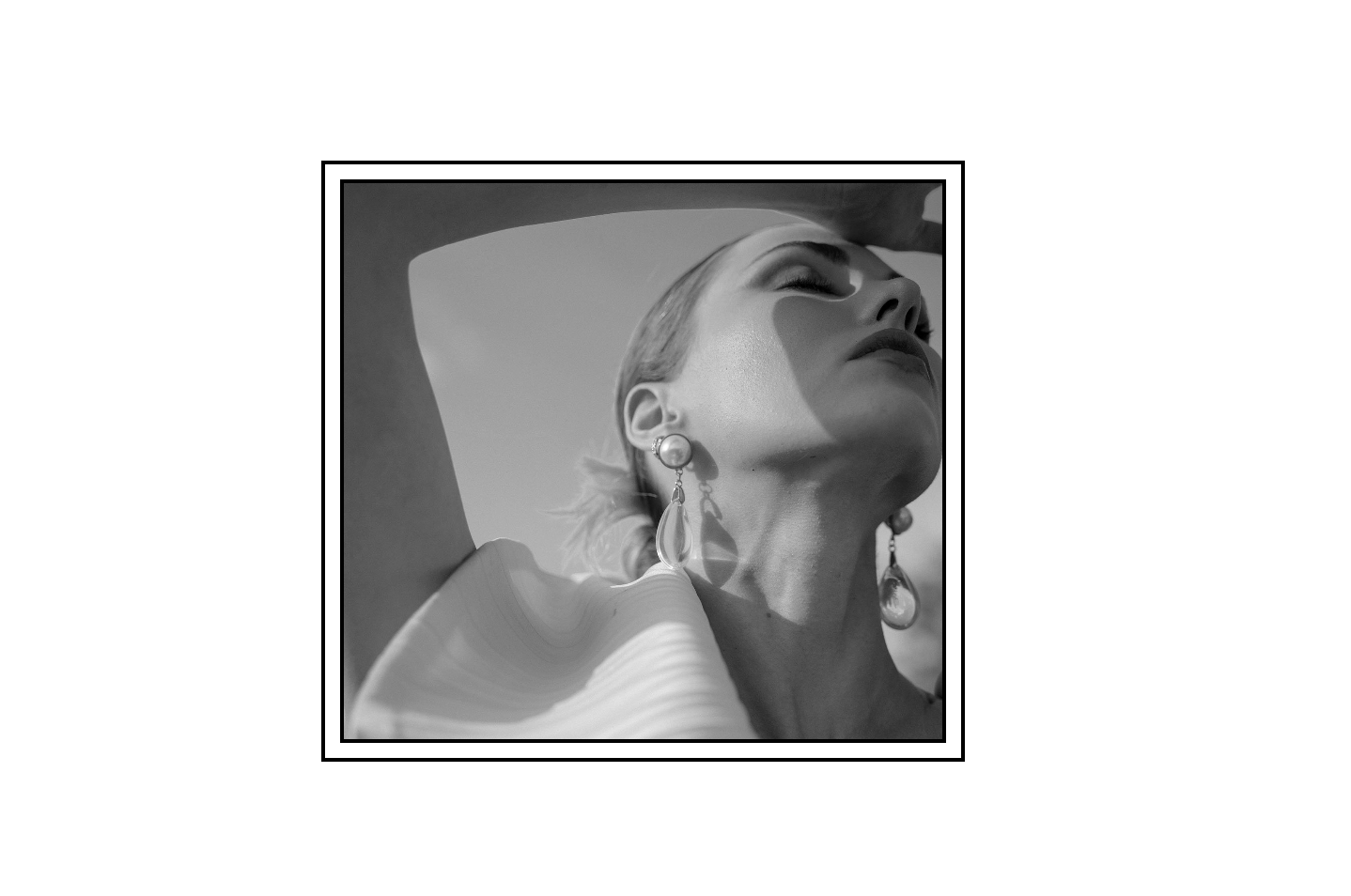
Double Border Frame on Image Blocks
Add a decorative double border effect to Fluid Engine image blocks using nested border styling with alt text targeting.
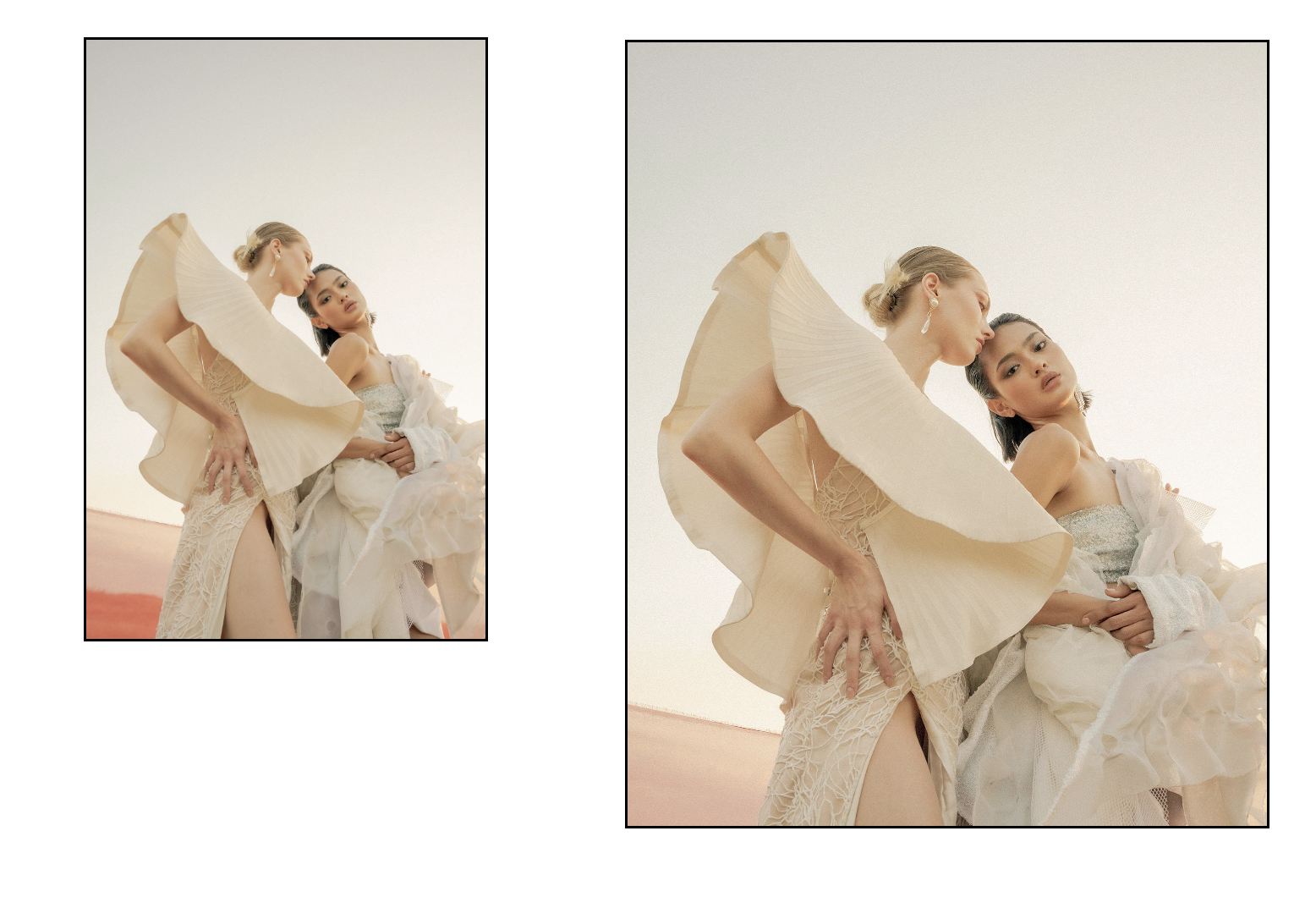
Simple Border Styling for Image Blocks
Add solid borders to Fluid Engine image blocks with options for global application or alt-text-targeted styling.