

Discover What You Can Build
500+ workshops, Techniques, and Resources Inside Standout Squarespace
Explore the library of techniques, templates, and resources available for you inside Squarestylist’s Standout Squarespace program. Standout students also get the commercial license to use these techniques in building Squarespace templates for sale.
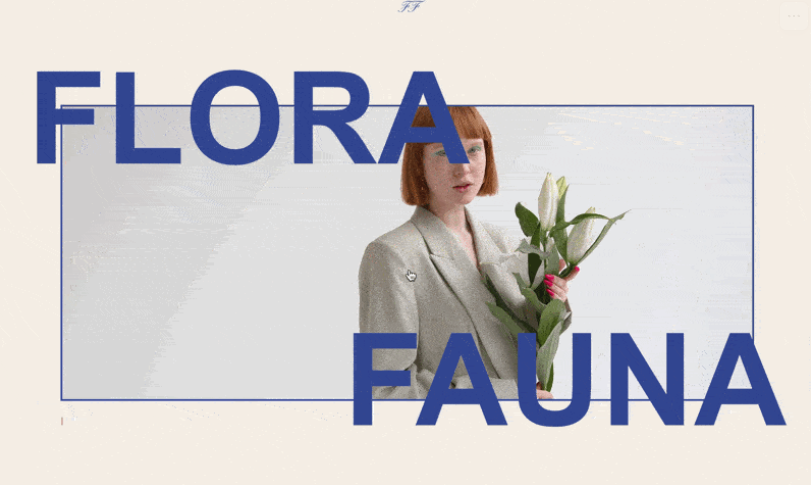
Expand Media on Scroll
Images or videos dramatically expand from contained to full-viewport as visitors scroll - a cinematic reveal effect that creates powerful visual impact.
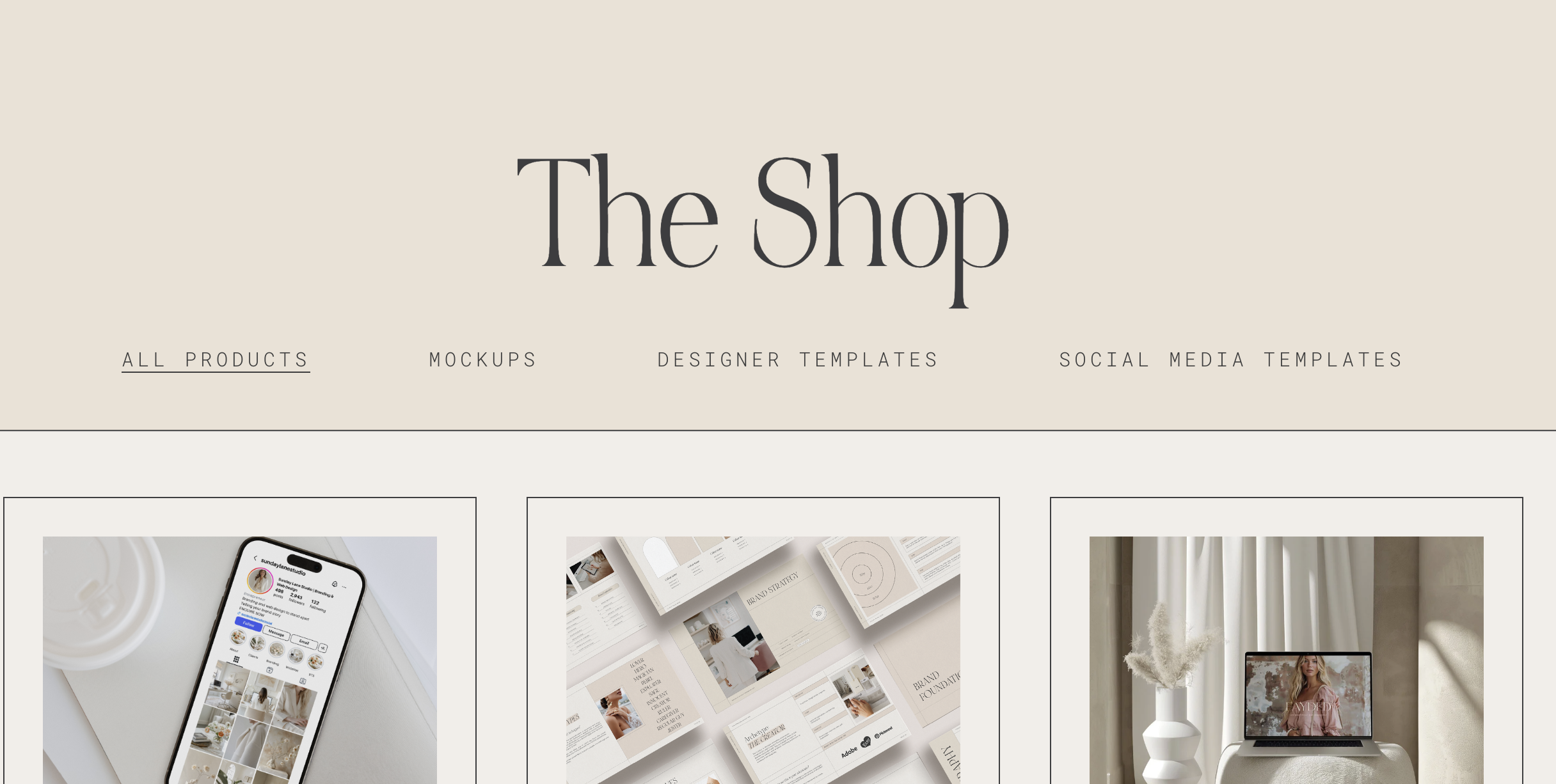
Highlight Active Navigation Link
Navigation links automatically highlight when visitors are on the corresponding page, providing clear visual feedback about their current location.
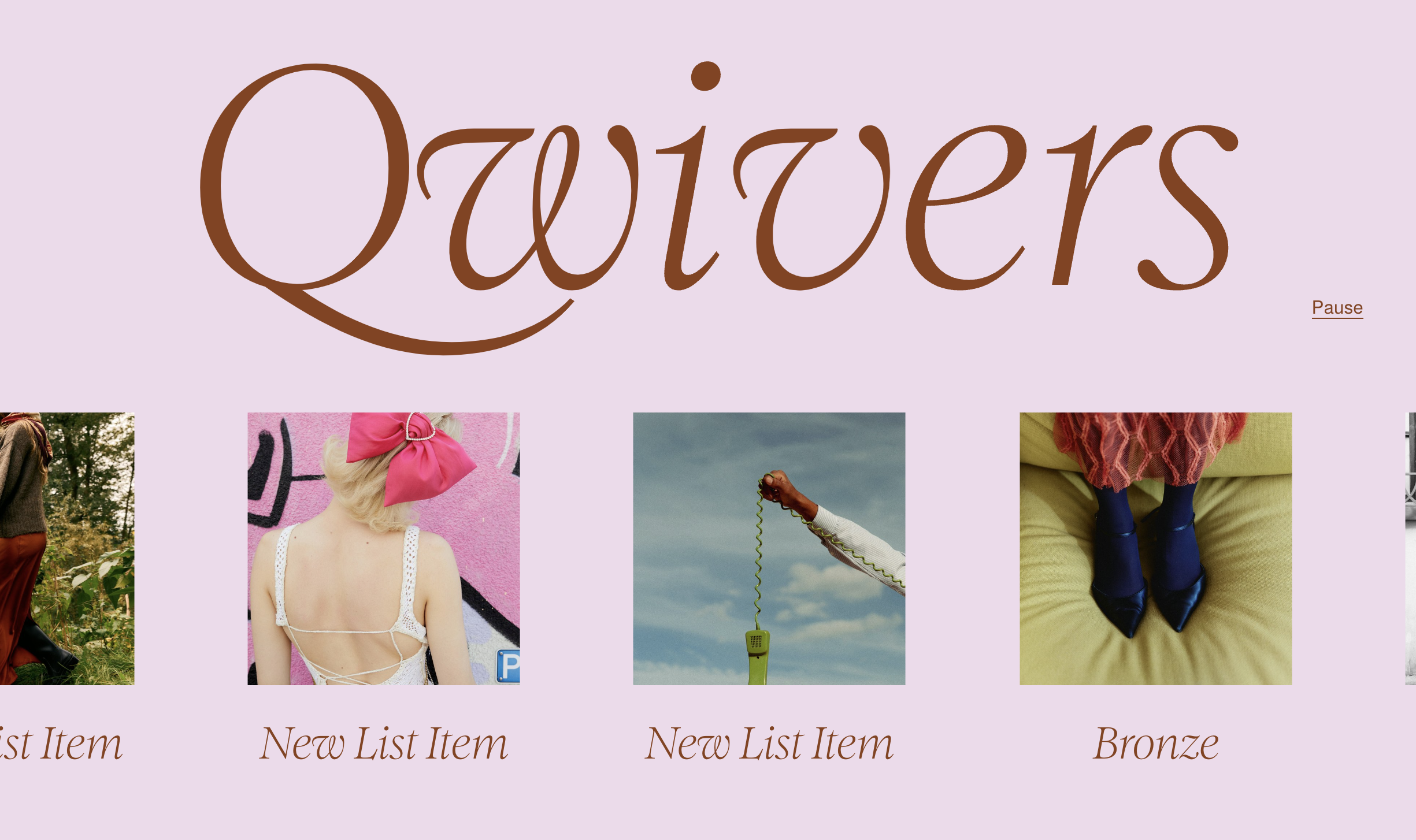
List Autoscroll Marquee
Transform your List Section into a smooth, continuously scrolling horizontal marquee with optional play/pause controls - perfect for logos, testimonials, or features.
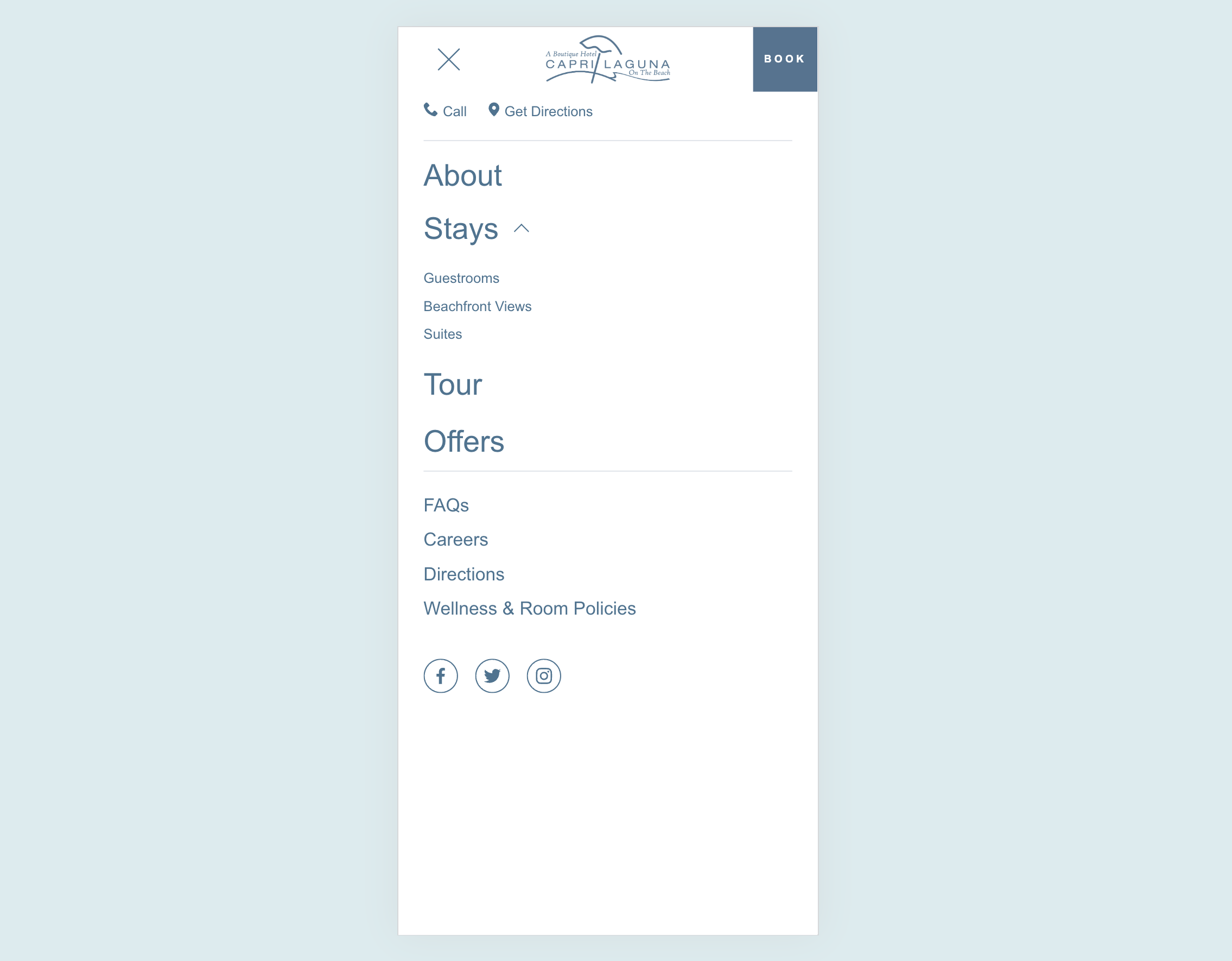
Custom Mobile Menu
Design a completely custom mobile menu using Squarespace's visual editor - add images, buttons, and any layout you want for a branded mobile experience.
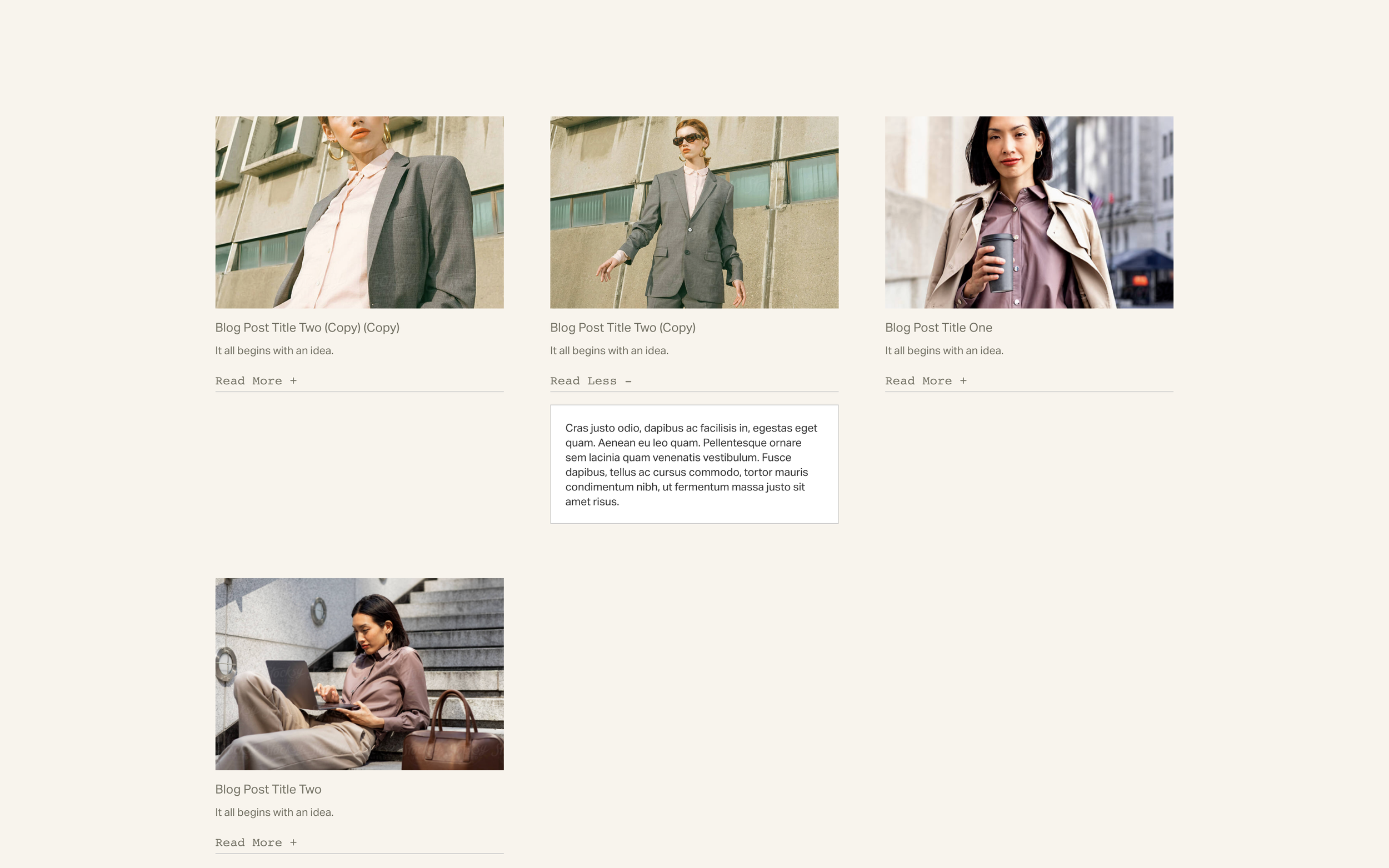
Read More Text Toggles
Add clickable 'Read More' toggles to expand and collapse text content - simple to set up using code-formatted trigger text.
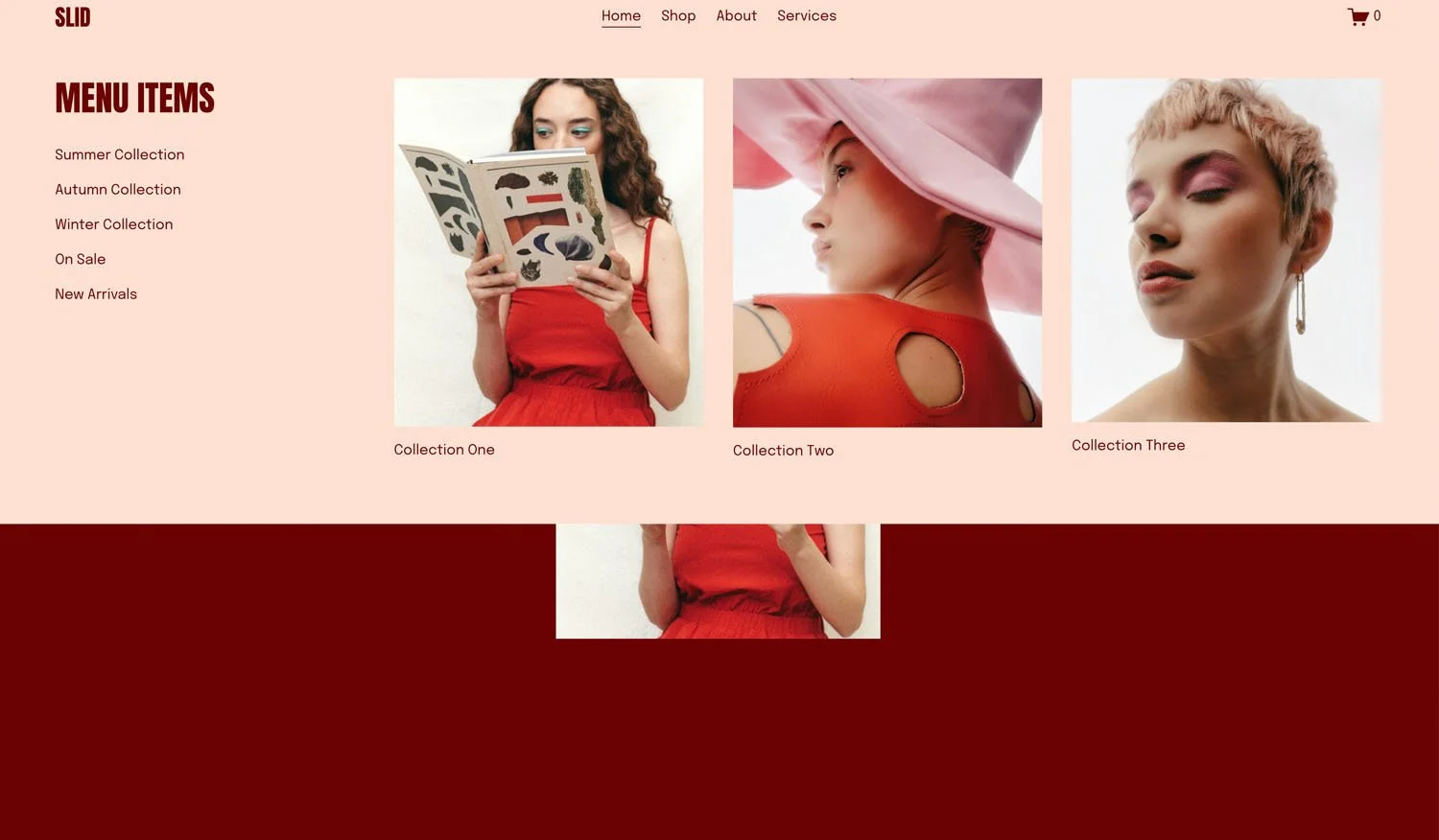
Flexible Mega Menu
Create rich dropdown menus with images, text, and custom layouts - design each panel visually in Squarespace, then display them in polished mega menu dropdowns.
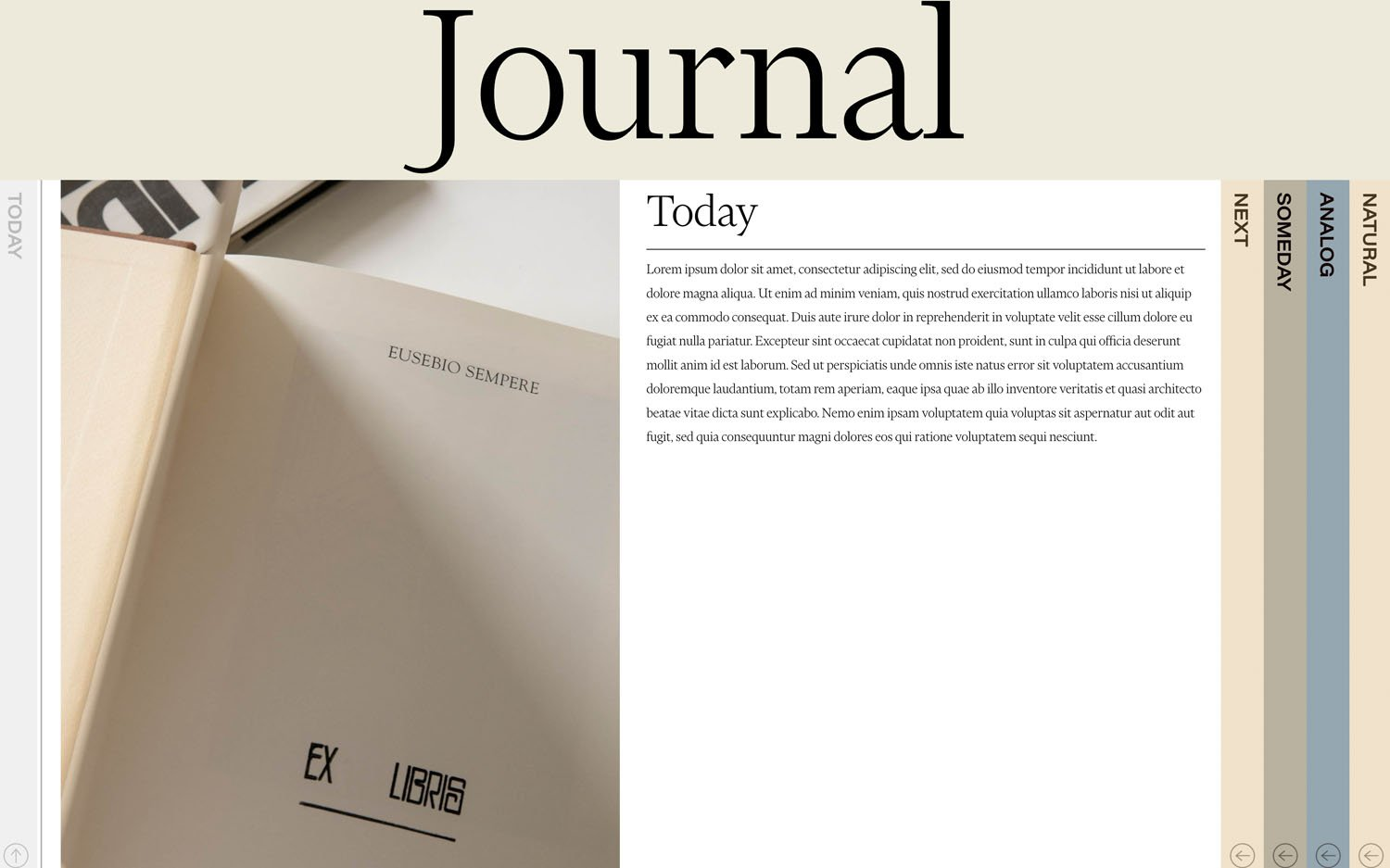
Stylish Vertical Tabs
Elegant vertical tabs that pull content from your blog collection - with rotated labels, smooth transitions, and automatic mobile-friendly accordion behavior.
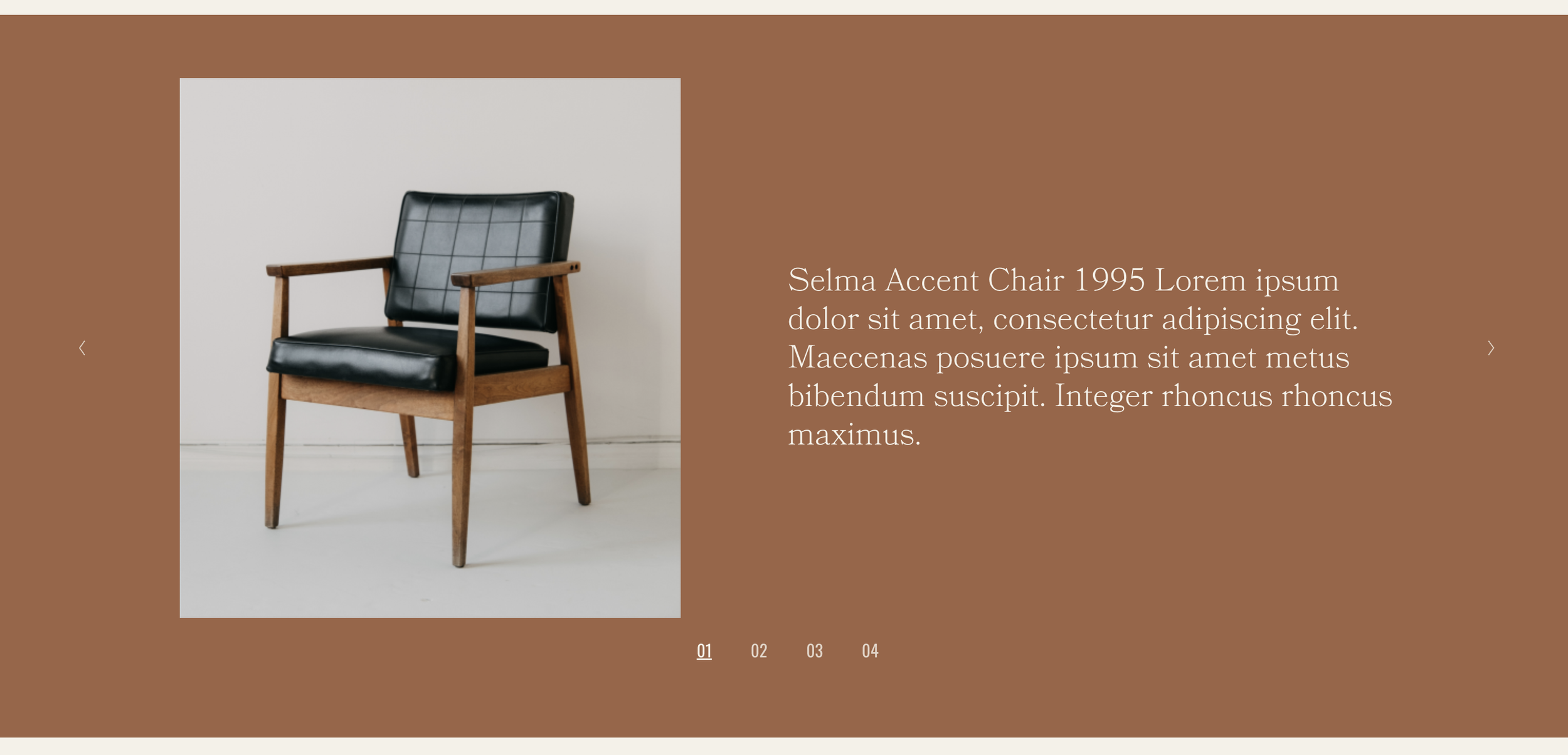
Slideshow with Side Captions
Gallery slideshow with captions displayed side-by-side with images - create editorial, magazine-style presentations with slide counters.
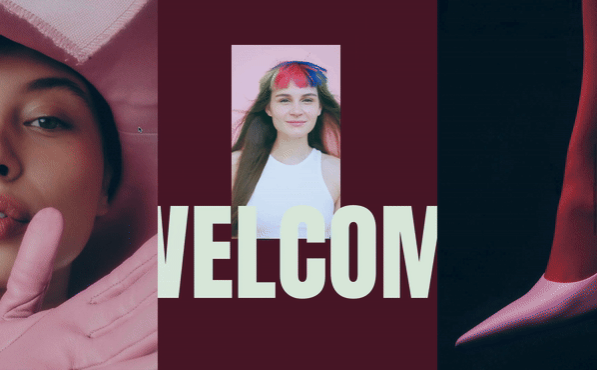
Sliding Panel Reveal
Side panels dramatically slide apart as visitors scroll, revealing your main content with a cinematic curtain-opening effect.
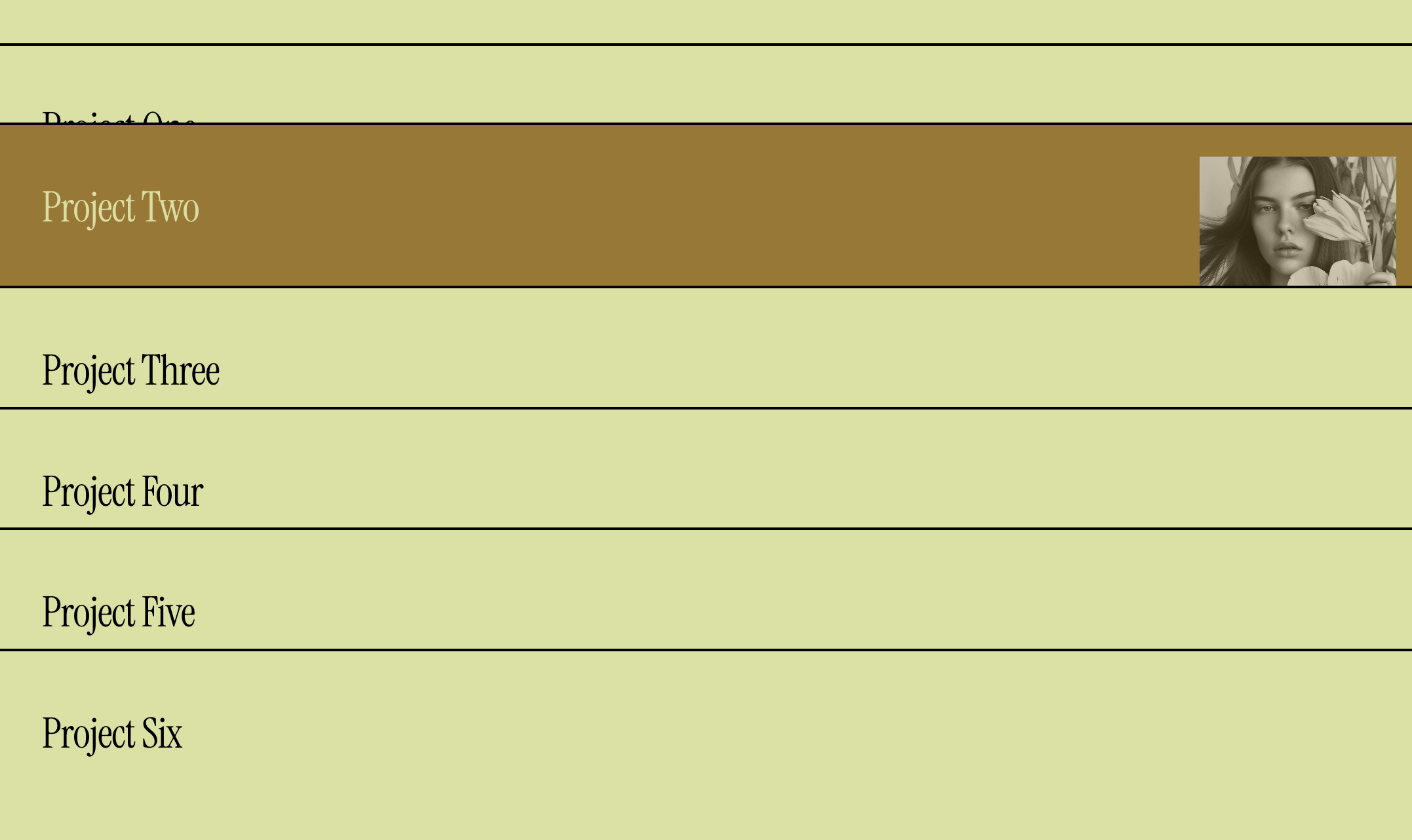
Portfolio List with Hover Images
Display portfolio projects as a minimalist text list with images that appear on hover - elegant, interactive, and modern.
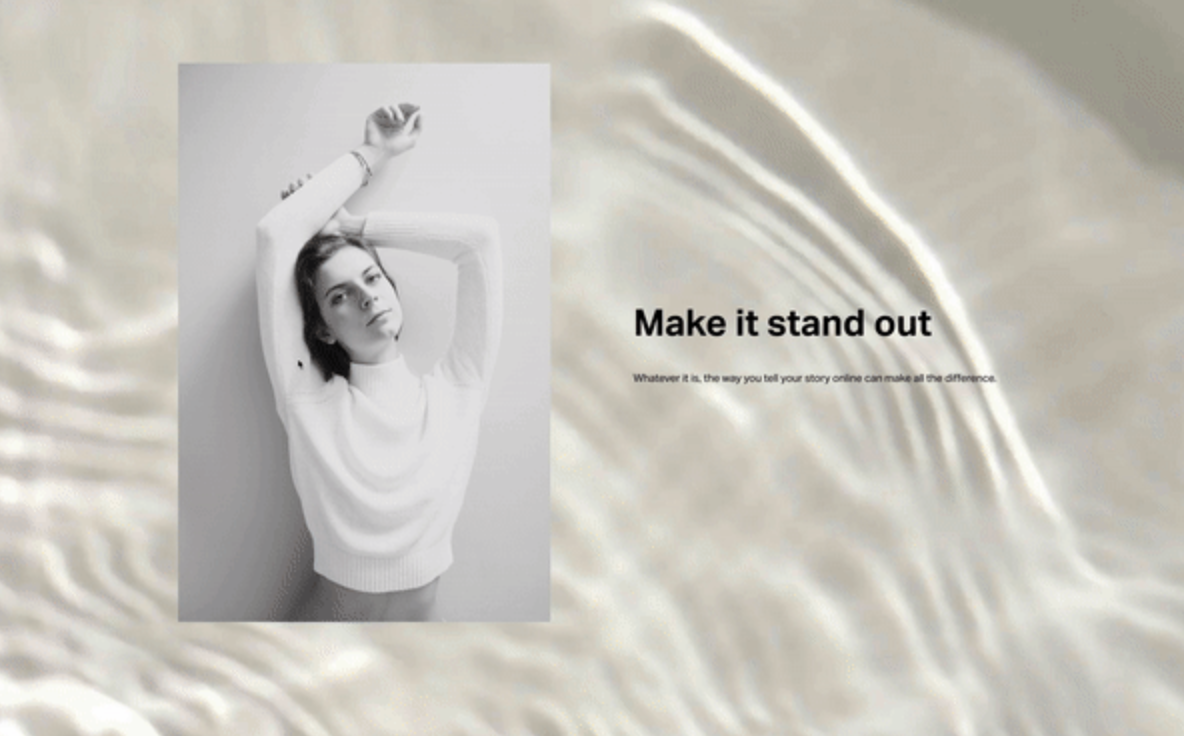
Loading Screen
Create a branded splash screen that displays on page load then fades away - with options to show only once per visitor session.
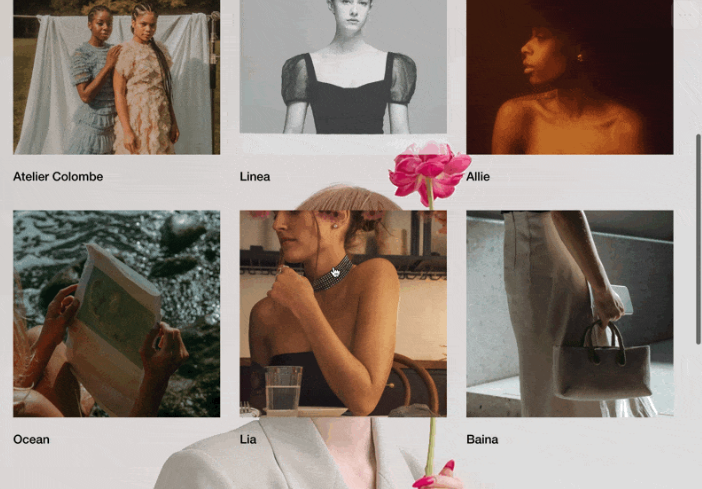
Fixed Background Effect
Pin your hero background in place while content scrolls over it - creating depth and a stunning parallax-like experience.

Slide-in Text Animation
Words slide in from opposite directions - left and right - meeting in the center for a dramatic headline entrance effect.
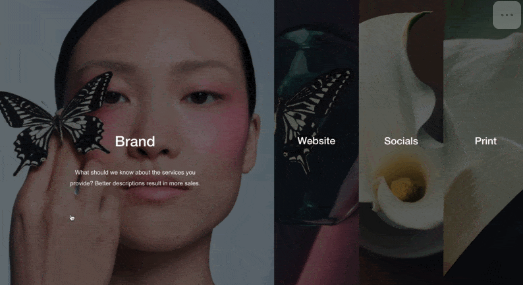
Expand List Items on Hover
List items that expand dramatically on hover while others compress - create full-height interactive panels that reveal content.
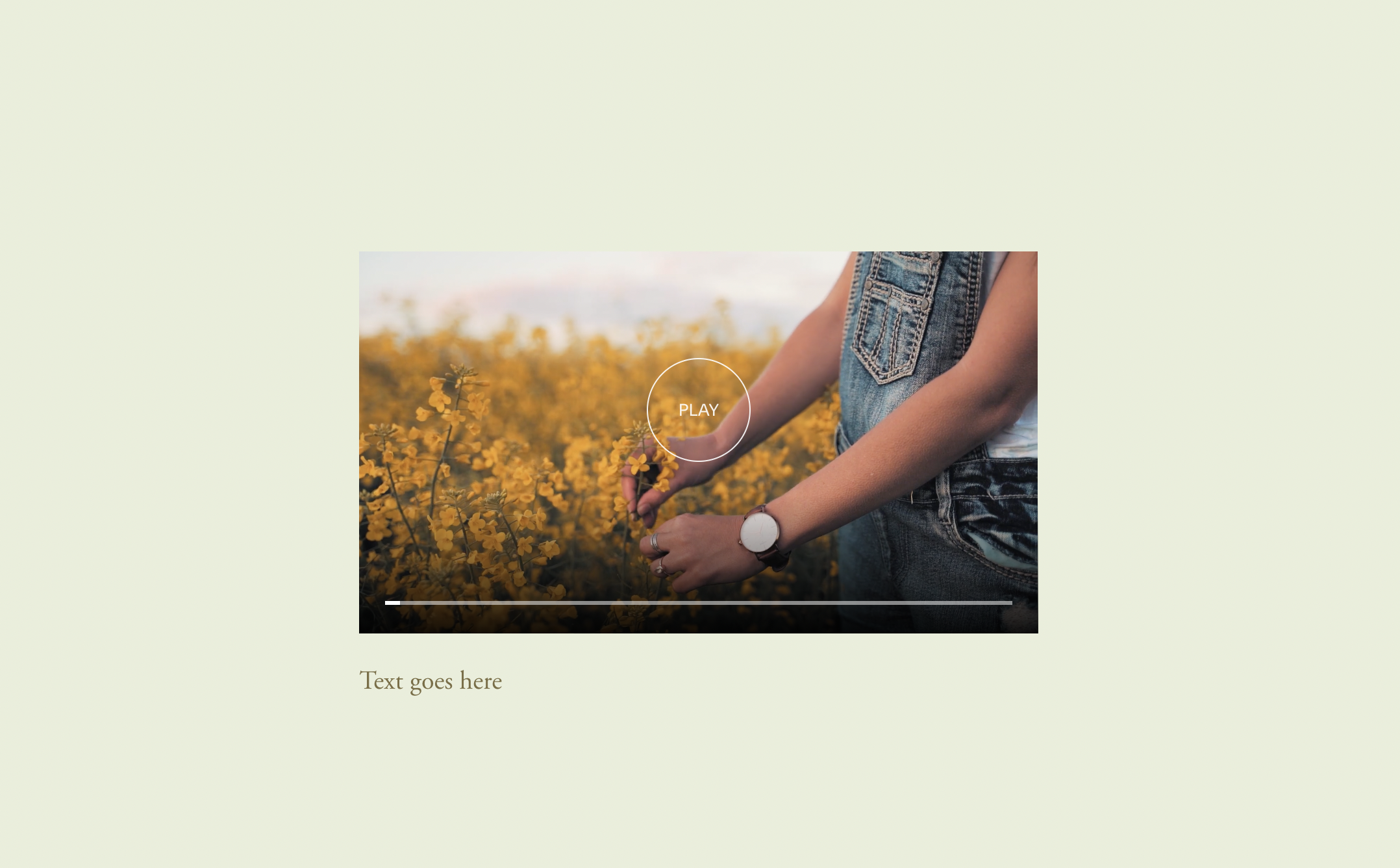
Play Video on Hover
Videos automatically play when hovered and pause when you move away - perfect for project demos and interactive video galleries.
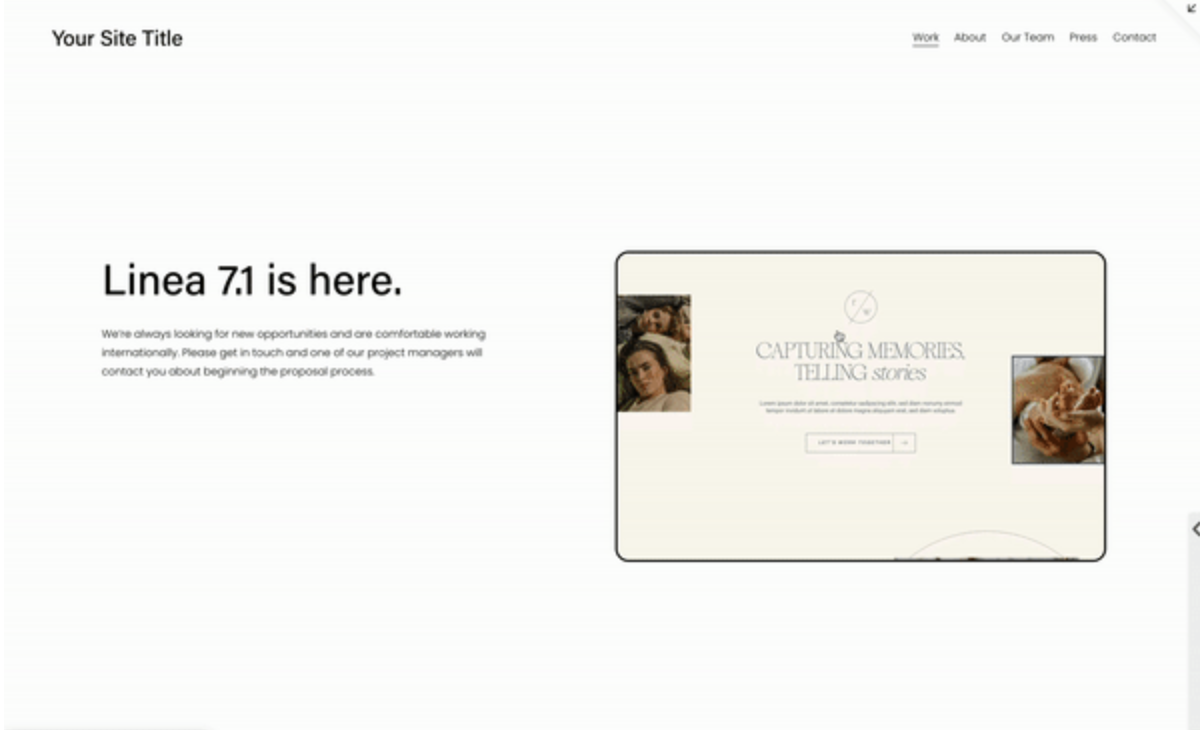
Scroll Image on Hover
Long images scroll automatically from top to bottom on hover - perfect for previewing full webpage designs and tall infographics.
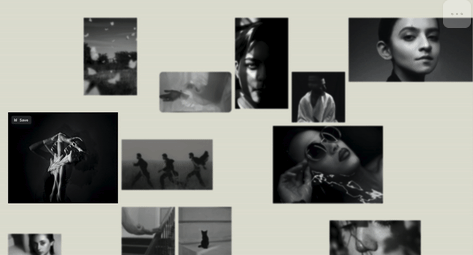
Blur Images on Hover
Images stay softly blurred until hovered, bringing the focused element into sharp clarity while others fade back.
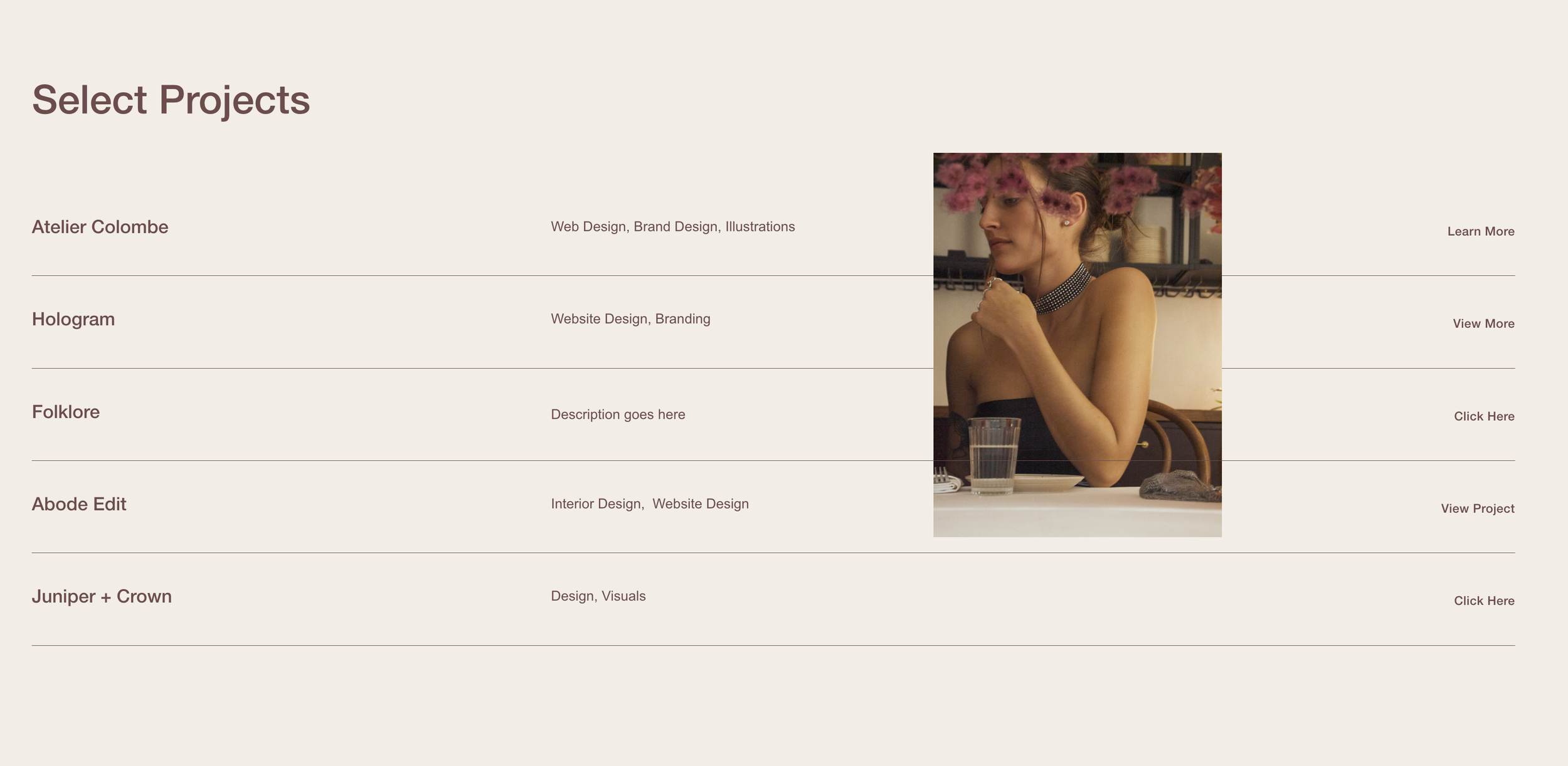
Follow Cursor List Section
Images follow your cursor as you hover over list items - create that trendy agency-style interactive portfolio effect.
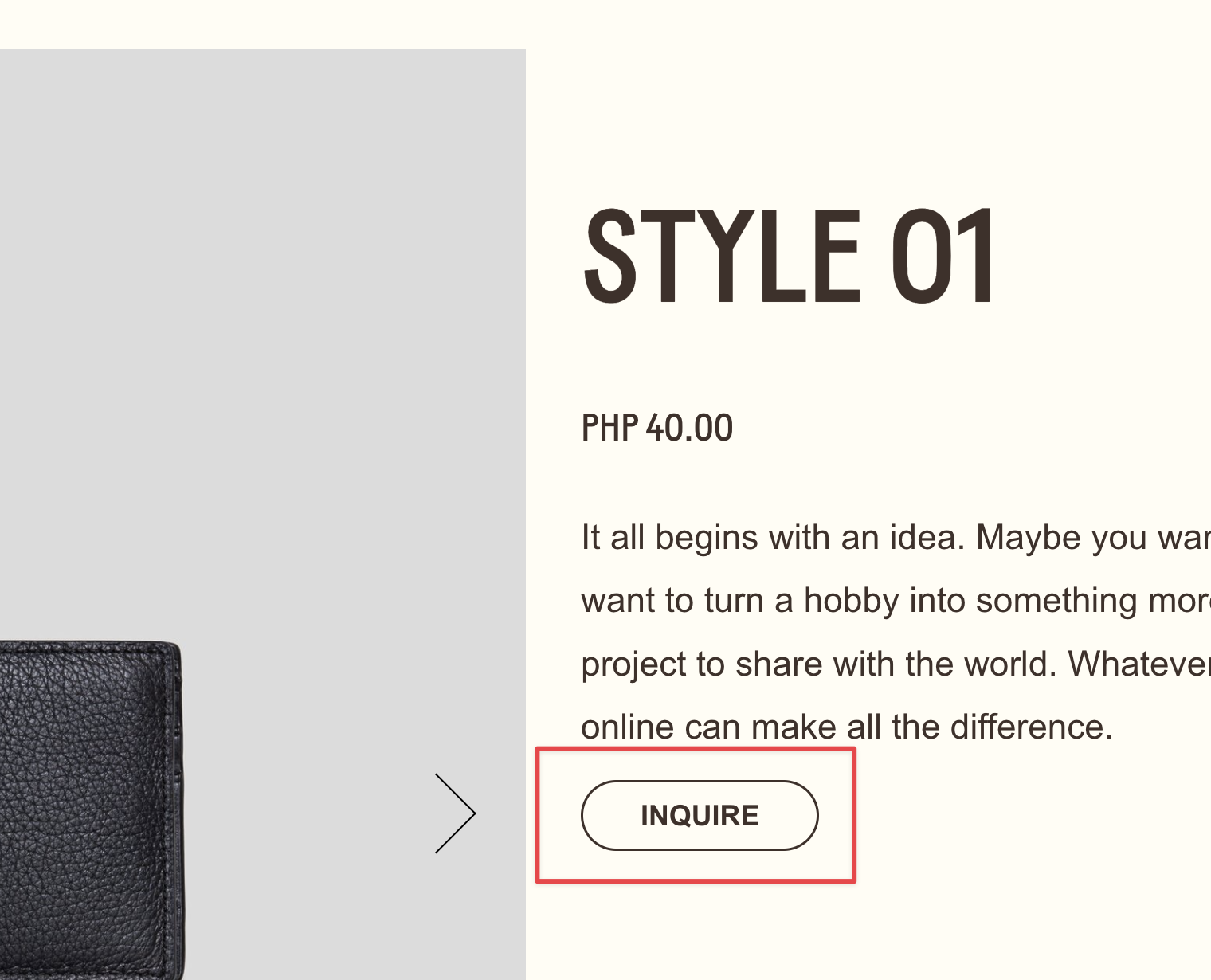
Pseudo Buttons from Text Links
Style text links to look exactly like native buttons - matching fonts, colors, padding and hover effects from your design system.
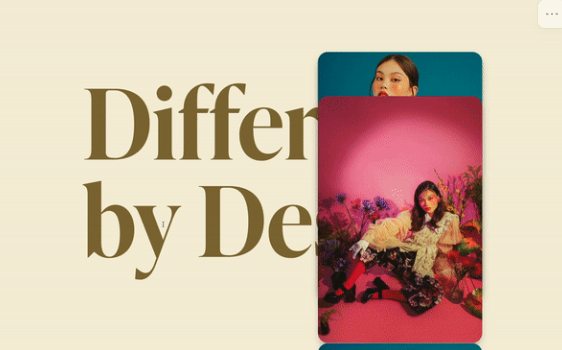
Sticky Stacking Gallery
Images stack on top of each other as you scroll - creating a layered, card-stack effect with depth and shadows.