

Discover What You Can Build
500+ workshops, Techniques, and Resources Inside Standout Squarespace
Explore the library of techniques, templates, and resources available for you inside Squarestylist’s Standout Squarespace program. Standout students also get the commercial license to use these techniques in building Squarespace templates for sale.
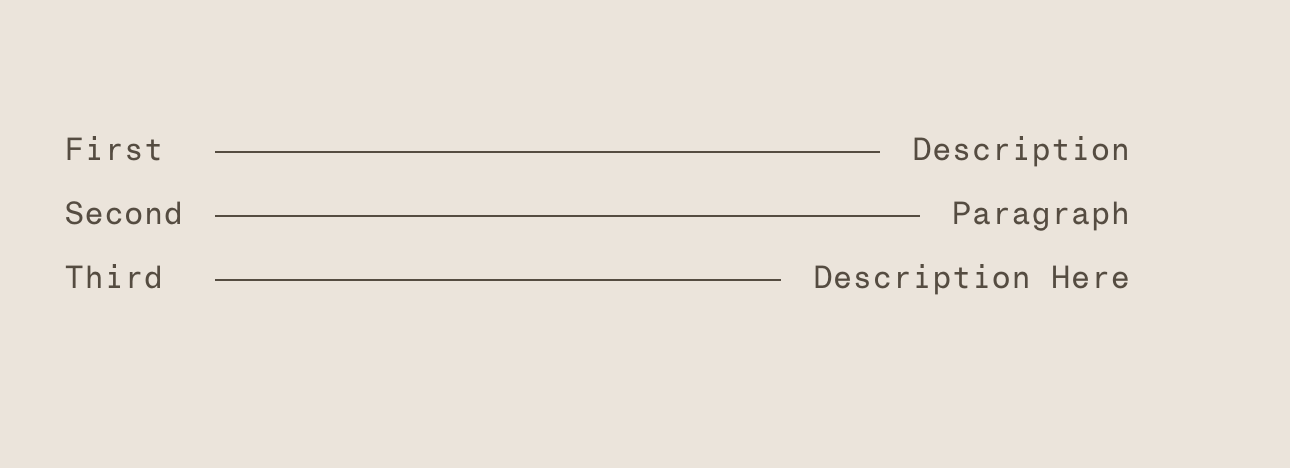
Lined List with Connecting Horizontal Rules
Create menu-style lists with horizontal lines connecting titles to descriptions. CSS Grid automatically sizes the connecting line between paired text elements.

Password Protected Landing Page with Redirect
Create a password gate that redirects visitors to any URL after correct entry. Use Form Blocks for simple access control with styled error messages and redirect functionality.
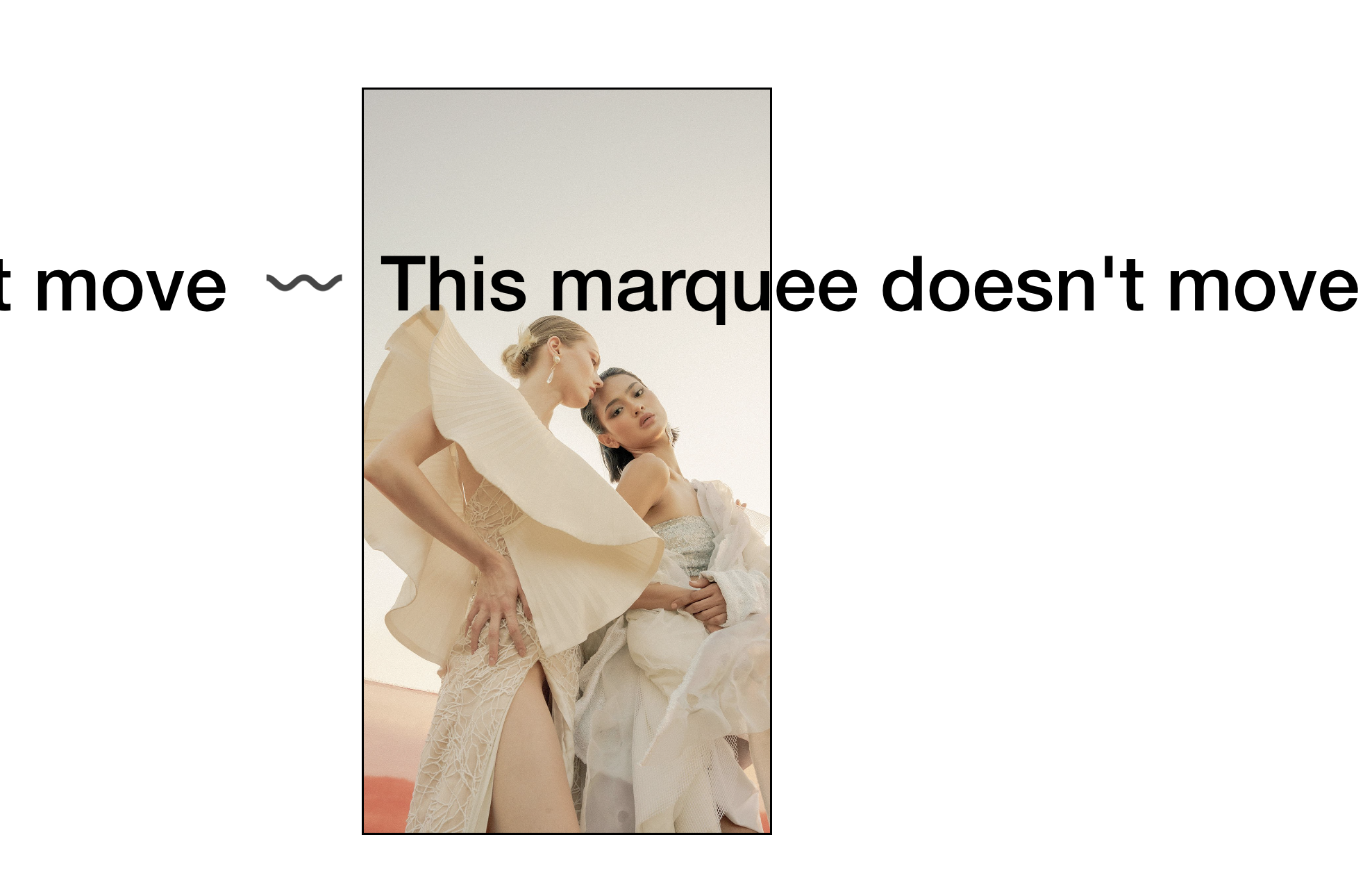
Static Scrolling Text Block (Stop Marquee Animation)
Stop the Scrolling Text Block animation and display curved SVG text without movement. Keep the marquee styling while removing the continuous scroll effect.

Draggable Movable Blocks for Interactive Layouts
Create interactive moodboards where visitors can drag and rearrange blocks on the page. Transform video blocks or list items into repositionable elements with jQuery UI.
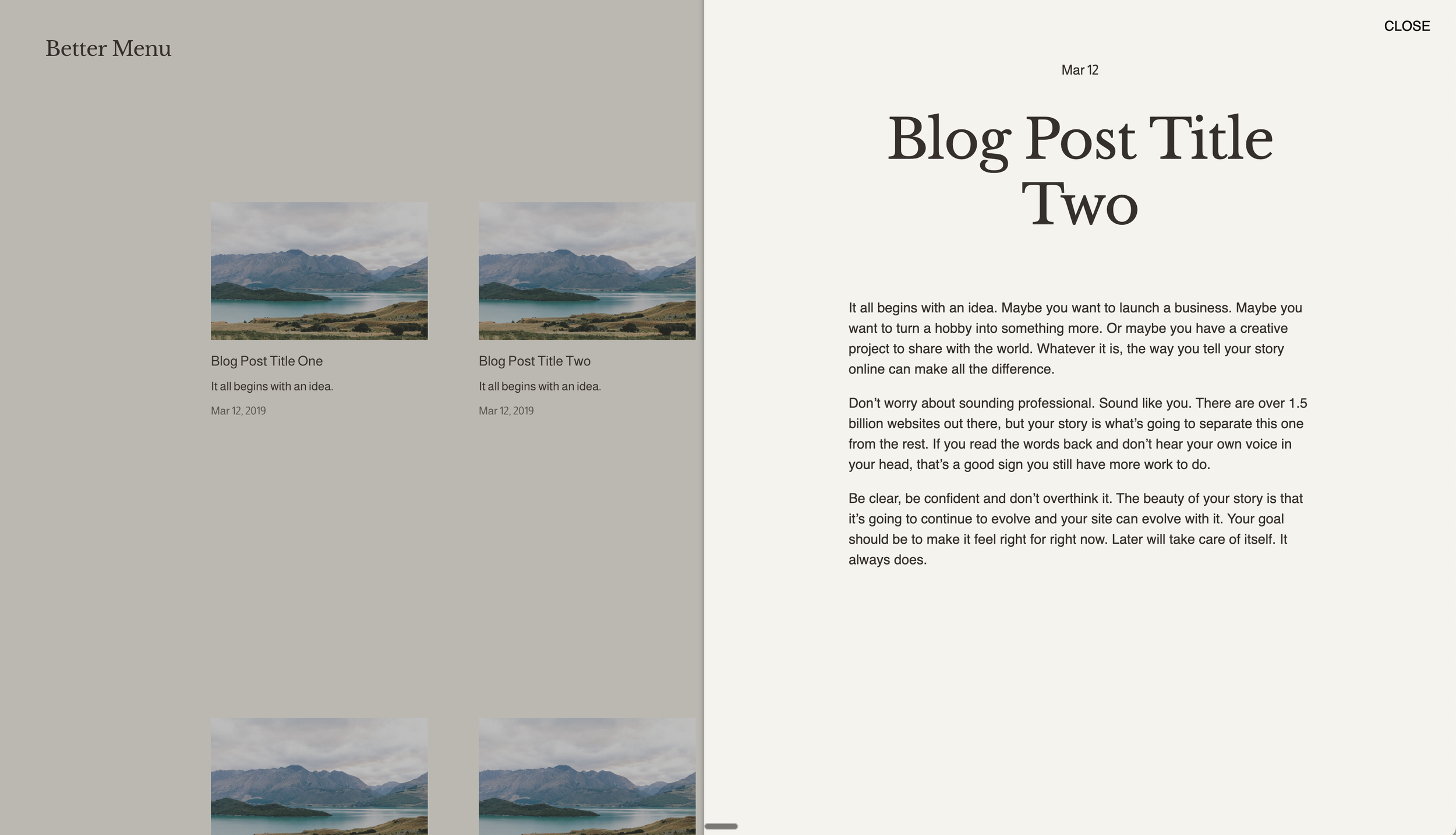
Slide-Out Panel for Summary Block Items
Open blog posts in a sliding side panel instead of navigating to new pages. Create app-like reading experiences where content slides in from the right as an overlay.

Autoplaying Banner Slideshow with Text Overlay
Create hero sections with autoplaying background image slideshows and overlaid text content. Combine cycling visuals with positioned typography for dynamic landing pages.
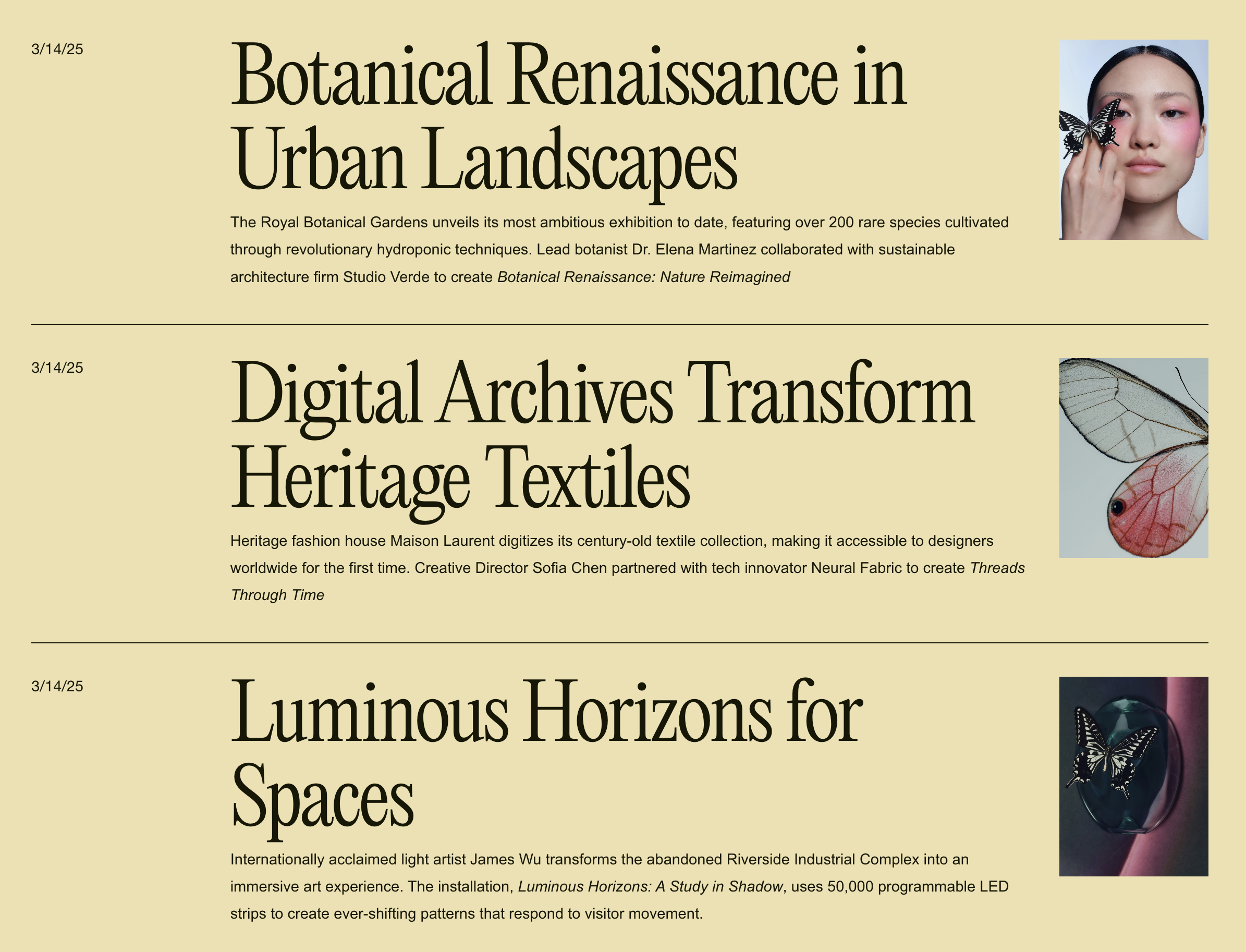
Editorial Blog Stacked List Layout
Transform blog grids into an editorial-style stacked list with large headlines, small thumbnails, and clean horizontal dividers. Perfect for magazine and news-style presentations.
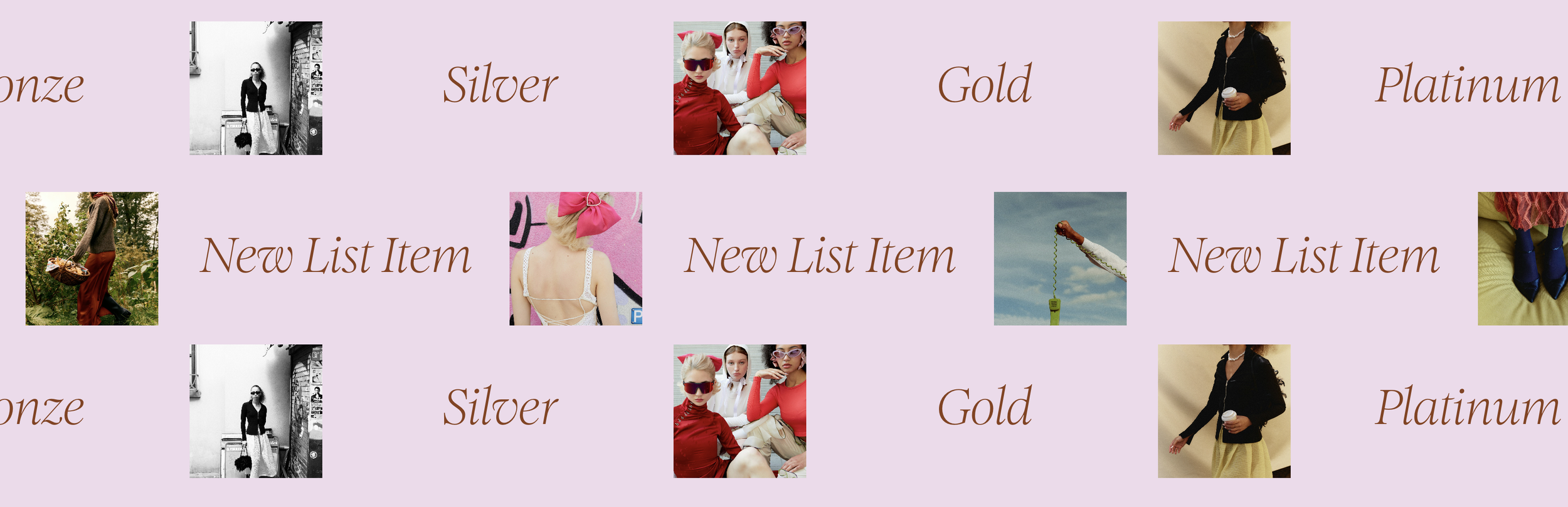
Scrolling Marquee with Linked Image and Text
Create continuous scrolling marquees that pair images with text—perfect for client logos with names, testimonials with photos, or portfolio previews with titles.
Clickable Video Block with Link Overlay
Make autoplaying video blocks clickable by expanding the caption link to cover the entire video. Turn background videos into navigational elements with minimal CSS.
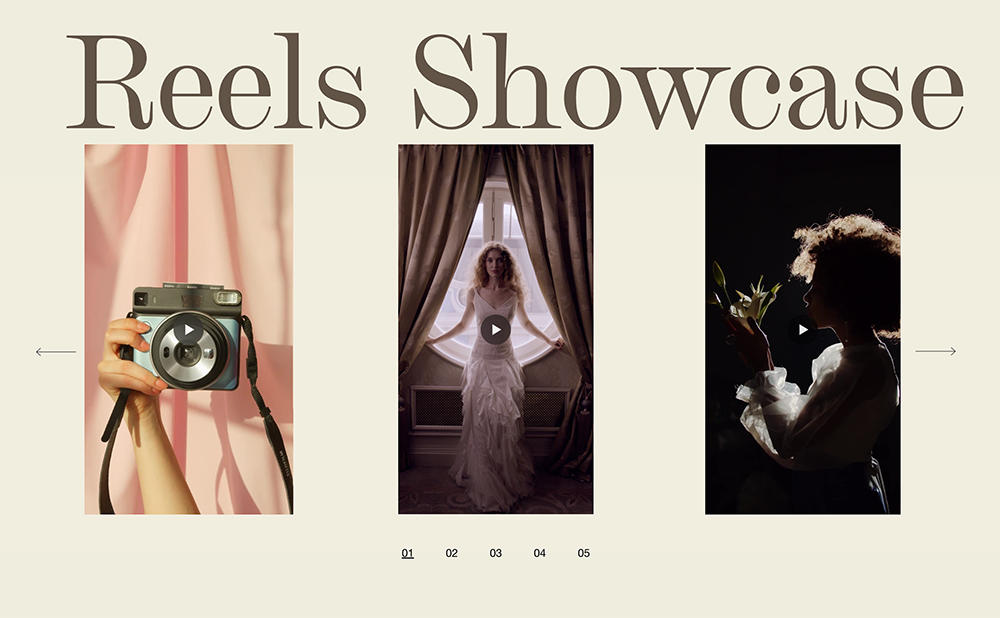
Video Carousel for Squarespace
Transform your portfolio or showreel with a sleek video carousel featuring custom pagination and smooth transitions between clips.
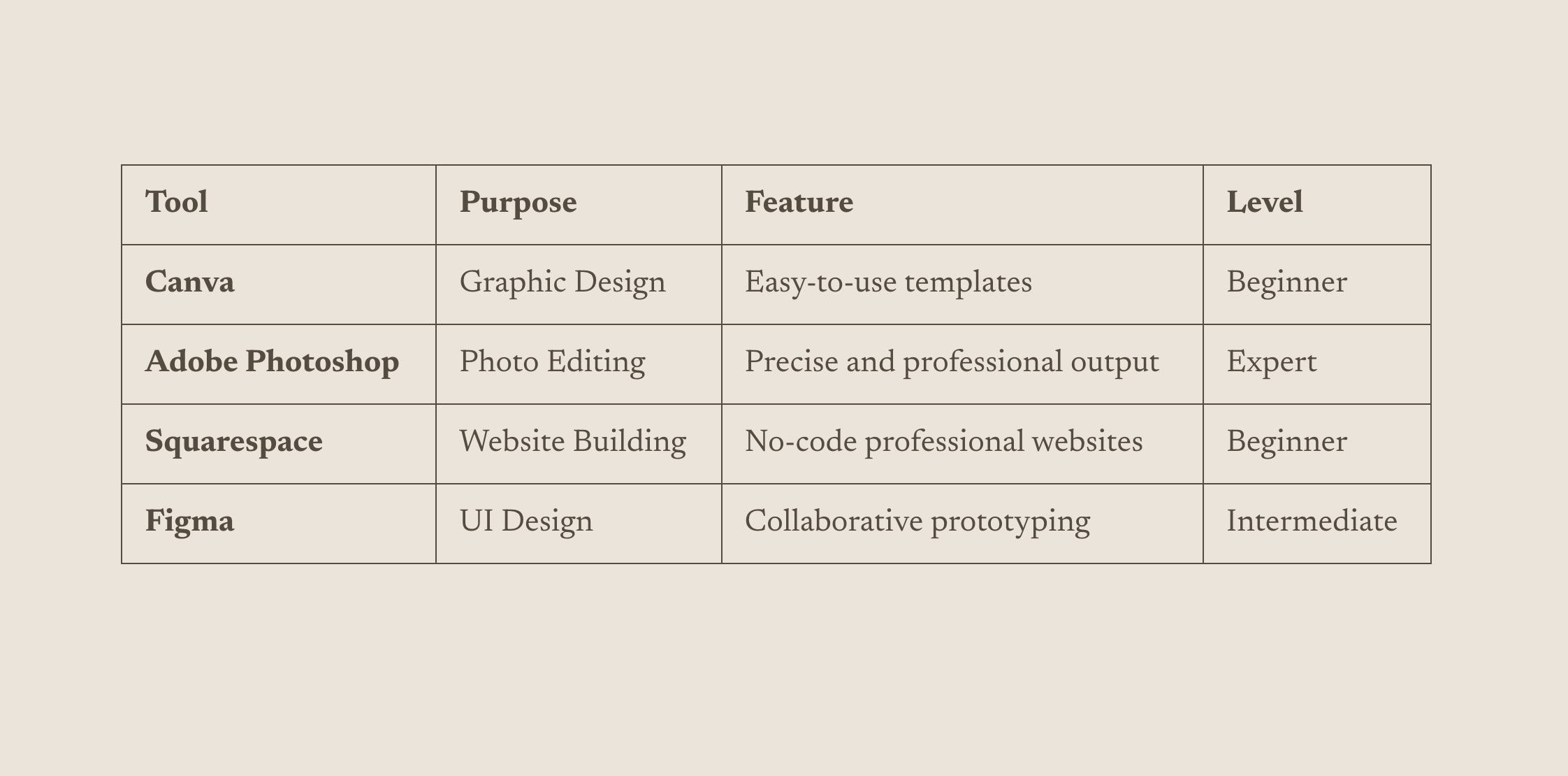
List to Table Converter
Transform simple bullet lists into styled, responsive tables without any HTML knowledge — just format your list and the code handles the rest.
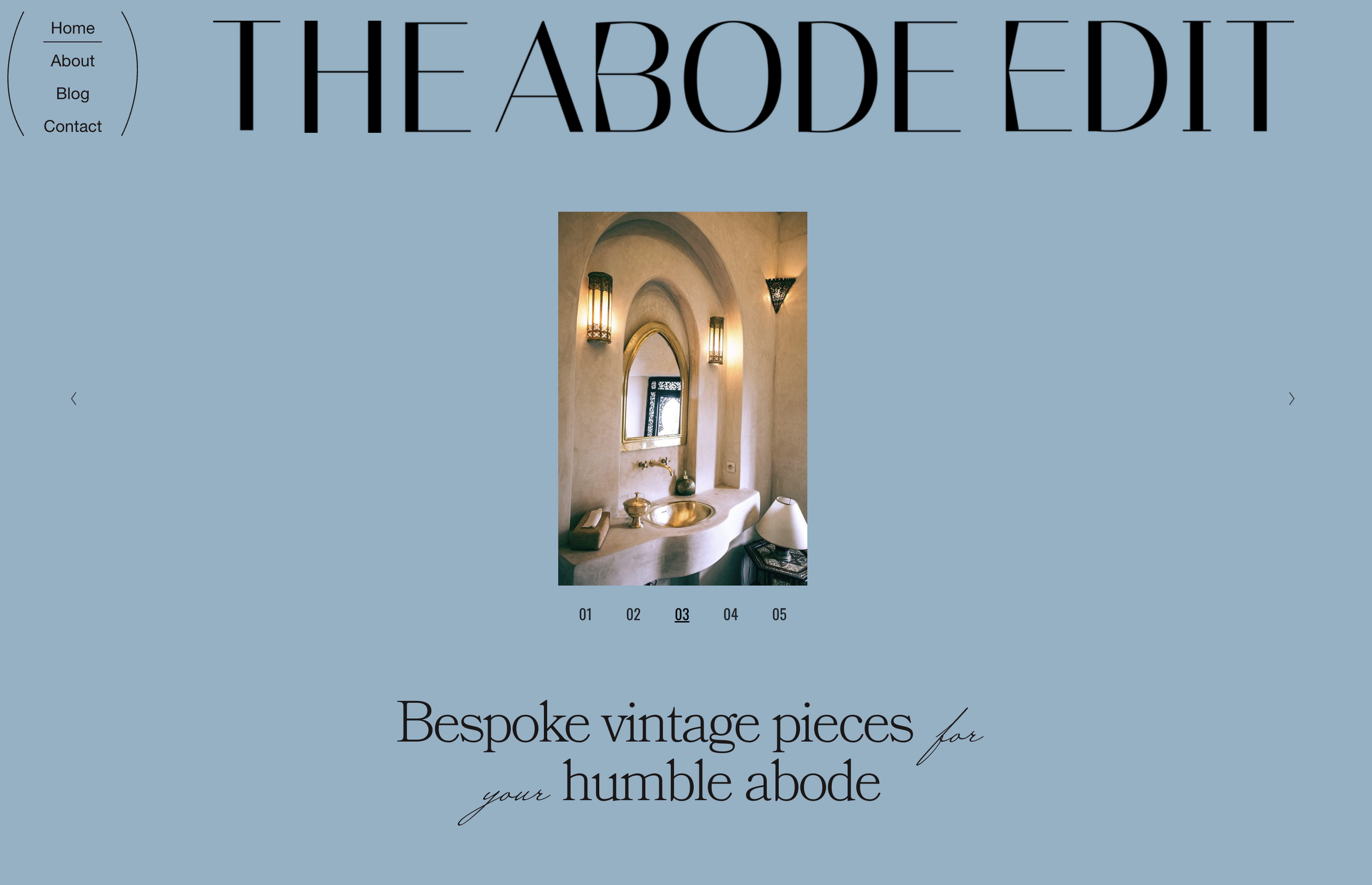
Simple Slideshow with Numbered Navigation
Replace default slideshow thumbnails with elegant numbered pagination that counts up automatically — a cleaner, more editorial approach to gallery navigation.
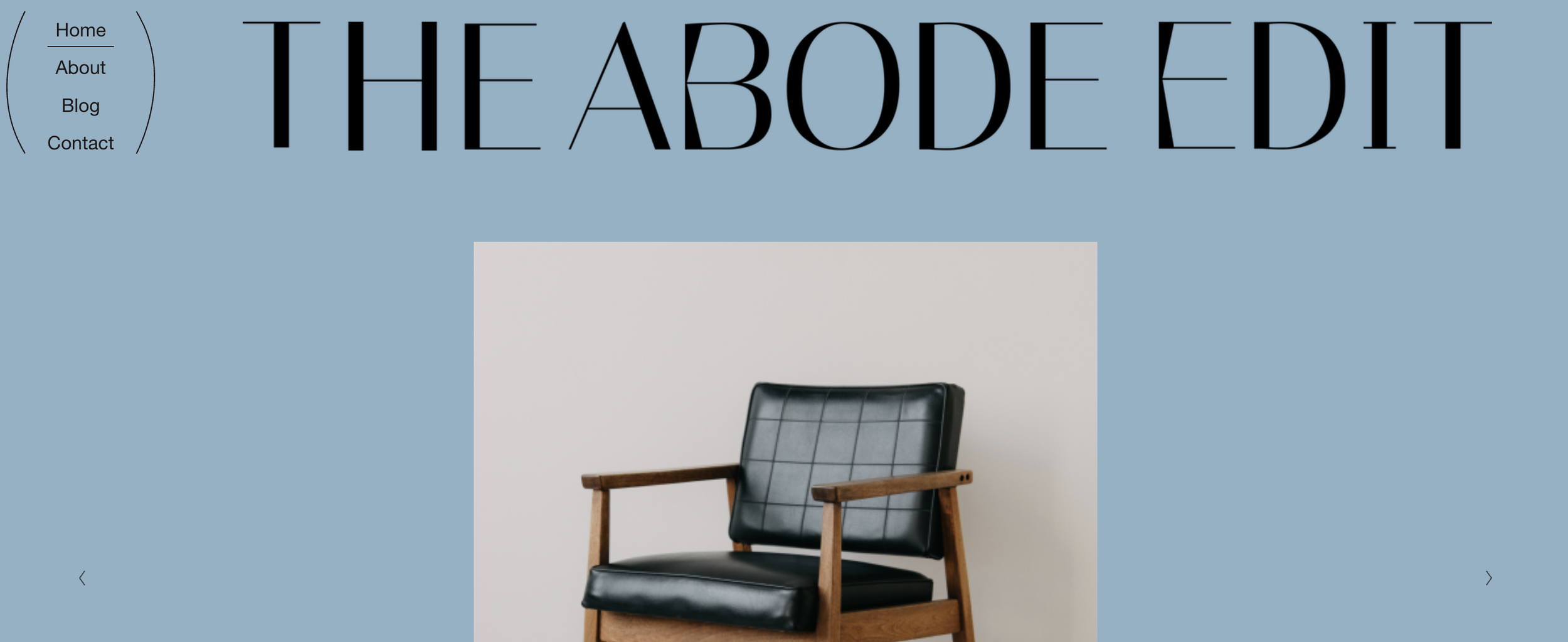
Editorial Header with Stacked Navigation
Transform your header into a magazine-style layout with stacked navigation, full-width logo, and decorative accent elements — perfect for editorial and lifestyle brands.

Scrolling Background Image Marquee
Transform a gallery into an animated background where images scroll continuously across the screen — a modern, eye-catching effect for hero sections.
Looping Summary Block Carousel
Transform your summary block into a smooth, infinitely looping carousel with swipe gestures, navigation arrows, and pagination dots.
Image-Filled Text with CSS Clip Mask
Fill text with an image using CSS clip masks — create stunning typography where photos or textures show through your headings.
Split Screen Gallery with Opposite Animations
Create a dramatic split-screen effect with two gallery slideshows side-by-side, each sliding in opposite directions with overlay text.
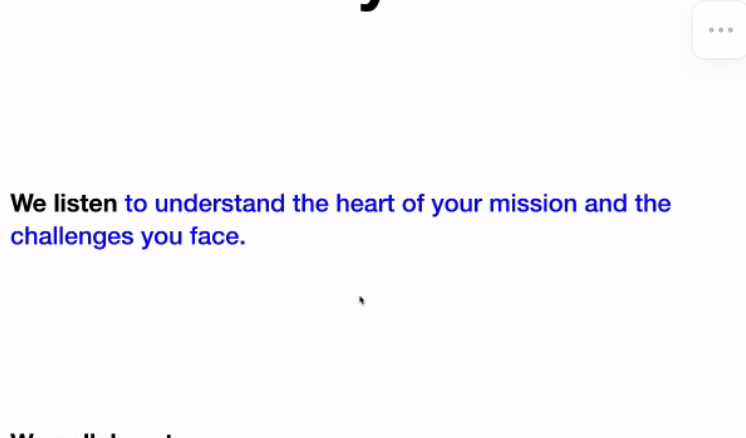
Scroll-Triggered Text Reveal Animation
Reveal text word-by-word as visitors scroll — create cinematic storytelling effects that draw attention to your key messages.

Grid Gallery Section Filter
Add clickable category filtering to Gallery Grid sections. Click filter buttons to show/hide gallery items by keyword tags - perfect for portfolio filtering without page reloads.

Centered Text Over Image Caption
Position image captions as centered overlays on top of images. Transform default bottom captions into eye-catching text overlays using absolute positioning.