

Discover What You Can Build
500+ workshops, Techniques, and Resources Inside Standout Squarespace
Explore the library of techniques, templates, and resources available for you inside Squarestylist’s Standout Squarespace program. Standout students also get the commercial license to use these techniques in building Squarespace templates for sale.
Auto-Scroll to Shop Products on Category Click
Automatically scroll visitors past intro content to the product list when they click shop category or tag links, improving navigation on shops with header sections.
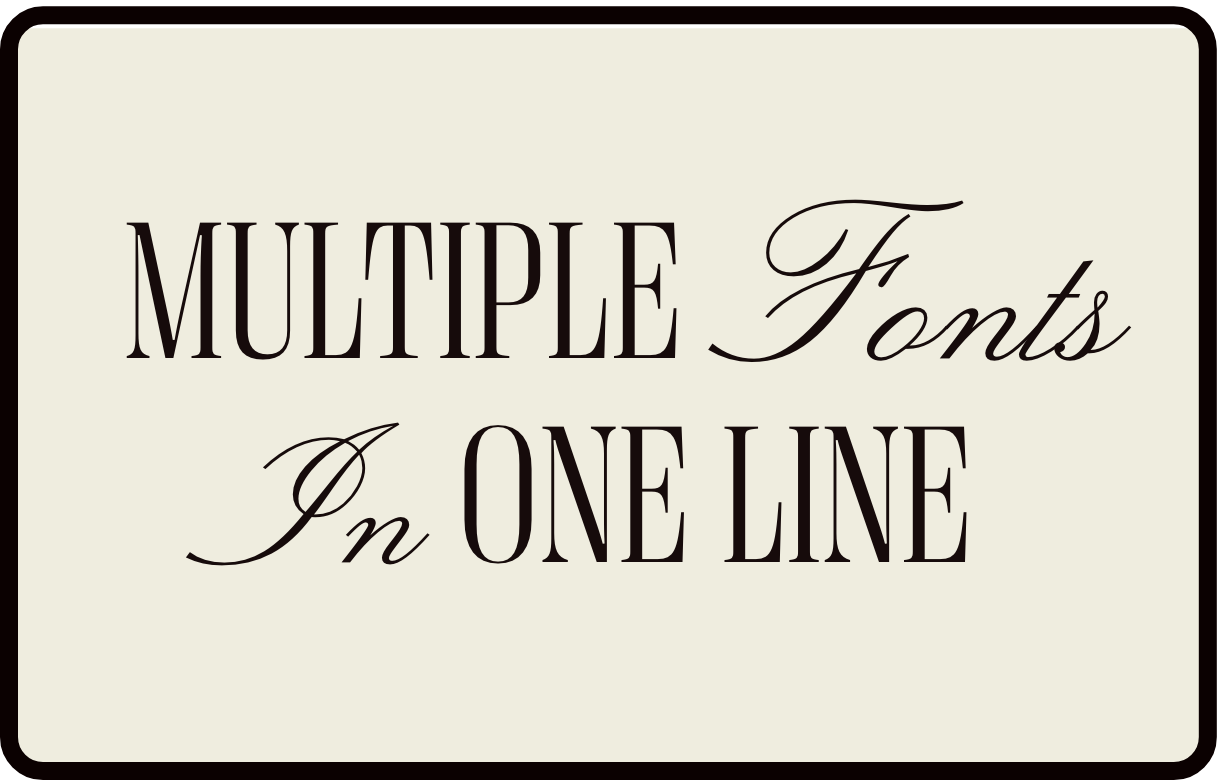
Multiple Fonts in One Heading Line
Mix font families within a single heading by targeting italicized text with an accent font, creating elegant mixed-typography headlines.
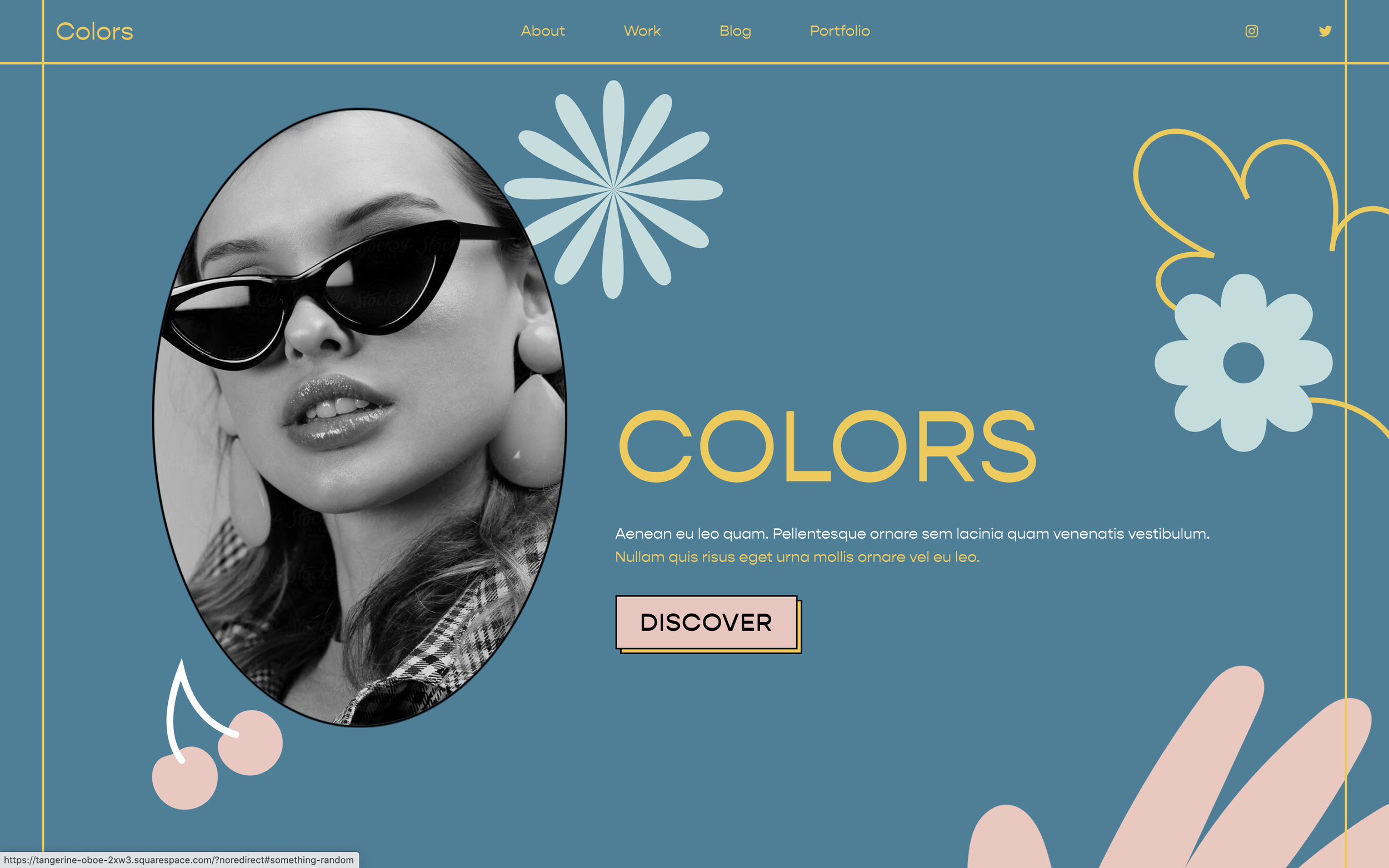
Add Decorative Graphics to Sections
Position decorative images and graphics on sections using CSS pseudo-elements, placing them above or behind content without extra blocks.
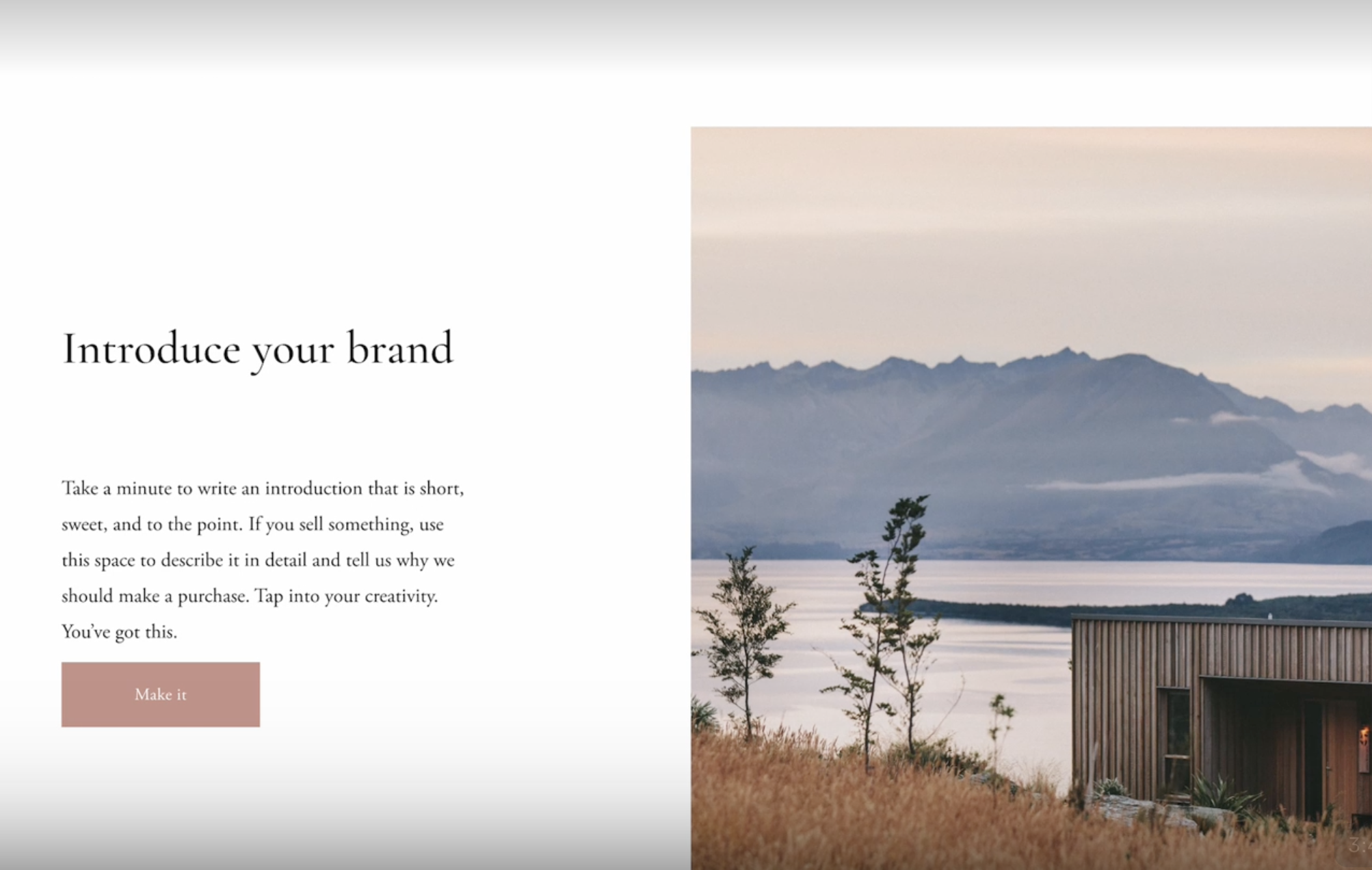
Style Pages Dynamically Based on URL Keywords
Add custom body classes based on URL patterns using JavaScript for page-specific styling.
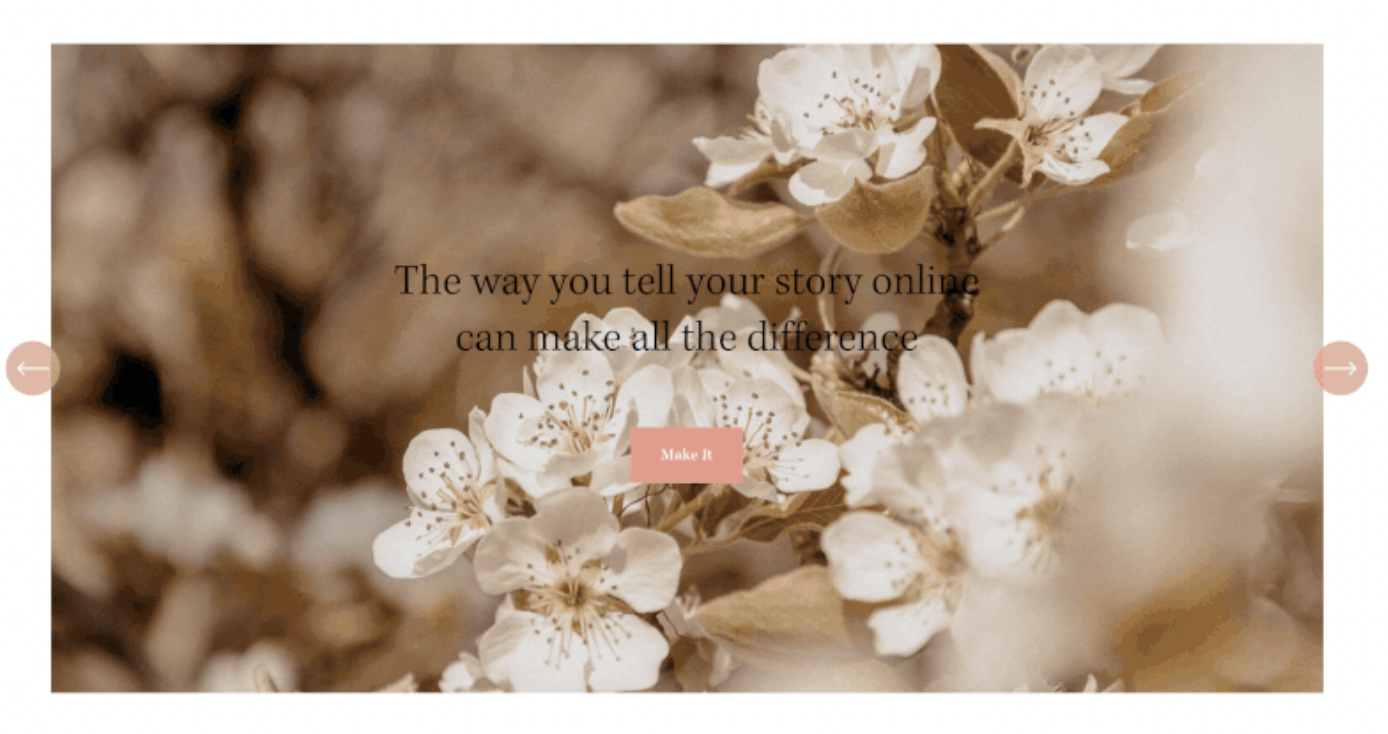
Add Autoplay to Auto Layout Sections
Enable automatic slideshow functionality for Auto Layout sections using a custom JavaScript plugin with configurable speed.
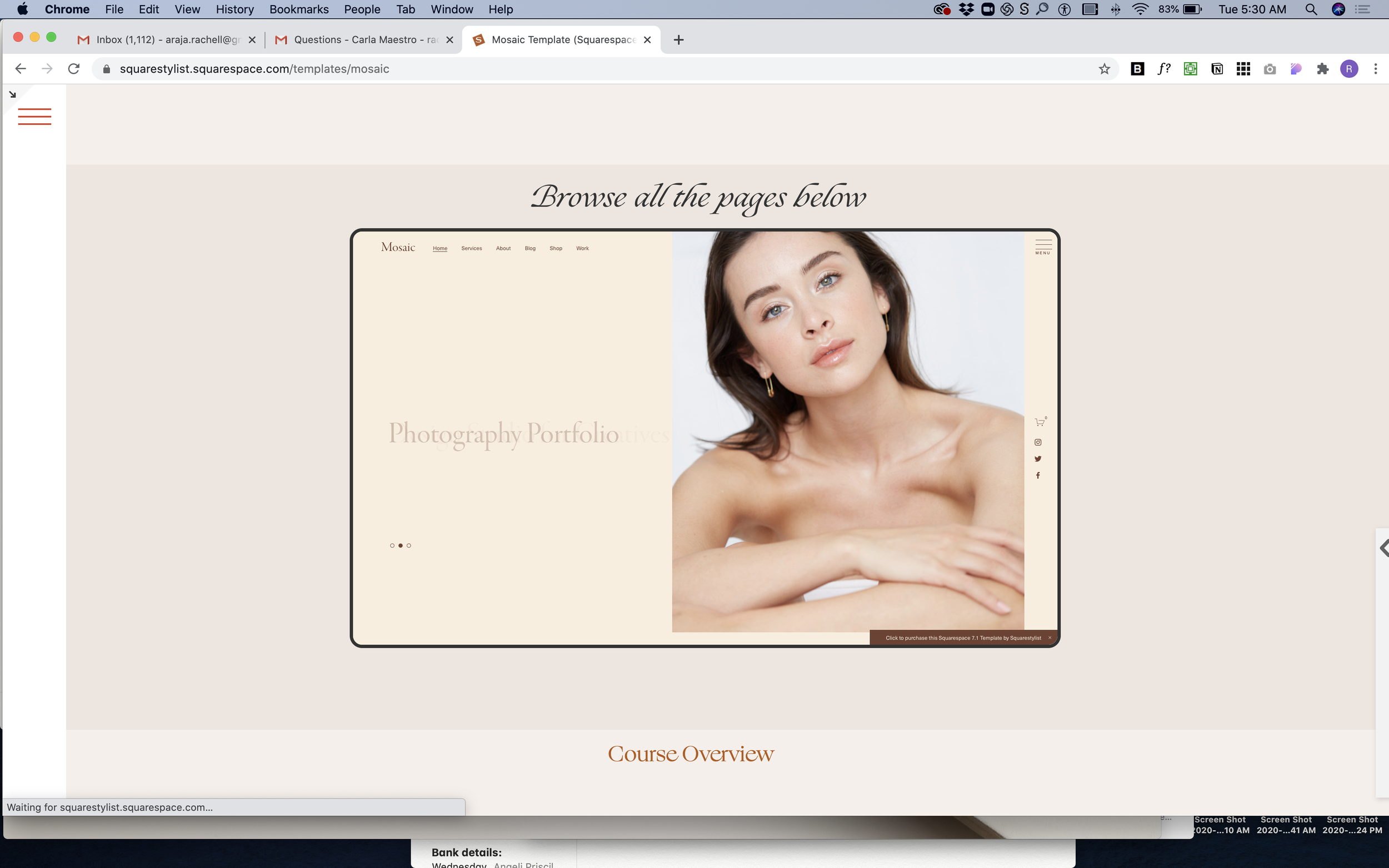
Embed Website in Device Mockup Frame
Display live website previews inside a scaled iframe with device-style borders for portfolio showcases and demos.

Page Loading Animation with Custom GIF
Display a custom loading animation while the page loads using a fullscreen overlay with animated GIF and fade-out effect.
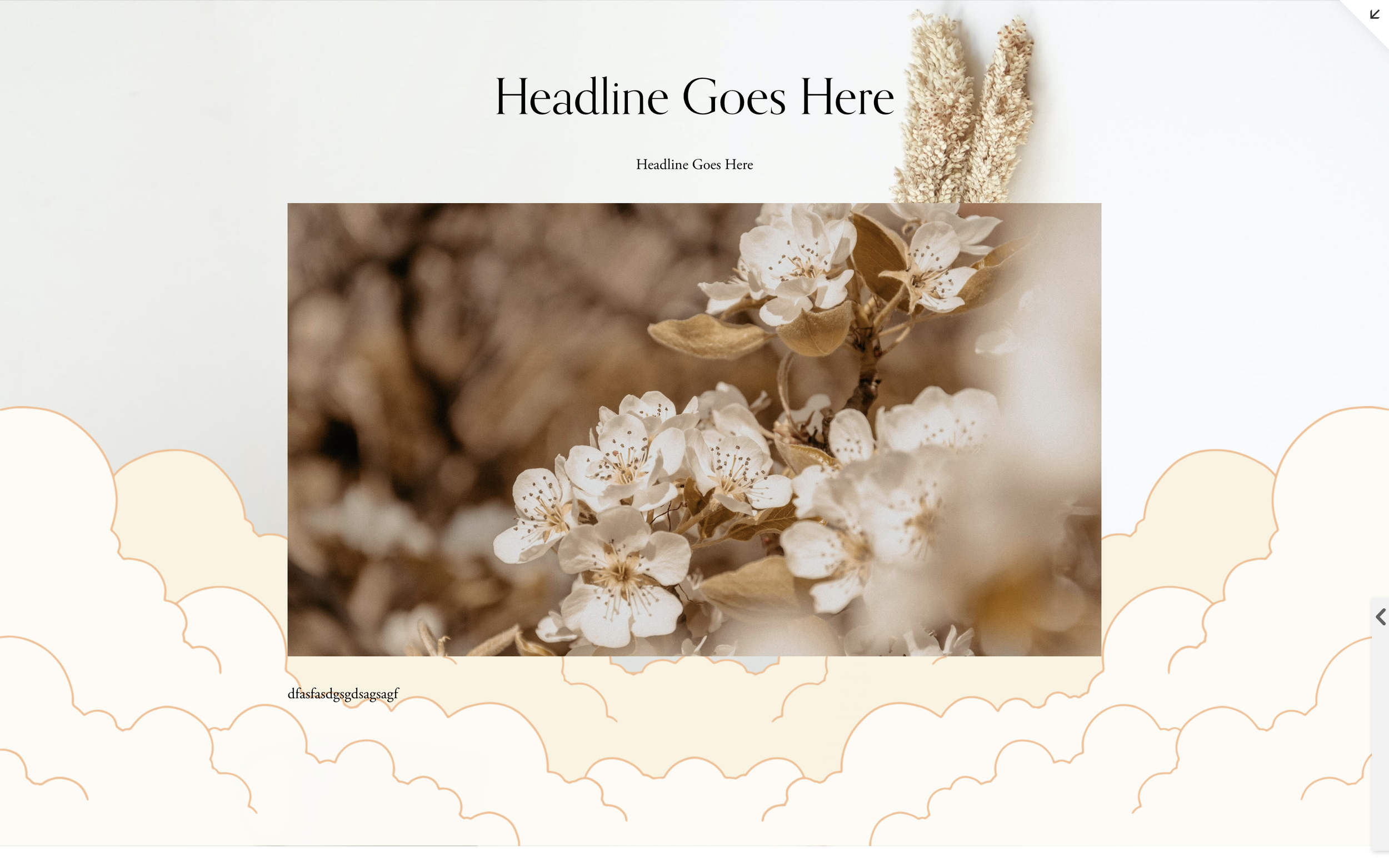
Decorative Section Background Images
Add decorative images to section backgrounds using CSS background properties for visual accents and patterns.
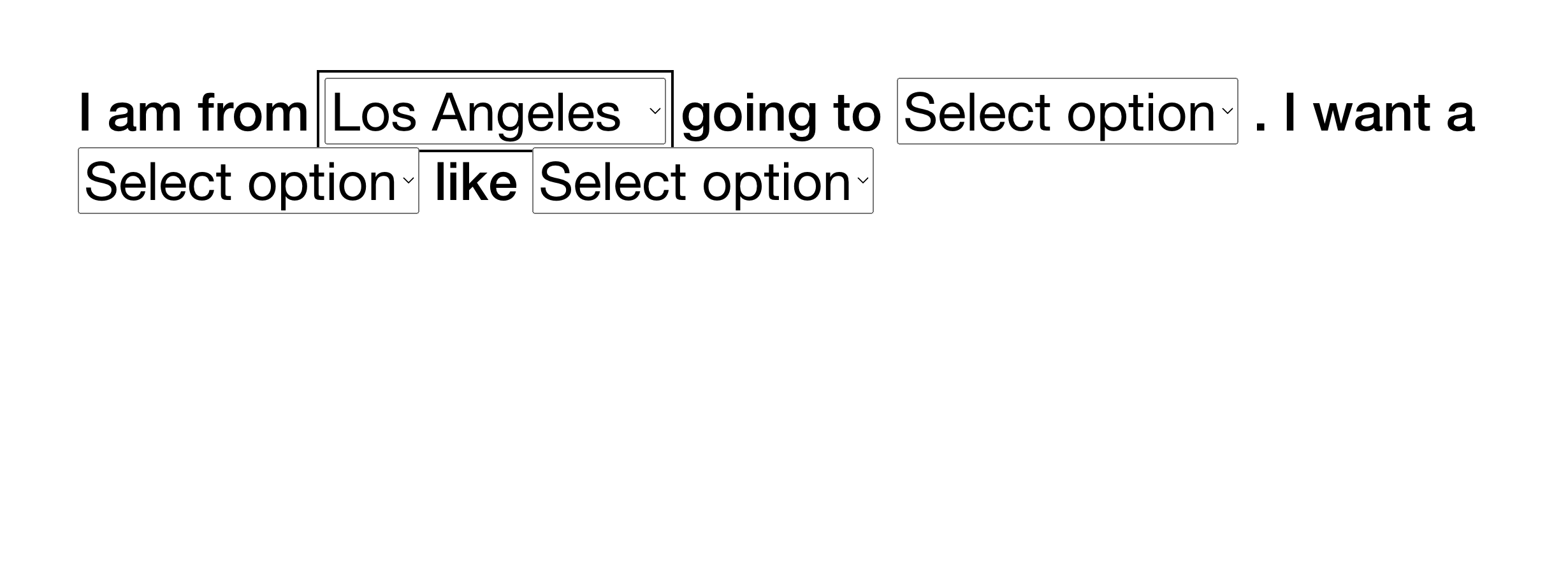
Show/Hide Sections Based on Dropdown Selection
Dynamically show or hide page sections based on user selections from multiple dropdown menus for personalized experiences.
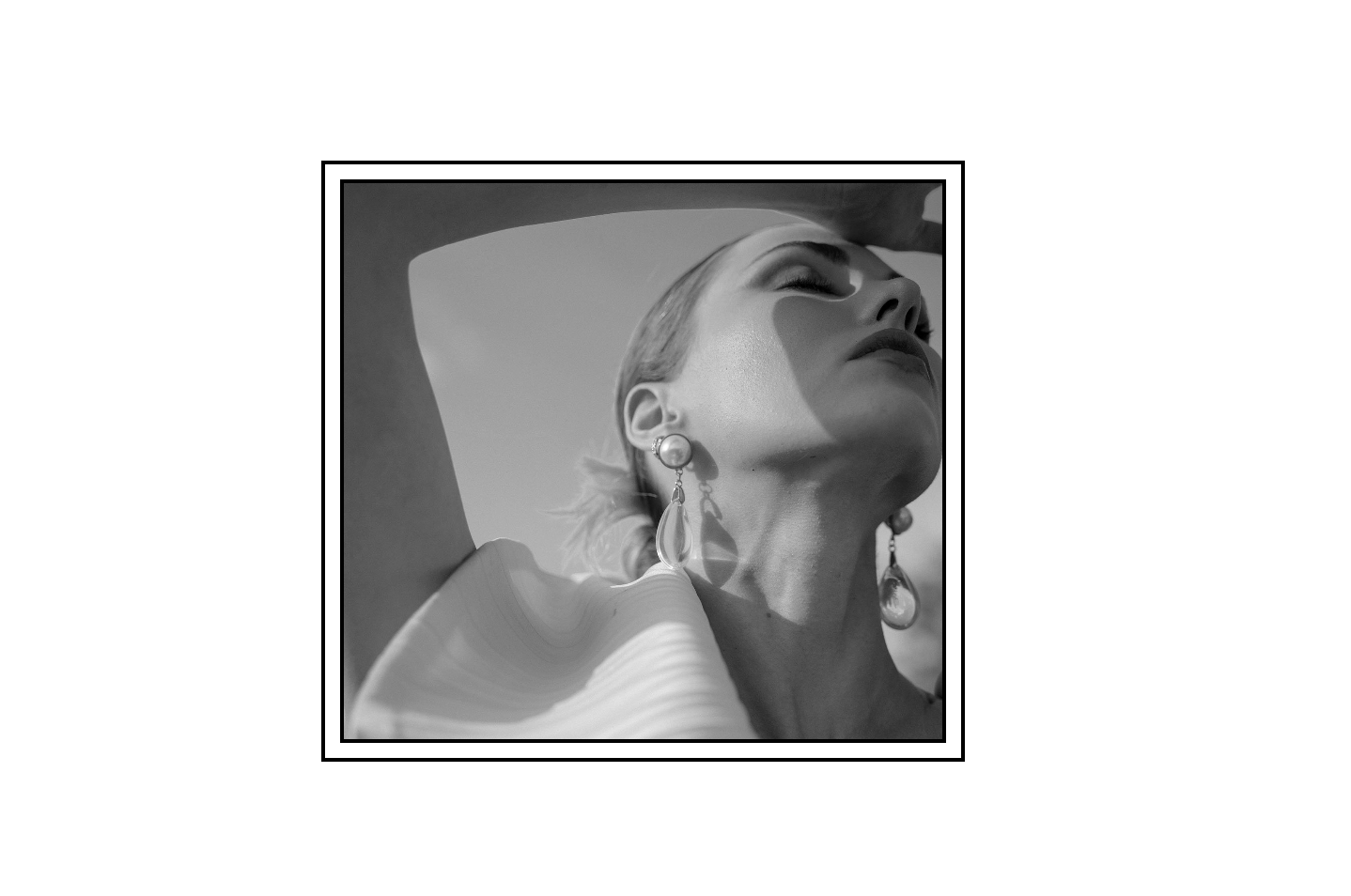
Double Border Frame on Image Blocks
Add a decorative double border effect to Fluid Engine image blocks using nested border styling with alt text targeting.
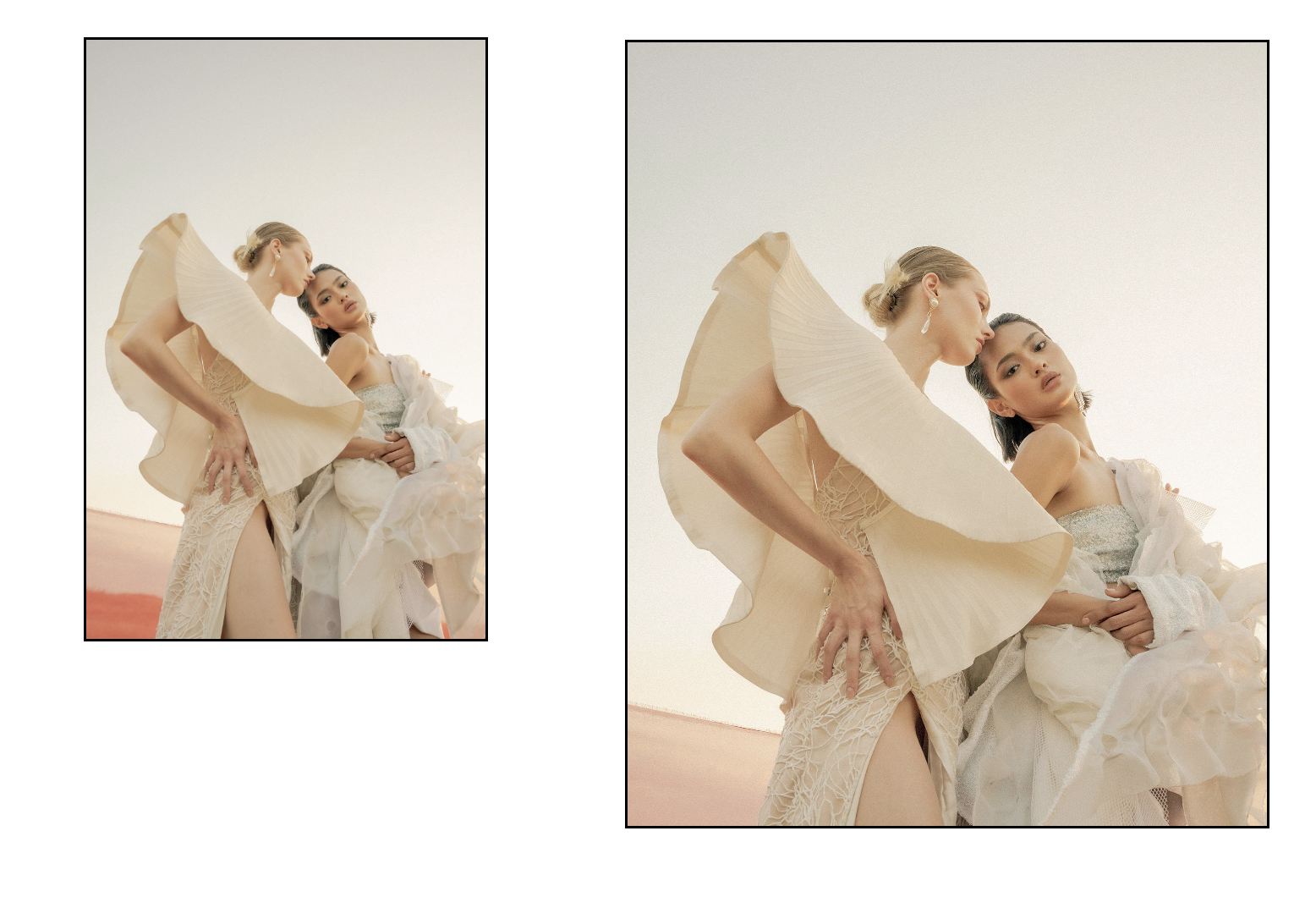
Simple Border Styling for Image Blocks
Add solid borders to Fluid Engine image blocks with options for global application or alt-text-targeted styling.
How to Create an Animated Audio Waveform Visualizer in Squarespace
This Adagio component creates an animated audio waveform visualization using SVG bars that animate when audio is playing. The visualizer features staggered animation delays for a realistic wave effect, syncs with Squarespace's native audio player state, and uses CSS keyframe animations with transform scaling to create dynamic bar movements.
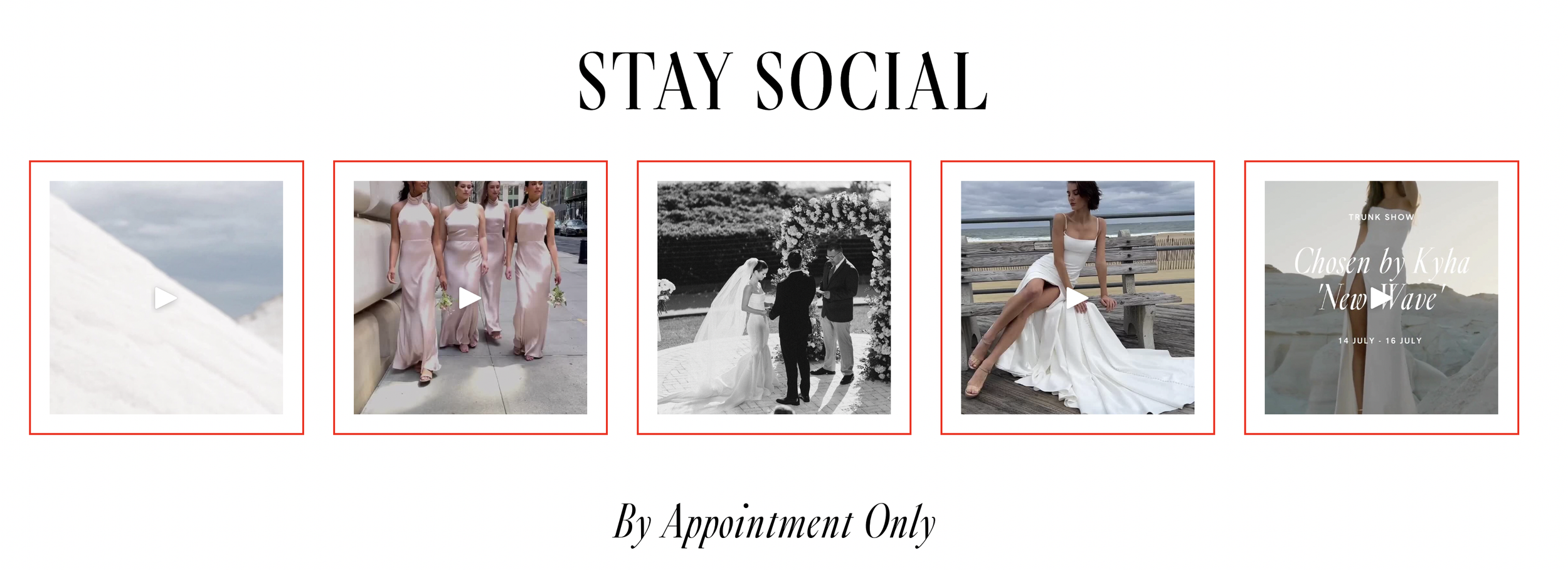
How to Add Borders to Instagram Block Images in Squarespace
This simple CSS technique adds decorative borders and padding to images displayed in Squarespace's Instagram block. By targeting the grid slide margin wrapper, you can create uniform borders around each Instagram image with customizable color, width, and padding for a polished, framed appearance.
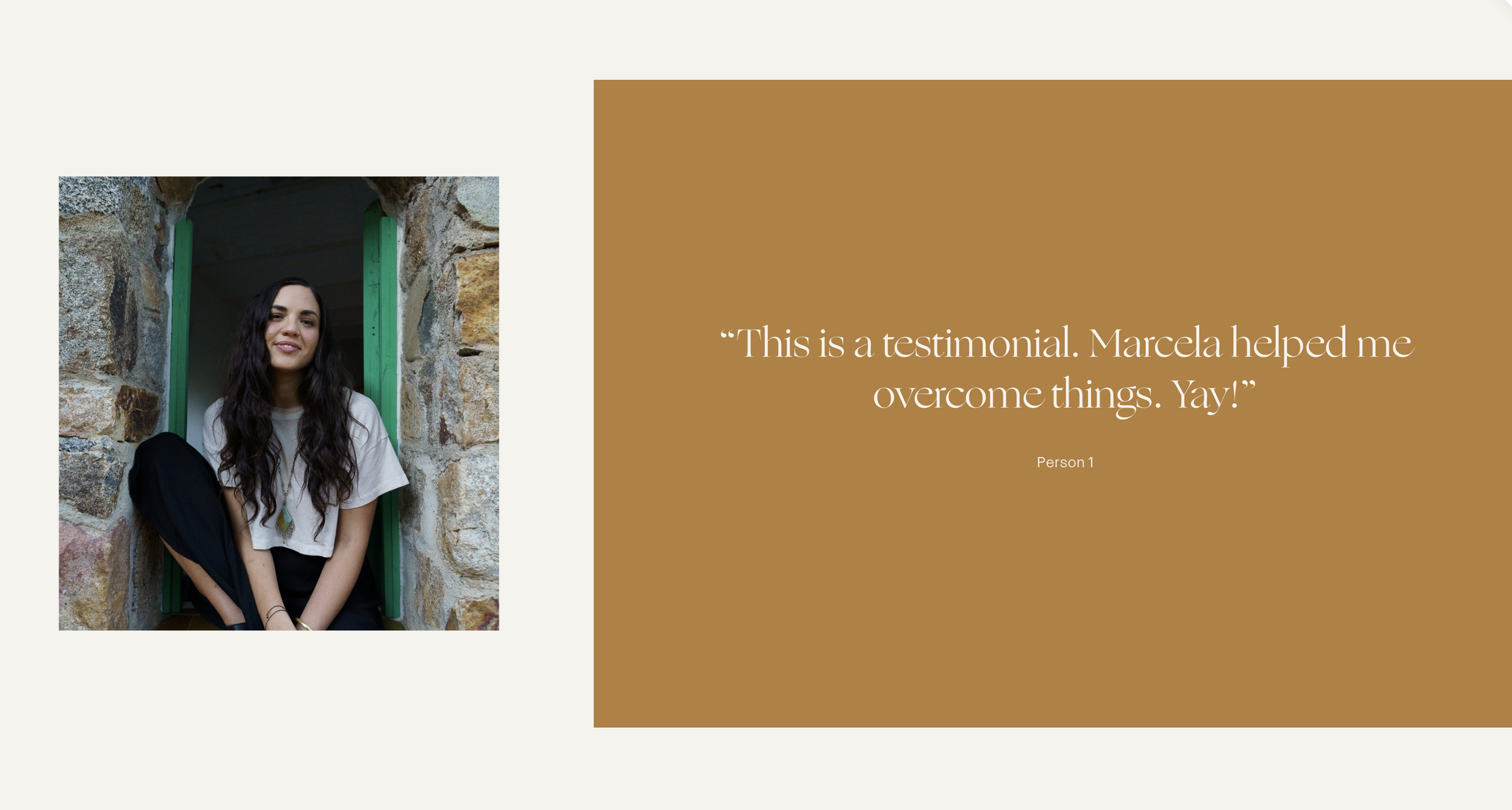
How to Create Split Section Layouts with Background Images in Squarespace
Build split-screen section designs where background images occupy a portion of the section width while content fills the remaining space, with overlay color extensions.
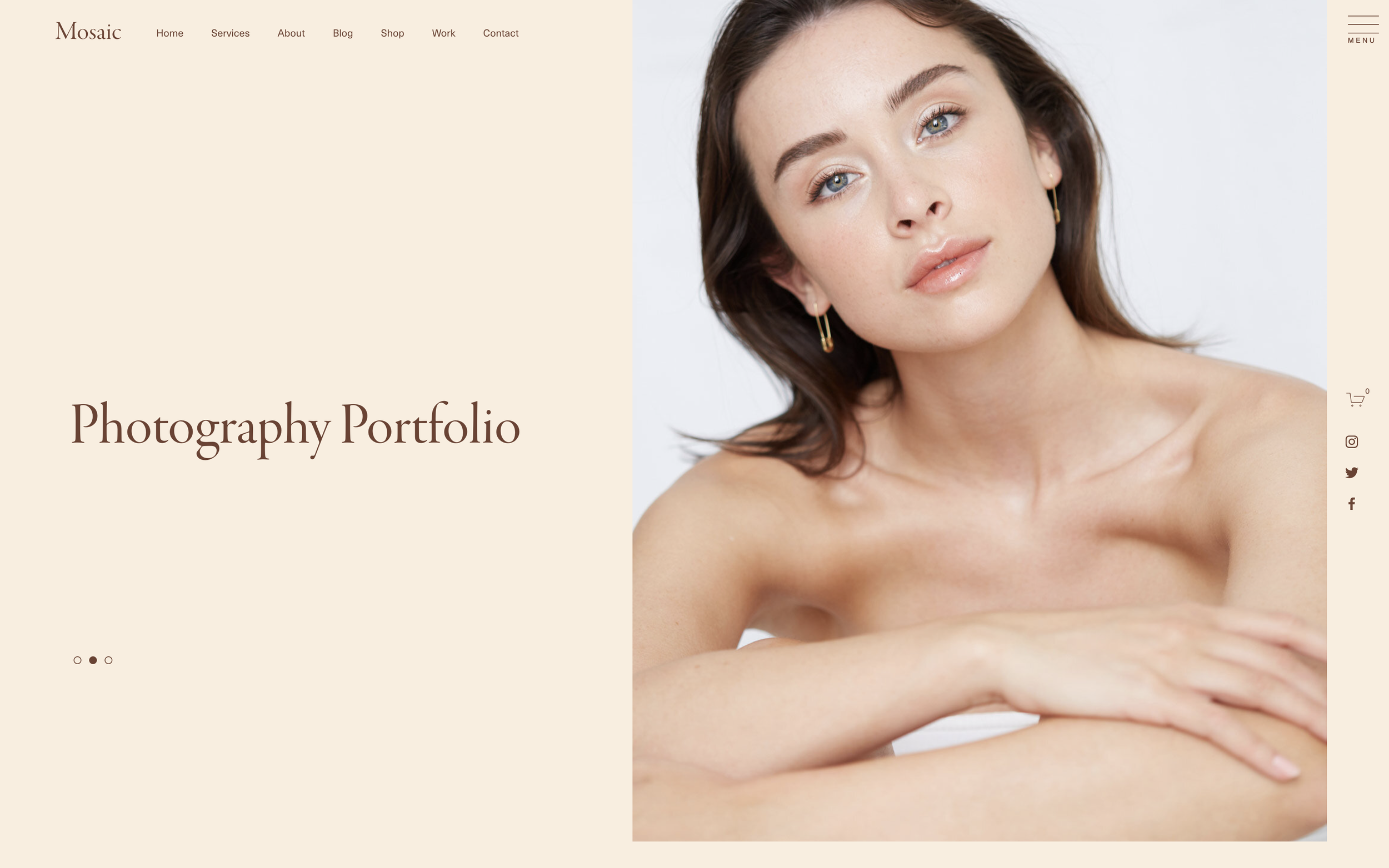
How to Position Social Links on the Side of a Squarespace Page
Create fixed-position vertical social links that float on the side of your Squarespace website for persistent visibility while visitors scroll.

How to Create a Wavy Marquee Effect with Squarespace Scrolling Block
Add a dynamic wavy animation effect to Squarespace's native scrolling block using JavaScript to animate the hitbox element and CSS for stroke outline styling.
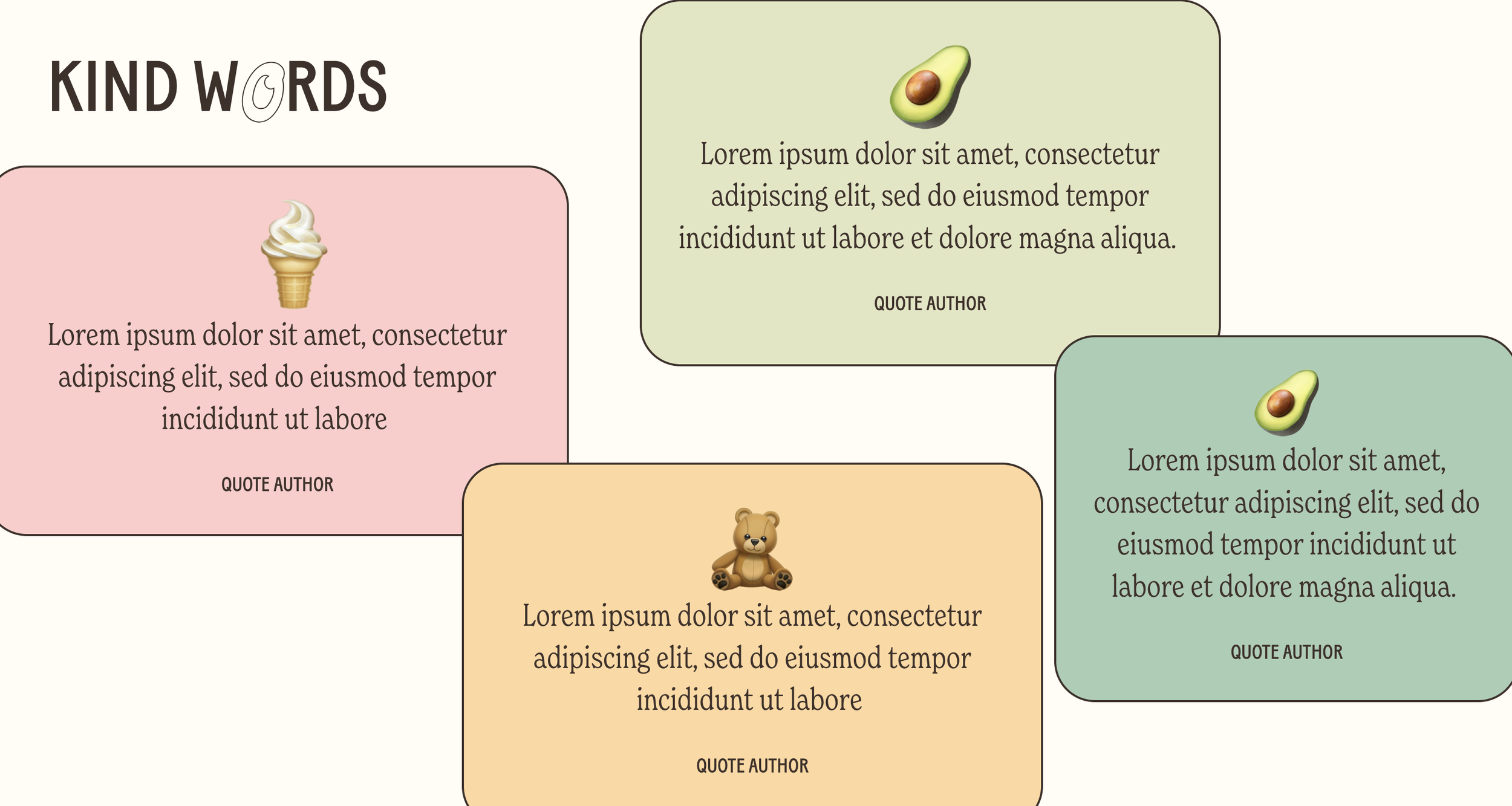
Holographic Testimonial Effect
Create futuristic testimonial cards with a holographic shimmer that makes social proof stand out on modern, tech-forward websites.

Online Status Indicator Animation
Add a pulsing green indicator that signals availability or live status, mimicking modern SaaS interfaces with a professional touch.
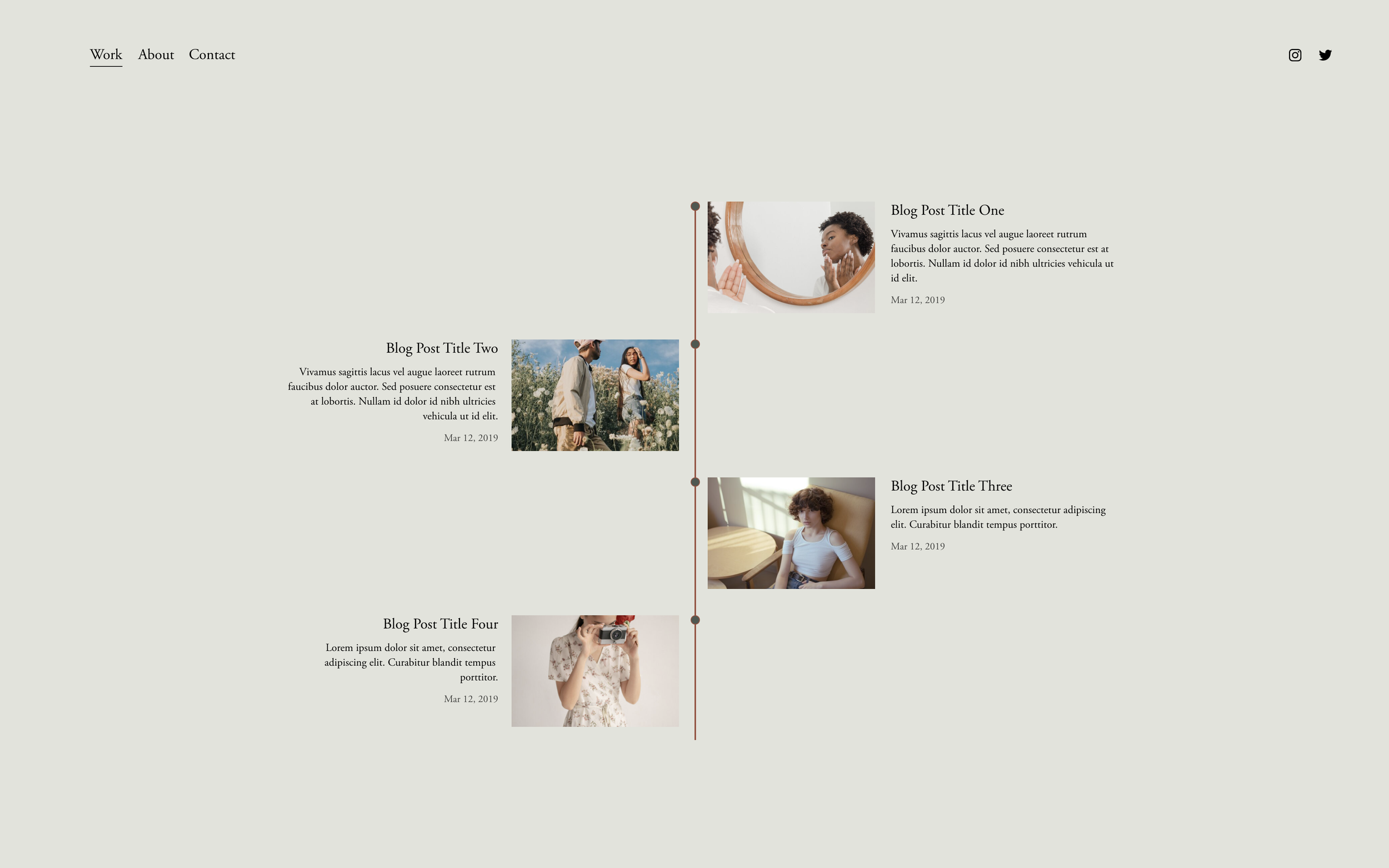
Timeline with Summary Blocks
Transform Summary Blocks into elegant vertical timelines with connecting lines and milestone markers—no code blocks required.
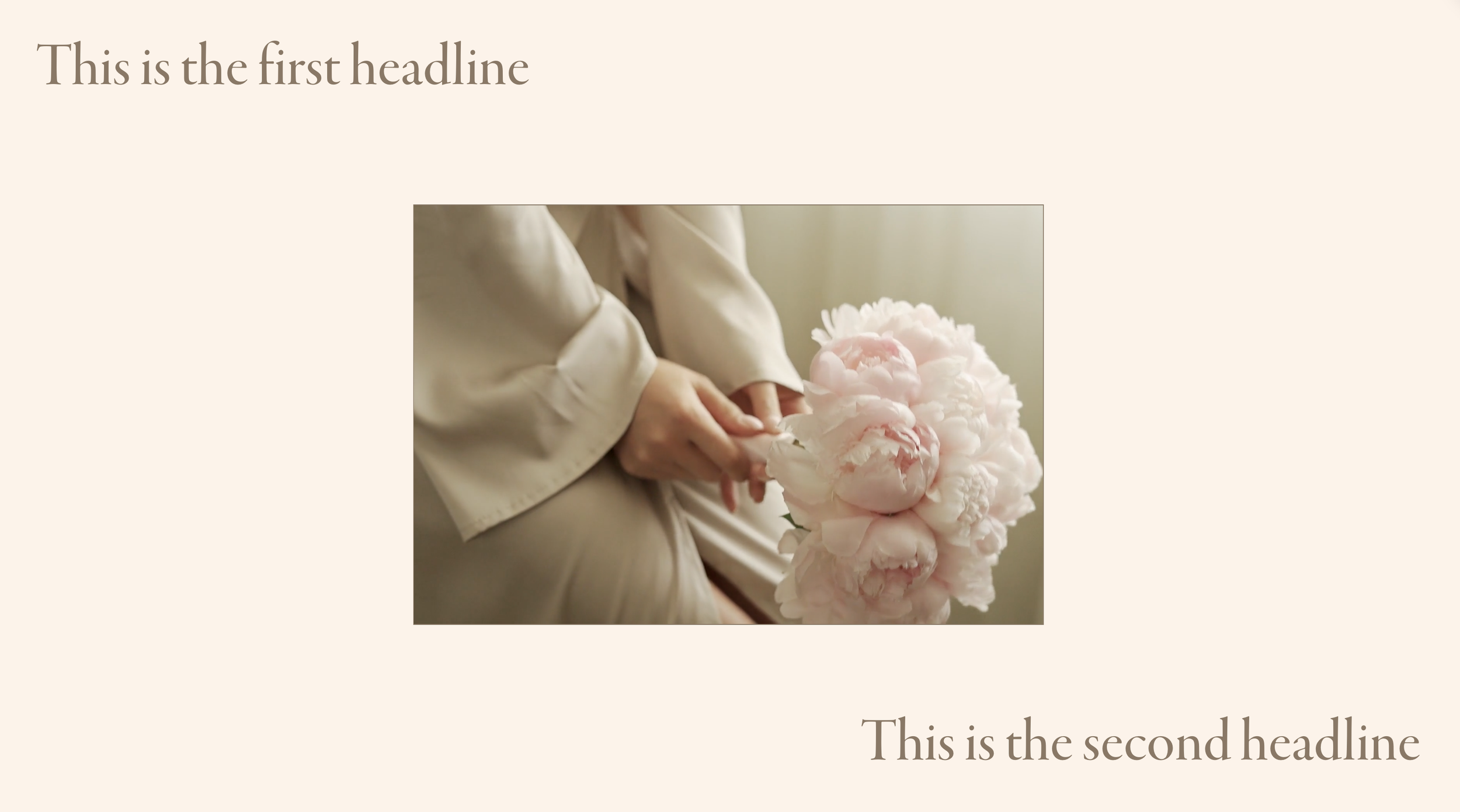
Centered Video Section Frame
Create a cinematic video presentation with your background video centered and framed within the section, surrounded by text overlays.