

Discover What You Can Build
500+ workshops, Techniques, and Resources Inside Standout Squarespace
Explore the library of techniques, templates, and resources available for you inside Squarestylist’s Standout Squarespace program. Standout students also get the commercial license to use these techniques in building Squarespace templates for sale.
Full Height Gallery Slideshow
Make gallery block slideshows fill the full height of their Fluid Engine container.
Random Image on Page Load
Display a randomly selected image from a gallery each time the page loads.

Custom Cursor with Image or SVG
Replace the default cursor with your own custom image or SVG across your site.
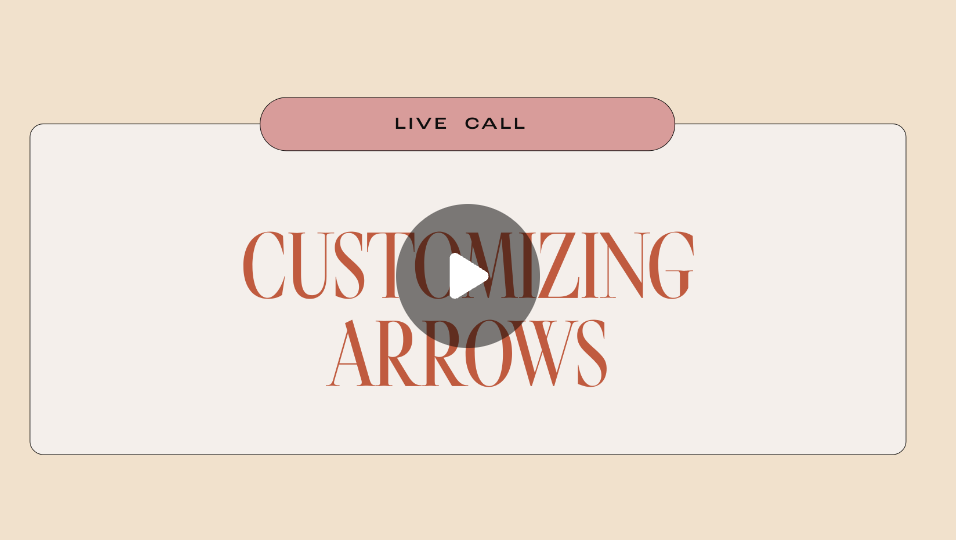
Custom Carousel Arrows
Replace default carousel arrows with custom icons using pseudo-elements.

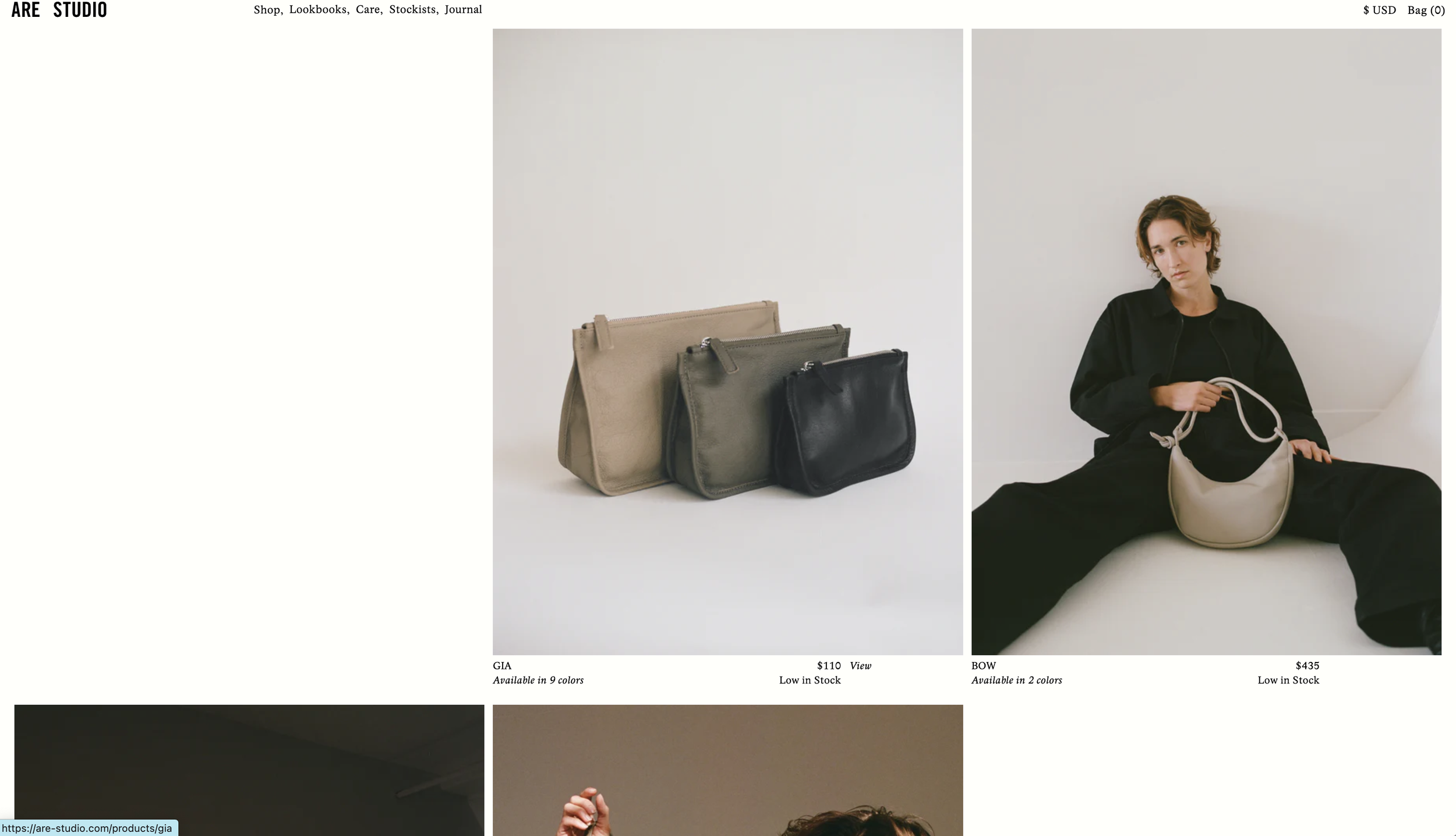
Follow Cursor Inline List
Create an inline list with images that follow the cursor on hover.

Fixed Bottom Right Navigation
Position your navigation menu fixed to the bottom right corner of the screen.
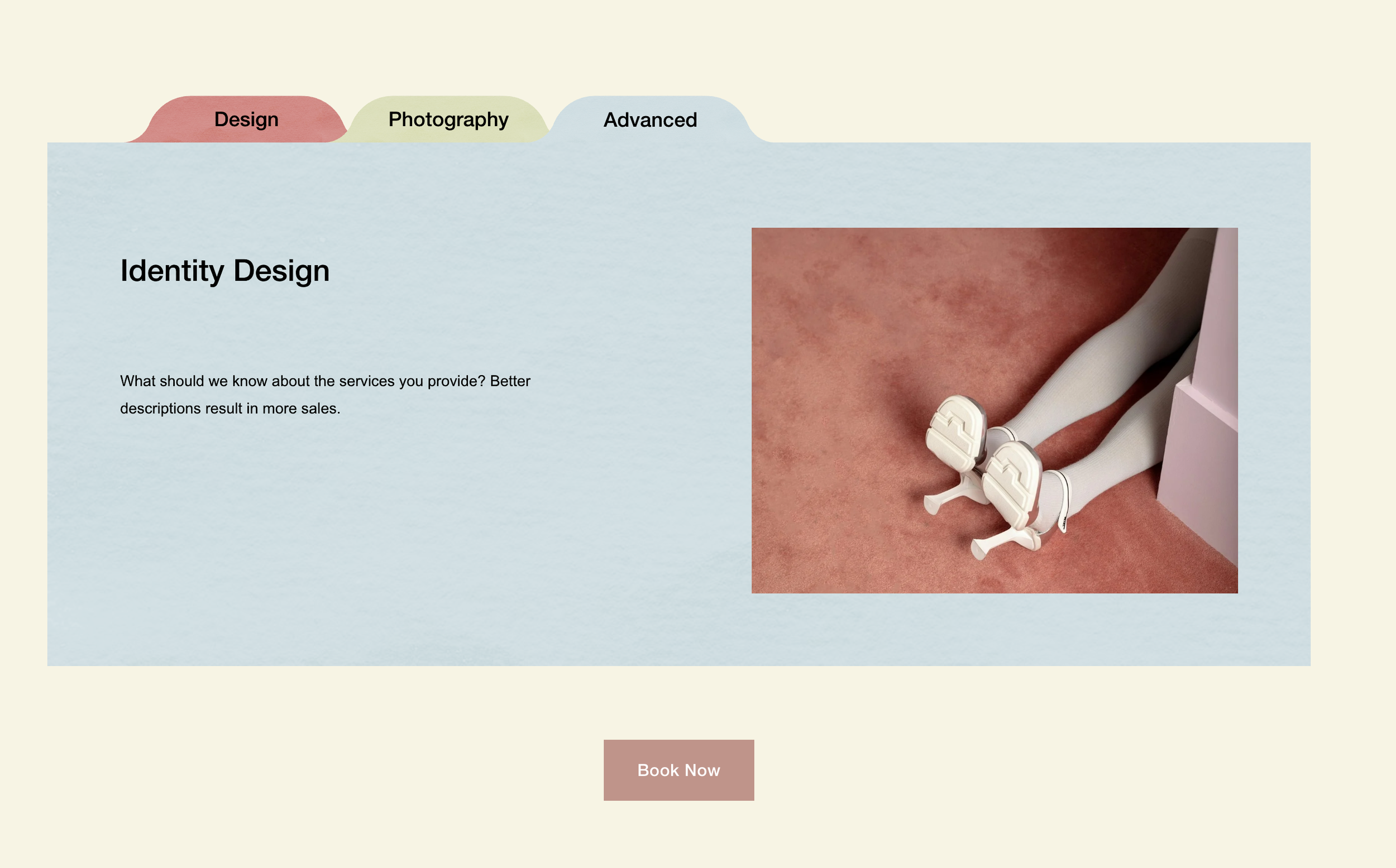
Stacked Folder List
Create a stacked folder effect with tab-style titles and texture overlays.

Image Reveal on Text Hover with Scale Animation
Make images emerge from behind text on hover with smooth scale and opacity transitions. Perfect for portfolio teasers where visuals should enhance—not dominate—the typography.
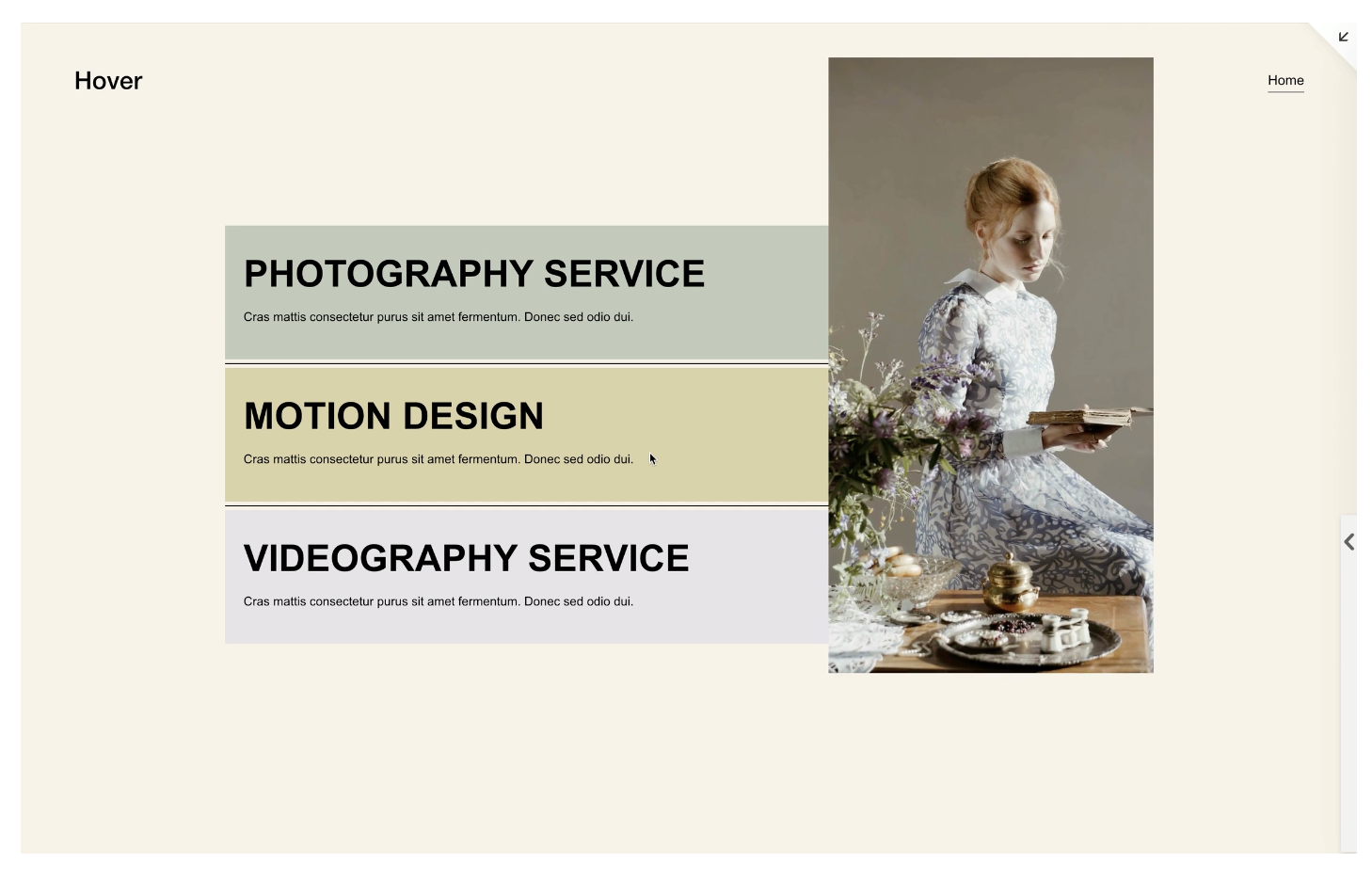
Video Reveal on Text Hover
Hide video blocks until text hover triggers a smooth scale-up and fade-in reveal. Create cinematic portfolio interactions where typography leads and motion follows.

Newsletter Block Custom Styling
Style Squarespace newsletter blocks with transparent inputs, custom placeholder fonts using heading variables, and responsive layouts. Clean, brand-aligned signup forms without plugins.
Interactive Image Hotspots with Auto-Layout Lists
Transform Auto-Layout List Section slider dots into clickable image hotspots that overlay your background. Position each dot individually with CSS for interactive product callouts and feature showcases.
Inline Images Within Text Using Keywords
Insert decorative images or icons that flow naturally within text using CSS pseudo-elements. Trigger via URL keywords or custom colors—no code editing needed to add new inline graphics.
Display Portfolio Collection in Summary Blocks
Pull portfolio collection items into Summary Blocks using Squarespace's JSON API. Get Summary Block layouts (carousel, grid, list) working with your portfolio content dynamically.
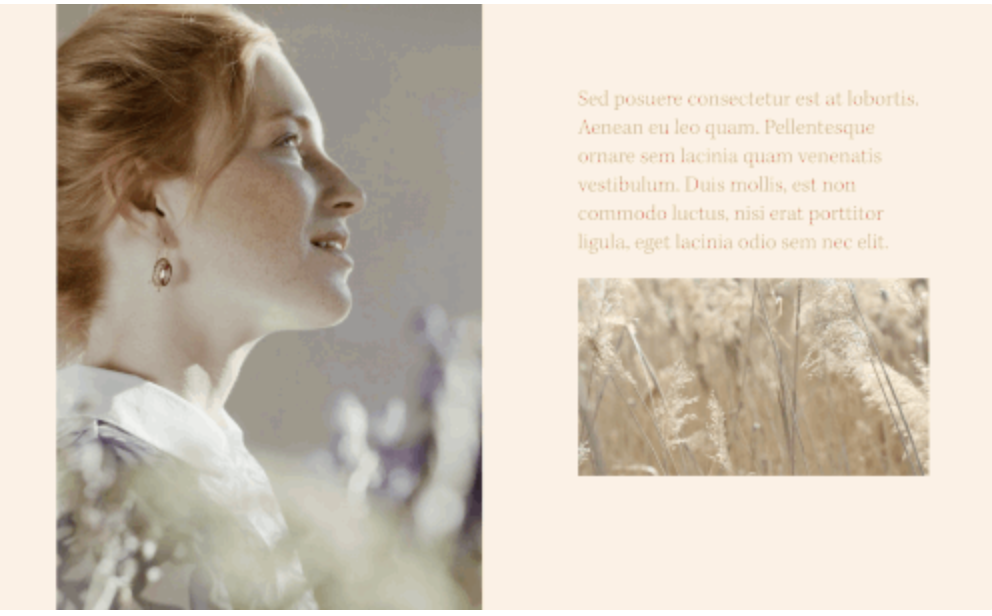
Autoplay Video on Page Load
Make videos autoplay silently when pages load. Use as inline content with custom aspect ratios or stretch as section backgrounds for ambient visual effects.
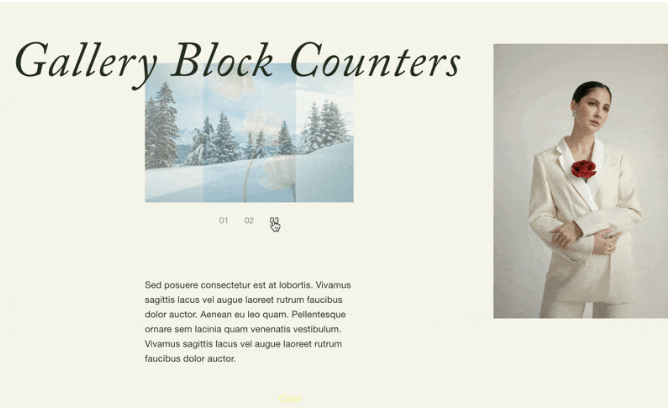
Gallery Slideshow Numbered Navigation
Replace Gallery Block thumbnail navigation with auto-incrementing numbers using CSS counters. Create editorial-style numbered slideshows with customizable typography.
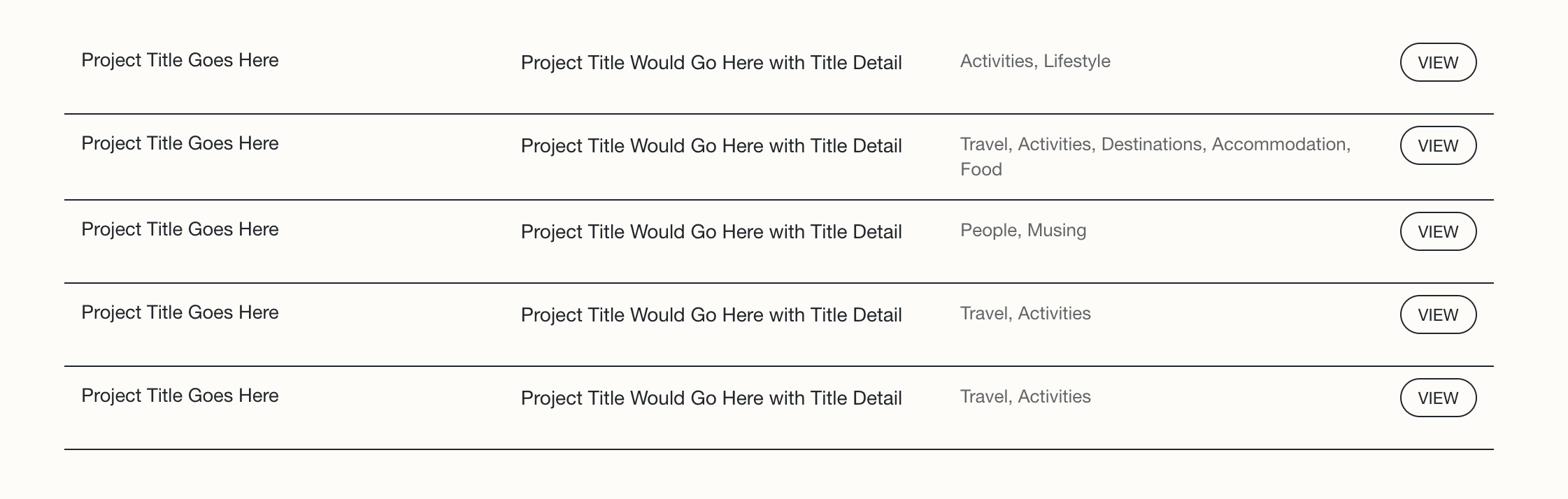
Summary Block Multi-Column Text Layout
Arrange Summary Block content into organized columns with flexbox. Display title, excerpt, and categories side-by-side with styled read more buttons and responsive mobile collapse.
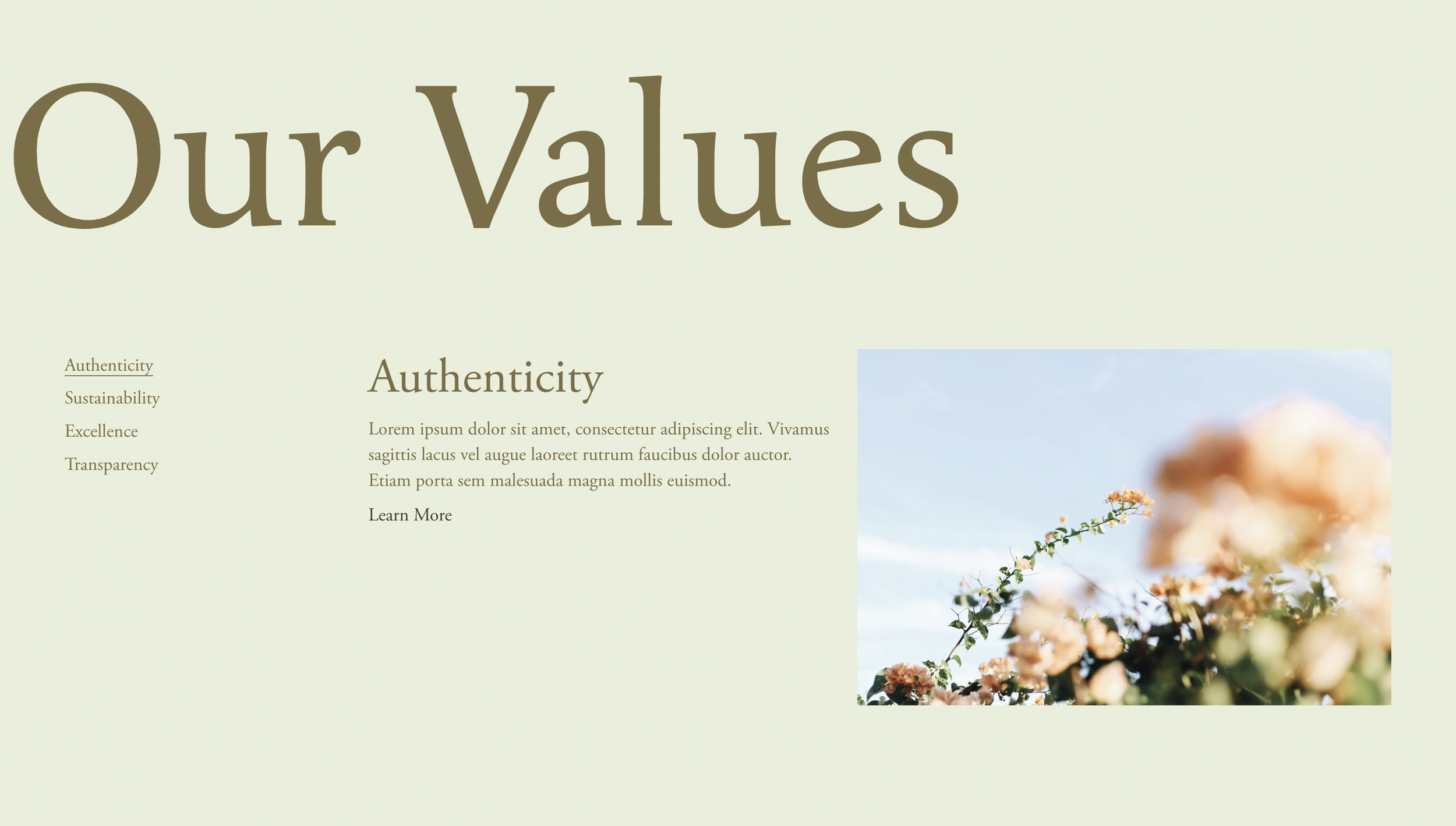
Fluid Side Tabs with Summary Blocks
Build vertical tabbed navigation using Summary Blocks. Hover over sidebar tabs to reveal content panels with smooth transitions, counters, and animated active states.
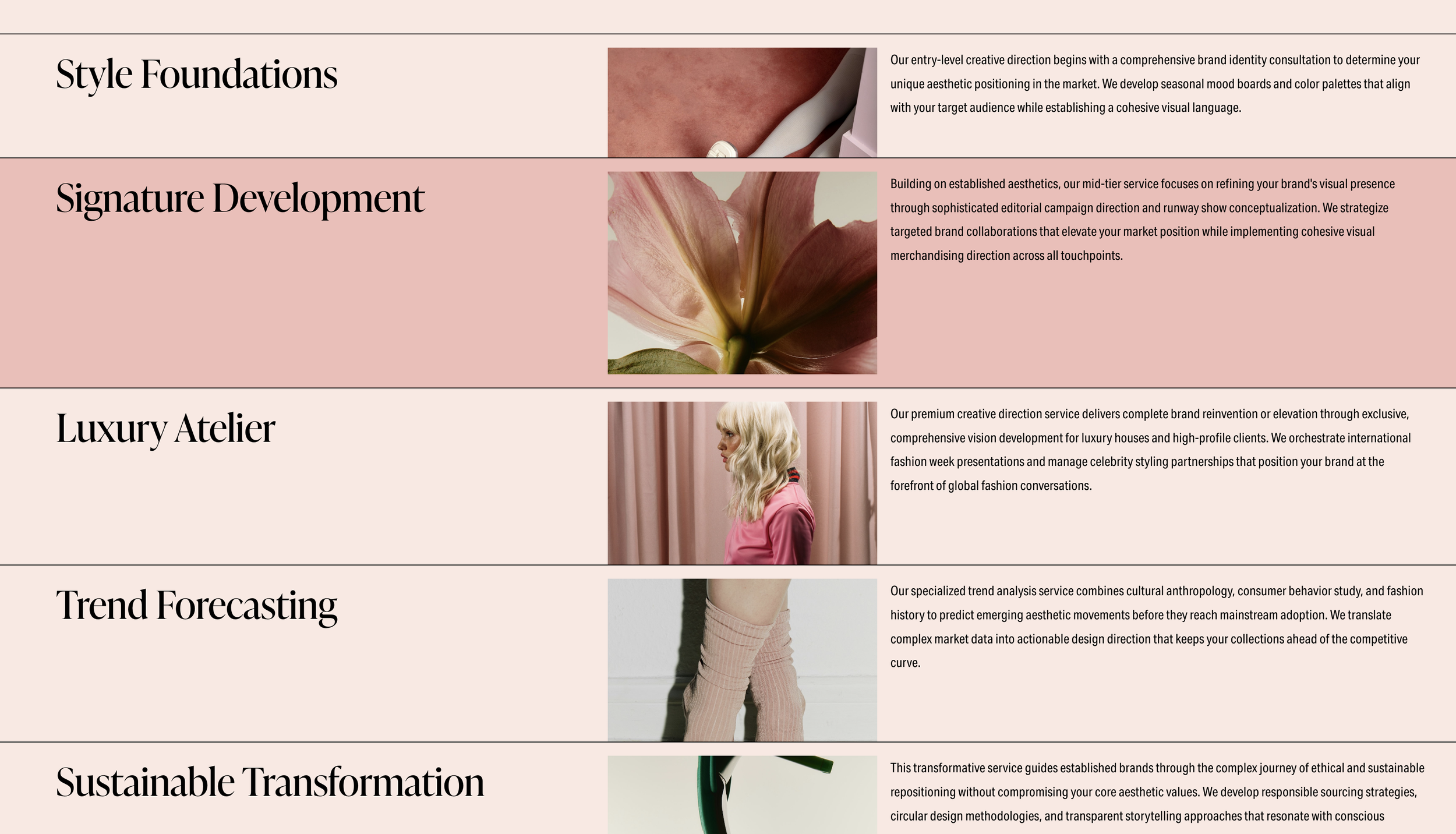
Layered Stacking List Section with Hover Reveal
Create overlapping list items that slide up on hover to reveal content beneath. Add depth and interactivity to service showcases and team sections with stacked card effects.