

Discover What You Can Build
500+ workshops, Techniques, and Resources Inside Standout Squarespace
Explore the library of techniques, templates, and resources available for you inside Squarestylist’s Standout Squarespace program.
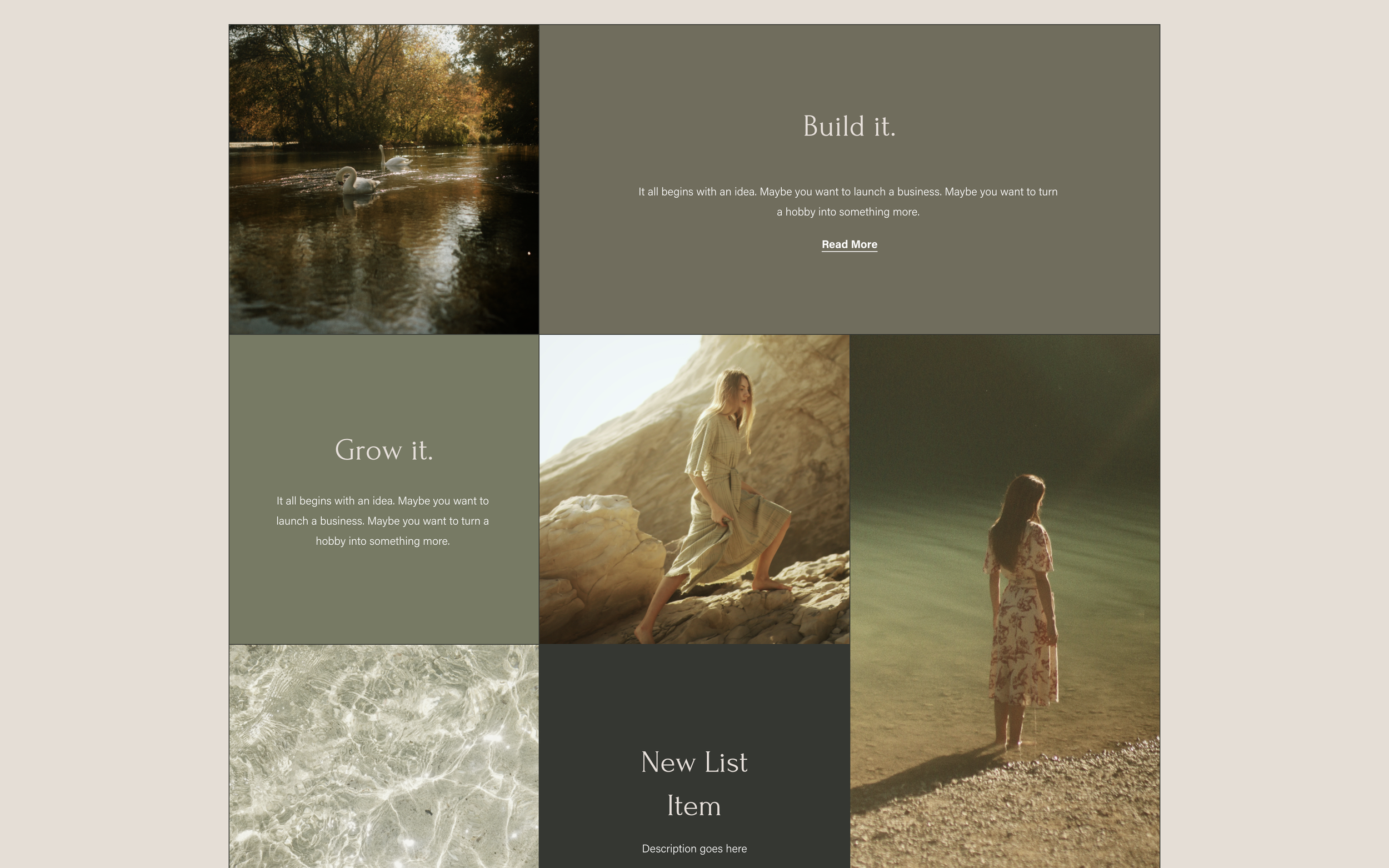
Dynamic Grid Layout for List Sections
Create magazine-style list layouts with CSS Grid spanning for varied item sizes.
Logo Marquee for Squarespace 7.0
Create an auto-scrolling logo carousel with grayscale hover effects in Squarespace 7.0.
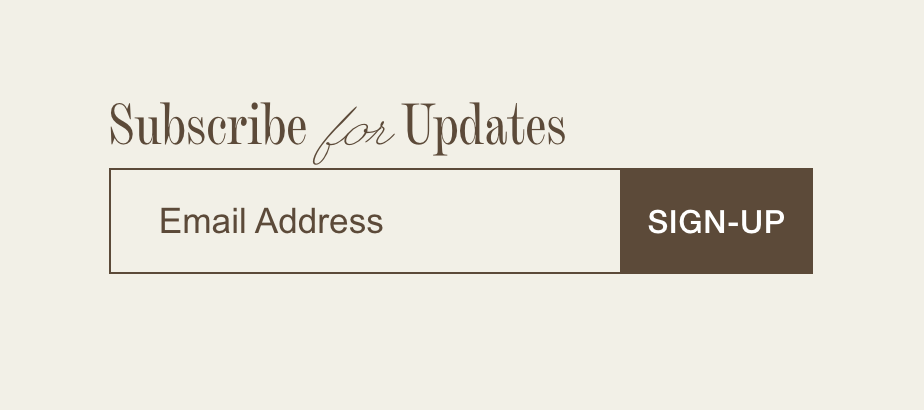
Simple Inline Newsletter Block
Create a clean, bordered newsletter form with properly aligned field and submit button.
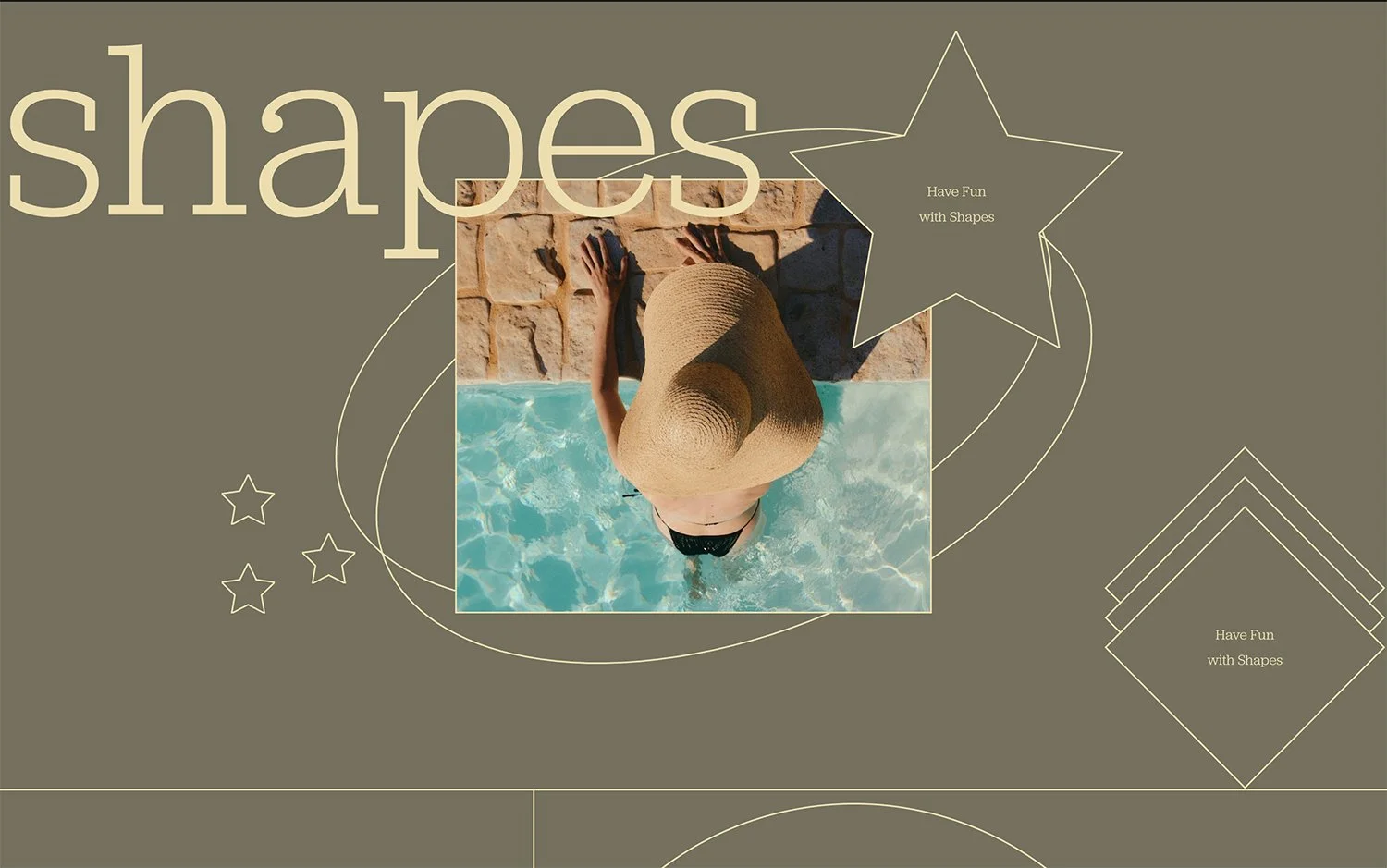
Shape Block Borders and Custom Lines
Add borders to shape blocks and create custom horizontal and vertical lines for design accents.
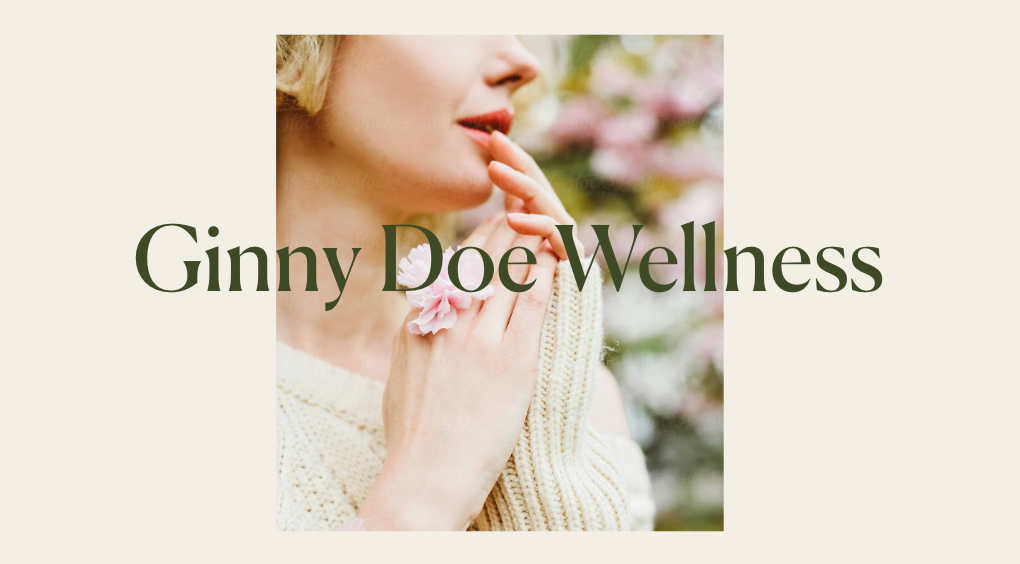
Centered Banner Slideshow with Overlaid Captions
Create a contained, centered slideshow with styled captions and customizable bullet navigation.
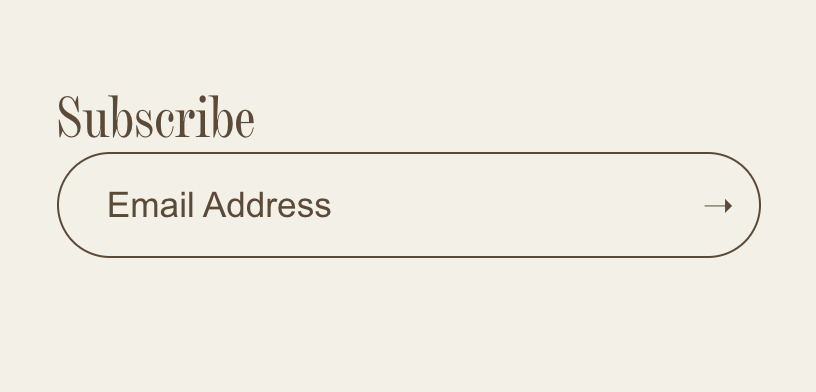
Rounded Pill Newsletter Block
Create a modern, pill-shaped newsletter form with smooth rounded corners and arrow button.
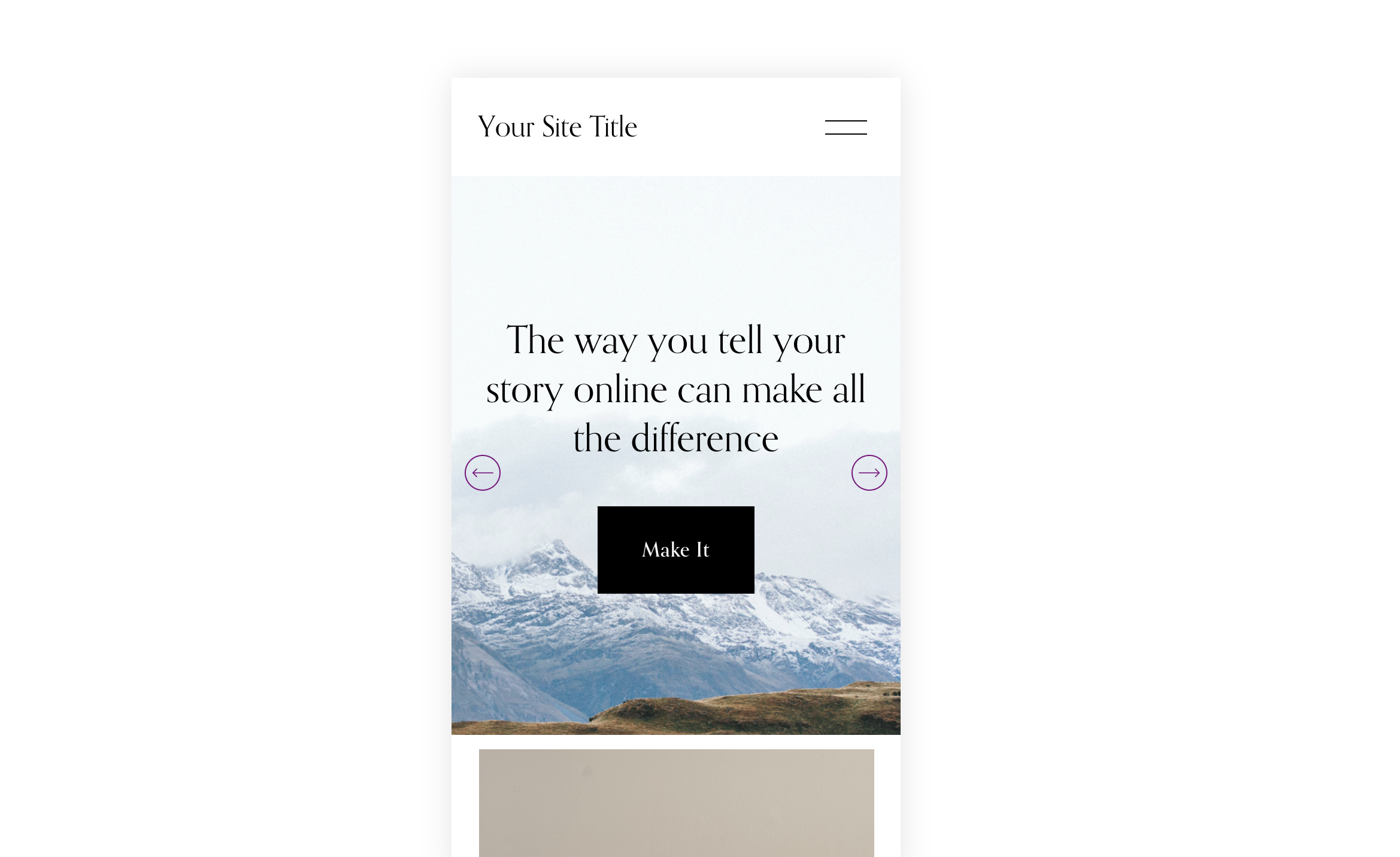
Auto Banner Slideshow Mobile View
Customize banner slideshow height, padding, and arrow styling specifically for mobile devices.
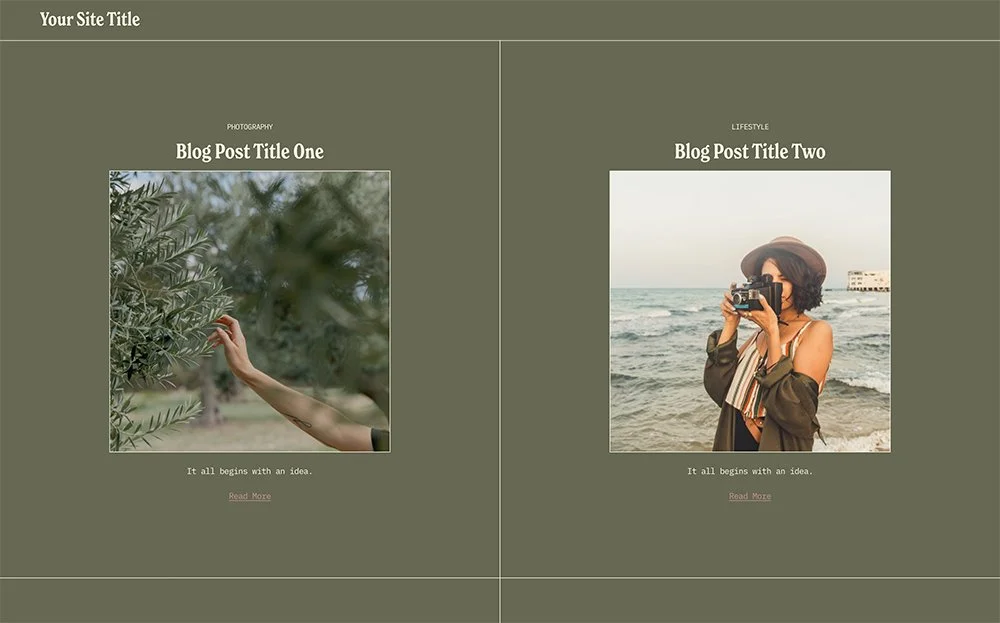
Blog Grid with Borders and Custom Backgrounds
Create a bordered blog grid with custom background colors and pagination styling.
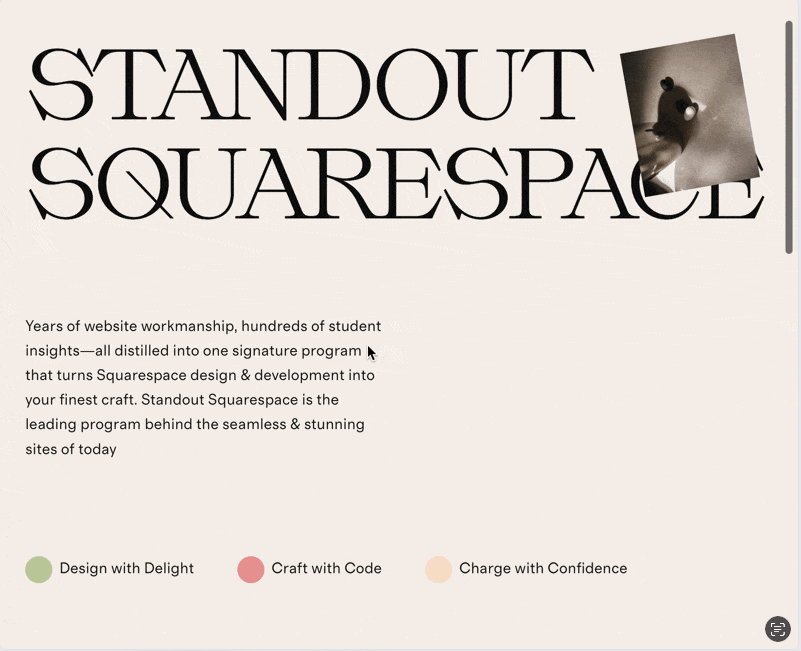
Rotate Image on Scroll
Create spinning wheel effects where images rotate continuously as visitors scroll up and down the page.
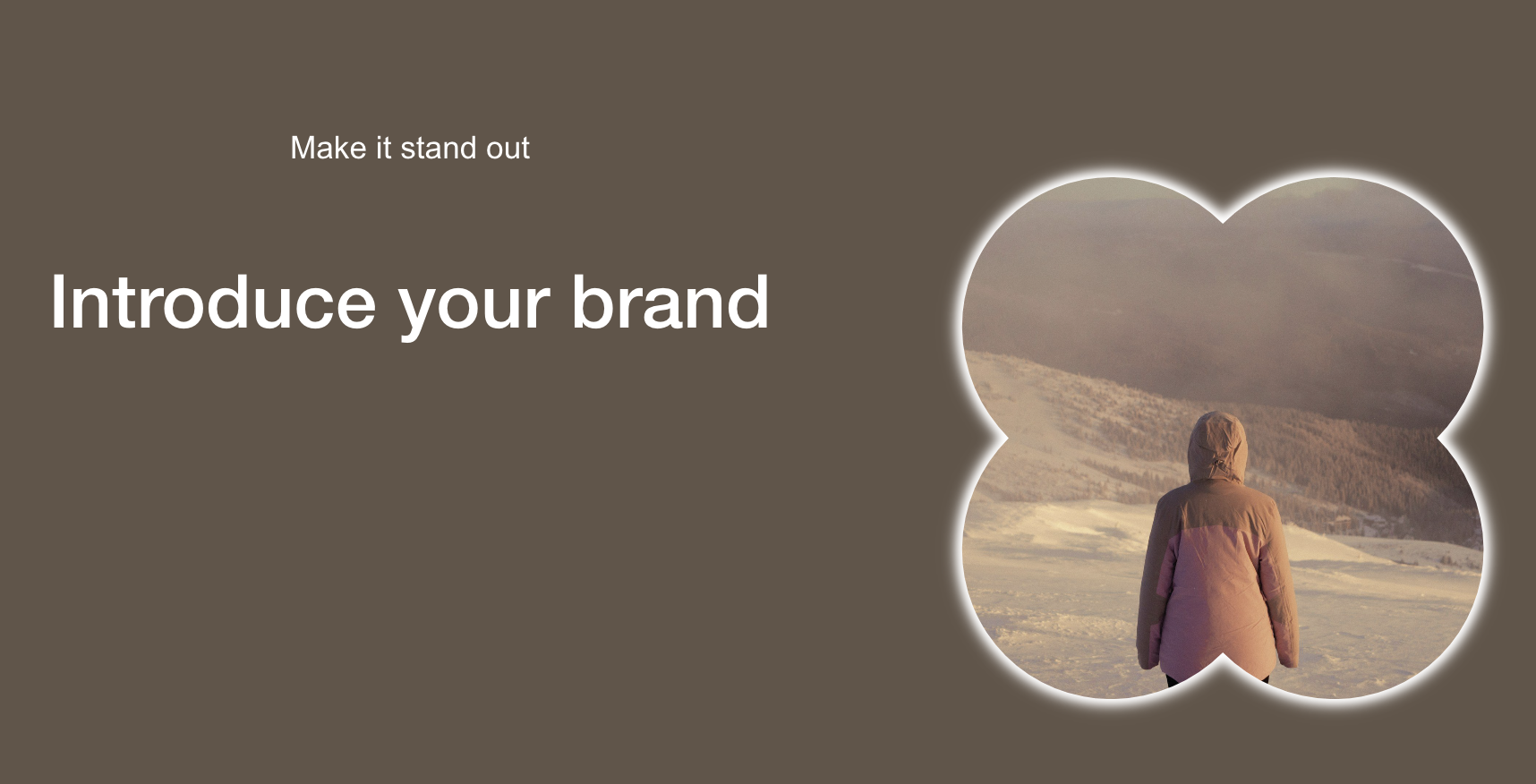
Border Effect for Image Shapes
Add visible borders or glow outlines to shaped images, enhancing custom image masks with defined edges.
Vertical Scroll Gallery Reel on Mobile
Transform horizontal gallery reels into vertical scrolling layouts on mobile devices for better touch navigation and user experience.

See-Through Sticky Text Overlay
Create a transparent text stroke effect that reveals content behind it as users scroll. Text stays fixed while images flow underneath.
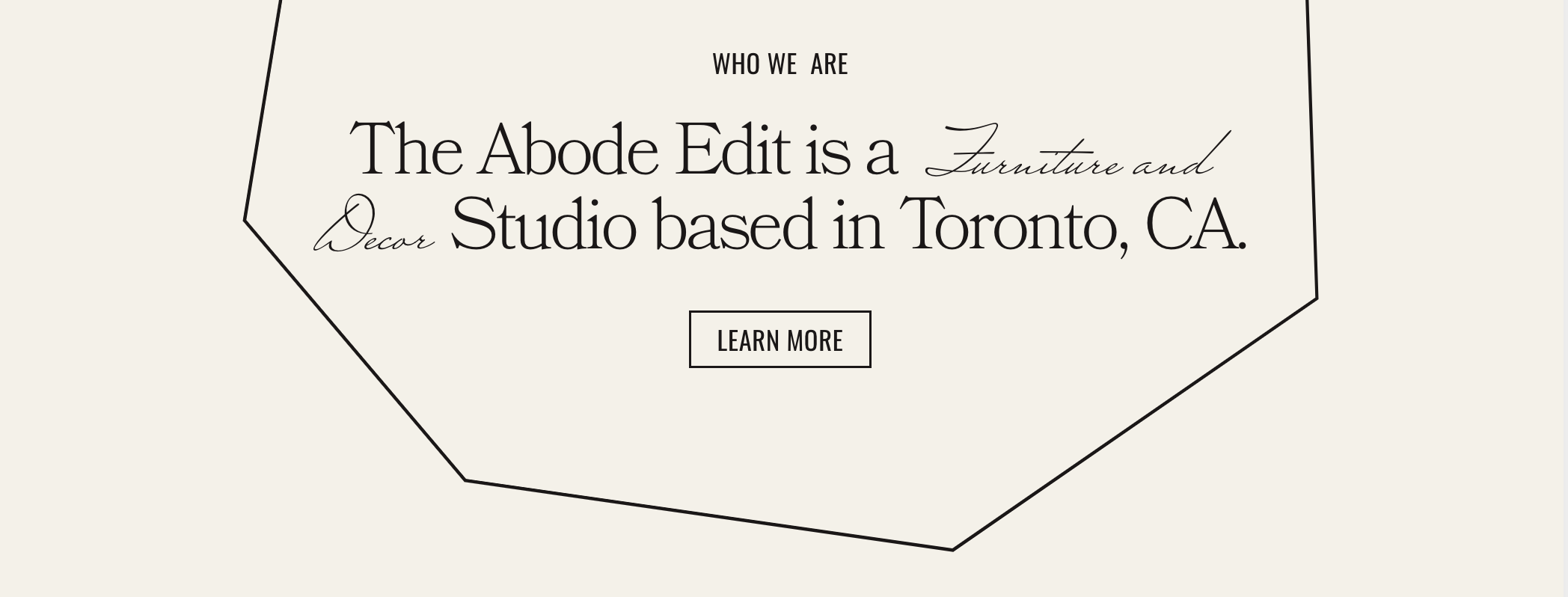
Custom Shape Block Line Accents
Transform standard shape blocks into custom decorative line patterns using CSS masks. Create unique section dividers that match your brand.
Tablet View Layout Control
Override Fluid Engine's default tablet behavior to create custom grid arrangements optimized specifically for iPad and tablet screen sizes.
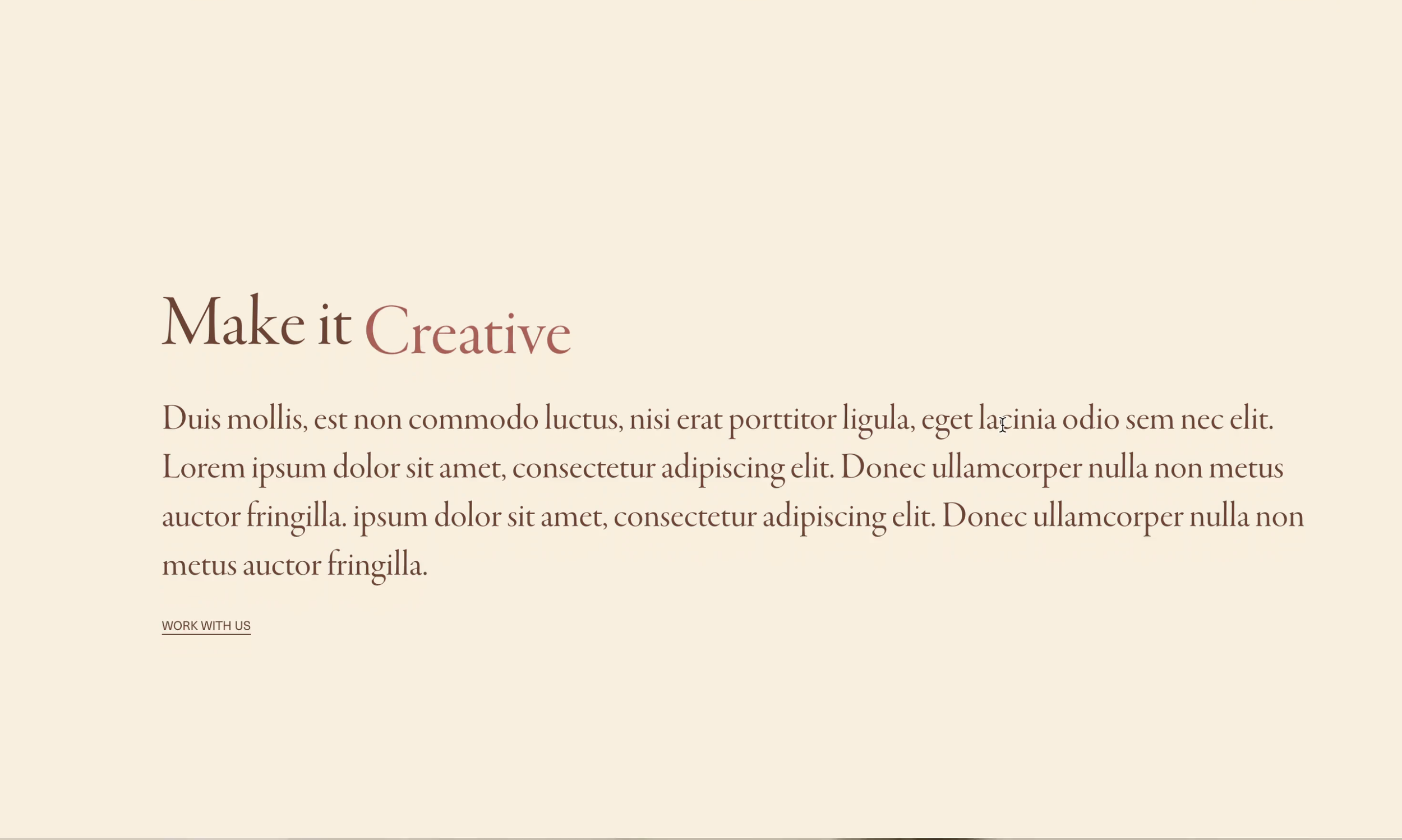
Rotating Words Animation CSS-Only
Create animated text that cycles through multiple words using pure CSS. No JavaScript needed for smooth fade and slide transitions.
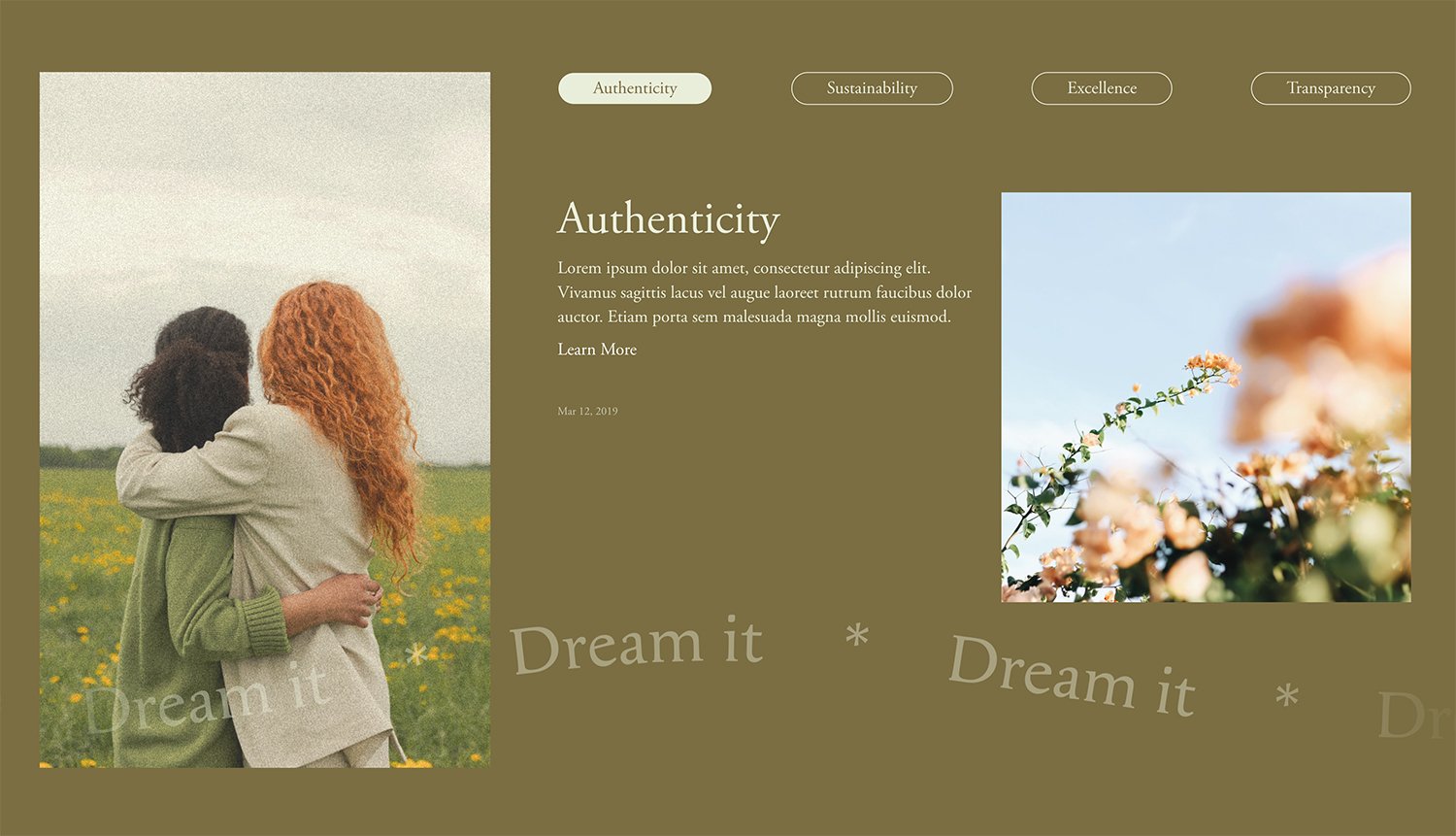
Template (Copy)
Convert Summary Blocks into sleek horizontal tabbed interfaces. Visitors switch between content panels with hover or click interactions.
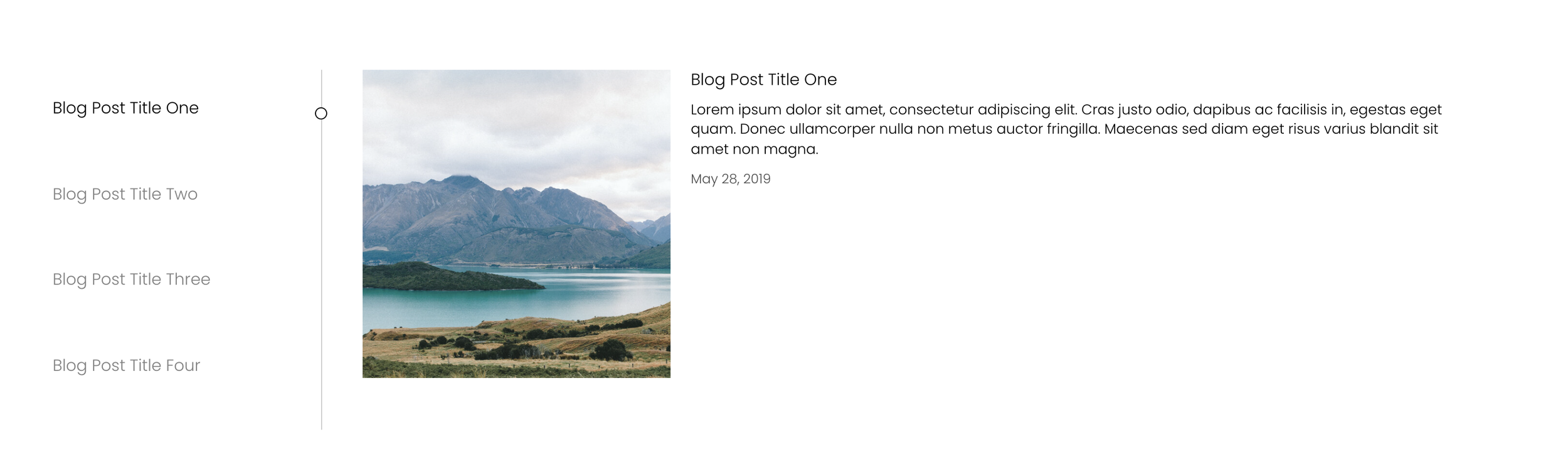
Stacked Side Summary Tabs
Create side-by-side tab navigation where vertical labels on one side reveal content panels on the other. Perfect for portfolio and service showcases.
Header Scroll Effect on Homepage
Create a header that scrolls with your homepage content, appearing after the first section for a dramatic reveal effect.
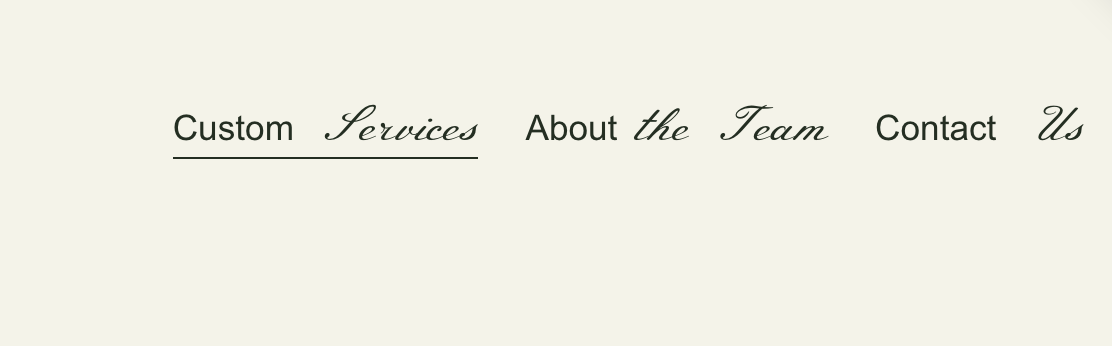
Styled Navigation Text
Create multi-colored or multi-styled navigation text by splitting labels into independently styled segments.
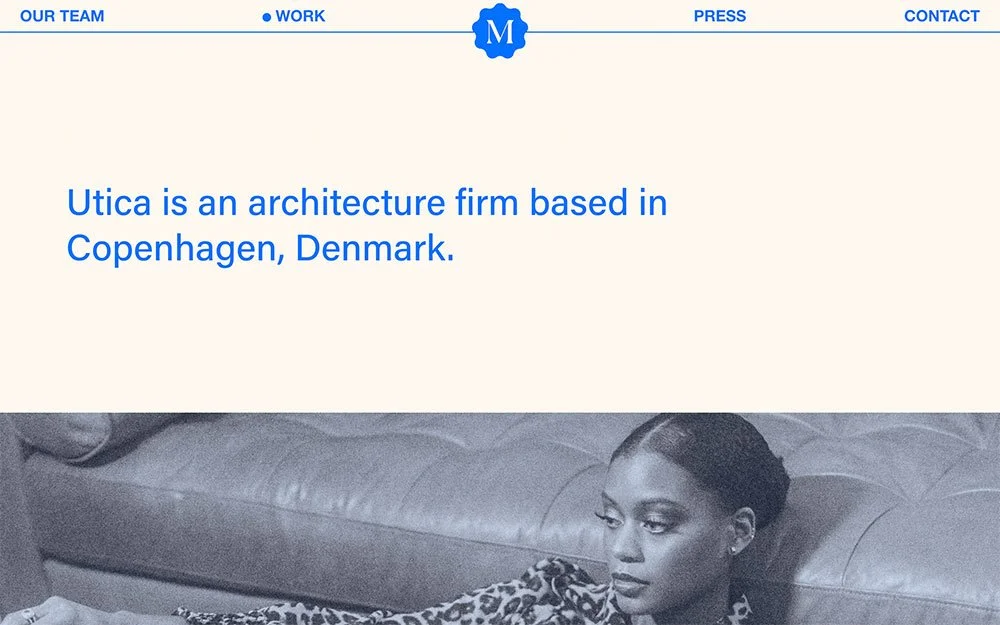
Balanced Header Layout
Create a symmetrical header with centered logo and navigation distributed evenly on both sides, featuring dot indicators for active states.