

Discover What You Can Build
500+ workshops, Techniques, and Resources Inside Standout Squarespace
Explore the library of techniques, templates, and resources available for you inside Squarestylist’s Standout Squarespace program.
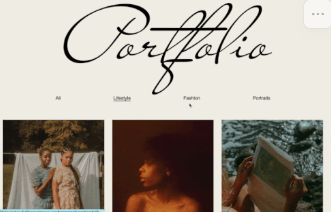
Grid Portfolio Filter
Add category-based filtering to Squarespace portfolio grids with animated transitions, URL-based state persistence, and clean SEO title management.

Scroll Down Arrow Indicator
A fixed arrow at the bottom of the viewport encourages scrolling and clicking it smoothly scrolls to the next section - perfect for immersive hero experiences.
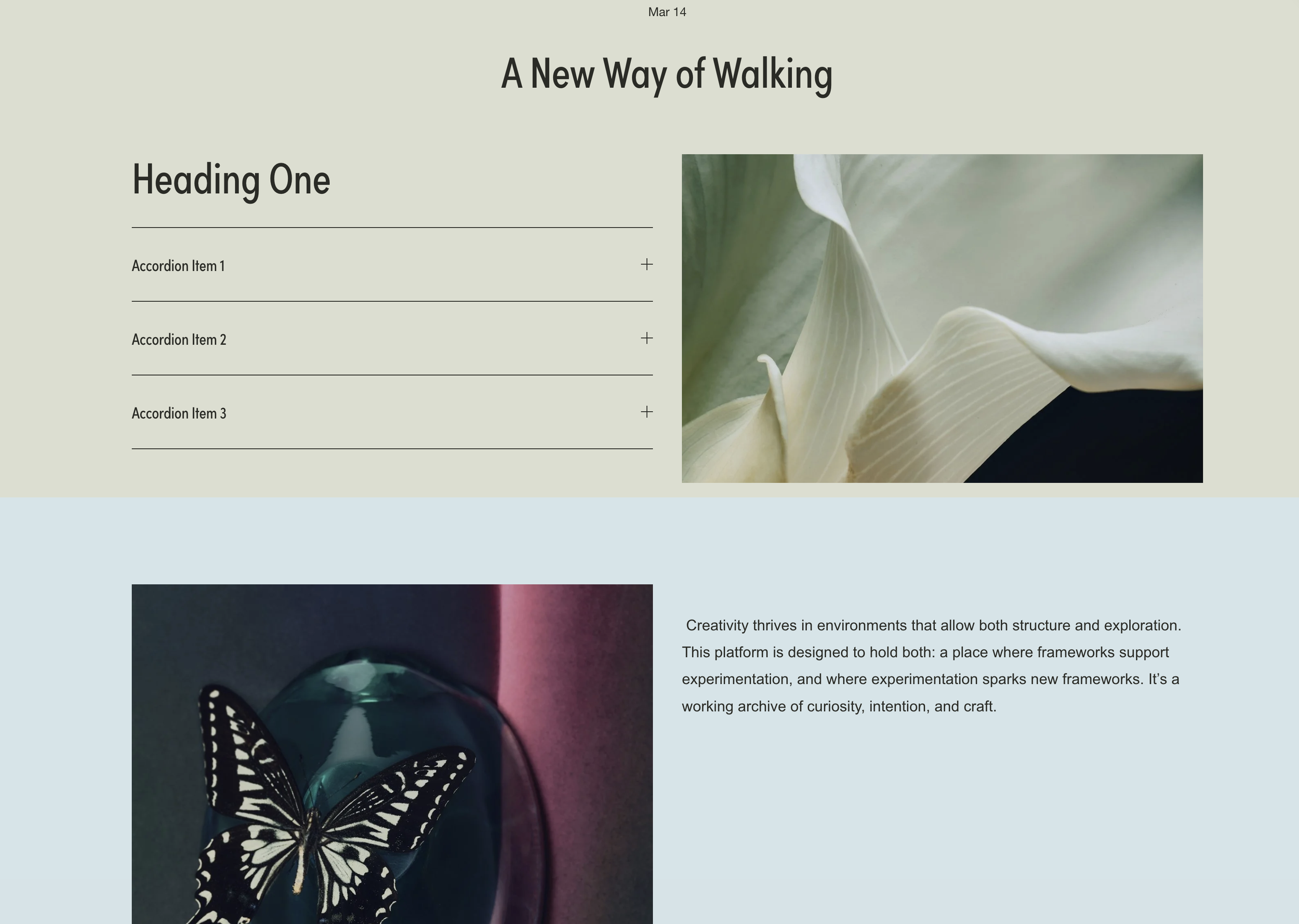
Blog Post Full-Width Sections
Create dramatic full-bleed colored sections within blog posts using code blocks as dividers, breaking free from the default narrow content width.
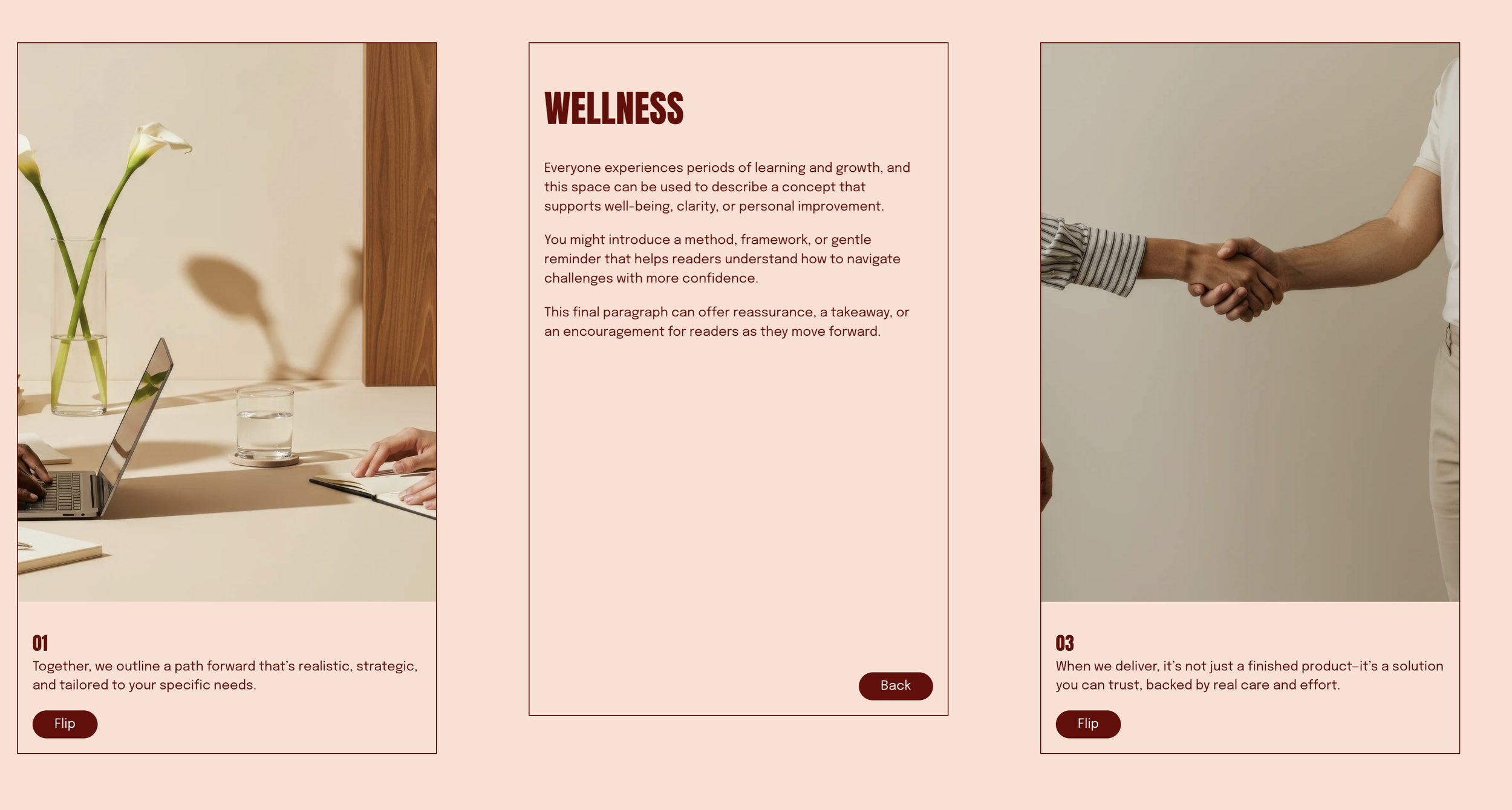
Flip Cards on Click
List section items transform into interactive flip cards - click to reveal back content with a smooth 3D rotation effect using CSS perspective transforms.

Typewriter Text Effect
Animated typewriter effect cycles through multiple text strings with typing, deleting, and blinking cursor animations - all triggered from native text formatting.
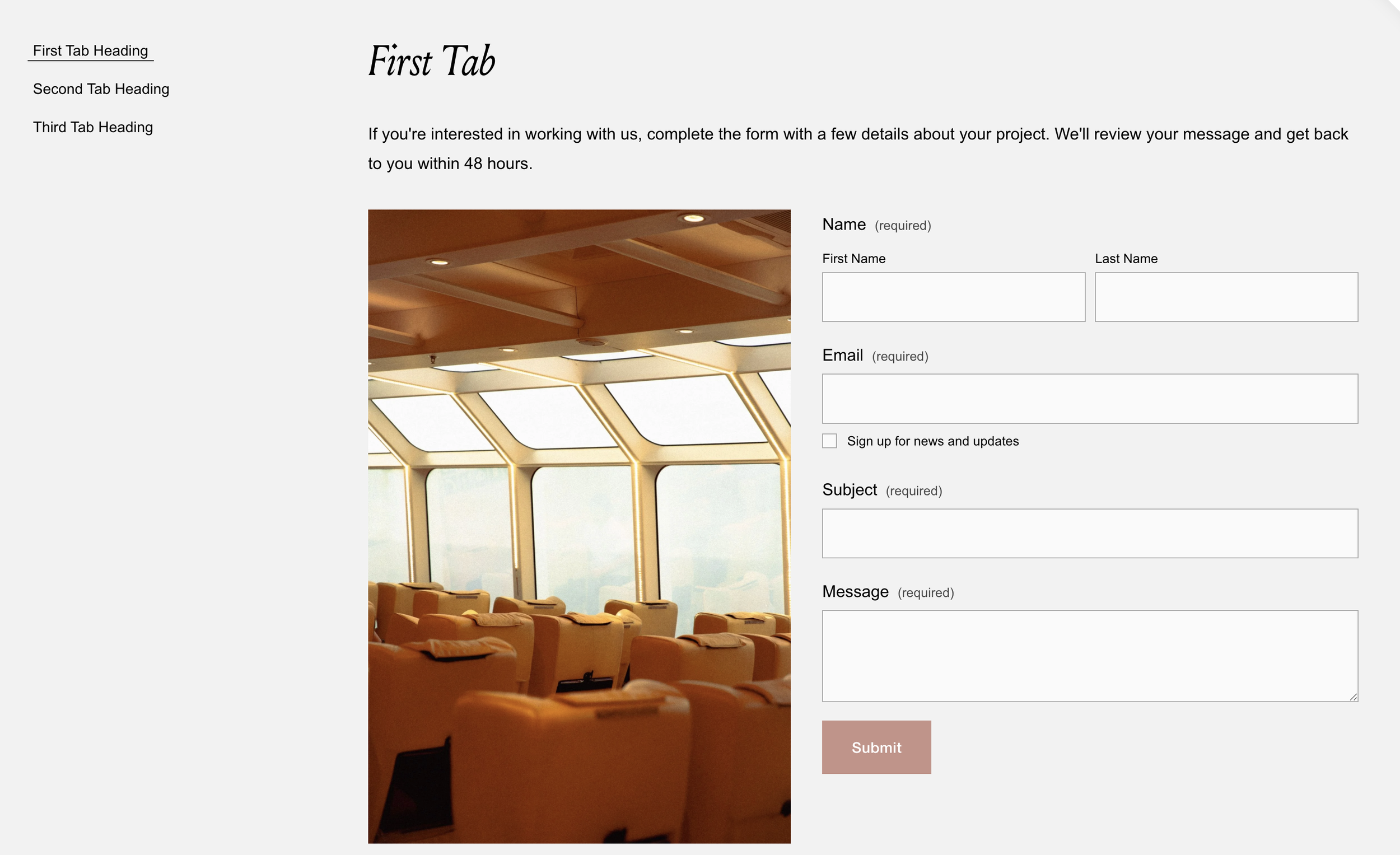
Flexible Tabbed Section
Transform markdown blocks into accessible tabbed interfaces with keyboard navigation, smooth transitions, and ARIA attributes for screen readers.
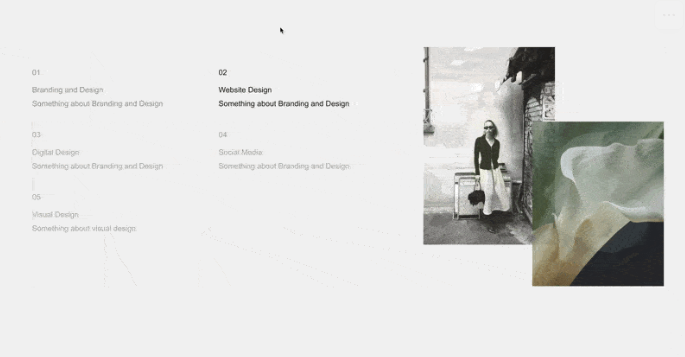
Multi-Image Reveal on Text List Hover
Hovering over text list items reveals corresponding images from a gallery, creating an elegant interactive experience that connects content with visuals.
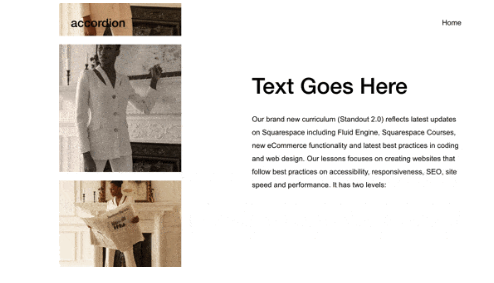
Vertical Marquee Gallery
Gallery images scroll continuously upward in a smooth, endless loop - perfect for sidebars, client logos, or adding dynamic movement to any page section.
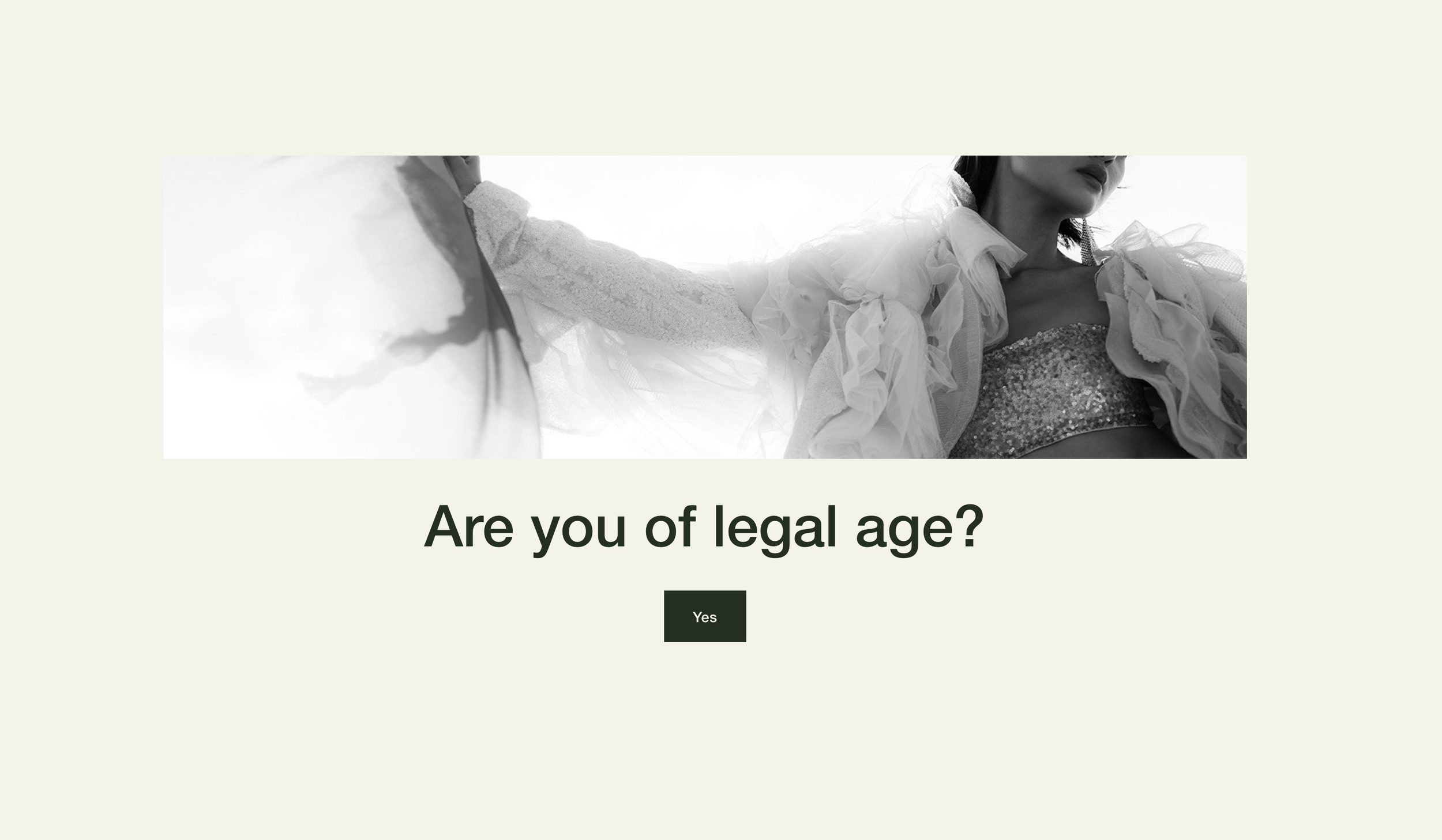
Age Verification Pop-up
A customizable age verification overlay ensures legal compliance for sites selling alcohol, cannabis, or age-restricted products - with remembered preferences for returning visitors.

Expand Media on Scroll
Images or videos dramatically expand from contained to full-viewport as visitors scroll - a cinematic reveal effect that creates powerful visual impact.
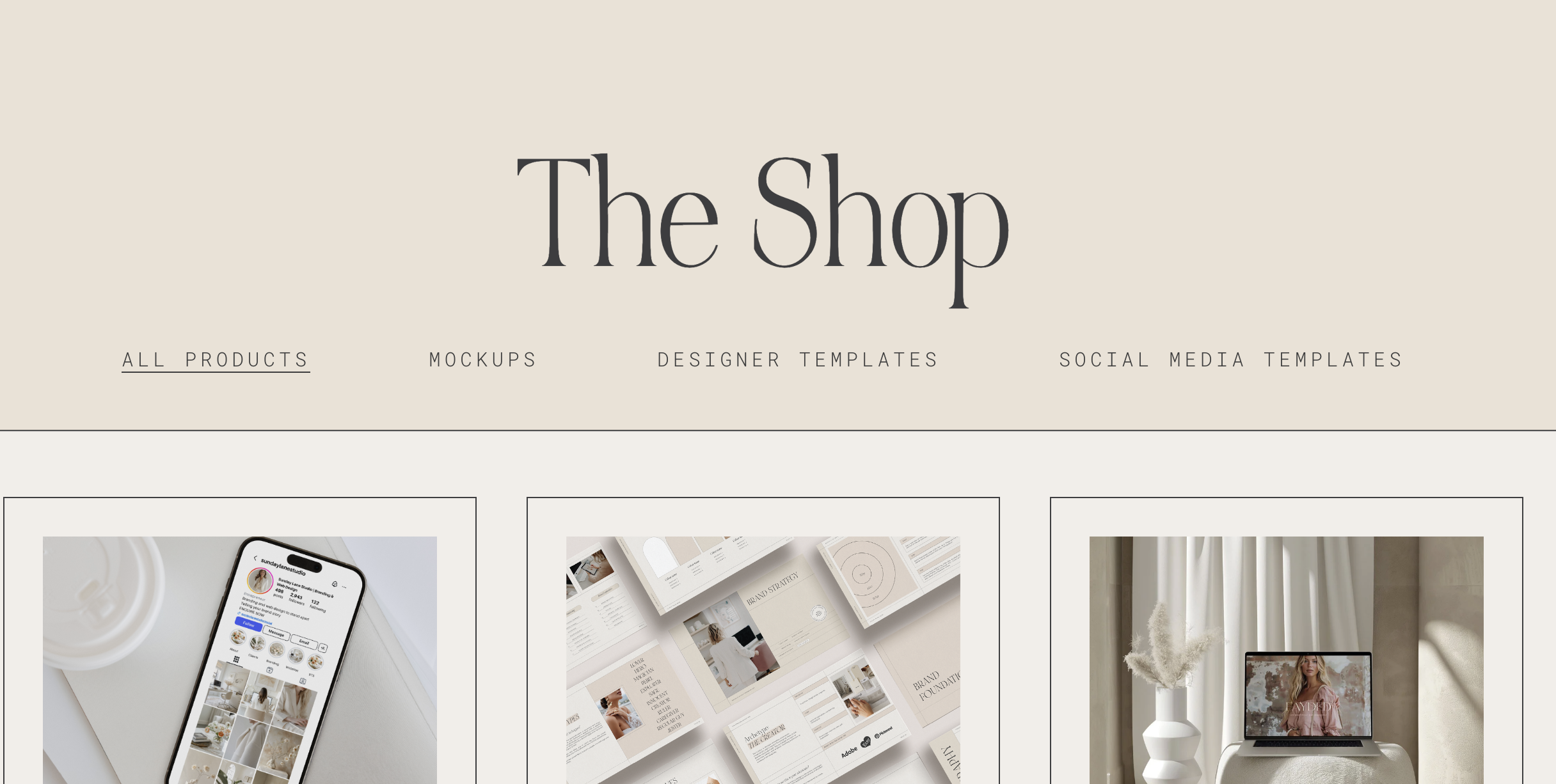
Highlight Active Navigation Link
Navigation links automatically highlight when visitors are on the corresponding page, providing clear visual feedback about their current location.
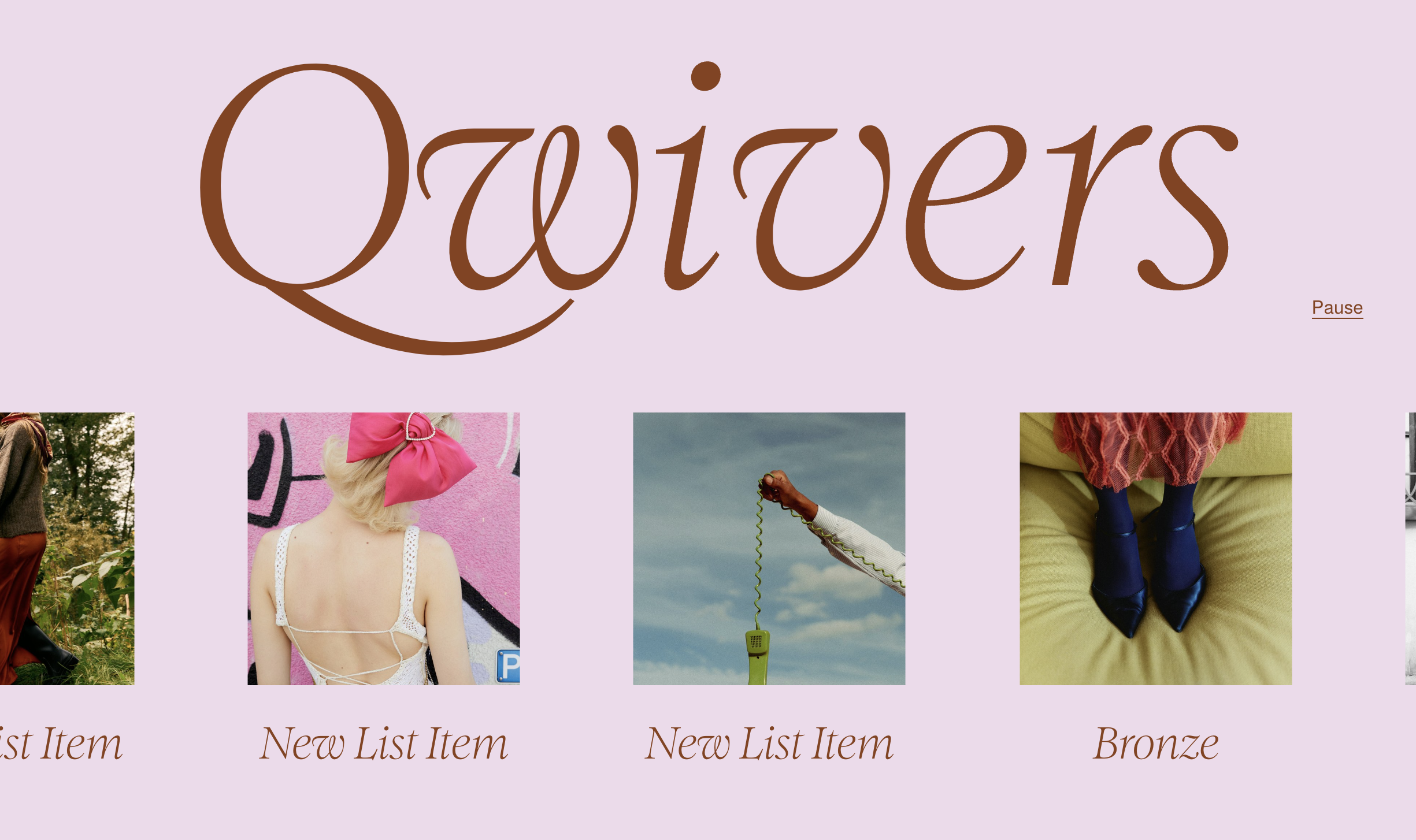
List Autoscroll Marquee
Transform your List Section into a smooth, continuously scrolling horizontal marquee with optional play/pause controls - perfect for logos, testimonials, or features.
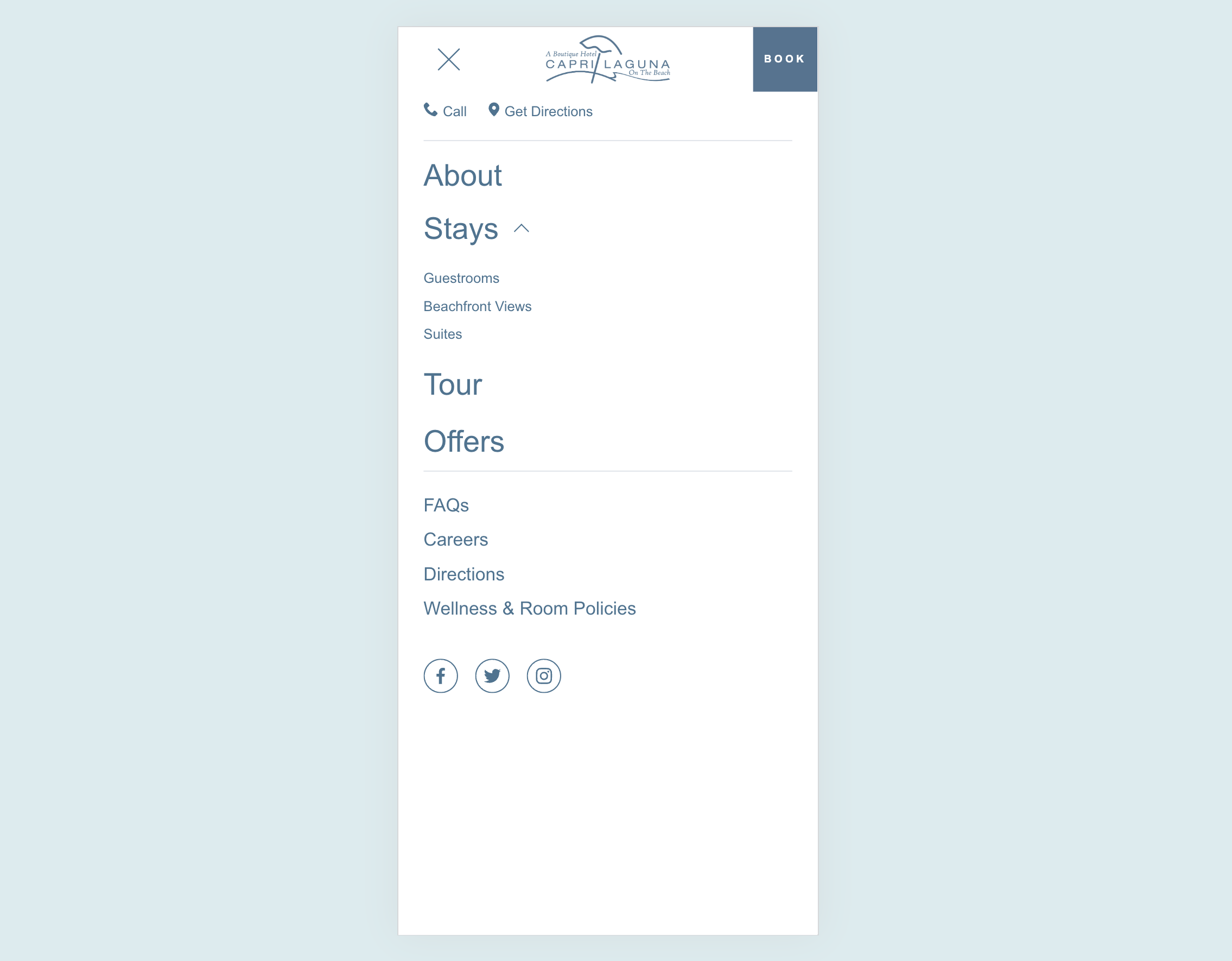
Custom Mobile Menu
Design a completely custom mobile menu using Squarespace's visual editor - add images, buttons, and any layout you want for a branded mobile experience.
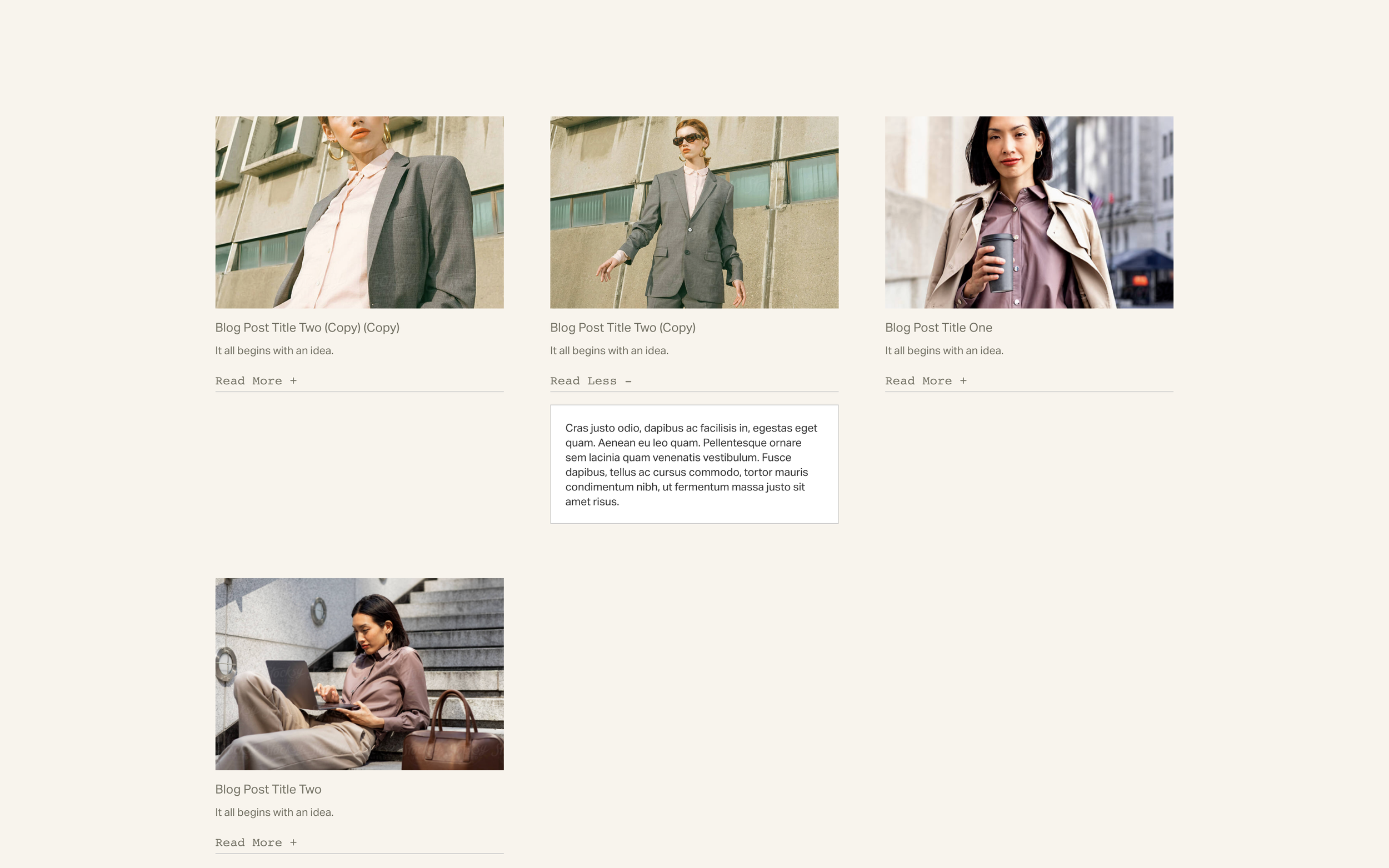
Read More Text Toggles
Add clickable 'Read More' toggles to expand and collapse text content - simple to set up using code-formatted trigger text.
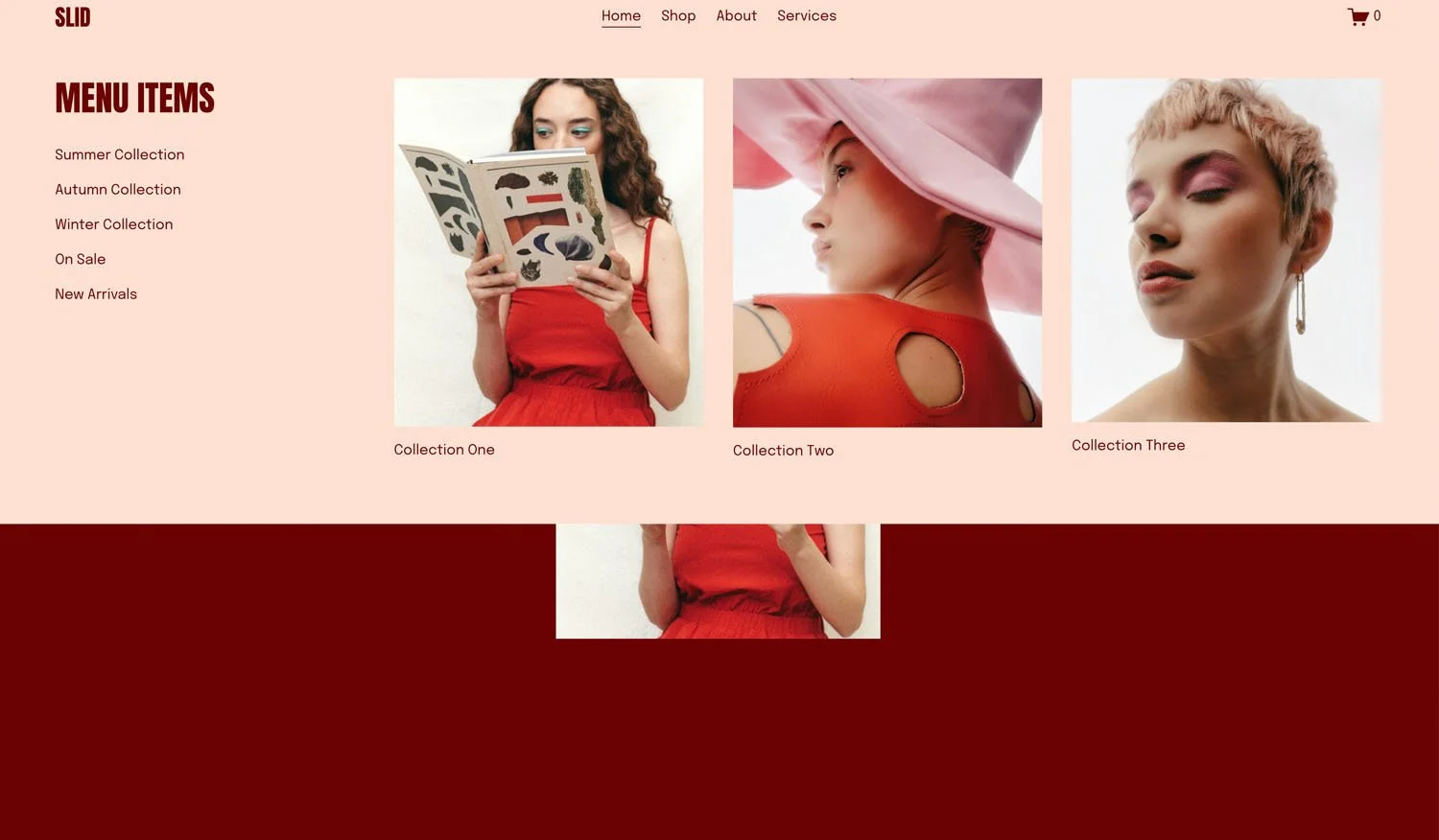
Flexible Mega Menu
Create rich dropdown menus with images, text, and custom layouts - design each panel visually in Squarespace, then display them in polished mega menu dropdowns.
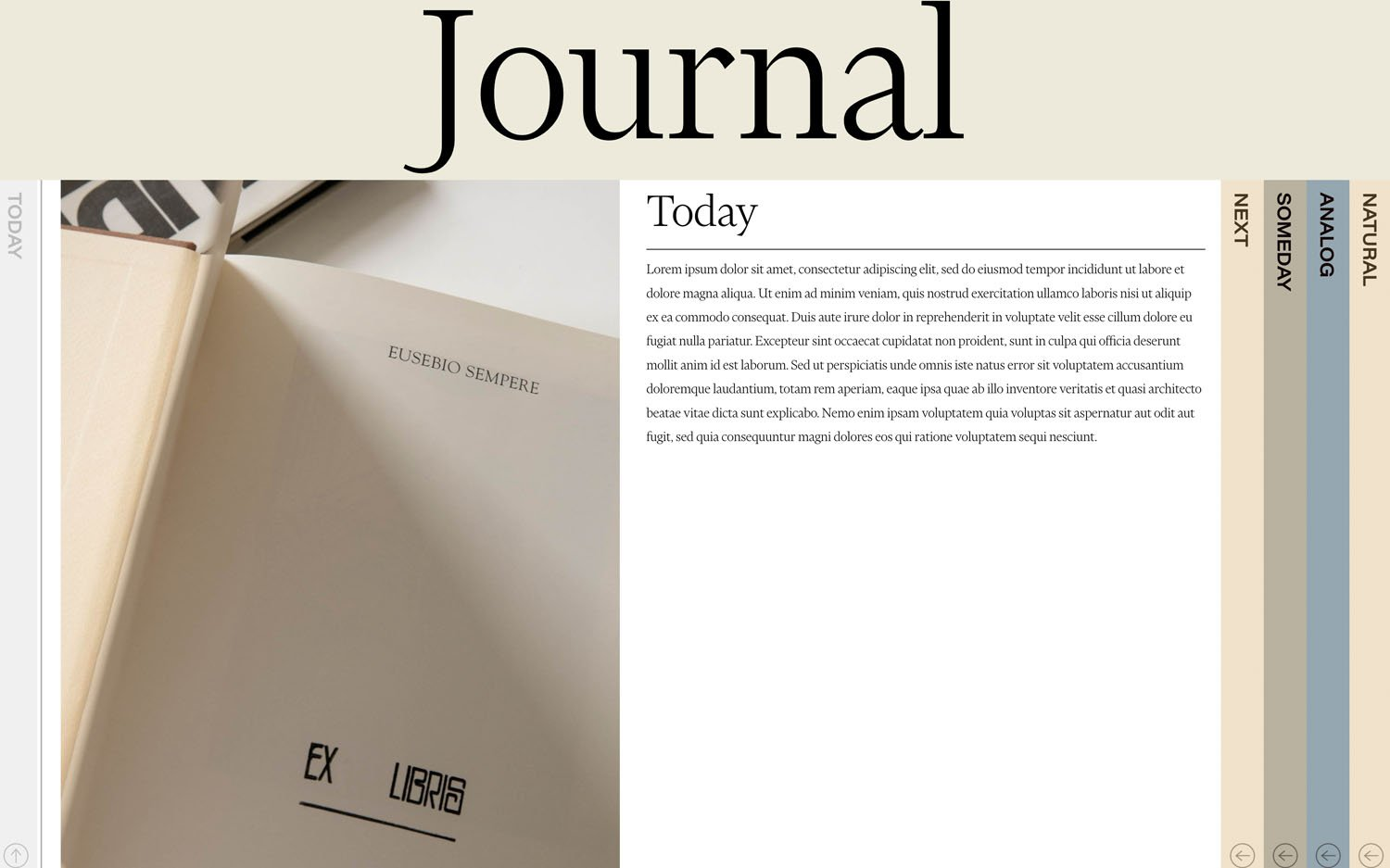
Stylish Vertical Tabs
Elegant vertical tabs that pull content from your blog collection - with rotated labels, smooth transitions, and automatic mobile-friendly accordion behavior.
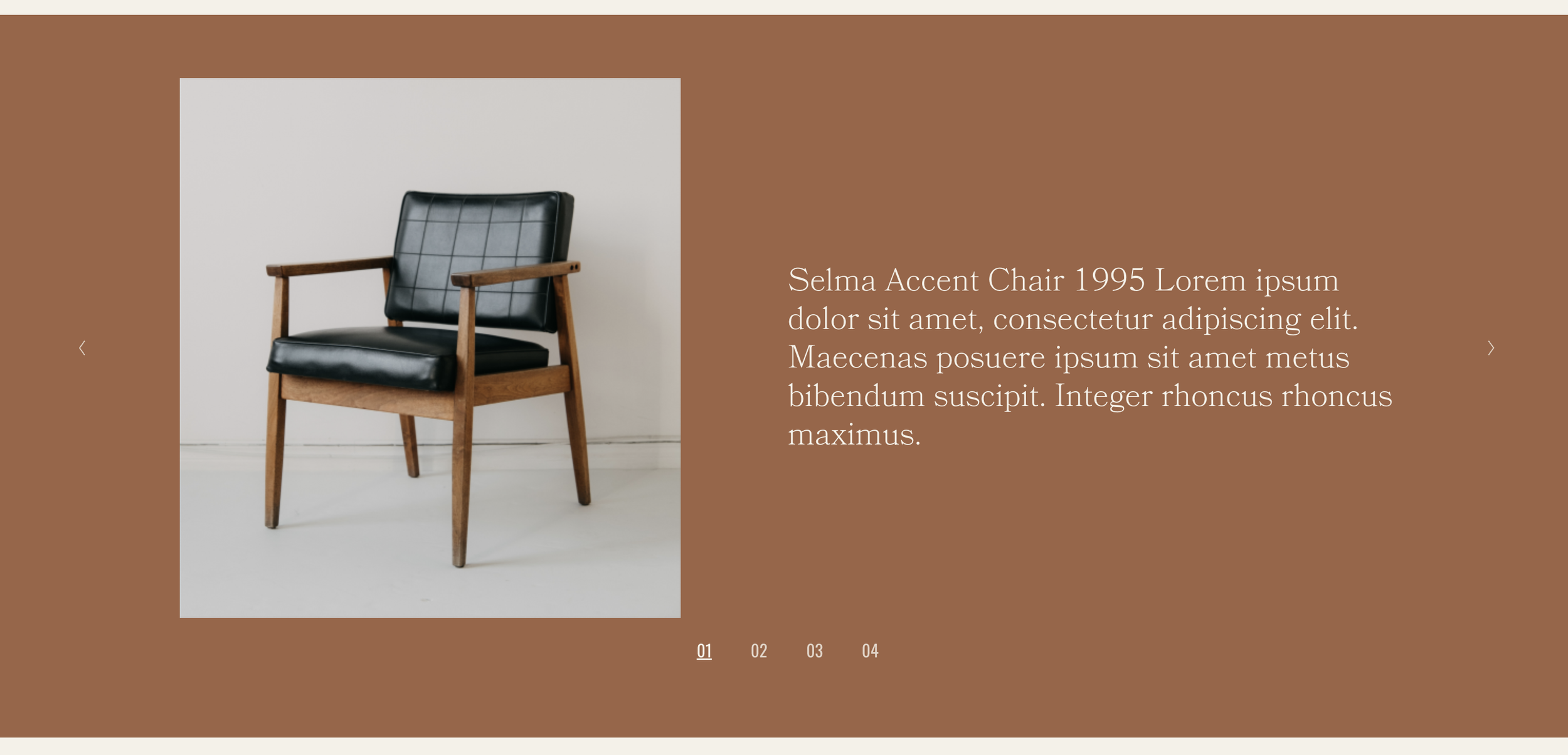
Slideshow with Side Captions
Gallery slideshow with captions displayed side-by-side with images - create editorial, magazine-style presentations with slide counters.
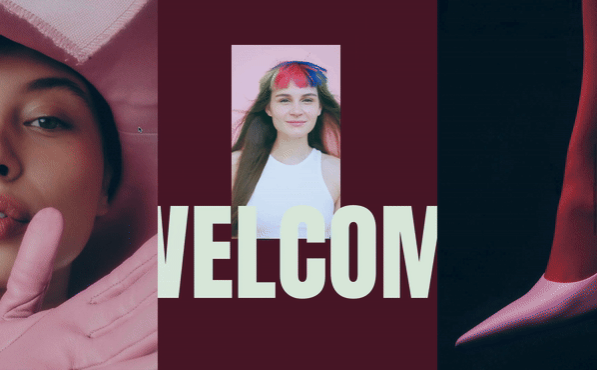
Sliding Panel Reveal
Side panels dramatically slide apart as visitors scroll, revealing your main content with a cinematic curtain-opening effect.
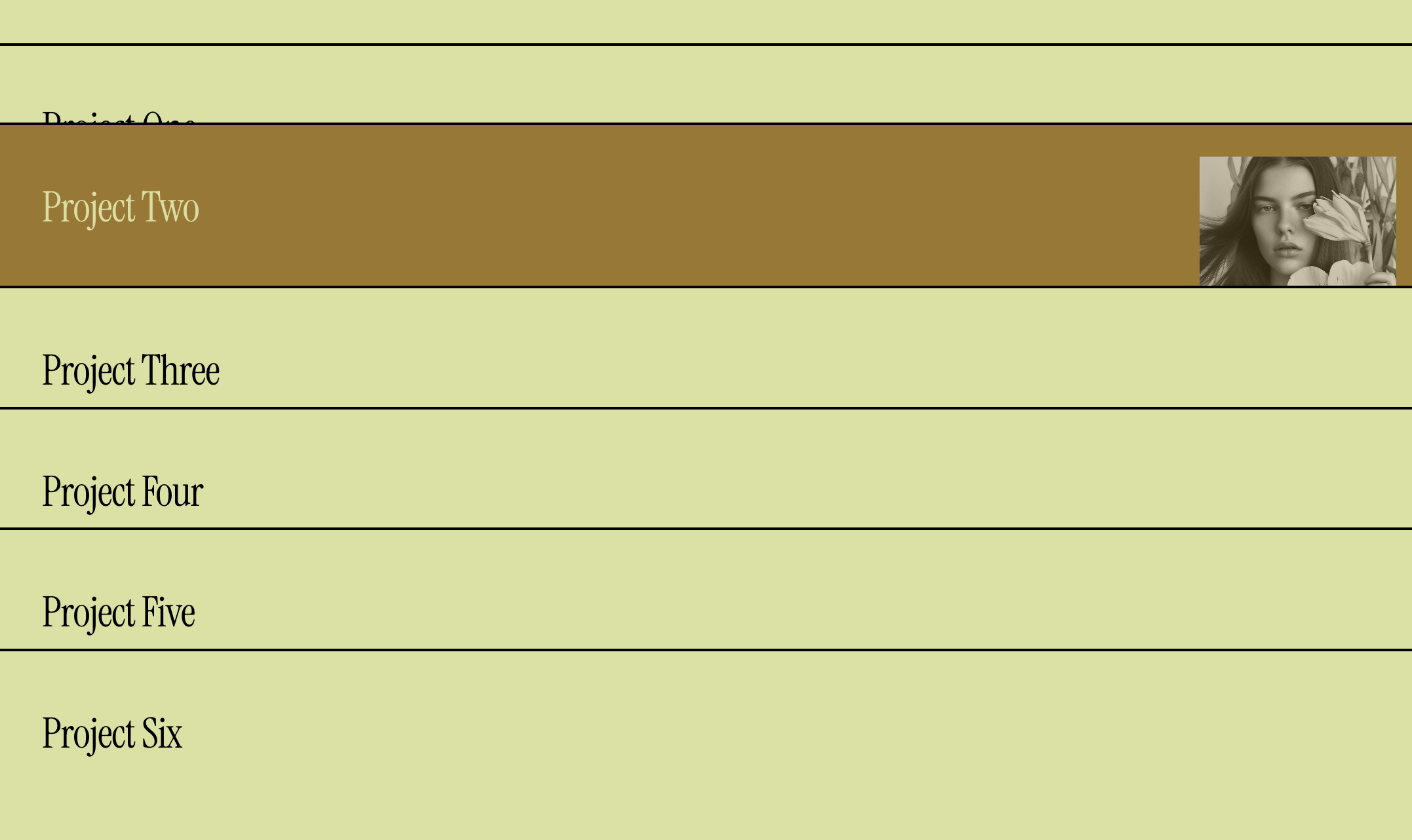
Portfolio List with Hover Images
Display portfolio projects as a minimalist text list with images that appear on hover - elegant, interactive, and modern.
Loading Screen
Create a branded splash screen that displays on page load then fades away - with options to show only once per visitor session.