

Discover What You Can Build
500+ workshops, Techniques, and Resources Inside Standout Squarespace
Explore the library of techniques, templates, and resources available for you inside Squarestylist’s Standout Squarespace program.
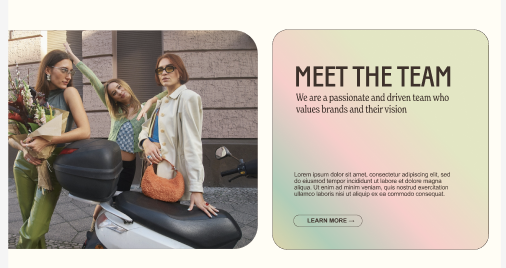
Gradient Background Styling
Apply colorful CSS gradients to text blocks and sections with optional image borders and button styling.

Perfectly Circular Button
Create true circle buttons that maintain perfect proportions regardless of text length.
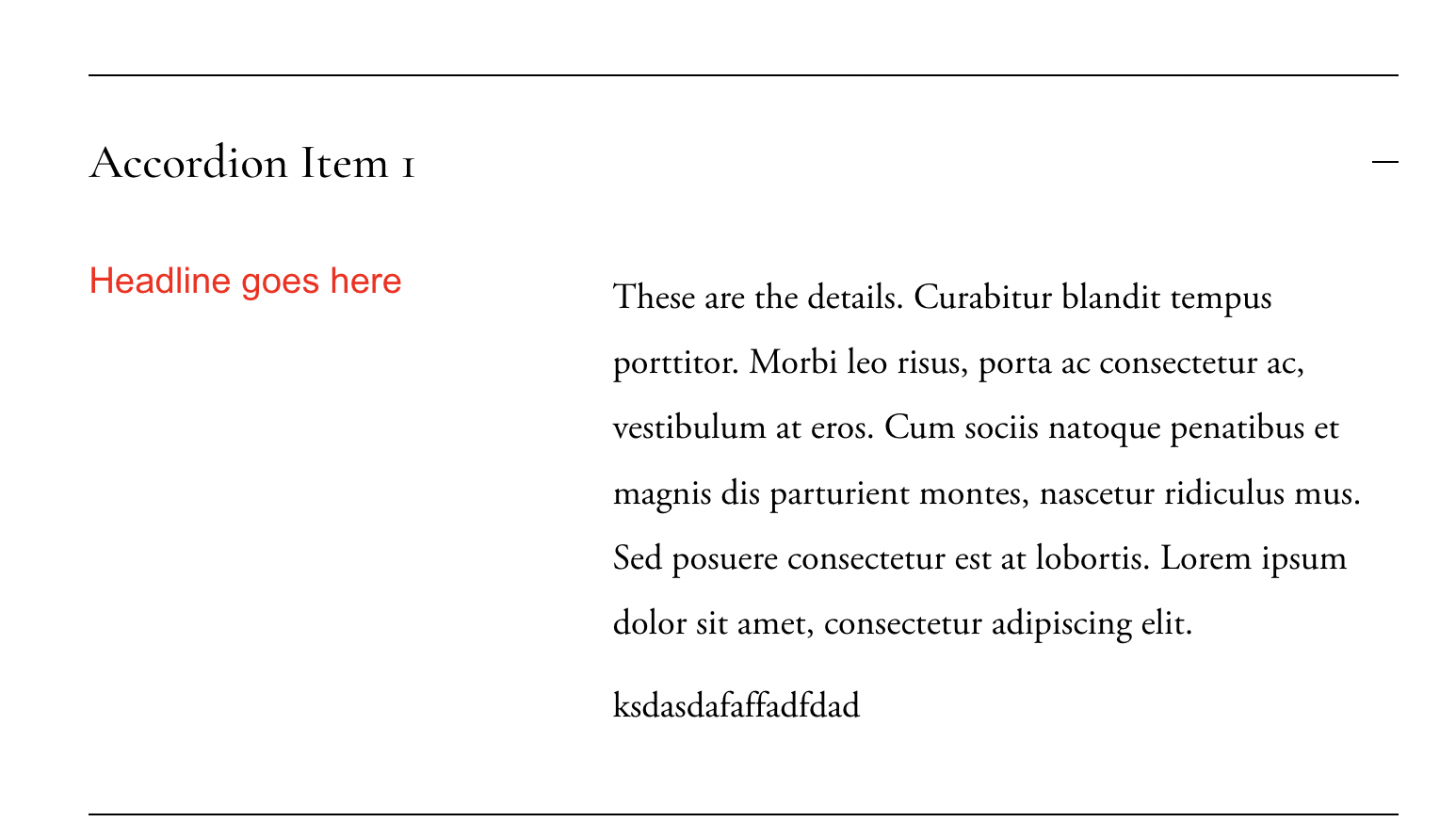
Accordion Columns Layout
Create two-column layouts within accordion dropdowns using CSS flexbox.
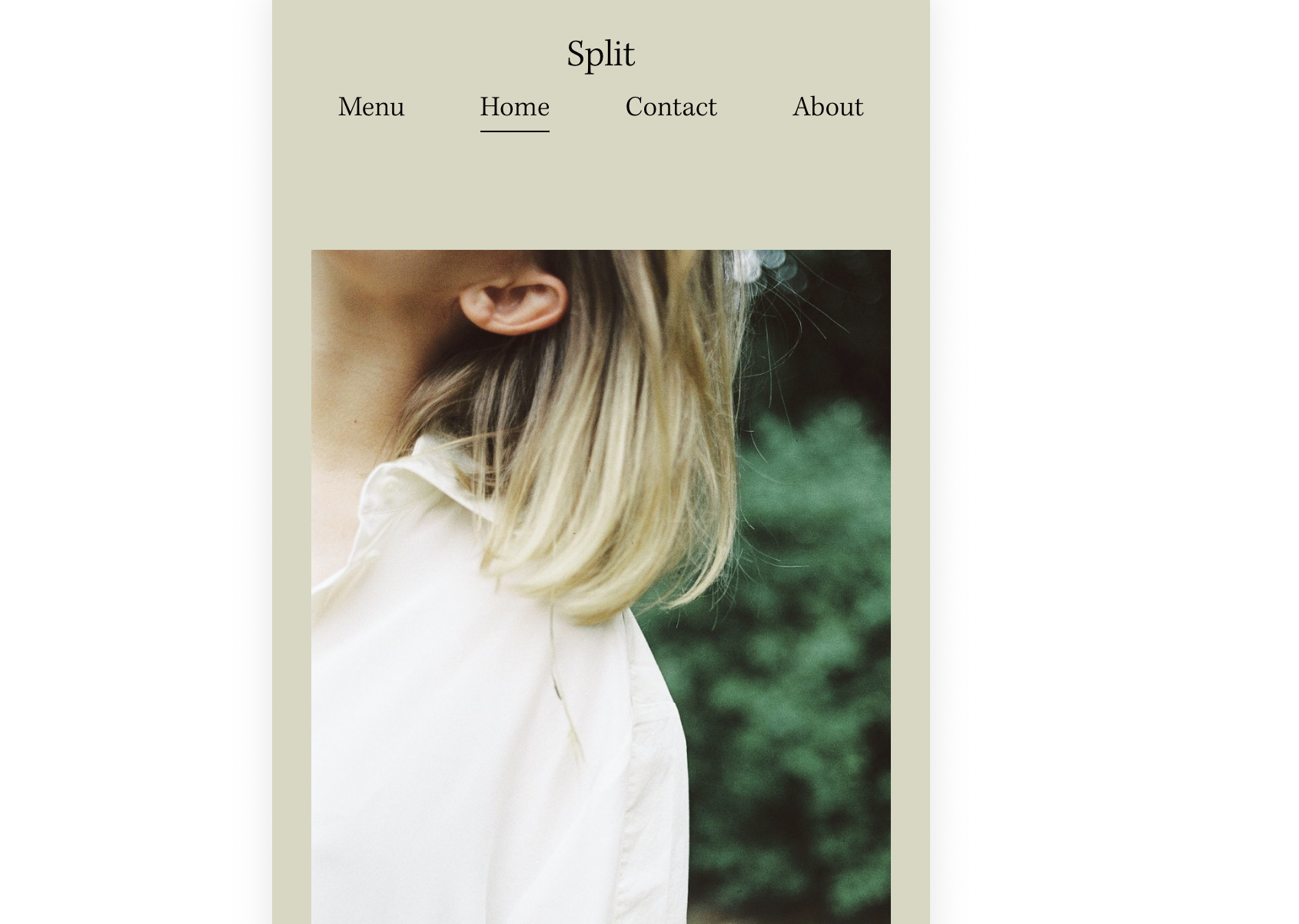
Exposed Mobile Navigation
Show full navigation links on mobile instead of the hamburger menu using CSS.
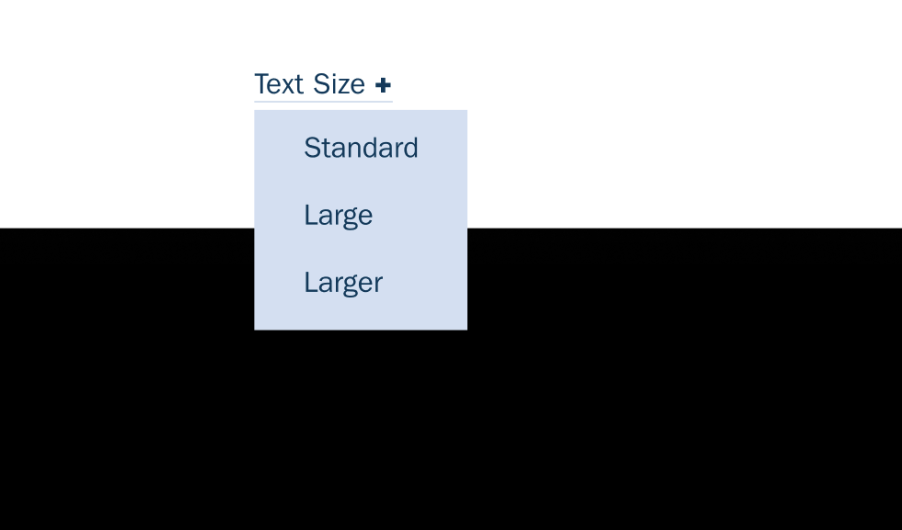
Accessible Text Size Switcher
Add a navigation dropdown that lets visitors adjust site-wide font sizes for better accessibility.
Section Reveal on Scroll
Create a dramatic effect where the first section reveals page content beneath it on scroll.
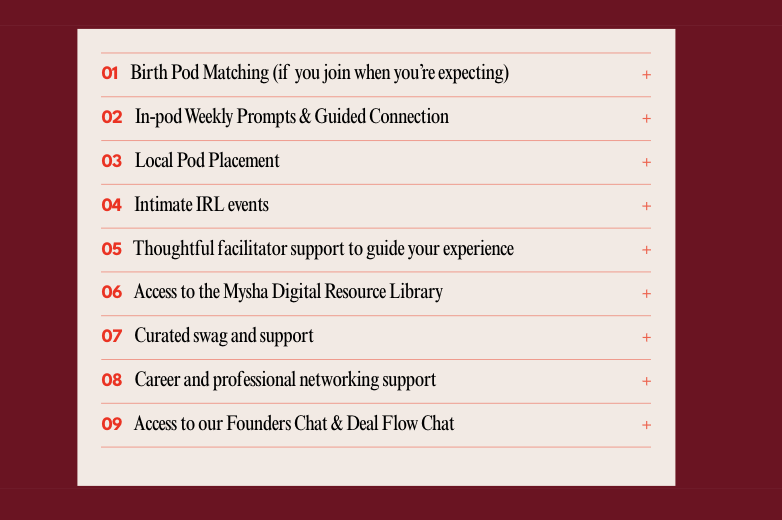
Numbered Accordion Counters
Add automatic 01, 02, 03 numbering to accordion items using CSS counters.
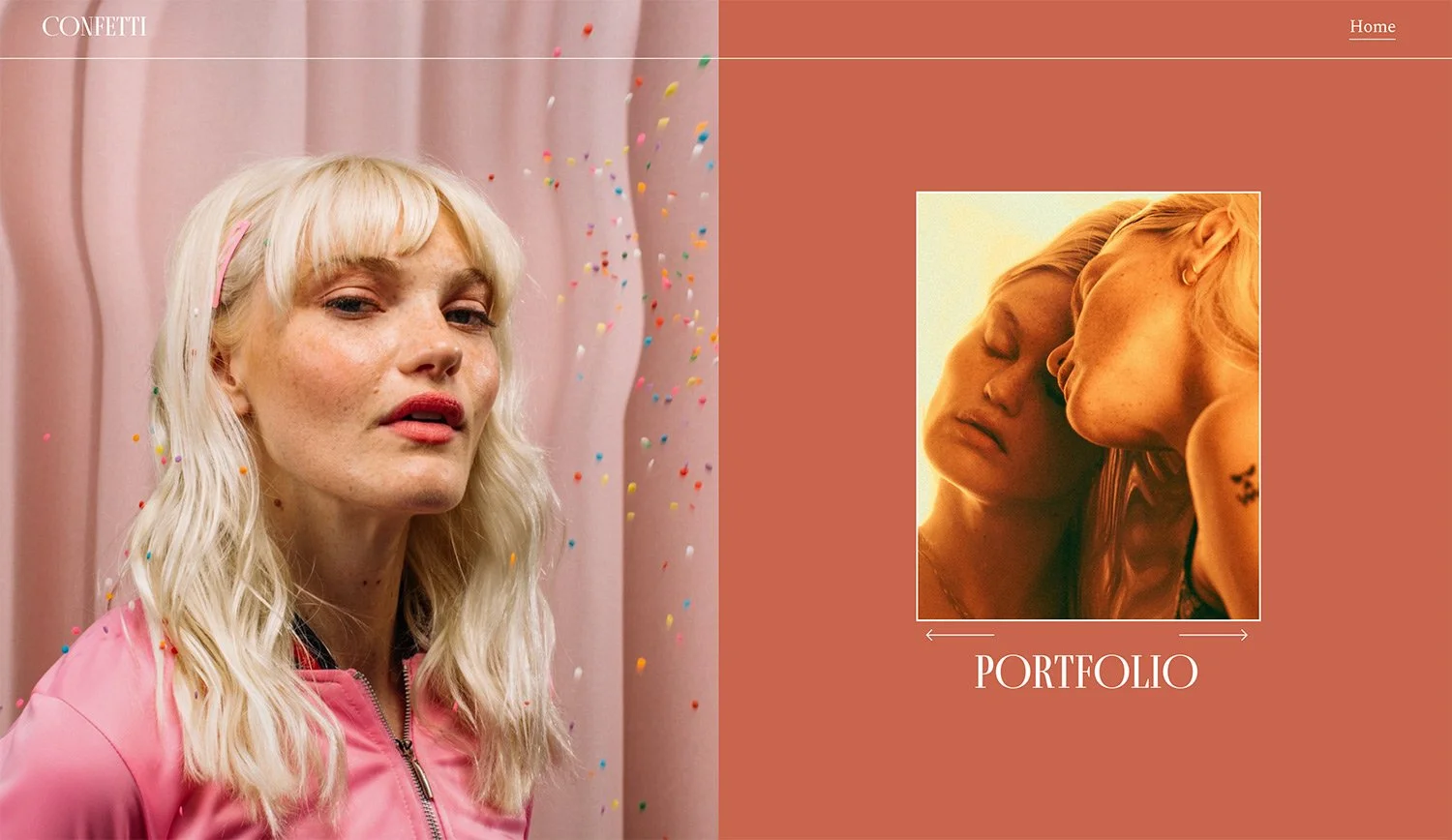
Split Section with Background Gallery
Create a split-screen layout with background image on one side and content with gallery on the other.
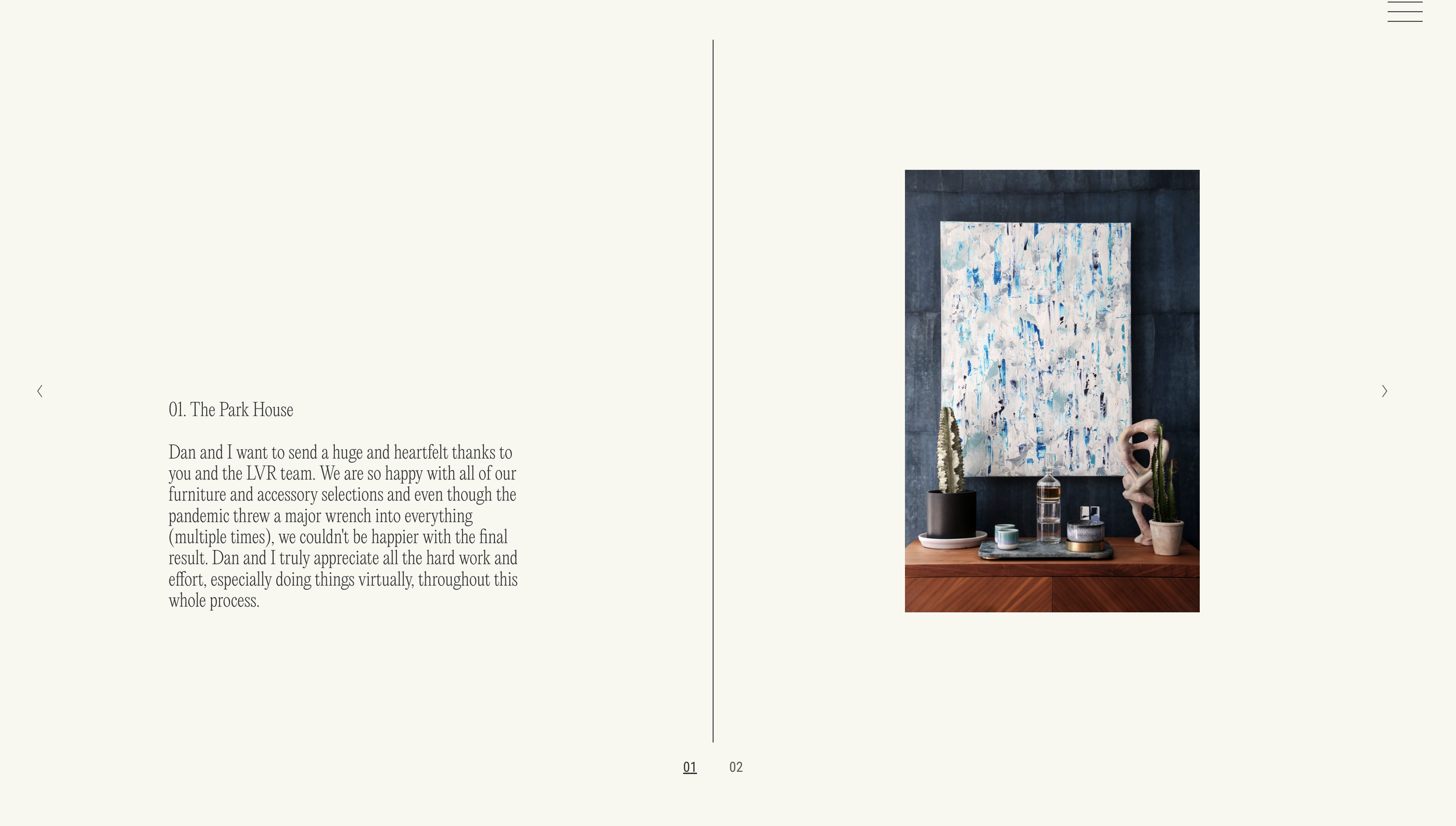
Split Layout Autoplaying Slideshow
Create a split-screen slideshow with image and caption side by side plus counters.
Full Height Gallery Slideshow
Make gallery block slideshows fill the full height of their Fluid Engine container.
Random Image on Page Load
Display a randomly selected image from a gallery each time the page loads.

Custom Cursor with Image or SVG
Replace the default cursor with your own custom image or SVG across your site.
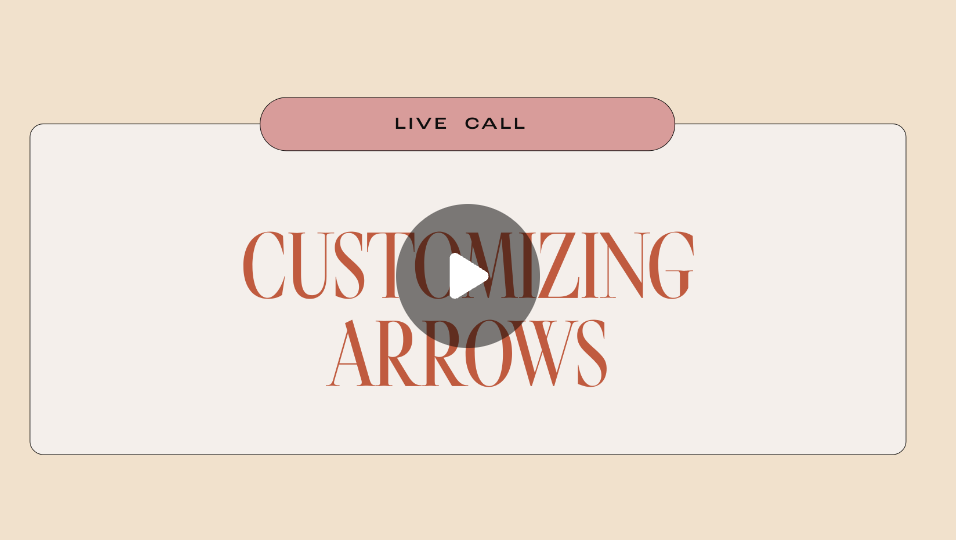
Custom Carousel Arrows
Replace default carousel arrows with custom icons using pseudo-elements.

Follow Cursor Inline List
Create an inline list with images that follow the cursor on hover.
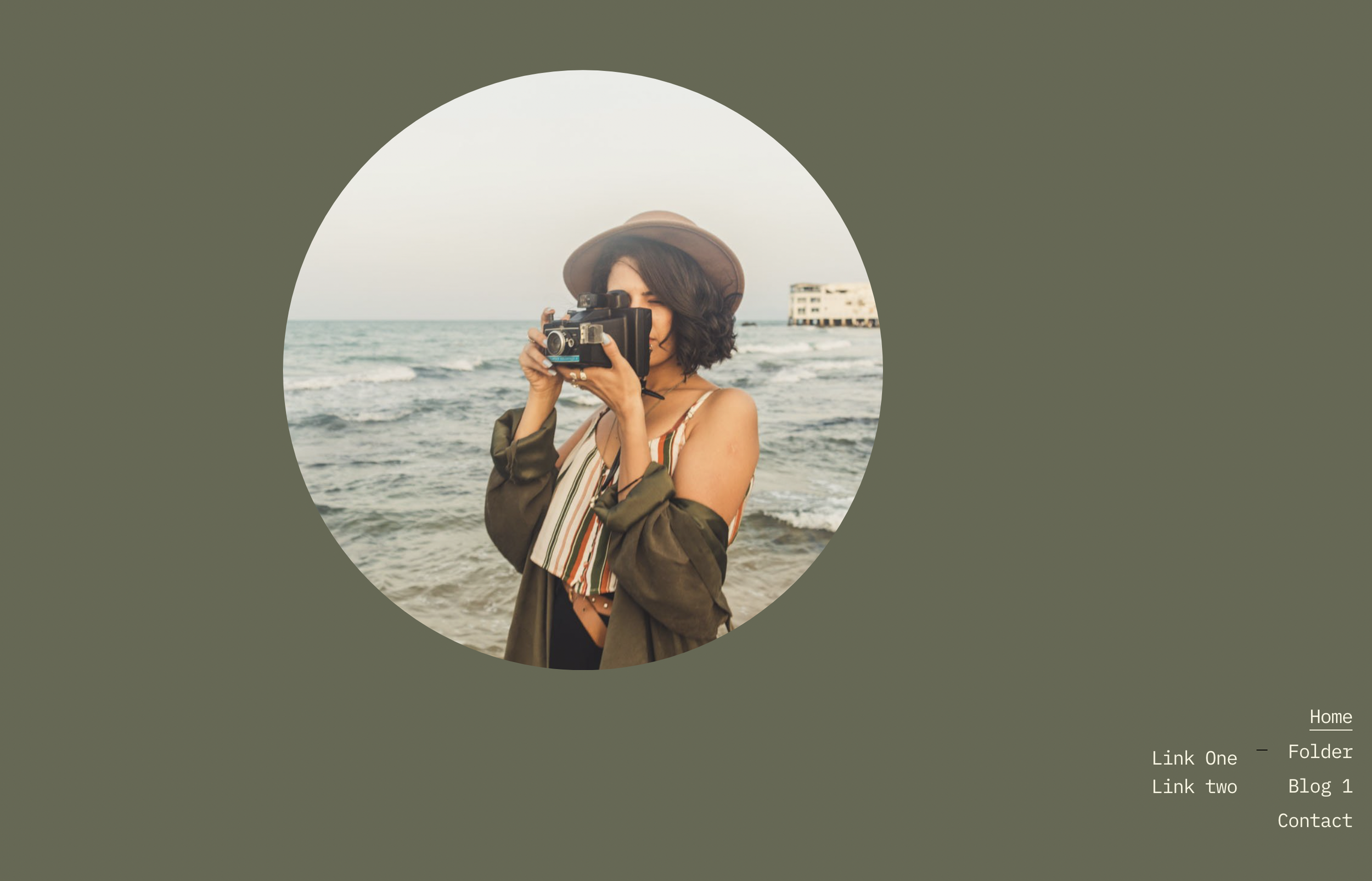
Fixed Bottom Right Navigation
Position your navigation menu fixed to the bottom right corner of the screen.
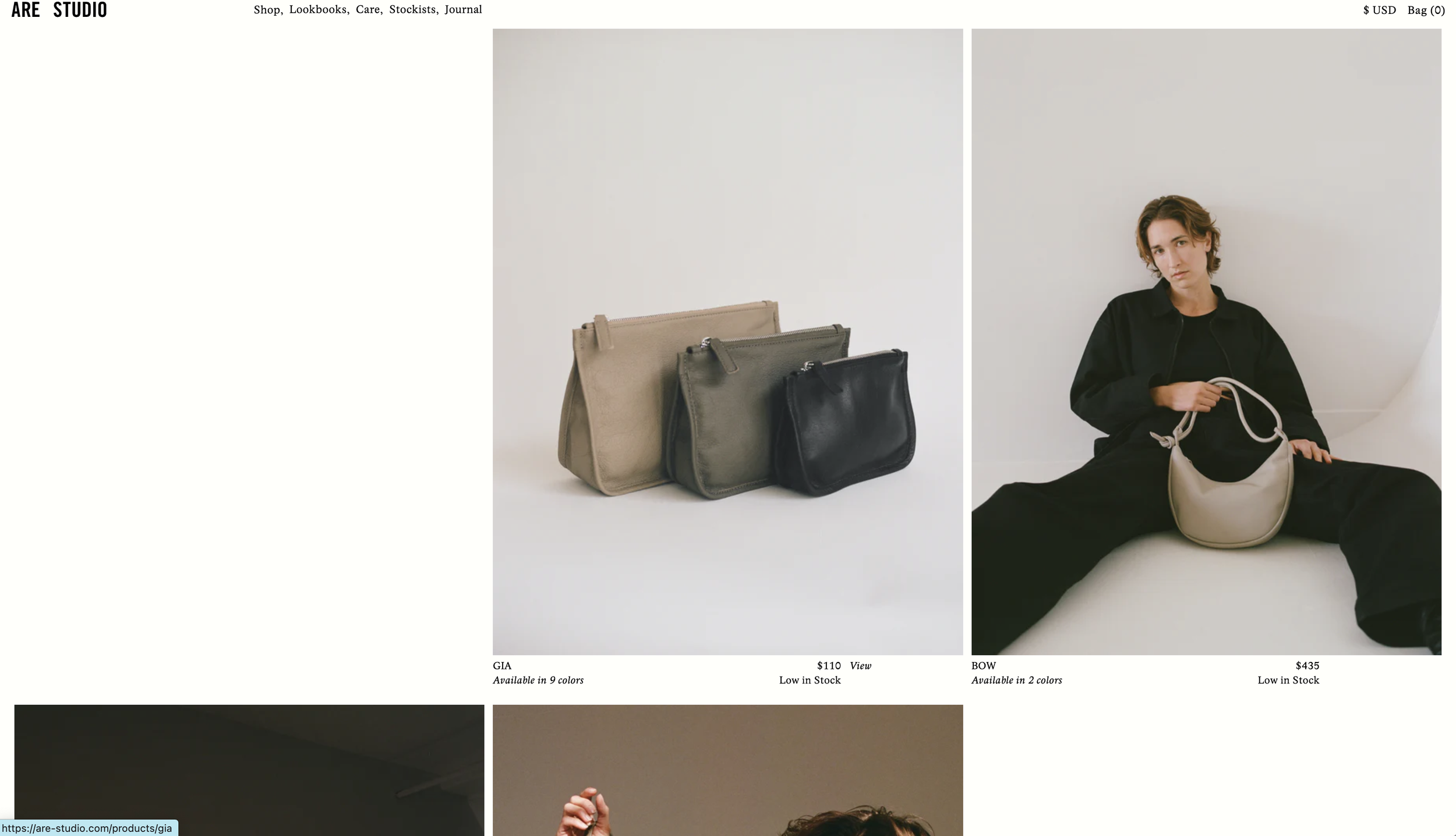
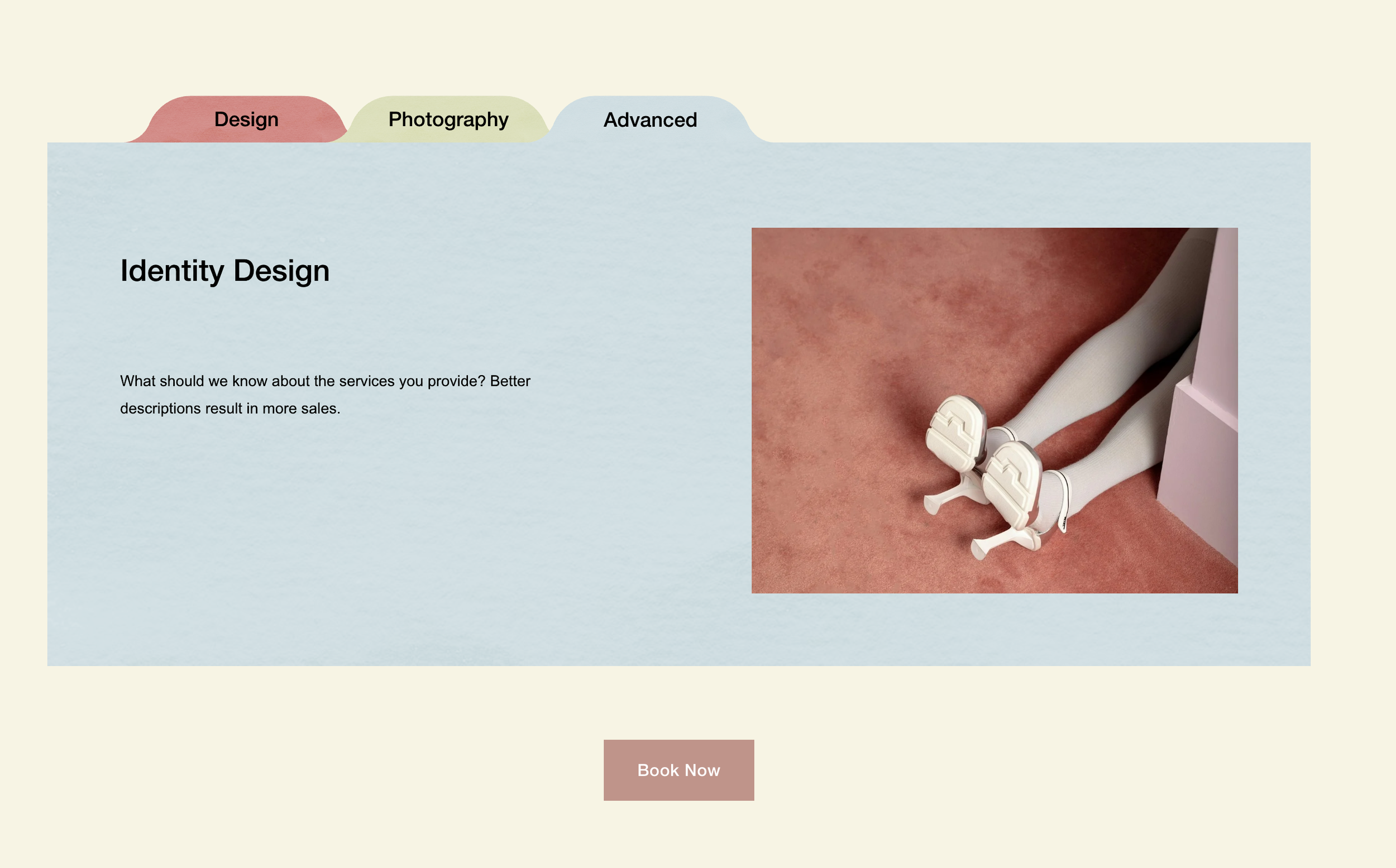
Stacked Folder List
Create a stacked folder effect with tab-style titles and texture overlays.
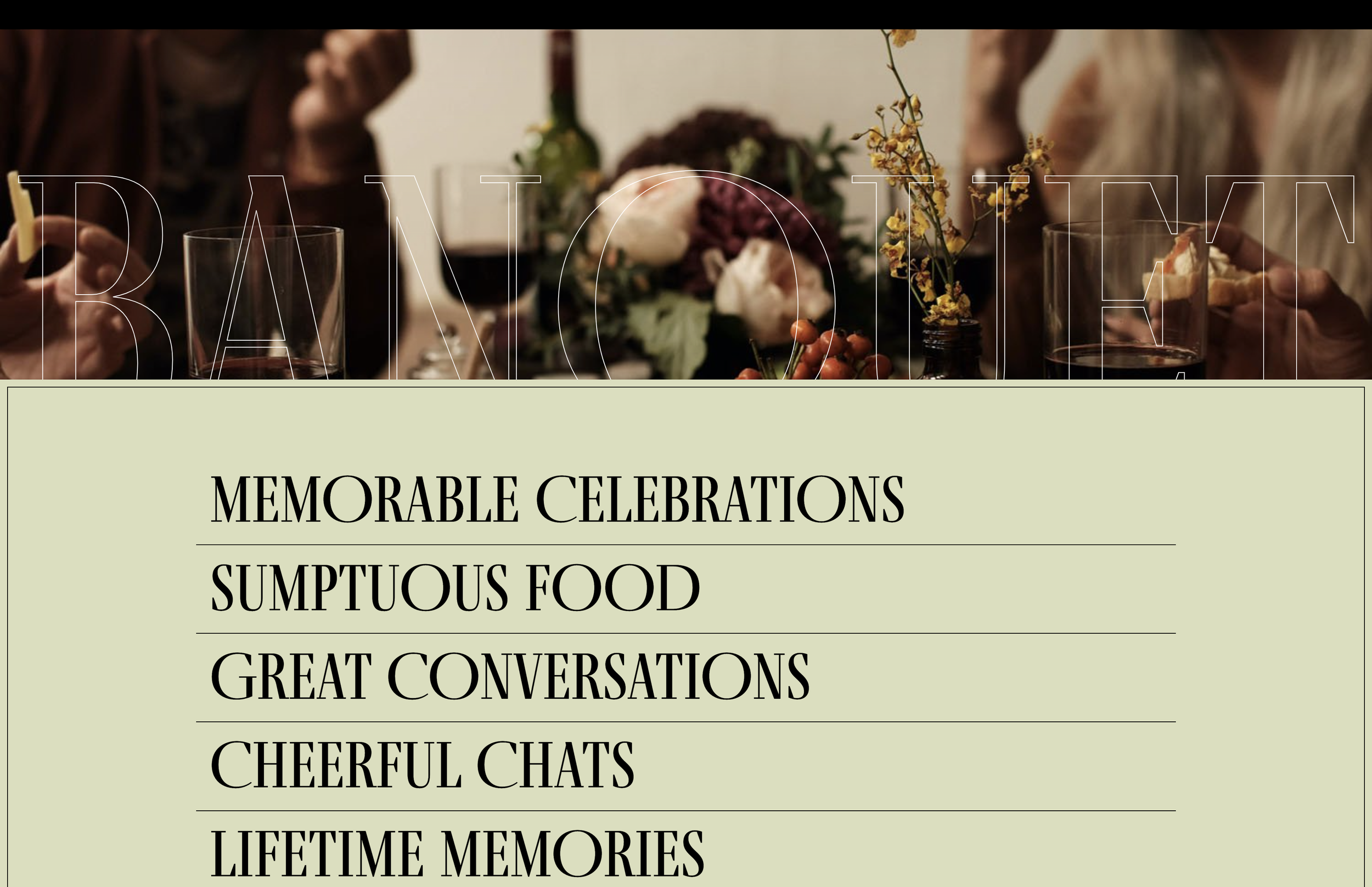
Image Reveal on Text Hover with Scale Animation
Make images emerge from behind text on hover with smooth scale and opacity transitions. Perfect for portfolio teasers where visuals should enhance—not dominate—the typography.
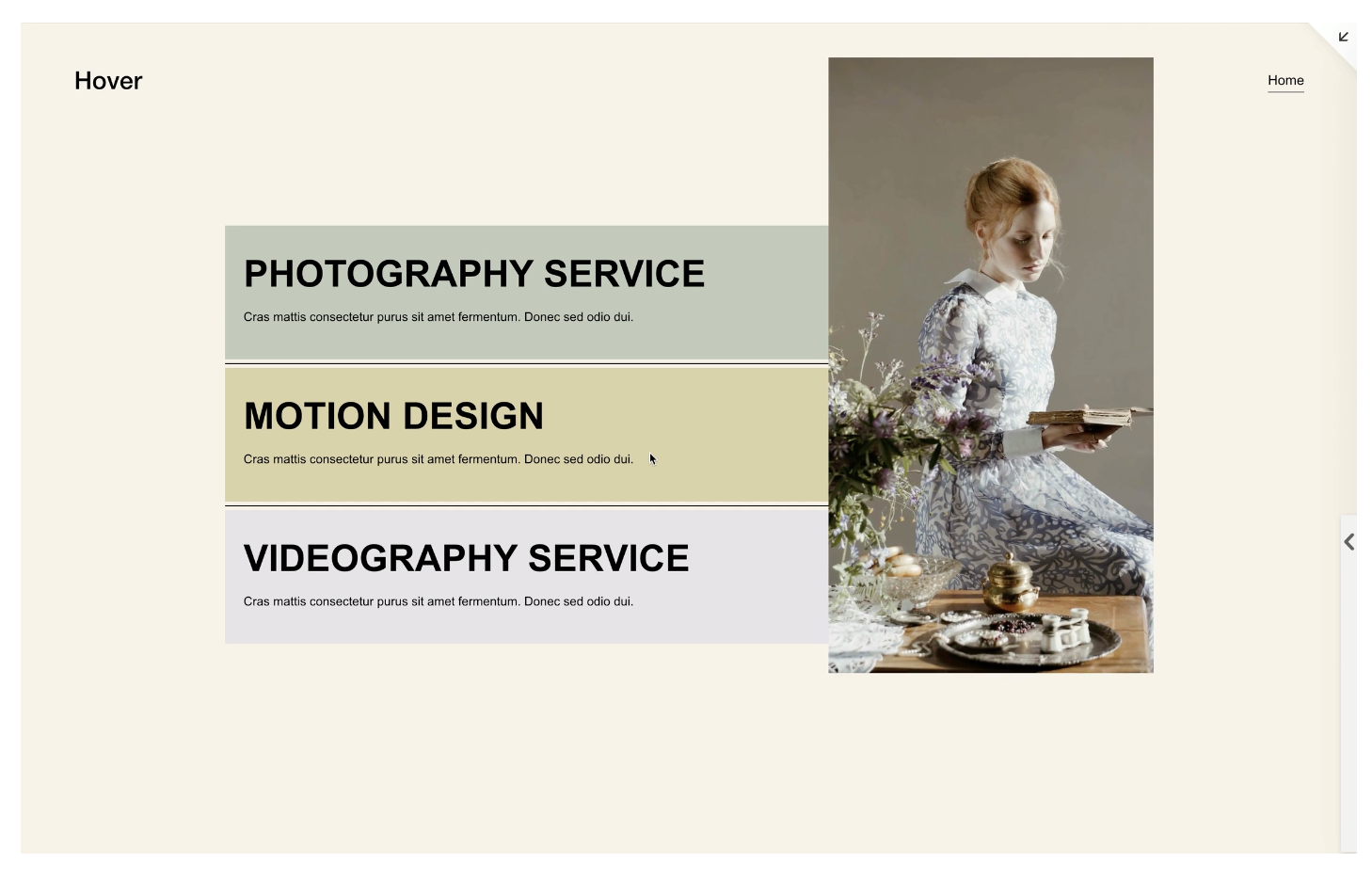
Video Reveal on Text Hover
Hide video blocks until text hover triggers a smooth scale-up and fade-in reveal. Create cinematic portfolio interactions where typography leads and motion follows.