

Discover What You Can Build
500+ workshops, Techniques, and Resources Inside Standout Squarespace
Explore the library of techniques, templates, and resources available for you inside Squarestylist’s Standout Squarespace program. Standout students also get the commercial license to use these techniques in building Squarespace templates for sale.
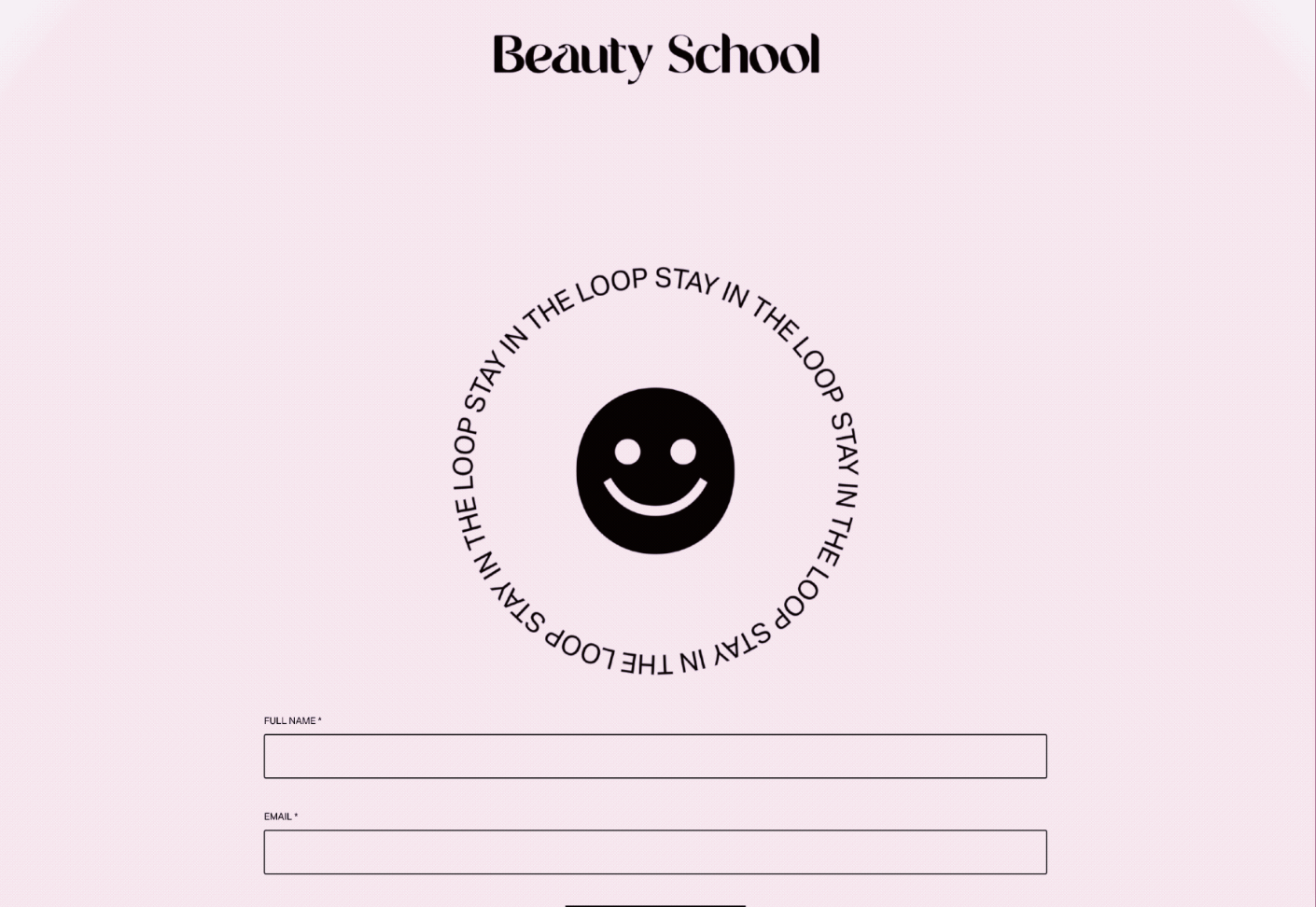
Animated Gradient Background
Smooth cycling color transitions using CSS keyframe animations.
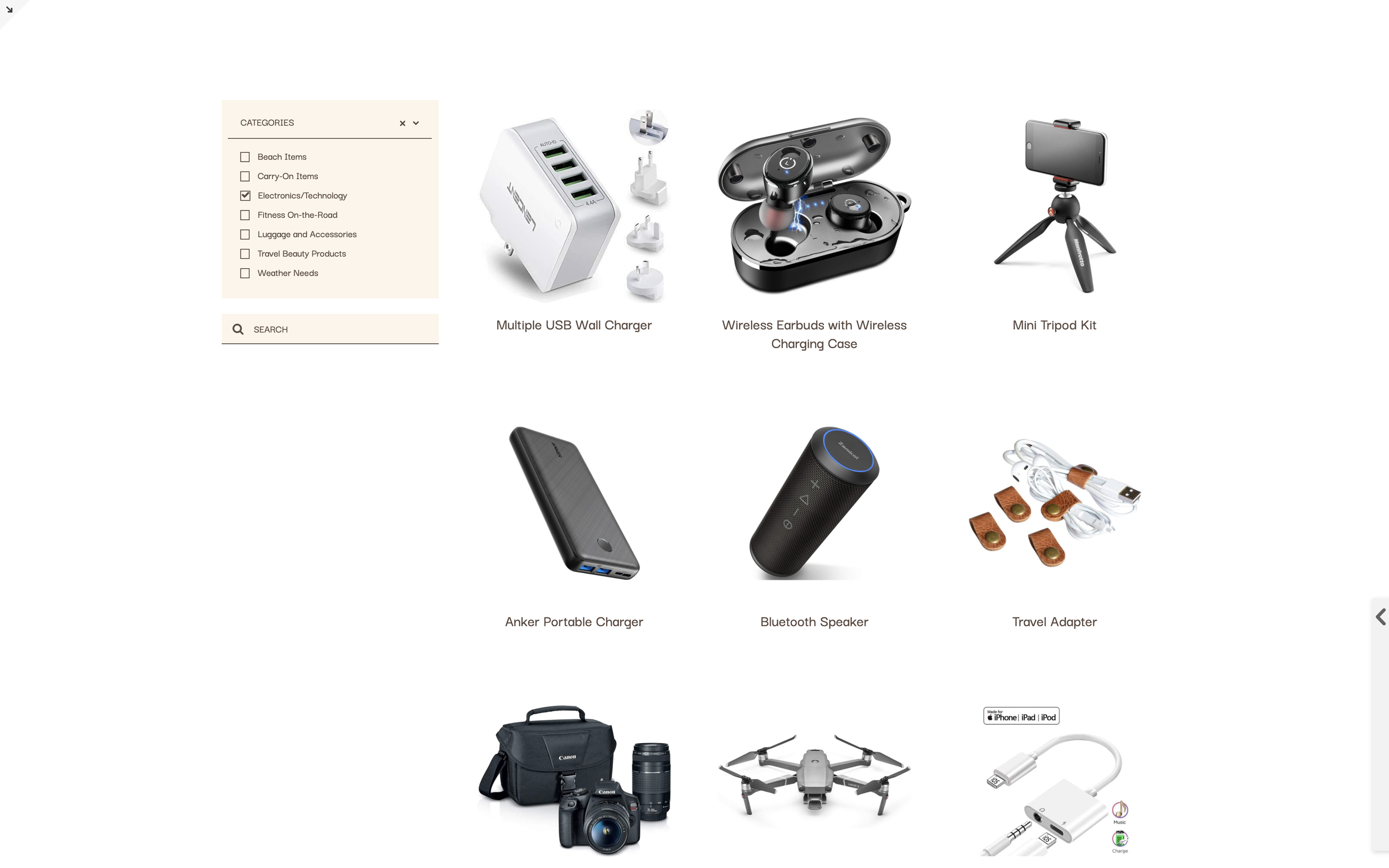
Universal Filter Plugin Guide
Add advanced filtering, sorting, and search to Summary Blocks and Blog lists using the Universal Filter plugin. Multi-category filtering with dropdown menus and sidebar layouts.
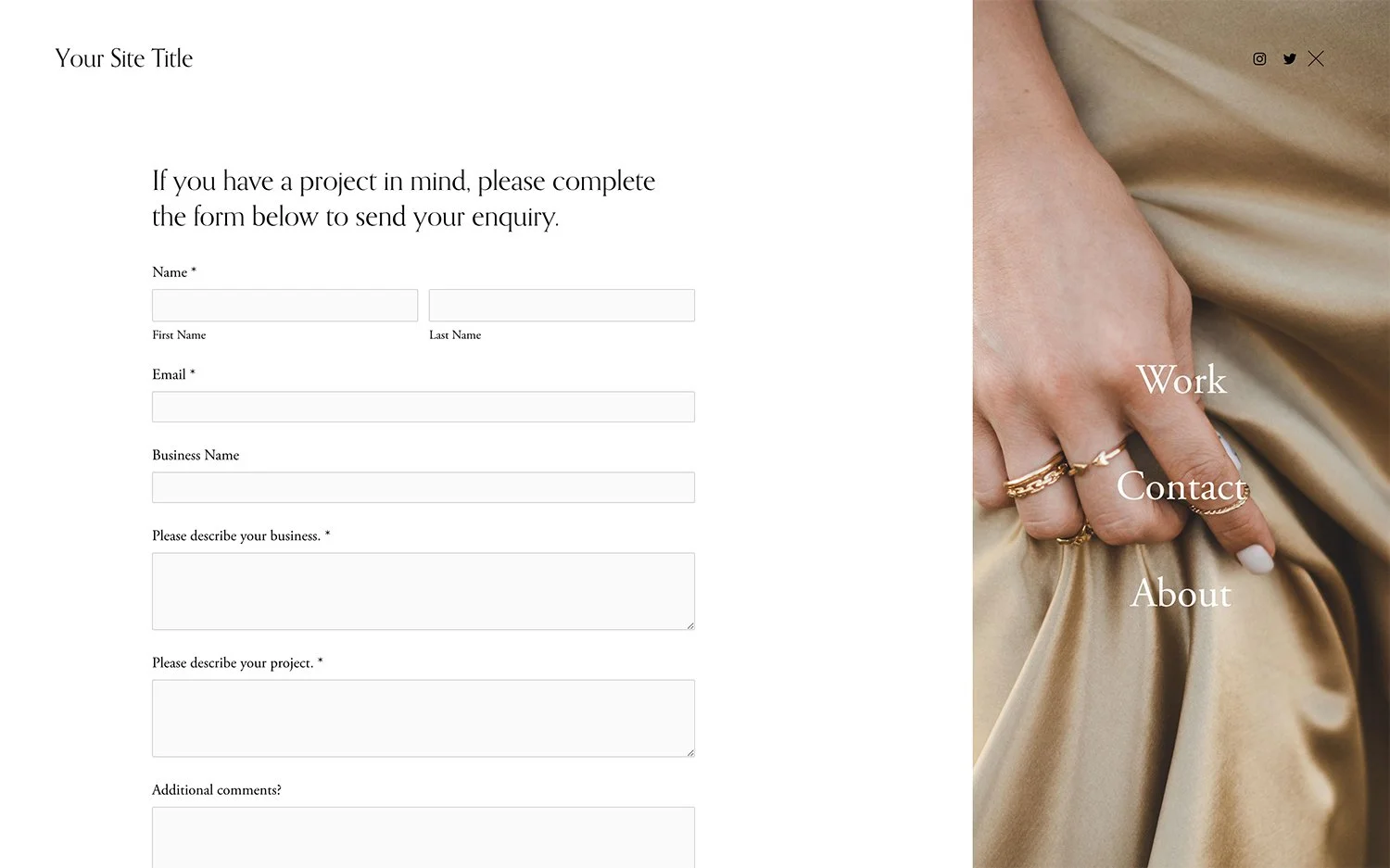
Force Mobile Menu on Desktop
Display the mobile hamburger menu on desktop for a pop-out navigation experience.
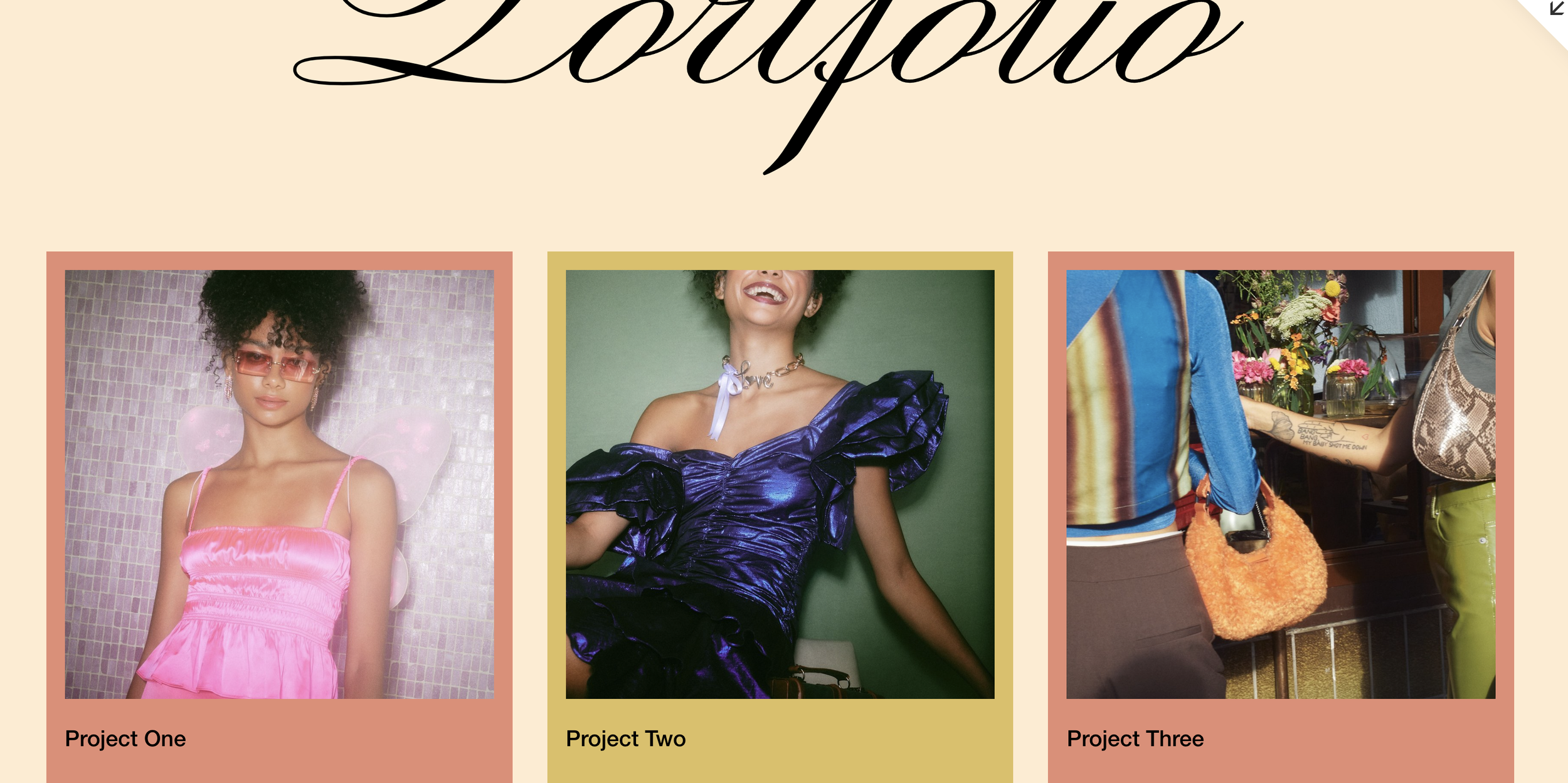
Style Portfolio Items by Link URL
Target and style individual portfolio grid items based on their destination URLs using CSS attribute selectors—no custom classes needed.
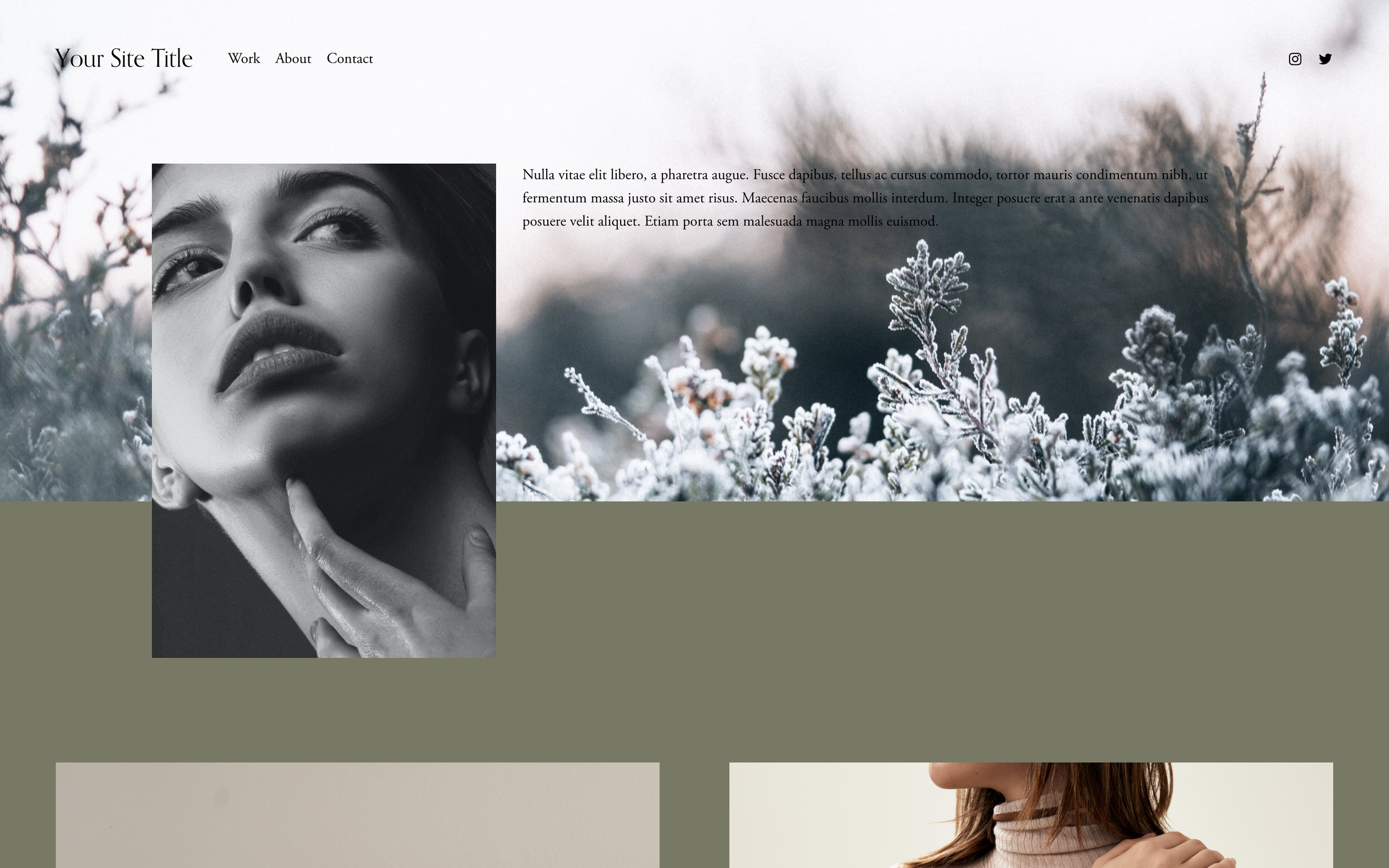
Two-Toned Split Backgrounds
Split section backgrounds into two distinct colors - vertical or horizontal divisions for that modern split-screen aesthetic.
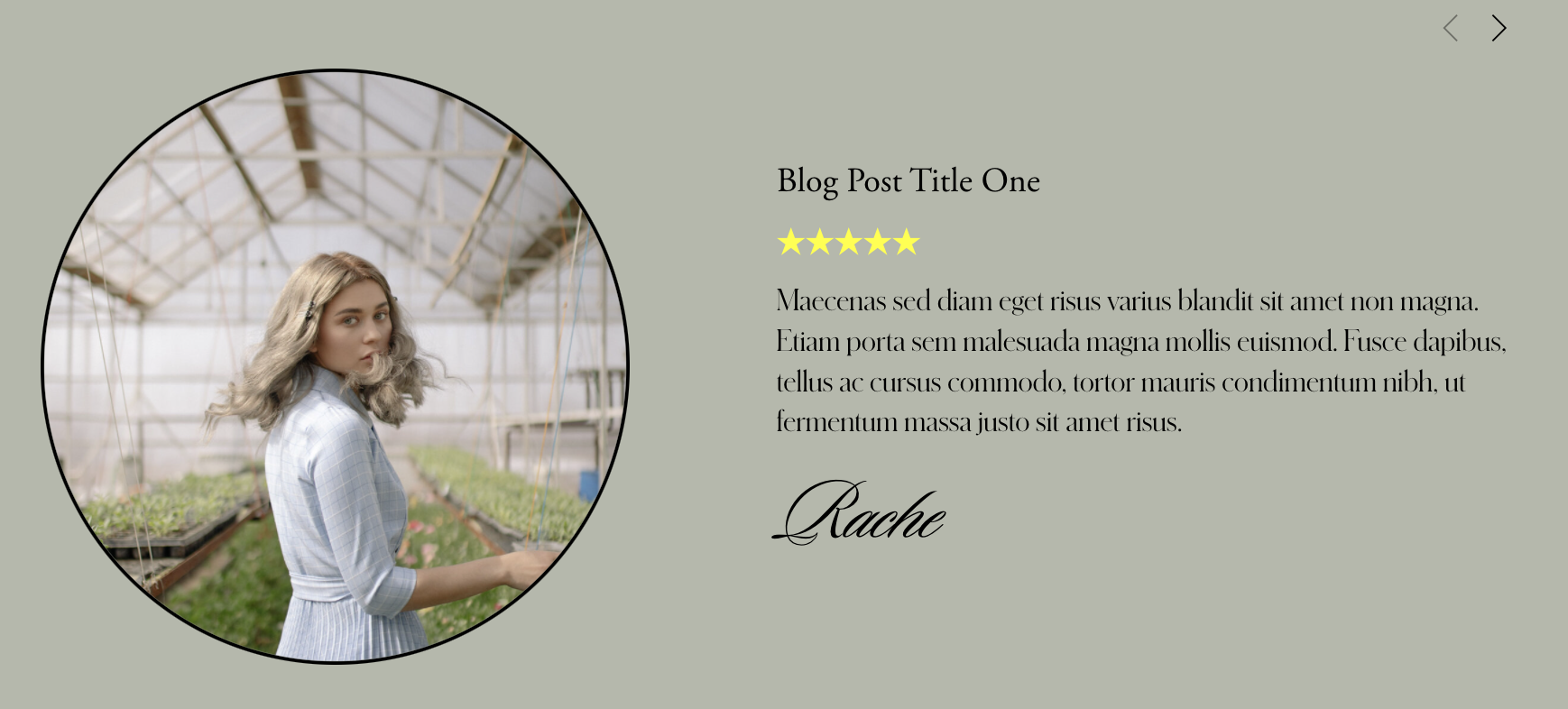
Centered Carousel Summary Block Excerpt
Position summary block carousel content in the absolute center of each slide, creating an elegant overlay effect where text floats perfectly over thumbnail images.
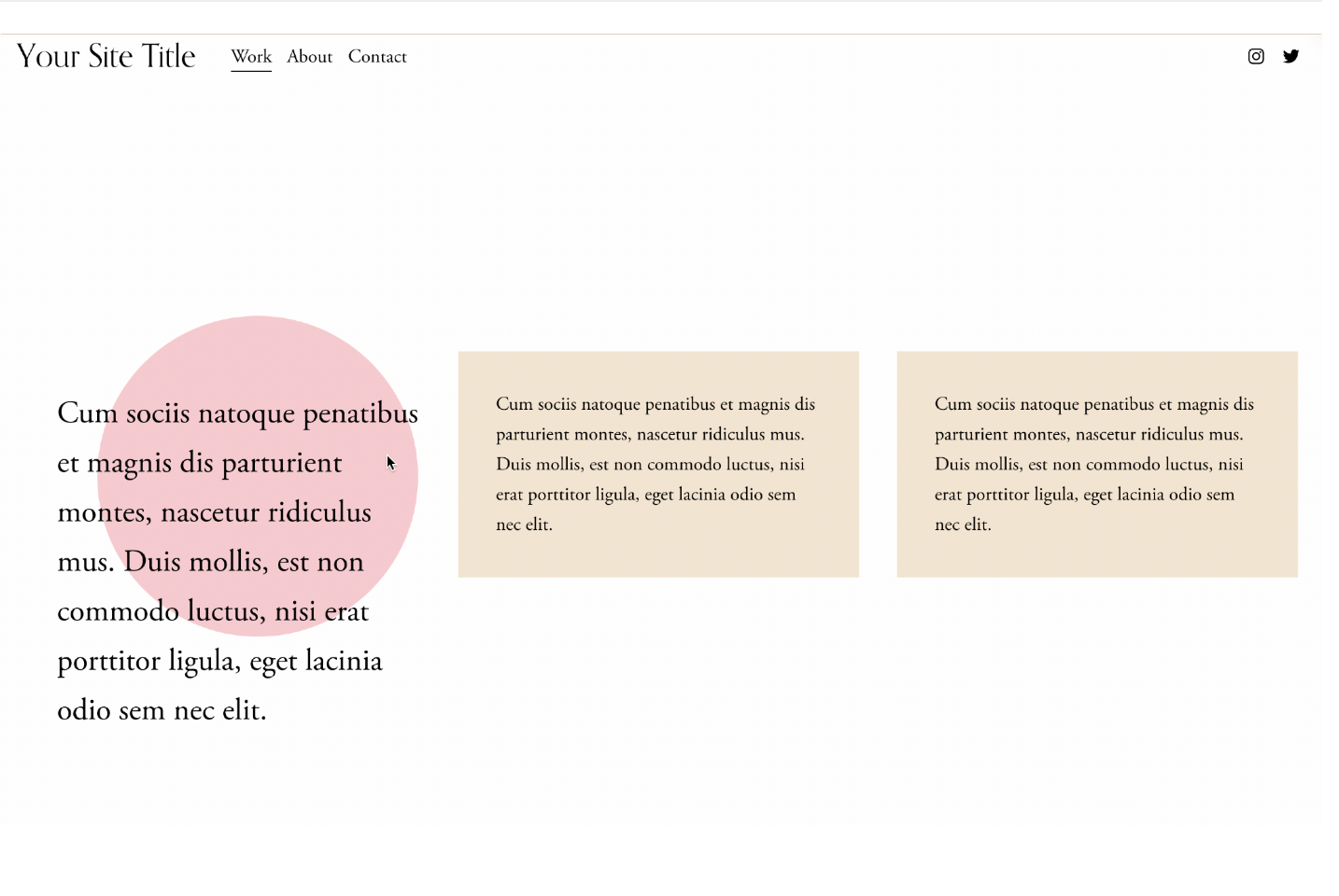
Animated Text Block Backgrounds
Decorative backgrounds behind text that morph, shift, and change color on hover - interactive content callouts.
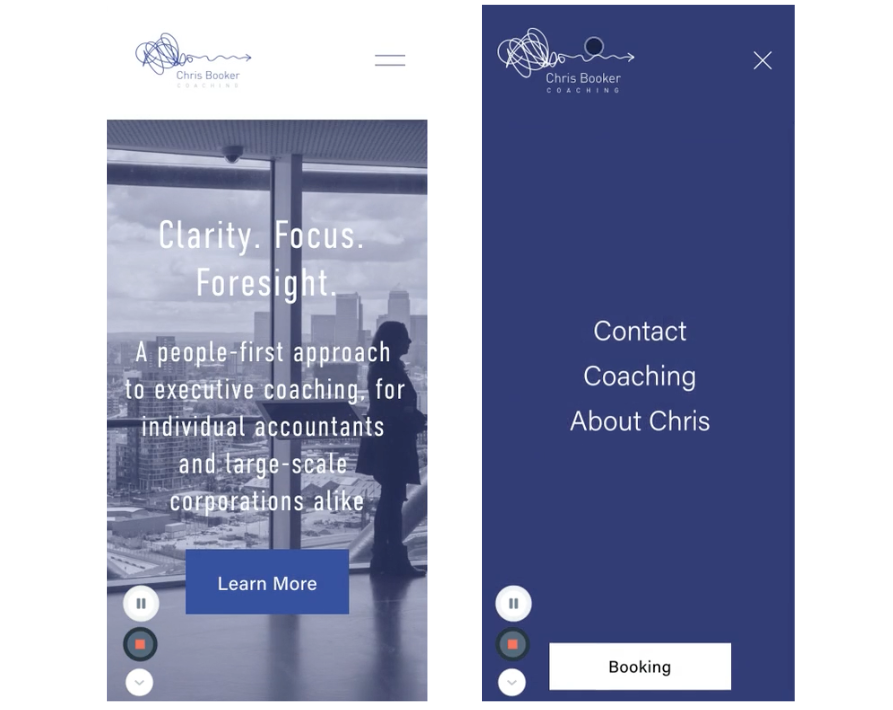
Replace Links with Custom URLs
Dynamically replace Squarespace link destinations using a simple URL pattern, perfect for redirecting summary block items, product links, or any element to external URLs.
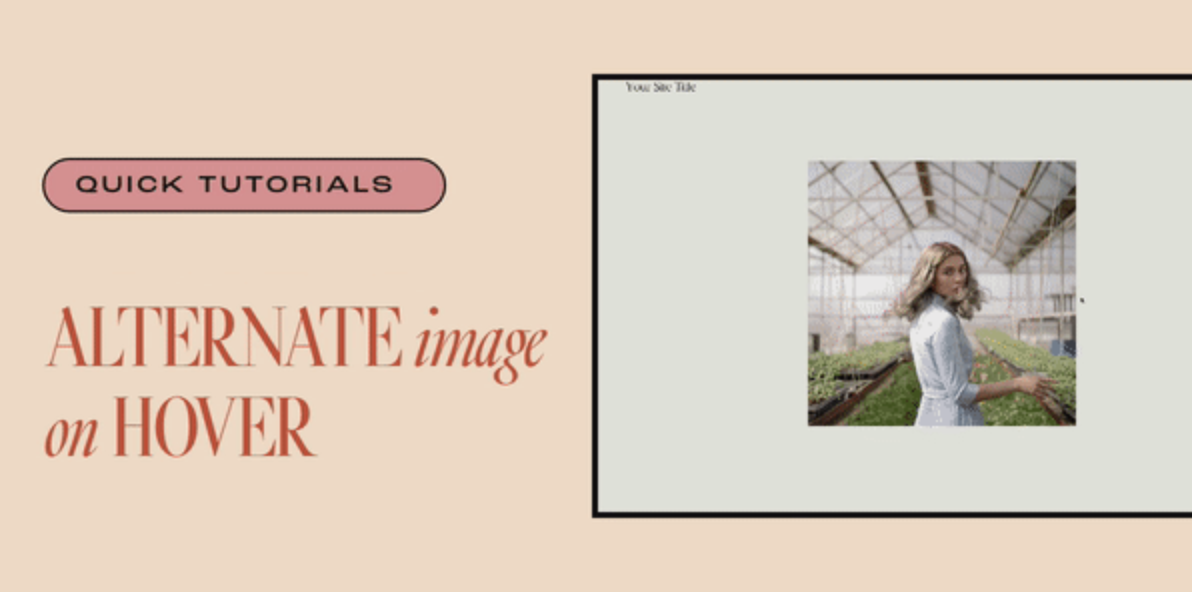
Alternate Image on Hover
Reveal a different image on hover - perfect for before/after comparisons, product variations, and hidden detail reveals.

Animate on Scroll
Trigger custom CSS animations as elements scroll into view - create fade-ins, slides, scales, or any entrance effect you can imagine.

Disable Portfolio Links
Remove clickable functionality from portfolio section items using JavaScript, perfect for decorative displays or visual-only showcases where project pages aren't needed.
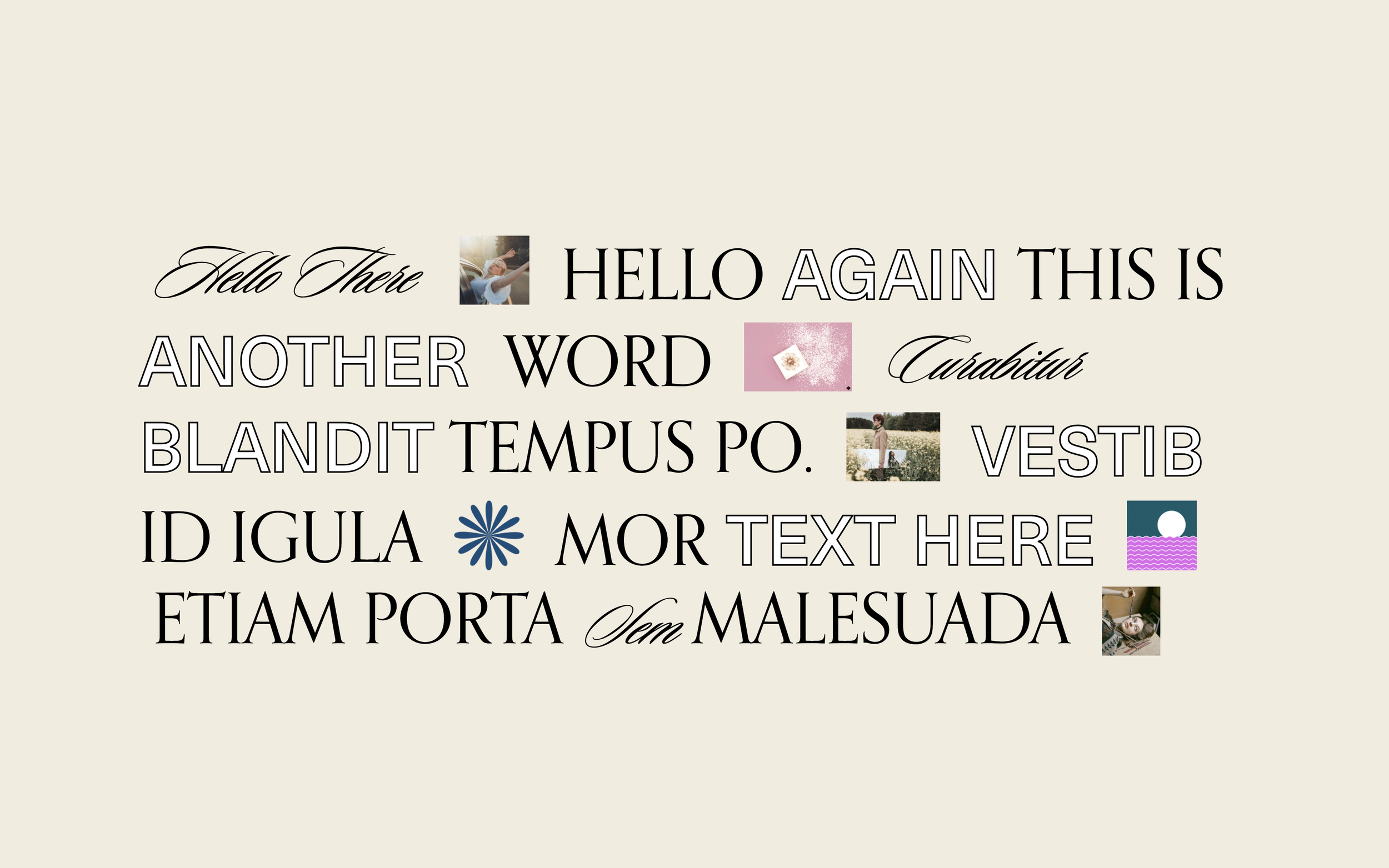
Inline Text and Images Layout
Break free from block-based layouts by flowing text and images together inline — create expressive, editorial headlines where words and images interweave naturally.

Gallery Slideshow with Counter
Gallery slideshow with slide counter and repositioned arrows - shows current slide out of total.
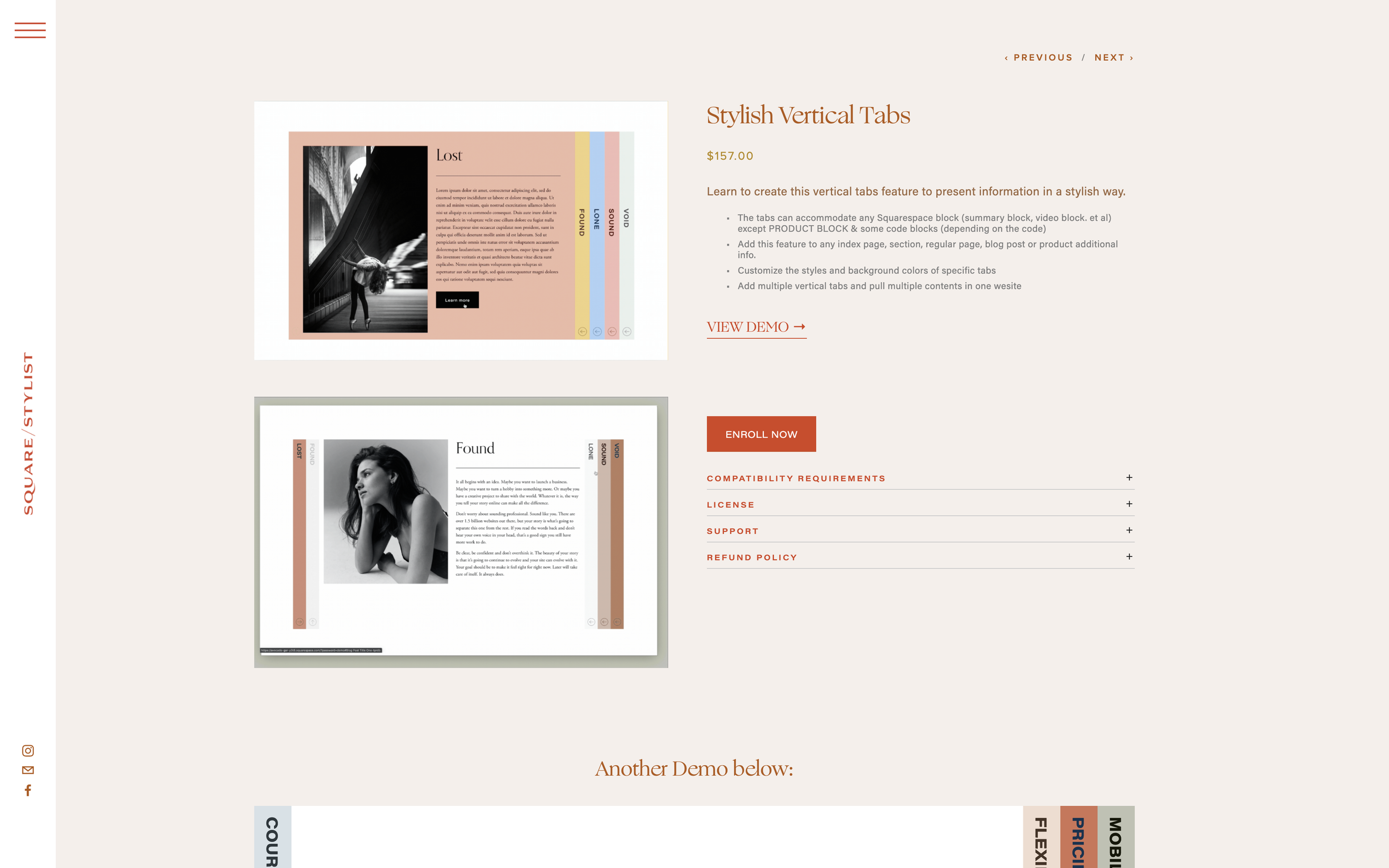
External Platform Button on Product Page
Add a styled button linking to Teachable, Thinkific, or other external platforms directly on your Squarespace product page.
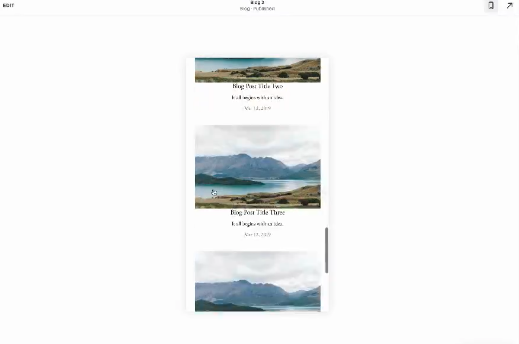
Summary Block Mobile View Customization
Create a clean, stacked mobile layout for list Summary Blocks with centered text alignment.
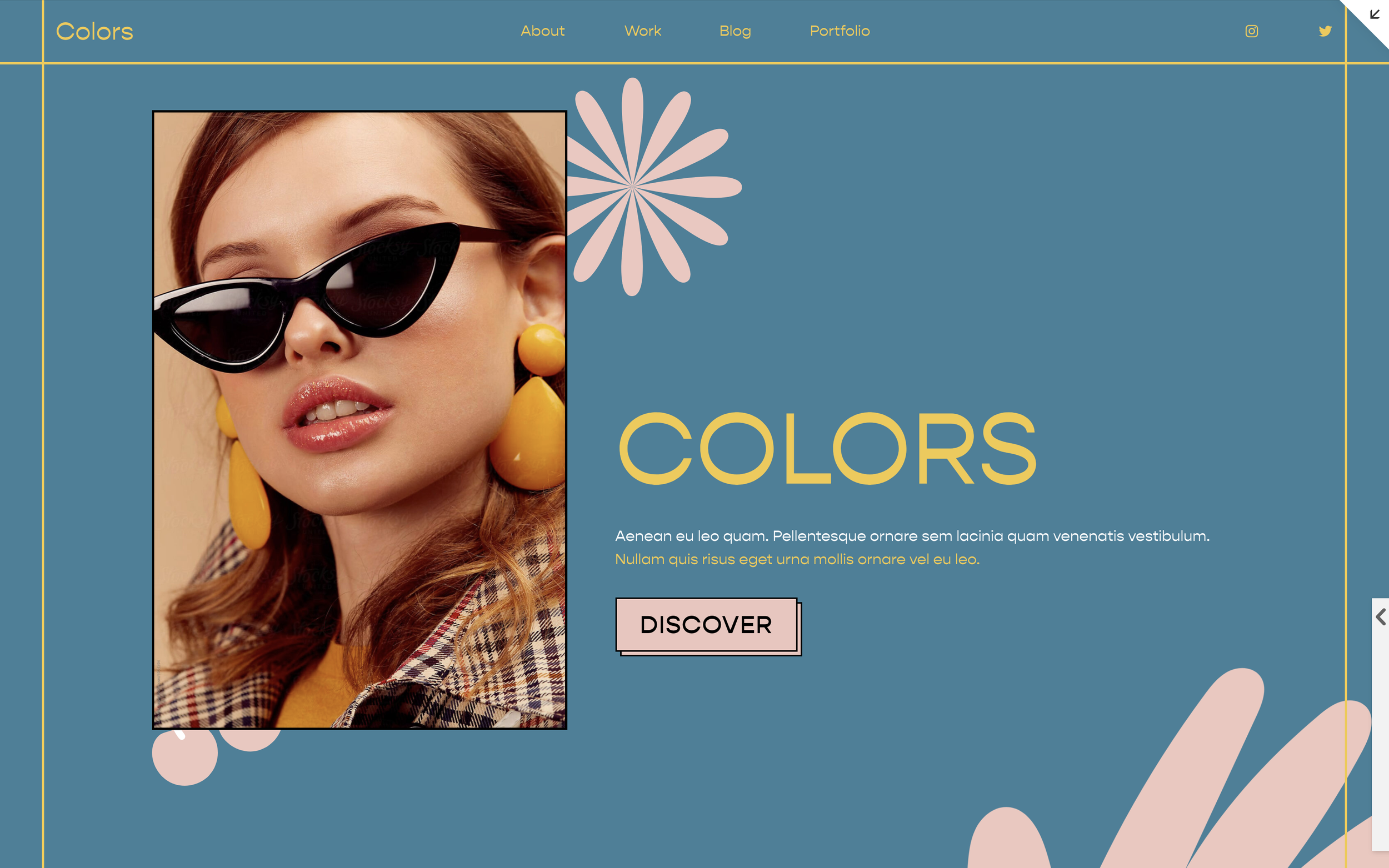
Image Decorative Overlay
Add decorative graphic elements that overlay images using CSS pseudo-elements. Position stickers, badges, or accent graphics on top of any image without editing the original.
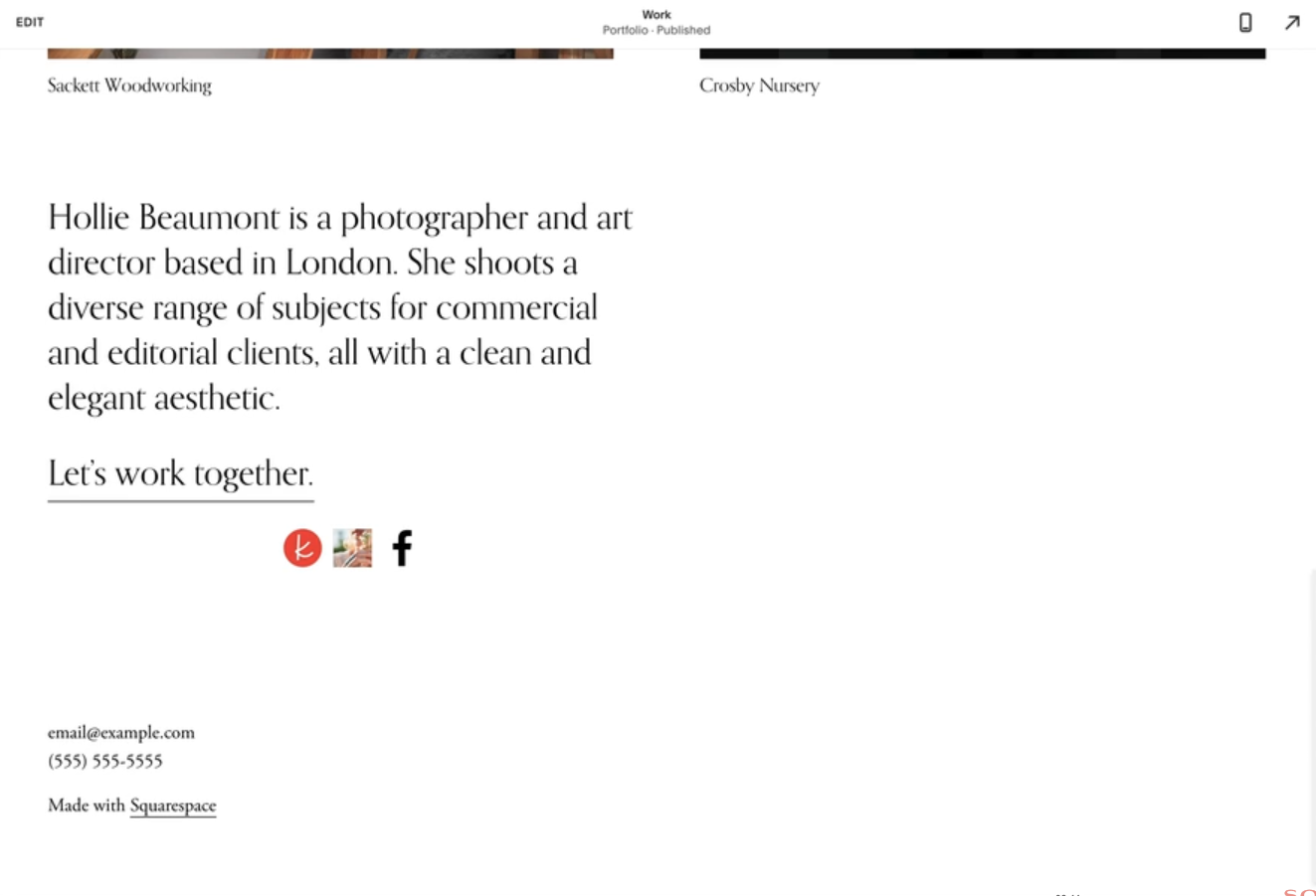
Custom Social Link Icons
Replace Squarespace's default social icons with your own custom images — perfect for branded social buttons or platforms not included in the default set.

CSS Text Marquee Animation
Continuously scrolling text that loops horizontally - CSS-only marquee effect.