

Discover What You Can Build
500+ workshops, Techniques, and Resources Inside Standout Squarespace
Explore the library of techniques, templates, and resources available for you inside Squarestylist’s Standout Squarespace program.

Newsletter Block Custom Styling
Style Squarespace newsletter blocks with transparent inputs, custom placeholder fonts using heading variables, and responsive layouts. Clean, brand-aligned signup forms without plugins.
Interactive Image Hotspots with Auto-Layout Lists
Transform Auto-Layout List Section slider dots into clickable image hotspots that overlay your background. Position each dot individually with CSS for interactive product callouts and feature showcases.
Inline Images Within Text Using Keywords
Insert decorative images or icons that flow naturally within text using CSS pseudo-elements. Trigger via URL keywords or custom colors—no code editing needed to add new inline graphics.
Display Portfolio Collection in Summary Blocks
Pull portfolio collection items into Summary Blocks using Squarespace's JSON API. Get Summary Block layouts (carousel, grid, list) working with your portfolio content dynamically.
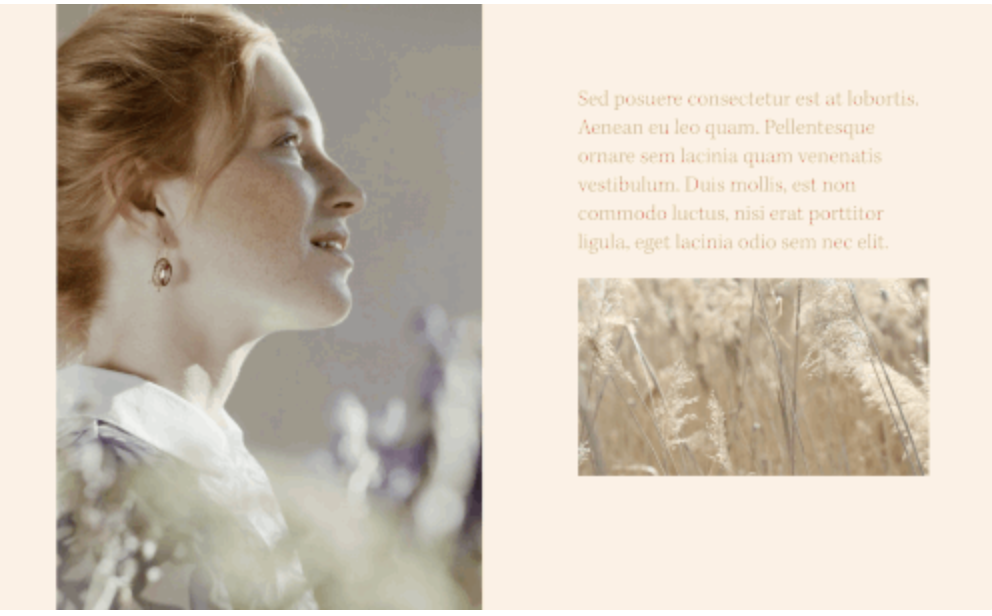
Autoplay Video on Page Load
Make videos autoplay silently when pages load. Use as inline content with custom aspect ratios or stretch as section backgrounds for ambient visual effects.
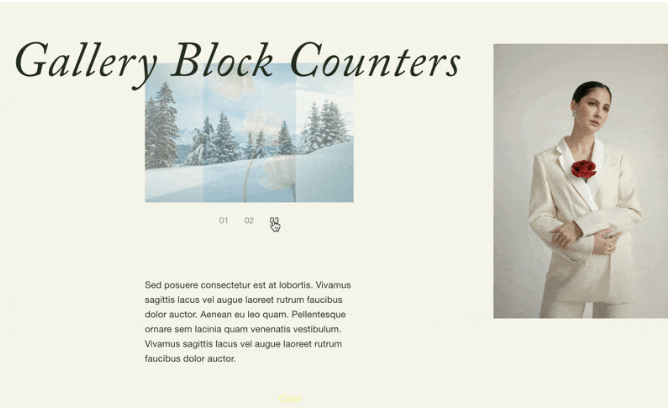
Gallery Slideshow Numbered Navigation
Replace Gallery Block thumbnail navigation with auto-incrementing numbers using CSS counters. Create editorial-style numbered slideshows with customizable typography.
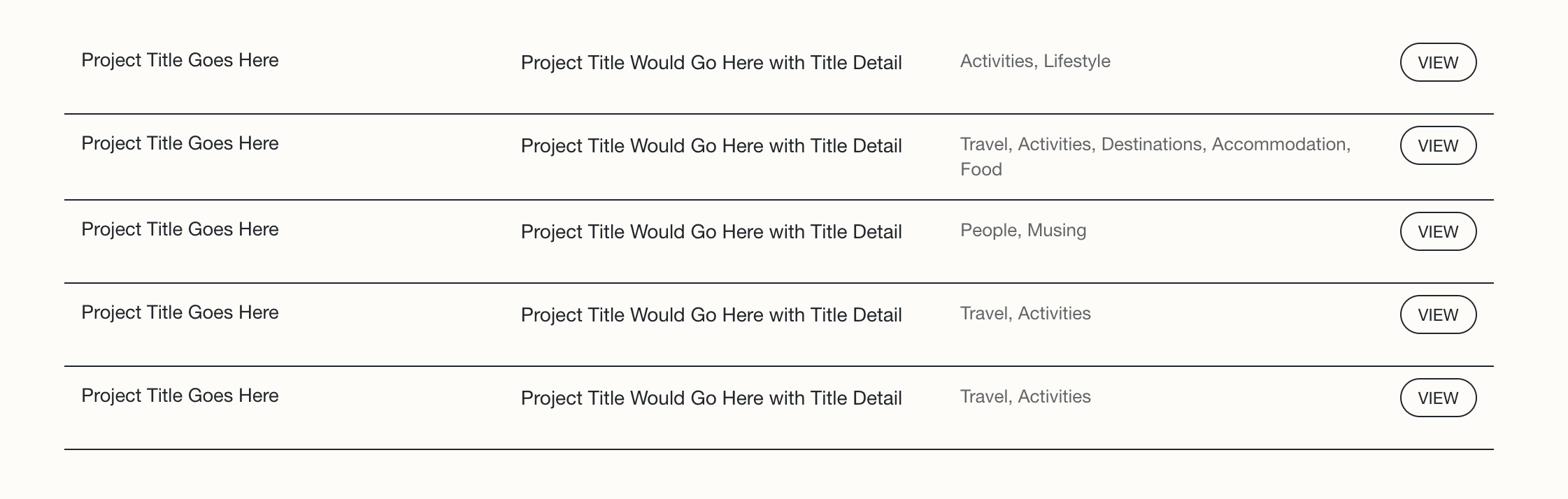
Summary Block Multi-Column Text Layout
Arrange Summary Block content into organized columns with flexbox. Display title, excerpt, and categories side-by-side with styled read more buttons and responsive mobile collapse.
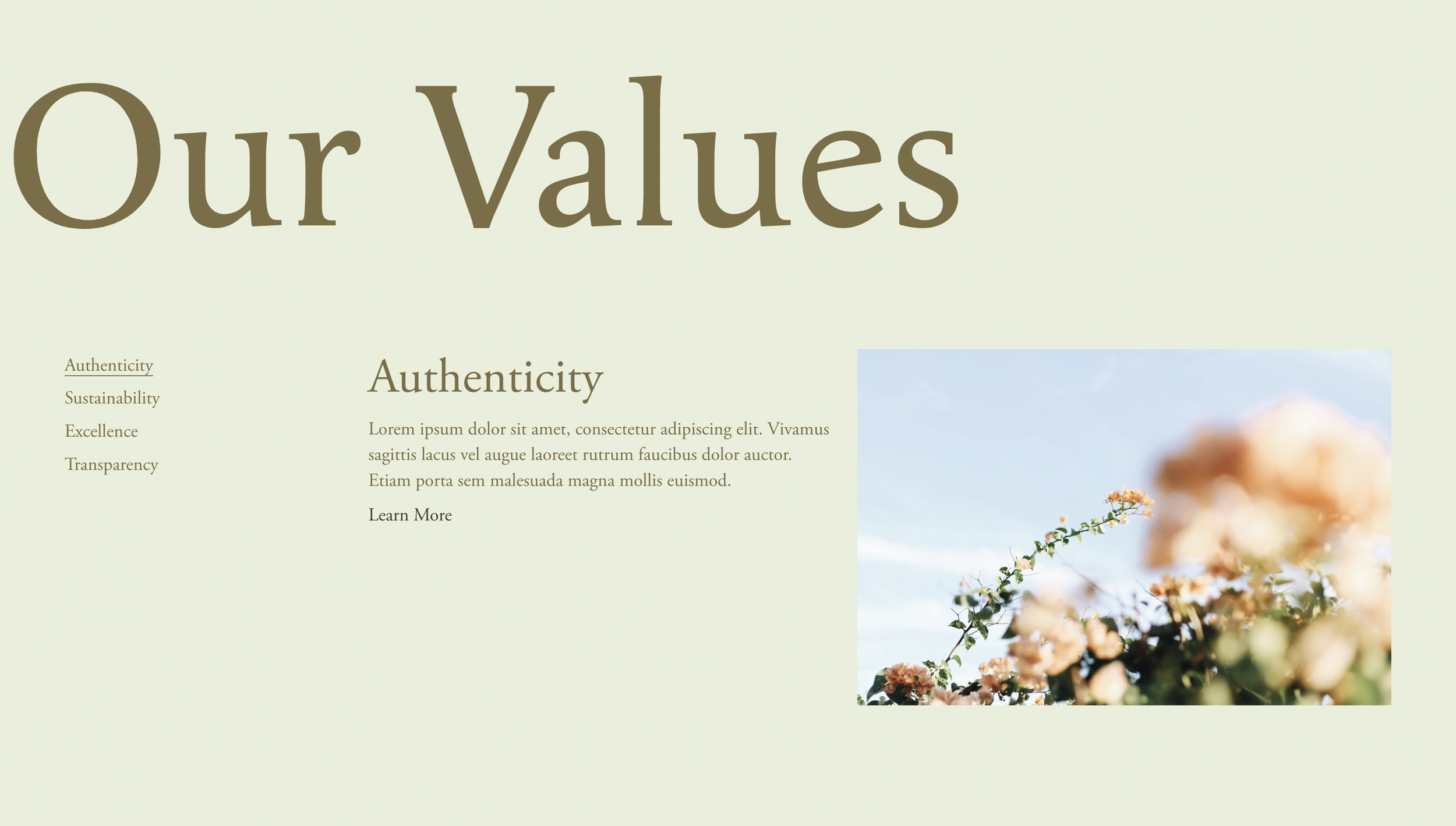
Fluid Side Tabs with Summary Blocks
Build vertical tabbed navigation using Summary Blocks. Hover over sidebar tabs to reveal content panels with smooth transitions, counters, and animated active states.
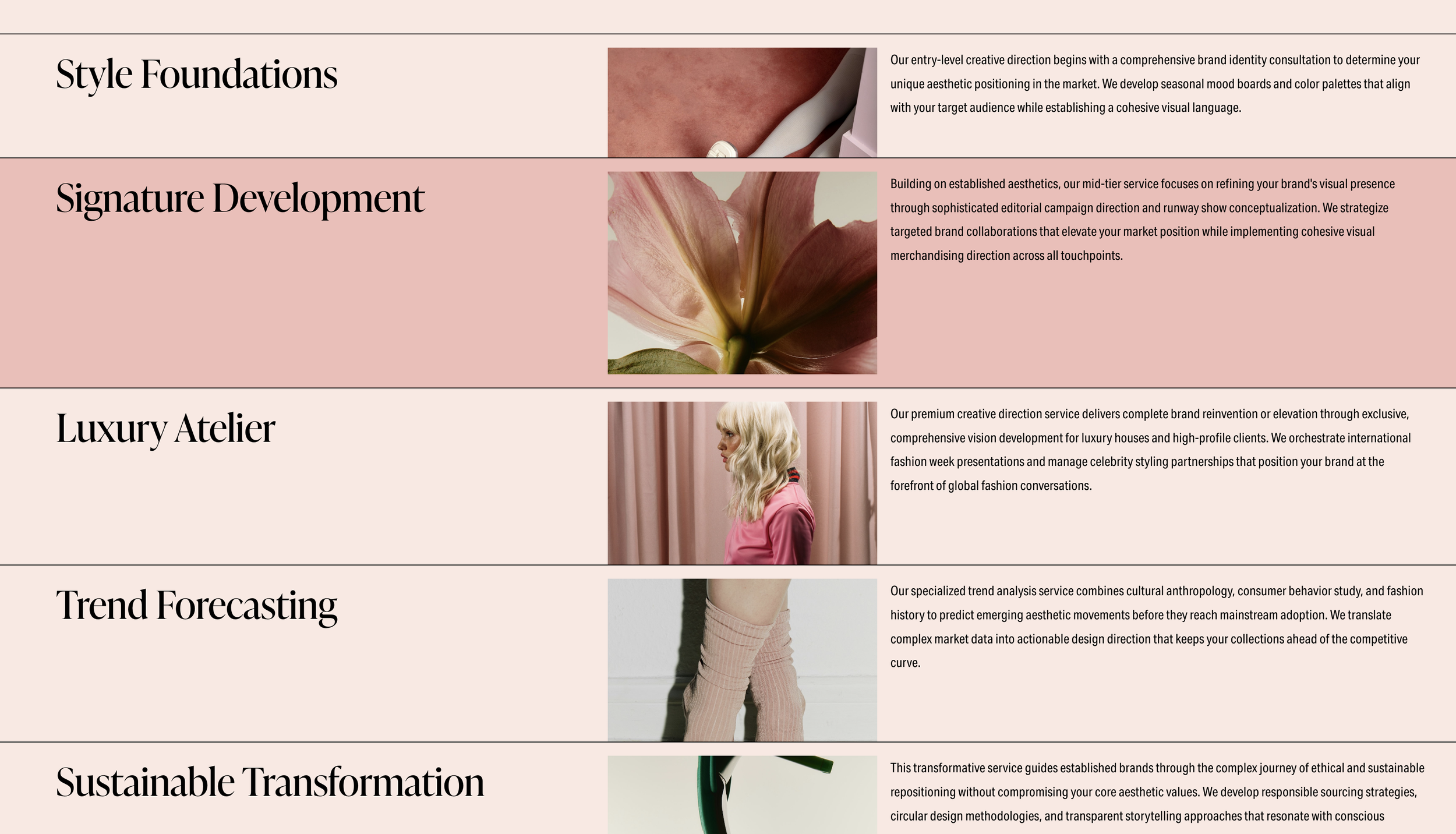
Layered Stacking List Section with Hover Reveal
Create overlapping list items that slide up on hover to reveal content beneath. Add depth and interactivity to service showcases and team sections with stacked card effects.
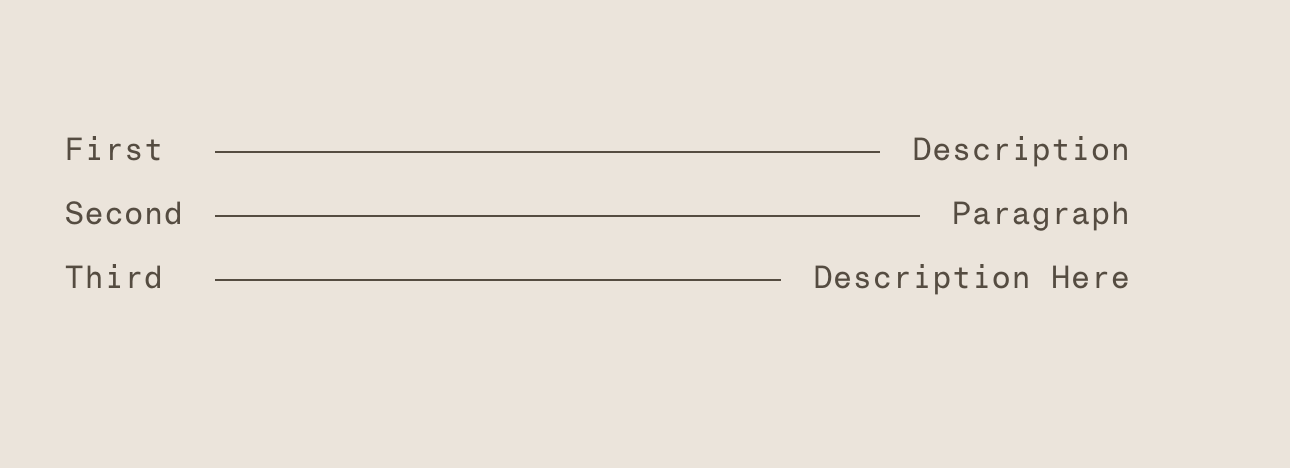
Lined List with Connecting Horizontal Rules
Create menu-style lists with horizontal lines connecting titles to descriptions. CSS Grid automatically sizes the connecting line between paired text elements.

Password Protected Landing Page with Redirect
Create a password gate that redirects visitors to any URL after correct entry. Use Form Blocks for simple access control with styled error messages and redirect functionality.
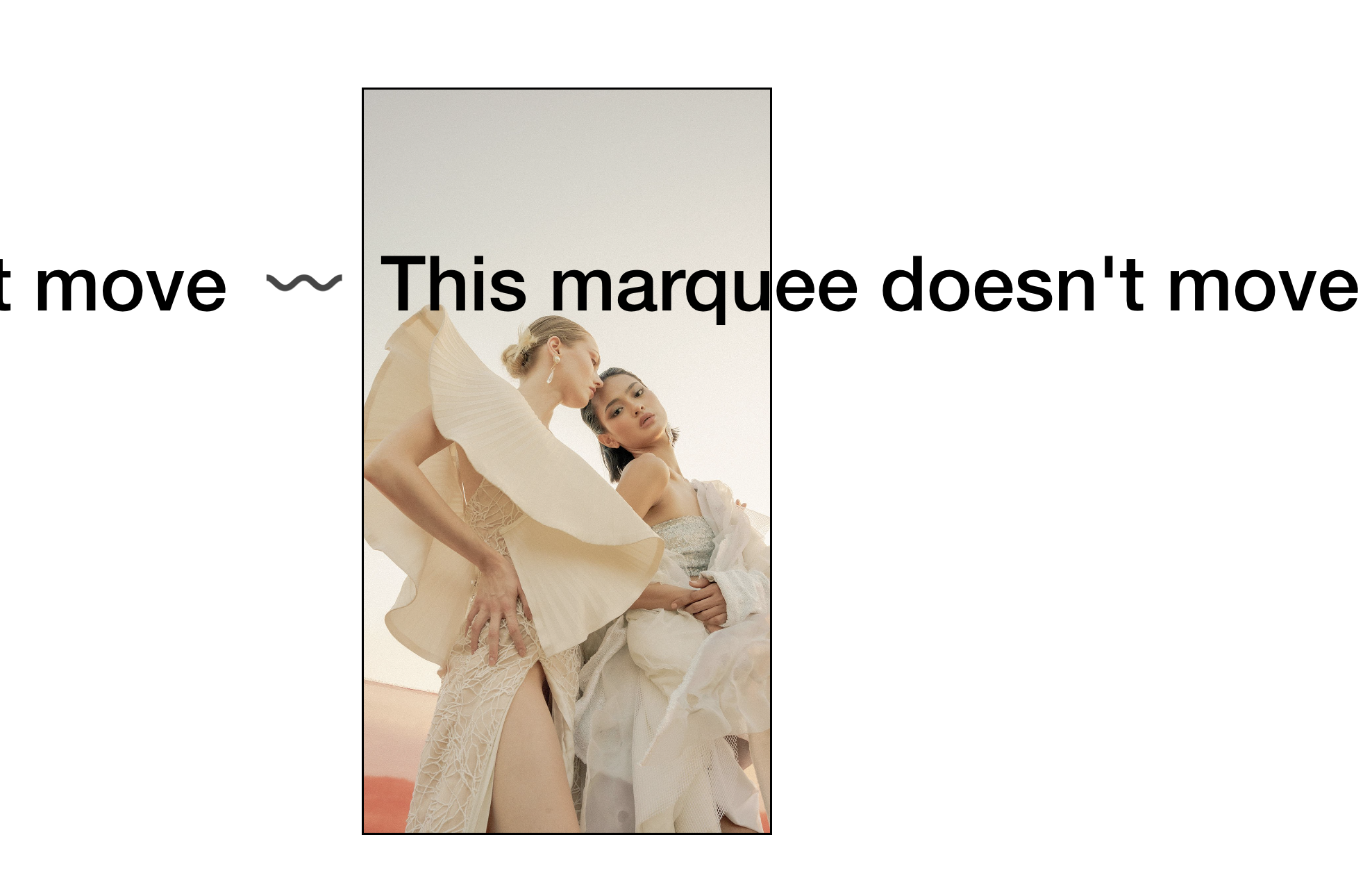
Static Scrolling Text Block (Stop Marquee Animation)
Stop the Scrolling Text Block animation and display curved SVG text without movement. Keep the marquee styling while removing the continuous scroll effect.

Draggable Movable Blocks for Interactive Layouts
Create interactive moodboards where visitors can drag and rearrange blocks on the page. Transform video blocks or list items into repositionable elements with jQuery UI.
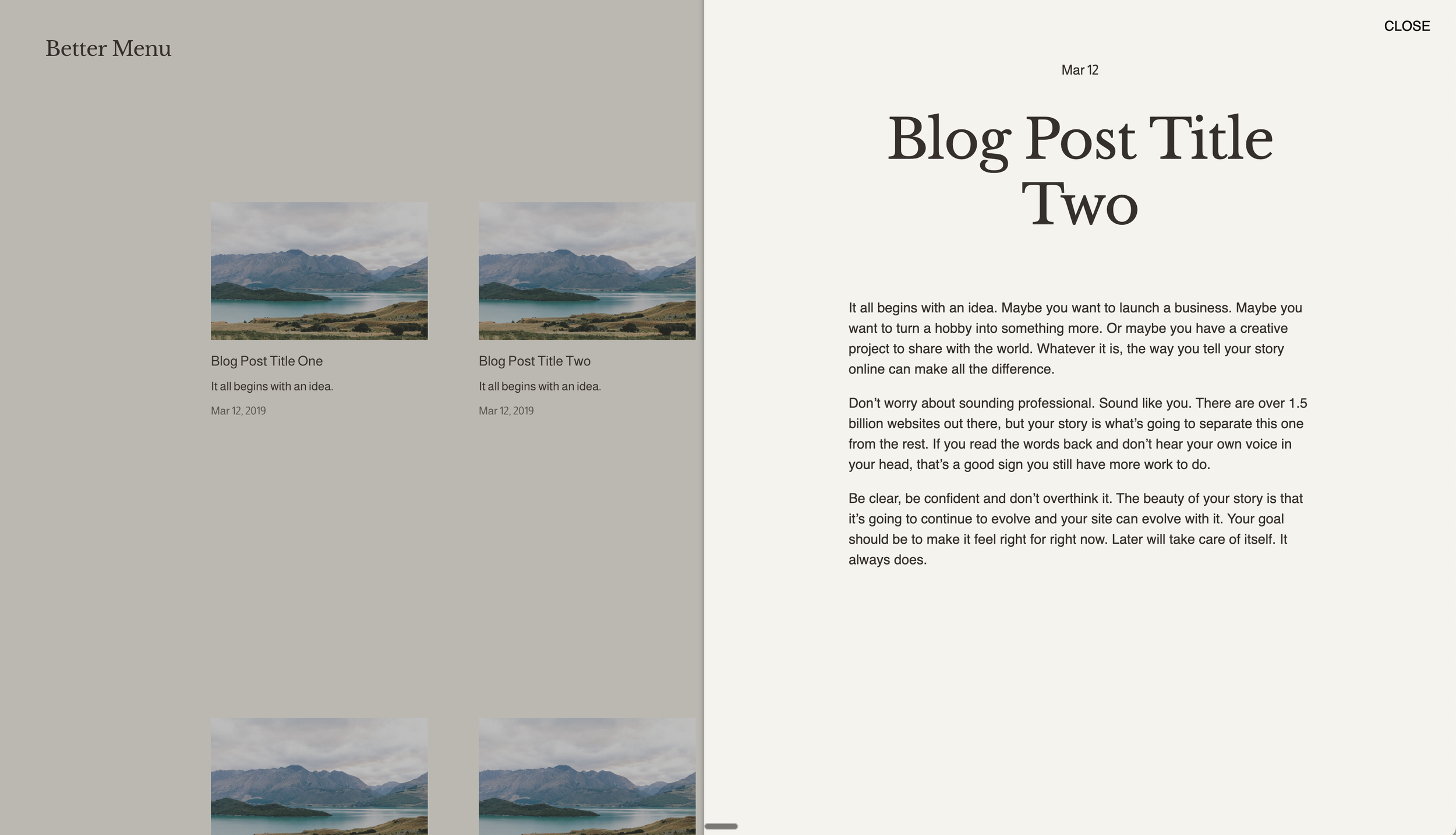
Slide-Out Panel for Summary Block Items
Open blog posts in a sliding side panel instead of navigating to new pages. Create app-like reading experiences where content slides in from the right as an overlay.

Autoplaying Banner Slideshow with Text Overlay
Create hero sections with autoplaying background image slideshows and overlaid text content. Combine cycling visuals with positioned typography for dynamic landing pages.
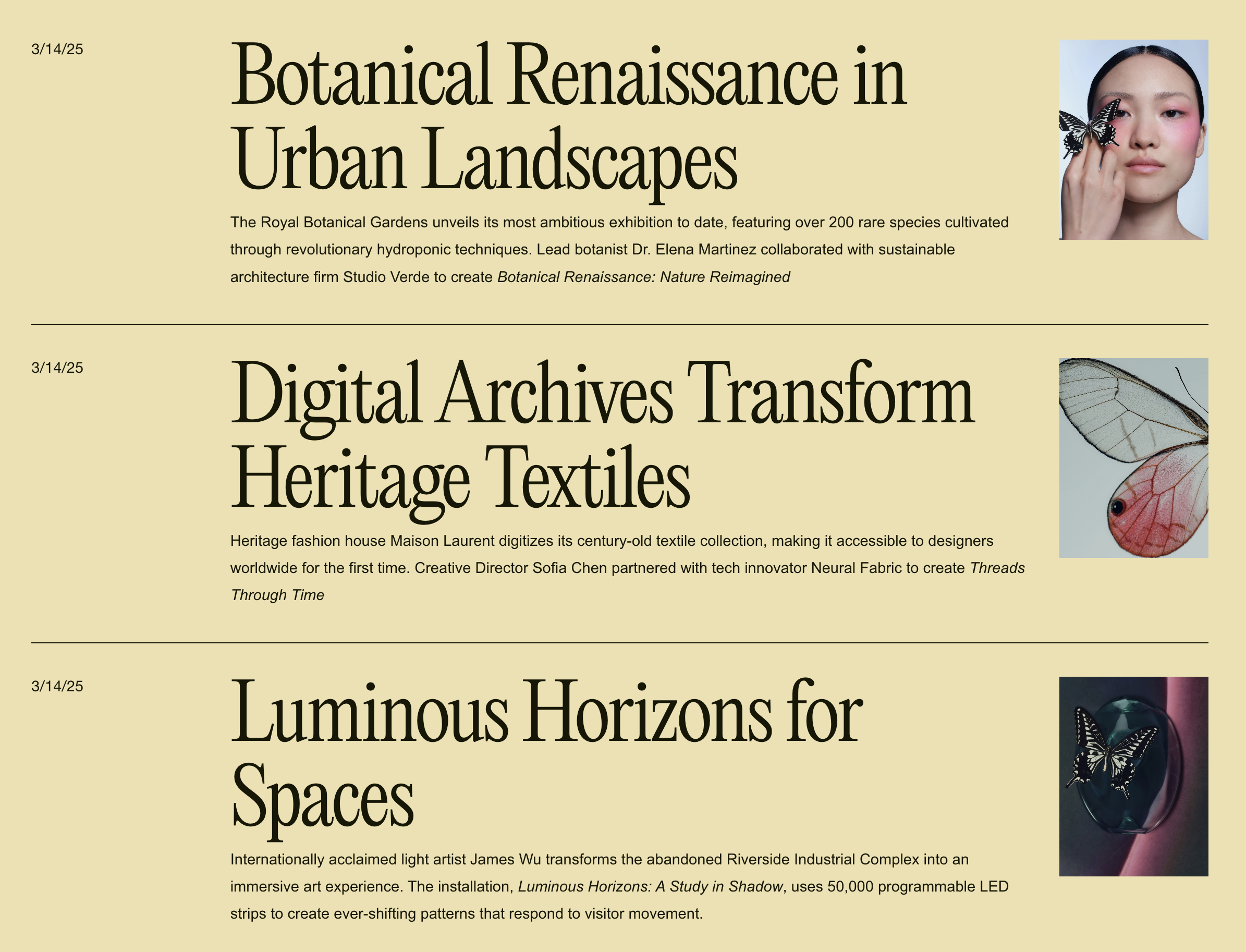
Editorial Blog Stacked List Layout
Transform blog grids into an editorial-style stacked list with large headlines, small thumbnails, and clean horizontal dividers. Perfect for magazine and news-style presentations.
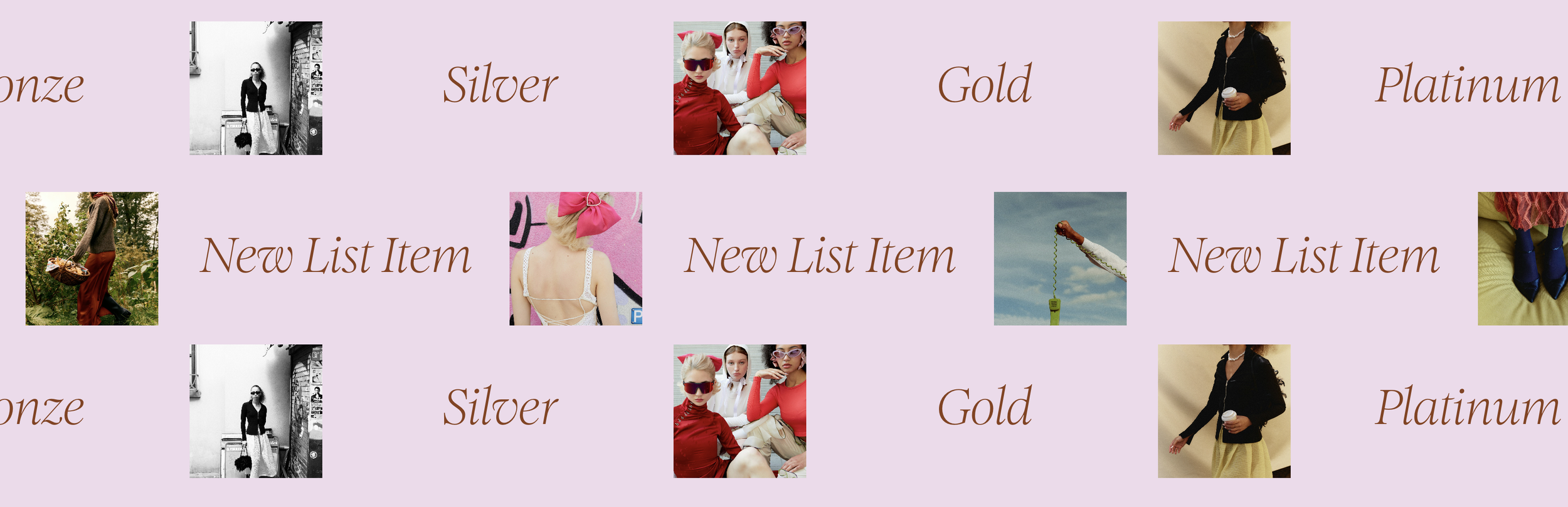
Scrolling Marquee with Linked Image and Text
Create continuous scrolling marquees that pair images with text—perfect for client logos with names, testimonials with photos, or portfolio previews with titles.
Clickable Video Block with Link Overlay
Make autoplaying video blocks clickable by expanding the caption link to cover the entire video. Turn background videos into navigational elements with minimal CSS.
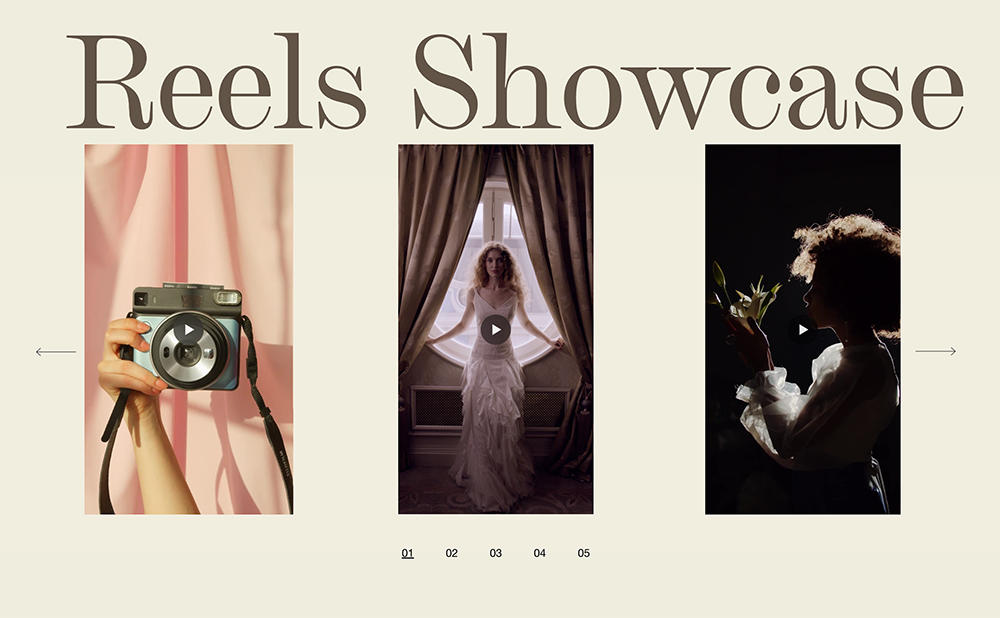
Video Carousel for Squarespace
Transform your portfolio or showreel with a sleek video carousel featuring custom pagination and smooth transitions between clips.
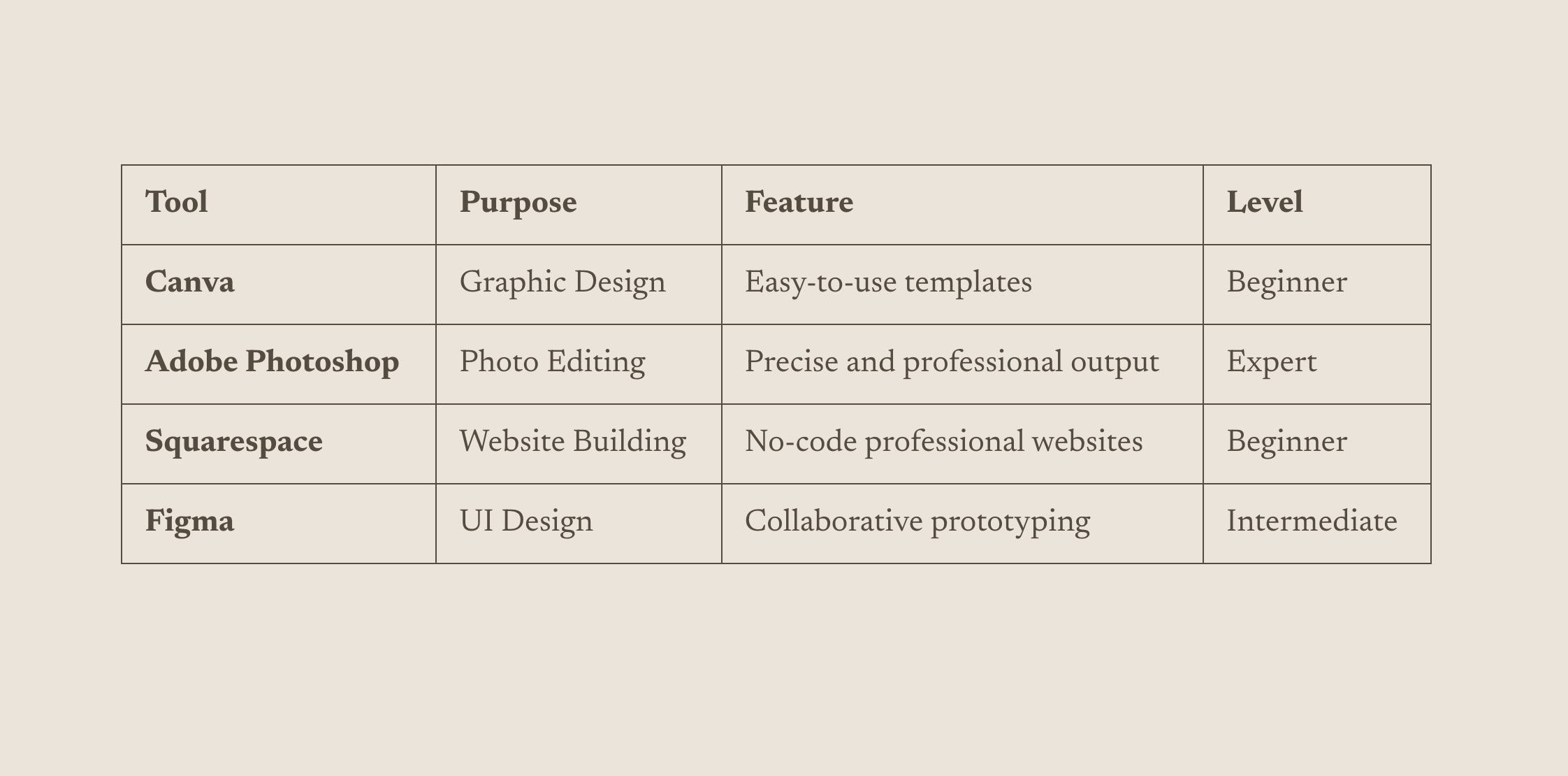
List to Table Converter
Transform simple bullet lists into styled, responsive tables without any HTML knowledge — just format your list and the code handles the rest.