

Discover What You Can Build
500+ workshops, Techniques, and Resources Inside Standout Squarespace
Explore the library of techniques, templates, and resources available for you inside Squarestylist’s Standout Squarespace program.
Sticky Stacking Sections
Make page sections stick and stack as users scroll, creating a layered card effect where each section slides under the previous one.
jQuery Accordion for Content Blocks
Create expandable content sections using jQuery and Markdown blocks.
Global Styles Starter Kit
A collection of CSS snippets for consistent typography, forms, newsletters, and carousel arrows site-wide.
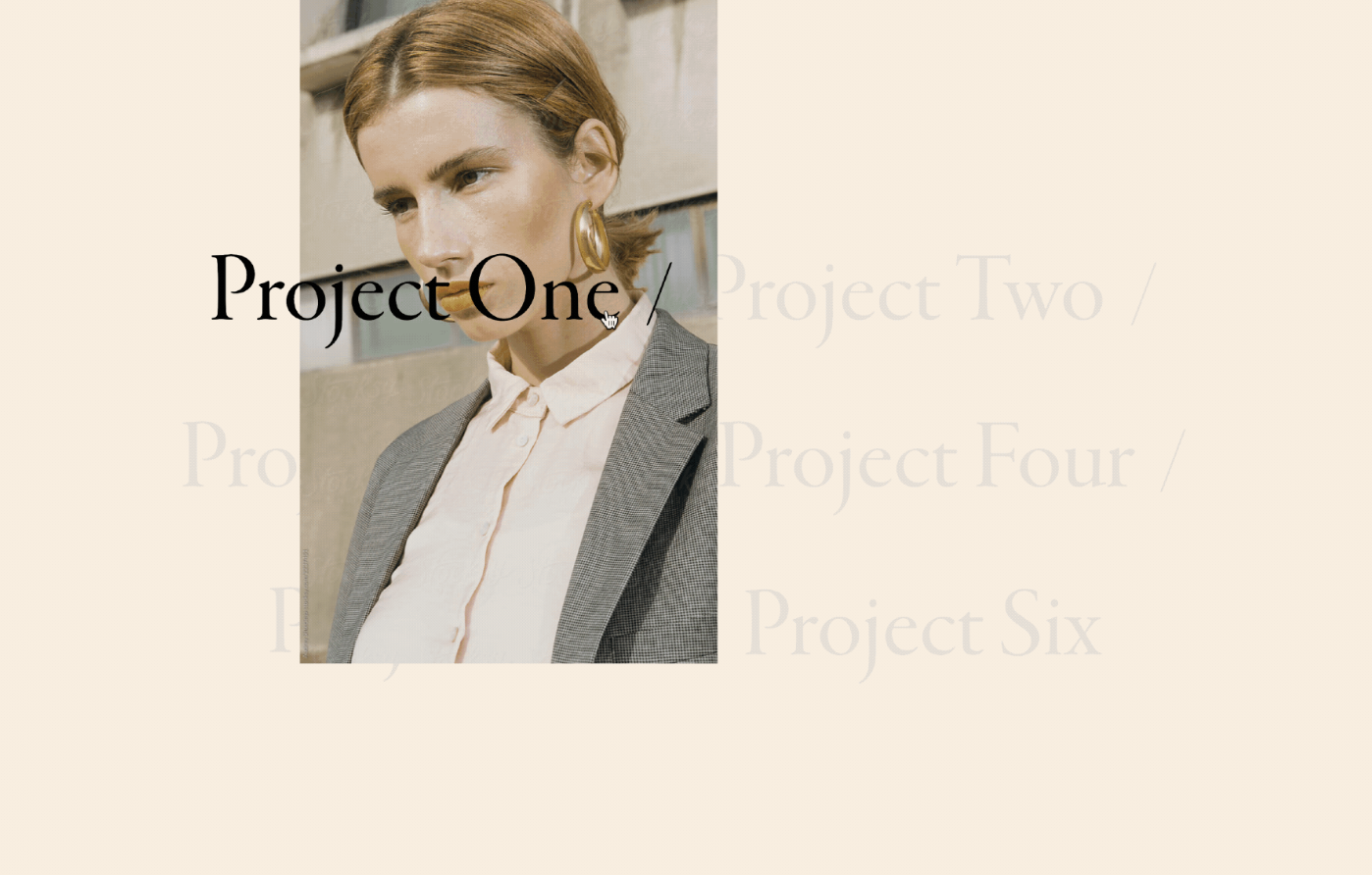
Hover Follow Title Spotlight Effect
Create a dramatic spotlight effect on portfolio titles where hovered items stay vibrant while others fade to gray—pure CSS, no JavaScript needed.
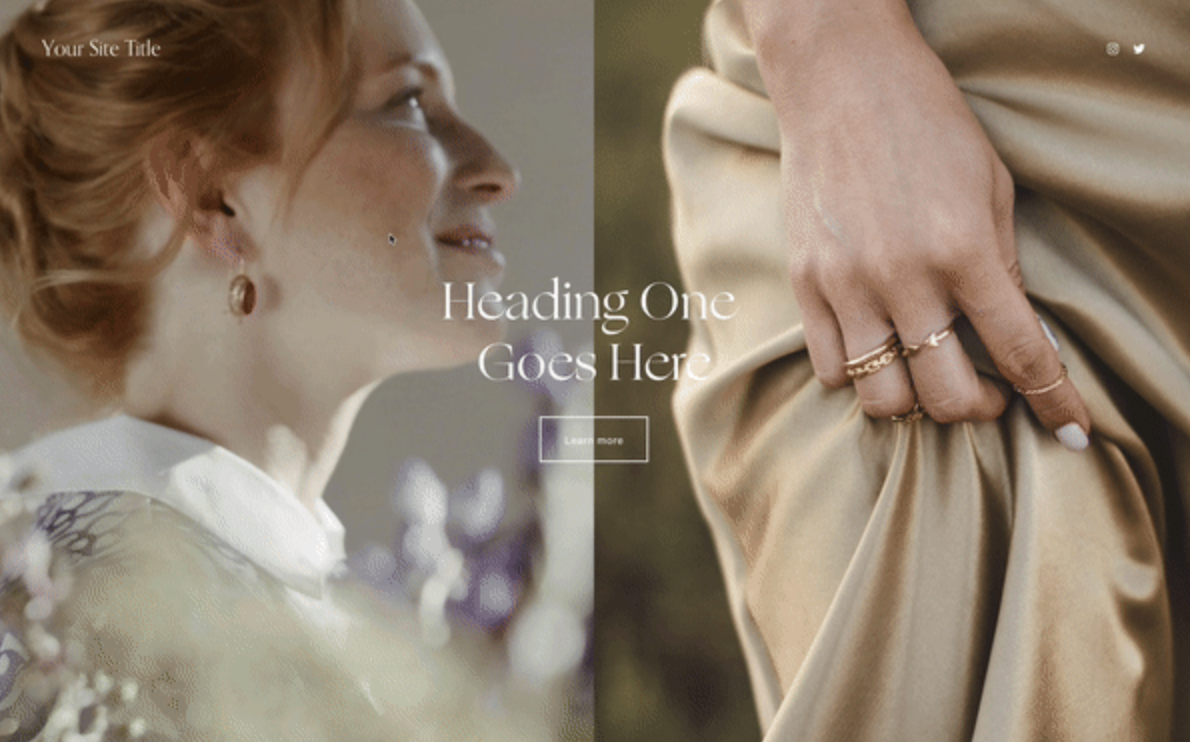
Split Image Layout with Full Content
Create a magazine-style layout with full content on one side and split images on the other — perfect for storytelling and brand pages.
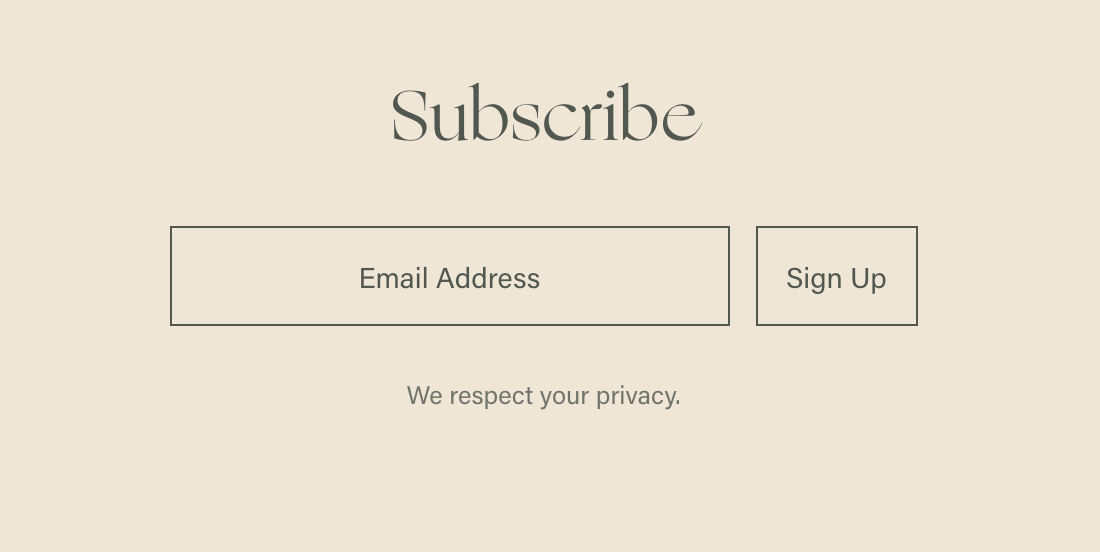
Minimal Newsletter Block Styling
Clean, modern newsletter form with transparent backgrounds and refined styling.
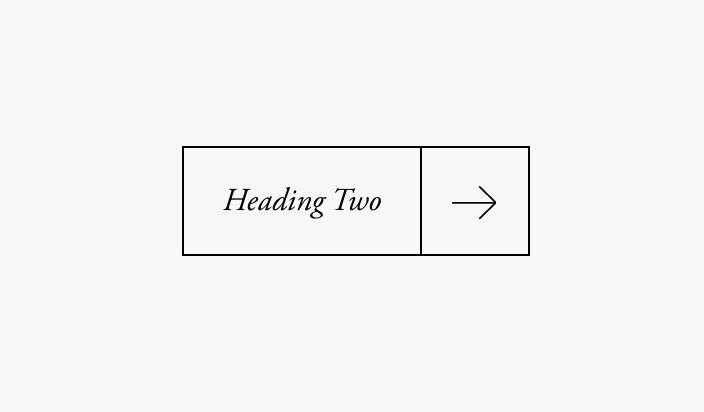
Button with Arrow Icon
Bordered buttons with arrow icons in segmented sections - sophisticated split-button design.
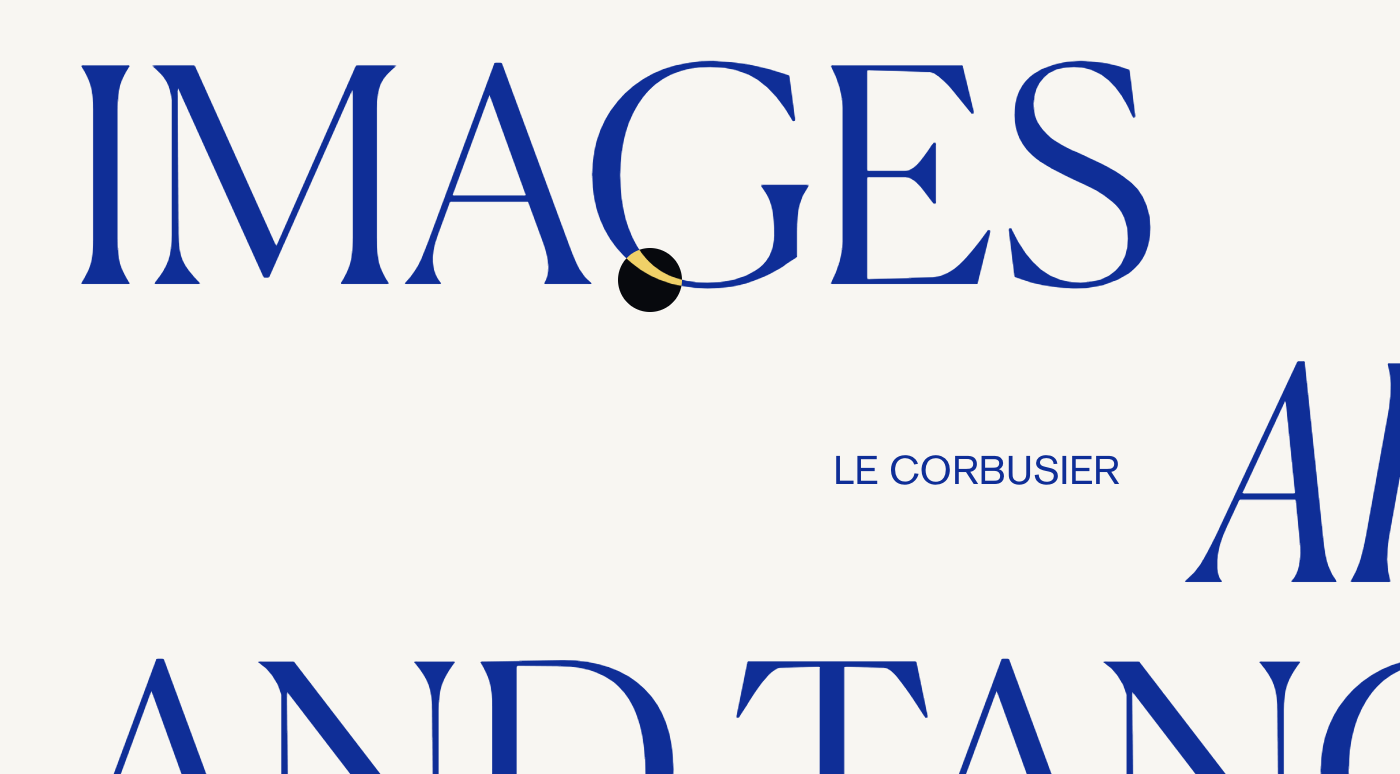
Mix Blend Mode Cursor Effect
Create a color-inverting cursor that follows the mouse with mix-blend-mode.
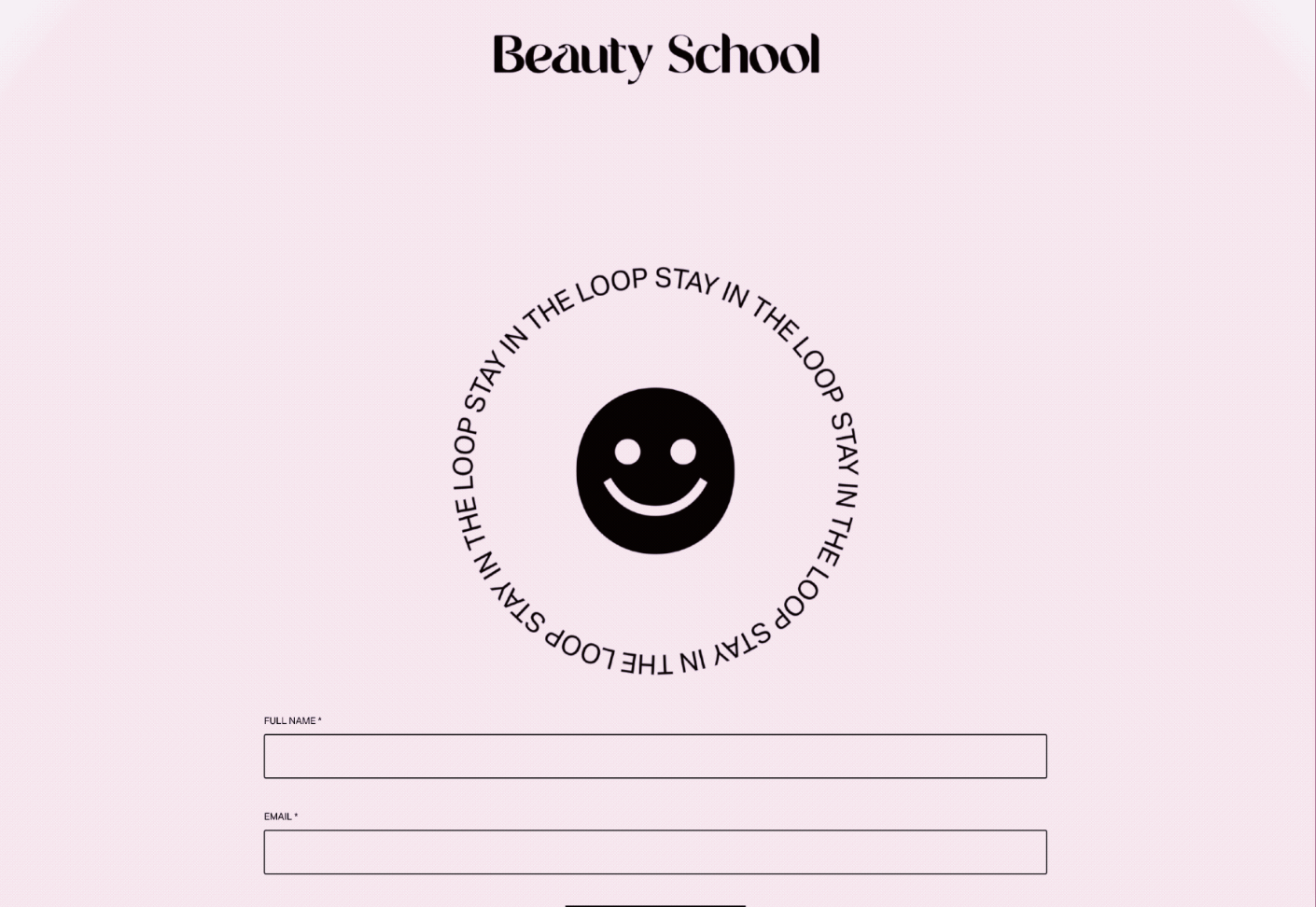
Animated Gradient Background
Smooth cycling color transitions using CSS keyframe animations.
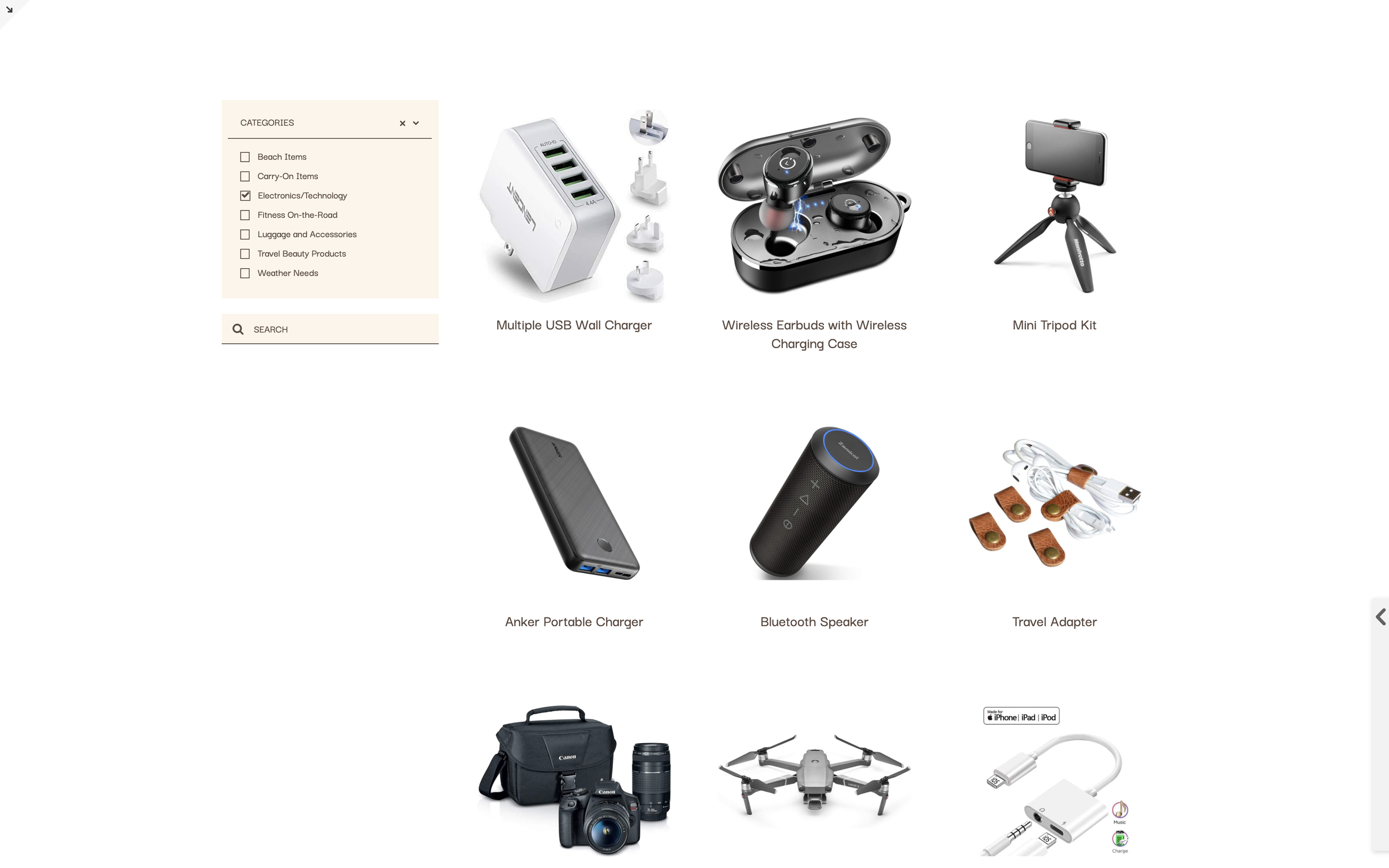
Universal Filter Plugin Guide
Add advanced filtering, sorting, and search to Summary Blocks and Blog lists using the Universal Filter plugin. Multi-category filtering with dropdown menus and sidebar layouts.
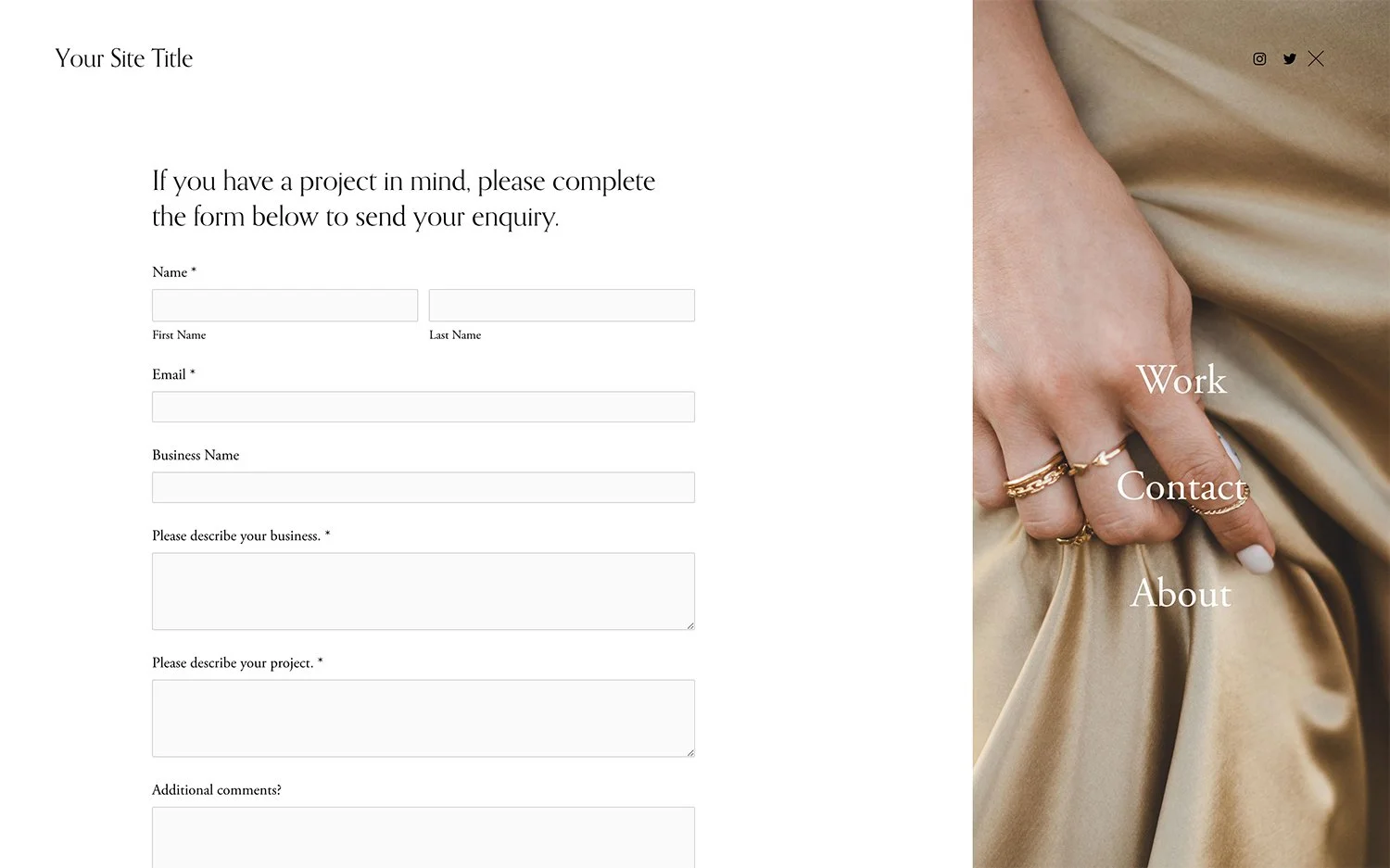
Force Mobile Menu on Desktop
Display the mobile hamburger menu on desktop for a pop-out navigation experience.
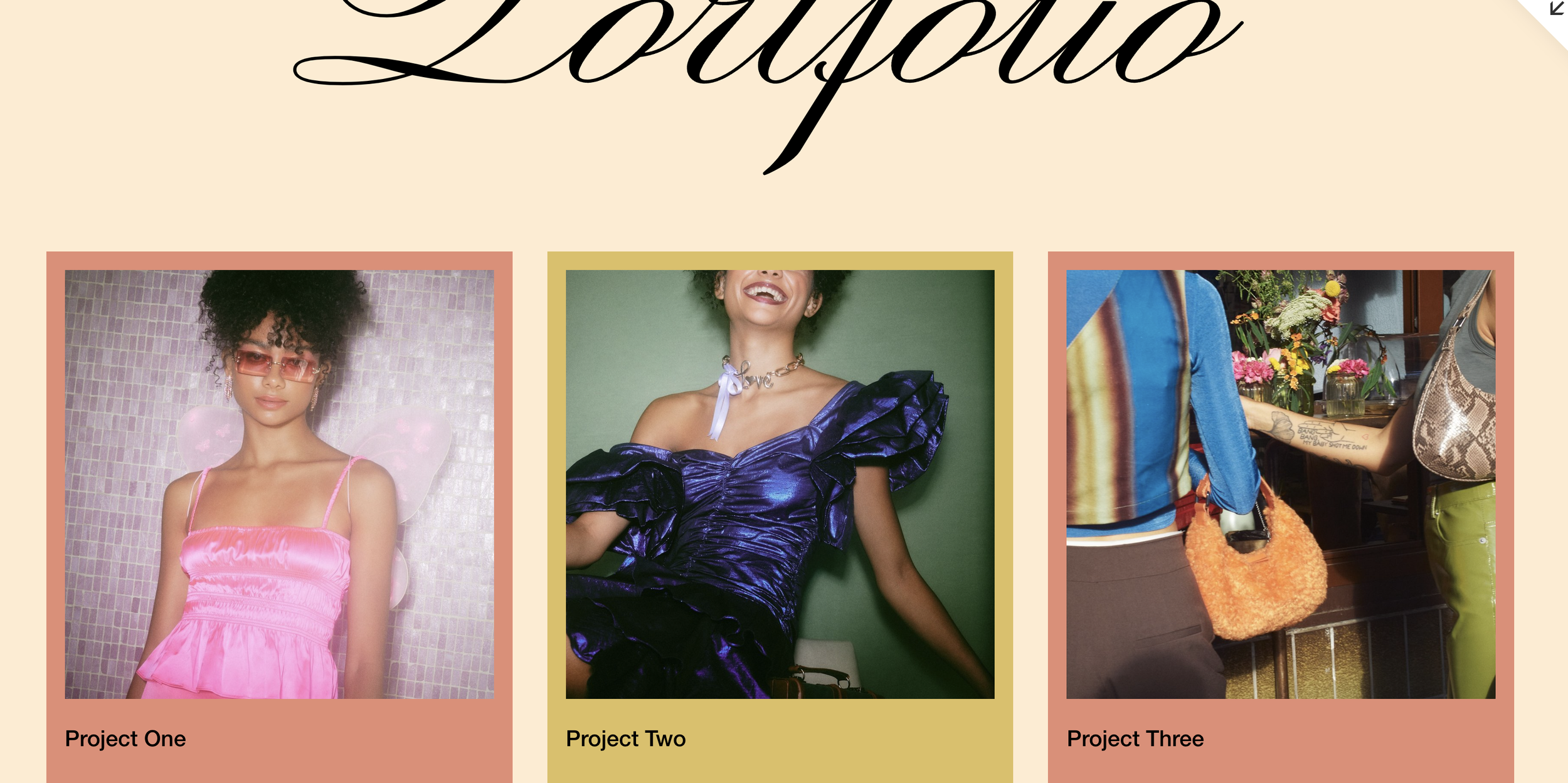
Style Portfolio Items by Link URL
Target and style individual portfolio grid items based on their destination URLs using CSS attribute selectors—no custom classes needed.
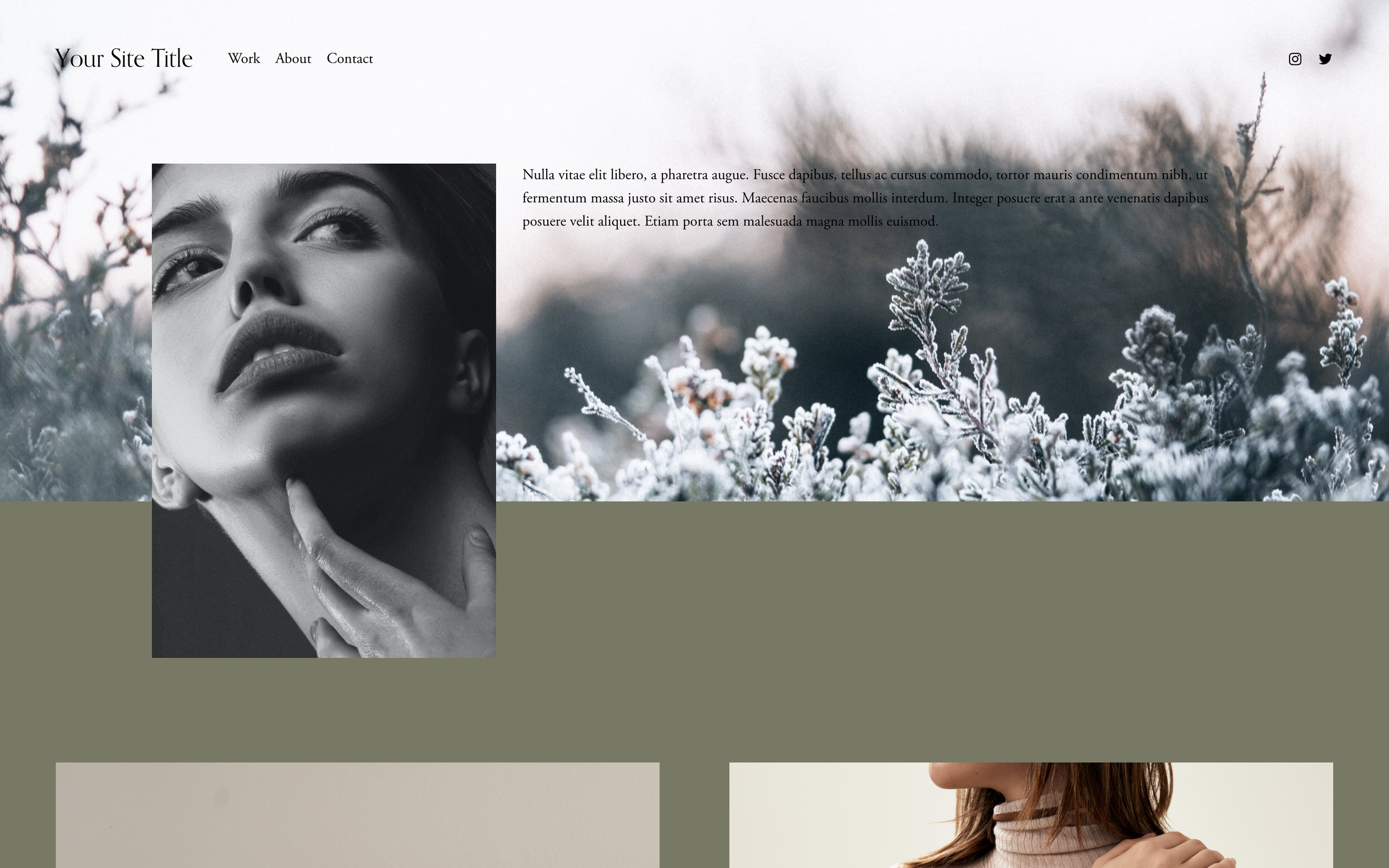
Two-Toned Split Backgrounds
Split section backgrounds into two distinct colors - vertical or horizontal divisions for that modern split-screen aesthetic.
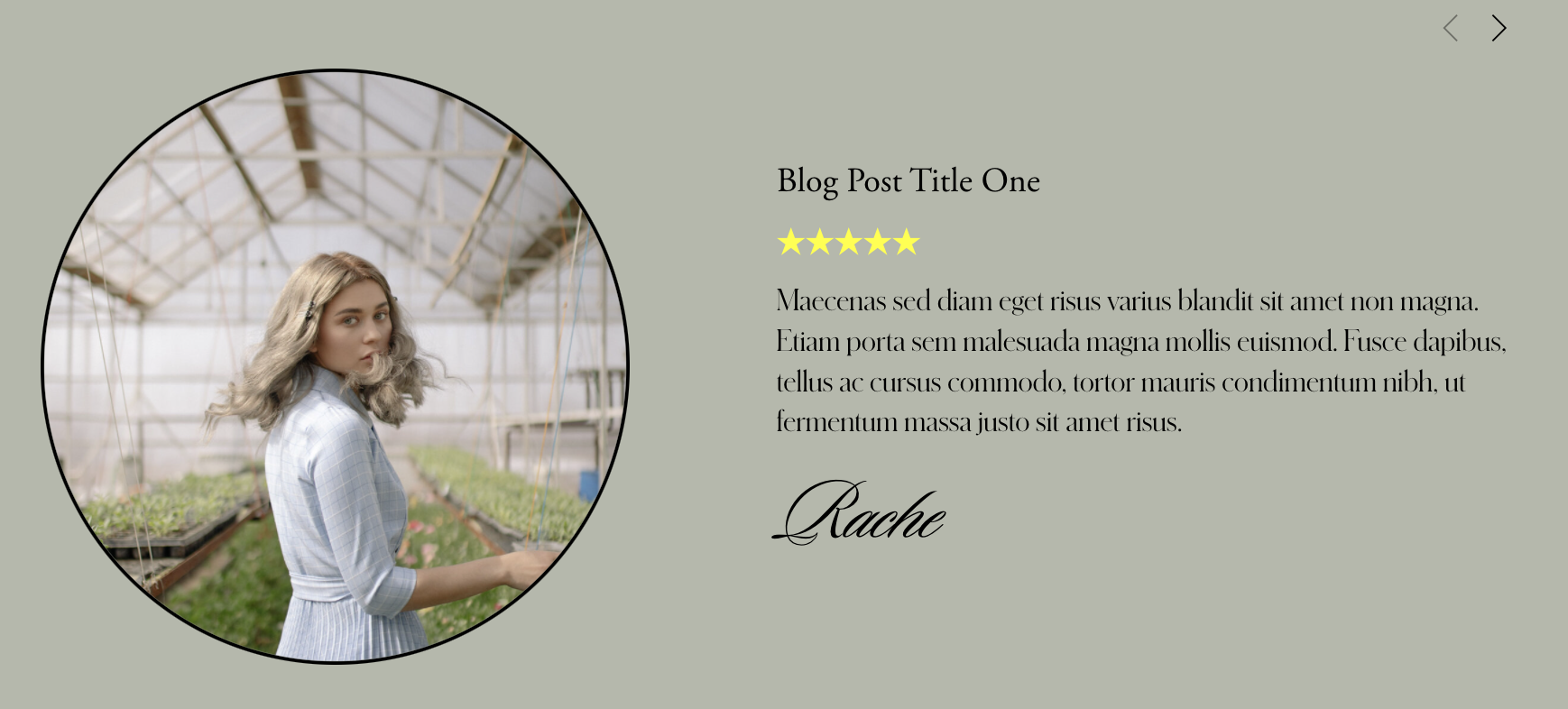
Centered Carousel Summary Block Excerpt
Position summary block carousel content in the absolute center of each slide, creating an elegant overlay effect where text floats perfectly over thumbnail images.
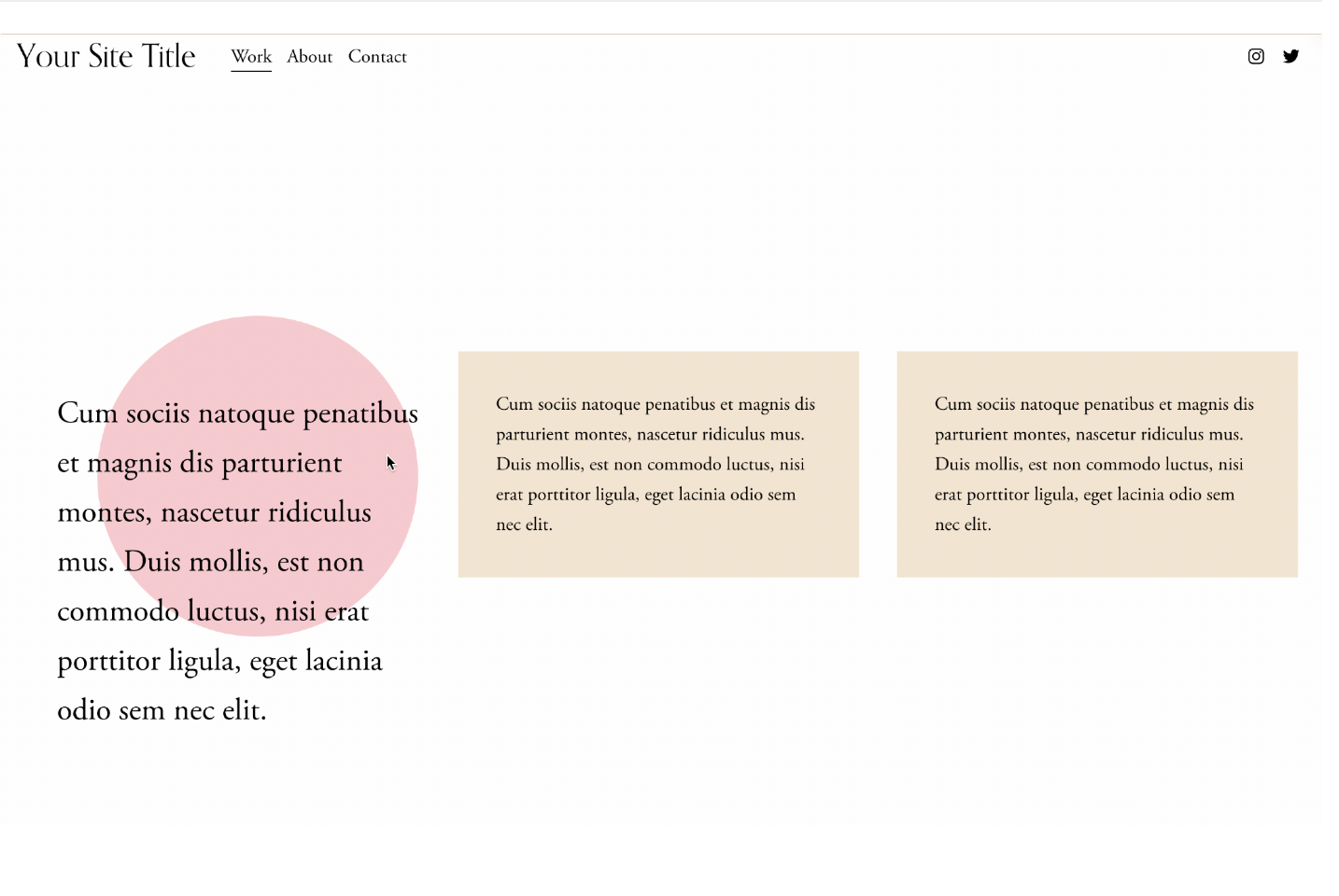
Animated Text Block Backgrounds
Decorative backgrounds behind text that morph, shift, and change color on hover - interactive content callouts.

Replace Links with Custom URLs
Dynamically replace Squarespace link destinations using a simple URL pattern, perfect for redirecting summary block items, product links, or any element to external URLs.
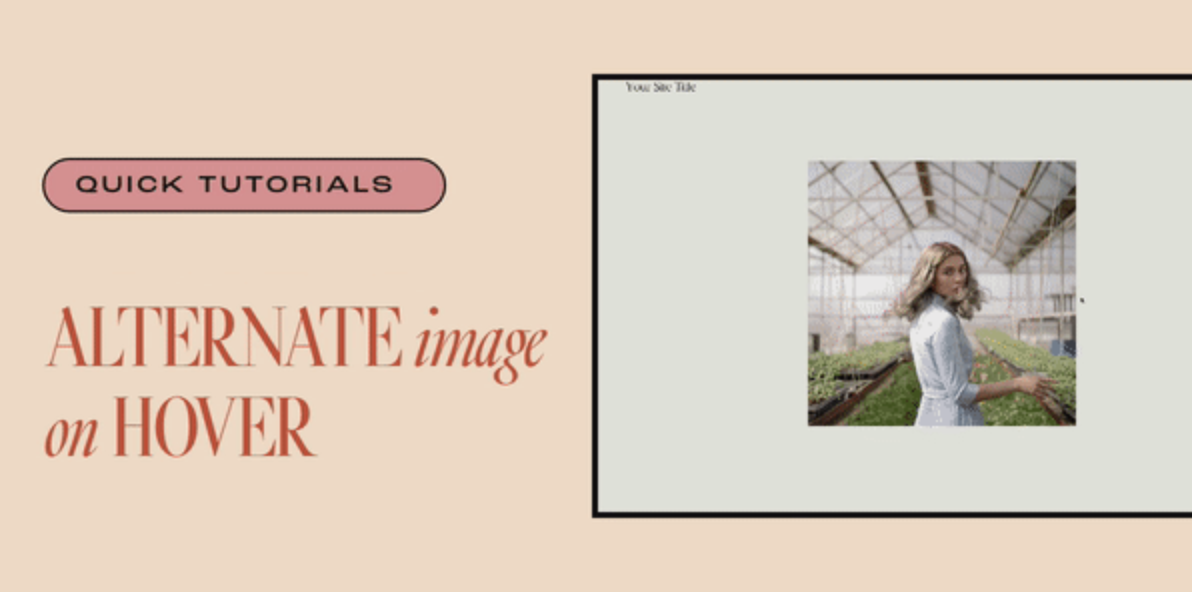
Alternate Image on Hover
Reveal a different image on hover - perfect for before/after comparisons, product variations, and hidden detail reveals.

Animate on Scroll
Trigger custom CSS animations as elements scroll into view - create fade-ins, slides, scales, or any entrance effect you can imagine.