

Discover What You Can Build
500+ workshops, Techniques, and Resources Inside Standout Squarespace
Explore the library of techniques, templates, and resources available for you inside Squarestylist’s Standout Squarespace program.
How to Create an Animated Audio Waveform Visualizer in Squarespace
This Adagio component creates an animated audio waveform visualization using SVG bars that animate when audio is playing. The visualizer features staggered animation delays for a realistic wave effect, syncs with Squarespace's native audio player state, and uses CSS keyframe animations with transform scaling to create dynamic bar movements.
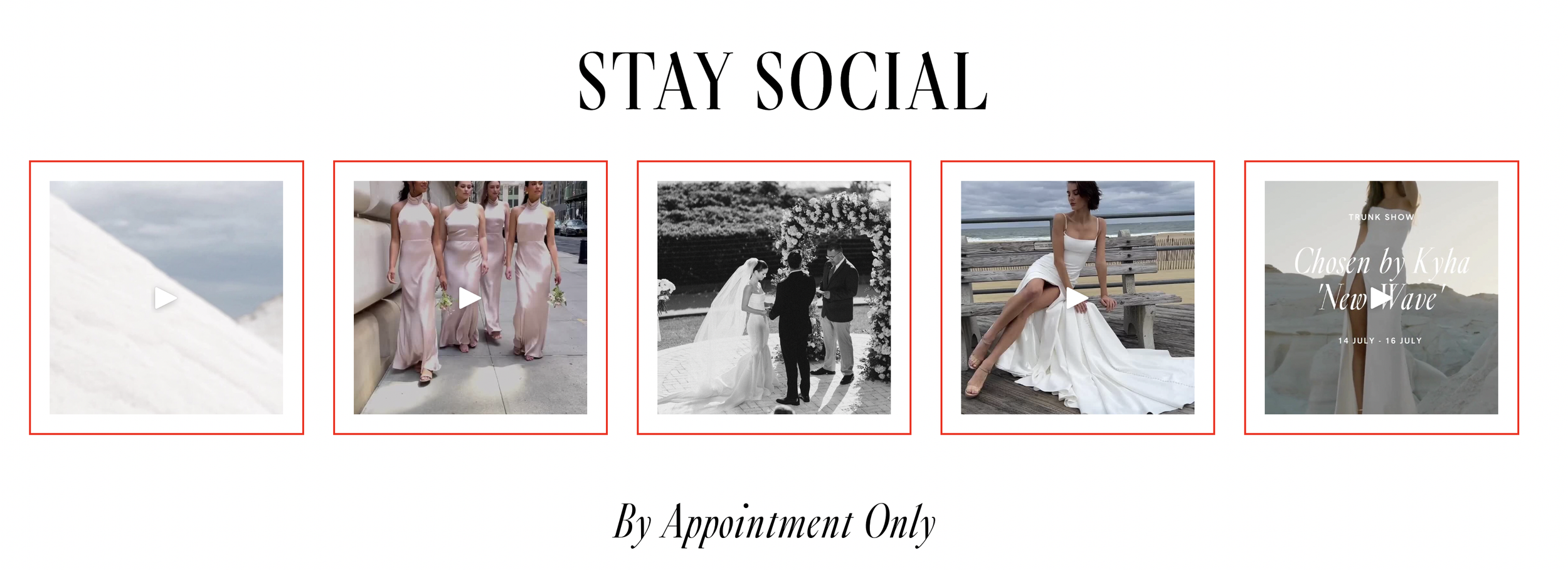
How to Add Borders to Instagram Block Images in Squarespace
This simple CSS technique adds decorative borders and padding to images displayed in Squarespace's Instagram block. By targeting the grid slide margin wrapper, you can create uniform borders around each Instagram image with customizable color, width, and padding for a polished, framed appearance.
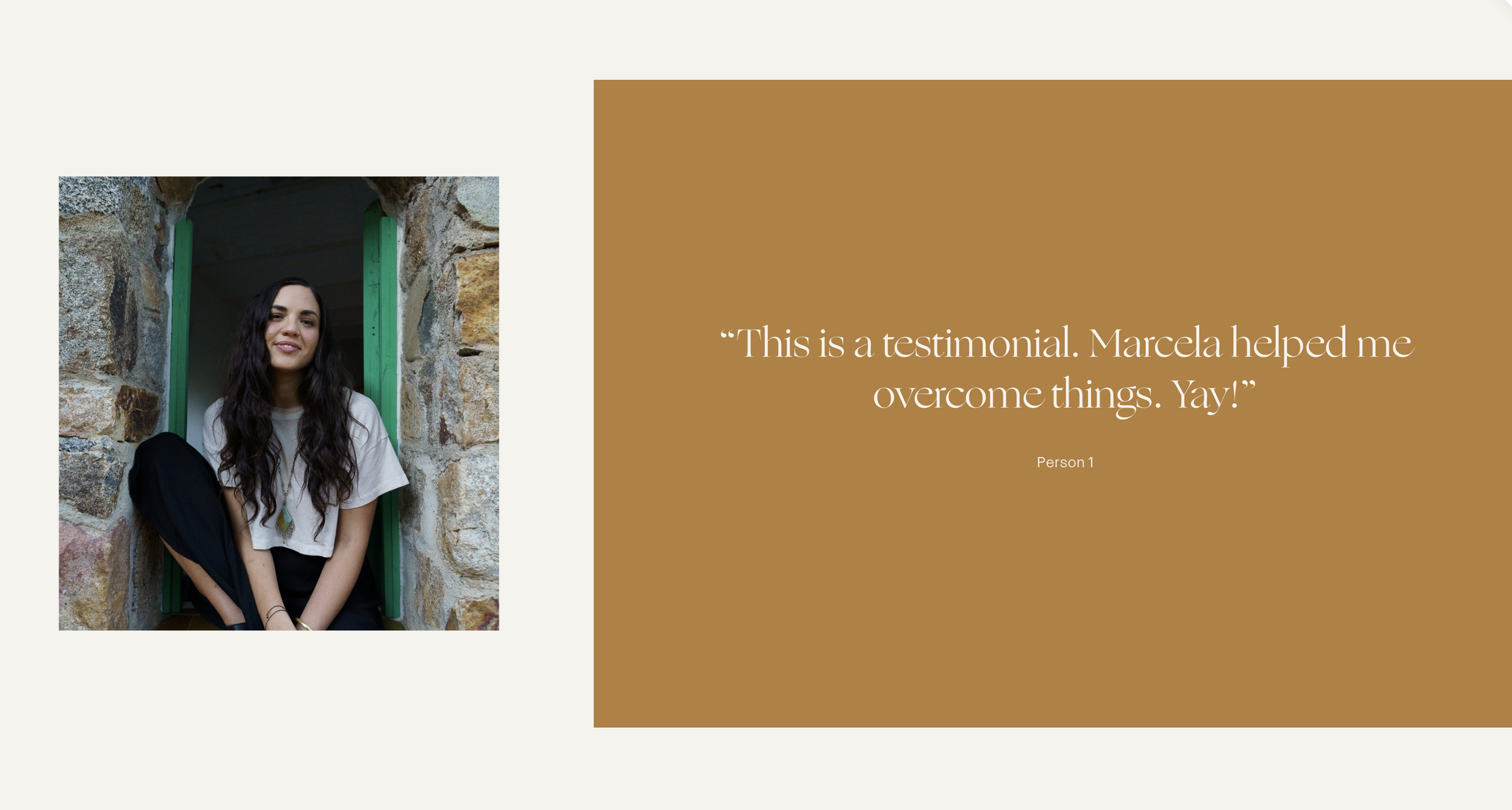
How to Create Split Section Layouts with Background Images in Squarespace
Build split-screen section designs where background images occupy a portion of the section width while content fills the remaining space, with overlay color extensions.
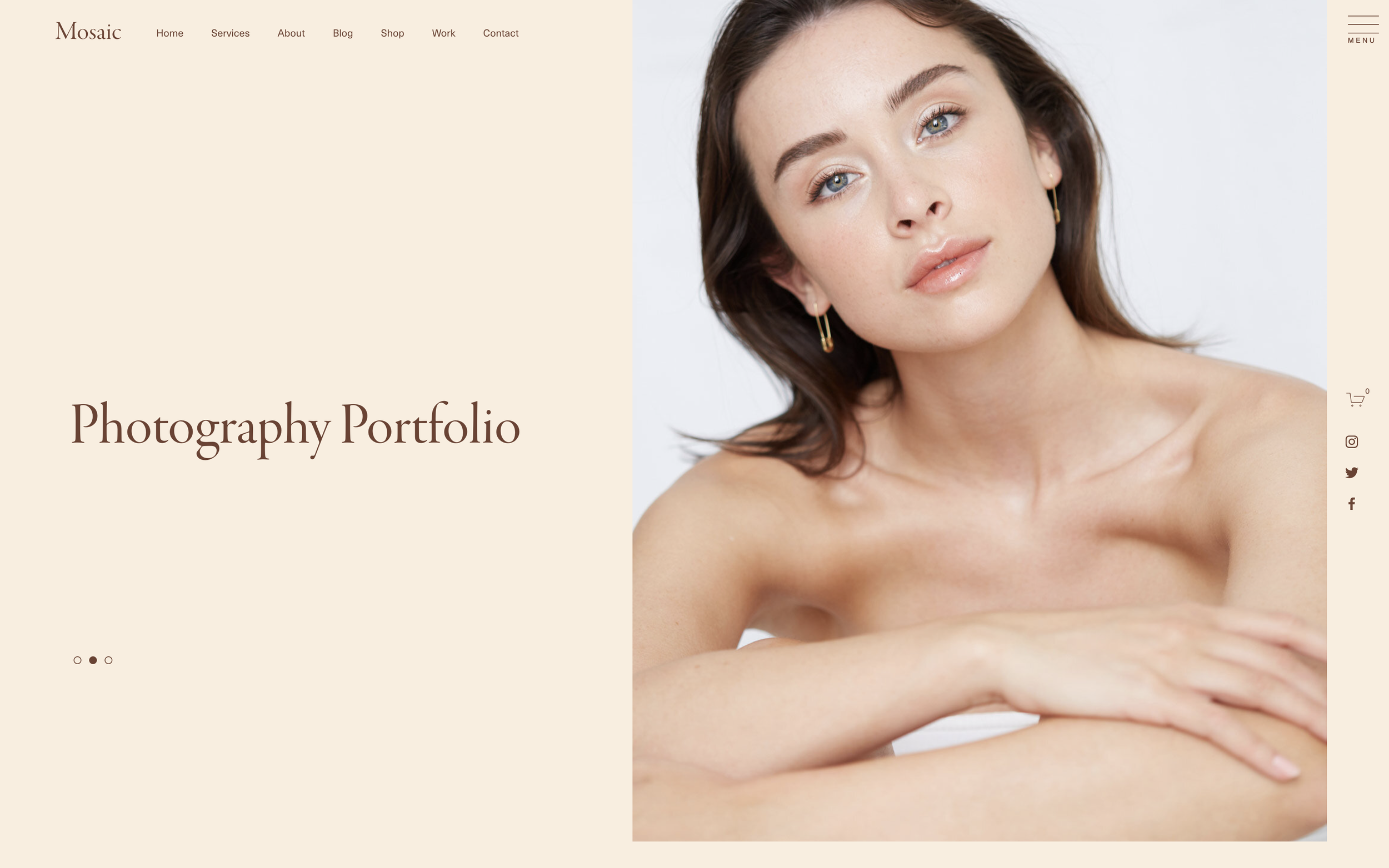
How to Position Social Links on the Side of a Squarespace Page
Create fixed-position vertical social links that float on the side of your Squarespace website for persistent visibility while visitors scroll.

How to Create a Wavy Marquee Effect with Squarespace Scrolling Block
Add a dynamic wavy animation effect to Squarespace's native scrolling block using JavaScript to animate the hitbox element and CSS for stroke outline styling.
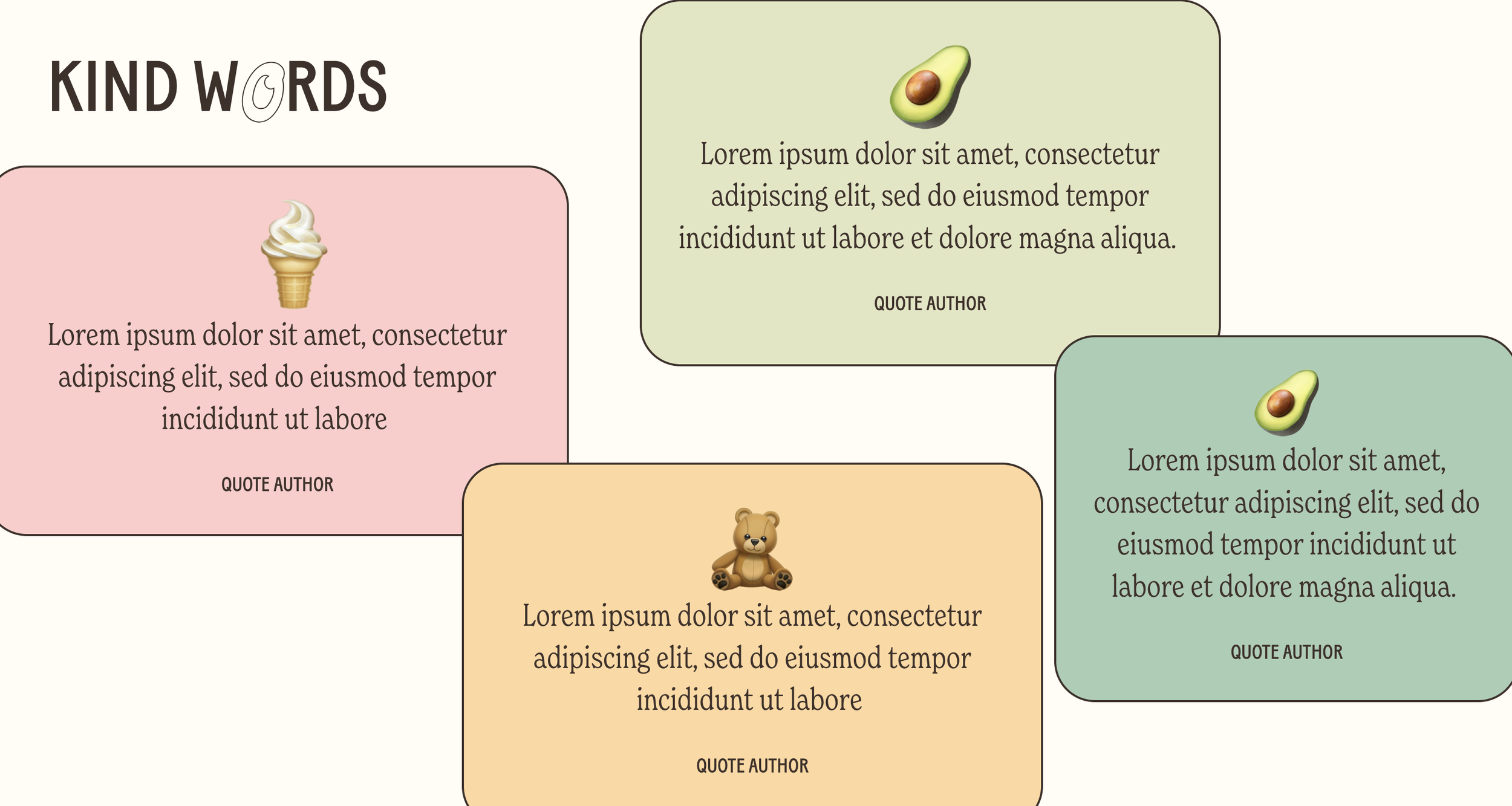
Holographic Testimonial Effect
Create futuristic testimonial cards with a holographic shimmer that makes social proof stand out on modern, tech-forward websites.
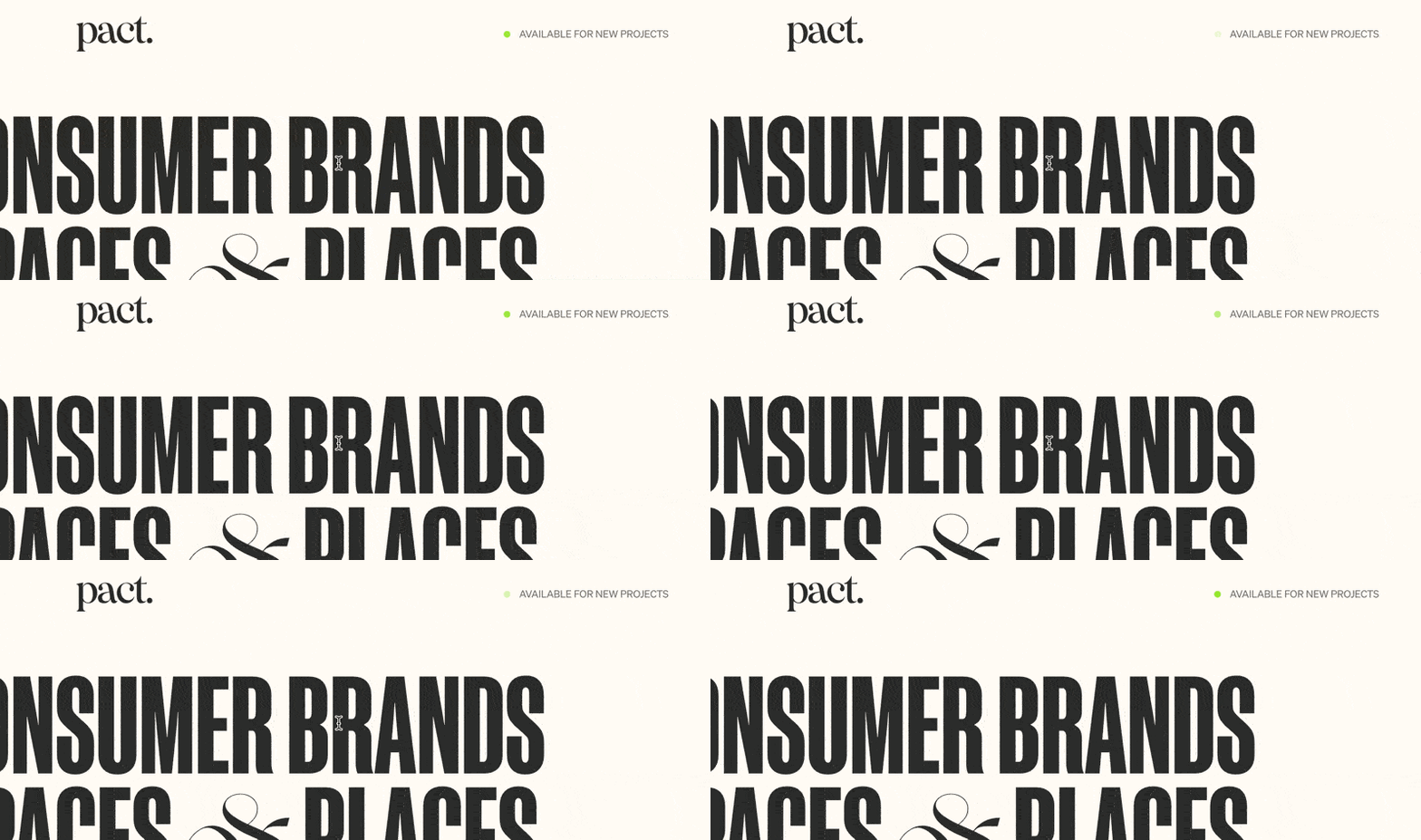
Online Status Indicator Animation
Add a pulsing green indicator that signals availability or live status, mimicking modern SaaS interfaces with a professional touch.
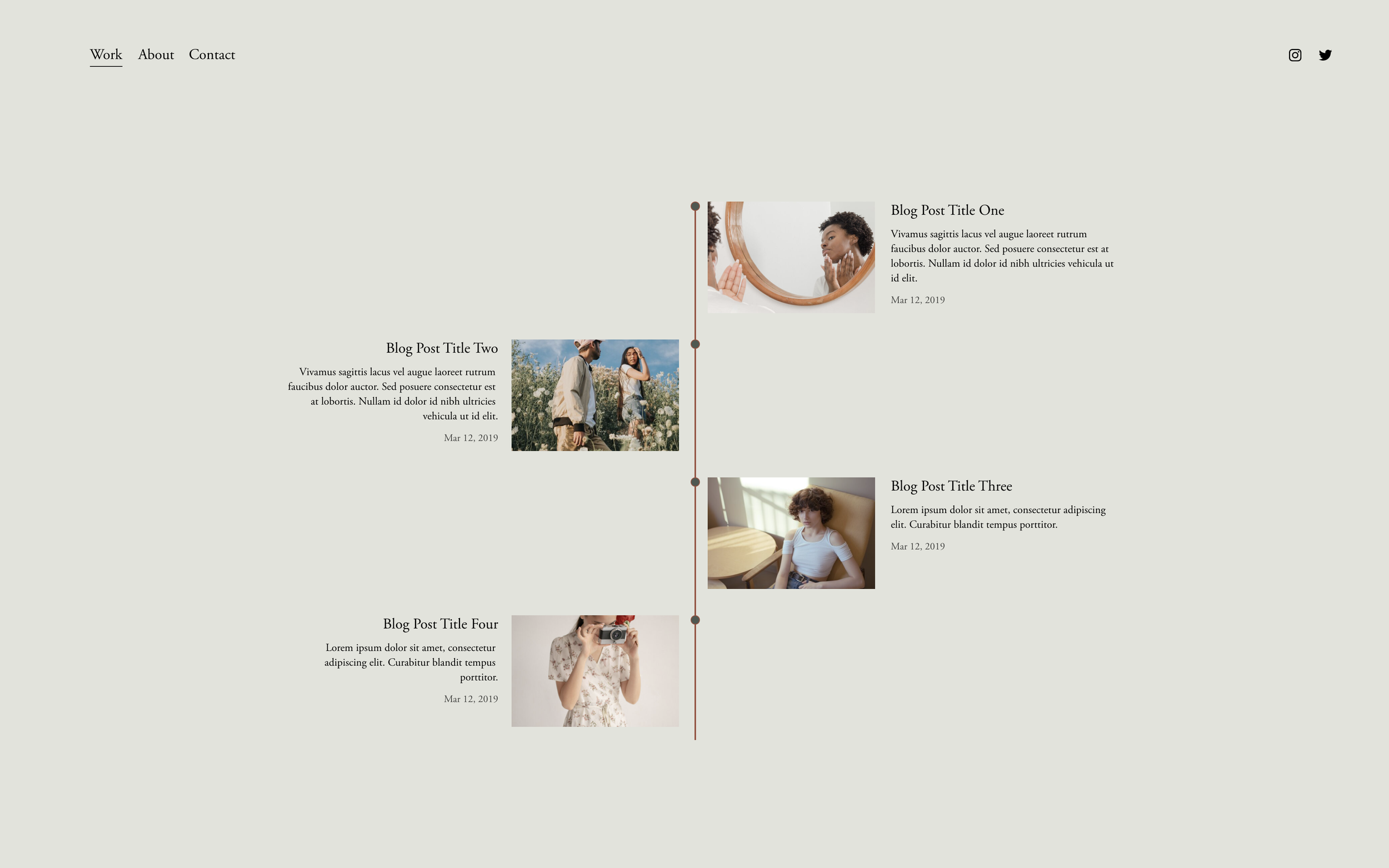
Timeline with Summary Blocks
Transform Summary Blocks into elegant vertical timelines with connecting lines and milestone markers—no code blocks required.
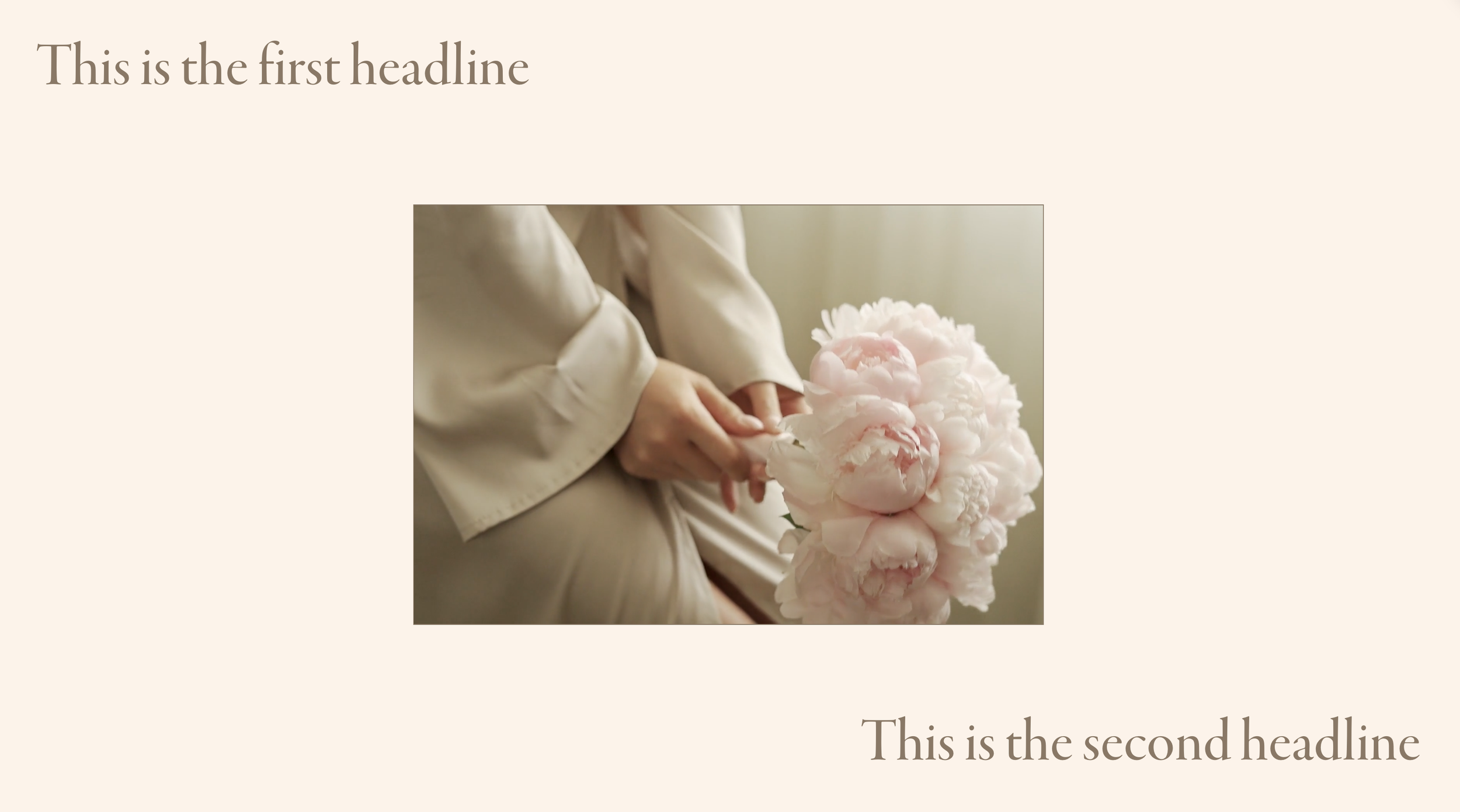
Centered Video Section Frame
Create a cinematic video presentation with your background video centered and framed within the section, surrounded by text overlays.

Fluid Video Block with Custom Masks
Make video blocks fill their containers completely and apply creative shape masks for unique video presentations.
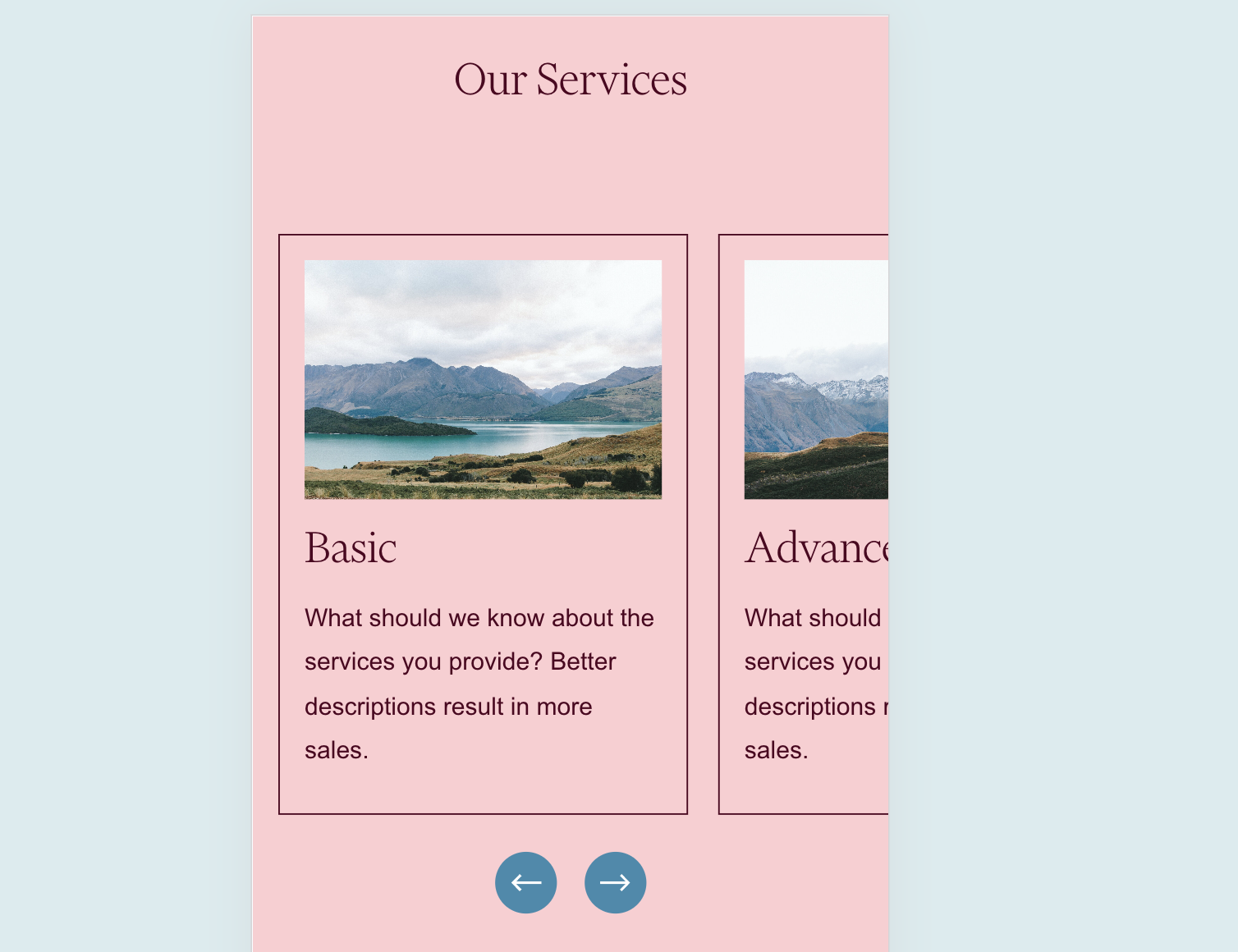
Show Multiple Carousel Items on Mobile
Break free from the single-item mobile carousel limitation and display multiple list items side by side on smaller screens.
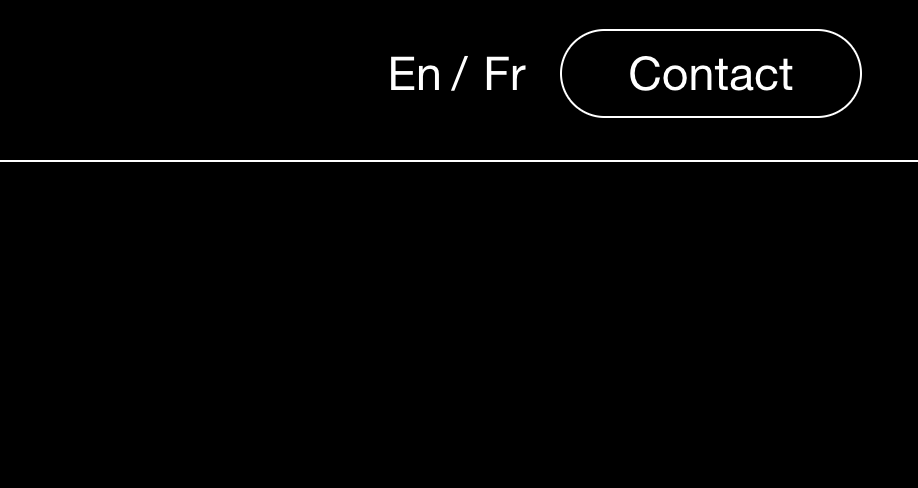
Weglot Language Switcher Custom Design
Transform Weglot's default language dropdown into a sleek inline switcher with language codes displayed side by side.
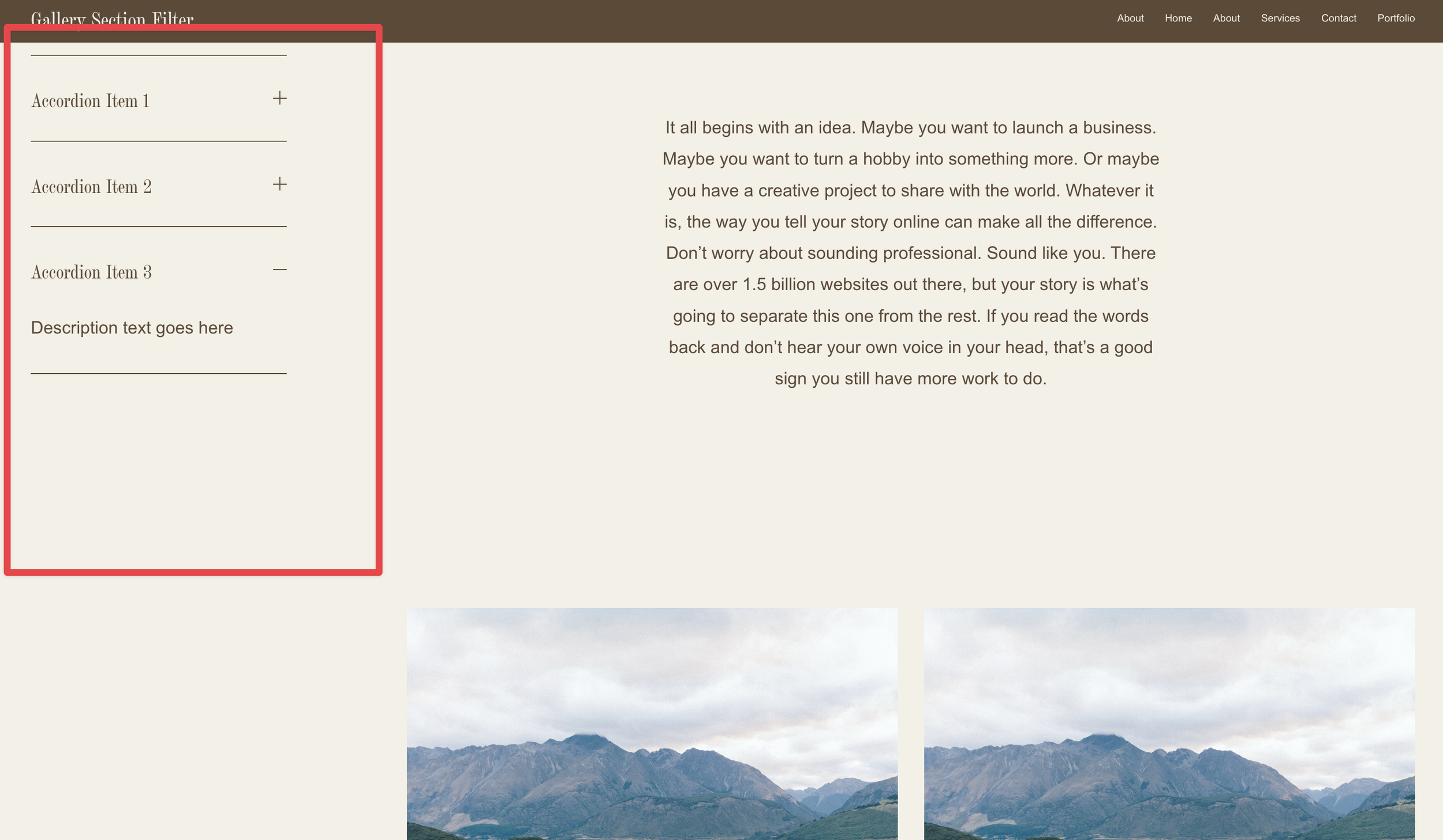
Portfolio Collection Sidebar Navigation
Add a sticky sidebar to your portfolio collection that displays custom content alongside your project grid for enhanced navigation.

Colorful Fixed Anchor Navigation
Create a playful side navigation with colored labels that slide out on hover, providing quick section jumps with visual personality.
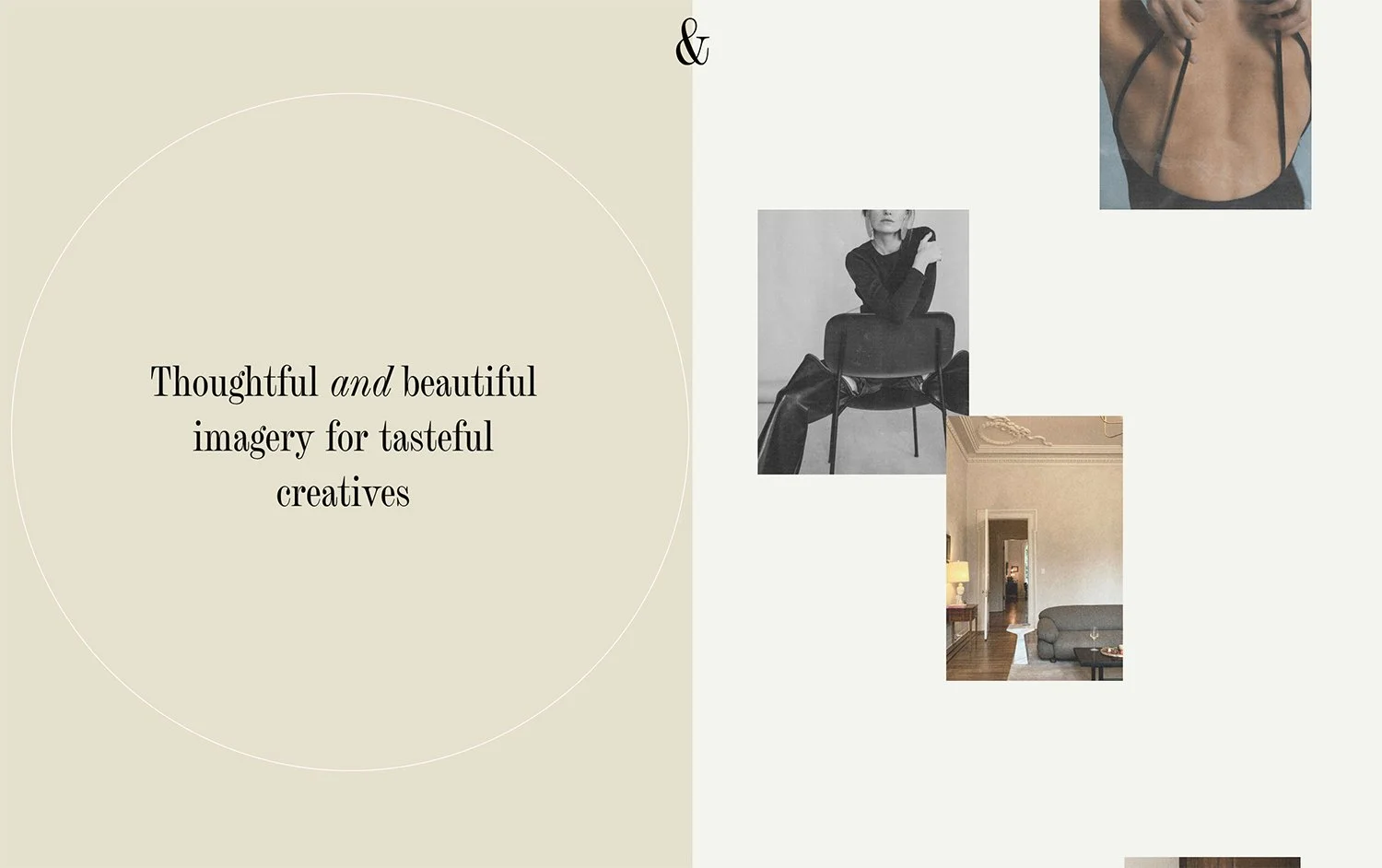
Fixed Split Section Layout
Create a dramatic split-screen effect where one half stays fixed while the other scrolls, perfect for showcasing imagery alongside content.
Scroll-Triggered Style Changes After Hero Section
Dynamically change header styles, colors, or other elements once visitors scroll past your hero section using scroll detection.
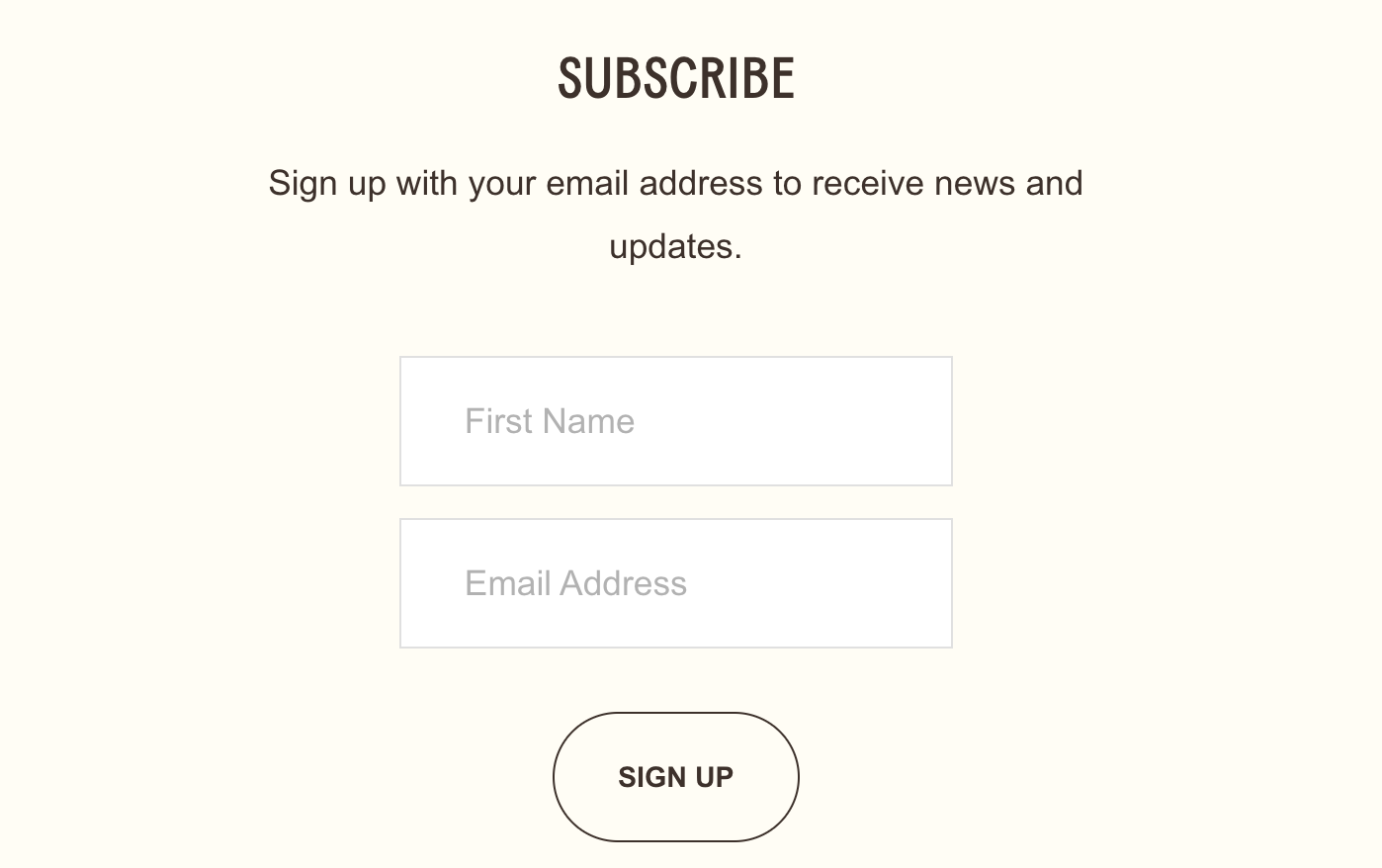
Hide Last Name Field in Newsletter Block
Simplify your newsletter signup by hiding the last name field while keeping the form functional behind the scenes.
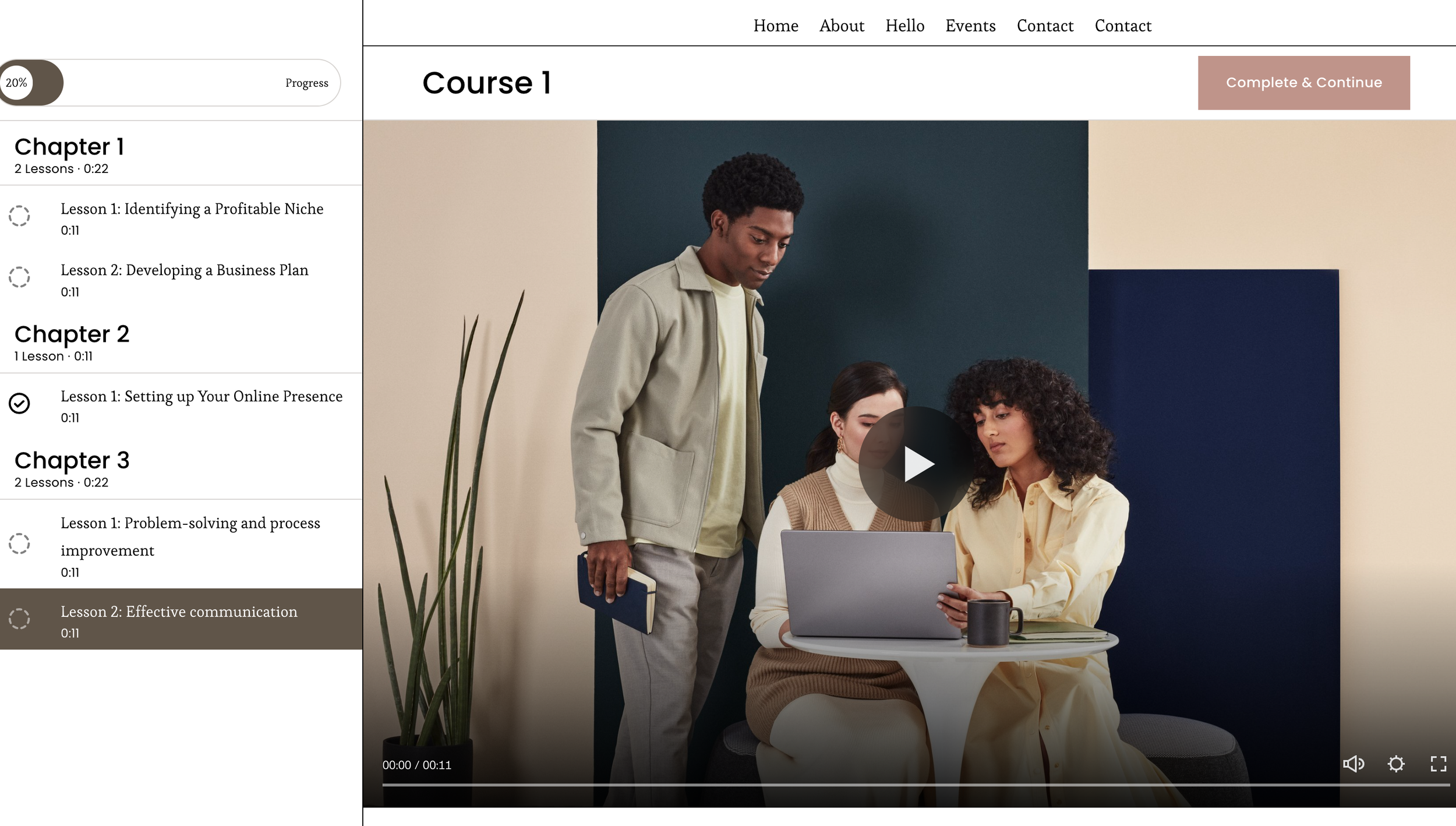
Fixed Side Navigation for Courses
Keep your course navigation always visible with a permanent sidebar that displays lessons and progress indicators for better student experience.
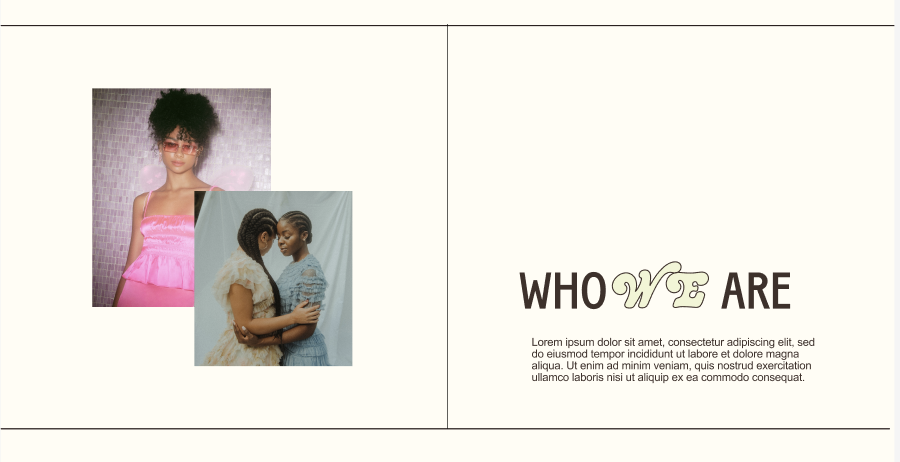
Decorative Section Border Lines
Add elegant decorative lines to split sections using CSS pseudo-elements for sophisticated layouts without additional elements.
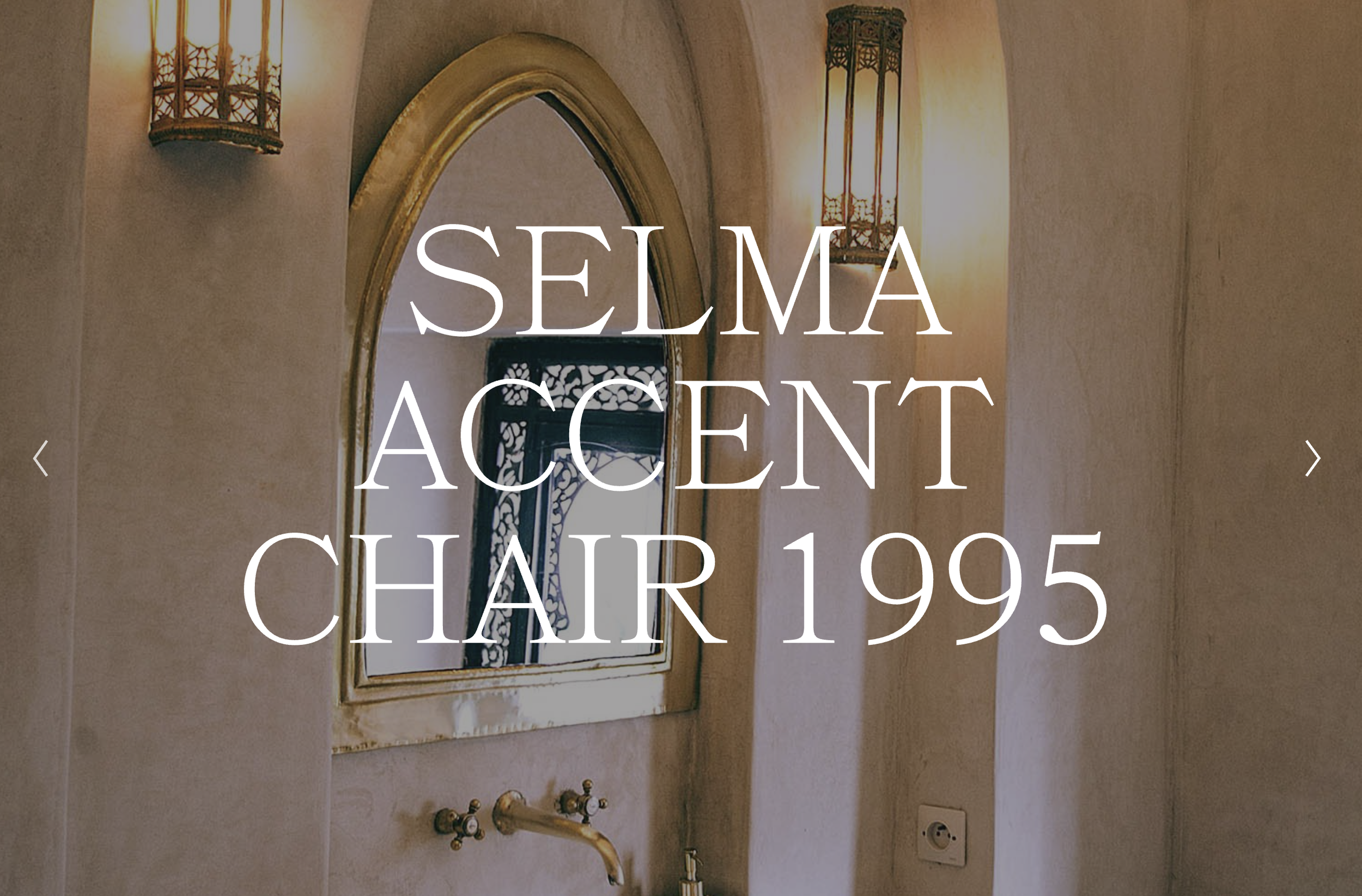
Fullscreen Slideshow with Text Overlay
Create dramatic fullscreen slideshows with large typography overlaid on images using CSS positioning and clamp() responsive sizing.